Automatic Language Detection
Body Editor
SampleAutomatic Language Detection
Create more premium AI videos with commercial usage and priority processing.
Allow other users to view your generated result.
Hide your prompt and uploaded source files from other users.
Waiting for Results
Complete the required inputs and click Generate.
AI Image Tool
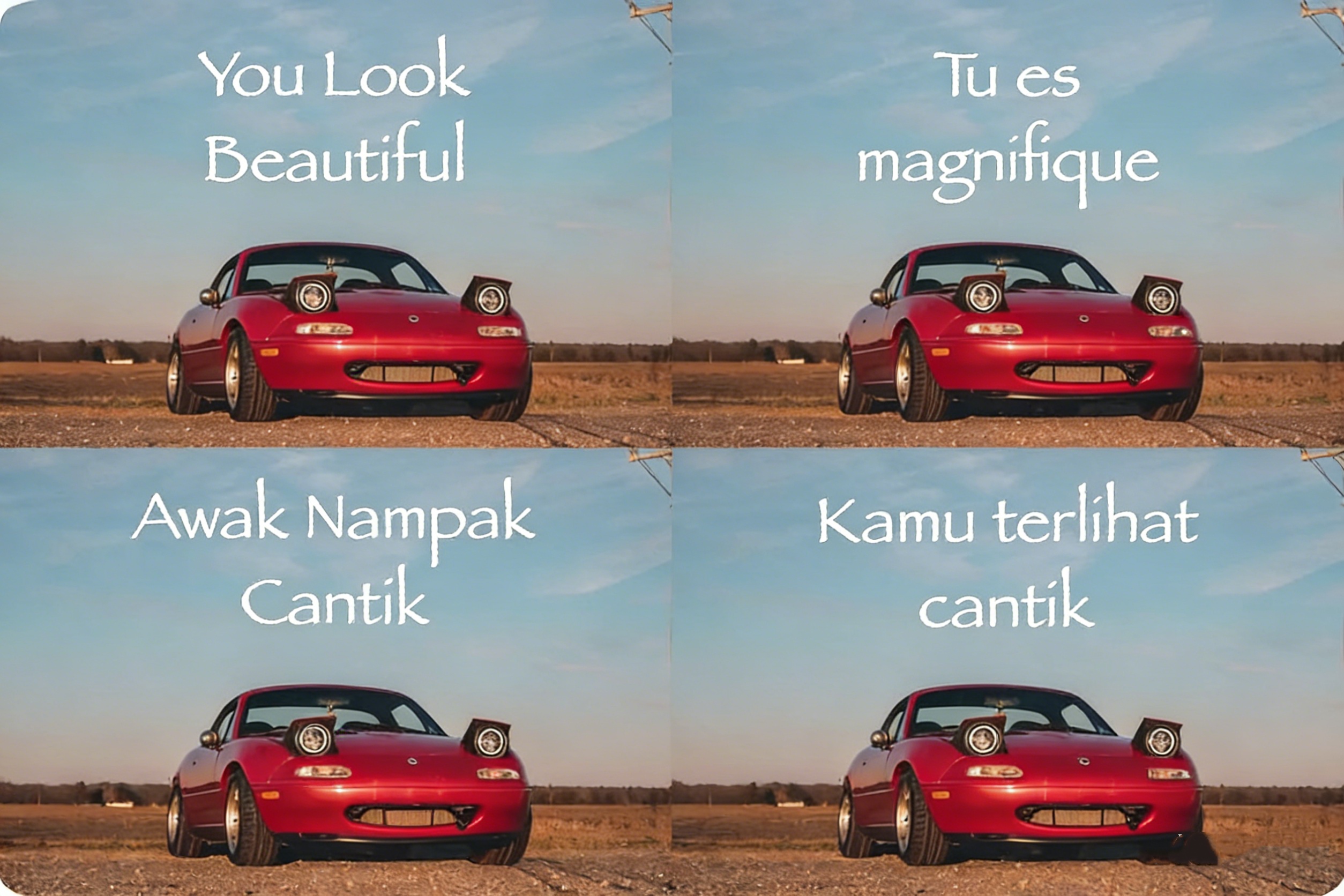
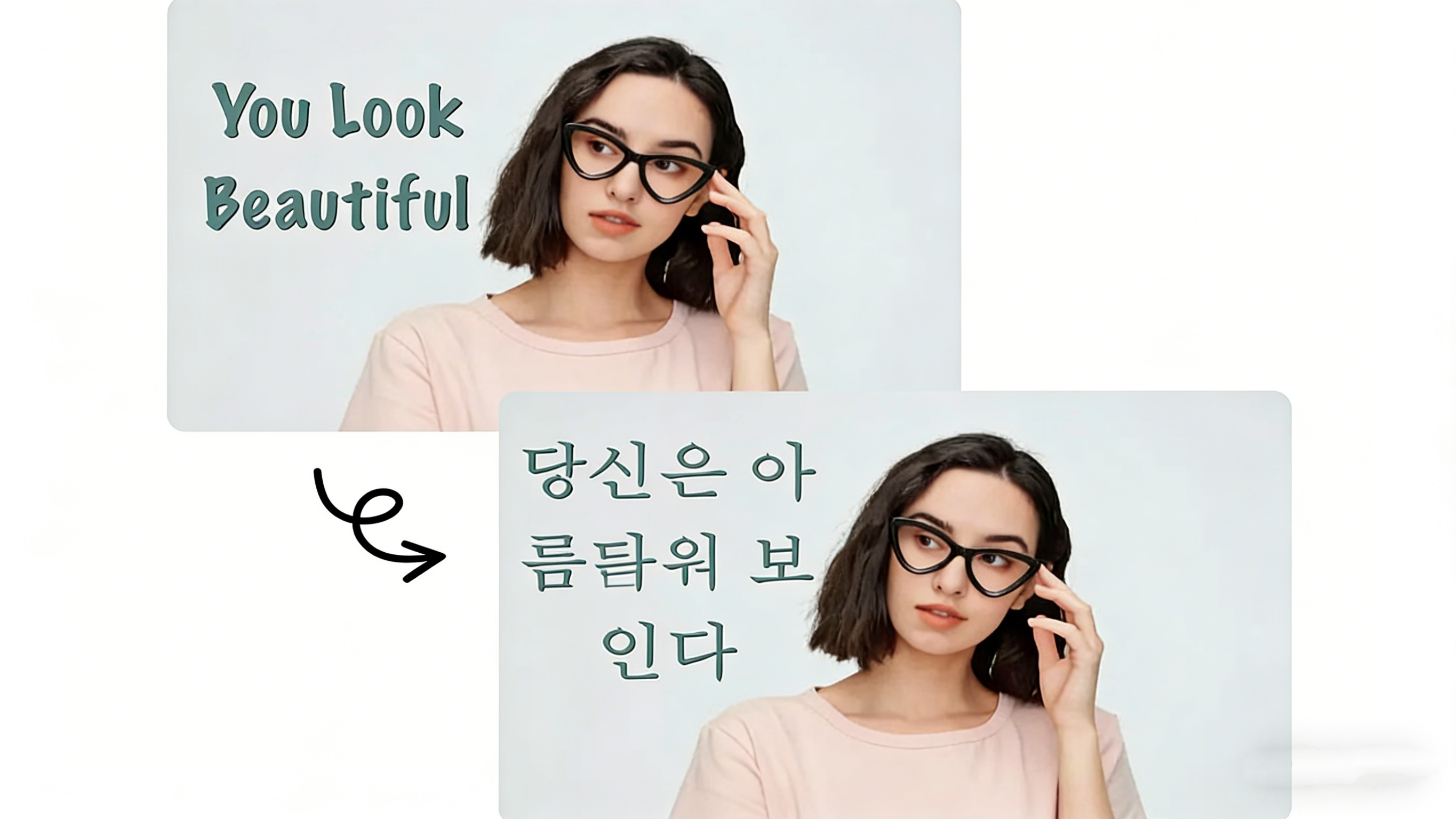
Easily translate text in photos into your chosen language. Just upload an image, and AI will auto-detect the language, extract text, and translate it quickly and accurately. With support for multiple languages, it’s perfect for learning, work, travel, and socializing.
Try Image Translator NowImage Translator is not just a simple translation tool. It combines advanced OCR technology with AI-powered translation to make text extraction and conversion from images smarter and more efficient.

Body Editor

Spiderman AI

Can Display
More AI Image Tool
In addition to basic image translation, Image Translator also offers enhanced features that provide a smarter, more efficient user experience, tailored to meet various needs.

In addition to basic image translation, Image Translator also offers enhanced features that provide a smarter, more efficient user experience, tailored to meet various needs.

In addition to basic image translation, Image Translator also offers enhanced features that provide a smarter, more efficient user experience, tailored to meet various needs.

In addition to basic image translation, Image Translator also offers enhanced features that provide a smarter, more efficient user experience, tailored to meet various needs.
Image Translator is designed for anyone who needs to understand, work with, or share multilingual visual content. It goes beyond specific industries, offering a practical solution for real-world scenarios where images and language intersect.

In unfamiliar language environments, images often carry the most critical information. Image Translator helps travelers quickly understand menus, signs, and public information graphics, reducing uncertainty and making every journey smoother and more confident.

When reaching audiences across regions, clarity in visual content directly impacts engagement and conversion. Image Translator supports teams in localizing product images, instruction visuals, and marketing assets, ensuring information is clearly communicated across languages.

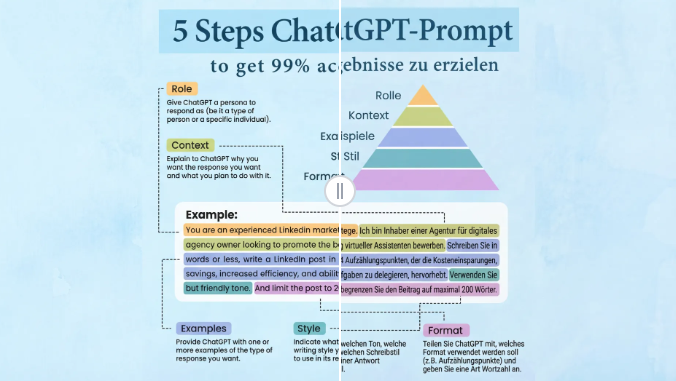
Academic materials frequently include foreign-language images and diagrams. With Image Translator, students and researchers can better interpret charts, screenshots, and scanned documents, allowing them to focus on insights and learning rather than manual translation.

For creators publishing to international audiences, visual accessibility matters. Image Translator helps remove language barriers from image-based content, making visuals easier to understand, share, and engage with across different languages.
Using Image Translator on China Video AI goes beyond simple image translation. It delivers a smoother, smarter workflow built to support real creative tasks, business operations, and content production at scale.

China Video AI provides a clean, intuitive upload experience that fits naturally into your image translation workflow. Upload, translate, and review images with minimal friction—ensuring that your creative or work process stays uninterrupted while using Image Translator.

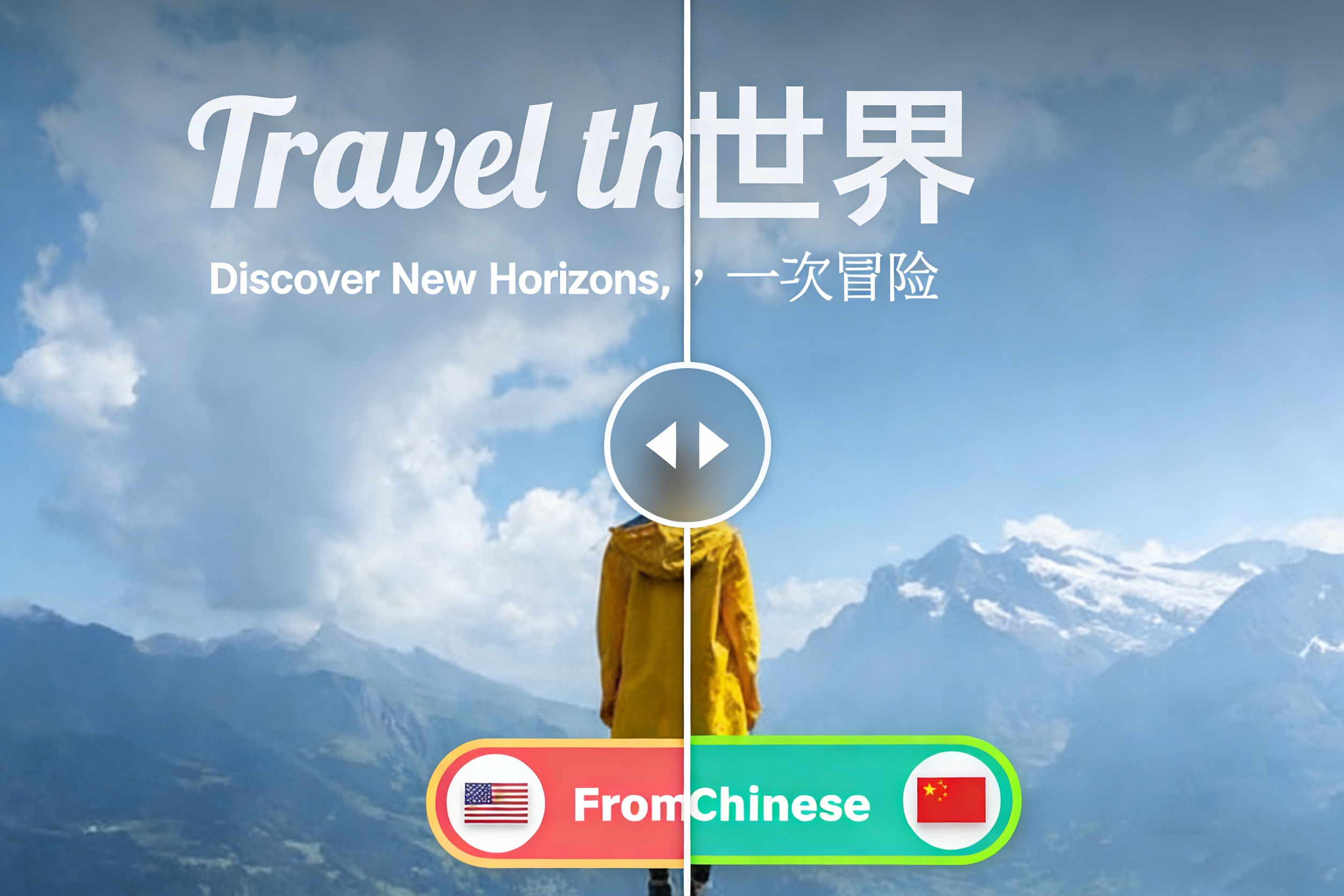
Image Translator on China Video AI automatically detects the source language with high accuracy. This intelligent automation eliminates manual setup and keeps translations fast, consistent, and reliable.

Powered by advanced AI, China Video AI delivers accurate image translations within seconds. Whether translating a single visual or handling large batches of visual content, Image Translator ensures speed and quality remain consistent.

From business localization and academic materials to travel visuals and social content, China Video AI Image Translator adapts seamlessly to diverse real-world use cases.

Translate images directly in your browser using Image Translator—no software installation, updates, or storage concerns required. Just upload your image and get accurate translations of your visual content instantly.

China Video AI user-friendly interface removes technical barriers, making Image Translator accessible for first-time users while remaining efficient for professional teams.
The following examples show how Image Translator transforms original images into clear, usable multilingual visuals across different scenarios.

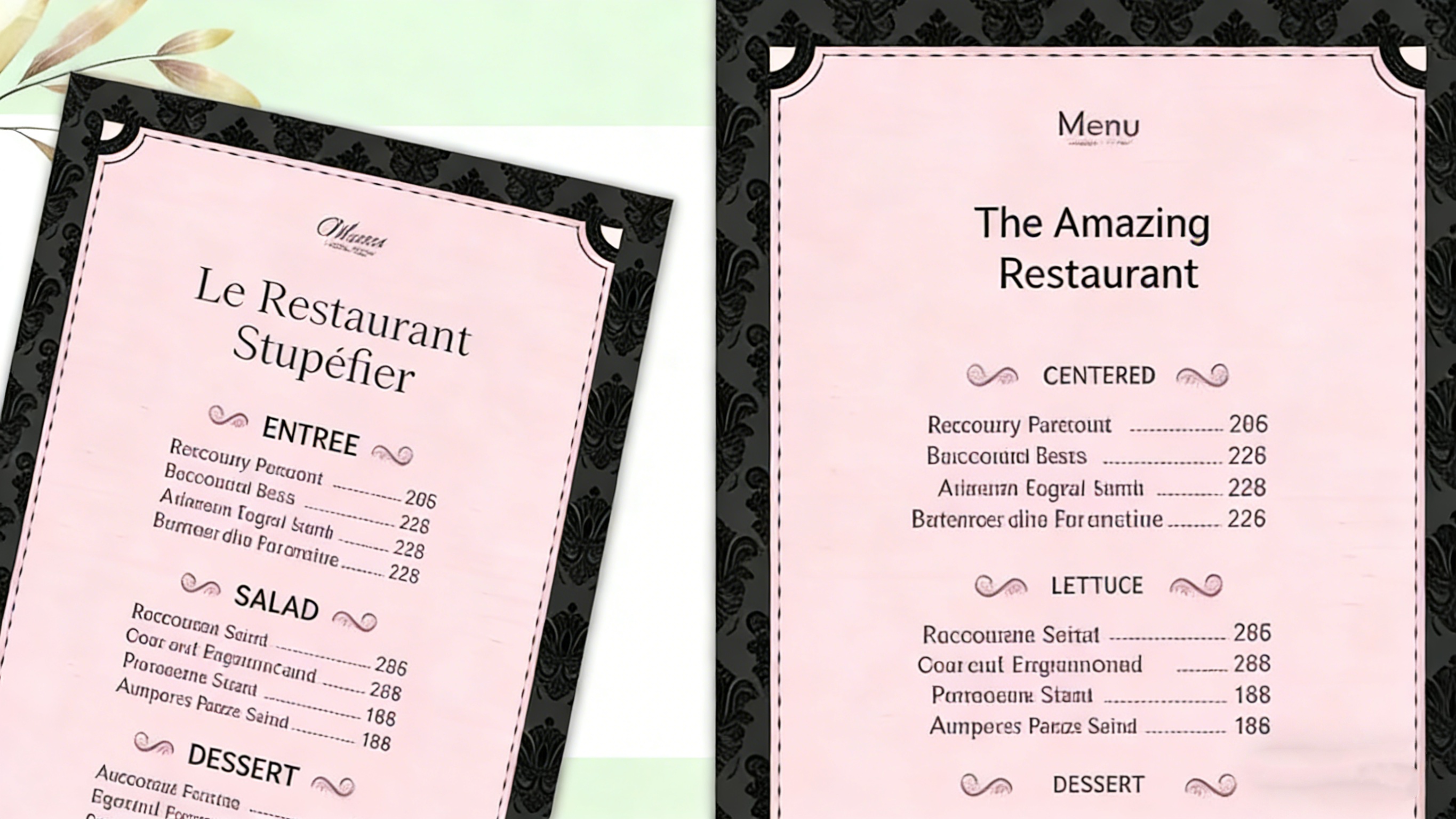
A photo of a foreign-language menu is processed with Image Translator, converting the text into the target language while keeping information clear and easy to follow—helping users make decisions quickly.

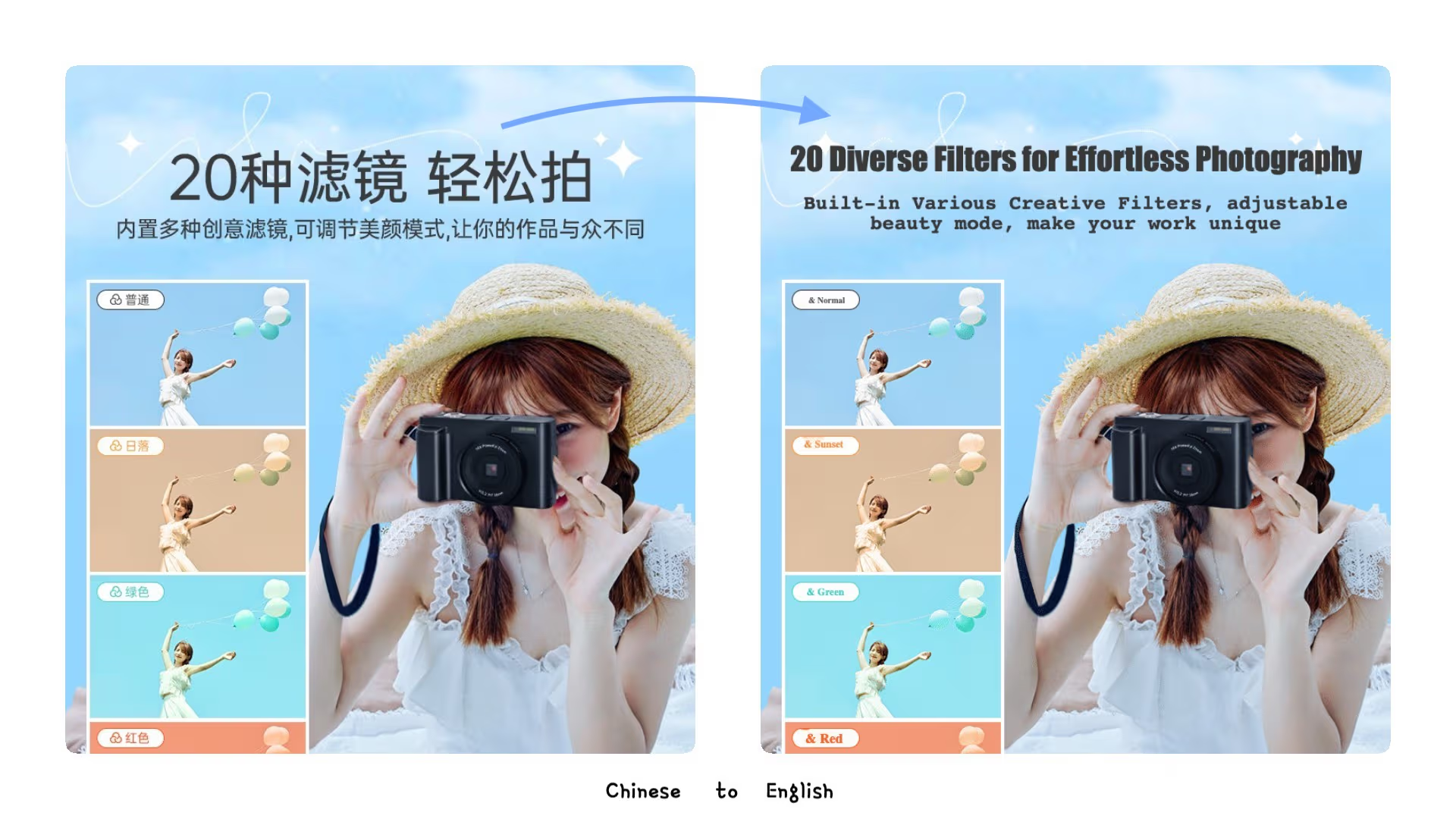
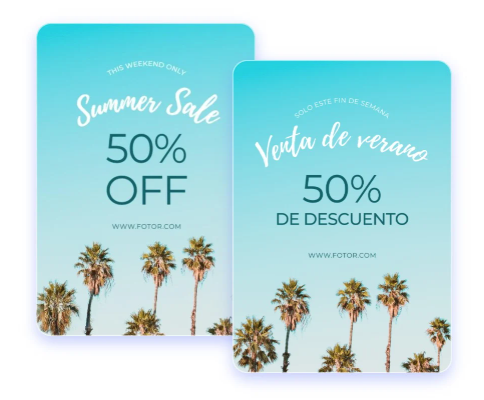
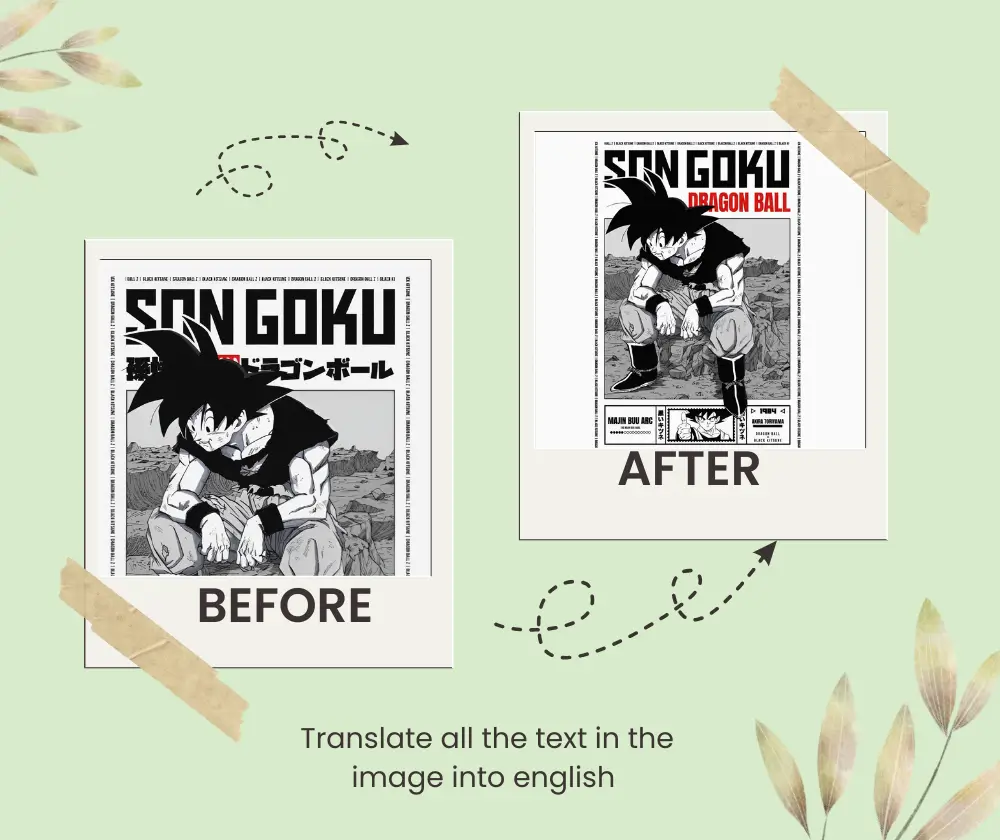
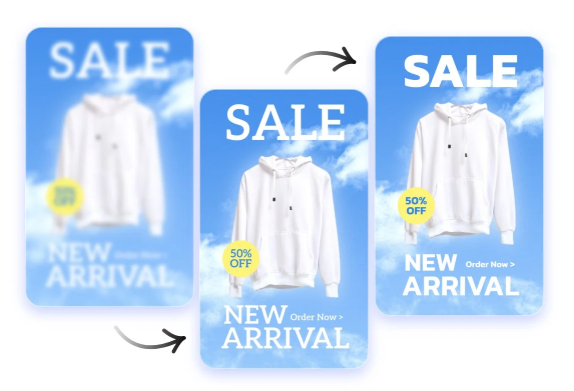
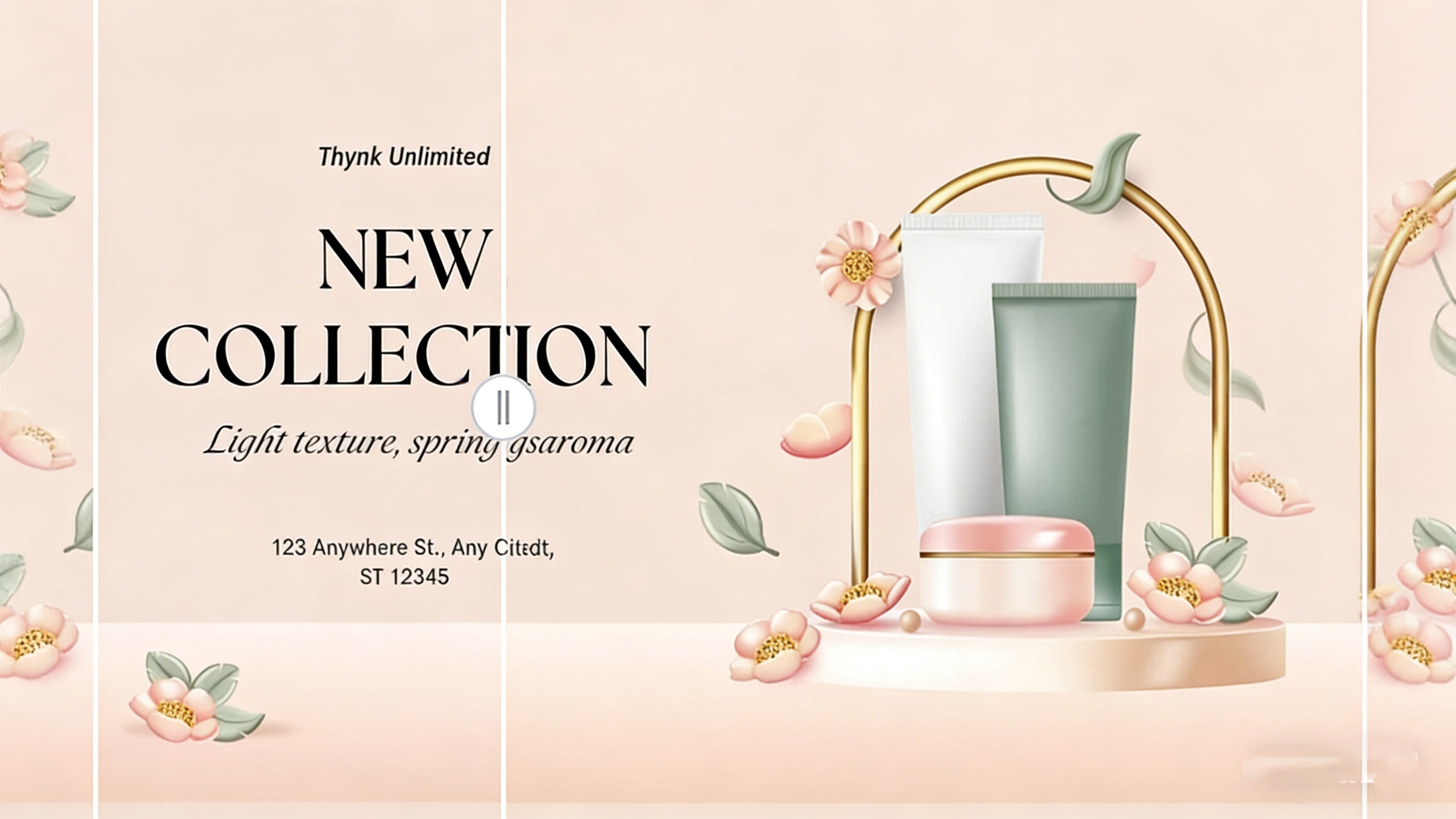
Product posters and informational images translated with Image Translator can be reused across global markets, maintaining visual structure while delivering accurate, localized messaging.

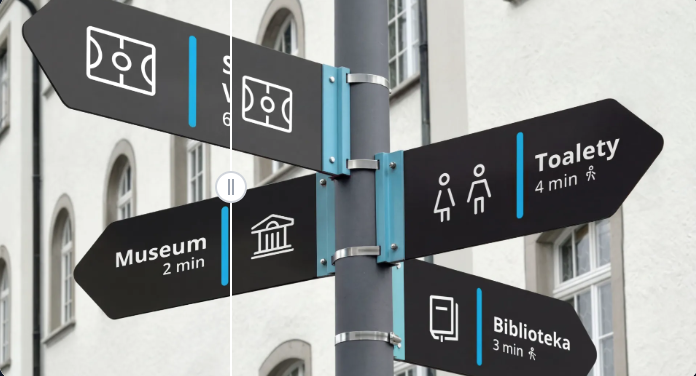
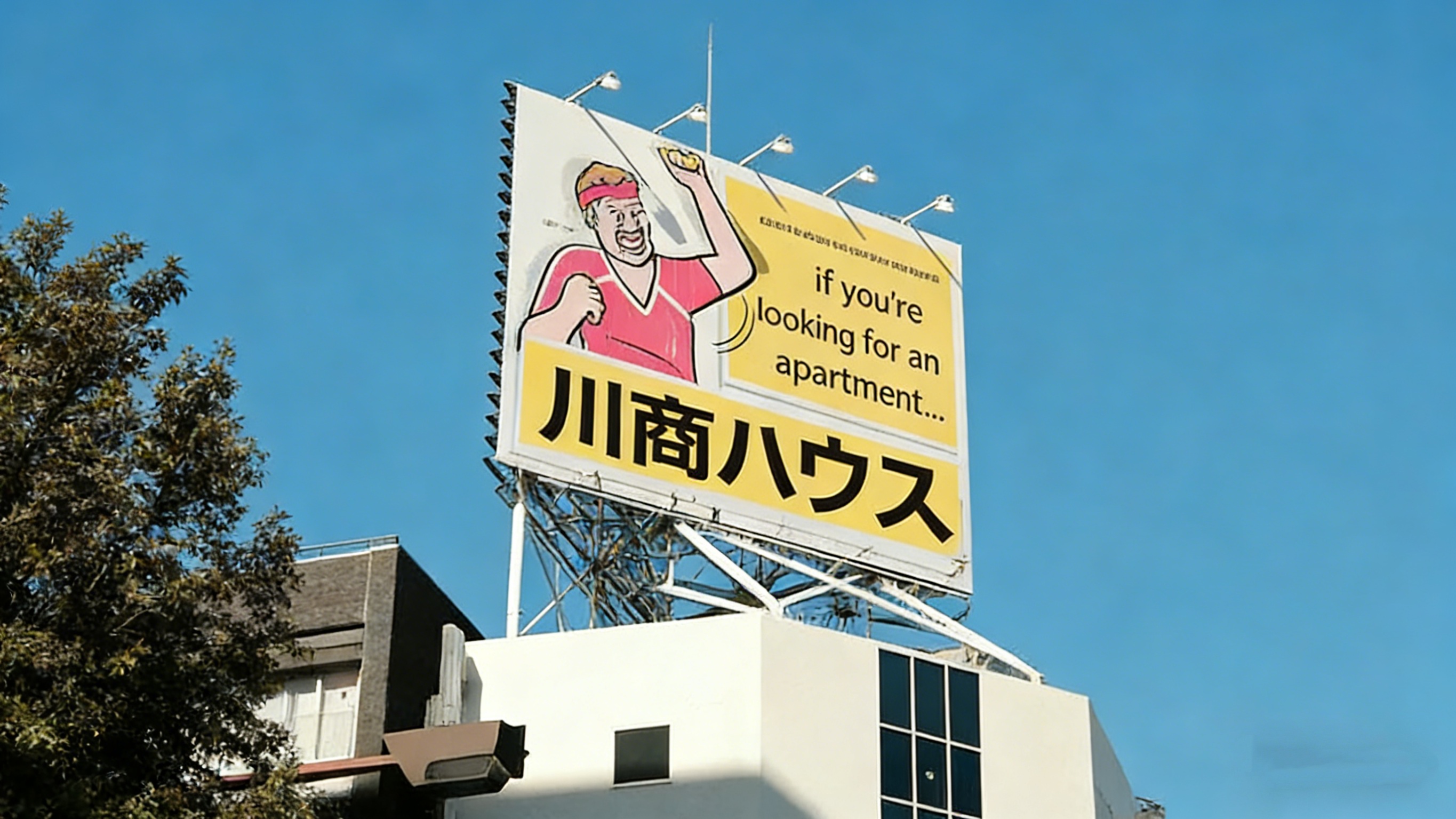
Translate street signs, transit guides, and public notices in foreign languages with Image Translator, helping travelers quickly understand directions and move through new environments with confidence.

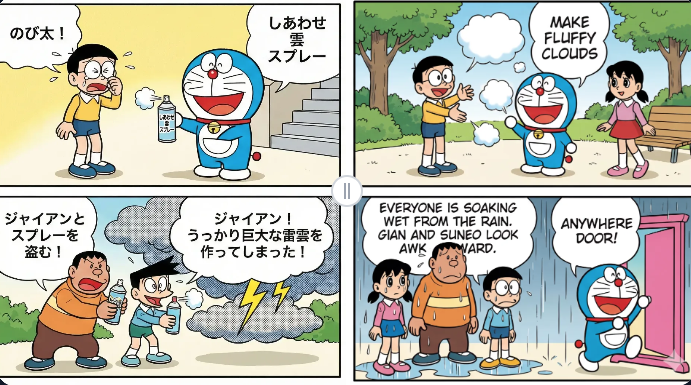
Images containing text on social platforms are converted into multiple languages with Image Translator, allowing content to reach broader audiences and improving engagement across different language communities.
With just three easy steps, Image Translator lets you convert images containing text into another language quickly and effortlessly—no technical setup required.
Drag and drop or select an image containing text to upload into Image Translator. Common image formats are fully supported, ensuring a smooth and reliable upload experience for both everyday and professional use.
Image Translator automatically detects the source language in your image and prepares it for translation. You can also manually choose your target language to ensure the result fits your specific needs.
Within seconds, Image Translator processes your image and generates a translation preview. You can copy the translated text or download the translated image, ready for learning, sharing, or real-world use.
Find quick, clear answers to common questions about Image Translator. This section helps you better understand how the tool works, what to expect from the translation process, and how to get the most out of your image translation experience.
Images with clear text, good contrast, and minimal background clutter produce the best translation results. Common use cases include screenshots, documents, posters, and product images.
Image Translator is optimized to handle images with dense text content. For best results, we recommend uploading high-resolution images with clear text and minimal visual noise, ensuring accurate text extraction and translation.
Yes. Image Translator intelligently reconstructs the background and text placement to preserve the original layout and visual structure as much as possible.
Yes. After translation, Image Translator allows you to adjust text layout details such as font style, size, position, and color for better visual consistency.
Yes. Image Translator is designed to detect text in various orientations and layouts, including vertical text and non-standard arrangements, depending on image clarity.
Image Translator can recognize clear and legible handwritten text, especially in notes, labels, or simple annotations. Recognition accuracy may vary depending on handwriting clarity, background complexity, and image quality.
Yes. Image Translator can detect and process images containing multiple languages. It prioritizes the primary language while intelligently identifying additional language segments when possible.
Image Translator runs directly in your browser, making it accessible across desktop and mobile devices without installation or setup.
Upload your first image now and let Image Translator turn visual text into clear, accessible language. From work and learning to travel and everyday discovery, it helps ensure that language never stands in the way of understanding, sharing, or reusing visual content.
Experience Image Translator Today