Sample

High-Quality Output

Mirror Video
Source Video*Max 50MB

Generate Result

My Creations →

Waiting for Results

Complete the required inputs and click Generate.

AI Video Tool

Transform Your Videos Instantly with Mirror Video

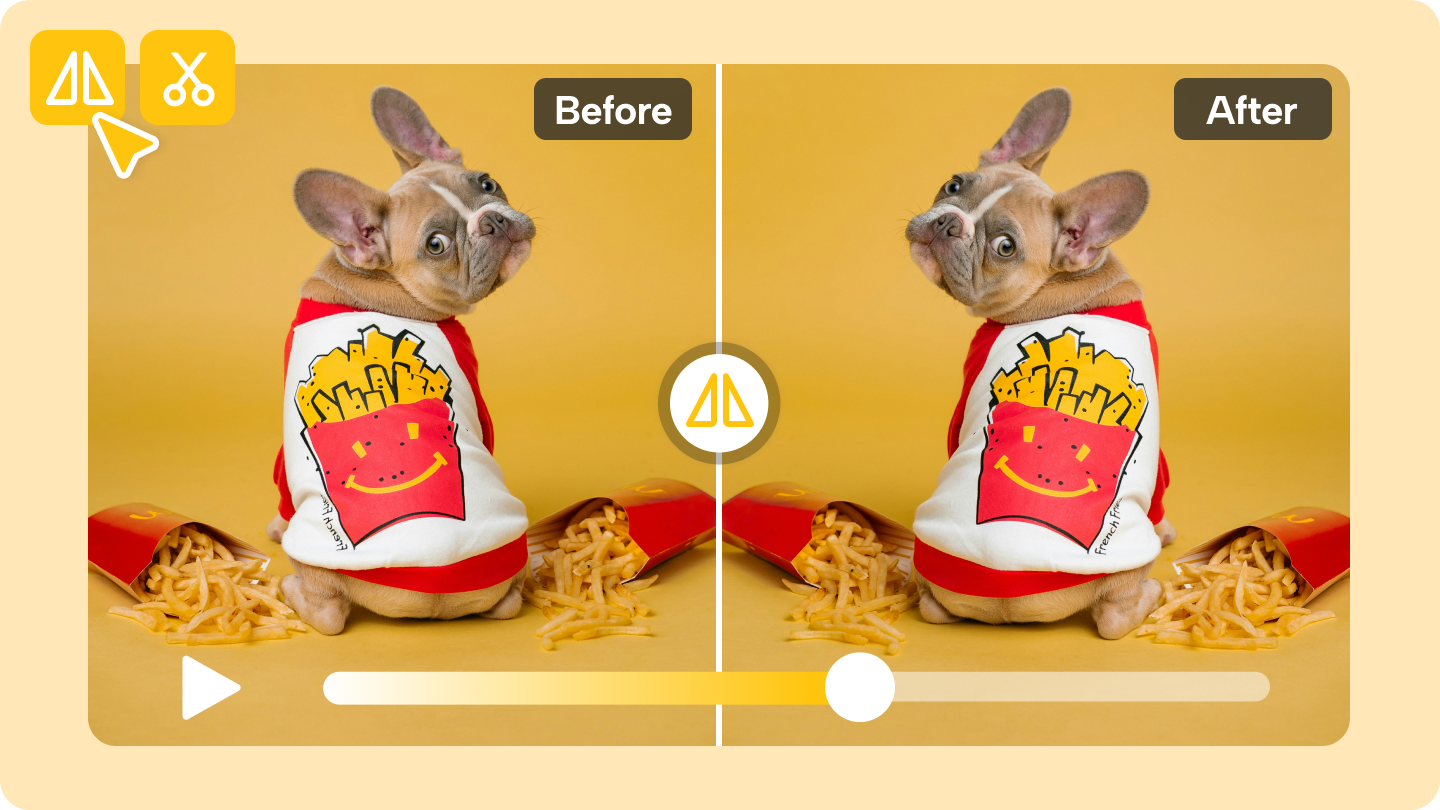
With Mirror Video, simply upload your clip and tap the “Generate” button to instantly transform it into a clean, symmetrical mirrored scene — no software downloads, no editing skills required. Mirror Video makes it effortless to give your footage a fresh, polished visual style in just one click.

Try Mirror Video Now

Create Mirror Effects with Striking Visual Balance

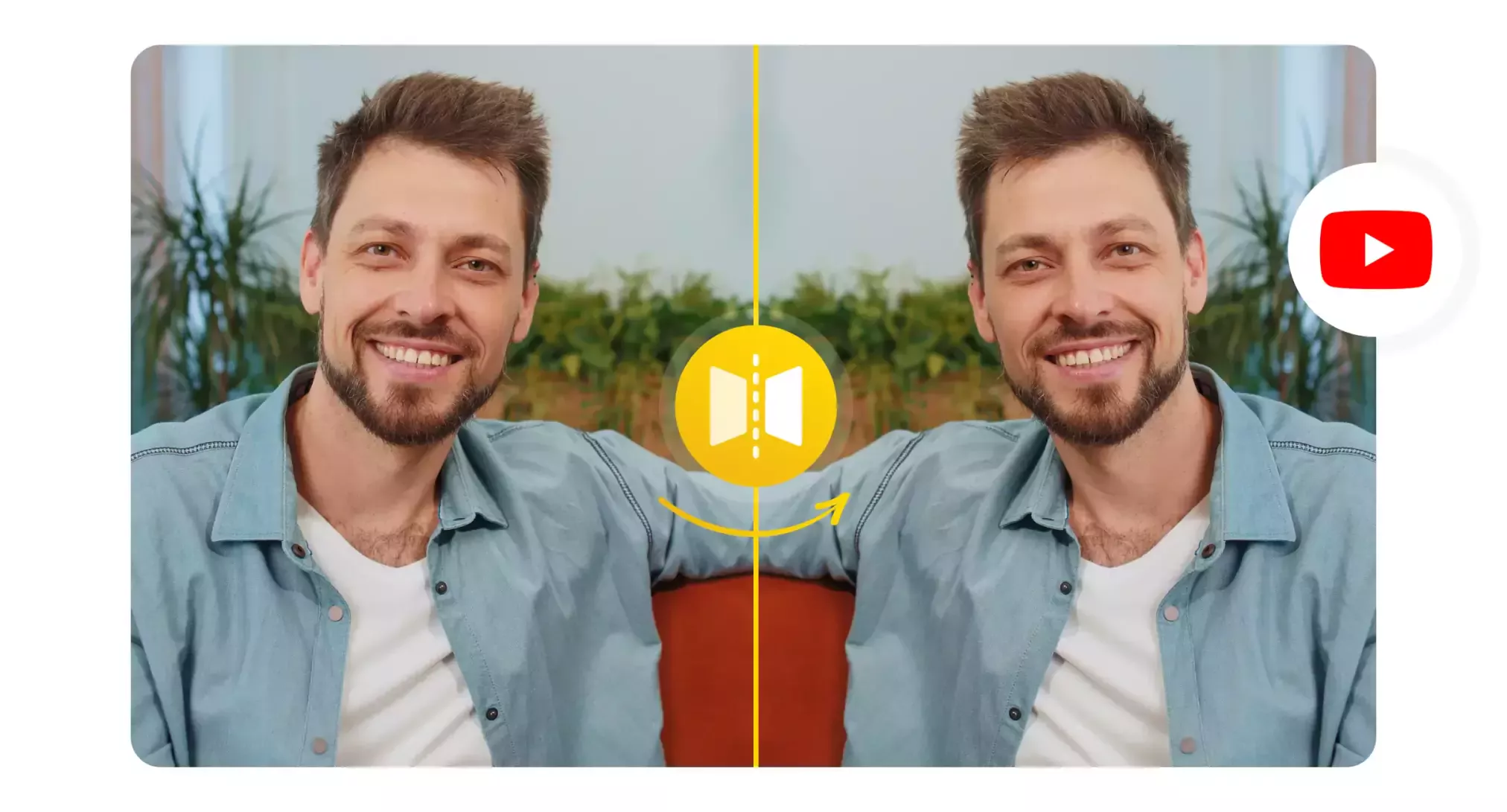
Mirror Video transforms your footage with clean, precise mirroring, delivering a more modern, harmonious look in just seconds. As Mirror Video processes your clip, it intelligently enhances structure, lighting, and visual flow to ensure every mirrored frame feels polished and professional.

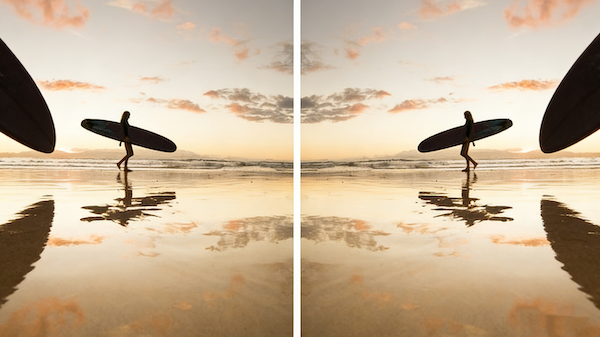
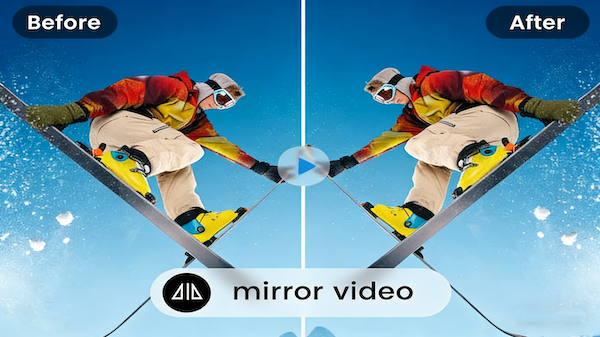
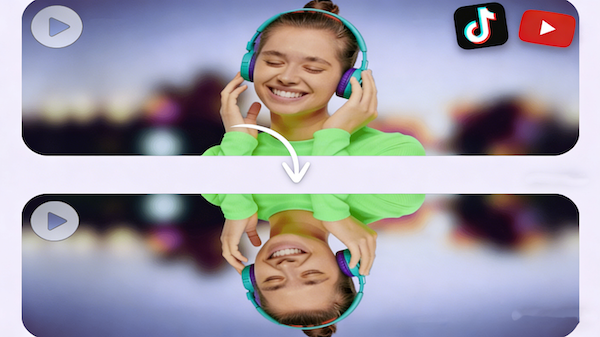
Horizontal Mirror for Clean Symmetry

Horizontal Mirror for Clean Symmetry

Mirror Video preserves clarity and detail throughout the entire editing process, ensuring your final export remains sharp and professional. Perfect for social content, creative short videos, or branded visual assets, Mirror Video elevates your footage with clean, high-quality mirrored visuals.

Intelligent Scene Adjustment

Intelligent Scene Adjustment

AI Fruit Video

High-Quality Output

High-Quality Output

Out Of Frame

Explore the Creative Potential of Mirror Video

Mirror Video delivers a full range of mirroring options and intelligent enhancements, transforming any clip into a more balanced, modern, and artistic visual experience within seconds. As your footage is mirrored, Mirror Video automatically refines structure, lighting, and details to achieve a clean, professional look.

Draw Focus to the Center

Draw Focus to the Center

Mirror Video delivers a full range of mirroring options and intelligent enhancements, transforming any clip into a more balanced, modern, and artistic visual experience within seconds. As your footage is mirrored, Mirror Video automatically refines structure, lighting, and details to achieve a clean, professional look.

Split-Screen Mirror

Split-Screen Mirror

Mirror Video delivers a full range of mirroring options and intelligent enhancements, transforming any clip into a more balanced, modern, and artistic visual experience within seconds. As your footage is mirrored, Mirror Video automatically refines structure, lighting, and details to achieve a clean, professional look.

Intelligent Edge Correction

Intelligent Edge Correction

Mirror Video delivers a full range of mirroring options and intelligent enhancements, transforming any clip into a more balanced, modern, and artistic visual experience within seconds. As your footage is mirrored, Mirror Video automatically refines structure, lighting, and details to achieve a clean, professional look.

Why Mirror Video Outperforms Traditional Editing Tools

Traditional editing software often requires manual flipping, timeline adjustments, and complex keyframing to build a clean mirrored effect. Mirror Video replaces all of that with a streamlined, browser-based workflow designed for creators who want polished, symmetrical visuals without wrestling with heavy tools.

Instant Results Without Manual Keyframing

Instant Results Without Manual Keyframing

Traditional editors require multiple steps—duplicating layers, flipping clips, masking borders, fine-tuning alignment. Mirror Video eliminates all of that. With one click, Mirror Video generates a clean mirrored composition instantly, saving time and reducing unnecessary complexity so you can focus on storytelling, not technical setup.

No Software Installation Needed

No Software Installation Needed

Desktop editing tools take time to download, set up, and update. Mirror Video runs entirely in your browser, loading in seconds and working across devices with no additional software required. This makes mirroring accessible anywhere—on a laptop, tablet, or phone—without slowing down your workflow.

Beginner-Friendly Workflow Designed for Clarity

Beginner-Friendly Workflow Designed for Clarity

Most editing programs overwhelm new users with panels, timelines, and effects menus. Mirror Video simplifies the process with a clean, guided interface that shows exactly what’s happening at every step. Even if you’ve never edited before, Mirror Video helps you create polished mirrored visuals with confidence.

Cleaner Symmetry and More Accurate Alignment

Cleaner Symmetry and More Accurate Alignment

Manual flips in traditional editors can lead to mismatched edges, uneven frames, or distorted compositions. Mirror Video applies precise alignment logic during generation, ensuring the mirrored scene feels natural, stable, and visually balanced—something manual tools often struggle to achieve without additional adjustments.

Tips to Maximize Mirror Video for Polished Edits

Want your mirrored visuals to align more seamlessly with your story? These practical tips will help you get smoother, more polished results when creating with Mirror Video.

Avatar

Choose clean, fluid motion clips

For the best mirrored results, start with footage that features simple, steady movement. Mirror Video will produce a more seamless, coordinated mirrored effect when the original motion is smooth and uncluttered.

Avatar

Experiment with different composition centers

While Mirror Video focuses on horizontal mirroring, you can influence the final look by adjusting your subject placement, angle, or framing before editing. Shifting the visual center often brings dramatically different mirrored results—sometimes more than changing the direction itself.

Avatar

Use mirroring to highlight your subject

Position your main subject near the center of the frame so Mirror Video naturally emphasizes it after mirroring. This approach works especially well for portraits, products, and close-up creative shots, giving your content a strong visual anchor.

Avatar

Manage pacing and clip length

Mirrored visuals are often most impactful in shorter, tighter clips. Trim your footage to match the rhythm of the mirror effect, allowing Mirror Video to create a more focused and dynamic visual moment.

Avatar

Apply subtle color or lighting adjustments afterward

After generating the mirrored effect, fine-tune the lighting or color balance to ensure both sides feel unified. A light touch can enhance depth, consistency, and overall style—making your Mirror Video results look even more refined.

Avatar

Avoid overly complex backgrounds

Busy or chaotic backgrounds may create visual clutter once mirrored. For the cleanest results, combine Mirror Video with footage shot against simple settings or clear lines, ensuring your mirrored composition stays sharp and visually cohesive.

Discover Inspiring Mirror Video Styles

Mirror Video brings a fresh perspective to your footage, helping you explore how mirrored compositions can elevate mood, structure, and storytelling. These real visual styles showcase the creative potential of mirrored imagery and demonstrate how Mirror Video enhances the impact of every scene.

Symmetrical Portrait Mirror

Symmetrical Portrait Mirror

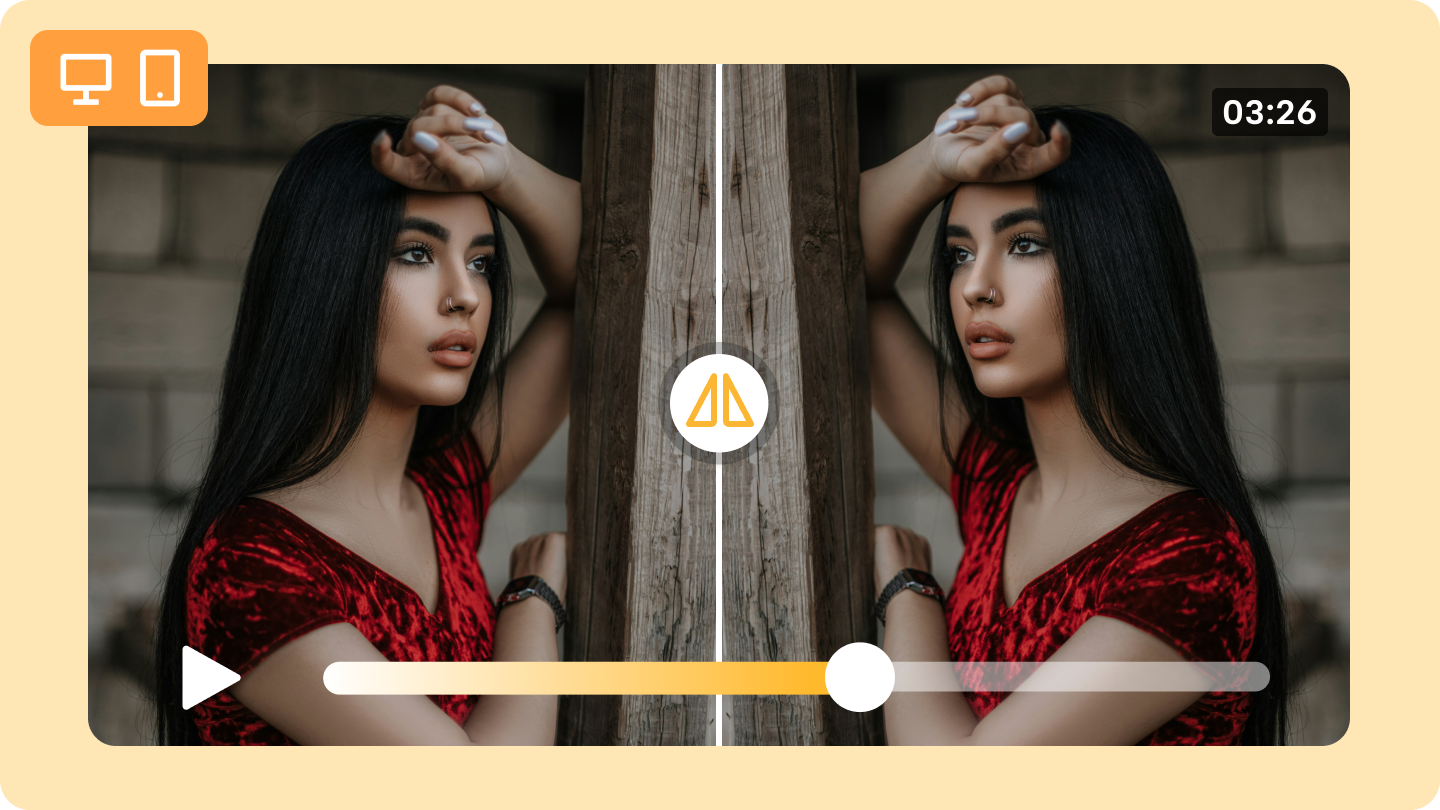
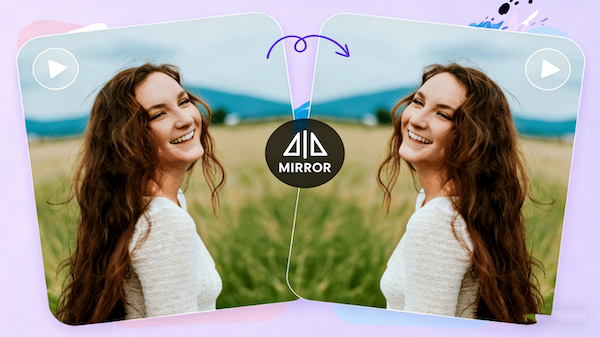
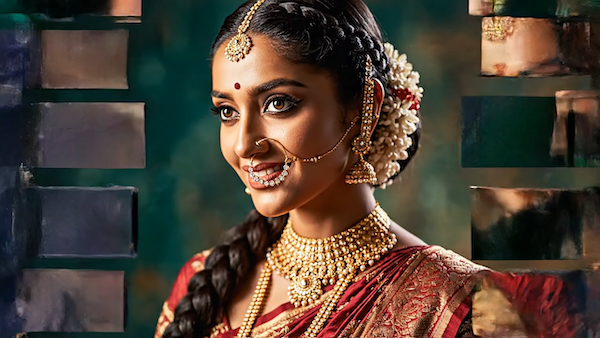
Mirrored portraits create a strong, centered presence, amplifying the character’s mood and identity. This style adds a ceremonial and artistic quality, making it ideal for creative profiles, stylized headshots, and expressive visual storytelling.

Architectural City Mirror

Architectural City Mirror

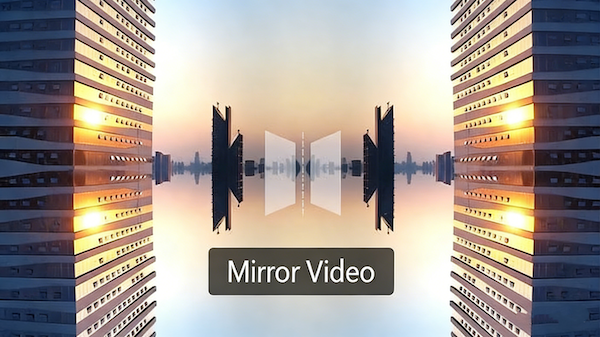
When mirrored, urban landscapes transform into futuristic geometric forms. Lines become sharper, spaces reshape into new patterns, and the entire scene gains an immersive, installation-art feel that stands out with bold visual clarity.

Dynamic Motion Mirror

Dynamic Motion Mirror

Fast movements generate rhythmic visual echoes when mirrored with Mirror Video. Running, jumping, spinning, and dance sequences gain intensity and momentum, creating energetic visuals perfect for sports edits, choreography videos, and high-impact creative intros.

Product Mirror Showcase

Product Mirror Showcase

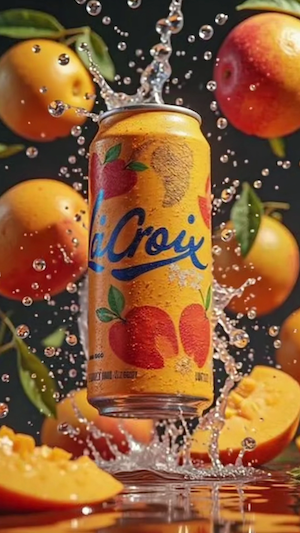
Mirrored compositions give products a balanced, premium look that strengthens design details and brand aesthetics. This style works beautifully for commercial visuals, social media campaigns, and product hero shots that need a clean, professional finish.

Create Your Mirror Video in Three Simple Steps

Follow a clear, streamlined process that helps you move from raw footage to a polished mirror effect with ease. Each step is designed to build confidence and keep your workflow smooth from start to finish.

01

Upload Your Footage

Choose the video you want to transform and import it directly into Mirror Video. A clean, guided interface ensures you start your edit without confusion or setup delays.

02

Apply the Mirror Effect

Select your preferred mirror style and let Mirror Video generate a refined, aligned composition. The preview helps you see the visual balance instantly, so adjustments feel intuitive and predictable.

03

Export Your Final Video

Once you’re satisfied with the result, export your mirror video in high quality. The process is quick and ensures you leave with a finished clip ready for sharing, posting, or using in your creative projects.

Mirror Video Frequently Asked Questions

Get quick answers to the most common questions about Mirror Video. This section helps you understand how the tool works, what it supports, and how to get the best mirrored results. From uploading your footage to exporting the final clip, these FAQs make your Mirror Video experience simple, smooth, and worry-free.

What is Mirror Video?

No. Mirror Video supports high-quality exporting and preserves the original clarity of your footage.

Does Mirror Video require any software download?

It works well for vlogs, ads, social content, dance videos, product showcases, and a wide range of creative visual projects.

Will the exported video lose quality?

Mirror Video supports common formats such as MP4 and MOV, making it easy to upload footage from your phone, camera, or editing software.

What types of content is Mirror Video suitable for?

Yes. Mirror Video works best with standard short- to medium-length clips. If the file is too large, simply trim the footage before uploading for a smoother editing experience.

What video formats does Mirror Video support?

Yes. Mirror Video runs directly in your browser, so you can edit mirrored videos on both desktop and mobile without installing any software.

Is there a maximum video length or file size for Mirror Video?

Your privacy matters. Mirror Video processes your clips securely, and your files are not shared or stored longer than necessary for generating the mirrored result.

Can I use Mirror Video on mobile devices?

No watermarks are added to videos created with purchased credits. You receive clean, professional-quality outputs ready for any use.

Is my video data secure?

Yes. Mirror Video preserves your original audio track unless you choose to mute it in your editing workflow.

Bring Artistic Impact to Your Videos with Mirror Video

Unlock a fresh way to create. With just one click, Mirror Video transforms your footage into visuals that feel sharper, more rhythmic, and full of style. Experience how Mirror Video can elevate ordinary clips into expressive, standout content that breaks the mold and sparks new ideas.

Bring Artistic Impact to Your Videos with Mirror Video