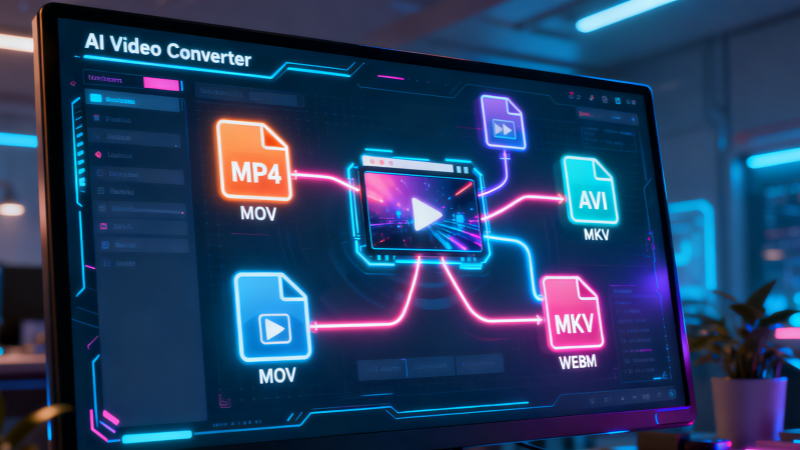
One-Stop AI Video Converter That Lets Every Video Format Flow Freely
China Video AI AI Video Converter is designed to remove all barriers between your videos and the platforms, devices, and audiences you care about. With this powerful Video Converter, you can effortlessly convert videos into the exact format, resolution, and encoding you need—without complicated settings or technical knowledge.
An Intelligent, Efficient, and Stable Video Conversion Solution
The China Video AI Video Converter brings together advanced AI algorithms and a high-performance transcoding engine to redefine what video conversion should feel like. Instead of forcing users to manually tweak codecs and parameters, this Video Converter focuses on simplicity, speed, and quality.
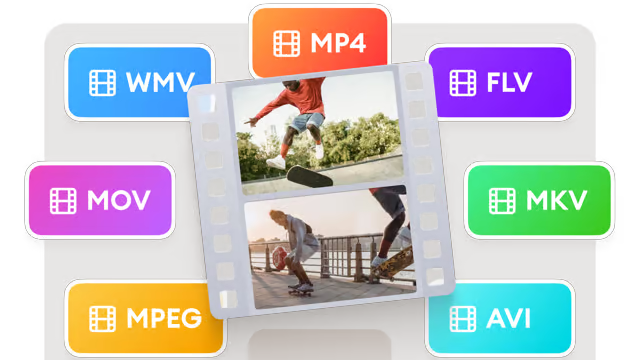
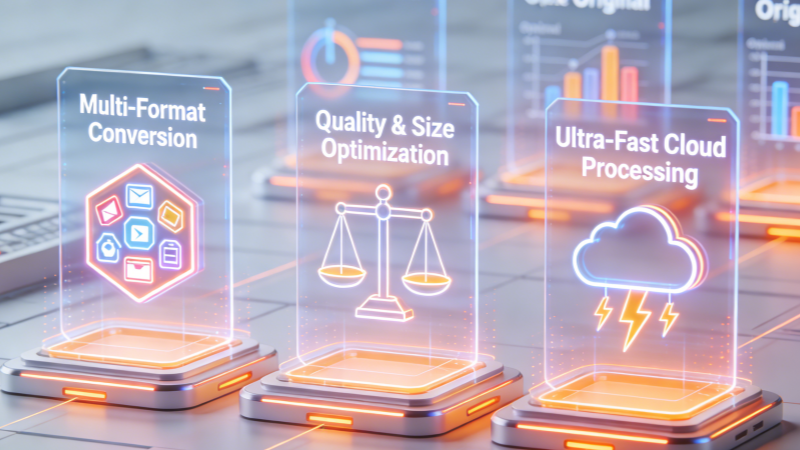
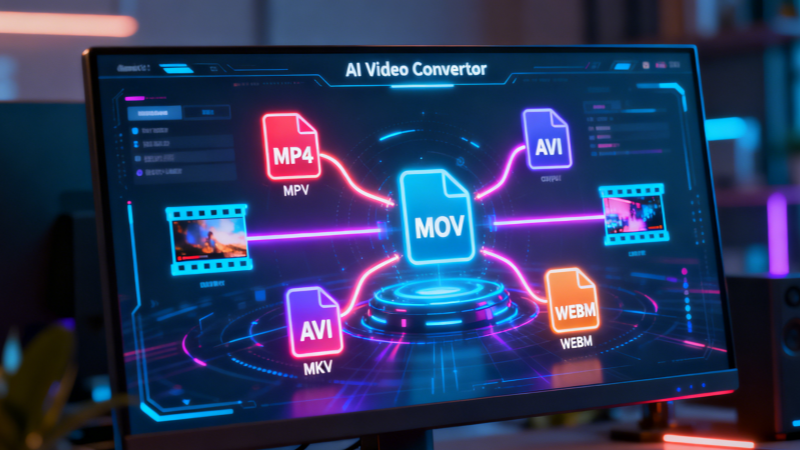
Multi-Format Intelligent Conversion
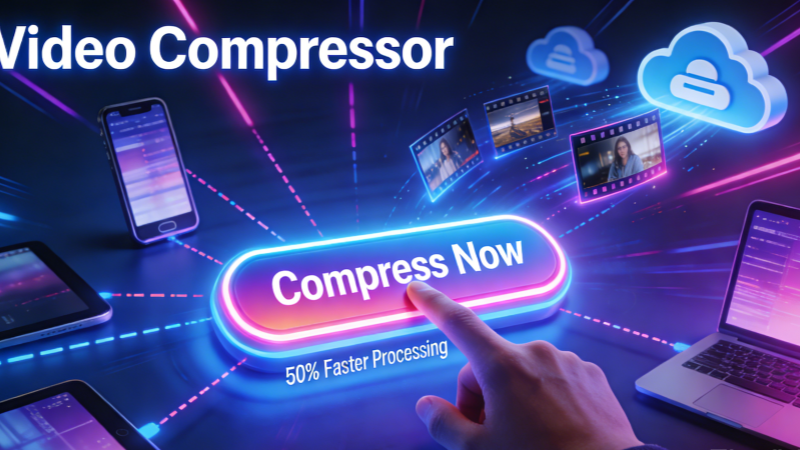
There is no need to install software or rely on local hardware. The Video Converter operates entirely in the cloud, enabling fast and stable processing even for large or high-resolution files. With this Video Converter, performance is no longer limited by your device.
The Ultimate Engine for High-Compatibility Video Content
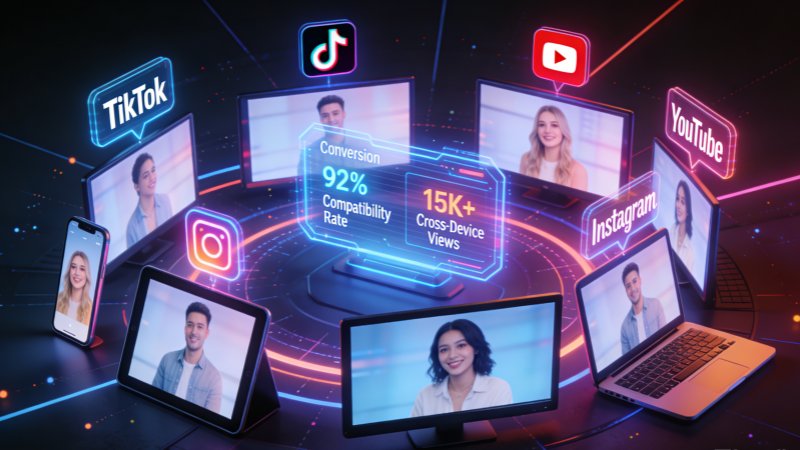
No matter where your content is published, the China Video AI Video Converter ensures that it plays smoothly across platforms, operating systems, and devices. This Video Converter transforms a single video into a truly universal asset.
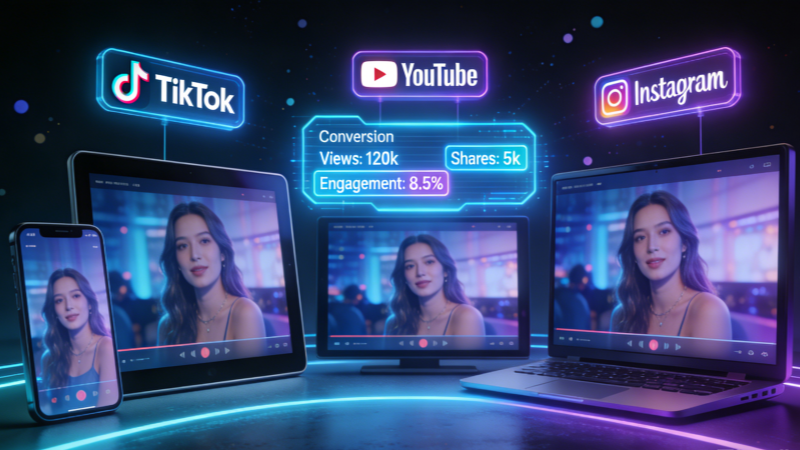
Perfect Social Media Adaptation
No matter where your content is published, the China Video AI Video Converter ensures that it plays smoothly across platforms, operating systems, and devices. This Video Converter transforms a single video into a truly universal asset.
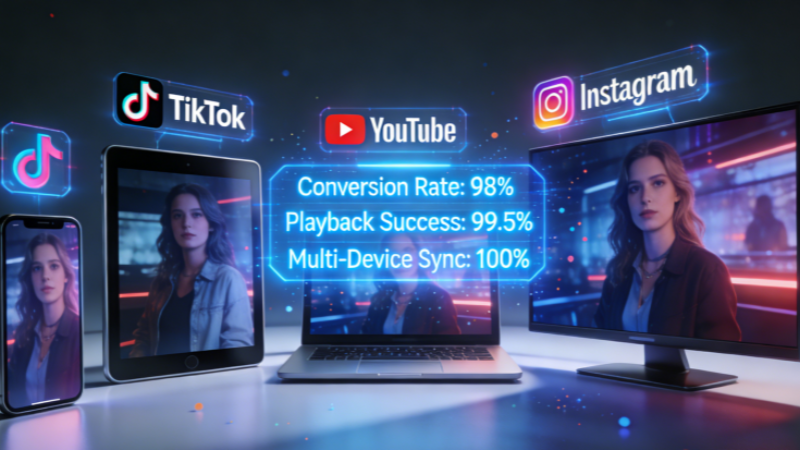
Seamless Cross-Device Playback
No matter where your content is published, the China Video AI Video Converter ensures that it plays smoothly across platforms, operating systems, and devices. This Video Converter transforms a single video into a truly universal asset.
Professional-Grade Output Standards
No matter where your content is published, the China Video AI Video Converter ensures that it plays smoothly across platforms, operating systems, and devices. This Video Converter transforms a single video into a truly universal asset.
Creative Use-Case Inspiration Powered by Video Converter
The Video Converter is more than a simple format-switching tool. It is a key step in enabling videos to move freely across workflows and ecosystems, unlocking new possibilities for reuse and distribution.
High-Speed Processing Engine
With just a simple drag-and-drop, the Video Converter leverages cloud clusters for parallel processing. This dramatically reduces waiting time while freeing up local system resources.
Extreme Storage Efficiency
The Video Converter can convert legacy large files into efficient H.265 (HEVC) or AV1 encodings. Without sacrificing visual quality, this Video Converter can reduce storage requirements by up to 50%.
Intelligent Device Presets
No technical expertise is required. The Video Converter offers presets for iPhone, Android, PS5, and Smart TVs, automatically matching the best playback parameters.
Individual Users
For everyday users, the Video Converter simplifies video playback, sharing, and archiving. Videos captured on phones, cameras, or downloaded from the web become instantly usable.
Why Choose China Video AI Video Converter?
China Video AI goes beyond basic transcoding by designing the Video Converter around usability, aesthetics, and reliability. Every detail of this Video Converter is optimized for real-world workflows.
AI-Driven Parameter Matching
The Video Converter automatically selects optimal configurations, removing technical barriers for non-experts.
Stable, Frame-Accurate Conversion
Throughout the conversion process, the Video Converter maintains smooth motion and accurate audio-video synchronization.
HD and 4K Support
The Video Converter supports high-resolution outputs, making it suitable for premium content.
Secure Cloud Processing
All files processed by the Video Converter are encrypted during transfer, ensuring privacy and data protection.
No Software Installation
The Video Converter works directly in your browser, enabling instant access anytime, anywhere.
Batch-Friendly Workflows
The Video Converter is built to handle multiple conversion tasks efficiently, saving time for high-volume users.
Video Converter Application Gallery
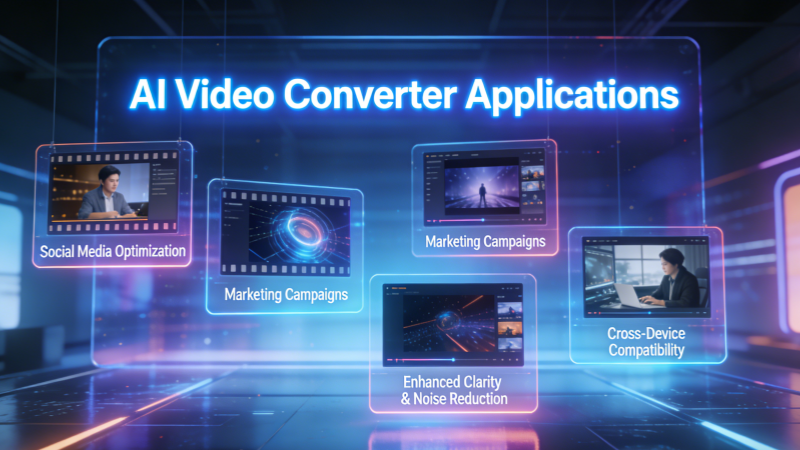
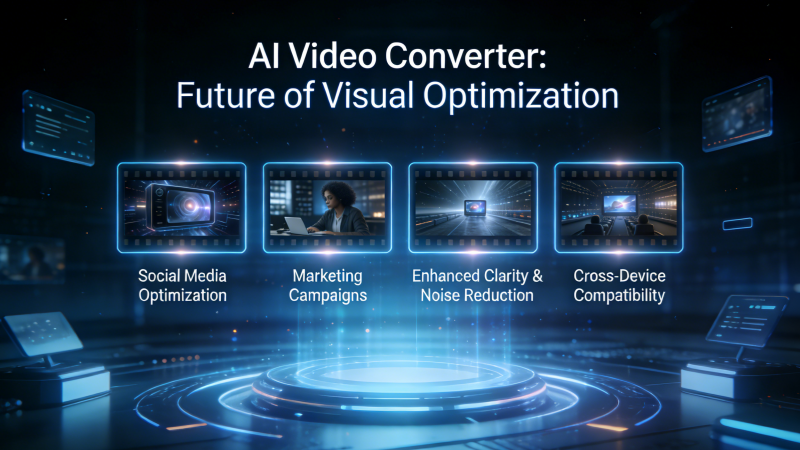
Explore how the Video Converter performs across a variety of real-world scenarios. From casual sharing to professional publishing, the Video Converter adapts seamlessly.
Social Media Video Conversion
The Video Converter aligns aspect ratios and formats with short-form platforms.
Marketing and Advertising Videos
By optimizing file size and clarity, the Video Converter improves loading speed and viewer experience.
Lossless Quality Enhancement
Unlike traditional tools, the Video Converter integrates AI-based noise reduction and edge sharpening during conversion, often producing output that looks even clearer than the source.
Cross-Device Video Sharing
With the Video Converter, videos open flawlessly on any device.
Convert Your Videos in Just Three Simple Steps
The Video Converter is designed for maximum simplicity. No advanced configuration is required.
01
Step 1: Upload Your Video File
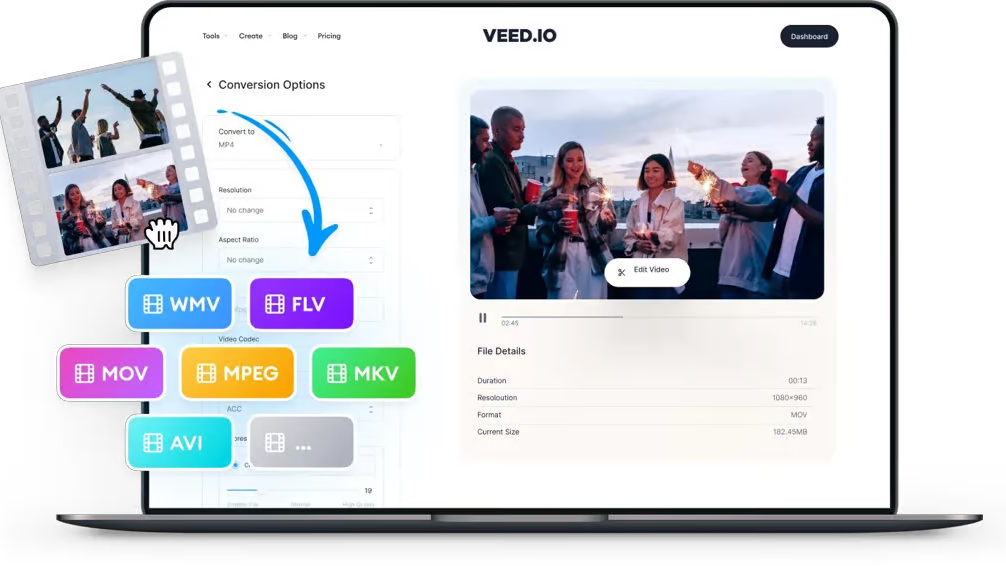
The Video Converter supports a wide range of formats and resolutions. Simply drag and drop your file.
02
Step 2: Choose an Output Format and Convert
The Video Converter automatically optimizes parameters and begins processing instantly.
03
Step 3: Download and Use Your Converted Video
Whether for publishing, editing, or storage, the Video Converter delivers ready-to-use results.
Comprehensive Video Converter FAQ Guide
Below are answers to the most common questions about the Video Converter.
What is Video Converter?
The Video Converter uses AI to balance quality and file size, minimizing degradation. Advanced algorithms ensure that important visual details are preserved, while compression is handled intelligently to reduce file size. Even with high-resolution videos such as 1080p or 4K content, the Video Converter maintains sharpness, color accuracy, and smooth motion, delivering results that remain visually appealing after processing.
Which formats does the Video Converter support?
No, the Video Converter is fully browser-based. This eliminates the need for downloading or installing any additional programs, making it convenient for users on any device or operating system. You can simply access the Video Converter online, upload your videos, and convert them quickly. This approach reduces setup time, avoids compatibility issues, and ensures that the tool is always up to date.
Will video quality decrease after conversion?
Yes, the Video Converter is powered by scalable cloud infrastructure. Even videos with several gigabytes in size or long-duration content can be processed efficiently. The cloud-based system distributes processing tasks, minimizing delays and avoiding performance issues on local devices. Users can convert high-definition or 4K videos without worrying about crashes or slowdowns during the conversion process.
Do I need to install software?
Compared to traditional tools, the Video Converter offers significantly faster processing. Its AI optimization and cloud acceleration reduce the time required for complex conversions. Tasks that previously took minutes or hours on local software can now be completed in a fraction of the time. This efficiency is particularly valuable for professionals or creators handling multiple projects or tight deadlines, allowing them to maintain productivity.
Can the Video Converter handle large files?
All Video Converter transfers are encrypted, and files are not permanently stored. Security protocols ensure that your video content remains private during the upload and conversion process. Once processing is complete, the files are safely deleted from temporary storage. Users can confidently handle sensitive content, including commercial or confidential videos, without concerns about unauthorized access or data breaches.
Is the Video Converter fast?
Yes, the Video Converter supports both mobile and desktop browsers. Whether using a smartphone, tablet, or laptop, you can access all its features seamlessly. The interface is optimized for touchscreens and smaller displays, ensuring smooth operation without compromising functionality. This flexibility allows users to convert, edit, or share videos from virtually anywhere, without being tied to a desktop computer.
Are my files secure?
Absolutely. The Video Converter supports marketing, education, and professional workflows. Businesses can convert promotional videos, training materials, or presentations to compatible formats for various platforms. Educational institutions can prepare lectures or tutorials for students across multiple devices. The reliability, speed, and quality of the Video Converter make it an ideal choice for commercial and professional content, ensuring smooth distribution.
Can I use the Video Converter on mobile devices?
Currently, batch processing is limited, but the Video Converter continues to evolve. Future updates are expected to enhance its ability to process multiple videos simultaneously, improving efficiency for users handling large libraries of content. Even with the current capabilities, users can convert individual files quickly, and ongoing development promises expanded batch functionality to meet growing demands in professional and high-volume workflows.
Start Converting Your Videos Today
With the China Video AI Video Converter, video formats are no longer a limitation. Convert videos in seconds, adapt them to any platform or device, and streamline your entire video workflow. Experience how a modern AI-powered Video Converter can transform the way you work with video—starting now.