10.2K
Create
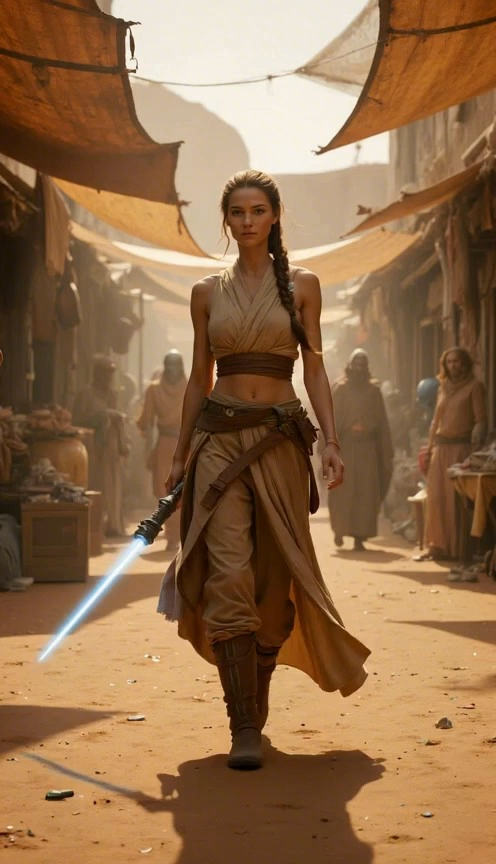
Cinematic shot of a young female warrior with a braid walking confidently through a sunlit desert market. She wears tan robes and holds a glowing blue lightsaber. Dusty atmosphere, blurred background figures, photorealistic.
Seedance 2.5 is HERE! 90% OFF All Models · Ends Oct 31🚀 Seedance 2.5 Launched! 90% OFF All Models · Ends Oct 31 (Yearly Plans)
Turn a prompt or reference image into a video with Seedance 2.0. This focused workspace keeps model choice, generation settings, estimated credit cost, and checkout in one place.
 SeedanceSeedream
 Veo
Veo Wan
Wan Grok
Grok KlingNano Banana
 Flux
FluxCinematic shot of a young female warrior with a braid walking confidently through a sunlit desert market. She wears tan robes and holds a glowing blue lightsaber. Dusty atmosphere, blurred background figures, photorealistic.
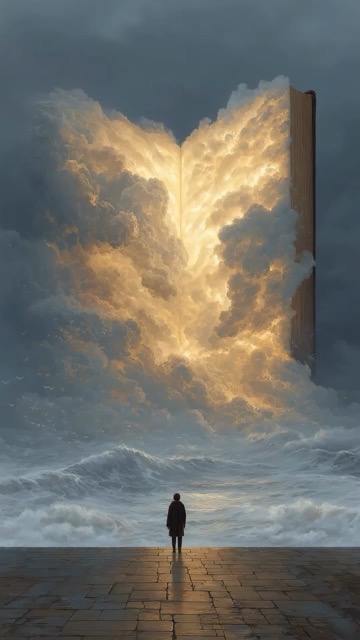
Cinematic slow zoom-in shot of a lone figure standing on a stone pier facing a dark, turbulent ocean. Rising from the sea is a colossal, magical open book. The book's pages glow with an intense, warm golden light, emitting massive, billowing clouds that merge with the moody, stormy sky. Small birds fly around the surreal structure. Epic fantasy atmosphere, photorealistic, highly detailed

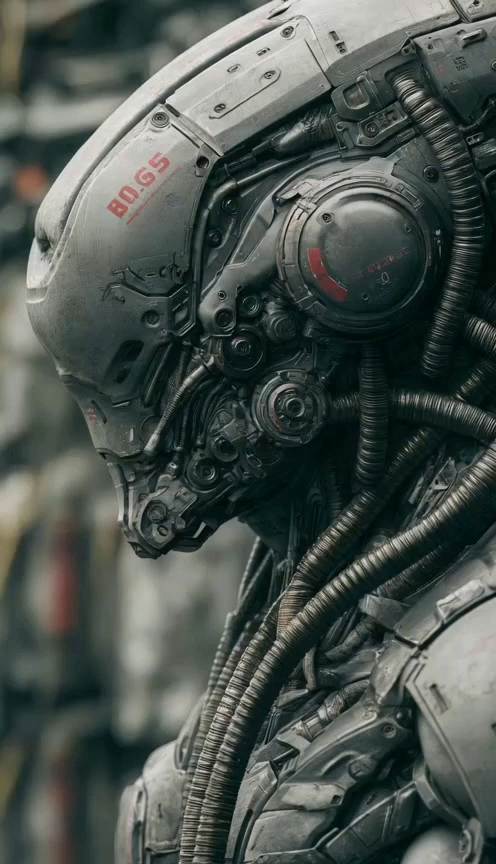
Close-up profile of a highly detailed, weathered humanoid robot with intricate metallic armor, exposed tubes, and red accents. Cinematic lighting, gritty sci-fi atmosphere, subtle mechanical movements.

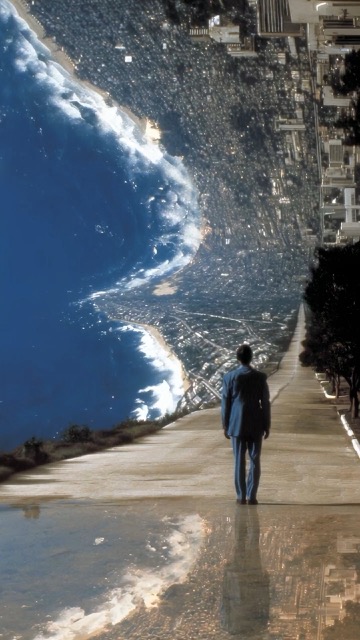
Cinematic tracking shot from behind a man in a suit standing on a road. The landscape ahead dramatically curves upward at a 90-degree angle, revealing a massive, gravity-defying cityscape and ocean shoreline stretching high into the sky. Surreal, Inception-style mind-bending visual effect, photorealistic, bright daylight
Cinematic shot of a knight in dark armor with glowing orange embers, holding a fiery sword. Smoky background with flying sparks.
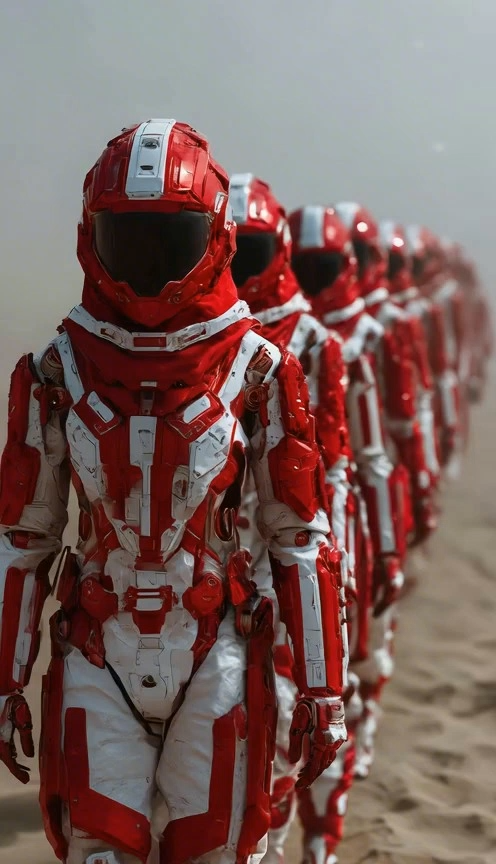
Cinematic shot of a column of futuristic soldiers in highly detailed red and white heavily armored space suits, walking in single file across a dusty, hazy desert landscape. Shallow depth of field blurs the figures fading into the background. Epic sci-fi atmosphere, photorealistic, slow motion.

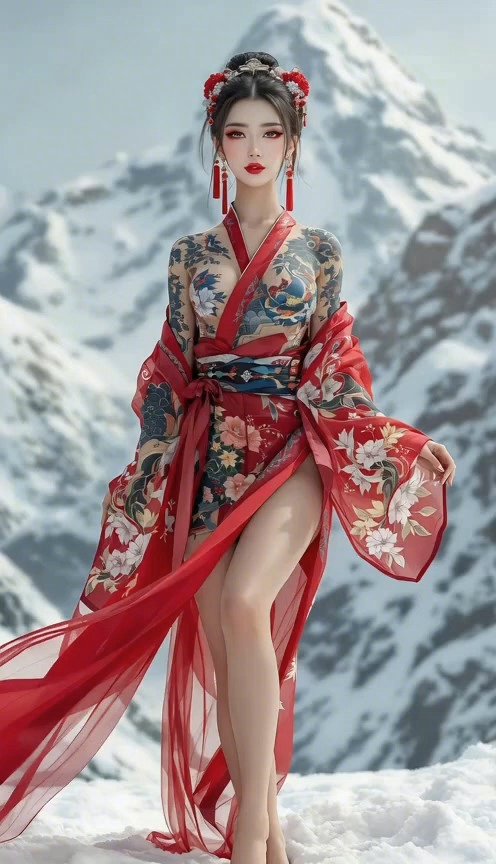
Cinematic shot of a woman in a flowing red traditional robe with intricate floral tattoos, standing barefoot in a snowy mountain landscape. Her silk garments flutter elegantly in the wind as soft snow falls. Photorealistic, bright natural lighting.
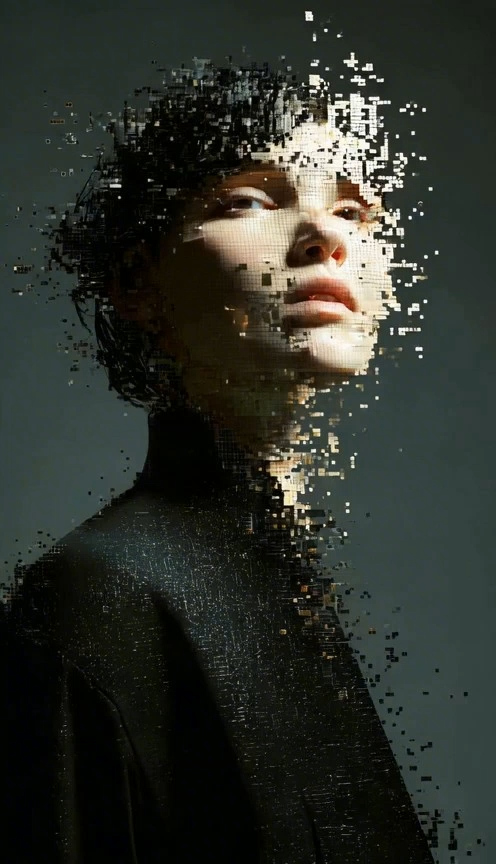
A cinematic portrait of a person in black looking upward, their face and head gradually disintegrating into glowing digital cubic fragments. Dramatic lighting, dark moody background, surreal sci-fi 3D pixel dispersion effect
Multi-model AI video workspace
Choose Seedance 2.5, Kling 3, or Wan 3.0, add a prompt or reference image, review the credit estimate, and generate in one workflow.
Turn a prompt or reference image into a video with Seedance 2.0. This focused workspace keeps model choice, generation settings, estimated credit cost, and checkout in one place.
SeedanceSeedreamVeoWanGrokKlingNano BananaFluxSeedance examples
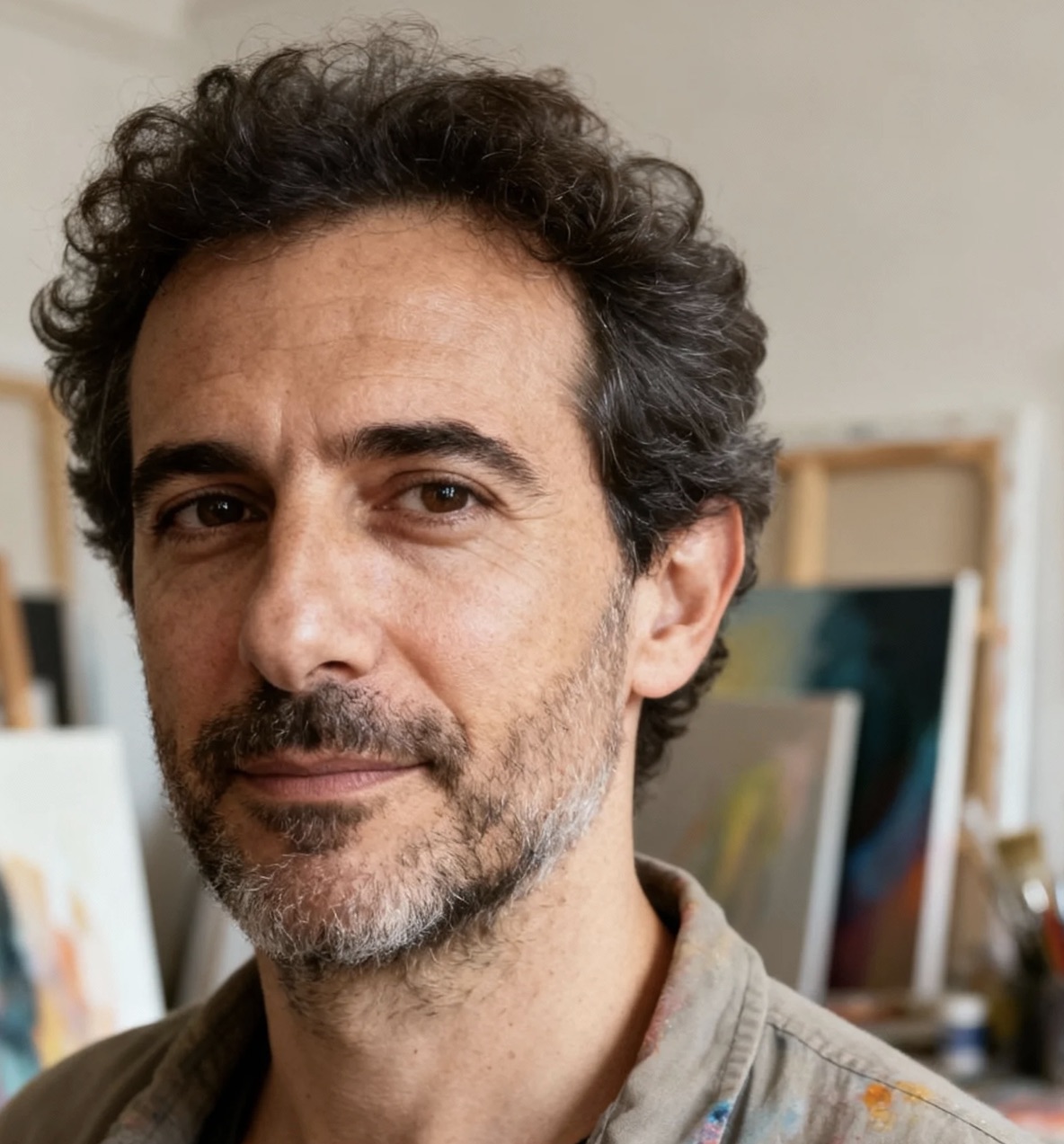
Review motion, framing, lighting, and scene progression before writing your own prompt. Every example is served from the China Video AI CDN.
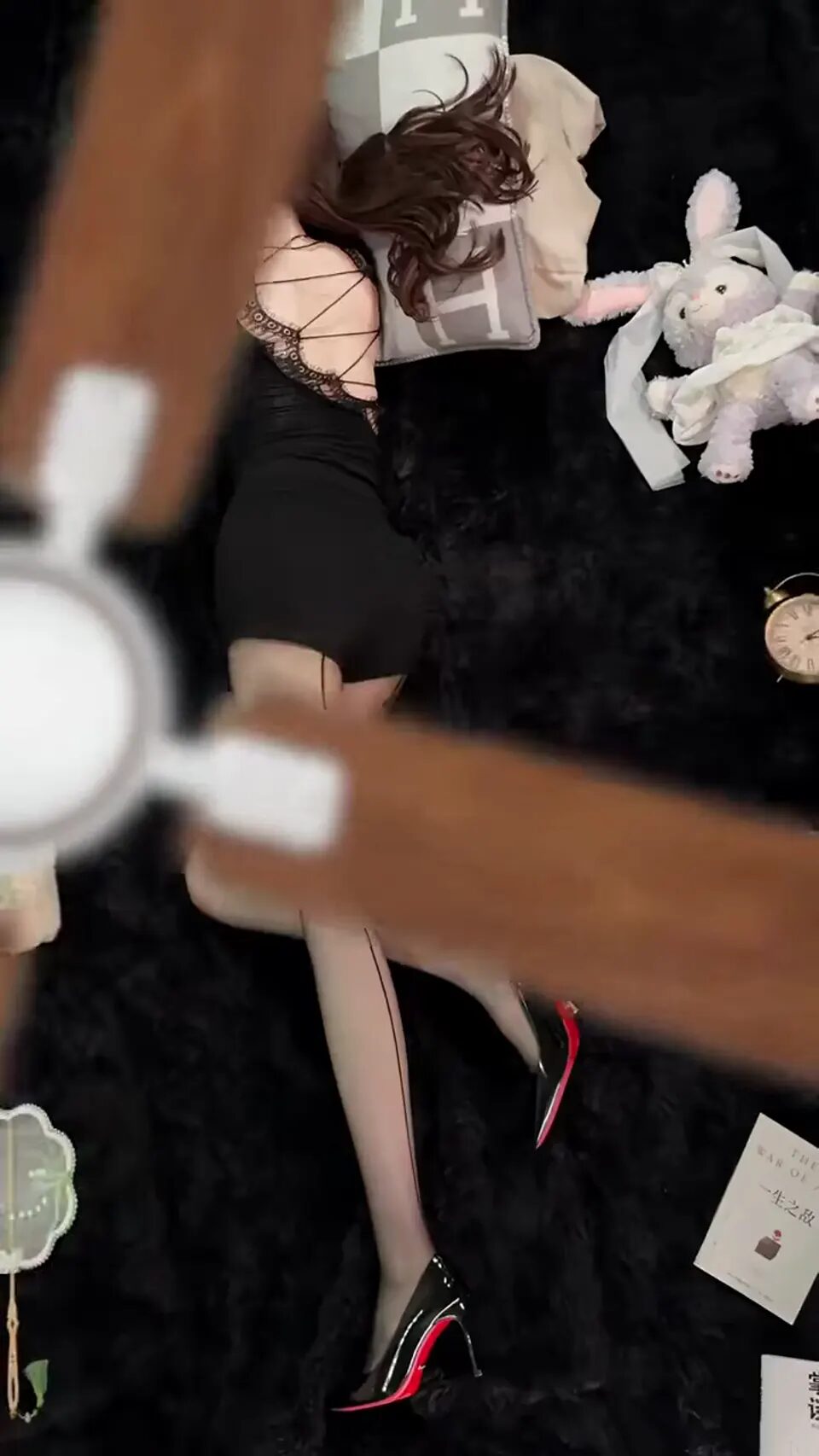
A cinematic close-up follows a model’s hand across a black textured outfit, revealing a polished watch with shallow depth of field and soft studio light.
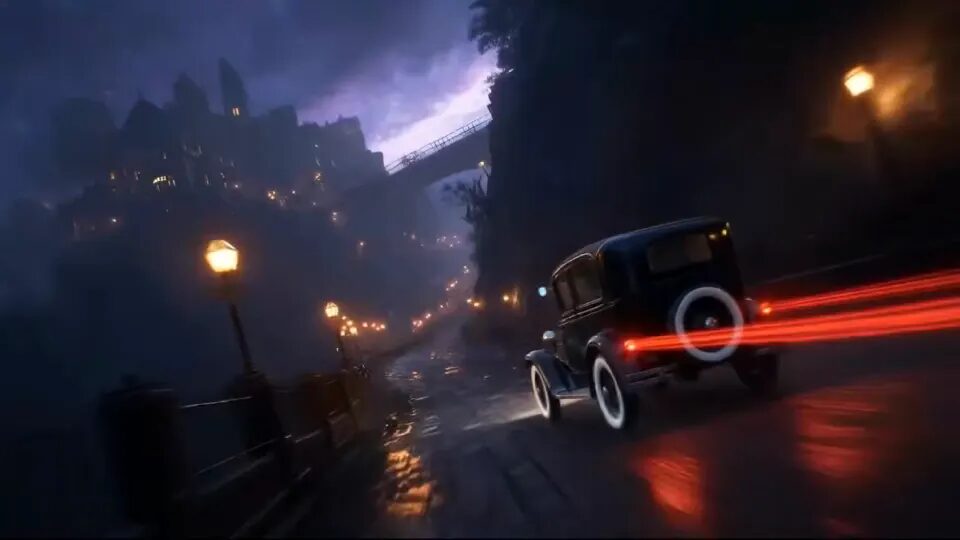
A low tracking camera follows a classic car through a rain-soaked night street, red tail lights streaking across the road as mist and reflections build speed.
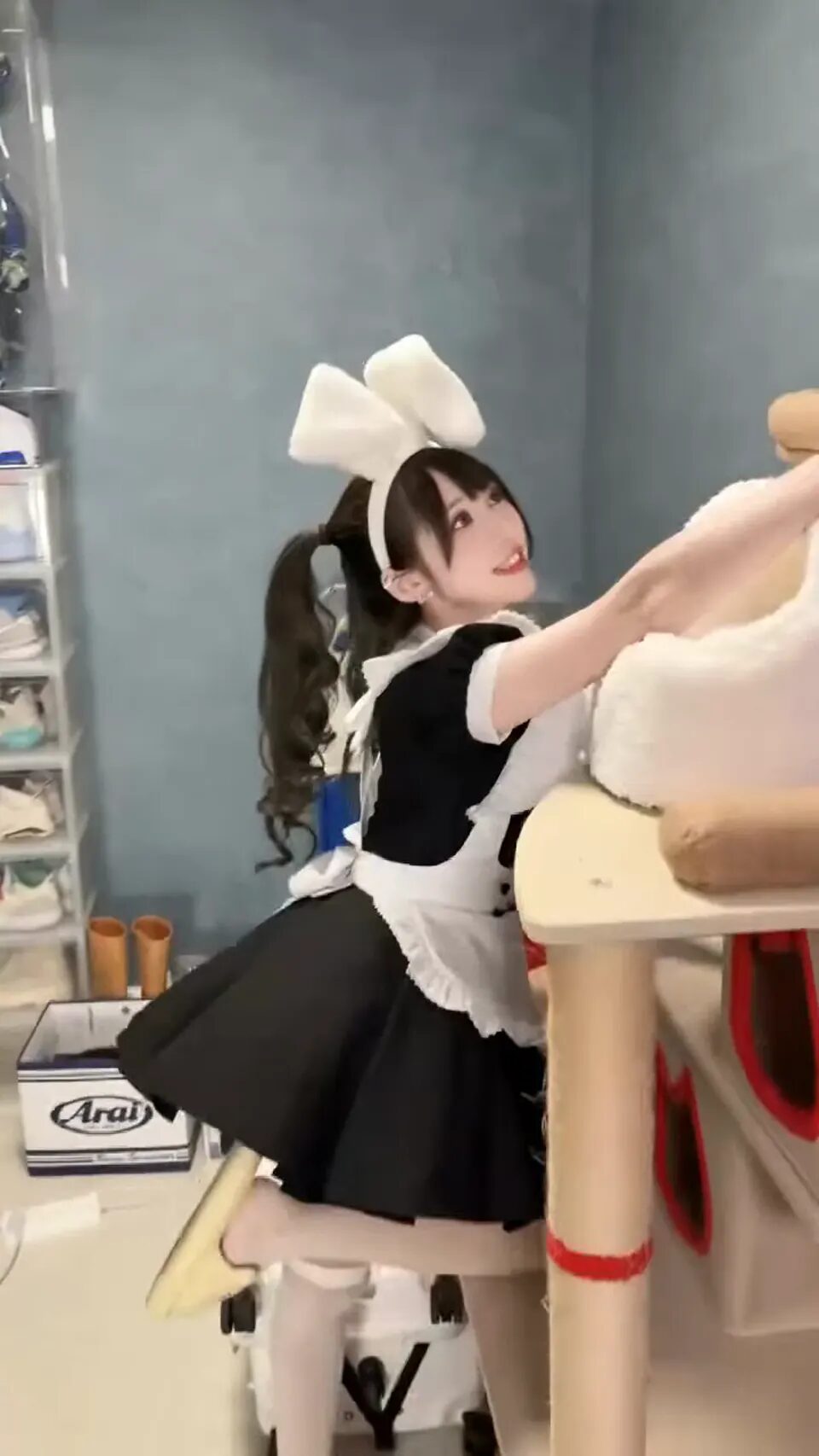
A cheerful café character reaches toward the camera, smiles naturally, and turns through soft indoor light as the handheld framing adds playful energy.

A tiny white mouse runs between oversized keyboard keys while the camera follows at keycap level, dust and warm screen light creating a cinematic miniature world.
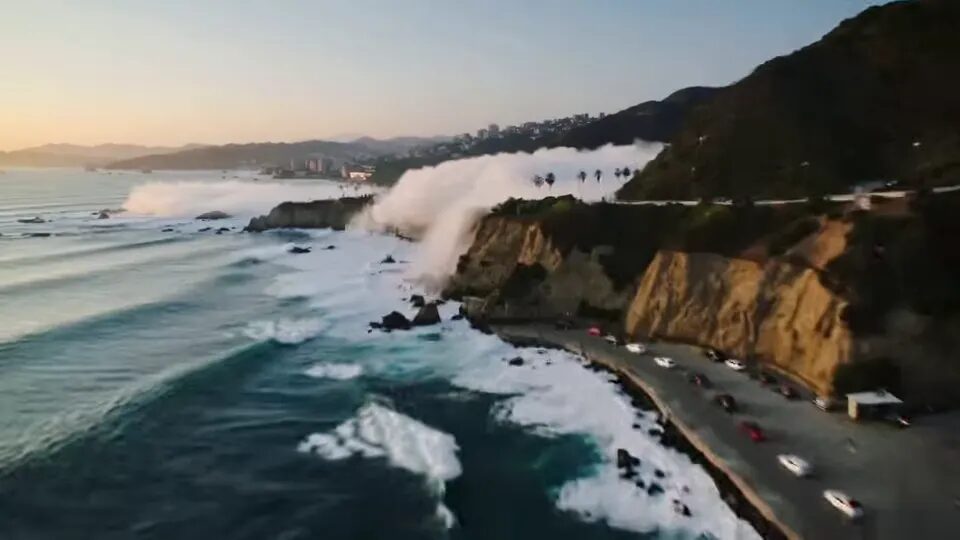
A smooth aerial camera sweeps above a coastal highway, revealing waves, cliffs, moving cars, and layered sea mist in a wide cinematic travel shot.
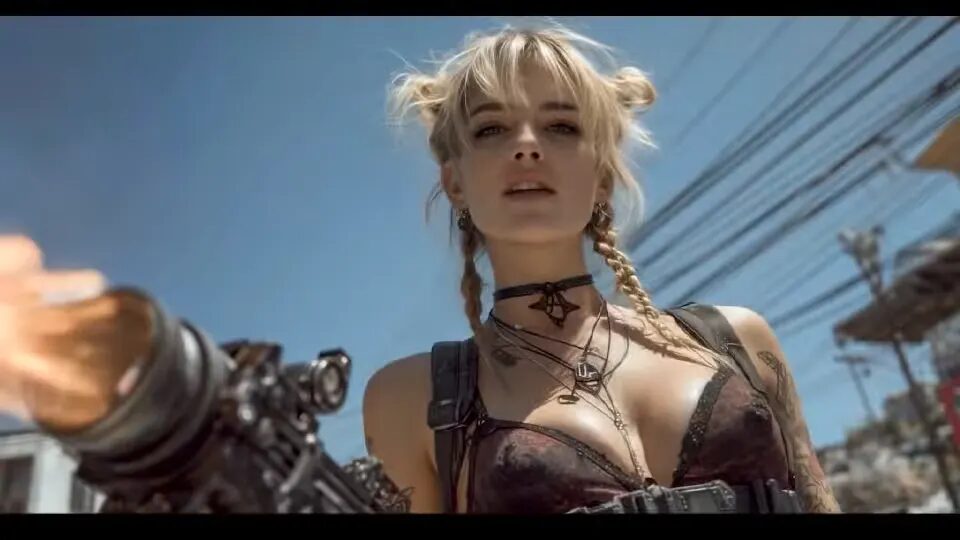
A stylized hero looks up as sparks drift through the scene, the camera arcs from profile to front, and dramatic rim light reveals detailed costume textures.
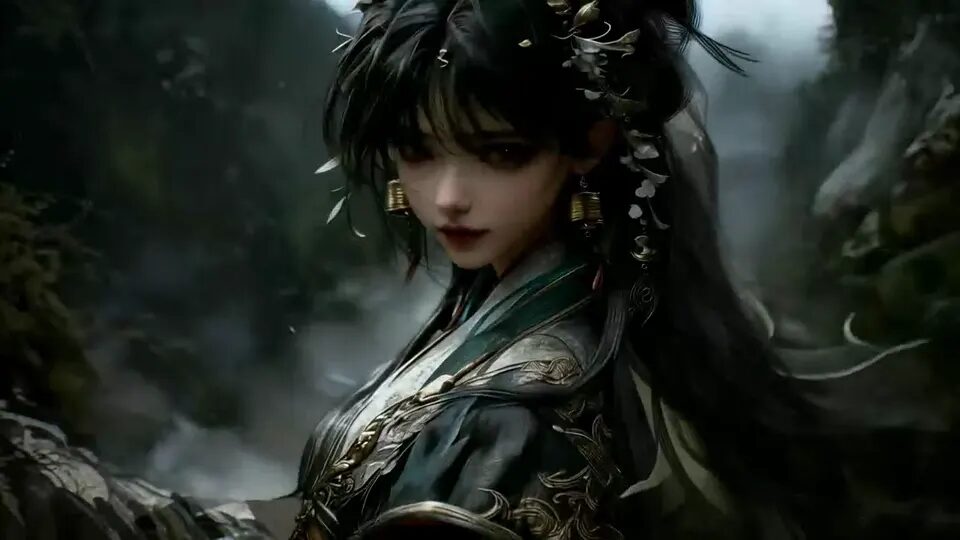
A dark fantasy warrior stands in a misty forest as leaves and hair move in the wind, the camera pushing closer while cool light reveals intricate armor.

A man speaks beside a smart-home assistant in soft morning light, natural gestures and subtle camera drift turning an everyday product moment into a polished lifestyle scene.
Create with Seedance
Choose a Seedance version, then generate from text or an image while controlling subject motion, camera movement, aspect ratio, and quality.
Review settings and the credit estimate before submitting. Finished results are saved to Creations so you can iterate, manage, and download them.
Create with SeedanceSeedance is developed by ByteDance. China Video AI provides the model selection, generation, and creation-management workflow.
Choose a version
Use the model selector in the generator as the current source of truth for supported inputs, duration, resolution, and credit cost.
Full model
Choose the full model for polished story-led clips, connected action, and more deliberate cinematic direction.
Faster iteration
Use Fast for prompt testing, social drafts, and workflows where turnaround matters more than a premium final pass.
Efficient option
Use Mini for practical drafts and more cost-aware iteration before moving a selected idea into another render.
Simple workflow
Start with a short shot, confirm the settings, and review the result before expanding it into a longer sequence.
Describe the subject, action, setting, camera movement, lighting, and mood in a clear sequence.
Upload an image when identity, product appearance, composition, or the opening frame needs more control.
Select the Seedance version, duration, resolution, and aspect ratio, then check the visible credit estimate.
Creative uses
Use one flexible China Seedance workflow for creator clips, product concepts, cinematic previsualization, and controlled image animation.
Turn a visual brief or product frame into a short launch idea with controlled camera direction.
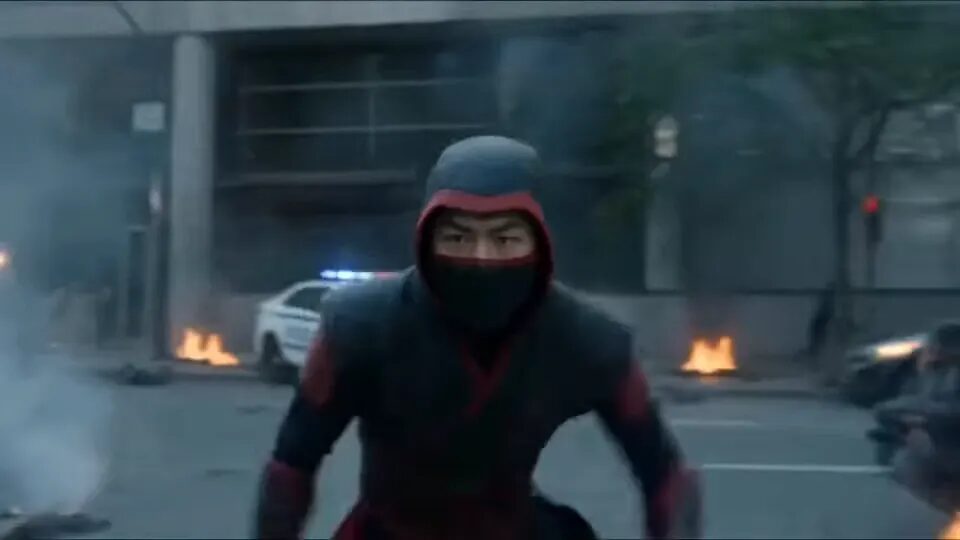
Prototype a scene, transition, or sequence before committing to a full production workflow.
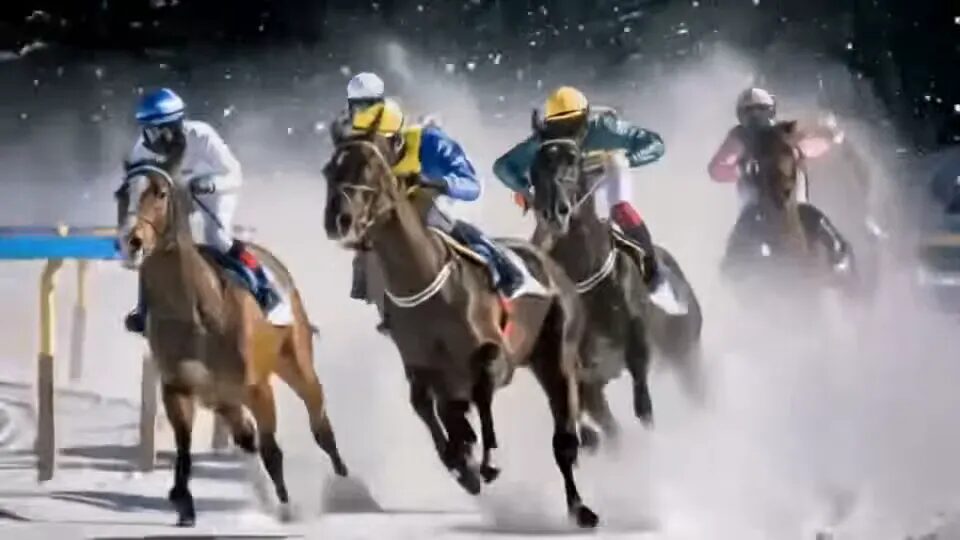
Test vertical and landscape concepts for social posts, explainers, and creator content.
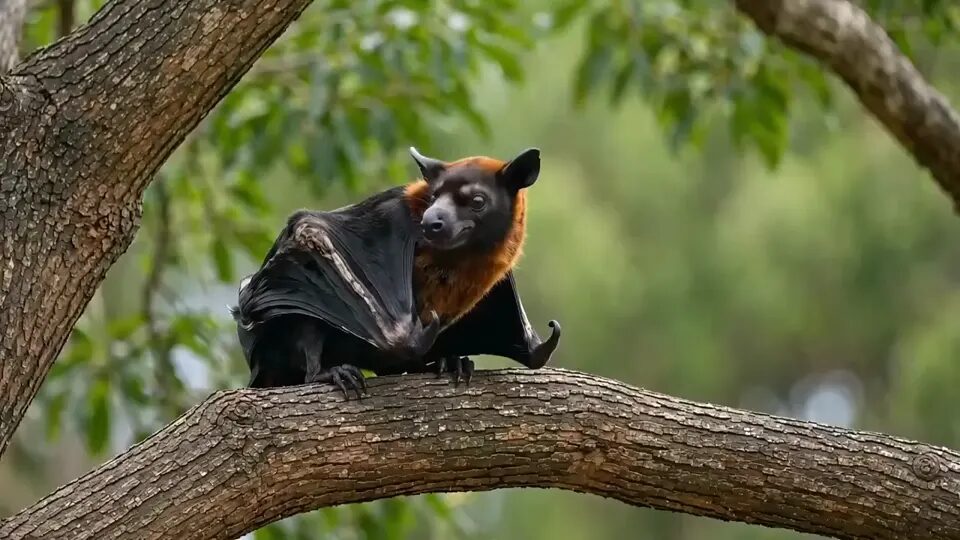
Bring portraits, artwork, products, and still compositions into motion with an image reference.
Start with credits for quick image-to-video tests, choose monthly plans for ongoing creation, or use annual plans for the lowest long-term AI video cost.
Start with credits for quick image-to-video tests, choose monthly plans for ongoing creation, or use annual plans for the lowest long-term AI video cost.
| Features | Basic MonthlyMonthly | Starter MonthlyMonthly | Starter YearlyYearlyYearly | Pro MonthlyMonthly | Pro YearlyYearlyYearly | Unlimited MonthlyMonthly | Unlimited YearlyYearlyYearly | Pay Once$9.99 | Pay Once$19.99 | Pay Once$39.99 |
|---|---|---|---|---|---|---|---|---|---|---|
| Price | $14.99 /month | $29.99 /month | $8.33 /month | $89.99 /month | $25 /month Save 30% | $149.99 /month | $75 /month Save 50% | $9.99 Pay Once | $19.99 Pay Once | $39.99 Pay Once |
| Credits | 1,000/月 First purchase · Extra 200 credits | 4,000/月 | 12,000/年 | 10,000/月 | 32,000/年 | 25,000/月 | 90,000/年 | 800 | 1,800 | 4,000 |
| Concurrent Generation | 1 | 1 | 2 | 3 | 4 | 5 | 8 | 1 | 1 | 1 |
| Watermark-free | ||||||||||
| Commercial license | ||||||||||
| AI Models Discount | Regular | Regular | 20% off | 20% off | 40% off | Save 100% | Save 100% | Regular | Regular | Regular |
| Video models | ||||||||||
MiniMax H3 | 250 | 250 | 250200 | 250200 | 250150 | 250125 | 250100 | 250 | 250 | 250 |
Seedance 2.5New | 160 | 160 | 160128 | 160128 | 16096 | 16080 | 16064 | 160 | 160 | 160 |
Seedance 2.0 | 80 | 80 | 8064 | 8064 | 8048 | 8040 | 8032 | 80 | 80 | 80 |
Seedance 2.0 Fast | 65 | 65 | 6552 | 6552 | 6539 | 6532 | 6526 | 65 | 65 | 65 |
Seedance 2.0 Mini | 55 | 55 | 5544 | 5544 | 5533 | 5527 | 5522 | 55 | 55 | 55 |
PixVerse V6New | 70 | 70 | 7056 | 7056 | 7042 | Free | Free | 70 | 70 | 70 |
Seedance 1.5 Pro | 40 | 40 | 4032 | 4032 | 4024 | Free | Free | 40 | 40 | 40 |
Veo 3 | 100 | 100 | 10080 | 10080 | 10060 | Free | Free | 100 | 100 | 100 |
Veo 3.1 Lite | 75 | 75 | 7560 | 7560 | 7545 | Free | Free | 75 | 75 | 75 |
Veo 3.1 Basic | 150 | 150 | 150120 | 150120 | 15090 | 15075 | 15060 | 150 | 150 | 150 |
Veo 3.1 Premium | 200 | 200 | 200160 | 200160 | 200120 | 200100 | 20080 | 200 | 200 | 200 |
Kling 2.5 | 100 | 100 | 10080 | 10080 | 10060 | Free | Free | 100 | 100 | 100 |
Kling 2.1 Pro | 120 | 120 | 12096 | 12096 | 12072 | Free | Free | 120 | 120 | 120 |
Kling 2.1 Master | 200 | 200 | 200160 | 200160 | 200120 | 200100 | 20080 | 200 | 200 | 200 |
Wan 2.5 | 100 | 100 | 10080 | 10080 | 10060 | Free | Free | 100 | 100 | 100 |
Grok Imagine Video | 40+ | 40+ | 40+32+ | 40+32+ | 40+24+ | Free | Free | 40+ | 40+ | 40+ |
| Image models | ||||||||||
Seedream 5.0 | 30 | 30 | 3024 | 3024 | 3018 | Free | Free | 30 | 30 | 30 |
GPT-4o Image | 30 | 30 | 3024 | 3024 | 3018 | Free | Free | 30 | 30 | 30 |
Nano Banana | 30 | 30 | 3024 | 3024 | 3018 | Free | Free | 30 | 30 | 30 |
Nano Banana 24K | 40 | 40 | 4032 | 4032 | 4024 | Free | Free | 40 | 40 | 40 |
Nano Banana Pro4K | 40 | 40 | 4032 | 4032 | 4024 | Free | Free | 40 | 40 | 40 |
Flux Kontext Pro | 30 | 30 | 3024 | 3024 | 3018 | Free | Free | 30 | 30 | 30 |
Flux Kontext Max | 40 | 40 | 4032 | 4032 | 4024 | Free | Free | 40 | 40 | 40 |
Seedream 4.04K | 30 | 30 | 3024 | 3024 | 3018 | Free | Free | 30 | 30 | 30 |
Seedream 5.0 Lite2K | 40 | 40 | 4032 | 4032 | 4024 | Free | Free | 40 | 40 | 40 |
Qwen Image Edit | 30 | 30 | 3024 | 3024 | 3018 | Free | Free | 30 | 30 | 30 |
Grok Imagine Image | 30 | 30 | 3024 | 3024 | 3018 | Free | Free | 30 | 30 | 30 |
💡 Choose yearly billing to save up to 50%, get 90% off all basic and enhanced models, and receive a commercial license!
Terms of Service·Privacy Policy·Refund Policy·AI Content Policy
Before you generate
Model choice, reference images, credit estimates, and generation history all stay inside this site.
Yes. Choose a Seedance version, enter a prompt or upload a reference image, review the aspect ratio, duration, quality, and credit estimate, then generate.
Compare Seedance versions, adjust generation settings, review credit costs, and manage finished videos in Creations from one workspace.
Generate one short shot first, confirm the character, scene, and visual style, then reuse the prompt structure and reference assets for more consistent follow-up shots.
Yes. Select image-to-video in the generator and upload a reference image. The available image limit and settings update for the selected model.
The generator shows the estimated credits before submission, and the pricing section lists current credit packages. Compare versions, duration, and quality before deciding to generate.
New users can claim the starter credits currently shown on the page and use them with supported Seedance modes. The required credits are shown before every submission.
One creation workflow
Prompts, reference images, model settings, credit estimates, results, and creation history all stay in one account.
Return to the generator, start with one clear shot, and compare the available Seedance versions before submitting.
Open the generator