
01
Ultra-Fast Production for Market Speed
Create campaign concepts when a seasonal opportunity, promotion, or social trend appears instead of waiting through a long production cycle.
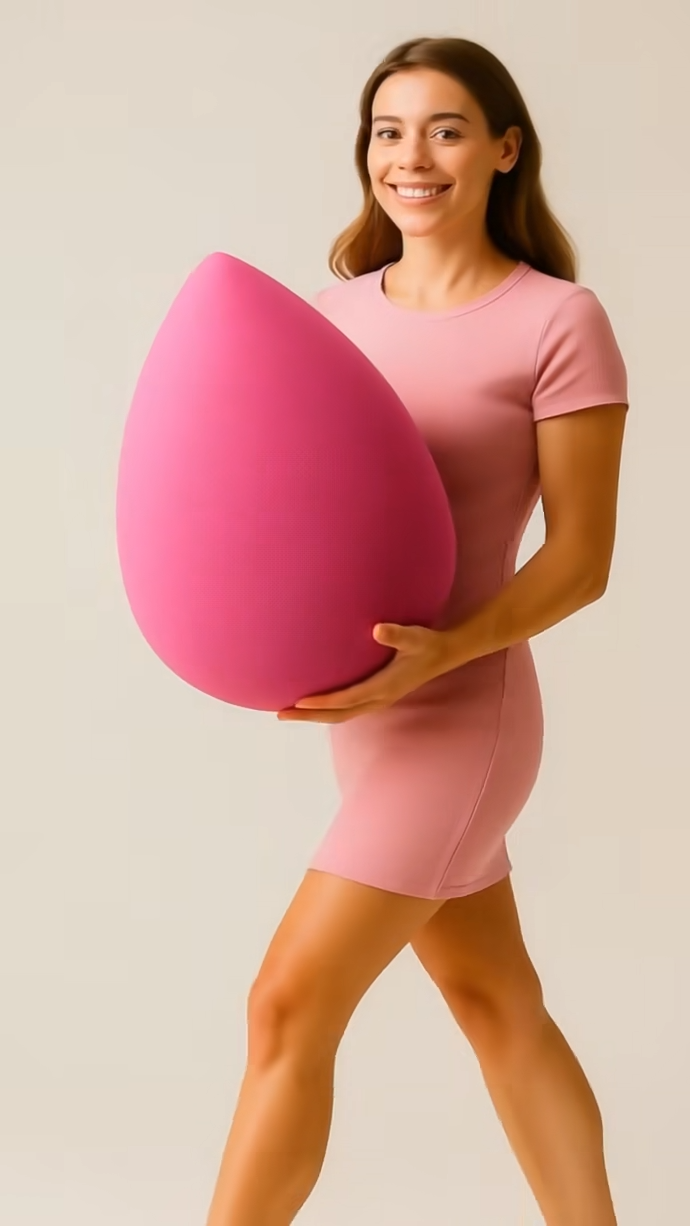
Create more premium AI videos with commercial usage and priority processing.
Allow other users to view your generated result.
Hide your prompt and uploaded source files from other users.
Premium users can leave and check the persisted result later in Creations.
Create a polished product-focused video.
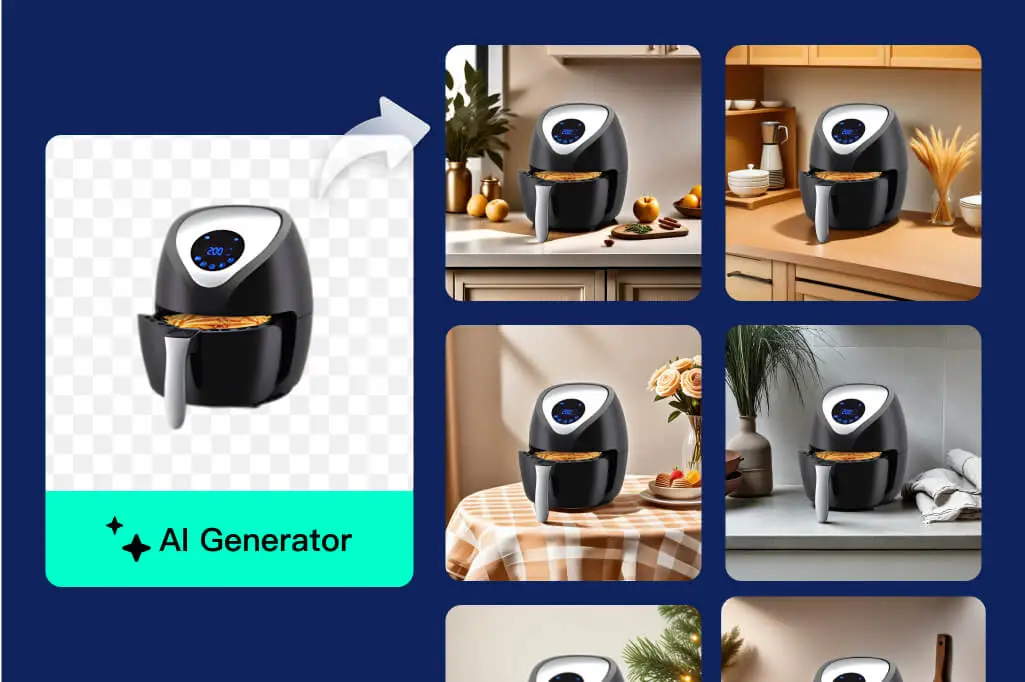
Explore the structure of an existing ad direction.
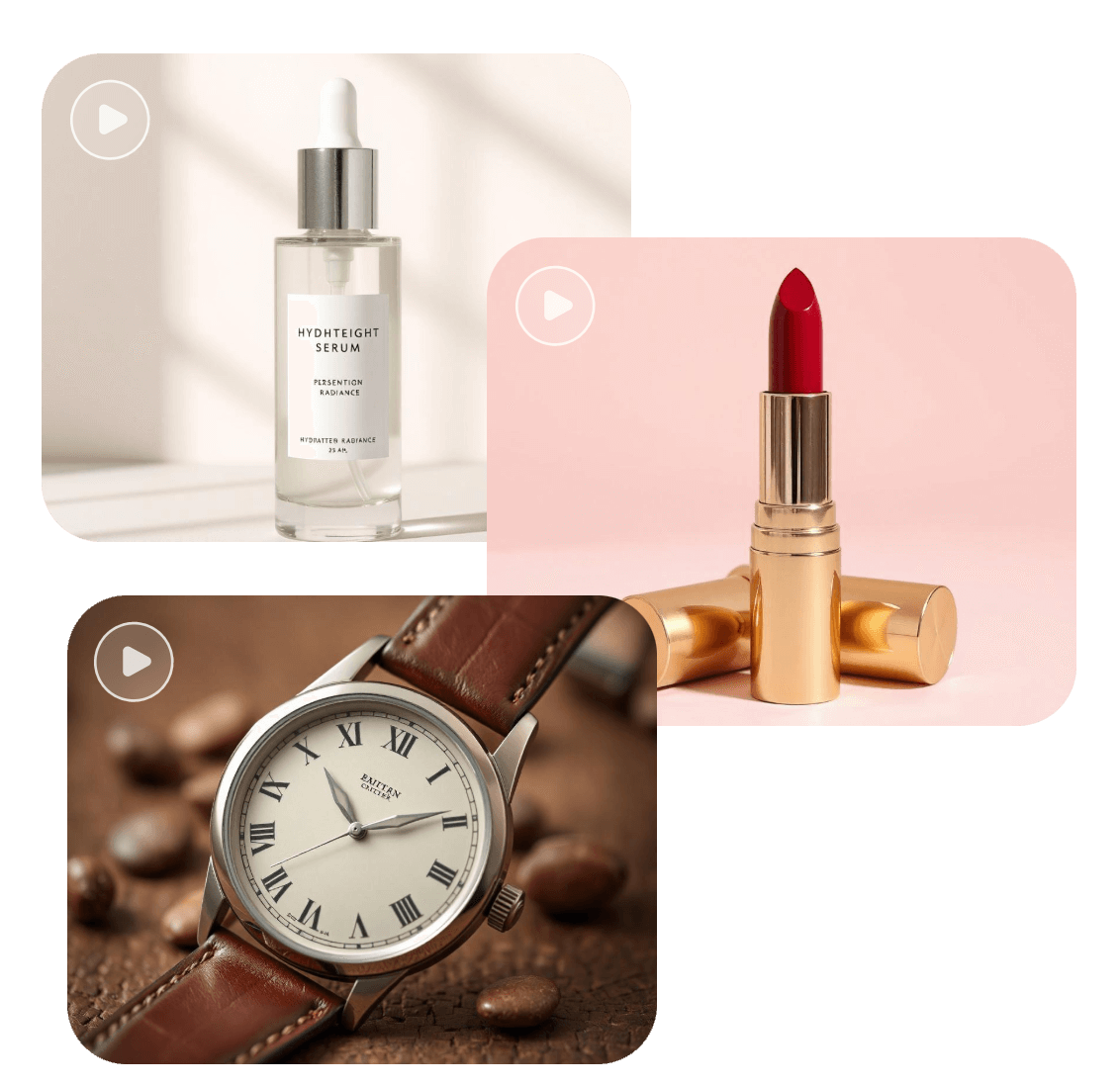
Build a music-led version of your campaign.
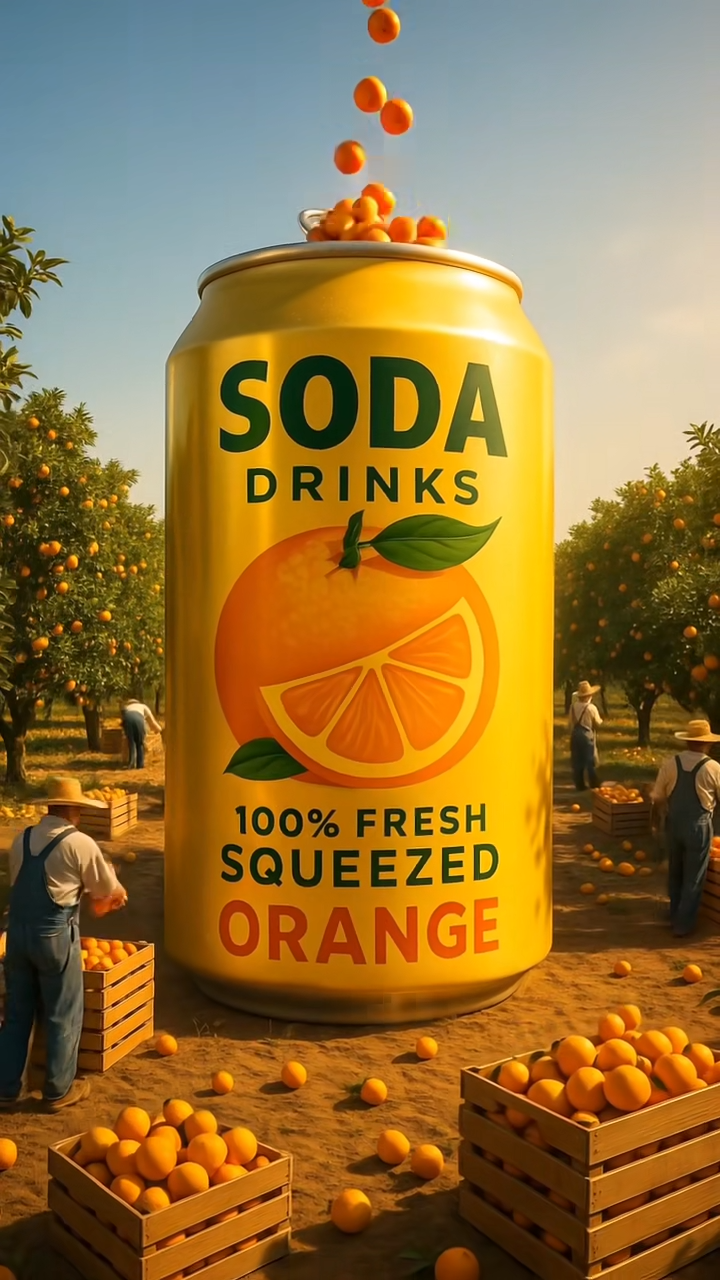
Place products naturally inside a visual scene.
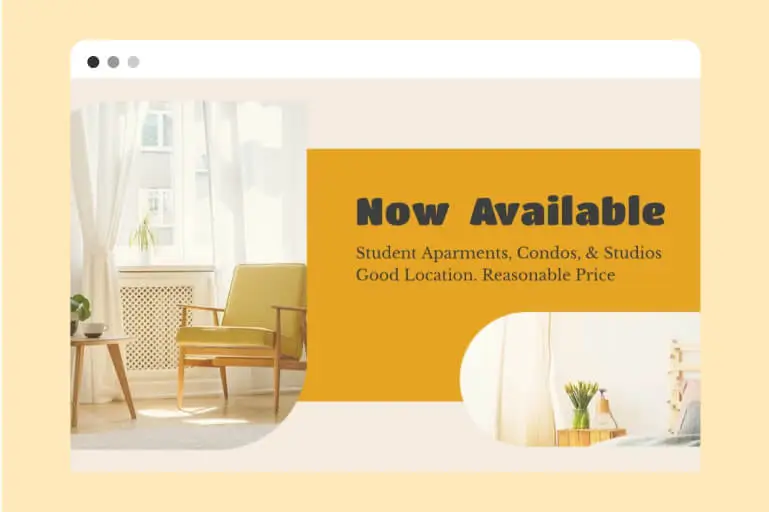
Generate video from a detailed creative prompt.
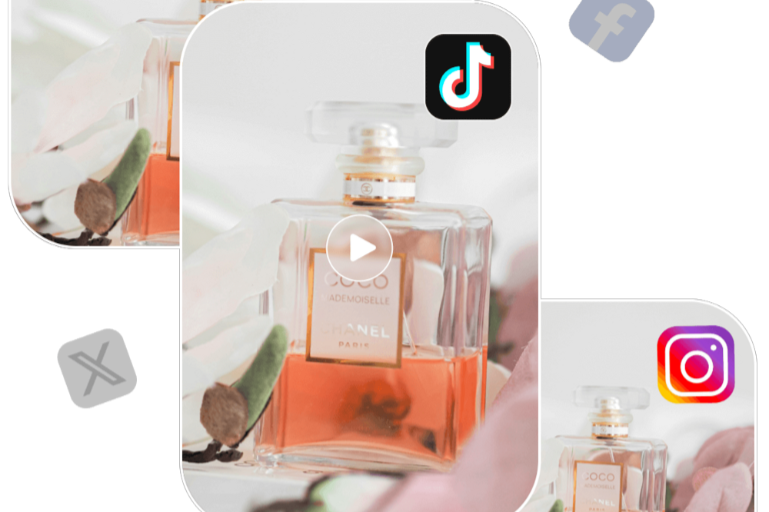
Develop a concise social-ready concept.
Turn a product idea and optional product photo into polished, channel-ready advertising video without a traditional production cycle.
Create an AdChina Video AI automates the creative workflow so teams can explore campaigns, audiences, and premium visual directions in minutes.
01
Create campaign concepts when a seasonal opportunity, promotion, or social trend appears instead of waiting through a long production cycle.
02
Adapt setting, mood, composition, and visual language to different audiences while keeping the product at the center of the story.
03
Use cinematic lighting, considered camera motion, detailed materials, and a polished final product moment in every prompt.
Transform a visual direction into a playful cartoon style.
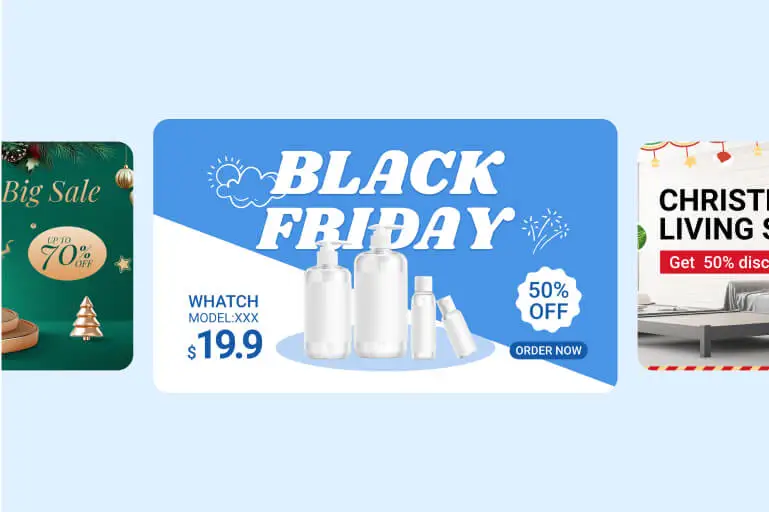
Connect campaign moments with a visual transition.
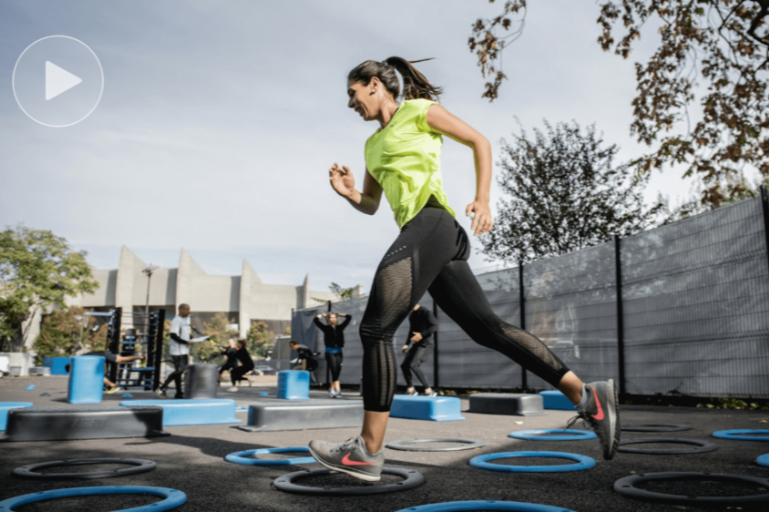
Create a playful baby-style transformation.
Animate a fruit character or product idea.
Create a close-up reaction moment.
Build a dynamic frame-breaking visual.
Build ads with stopping power, broad visual coverage, and layouts ready for the channels where customers discover products.
Create a clear hook that can stop attention in a busy feed.
Explore premium, playful, cinematic, minimal, or lifestyle directions.
Choose landscape or portrait composition for campaign channels.
Any team that needs more campaign options, faster launches, and professional product storytelling can use this workflow.
Launch products, seasonal promotions, and marketplace campaigns without organizing a new studio shoot for every concept.
Create professional product storytelling even when the team does not include a dedicated design or production department.
Produce more campaign directions for more clients, then iterate quickly around the strongest concept.
Maintain publishing momentum across short-form video, stories, product launches, and promotional posts.
A practical production workflow designed for accessible creation, rapid iteration, and consistent cross-channel output.
Describe the outcome in plain language without learning a professional editing suite.
Move quickly from one idea to multiple viable campaign directions.
Validate concepts before committing to expensive photography and post-production.
Keep product, message, tone, and final brand moment aligned in the prompt.
Create landscape and portrait directions for distinct placements.
Iterate around hooks, settings, audiences, and calls to action.
Explore polished product-ad directions across launches, promotions, lifestyle scenes, and brand storytelling.

Move from source material to a downloadable result with a short, guided workflow.
01
Choose a clear JPG or PNG product image, or begin with a text-only concept.
02
Explain the audience, setting, action, lighting, camera motion, and final product shot.
03
Follow the persisted task and download the result only after the provider returns a real video URL.
Answers about inputs, generation, privacy, billing, results, and commercial campaign workflows.
It creates short product advertisement videos from a required prompt and an optional product image.
No. You can use text-to-video, or upload one JPG or PNG image for image-to-video.
Describe the product, audience, scene, action, visual style, lighting, camera movement, composition, and closing brand moment.
Yes. Generate with AI calls the authenticated writing assistant and inserts its real returned text.
Choose 16:9 for landscape placements or 9:16 for portrait and short-form placements.
The server calculates the package-specific charge when one idempotent generation task is submitted.
Failed and canceled tasks use the existing idempotent refund lifecycle so the same task is not refunded twice.
It prevents public viewers from seeing your prompt and uploaded source files while the owner retains access.
The task is persisted. Eligible users can return through Creations and continue checking its real status.
Yes. The download action is task-scoped and appears after a real successful video URL is stored.
Bring your product, audience, and campaign idea together in one focused AI video workflow.
Generate My Ad