
Storyboard 1
AI MOVIE GENERATOR
00:0000:05
AI Movie Generator
Create AI Movie from Text and Images Effortlessly with Our AI Movie Generator
Write or import a script, generate each visual storyboard with the model you choose, arrange the sequence, preview the cut, and export one complete movie.
How to Create AI Videos
Transform your ideas into stunning videos in just three simple steps. Our AI-powered platform makes video creation effortless and professional.
Write Your Prompt
Describe your video idea in detail
Choose AI Model
Select the best AI model for your style
Generate & Download
Get your video in minutes
Why Choose Our AI Movie Generator?
From script to screen in minutes. Our AI Movie Generator simplifies AI movie production and empowers creators with powerful features.
Batch Generate AI Movie Scenes
Create multiple AI movie scenes at once from your scripts or prompts, saving hours of manual editing.
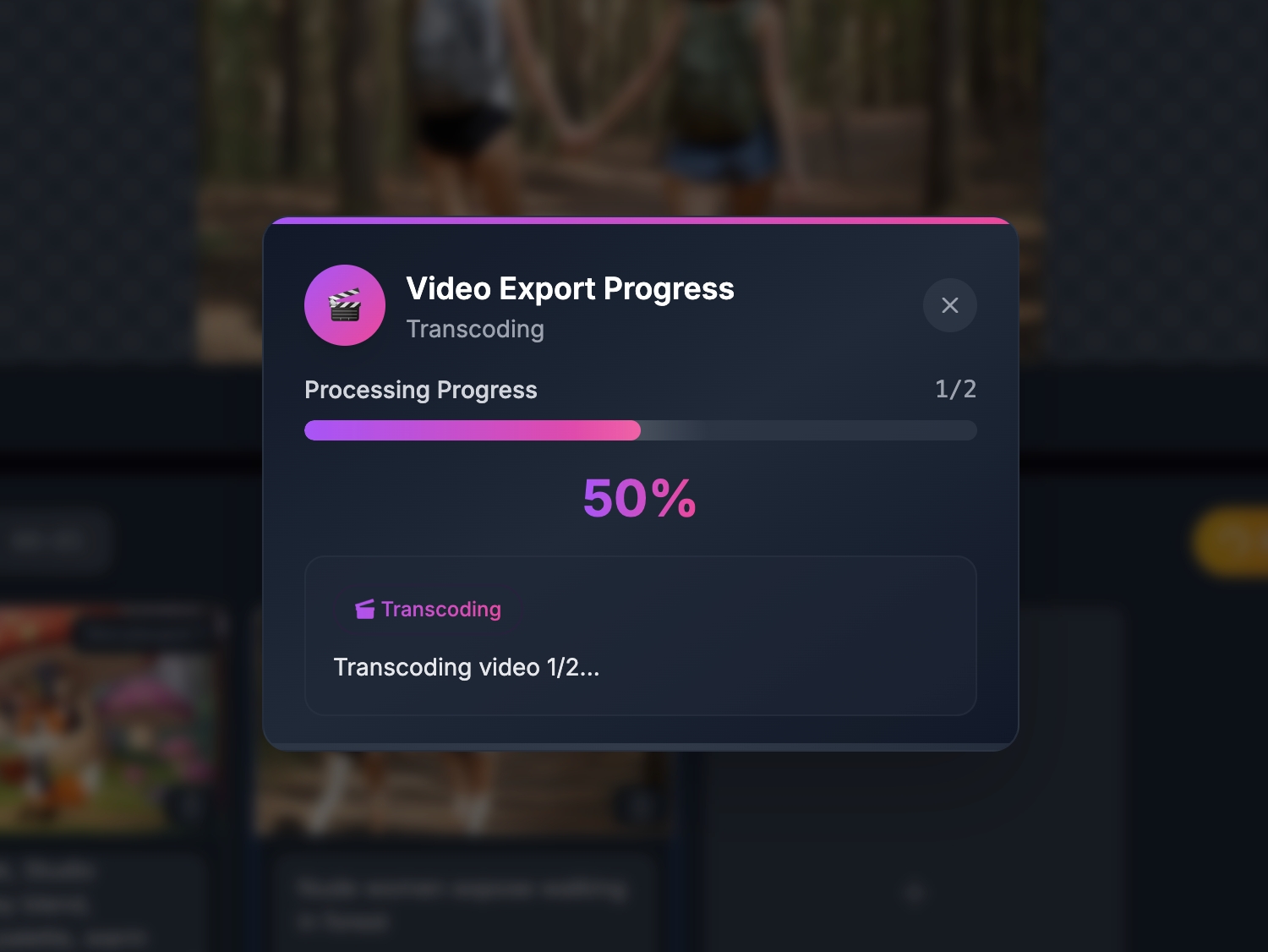
Merge and Export AI Movies
Combine multiple AI-generated clips into a single cohesive AI movie with one click.
Multi-Model Support for AI Movie Creation
Select from various AI models optimized for AI movies, cinematic effects, and character consistency.
Experience Next-Level AI Movie Creation
Turn simple ideas into cinematic AI movies with our AI Movie Generator. From batch generation to seamless merging, it’s designed for serious creators and brands.
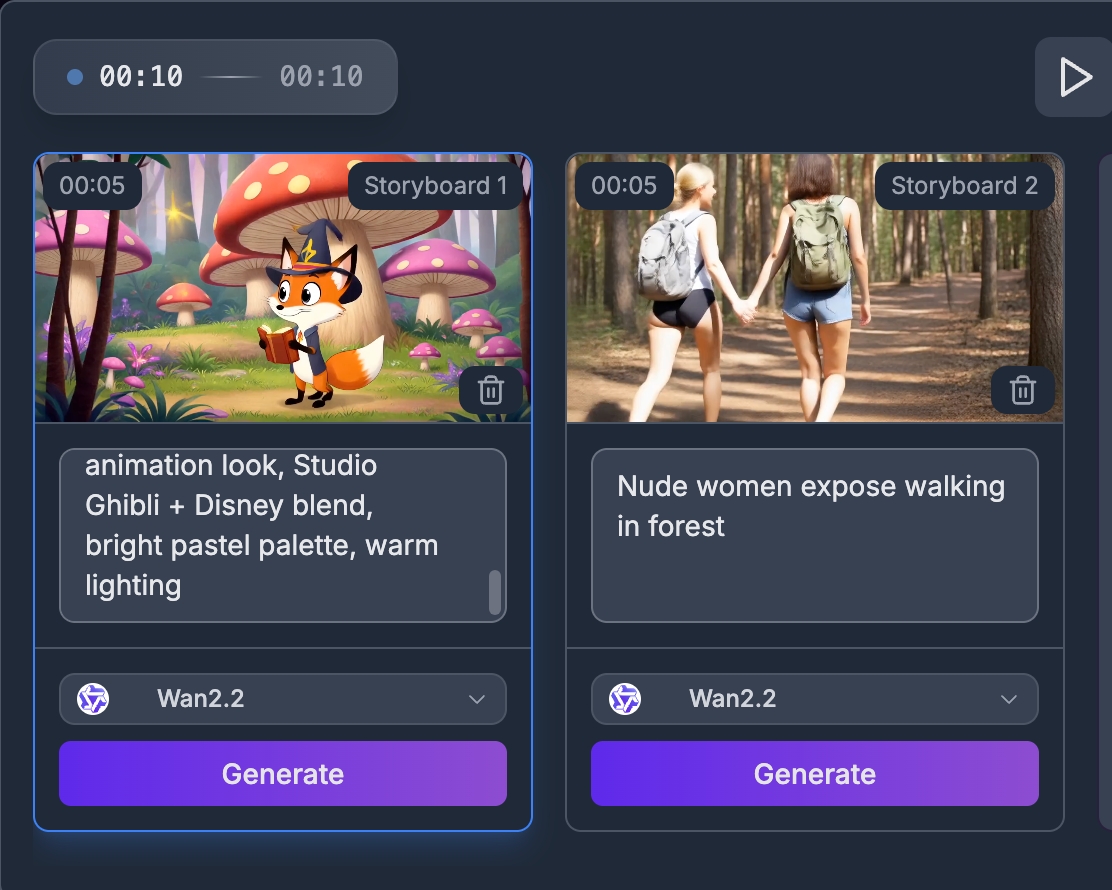
Batch AI Movie Generation
Turn simple ideas into cinematic AI movies with our AI Movie Generator. From batch generation to seamless merging, it’s designed for serious creators and brands.
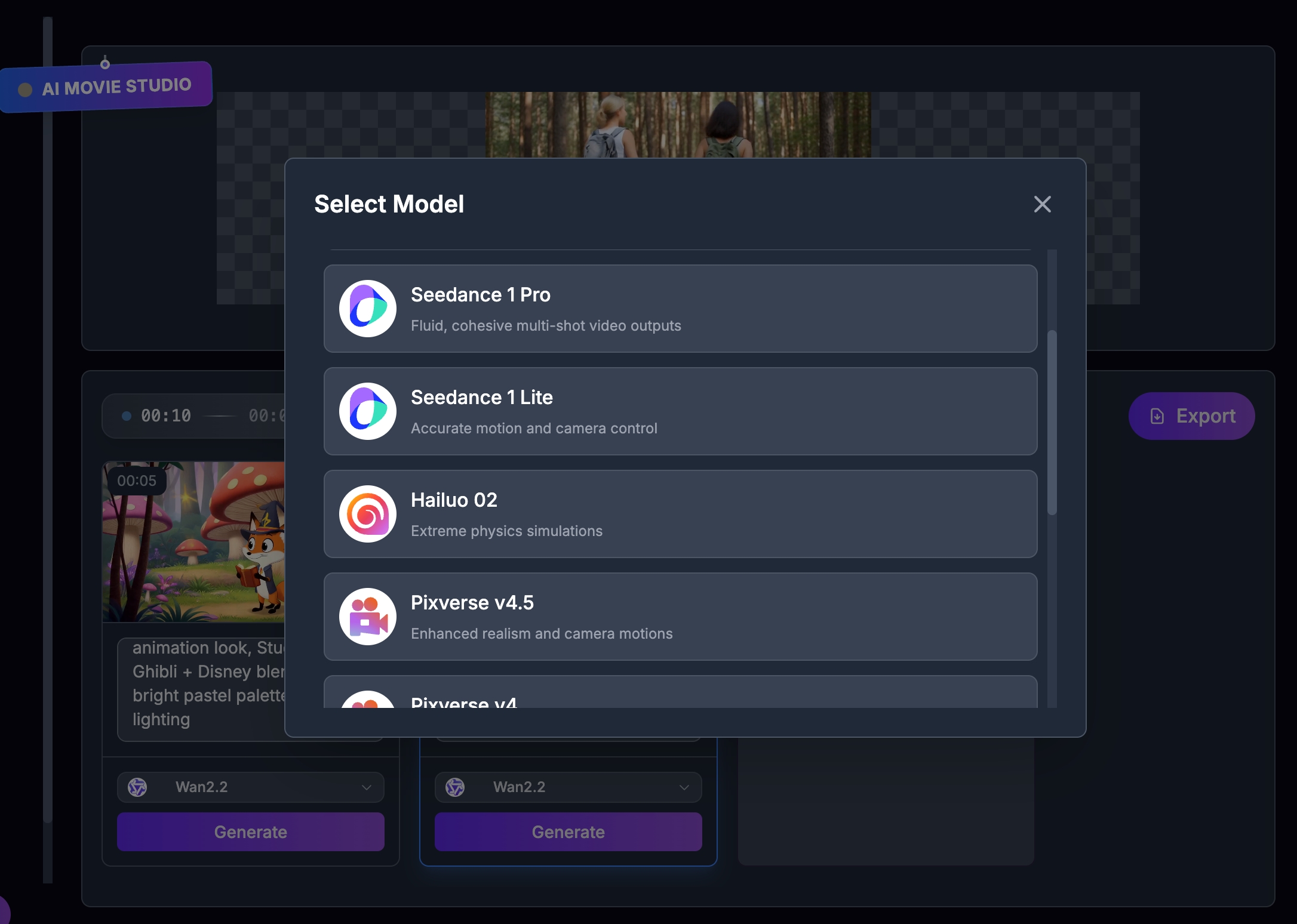
AI Model Variety
Turn simple ideas into cinematic AI movies with our AI Movie Generator. From batch generation to seamless merging, it’s designed for serious creators and brands.
Seamless Video Merging
Turn simple ideas into cinematic AI movies with our AI Movie Generator. From batch generation to seamless merging, it’s designed for serious creators and brands.
Stunning Text to Image Creations with AI Movies
Explore the power of our advanced AI Movie platform that converts your text prompts into vivid, cinematic AI movies. Perfect for marketing, storytelling, social media, and creative projects.
Beach
Drone shot of a crystal-clear turquoise beach with soft white sand stretching along the shoreline. Gentle waves lap against the sand, creating sparkling reflections in the sunlight.
City
Wide aerial view of a futuristic city at night. Neon lights glow in every color, reflecting off wet streets. Skyscrapers are covered in holographic advertisements and animated billboards.
Fox
A cute, wide-eyed fox wearing a tiny wizard hat, holding a glowing book, standing in a magical forest with oversized mushrooms and sparkling fireflies, colorful and vibrant cartoon style, soft outlines, 2D animation look, Studio Ghibli + Disney blend, bright pastel palette, warm lighting
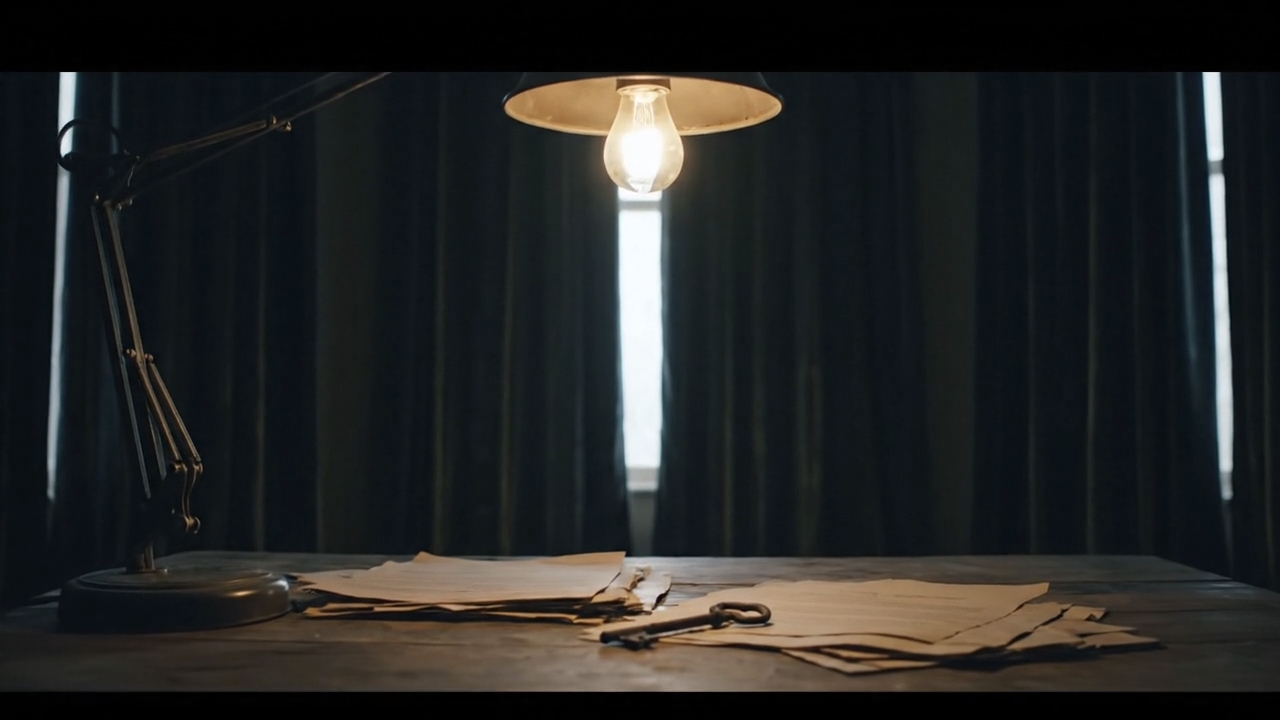
Room
A dimly lit room with an old ceiling lamp swaying slightly. The weak light flickers across a wooden desk scattered with yellowed papers and a rusty key. Heavy curtains cover the windows, and the sound of rain pattering outside fills the silence.
One Workbench for Every Visual Story
Short Films & Trailers
Build a shot sequence, explore different generation models, and export a coherent visual cut.
Ads & Product Stories
Turn a campaign script into ordered scenes and revise individual shots without rebuilding the whole movie.
Music & Social Videos
Create repeatable storyboards for clips, reels, and concept videos directly in the browser.
How It Works
Step 1
Write or Import a Script
Start blank, add scene prompts manually, or transfer structured scenes from Script Writer.
Step 2
Generate Every Storyboard
Choose from the 39 source labels, add an image when needed, and generate each scene as a durable task.
Step 3
Arrange, Preview & Export
Reorder scenes, review the generated videos, and download the combined WebM or deterministic project manifest.
Frequently Asked Questions
Yes. Signed-in projects and scenes are stored in the application database. Logged-out visitors can explore the editor locally, but generation asks them to sign in.
Build Your First AI Movie
Create the script, generate every shot, and finish the cut in one browser workspace.
Open Movie Maker