Model
Text
0/1000
Voice
Unlimited Plan

Create more premium AI videos with commercial usage and priority processing.

View Plans
Public Visibility

Allow other users to view your generated result.

Copy Protection

Hide your prompt and uploaded source files from other users.

Enter the text to be spoken.

Base rate25

Example

Enter text and choose a voice. Your generated speech player will replace this empty state.

Intelligent Text to Speech

Bring Your Content to Life with Intelligent Text to Speech

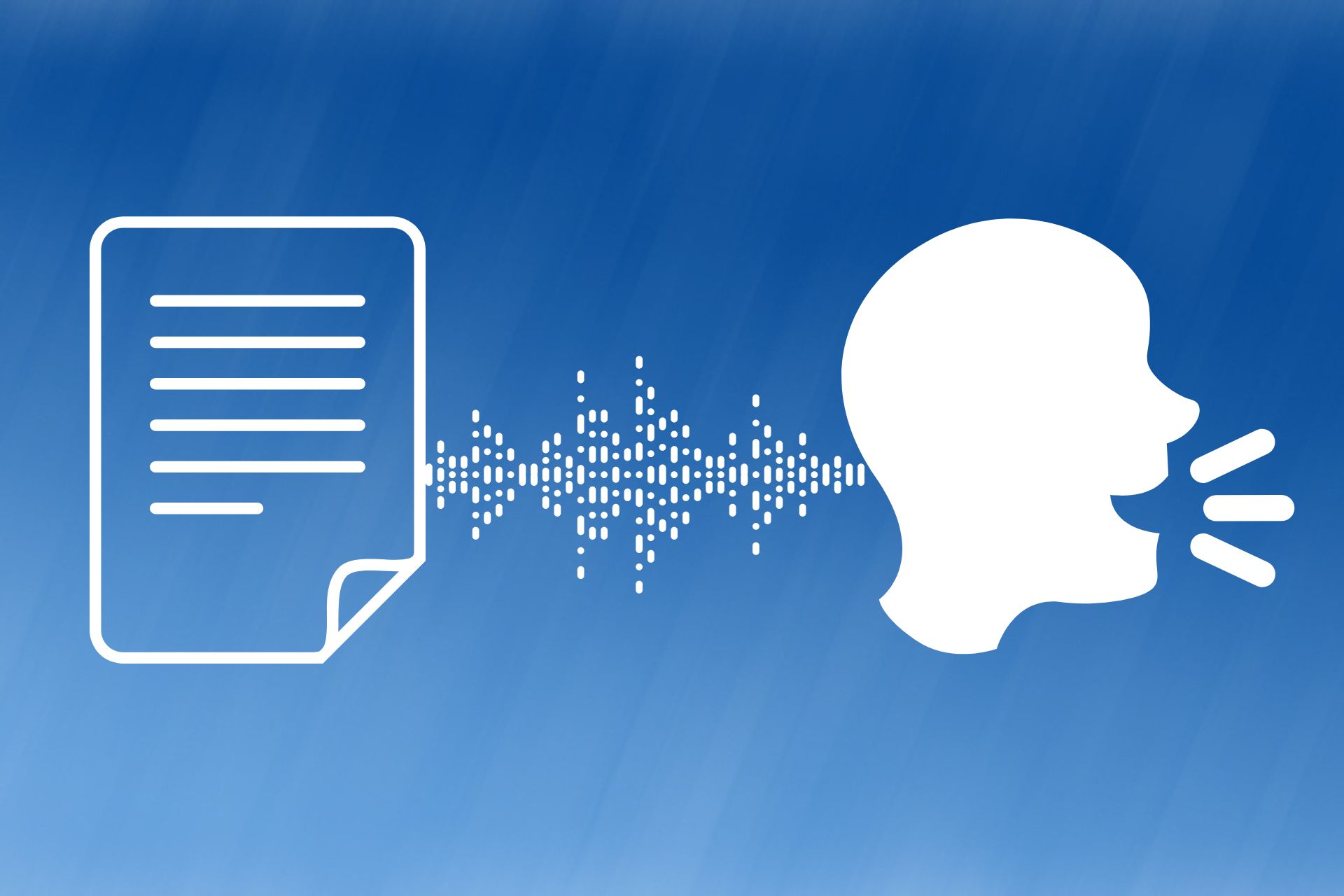
Create clear, expressive narration from text with a voice library, descriptive voice direction, and a reference-audio compatibility flow.

Create Realistic and Expressive Voices with Text to Speech

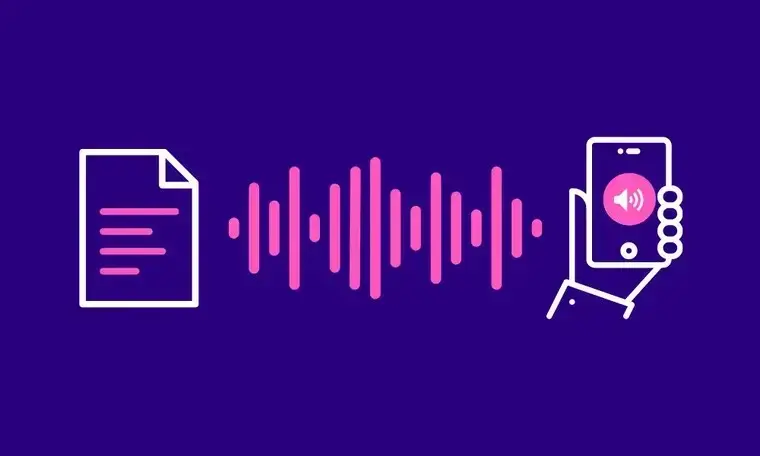
Modern Text to Speech goes beyond simply reading text. It captures natural rhythm, intonation, and emotion, giving every sentence life and making your content more engaging and immersive.

Natural Voice Output

Natural Voice Output

AI-powered Text to Speech produces voices that sound remarkably human, with smooth intonation and expressive phrasing. The result is a natural listening experience that avoids robotic monotony, perfect for podcasts, video narration, or online courses.

Multiple Languages and Accents

Multiple Languages and Accents

Our Text to Speech tool supports a wide range of languages and regional accents, including English, Japanese, Korean, French, Spanish, Italian, German, and Portuguese. This makes it effortless to localize content and reach both global and regional audiences with clarity and authenticity.

Customizable Emotions and Tone

Customizable Emotions and Tone

Adjust speed, pitch, and emotion—cheerful, calm, formal, or lively—to match the personality of your content. With Text to Speech, you can make your audio feel more engaging, convey subtle nuances, and capture your audience’s attention effectively.

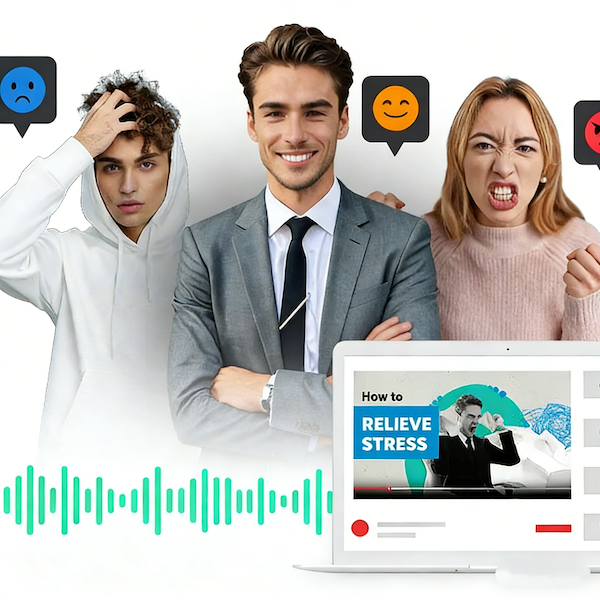
Enhance Engagement and Accessibility with Text to Speech

Text to Speech is more than just audio generation. It transforms your text into dynamic speech that resonates, captivates, and expands the reach of your content. With AI-generated voices, your message can reach more people, create stronger impressions, and deliver a consistent, professional-quality experience every time.

High-Fidelity Audio Output

High-Fidelity Audio Output

Text to Speech is more than just audio generation. It transforms your text into dynamic speech that resonates, captivates, and expands the reach of your content. With AI-generated voices, your message can reach more people, create stronger impressions, and deliver a consistent, professional-quality experience every time.

Accelerated Content Creation

Accelerated Content Creation

Text to Speech is more than just audio generation. It transforms your text into dynamic speech that resonates, captivates, and expands the reach of your content. With AI-generated voices, your message can reach more people, create stronger impressions, and deliver a consistent, professional-quality experience every time.

Enhanced Accessibility

Enhanced Accessibility

Text to Speech is more than just audio generation. It transforms your text into dynamic speech that resonates, captivates, and expands the reach of your content. With AI-generated voices, your message can reach more people, create stronger impressions, and deliver a consistent, professional-quality experience every time.

Discover the Advantages of Using Text to Speech on China Video AI

Discover why China Video AI’s Text to Speech stands out, delivering unmatched convenience, flexibility, and quality. Our platform empowers creators to generate expressive, professional audio effortlessly, helping your content reach its full potential.

Instant Professional-Quality Audio

Instant Professional-Quality Audio

Generate high-quality, clear, and expressive speech in moments, without the need for recording equipment or technical expertise. China Video AI streamlines the process, letting you focus on your creative vision.

Unique AI Voice Customization

Unique AI Voice Customization

Unlike other tools, China Video AI allows nuanced adjustments of tone, pace, and emotion, making your Text to Speech output truly personalized. Your audio can reflect the exact style and mood you want for each project.

Time-Saving Workflow Integration

Time-Saving Workflow Integration

China Video AI’s Text to Speech integrates seamlessly with your content creation workflow. From scripts to final audio, the tool reduces production time significantly, enabling you to produce more content, faster.

Accessible for All Users

Accessible for All Users

China Video AI is designed with simplicity and inclusivity in mind. Its intuitive interface and versatile Text to Speech capabilities ensure both beginners and professionals can create high-impact audio that is accessible to diverse audiences.

Master Practical Techniques to Improve Text to Speech Audio

Master these practical tips to make your Text to Speech audio sound more like real human recordings. By applying these techniques, you can improve clarity, enhance listening comfort, and add richer expressiveness, making your audio projects feel polished, professional, and engaging.

Avatar

Write “Read-Aloud Friendly” Text

Break your text into short sentences and clear paragraphs. Adding simple cues or emotion markers can help Text to Speech produce smoother, more natural audio that is easy to follow.

Avatar

Define Emotion and Tone

Before selecting a voice or adjusting settings, determine the intended tone—formal, casual, or expressive. Setting the right emotion for stories, courses, or promotional content ensures Text to Speech delivers speech that fits the context perfectly.

Avatar

Adjust Speed and Pauses

Control the pace of your audio and add natural pauses at key points. This makes Text to Speech output easier to understand, more pleasant to listen to, and emphasizes important information effectively.

Avatar

Incorporate Background Music and Sound Effects

Adding subtle background music or sound effects to Text to Speech audio can enhance the overall listening experience. For videos or short clips, the right audio elements make the speech more engaging and professional.

Avatar

Different Voices for Characters or Multiple Roles

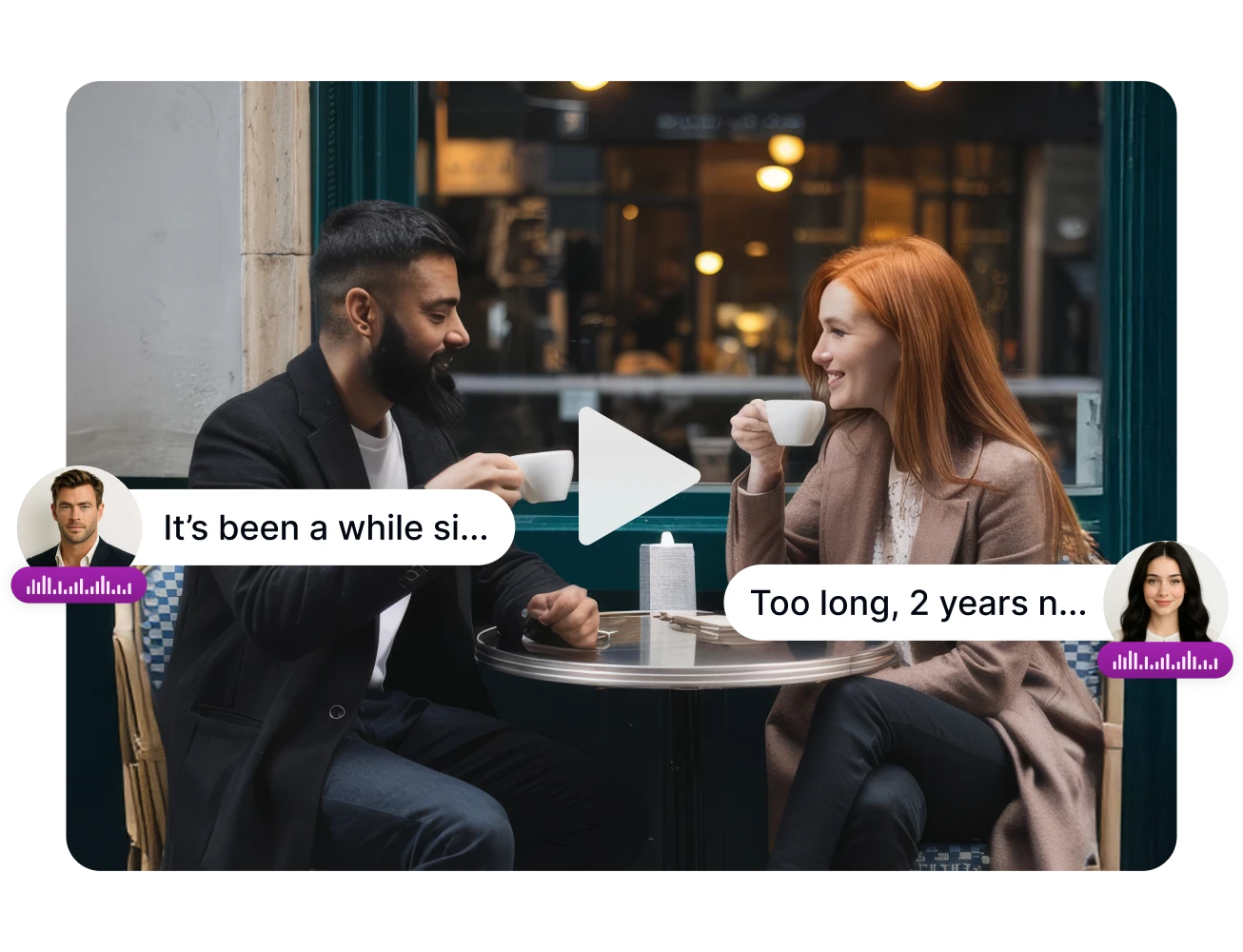
Use distinct voices or emotions for different characters to make dialogues or stories more vivid. Multi-character Text to Speech output can create an immersive and dynamic audio experience.

Avatar

Use Filler Words and Pause Cues

Including natural filler words or short cues (such as “ah,” “um,” or “pause”) in your text helps guide Text to Speech in pacing and intonation. This adds rhythm and a conversational feel, perfect for dialogue, storytelling, or interactive content.

Text to Speech

Discover how Text to Speech can bring your ideas to life in a variety of contexts. From immersive video narration and engaging podcasts to interactive storytelling and educational content, see real-world examples of AI-generated voices in action. Let these creative applications inspire your own projects, demonstrating how Text to Speech can elevate your content and captivate audiences.

Video Narration and Commentary

Video Narration and Commentary

Enhance animations, short films, and tutorial videos with immersive narration that helps viewers follow along and stay engaged. With Text to Speech technology, you can add expressive voices to each scene, guiding the audience and elevating the overall viewing experience.

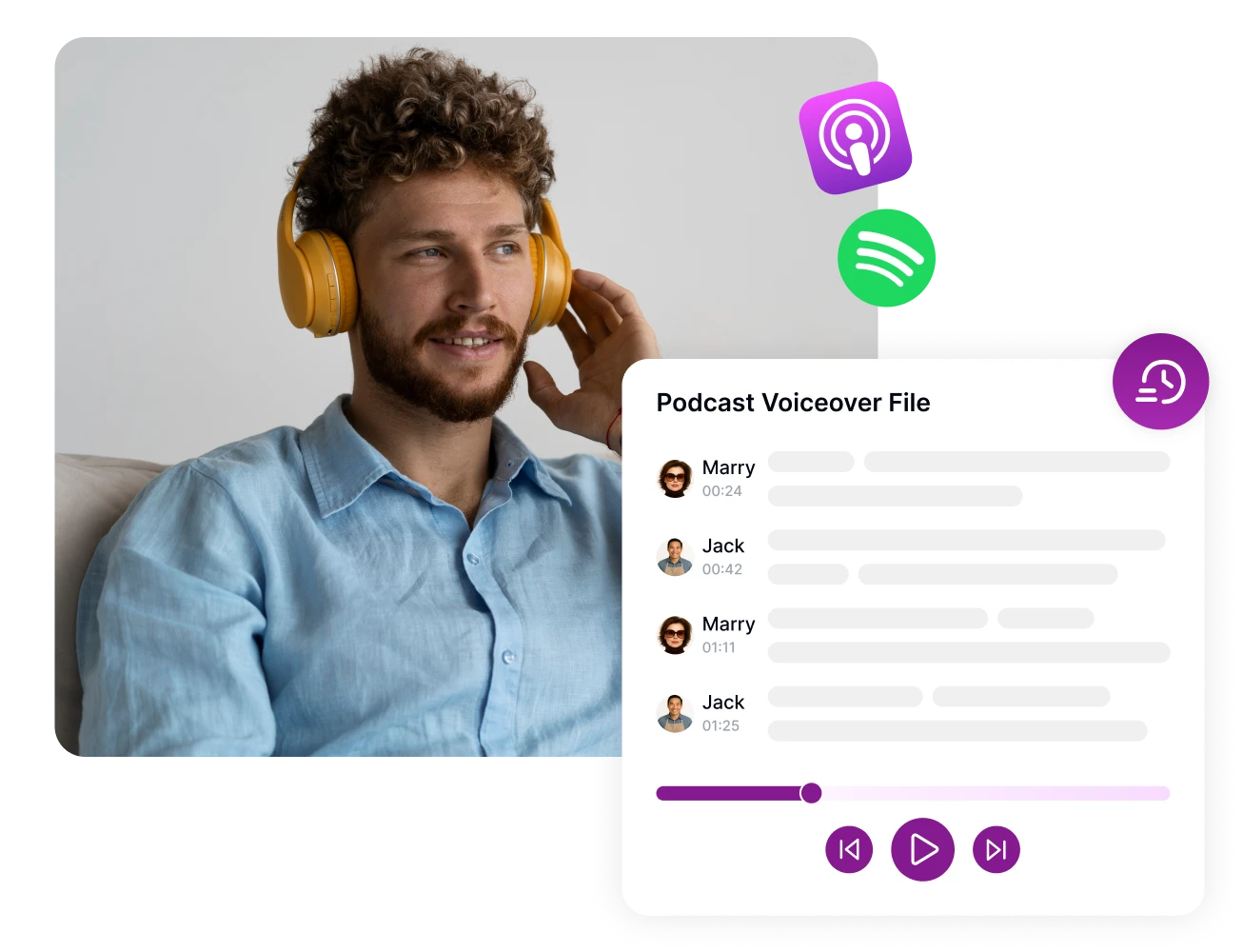
Podcasts and Audio Shows

Podcasts and Audio Shows

Create high-quality podcast episodes with natural, expressive voices that captivate listeners. AI-generated speech allows creators to maintain consistent tone and style, producing audio that feels professional and engaging.

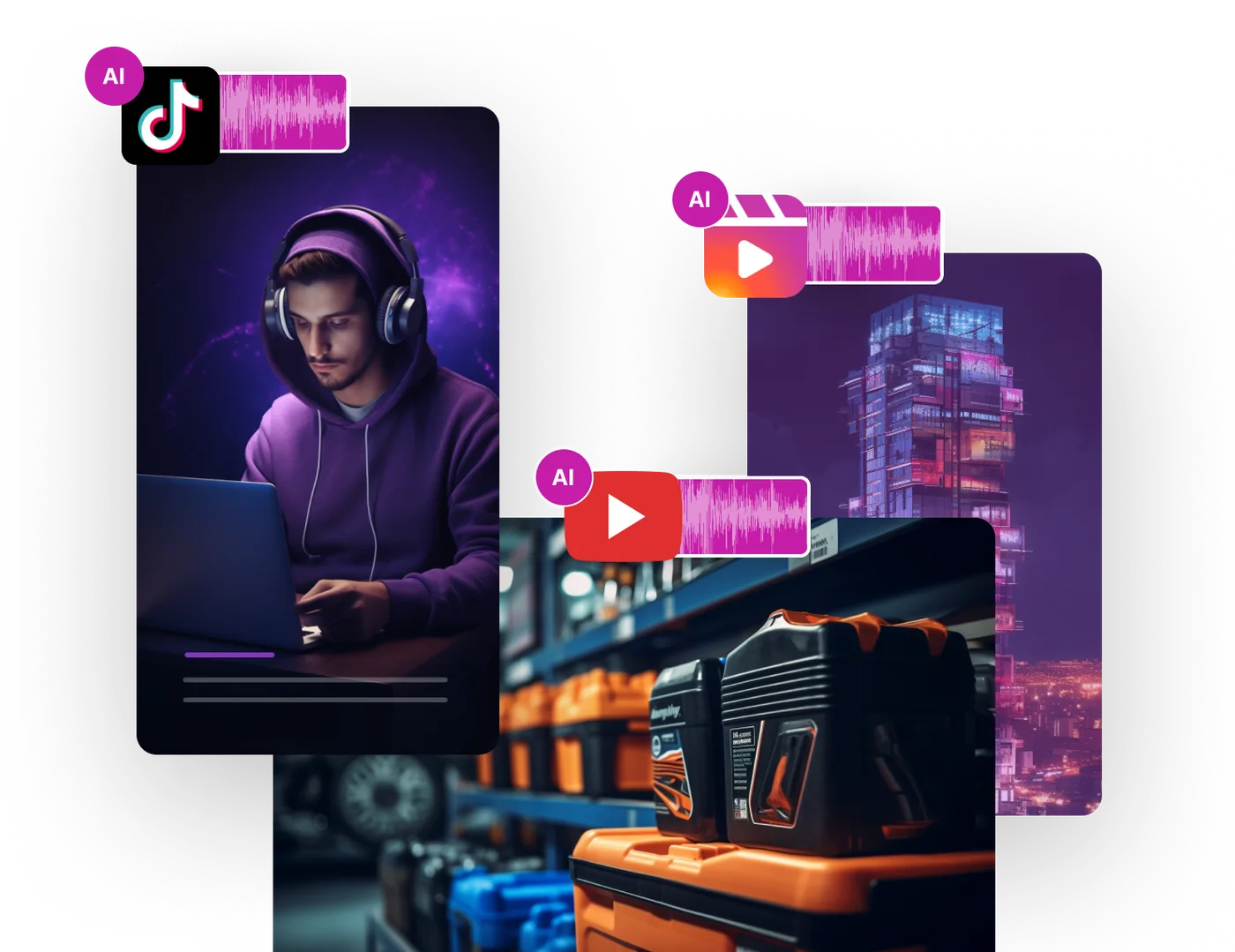
Social Media Content

Social Media Content

Transform posts or stories into dynamic audio experiences that grab attention and boost engagement. Using Text to Speech, creators can quickly generate lively, on-brand voices that make social media content stand out and connect with audiences more effectively.

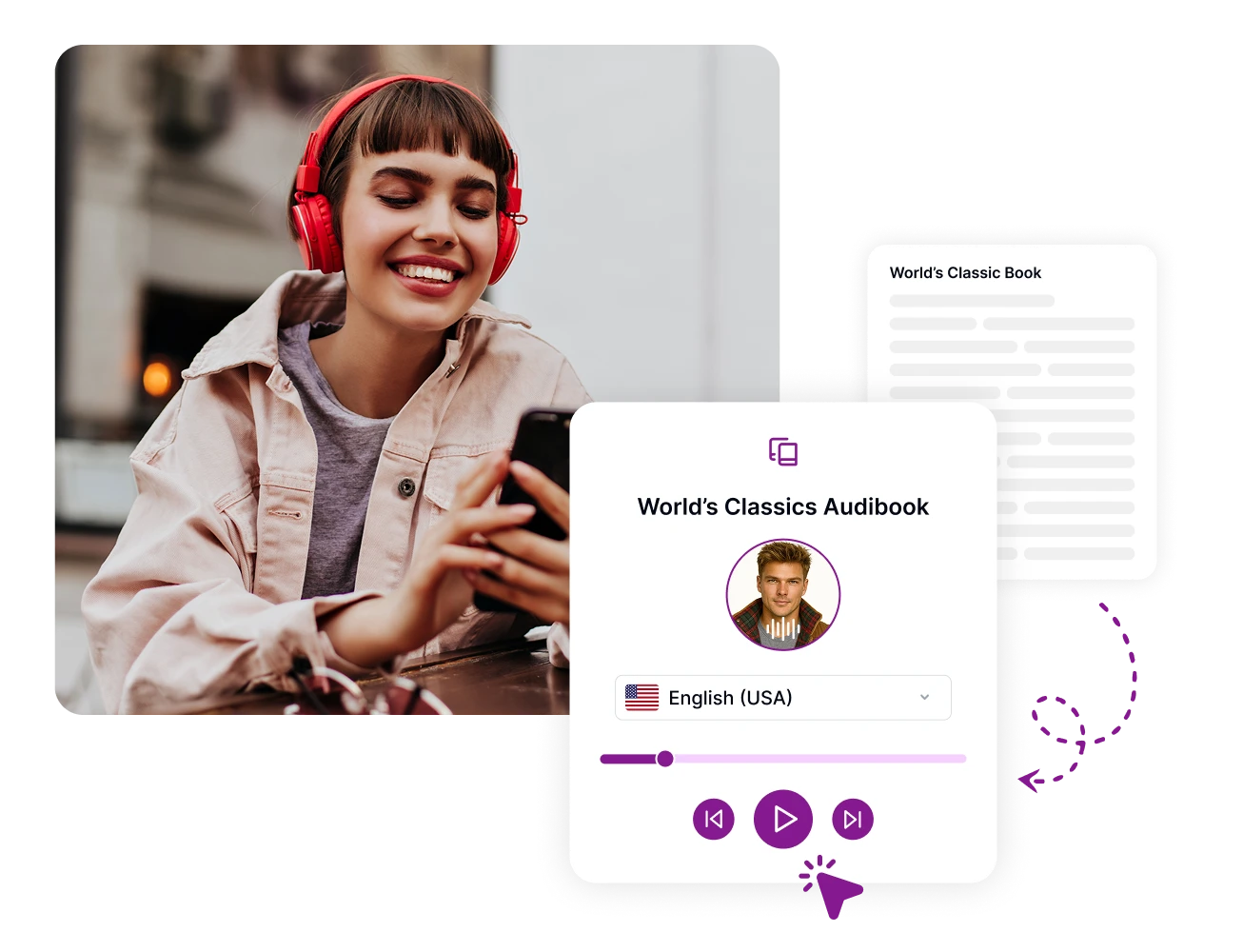
Accessible Content and Reading Experiences

Accessible Content and Reading Experiences

Provide spoken versions of websites, articles, and e-books to reach a broader audience. With AI-powered narration, content becomes more accessible, allowing more users to experience your material through sound while enhancing inclusivity.

A Voice for Every Story

Video Narration

Create polished voiceovers for explainers, documentaries, social posts, and product videos.

Learning & Accessibility

Convert lessons, articles, and written guides into audio that audiences can listen to anywhere.

Characters & Prototypes

Quickly audition different voices for dialogue, games, podcasts, and creative prototypes.

How It Works

Step 1

Choose a Speech Mode

Select a voice, describe a voice, or add reference audio through the compatibility flow.

Step 2

Enter Your Text

Write the exact line you want spoken and review the character counter before submitting.

Step 3

Listen & Download

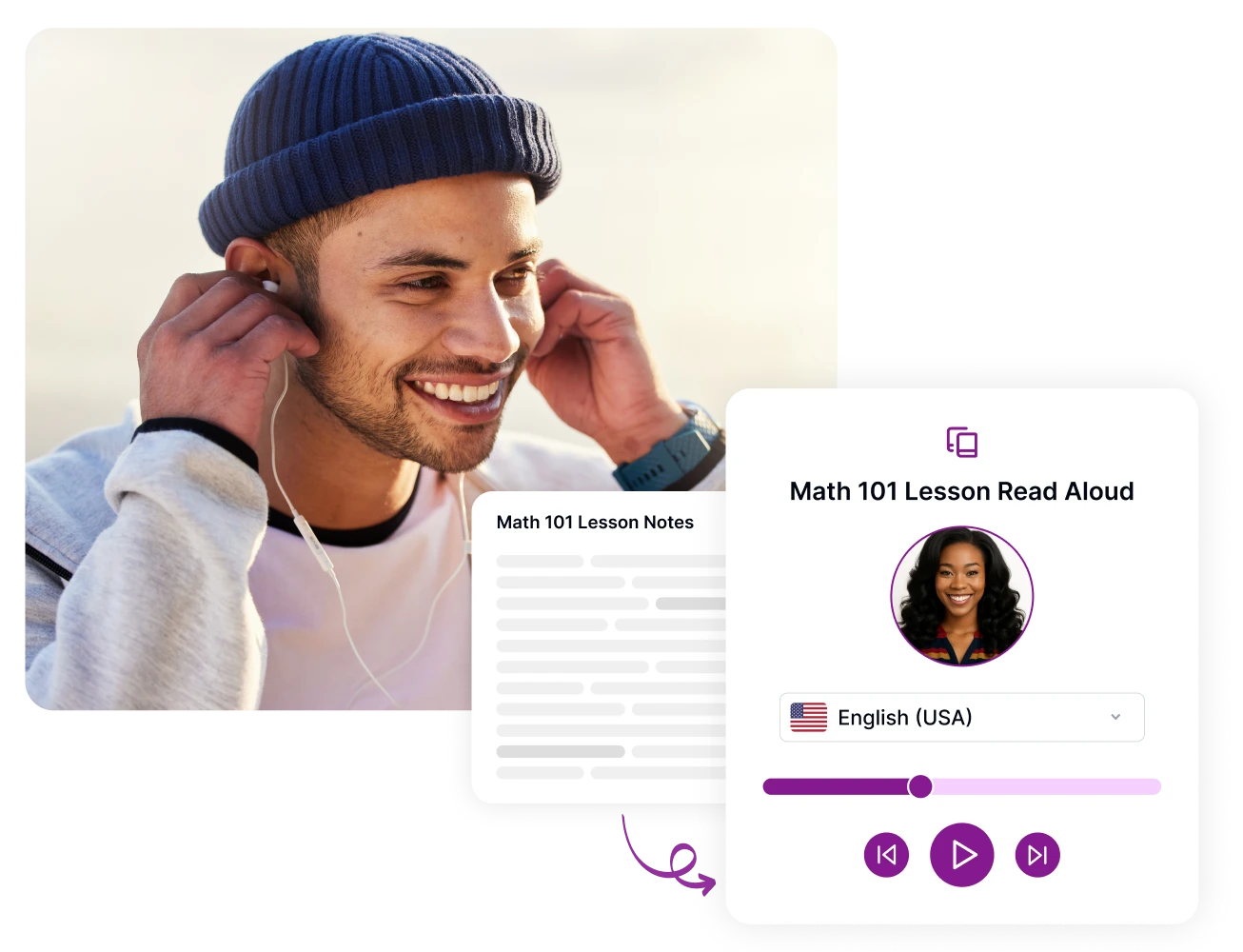
Preview the generated waveform, seek through the audio, and download the speech file.

Frequently Asked Questions

Choose Voice and ElevenLabs use a verified current speech engine. Voice Design and Clone preserve the source workflows through clearly marked compatibility modes.

Give Your Words a Natural Voice

Choose a voice, add your text, and create ready-to-use narration.

Generate Speech