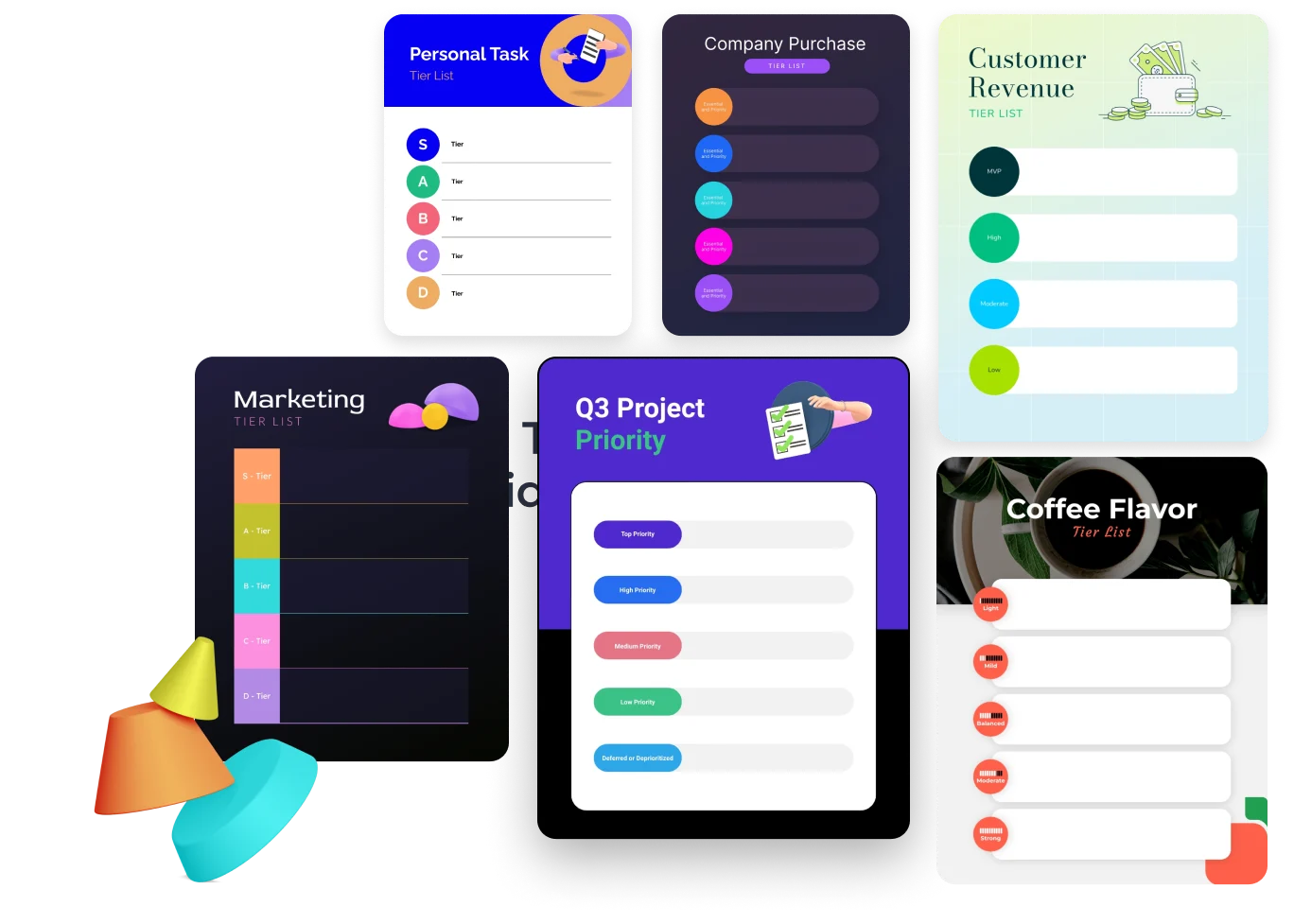
直感的なドラッグ&ドロップランキング
ボディエディター
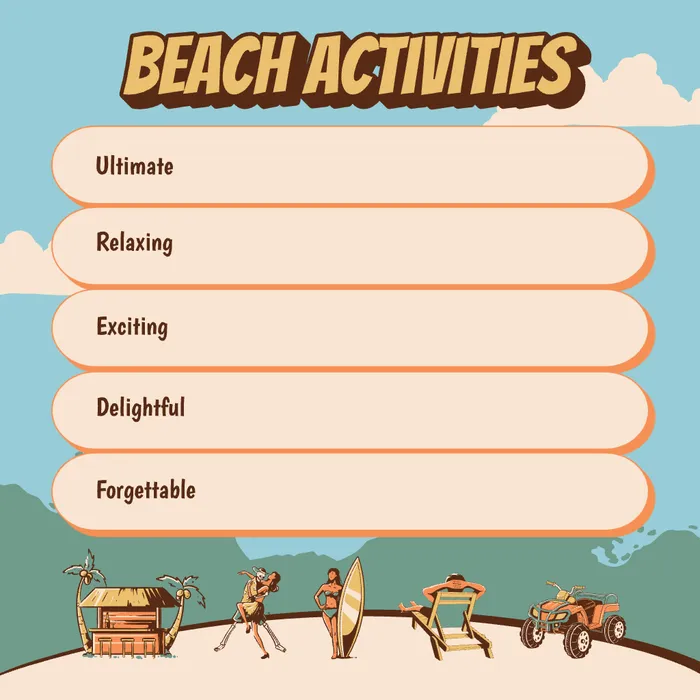 サンプル
サンプル画像とテキストのサポート
商用利用と優先処理を使用して、よりプレミアムな AI ビデオを作成します。
他のユーザーが生成された結果を表示できるようにします。
プロンプトとアップロードされたソース ファイルを他のユーザーから隠します。
結果を待っています
必要な入力を完了し、「生成」をクリックします。
AI画像ツール
Tier List Makerはアイデアを明確で視覚的なランキングに変換するのに役立ちます。ゲームキャラクター、映画、音楽、個人的なお気に入りを簡単にドラッグ&ドロップして、理解しやすく共有できる洗練されたティアリストに整理できます。
ティアリストメーカー を開くTier List Makerは基本的なソートを超えています。直感的な操作から柔軟な構造、明確なプレゼンテーションまで、ランキング全体のプロセスを効率化し、誰でも自信を持ってティアリストを作成、洗練、提示できるようにします。
ボディエディター
スパイダーマン AI
ディスプレイ
Tier List Makerは個人的な判断を構造化された視覚的な声明に変換し、意見をより理解しやすくし、議論しやすく、共有しやすくします。
Tier List Makerは個人的な判断を構造化された視覚的な声明に変換し、意見をより理解しやすくし、議論しやすく、共有しやすくします。
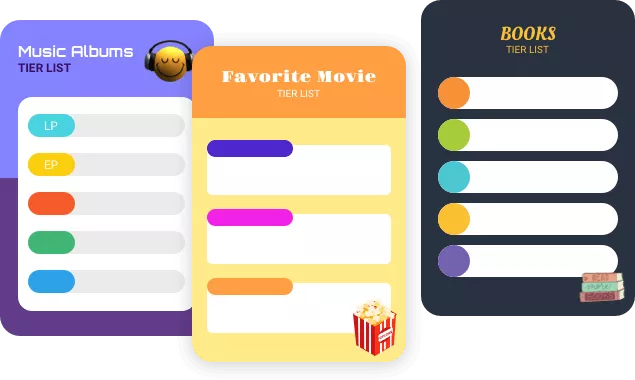
Tier List Makerは個人的な判断を構造化された視覚的な声明に変換し、意見をより理解しやすくし、議論しやすく、共有しやすくします。
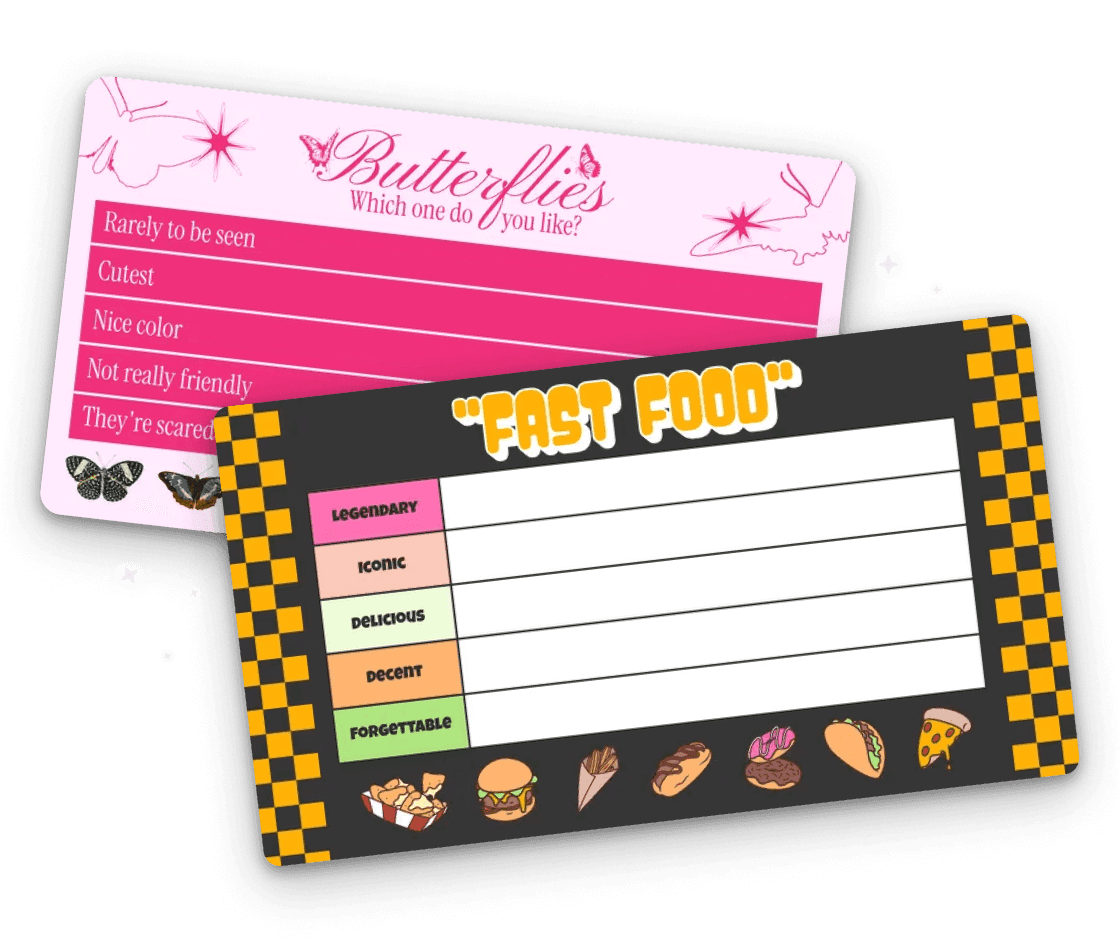
Tier List Makerは個人的な判断を構造化された視覚的な声明に変換し、意見をより理解しやすくし、議論しやすく、共有しやすくします。
Tier List Makerは直感的で使いやすいツールで、好みやランキングを素早く整理、表示、共有したい人に最適です。エンターテインメント、教育、コンテンツ制作のいずれにおいても、Tier List Makerはアイデアを視覚化し、表現を高めるのに役立ちます。
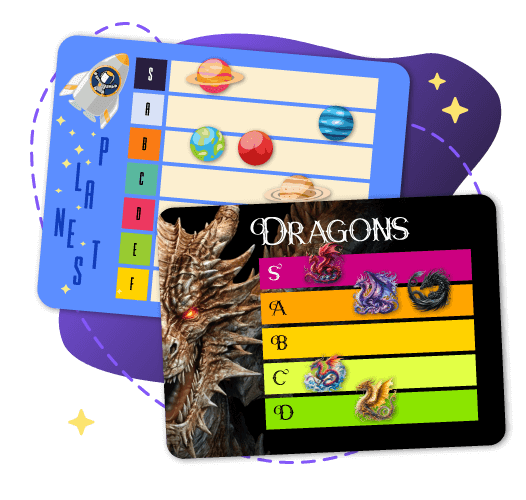
ゲーマーはTier List Makerを活用して戦略を立て、キャラクターやスキル、アイテムを好みに整理し、個人的な参照やコミュニティの議論用に読みやすいチャートを作成できます。
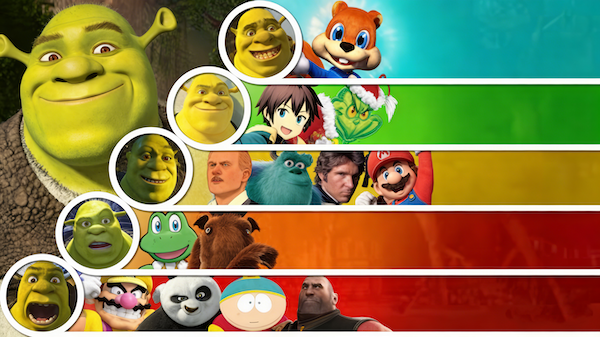
映画キャラクター、音楽アルバム、アニメのフィギュア、本、その他のお気に入りのアイテムをTier List Makerでランク付けしましょう。個人的な意見を即座に紹介し、ソーシャルメディアやコミュニティで簡単に共有して、交流や議論を促しましょう。
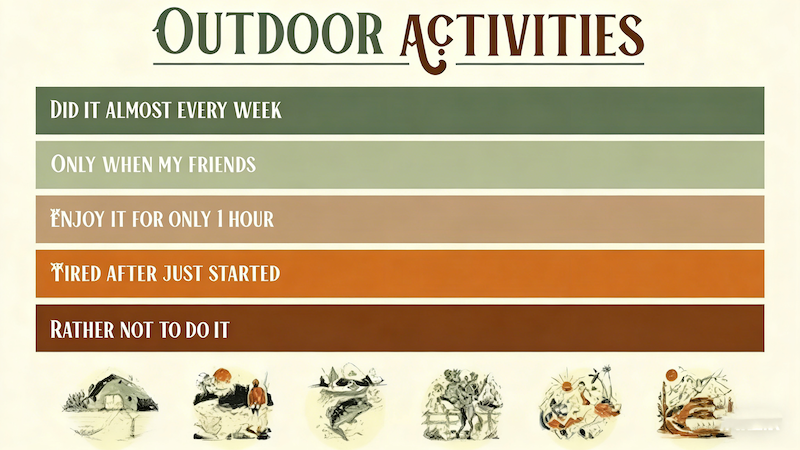
ライター、ブロガー、ソーシャルメディアクリエイターは、Tier List Maker chartを使ってコンテンツを強化し、抽象的なアイデアを読みやすく視覚的なランキングに変え、読みやすさとオーディエンスのエンゲージメントを向上させることができます。
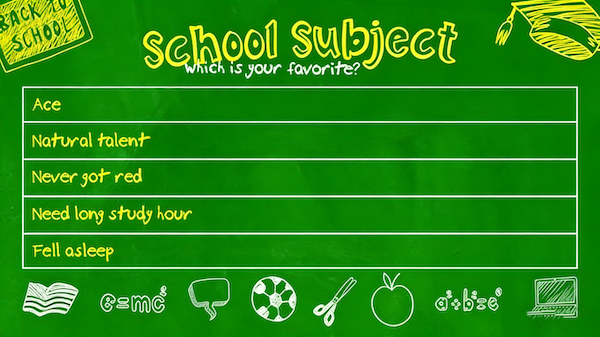
Tier List Makerは、教師やアナリストが授業、トレーニングセッション、レポート用の明確な視覚的チャート、評価リスト、知識階層を作成するのを支援します。複雑な情報を構造化し、理解しやすくし、学習や意思決定の効率を向上させます。
China Video AIでは、Tier List Makerは単なる単独のツールではありません。コンテンツ制作のワークフローの一部であり、ランキングを表現、ストーリーテリング、共有にシームレスに統合するのに役立ちます。

China Video AIはスムーズで直感的な体験を重視し、登録や複雑な設定なしですぐにTier List Makerに飛び込めます。アイデアをすぐにビジュアルランキングに変換し、ツール管理よりも創造性に重点を置いてください。

China Video AIのTier List Makerは、静的なチャート以上のものを生成します。あなたのティアリストは記事、プレゼンテーション、マルチメディアプロジェクトに直接組み込まれ、各ランキングを意見を伝え、物語を伝える魅力的な手段に変えます。

China Video AIは配信に最適化されており、Tier List Maker ランキングがソーシャルメディアプラットフォーム、ブログ、コラボレーションスペースで簡単に共有できるようになっています。各Tier List Maker チャートは共有可能な視覚的資産となり、コンテンツのリーチと影響力を拡大します。
デスクトップでTier List Makerチャートを編集する場合でも、モバイルでランキングを調整している場合でも、China Video AIは一貫した体験を提供します。Tier List Makerはデバイス間でシームレスに動作し、いつでもどこでもティアリストを作成、調整、管理する柔軟性を提供します。
China Video AIのコンテンツエコシステムの中で、Tier List Makerはインスピレーションの源として機能します。他のユーザーのランキングスタイルやクリエイティブなレイアウト、テーマを探求して新しいアイデアを生み出し、自分のティアリストを洗練させ、創作を新鮮でダイナミックに保ちましょう。
エンターテインメントランキングや教育コンテンツから製品比較、プロジェクト評価まで、China Video AIのTier List Makerは抽象的なアイデアを明確で実践的なビジュアルに変換し、ランキングをプロフェッショナルで実用的、そして実際のプロジェクトですぐに使えるものにします。
Tier List Makerが好みや意見、アイデアをどのように明確で視覚的に魅力的なランキングに変えるかの実際の例を探ってみましょう。
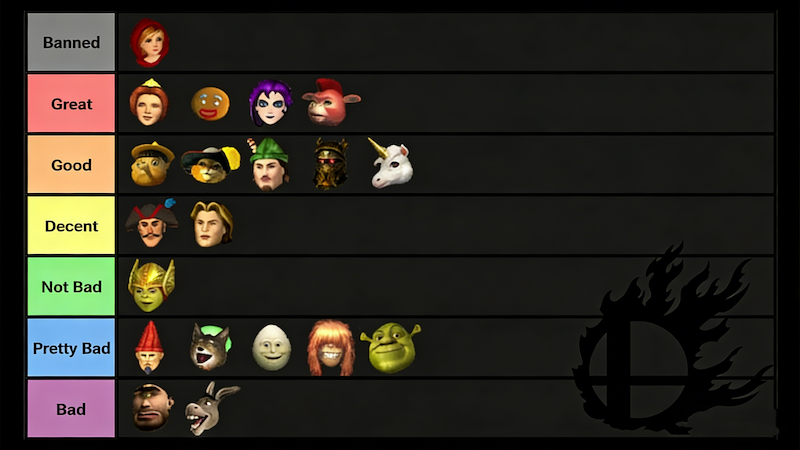
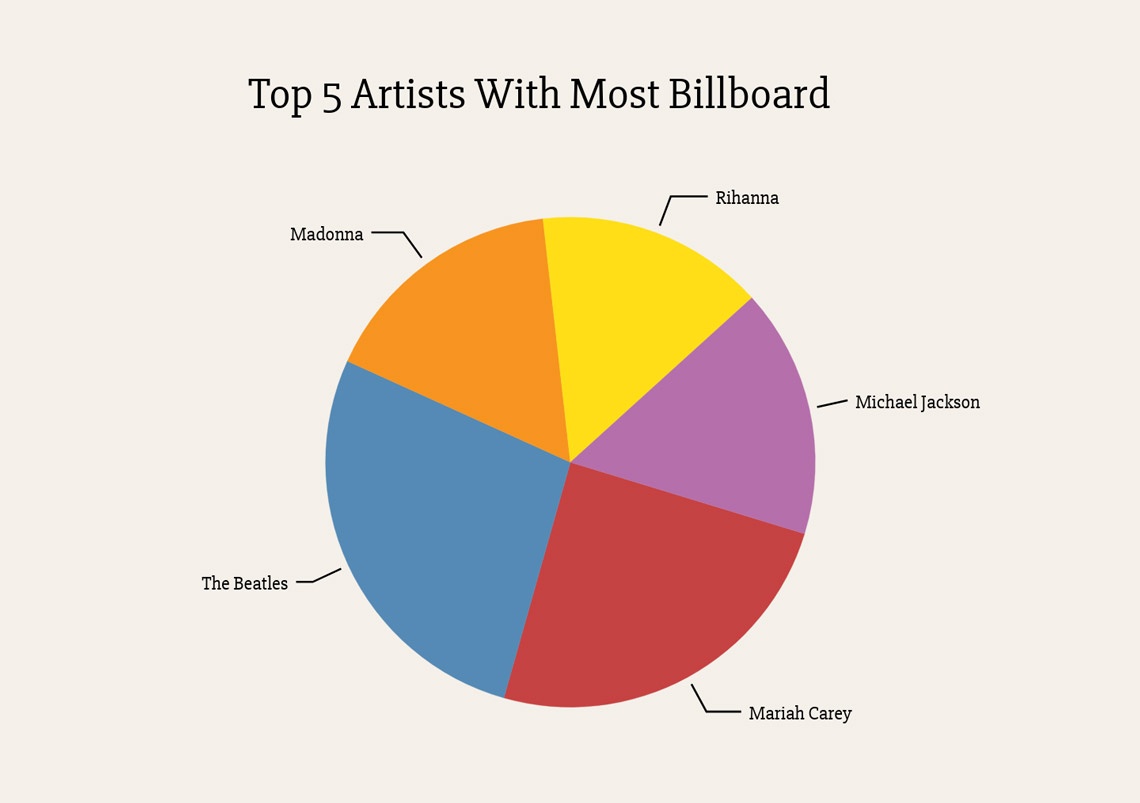
Tier List Makerを使えば、ゲームキャラクターを強さ、能力、人気度で直感的にランク付けできます。ビジュアルエントリーにより、プレイヤーや視聴者が各キャラクターの役割や地位を簡単に理解でき、コミュニティでの共有やソーシャルメディアでの議論に最適です。

Tier List Makerを使って、ファンの魅力、インパクト、ストーリーのパフォーマンスで映画やテレビのキャラクターをティッシュアップできます。明確な視覚的階層は、個人のランキングを整理するだけでなく、ファン同士の交流や投票、議論を促進します。
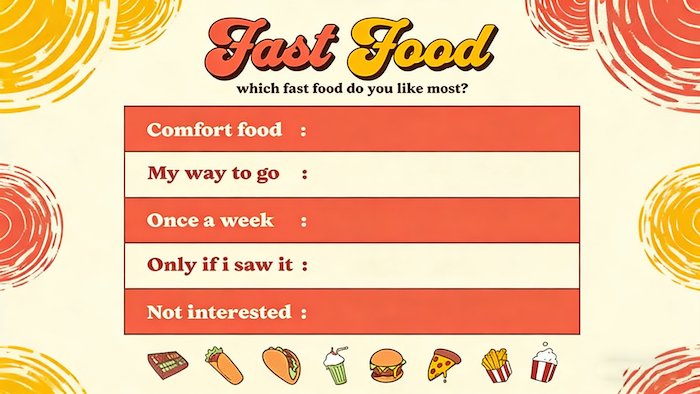
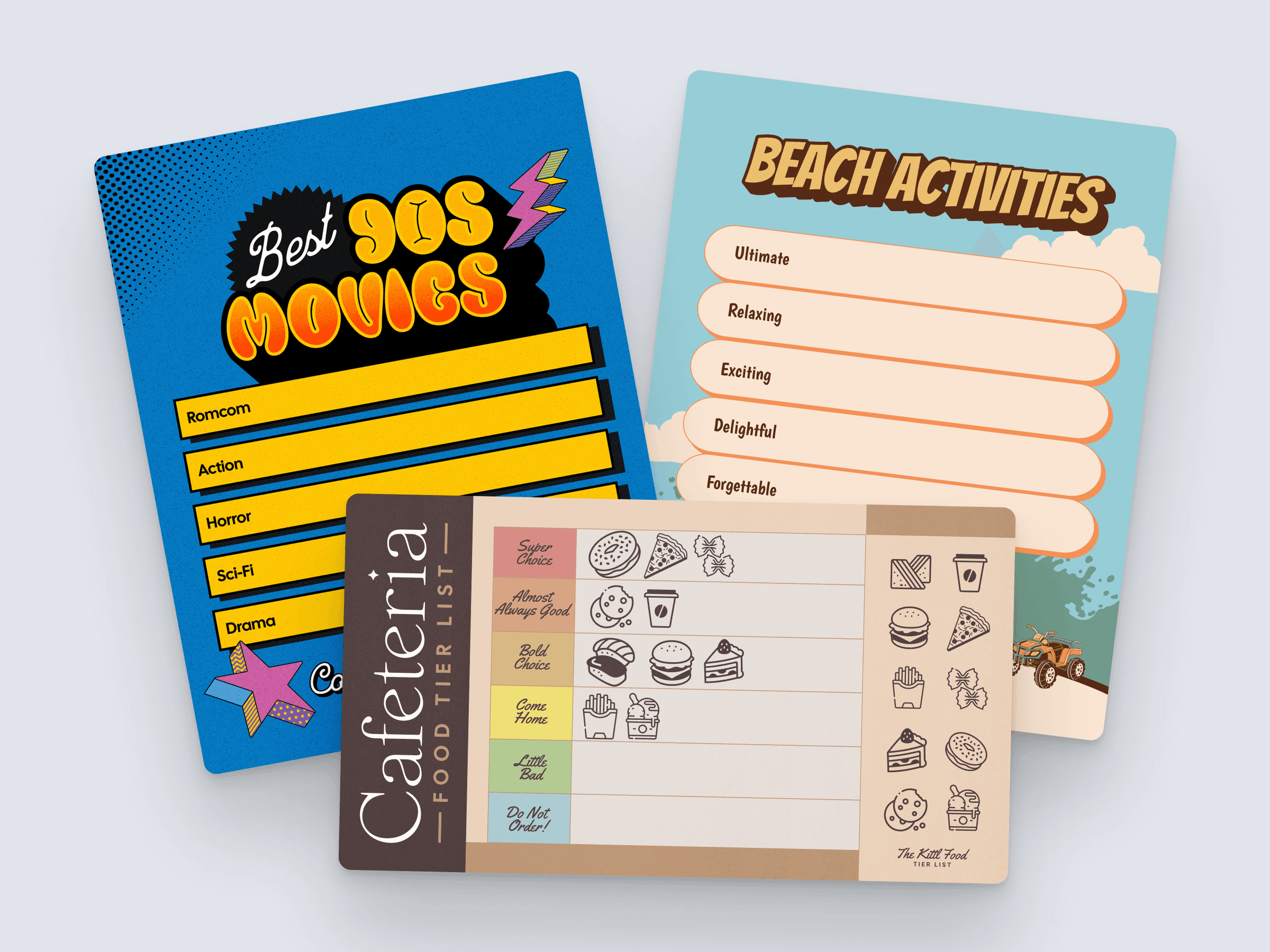
Tier List Makerでデザート、メインコース、スナックのランク付けリストを素早く作成できます。画像とテキストを組み合わせることで、あなたの料理の好みやおすすめは読みやすく視覚的に魅力的で、ブログやソーシャルメディア、レストランガイドに最適です。
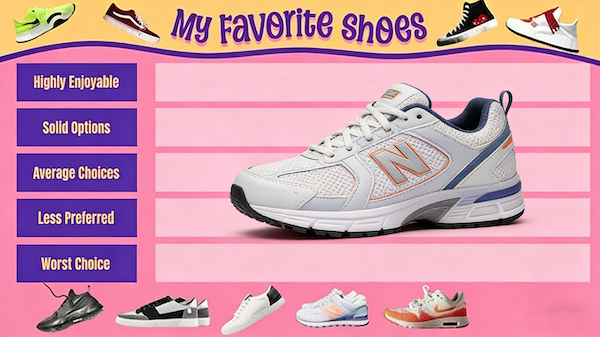
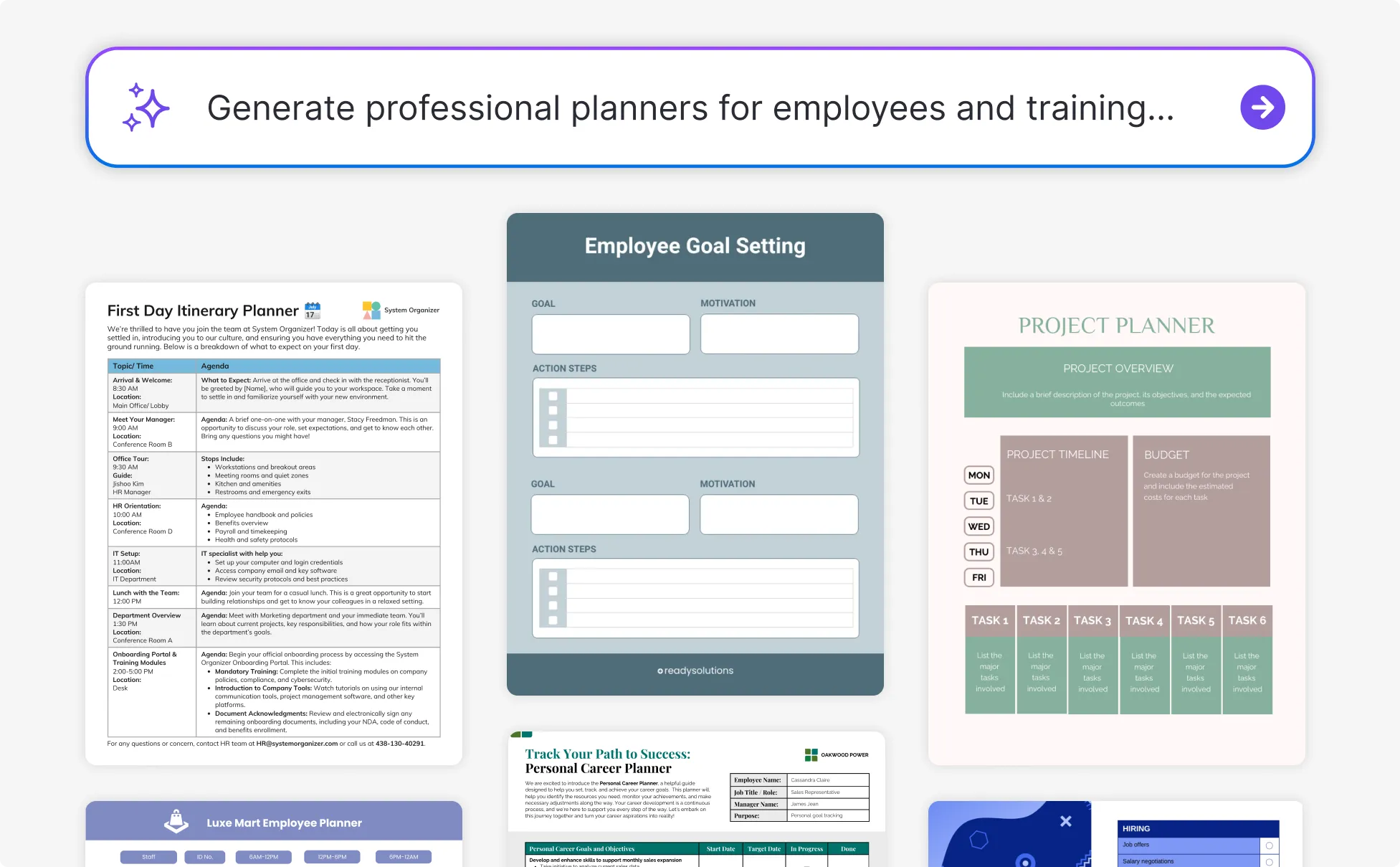
Tier List Makerは、さまざまな製品、ツール、サービスの長所・短所、パフォーマンス、価値を可視化できます。明確な階層表は、チームの意思決定を支援し、顧客の選択を支援し、複雑な情報をアクセスしやすく説得力のあるものにします。
初心者から上級者まで素早く簡単に、Tier List Makerはアイデアを数分でプロフェッショナルで視覚的に魅力的なティアリストに変換できます。
ランク付けしたいアイテムをアップロードまたは選択してください。キャラクター、作品、画像、テキストのいずれでも構いません。Tier List Makerは複数のフォーマットに対応しており、アイデアを簡単に整理し、直感的なランキングに備えられます。
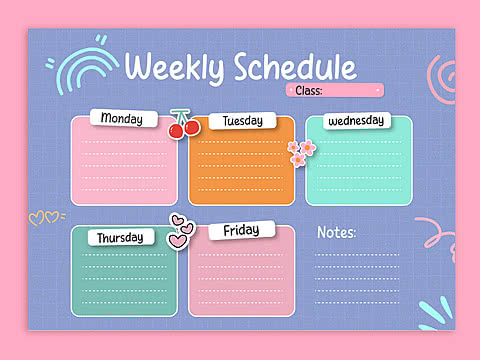
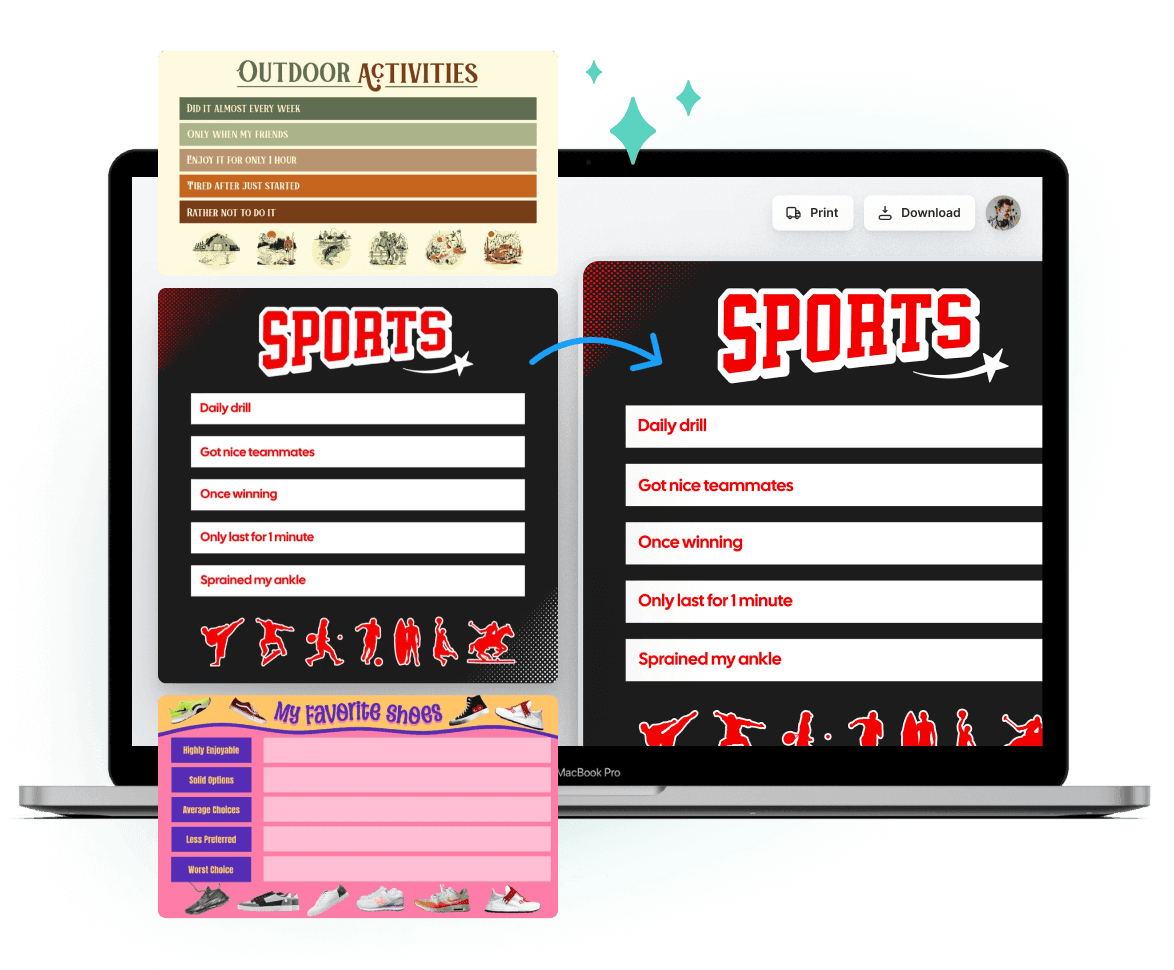
Tier List Makerでは、各アイテムを好みのティアにドラッグし、必要に応じてラベル、色、フォント、画像を自由に調整できます。レイアウトをカスタマイズすることでランキングが明確になるだけでなく、あなたの好みやクリエイティブなスタイルも際立つようになります。
ティアリストが完成したら、Tier List Makerを使って高品質な画像をエクスポートしたり、共有可能なリンクを作成したりできます。ランキングをソーシャルメディア、ブログ、チームプロジェクトで共有し、洞察を分かりやすく、興味深く、フィードバックに備えましょう。
Tier List Makerに関するよくある質問への迅速な回答を見つけ、その機能、使い方、創造的な可能性をよりよく理解するのに役立ちます。
はい!Tier List Makerは各項目に説明や注釈を追加できるため、共有時にランキングをより豊かで明確、解釈しやすくします。
Tier List Makerはデスクトップとモバイルデバイスでシームレスに動作します。Chrome、Safari、Edge、Firefoxに対応しており、いつでもどこでもティアリストを作成できるスムーズな体験を保証します。
はい!Tier List Makerは高解像度画像をエクスポートでき、ソーシャルメディアの共有、ブログ、プレゼンテーションに最適です。
Tier List Makerは高解像度のPNGやJPEG画像をエクスポートでき、ランキングをソーシャルメディア、ドキュメント、プレゼンテーションで共有する準備が整います。
はい!Tier List Makerを使えば、作成したティアリストを保存し、いつでも編集できるため、ランキングを整理し最新の状態に保ちます。
現在、Tier List Makerはコラボレーションやチーム編集をサポートしていません。各ティアリストは1人のユーザーによって作成・管理されますが、リストを簡単にエクスポートしたり共有したりして、チームで閲覧や議論が可能です。
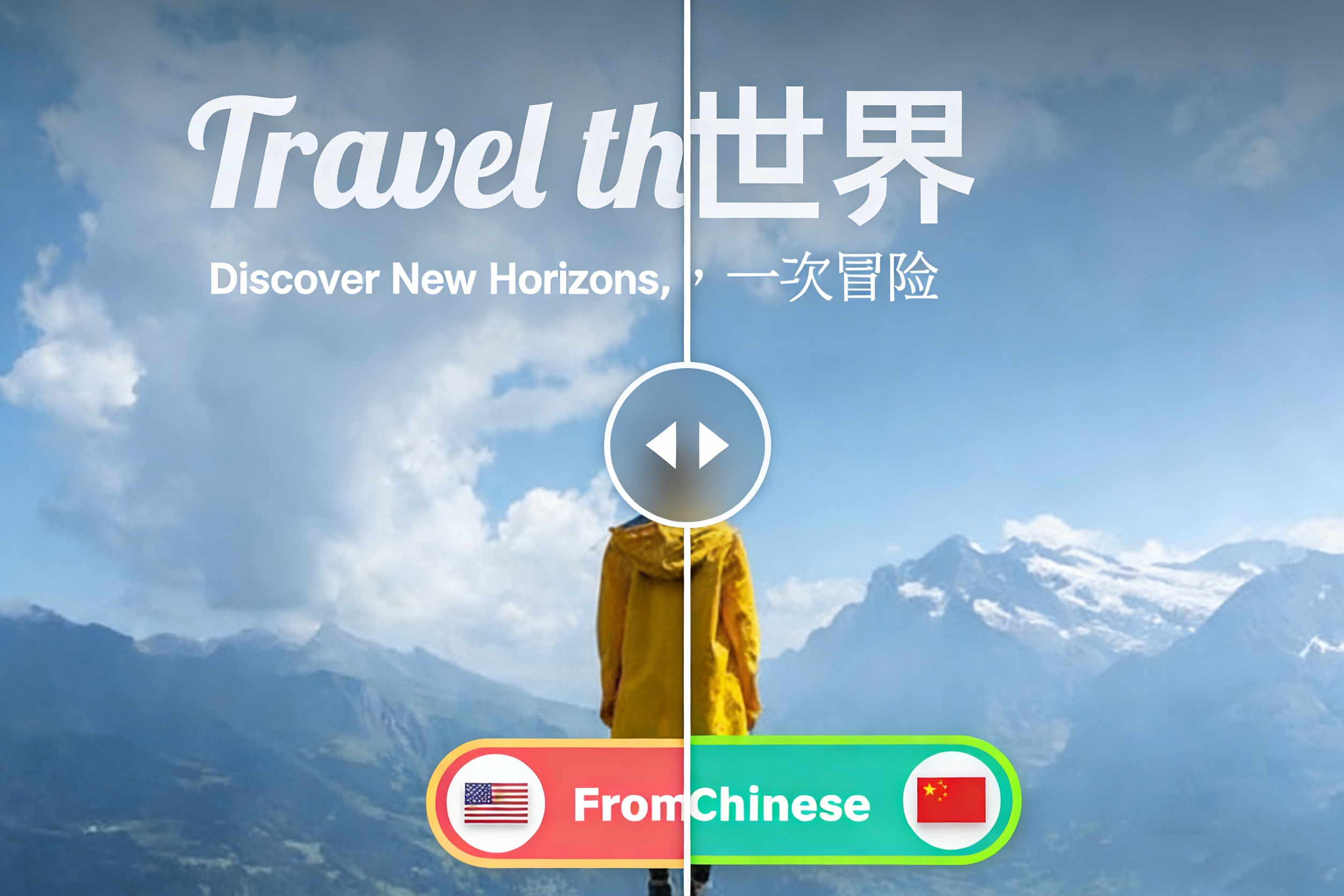
はい!このプラットフォームは多言語インターフェースを提供しており、異なる地域のユーザーがTier List Makerを使って簡単にティアリストを作成できます。
ティアリストメーカーは、デイリーチェックインやタスクの完了でポイントを獲得することで無料で利用できます。ポイントが使い切られると、追加アクセスには支払いが必要になる場合があります。
Tier List Makerを使ってパーソナライズされたランキングチャートを作成しましょう。ブログやソーシャルメディアで共有することで、アイデアを魅力的で明確かつ視覚的に魅力的にしましょう。
今日からティアリスト作成者ランキングの作成を始めましょう