
Street Drift AI Video: Controlled Scene Prompts
Create a coherent street drift AI video with copy-ready prompts, car continuity checks, camera choices, and a closed-course visual workflow.
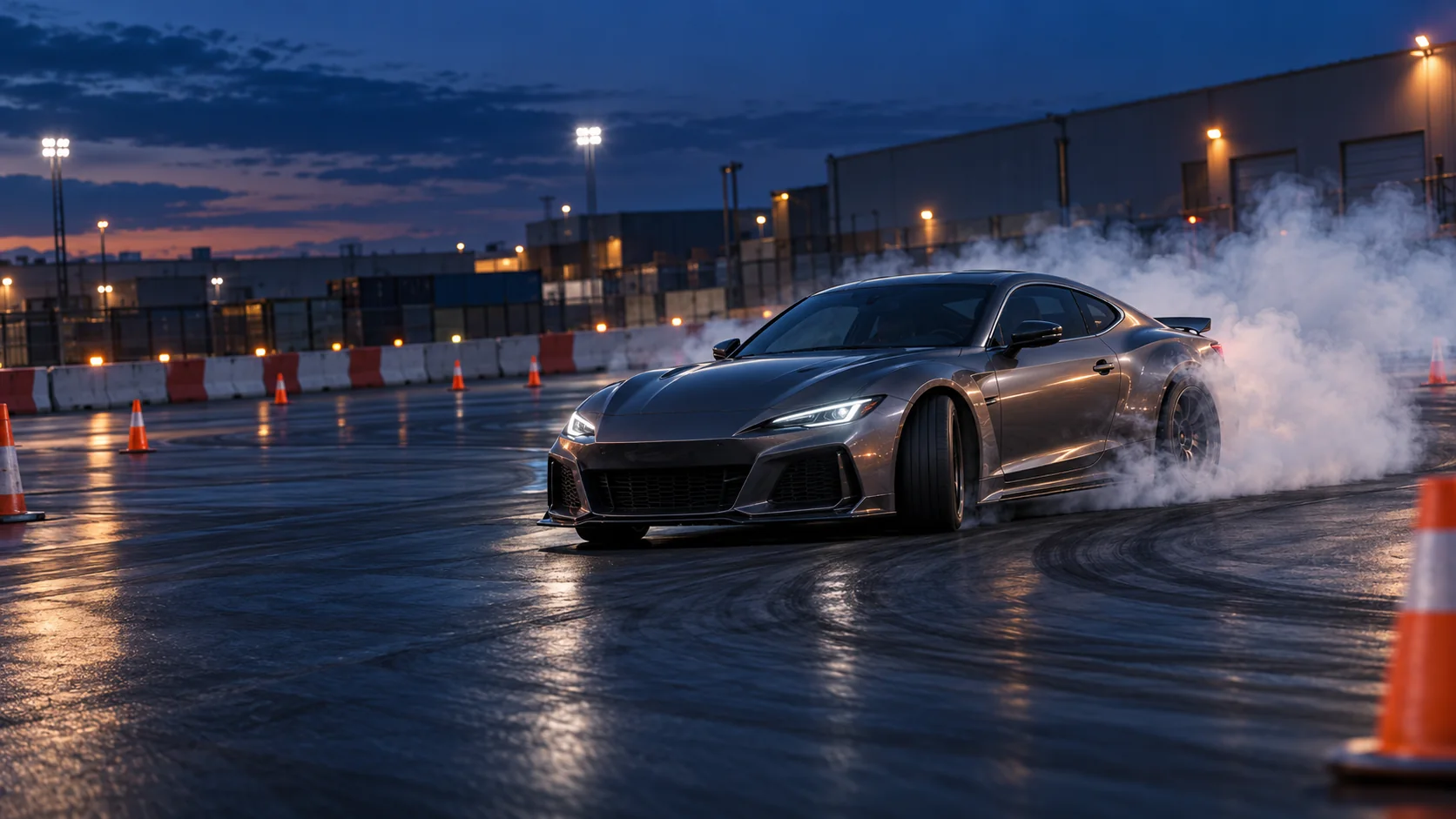
What “street drift” means in an AI video prompt
“Street drift” can point to several things in search: real drifting as a motorsport, games that use the phrase in their title, and cinematic AI car clips with an urban look. This guide focuses on the third meaning: planning a short generated video that evokes street-car culture while keeping the depicted action on a closed course or controlled film set.
In motorsport, drifting is a judged discipline built around a car moving sideways through a marked course. A video prompt can borrow the visual language—an angled car, a defined corner, tire smoke, barriers, and a trackside camera—without suggesting that the scene belongs on an open road. Keep that boundary explicit in every prompt. The examples below are visual briefs, not driving instructions or claims about how a real car should be operated.
If you are ready to shape a concept, open the text-to-video workspace with Seedance 2.5 selected, or use the image-to-video workspace with a car reference. You can also return to the China Video AI home page. The prompt patterns are starting points for other models too; controls and results vary.
Why a drift scene needs a tighter brief
A still image can sell a car at an angle with smoke behind it. A moving clip has to preserve the same vehicle, road markings, corner, direction, wheels, and camera relationship over time. If the prompt asks for a fast slide, a whip pan, a changing lens, a second car, sparks, rain, and a scene cut all at once, the model has many opportunities to lose continuity.
That is why a focused street drift AI video prompt often reads more like a shot brief than a list of style tags. Decide what the viewer should notice first. Then describe the location, vehicle, action, camera, light, and constraints in a stable order. A simpler scene gives you a clearer basis for reviewing what worked.
Generative video still has limits with physically plausible complex movement. In its own discussion of model capabilities, ByteDance notes that physical plausibility for complex motion remains an area for improvement. Treat that as a reason to inspect the output carefully, not as a promise that one wording trick can fix every artifact.
Use a one-car, one-corner prompt framework
Build the prompt from six pieces. You can draft them as separate notes, then combine them into a short paragraph:
- Setting: a closed course or controlled set, with cones, barriers, and a marked corner.
- Vehicle identity: body type, paint, wheel color, and one distinctive but unbranded detail.
- Single action: one continuous drift moment through one corner.
- Camera: one position and one movement, such as a steady trackside pan.
- Light and texture: daylight, dusk, or night; wet or dry surface; restrained smoke.
- Continuity limits: same car throughout, visible course boundary, no scene change, no text or logos.
The framework keeps the brief concrete without turning it into a recipe for real-world driving. Describe the visible result rather than giving instructions to a driver. For example, “the coupe holds a controlled sideways angle through the marked corner” describes an image. Operational details about speed, steering, throttle, braking, or where to attempt a maneuver do not belong in this prompt guide.
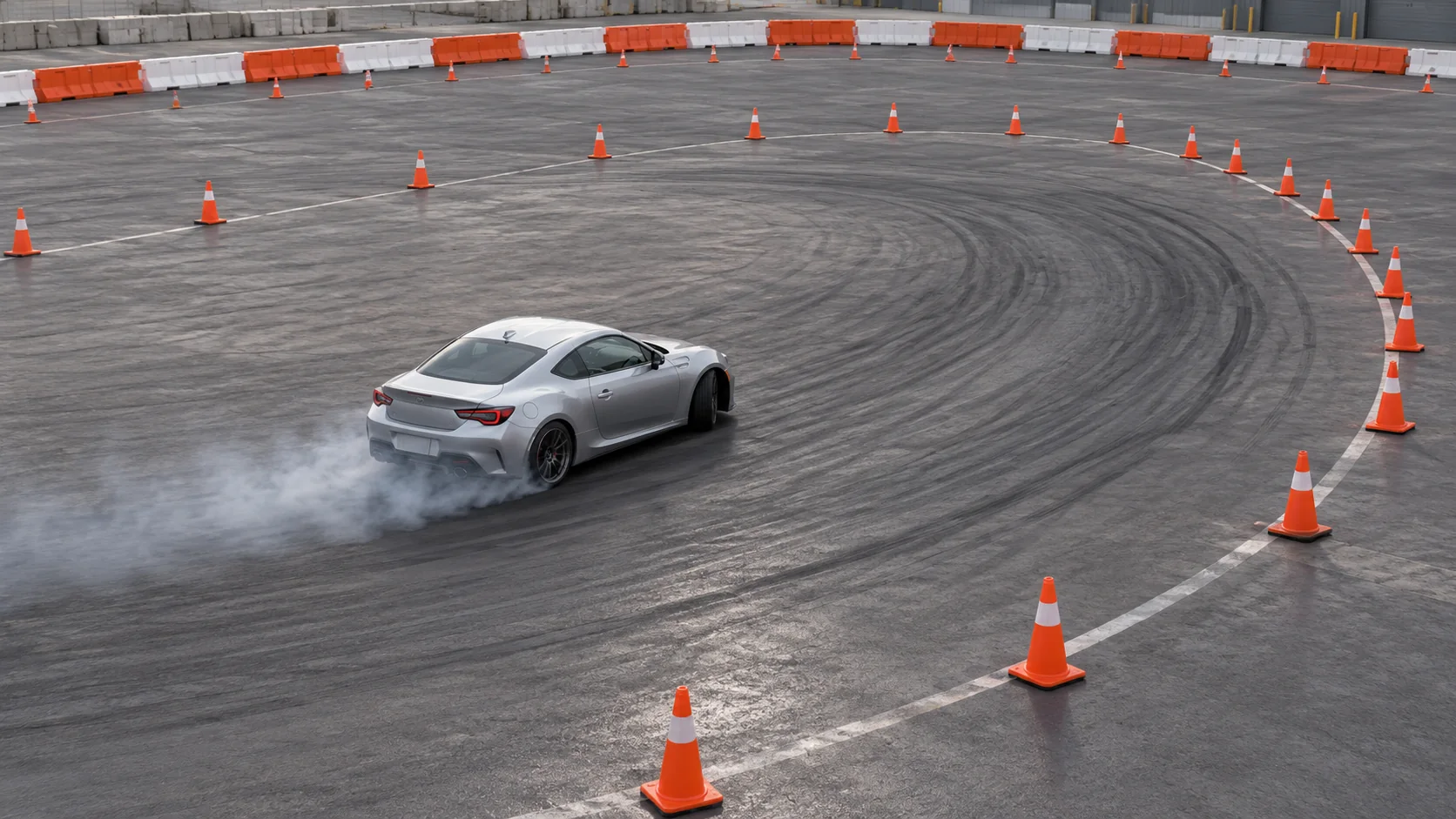
Keep the car easy to recognize
Write a compact identity card and reuse it verbatim. Pick details that are likely to remain visible from the chosen angle. A color, body shape, wheel finish, and a small unbranded accent are usually easier to inspect than a long inventory of trim.
Vehicle identity: one graphite-gray two-door coupe, low wide body,
matte black five-spoke wheels, narrow amber front marker lights,
no badges, no readable plate, no changes to paint or body shape.
If the interface accepts a reference image, use an image you own or have permission to use. Keep the reference uncluttered and well lit. A side or front three-quarter view can establish the silhouette; a distant thumbnail with a busy background gives the model less useful visual information. Reuse the same reference when you want continuity, and avoid adding an unrelated second car as a style reference.
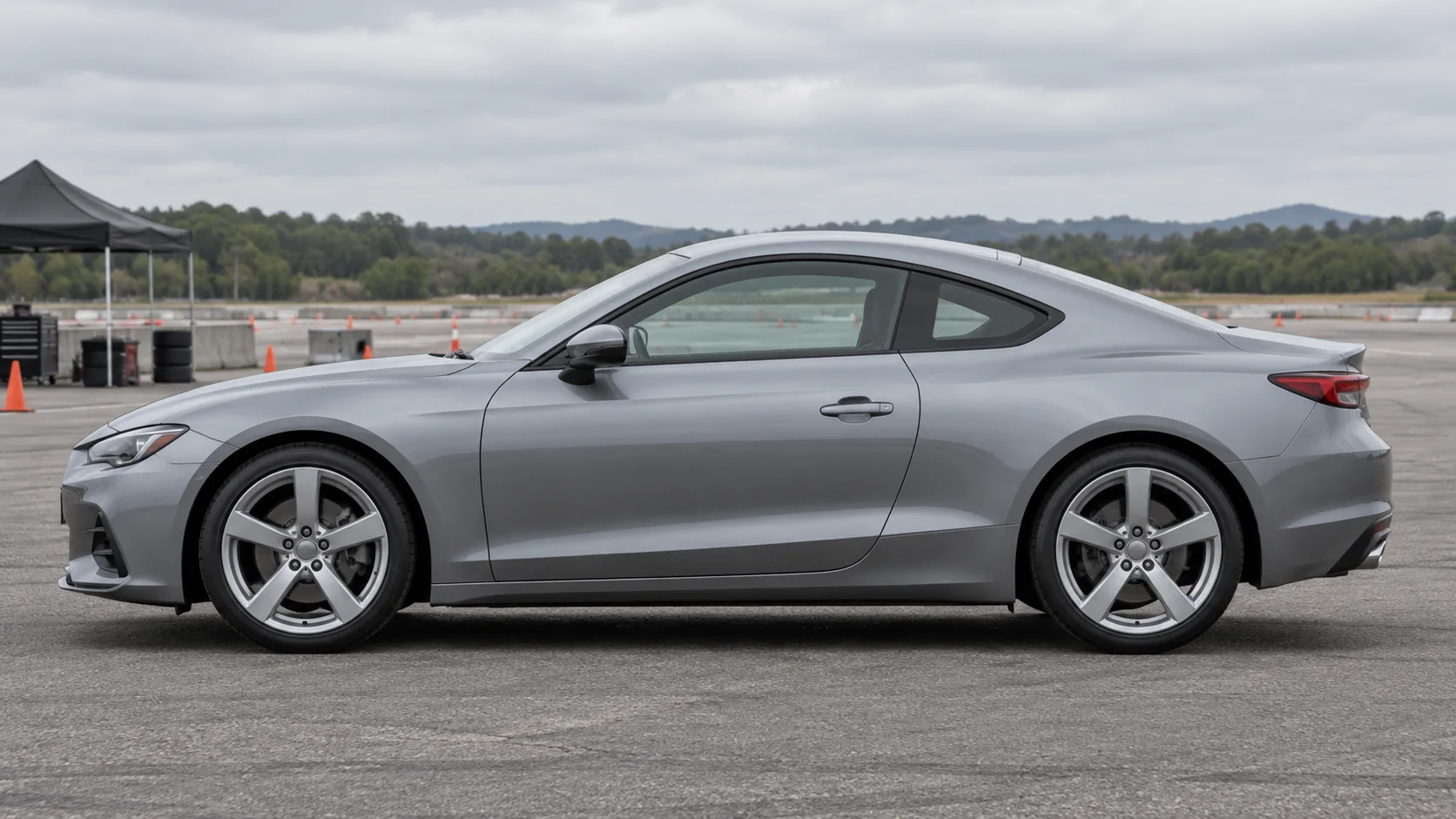
Pick the camera before adding more action
The camera determines how much of the drift can be read. A wide trackside view shows the car and the shape of the corner. A closer panning view can emphasize the body angle, but it may hide course context. A high angle can make the path legible while reducing the car’s visual weight. Choose one viewpoint for the first attempt.
When you ask for camera motion, make it modest and compatible with the scene. “A steady pan that follows the car from the outside of the corner” is easier to evaluate than “orbit, zoom, whip-pan, and crane around the car.” If the model loses the vehicle at the frame edge, simplify the camera movement or give the car more room in the composition.
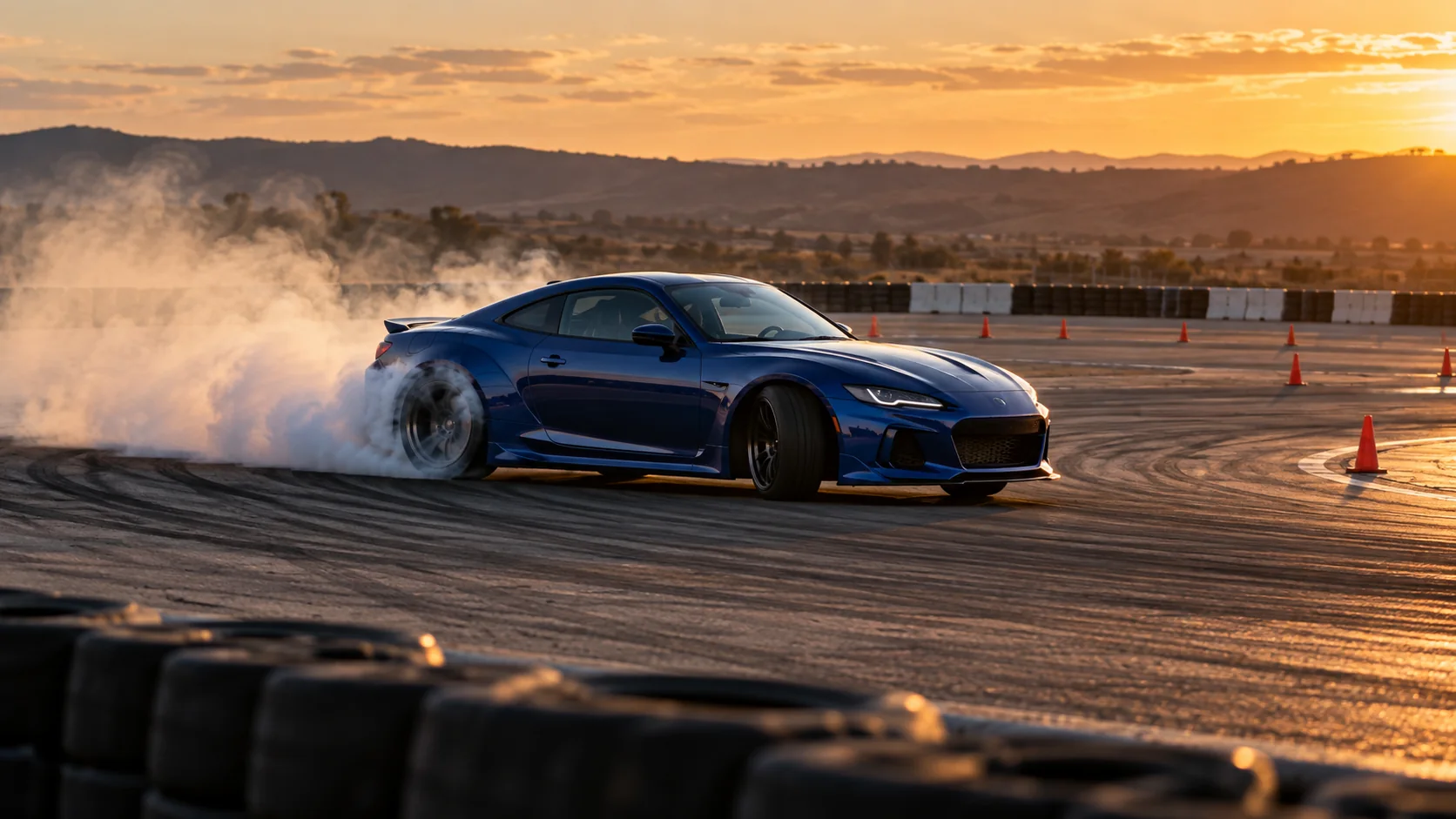
Copy-ready street drift AI video prompts
These are structured starting points, not benchmarked or guaranteed outputs. The wording describes an editorial visual concept on a controlled course. Adjust the aspect ratio and other settings in your chosen interface, and keep the prompt shorter if the result becomes unstable.
1. Wide dusk establishing shot
Use this when the course layout matters as much as the car. The wide frame, visible barriers, and single corner give the viewer context before the action begins.
Create a cinematic street-drift-inspired video on a closed motorsport course
at dusk. One graphite-gray two-door coupe with matte black five-spoke wheels
holds one controlled sideways angle through a single cone-marked corner.
Show the full corner, safety barriers, cones, and clear run-off area. Wide
trackside camera with one smooth pan following the car. Tire smoke stays
subtle and behind the rear wheels. Keep the same car, paint, wheels, course,
and direction of travel throughout. No public traffic, pedestrians, extra
cars, collisions, scene changes, text, badges, or readable plates.
2. Low trackside pass
Choose a low camera only when you want the body shape and wheel movement to carry the shot. Keep the car in frame and make the course context visible in the background.
One continuous low trackside shot on a closed, barrier-lined drift course.
A single cobalt-blue two-door coupe with silver five-spoke wheels moves
sideways through one broad marked corner, then continues out of frame at a
controlled pace. The camera pans smoothly from a fixed safe position behind
the course barrier. Keep all four wheels attached and aligned with the same
car body. Light tire smoke trails behind the rear axle only. Cones and the
course edge remain fixed. No spectators near the vehicle, public road,
second car, impact, text, or logos.
3. High-angle course view
A high angle can make the corner and its boundaries easier to read. Use this for a graphic or editorial overview, not as an attempt to show technical driving technique.
Editorial high-angle view of a single orange coupe in a closed practice-course
film scene at golden hour. The car passes through one large cone-marked
corner with concrete barriers and empty run-off space around it. Keep the
vehicle recognizable as the same orange coupe for the whole clip. Camera
remains elevated and steady with a slow lateral follow. Short, restrained
smoke behind the rear tires; clear course markings stay in place. No open
street, traffic, nearby people, additional vehicles, crash, signage, text,
or brand marks.
4. Night-course atmosphere
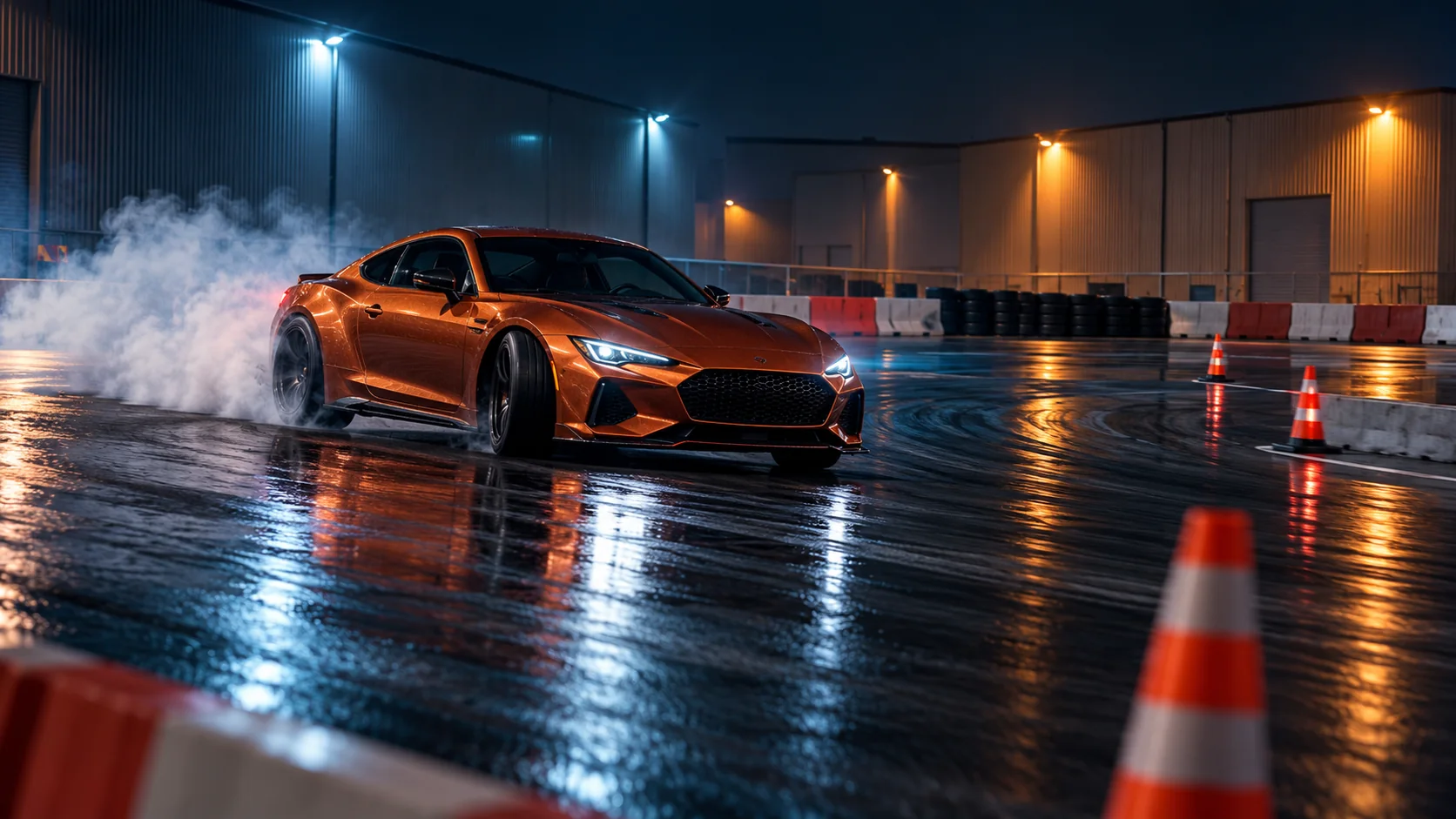
Night lighting can make smoke and reflections dominate the frame. Ask for a readable car silhouette and enough practical light to see the course edge.
Short cinematic night scene on a controlled closed drift course, not a public
street. One dark red coupe with bronze wheels makes a single visual drift
pass through a marked corner. Fixed trackside camera, medium-wide framing,
steady follow. Cool floodlights reveal the safety barrier, cones, asphalt,
and the full vehicle. Restrained smoke catches the light behind the rear
wheels without hiding the car. Preserve the same body shape, paint, and
wheels in every frame. No pedestrians, traffic, second car, sparks, crash,
readable signs, logos, or cuts.
5. Vertical social cut
Decide on portrait framing before generation. Keep the car central and leave clear space around its travel direction so captions or interface controls do not cover the subject.
Vertical 9:16 editorial car video, set on a closed course with cones,
barriers, and empty run-off. A single satin-silver coupe with dark wheels
passes through one marked corner in a controlled sideways pose. Keep the
whole car near the center safe area with room ahead of its direction of
travel. One smooth trackside pan, medium-wide distance, early-evening light.
Light smoke trails behind the rear tires and never covers the body. Stable
car identity, stable course, no scene change, no public traffic, people,
other cars, logos, readable plates, or text.
A practical workflow for your first clip
Start with the smallest useful version of the idea. Use one car, one corner, one camera, and one lighting setup. Choose a model and aspect ratio in the interface, then write the prompt with the six-part framework above. If the model accepts an input image, add a reference that clearly shows the car you want to preserve.
Generate a first pass and watch it once without pausing. Note the single most distracting error. On a second pass, inspect the beginning, middle, and end. This catches issues that a poster frame hides, such as a wheel changing shape, the car gaining a body kit, smoke jumping to the front, or the course boundary disappearing.
The short montage below is an original editorial illustration of course, camera, and night-scene ideas. It is not a generated model result and does not demonstrate real driving technique.
Review the whole clip, not only its best frame
Use a short review pass before you decide whether to revise or keep the result:
- Vehicle identity: Is it the same car at the start, middle, and end? Check body shape, paint, wheels, windows, and lights.
- Action continuity: Does the car remain on one course through one corner, or does its direction change without a visible reason?
- Wheels and body: Look for wheels that detach, merge, rotate inconsistently, or pass through the bodywork.
- Smoke placement: Is smoke behind the rear wheels, or does it appear in front of the car or far from the tires?
- Course context: Are cones and barriers stable? Does the scene remain clearly controlled rather than resembling live public traffic?
- Camera behavior: Can you follow the car? Does the camera jump, rotate, or move through an impossible position?
- Frame edges: Does the car leave the crop unexpectedly? Is the direction of travel clear?
Do not judge the clip by the most dramatic frame alone. A single appealing image can mask a broken transition or a car that changes shape between frames. When accuracy matters for a production, use qualified human review and source footage rather than treating generated motion as documentation.
Fix common AI car-drift video problems
The car changes between frames
Repeat the identity card in the prompt and reduce visual clutter. If the model provides reference controls, keep the same reference image and avoid changing paint, angle, and camera at the same time. A smaller camera move can make continuity easier to see.
Smoke covers the vehicle
Ask for subtle smoke that stays behind the rear wheels, then use a wider camera distance if the body disappears. Do not stack smoke, dust, sparks, rain, and strong lens flare in the first attempt. Remove effects until the car reads clearly.
The camera loses the car
Give the subject more negative space and describe a single follow direction. “Keep the full car inside frame” is a useful constraint; a list of several camera moves can pull attention away from that constraint. You can also generate a static-camera version as a baseline.
The course looks like an open road
Name the controlled setting in both the opening and closing parts of the prompt. Mention visible cones, barriers, a closed course, and empty run-off. If a generated result introduces ordinary traffic, pedestrians, or a public-road appearance, do not present it as a responsible drift scene. Revise the setting or discard the clip.
The prompt has too many effects
Keep one lighting choice and one motion effect. When everything is emphasized, the model may give less attention to the vehicle and its path. Remove one instruction at a time and compare the next result against the previous one.
Keep one vehicle consistent across a short sequence
If you want multiple shots, create a small continuity card before writing each prompt. Include only details that must carry through: body type, paint, wheel finish, light color, and any harmless unbranded accent. Add a location card with the course surface, barrier style, cone color, and time of day.
Then plan one change per shot. For example, the first clip can establish the course from a wide position; the next can use a closer trackside view while keeping the same car and lighting. The AI video storyboard prompt guide has a shot-planning method for assigning each clip one clear job. If your project starts from a still image, the Seedance 2.5 reference-to-video guide covers reference planning and continuity.
Do not treat repeated wording as a guarantee of identity. A model can still vary a vehicle between separate generations. Review each cut side by side, and keep only the frames that preserve the details important to the story.
Plan a vertical crop before you generate
Vertical video gives the car less horizontal room, so framing decisions matter early. Put the car near the center, leave visible space in the direction it moves, and avoid placing critical details along the extreme edges. Keep enough of the corner visible to communicate that this is a controlled course.
When a model supports aspect-ratio controls, set portrait framing before generation instead of stretching a wide clip. If you are adapting a landscape result, inspect the crop through the full movement. The car may begin inside the portrait safe area and then drift out of it. A short test crop can reveal that problem before you add titles or export.
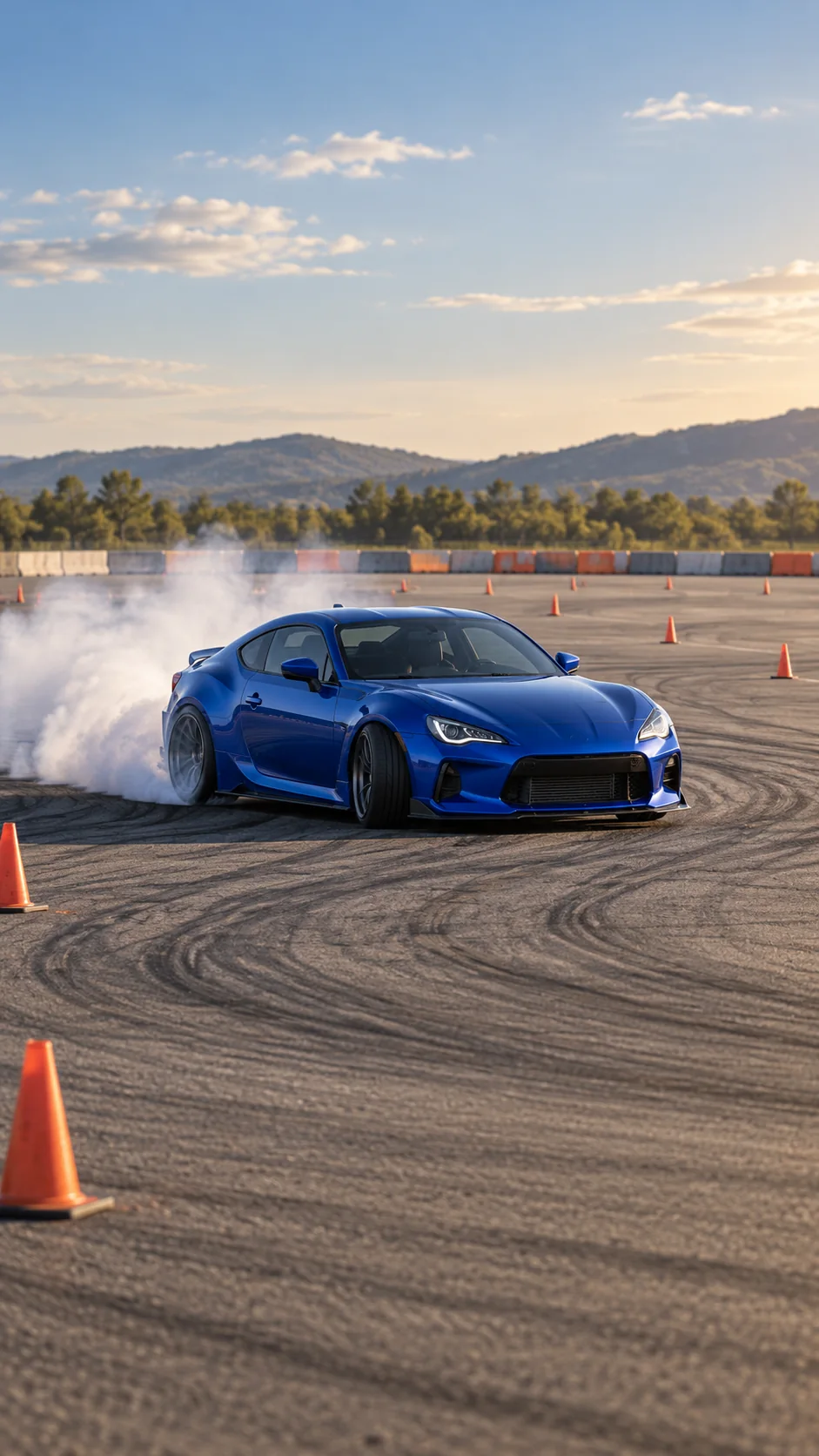
For a vertical version, keep the scene even simpler: one car, one broad corner, one steady camera, and restrained smoke. Avoid asking for a close crop and a wide course overview at once. The composition cannot show both equally well.
What generated drifting can and cannot show
AI video can help visualize a mood board, concept trailer, fictional scene, or social creative. It can suggest light, color, camera position, and broad movement. It does not establish that a real car performed a maneuver, that its motion is physically correct, or that a scene is safe to reproduce.
Competitive drifting takes place in a regulated event setting, with course design and event rules that are specific to the organizer and governing body. A generated clip has none of that real-world context. Keep your prompt on a controlled set, avoid instructions for attempting a maneuver, and label synthetic footage honestly when the publishing context calls for disclosure.
For this article, all six still images and the short montage are generated editorial illustrations. They are not footage from a drift event and were not used to test a particular generation model. The prompt examples are starting points, and the resulting clip should be checked before publication.
Frequently asked questions
What does street drift mean in an AI video prompt?
It usually means a cinematic drifting scene with an urban or street-inspired aesthetic. In a responsible prompt, the location should still be a closed course or controlled film set, with the course boundary visible.
How do I write a street drift AI video prompt?
Name one car, one marked corner, one visible action, one camera position, and the lighting. Add a short continuity card and state that the scene is closed-course. Review the generated clip before using it.
Can an AI model make drifting look physically correct?
It may create a plausible-looking moment, but the image is not evidence of correct vehicle physics. Complex motion can change shape or direction between frames. Treat the result as a visual concept and inspect the full sequence.
Should I generate a drift scene on a real street?
Keep the brief on a closed course or controlled set. This guide covers visual prompt writing, not real-world driving. Do not use it to plan or attempt a maneuver on public roads.
Why does the car or smoke look inconsistent?
Vehicle motion, wheels, smoke, and camera movement can compete for the model’s attention. Start with one car, one movement, and a stable camera; then adjust one variable at a time.
Which aspect ratio should I choose?
Use landscape when the full corner and car need horizontal space. Choose portrait before generation for a phone feed, then keep the car and its direction of travel inside the center safe area.
Are these prompts proven to work with every model?
No. They are structured prompt starting points, not a benchmark or guarantee. Model controls differ, so adapt the scene to your selected tool and review the result.
Try the prompt in a video workspace
Start with the wide dusk prompt, keep the scene on a closed course, and change one detail per revision. You can use the image-to-video workspace, open text-to-video with Seedance 2.5 selected, or return to the China Video AI home page. For model context, explore Chinese AI video models.
If the result is meant for a campaign, publication, or client presentation, review continuity, rights to any reference material, and the context in which synthetic footage will appear. A cinematic visual can be useful while still being clearly presented as an AI-generated concept.