One-Click AI Conversion
Body Editor
SampleAnime & Manga Styles
Create more premium AI videos with commercial usage and priority processing.
Allow other users to view your generated result.
Hide your prompt and uploaded source files from other users.
Waiting for Results
Complete the required inputs and click Generate.
AI Image Tool
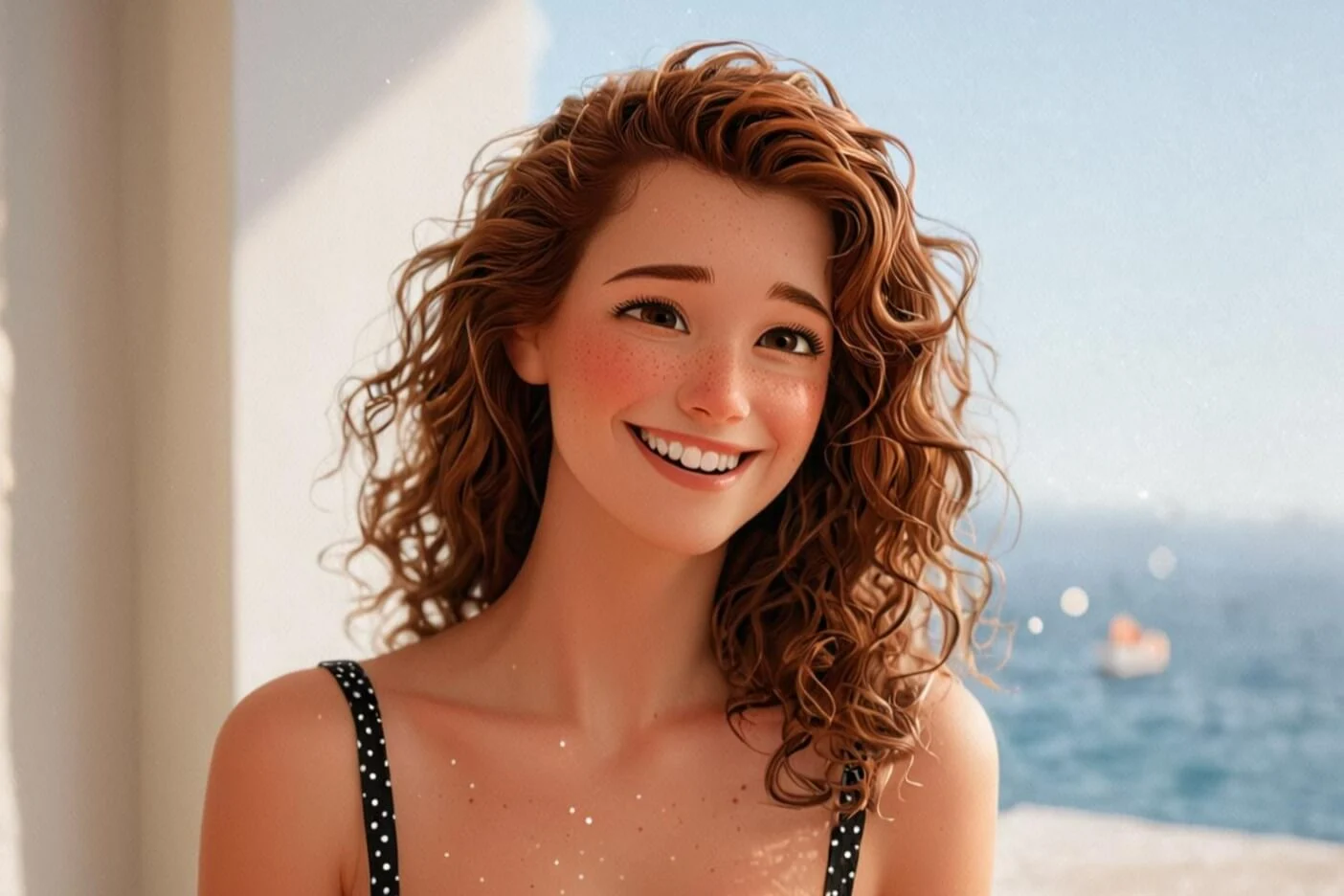
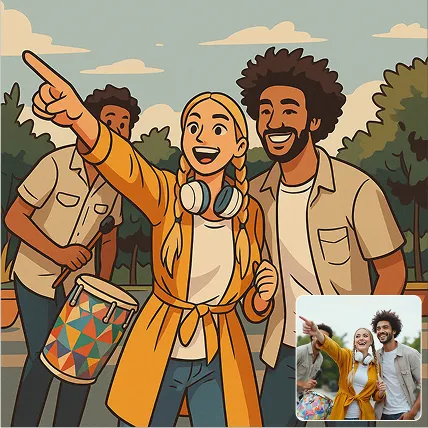
Bring your photos to life with playful cartoon effects. Photo to Cartoon converts any picture into comic, anime, or 3D-style artwork instantly, helping you create eye-catching portraits, creative avatars, and unique artistic visuals without any editing skills.
Try Photo to Cartoon NowPhoto to Cartoon brings intelligent, expressive cartoon creation to everyone. Explore a range of AI-powered features designed to transform any photo into unique cartoon artwork — fast, intuitive, and full of creative possibilities.
Body Editor
Spiderman AI
Can Display
More AI Image Tool
Photo to Cartoon stands out as more than a simple filter. It’s an AI-powered cartoon creator designed to offer fast, stable, and creatively flexible results across a wide range of use cases.
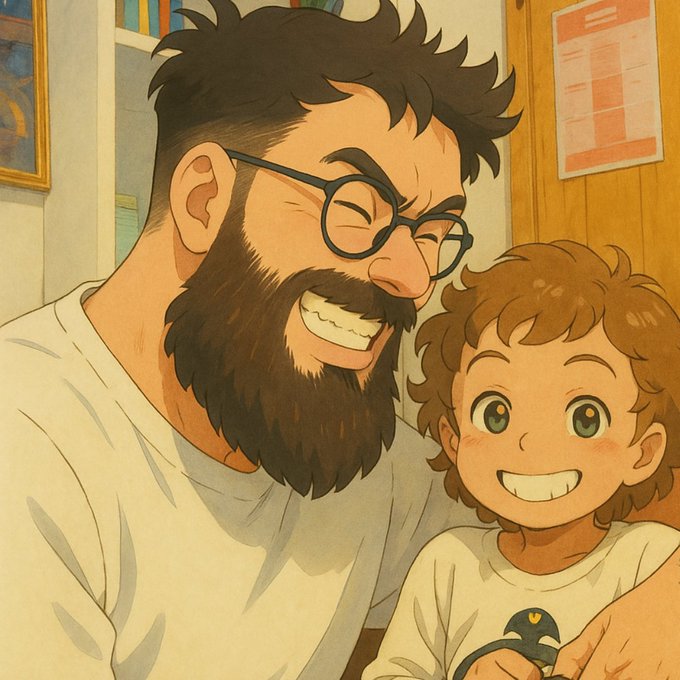
Photo to Cartoon stands out as more than a simple filter. It’s an AI-powered cartoon creator designed to offer fast, stable, and creatively flexible results across a wide range of use cases.
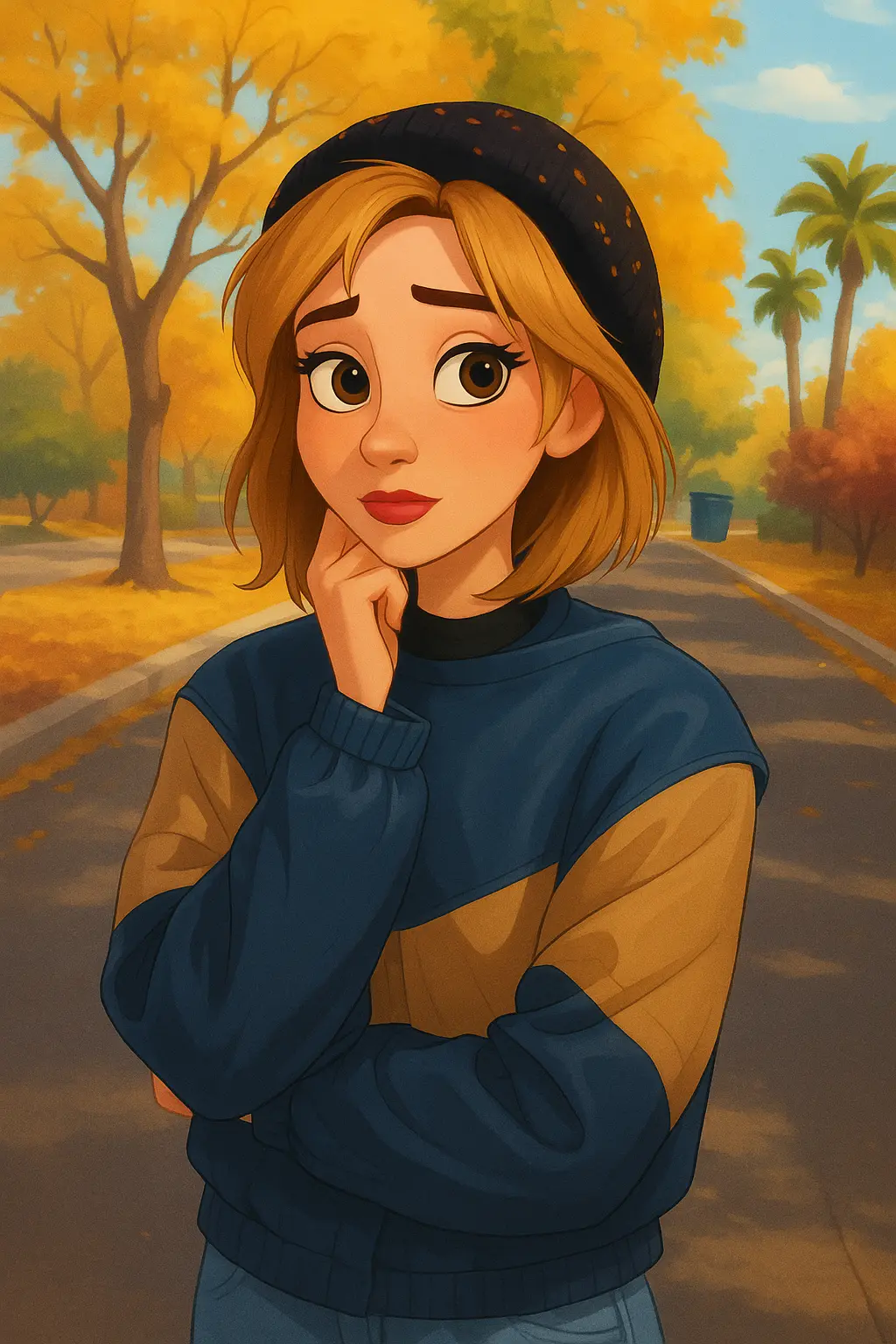
Photo to Cartoon stands out as more than a simple filter. It’s an AI-powered cartoon creator designed to offer fast, stable, and creatively flexible results across a wide range of use cases.
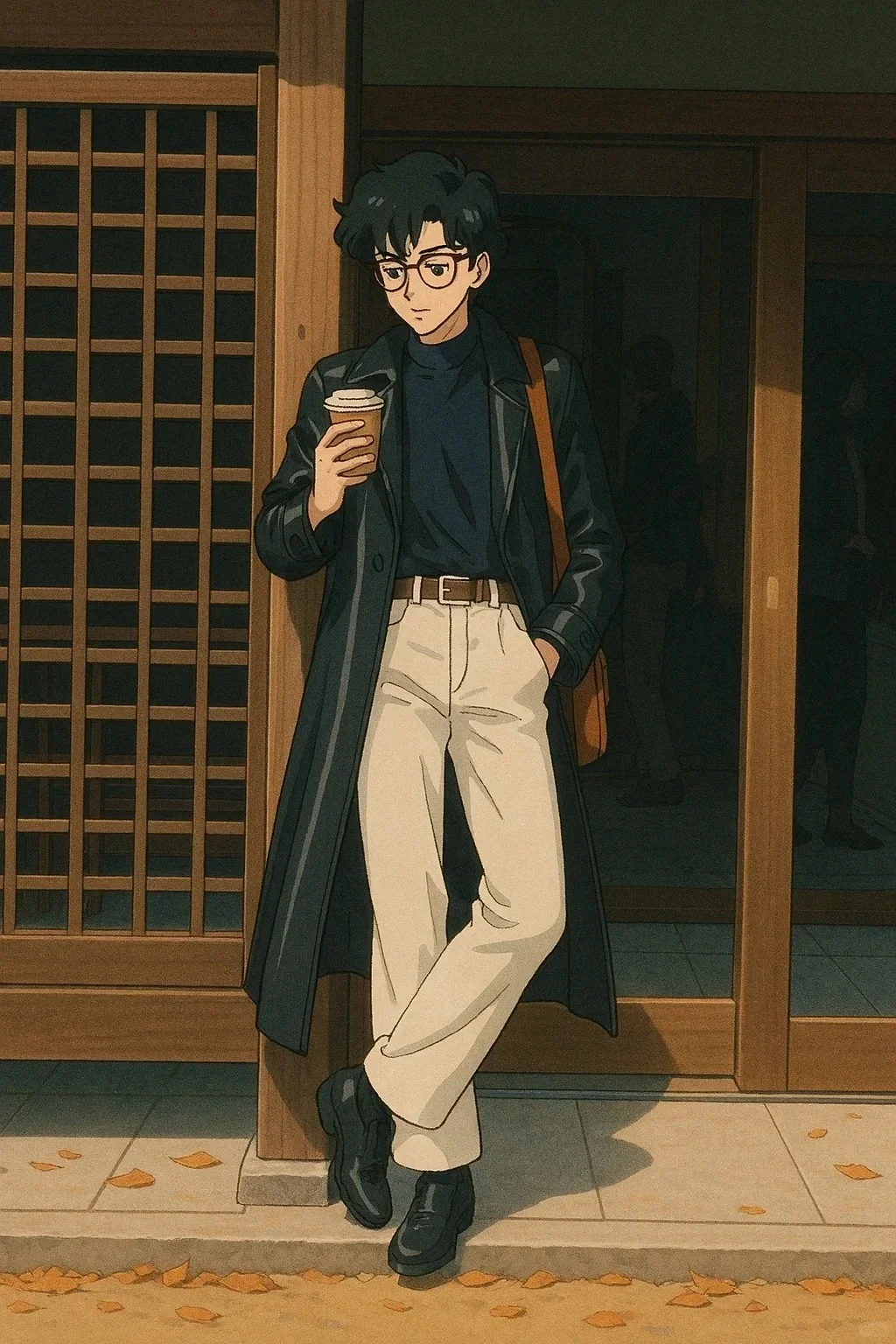
Photo to Cartoon stands out as more than a simple filter. It’s an AI-powered cartoon creator designed to offer fast, stable, and creatively flexible results across a wide range of use cases.
Explore a variety of artistic styles with Photo to Cartoon and transform your photos into creative, eye-catching cartoons. Each style offers a unique aesthetic, allowing you to match the mood, tone, or personality you want for your images.
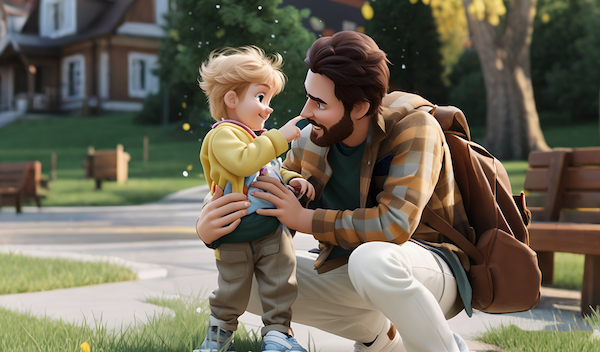
Bring depth and dimension to your photos with 3D-style cartoonization. Photo to Cartoon adds realistic shading and highlights, turning ordinary portraits and scenes into visually striking, immersive cartoon art.
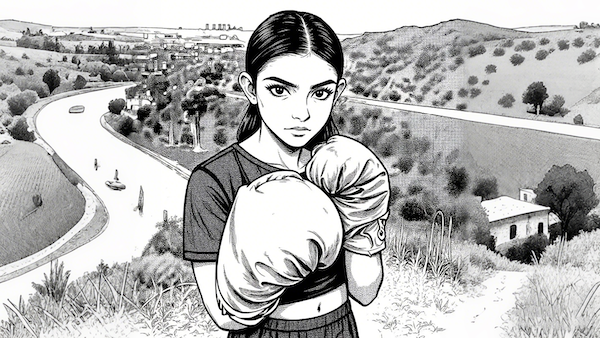
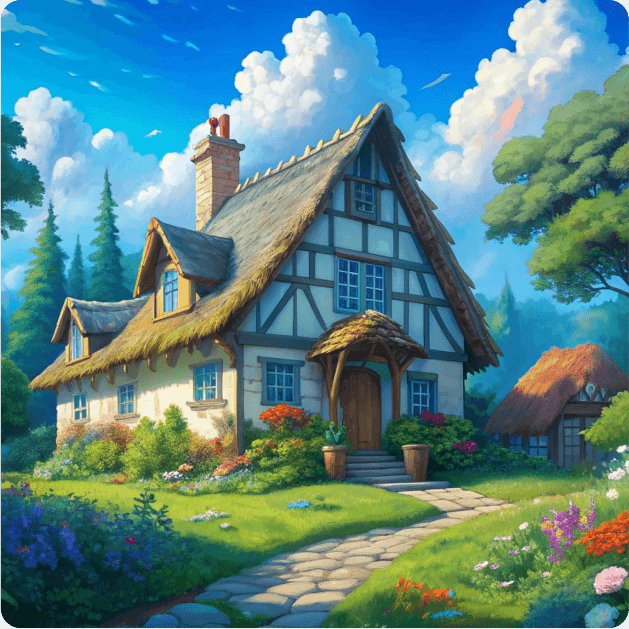
Create bold, expressive illustrations inspired by anime and manga. Soft shading, vibrant colors, and exaggerated expressions help your photos become dynamic, playful, and full of character.
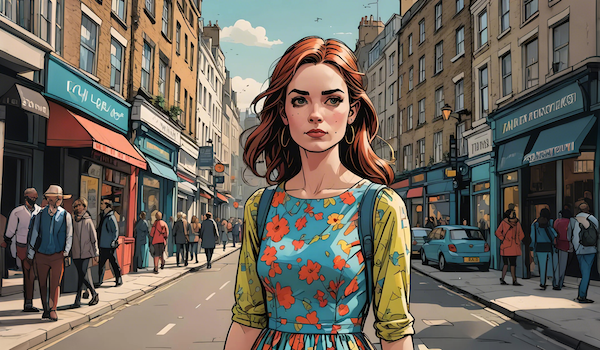
Give your images a classic hand-drawn feel with sketch-like lines and artistic textures. Photo to Cartoon recreates the charm of comic books and traditional illustrations, making your creations feel personal and handcrafted.
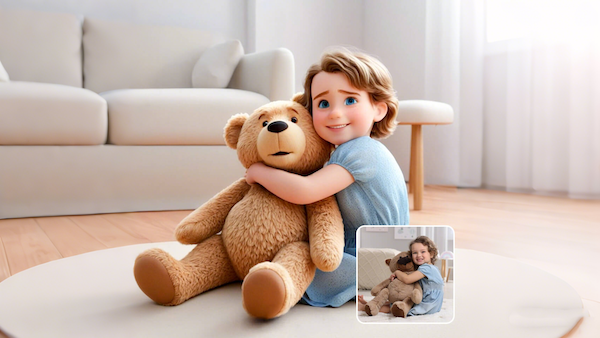
Transform photos into playful, fun, and bold cartoon visuals. This style emphasizes strong outlines, simplified shapes, and toy-like aesthetics — perfect for avatars, creative portraits, or whimsical artistic projects.
When using Photo to Cartoon, these practical tips can help you achieve more polished, expressive, and consistent cartoon results:

For the best results, start with well-lit, sharp, and low-noise images. Clear facial features and defined contours allow Photo to Cartoon to generate precise lines and color blocks, producing a natural and detailed cartoon effect.
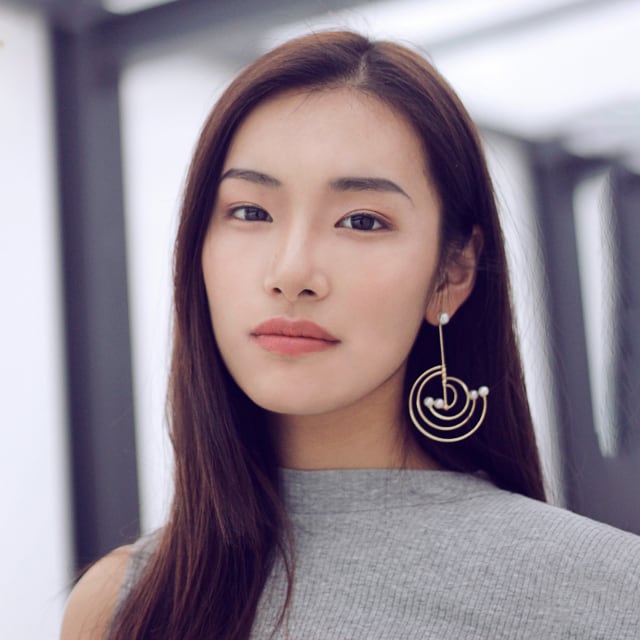
Don’t settle for the first result. Photo to Cartoon offers a variety of styles — from 3D and anime to hand-drawn illustrations and bold-line cartoons. Trying multiple filters helps you discover the version that best matches your personality and creative vision.

Cropping your image to highlight the subject and avoiding overly dark or backlit shots can significantly improve line definition and color depth in Photo to Cartoon. Proper composition ensures your images stand out after conversion.
The same photo can look dramatically different under various Photo to Cartoon styles. Generate several versions side by side to pick your favorite and better understand the nuances of different cartoon effects, making it easier to choose the best fit for your project.
After creating your cartoon image, use Photo to Cartoon or similar AI tools to make subtle adjustments. Tweaking brightness, contrast, saturation, or background elements can enhance the final result, making your cartoon more lively, unique, and aligned with your personal style. Small refinements often elevate the overall quality and versatility of your artwork.
Whether it’s a profile avatar, social media post, poster, gift, or pet cartoon, different uses may require different resolutions and styles. Choose the optimal size and style after generating your image with Photo to Cartoon to ensure your cartoon looks its best in every context.
Explore how Photo to Cartoon transforms ordinary photos into captivating cartoon artwork. From portraits to pets, landscapes, and avatars, each example demonstrates the creative potential and visual impact of Photo to Cartoon creations.
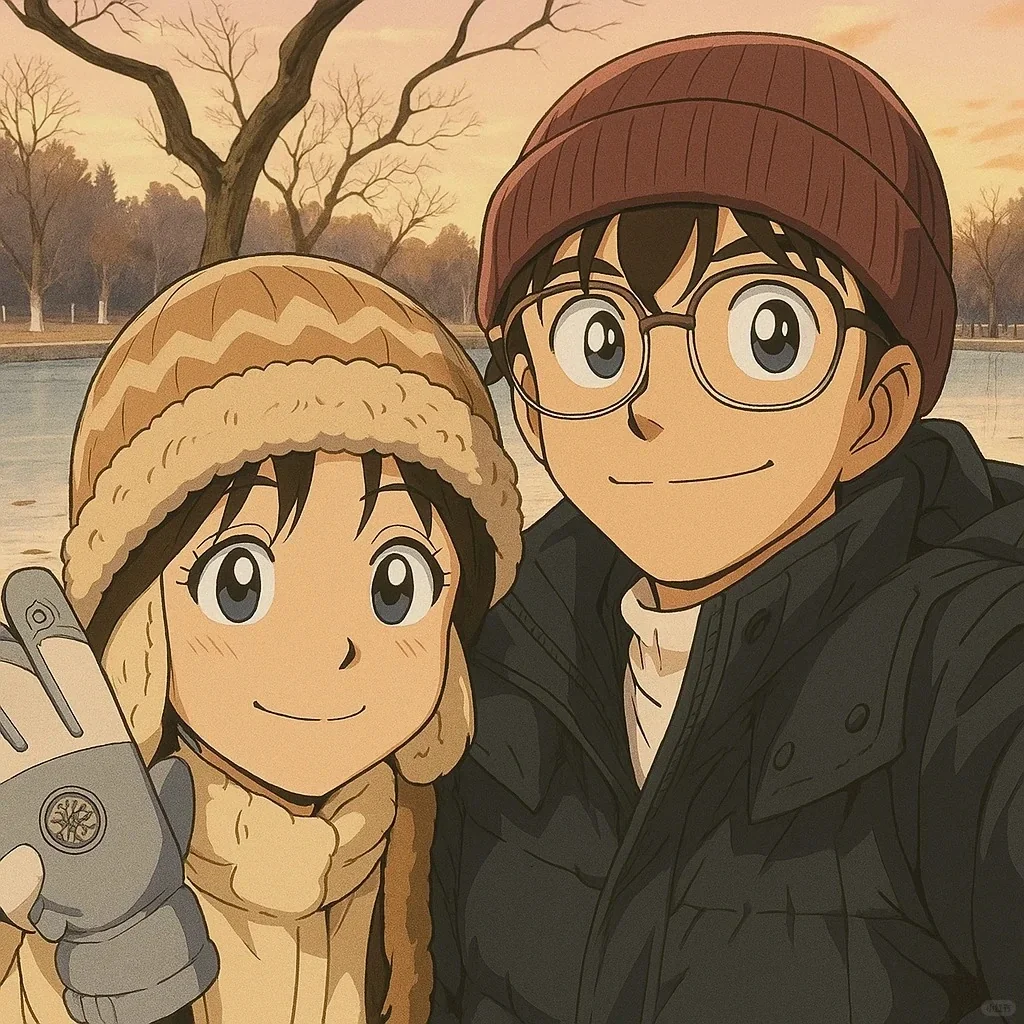
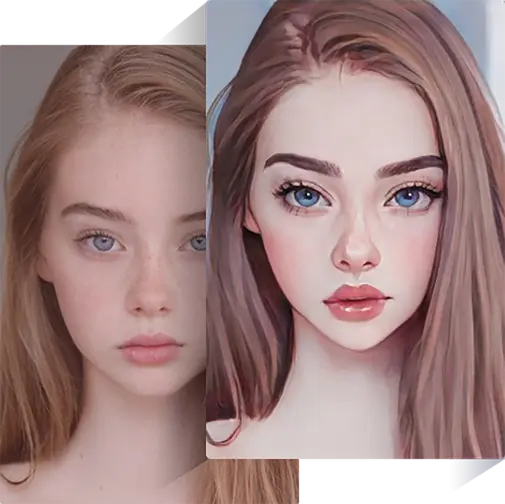
Turn personal selfies or portrait photos into lively cartoon or comic-style images with Photo to Cartoon. These transformations highlight facial expressions, enhance features, and create playful, expressive avatars that bring personality to life.
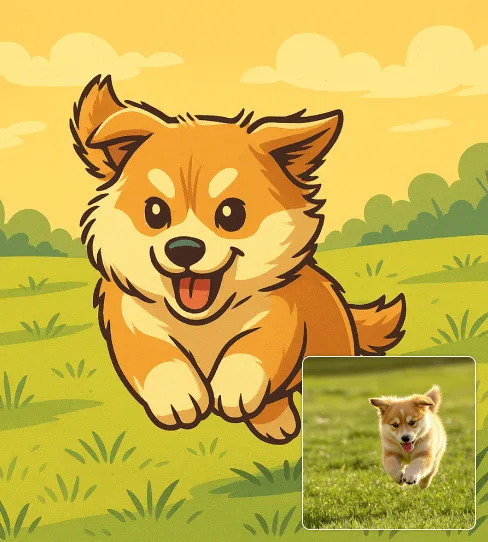
Pets become charming, fun, and full of character when transformed with Photo to Cartoon. From dogs and cats to other beloved animals, each cartoon emphasizes the unique traits that make them instantly recognizable and delightful, showcasing the versatility of Photo to Cartoon.
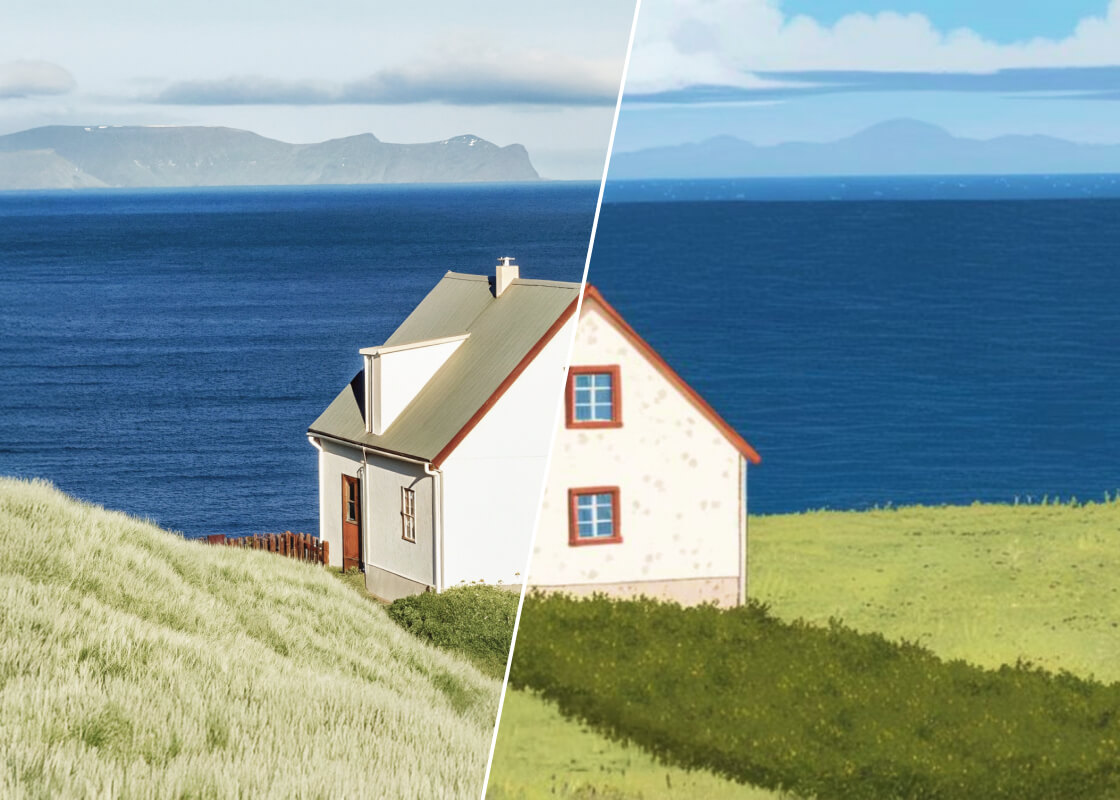
Travel shots, cityscapes, and scenic landscapes gain an artistic, illustration-like quality through Photo to Cartoon. Ordinary environments are turned into visually striking, stylized images that feel like they came straight from a storybook or animated scene, highlighting the creative power of Photo to Cartoon.
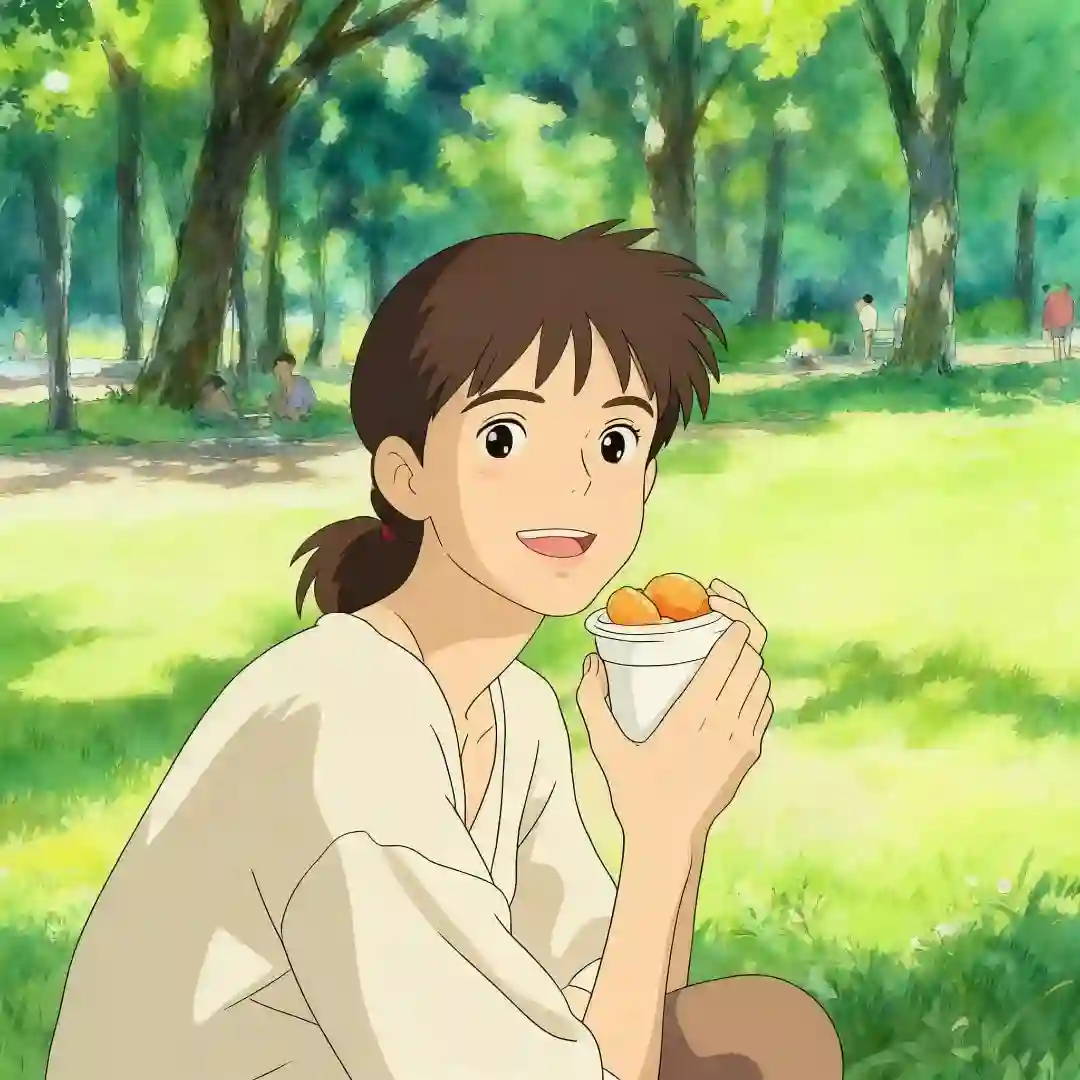
Create distinctive cartoon avatars that stand out in any digital space using Photo to Cartoon. By focusing on facial features, expressions, and stylistic details, Photo to Cartoon produces images that are perfect for profile pictures, creative projects, or digital identity, demonstrating its ability to deliver professional, eye-catching results every time.
Easily transform your photos into lively, expressive cartoon images with Photo to Cartoon. Upload a picture, explore a variety of styles, and watch your image come to life in seconds — creating playful, unique cartoons has never been easier.
Click or drag an image from your device to start. Choose a clear, well-lit photo for the best results, as sharp details allow Photo to Cartoon to capture facial features, textures, and contours more accurately. Preparing a high-quality image ensures the final cartoon looks lively and polished.
Explore a variety of cartoon filters, from 3D effects and anime styles to bold-line or classic cartoon looks. Photo to Cartoon lets you experiment with multiple styles, helping you discover the perfect artistic twist for your image and giving each creation a unique personality.
Click “Generate” to see the transformation in seconds. Once satisfied with the results, download your image in high resolution without watermarks. Photo to Cartoon ensures that every exported cartoon is crisp, vibrant, and ready to use as a profile picture, social media post, or creative artwork.
Find answers to common questions about using Photo to Cartoon. From getting the best cartoon effects to downloading high-quality images, our FAQ covers everything you need to create playful, unique, and expressive cartoons effortlessly.
In just a few seconds, Photo to Cartoon converts your photo into a vibrant, expressive cartoon image. The process is fast and seamless, letting you experiment with multiple styles without waiting.
No, Photo to Cartoon allows you to download your creations without watermarks, ensuring a clean and professional finish for any use.
Explore a wide range of styles with Photo to Cartoon, including 3D effects, anime, bold-line cartoons, hand-drawn illustrations, and classic cartoon looks. Each style gives your photos a unique and creative twist.
Photo to Cartoon works seamlessly on desktop and mobile browsers, so you can create cartoons anytime, anywhere without installing additional software.
Your privacy is important. Photos are processed securely with Photo to Cartoon, and images are not shared publicly. Check the privacy policy for details on how your data is handled.
Photo to Cartoon allows you to experiment with several images quickly. While batch generation may be limited, you can easily create multiple versions by uploading different photos one after another.
Cartoons generated with Photo to Cartoon can be used for personal or creative projects. For commercial use, please check the terms of service to ensure proper licensing.
Start with clear, well-lit photos and experiment with different styles and filters in Photo to Cartoon. Cropping, adjusting brightness, and comparing multiple versions can help you achieve the most polished and expressive results with Photo to Cartoon.
If you haven’t turned a photo into a custom cartoon yet, now is the perfect time! In just a few simple steps, you can create a one-of-a-kind, imaginative cartoon image. Experience Photo to Cartoon today and bring your photos to life with unique, playful, and personal style.
Start Creating Playful Cartoon Images with Photo to Cartoon Now