Intelligent Detail Enhancement
Body Editor
Elevate Every Photo
Create more premium AI videos with commercial usage and priority processing.
Allow other users to view your generated result.
Hide your prompt and uploaded source files from other users.
Waiting for Results
Complete the required inputs and click Generate.
AI Image Tool
Enhance every detail with the power of AI. Whether it’s for professional photos or personal memories, our AI Sharpen Image tool brings out the sharpest details in your photos effortlessly, making them look clearer and more vibrant.
Try Sharpen Image NowAI Sharpen Image isn't just another tool — it’s a solution that enhances image quality with precision and ease. From small details to large-scale improvements, explore how it refines and optimizes your photos.
Body Editor
Spiderman AI
Can Display
More AI Image Tool
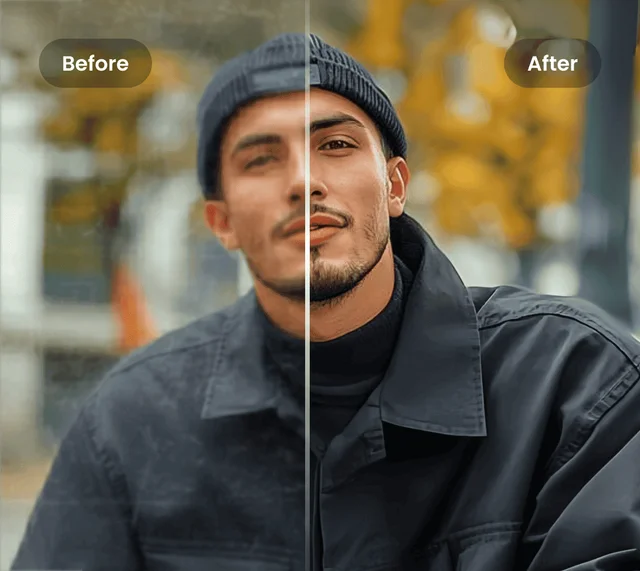
Unleash the full potential of your images with AI Sharpen Image. Its cutting-edge capabilities ensure that every pixel is optimized for maximum visual impact, transforming dull images into crisp, professional-quality photos.
Unleash the full potential of your images with AI Sharpen Image. Its cutting-edge capabilities ensure that every pixel is optimized for maximum visual impact, transforming dull images into crisp, professional-quality photos.
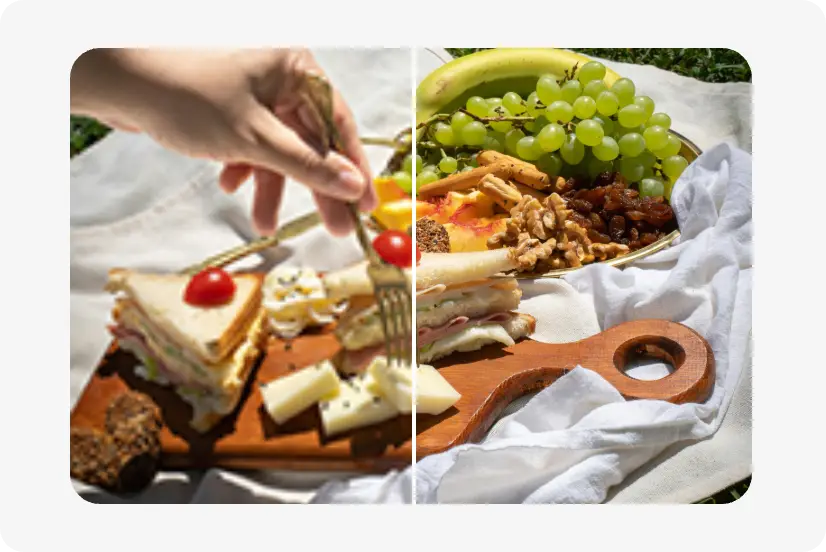
Unleash the full potential of your images with AI Sharpen Image. Its cutting-edge capabilities ensure that every pixel is optimized for maximum visual impact, transforming dull images into crisp, professional-quality photos.
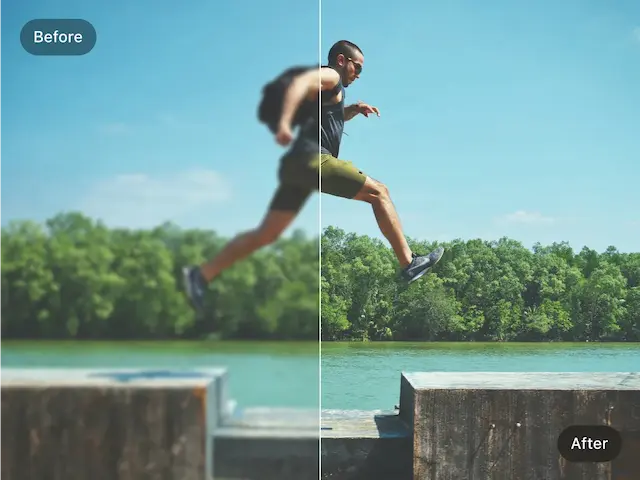
Unleash the full potential of your images with AI Sharpen Image. Its cutting-edge capabilities ensure that every pixel is optimized for maximum visual impact, transforming dull images into crisp, professional-quality photos.
Elevate your visuals with these expert insights. Learn how to fine-tune every detail and unlock the full creative potential of AI Sharpen Image, achieving sharper, more dynamic, and visually stunning results with AI Sharpen Image.
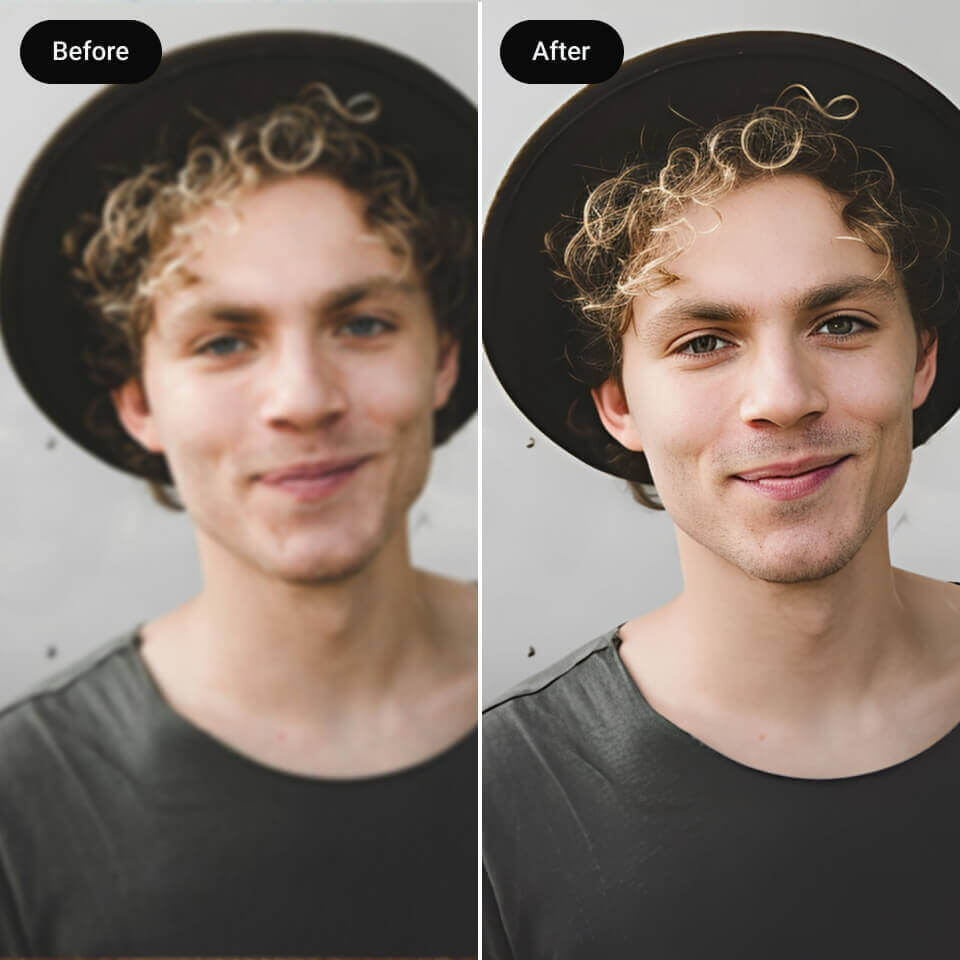
Start with images that have a clear subject or well-defined lighting. AI Sharpen Image performs best when it can easily recognize focal points, enhancing edges and textures with precision and natural depth.
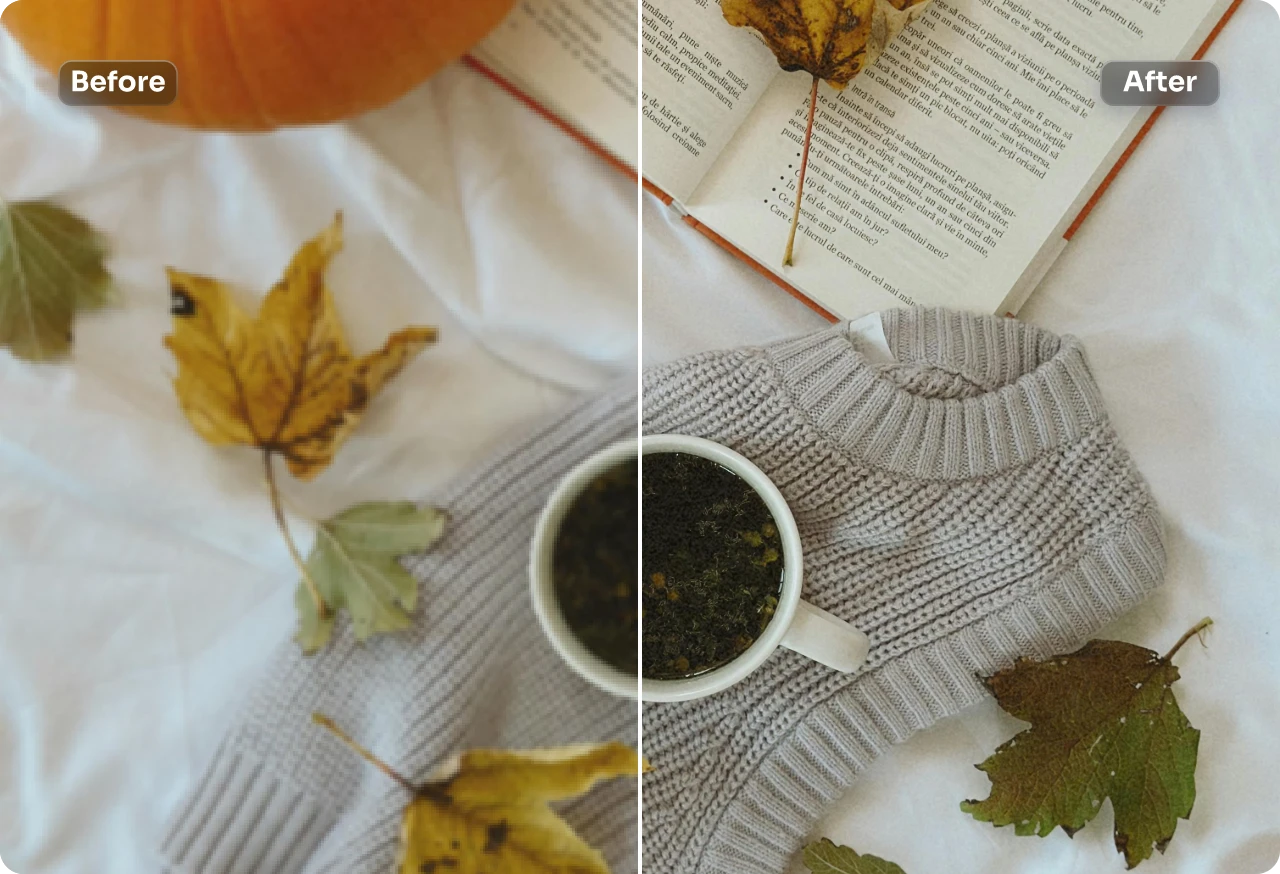
Don’t settle for a single look — explore! Adjust the intensity of AI Sharpen Image to create anything from soft, refined clarity to bold, high-contrast sharpness that makes your visuals stand out instantly.
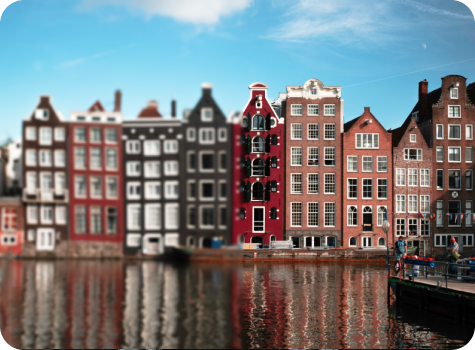
For standout results, pair AI Sharpen Image with color correction, retouching, or enhancement tools. Combining AI Sharpen Image with other AI-powered tools produces balanced, professional-quality images ready for portfolios, social media, or print.
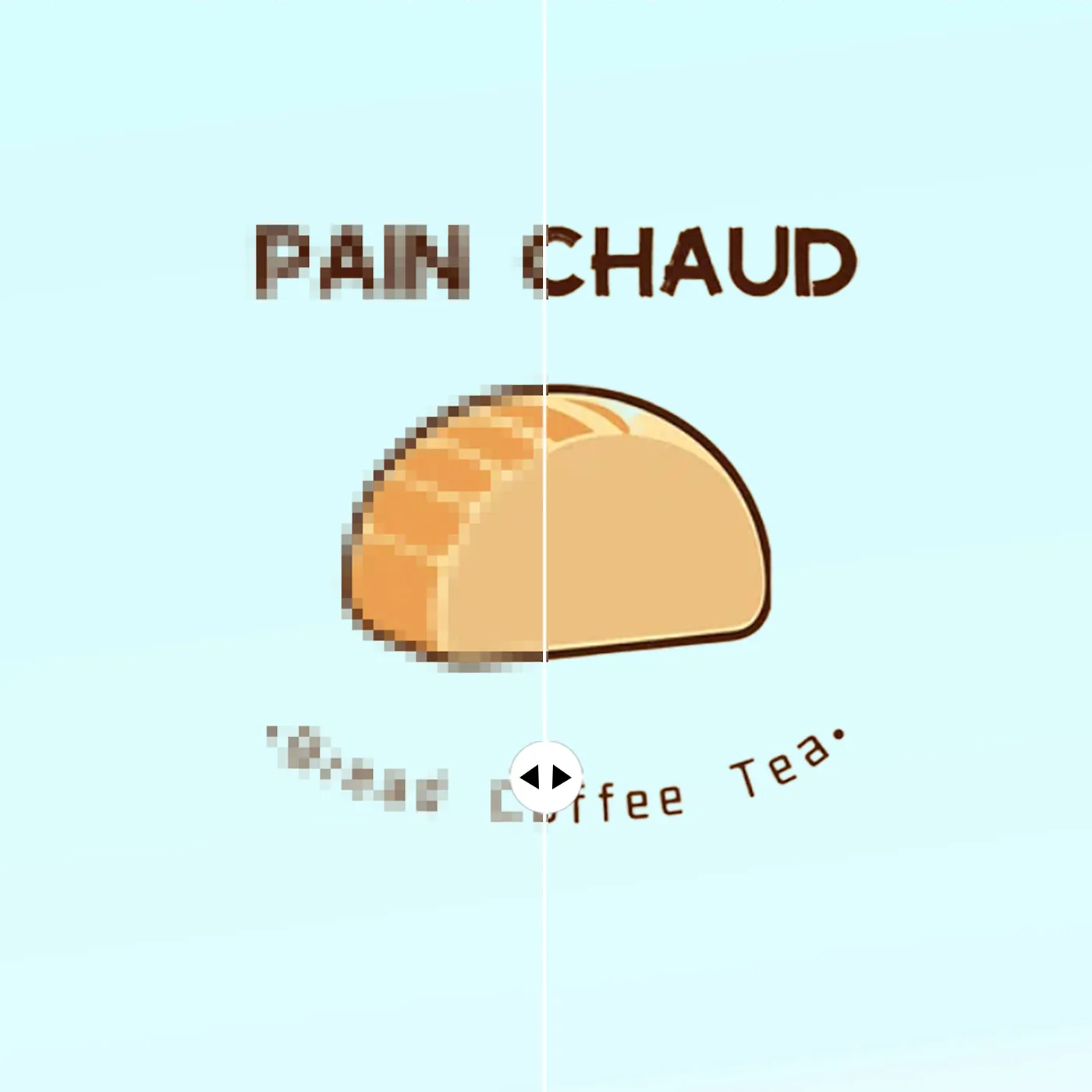
Every image tells a story — and sometimes, it evolves. Use AI Sharpen Image to re-enhance older photos or adjust previous edits. A fresh pass can reveal new details and elevate your visuals to modern standards of clarity.
Not all sharpening tools are created equal. AI Sharpen Image on China Video AI combines cutting-edge AI technology with intuitive controls to bring out the best in every photo. From subtle improvements to dramatic clarity enhancements, our tool makes your images stand out effortlessly.

Unlike traditional sharpening tools, AI Sharpen Image automatically identifies areas that need enhancement and intelligently adjusts sharpness without compromising the natural look of your photo. Every image is analyzed for optimal results in seconds.
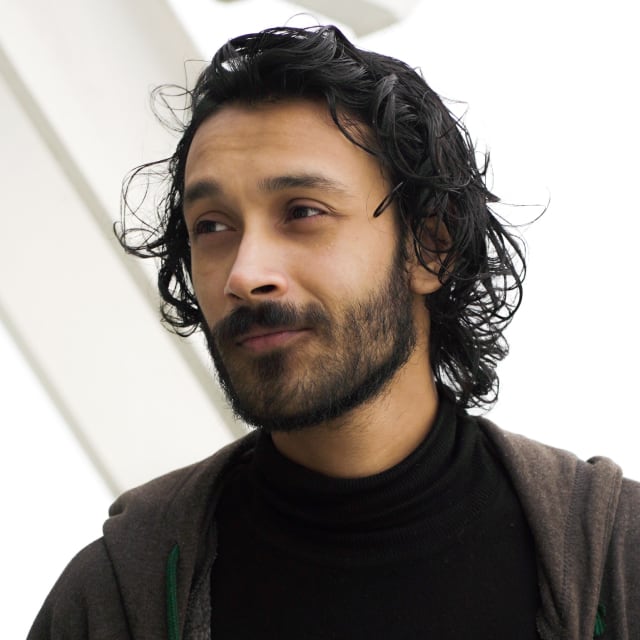
Save time with AI Sharpen Image’s instant processing. Whether you’re enhancing a single photo or batch editing multiple images, our AI works efficiently to deliver crisp, professional results without long wait times.

Every detail matters. AI Sharpen Image ensures that edges, textures, and subtle nuances are sharpened with accuracy, giving your images depth and definition while maintaining a clean, natural appearance.
AI Sharpen Image works across all devices and platforms supported by China Video AI. From mobile devices to desktops, your images stay sharp, clear, and ready for any application.
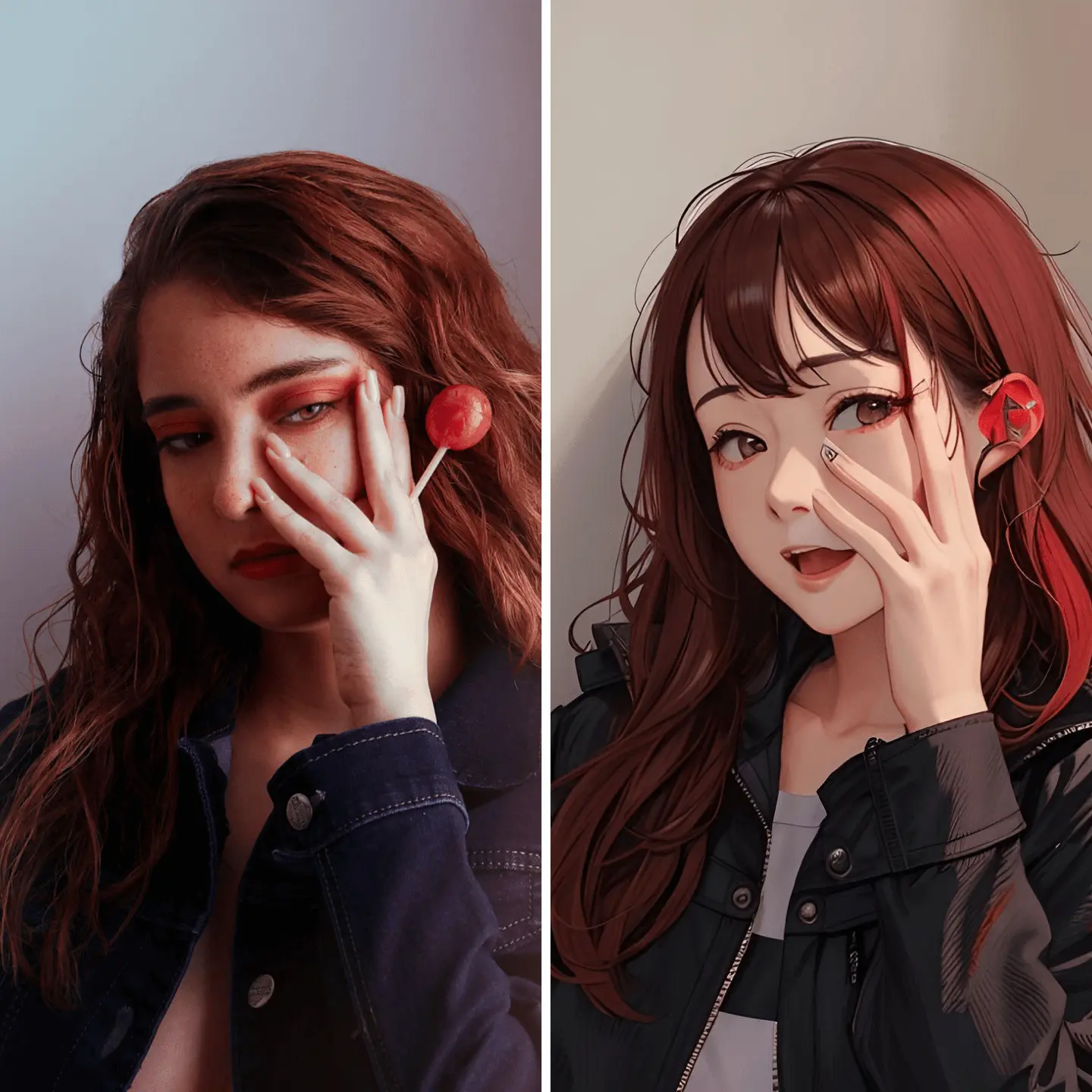
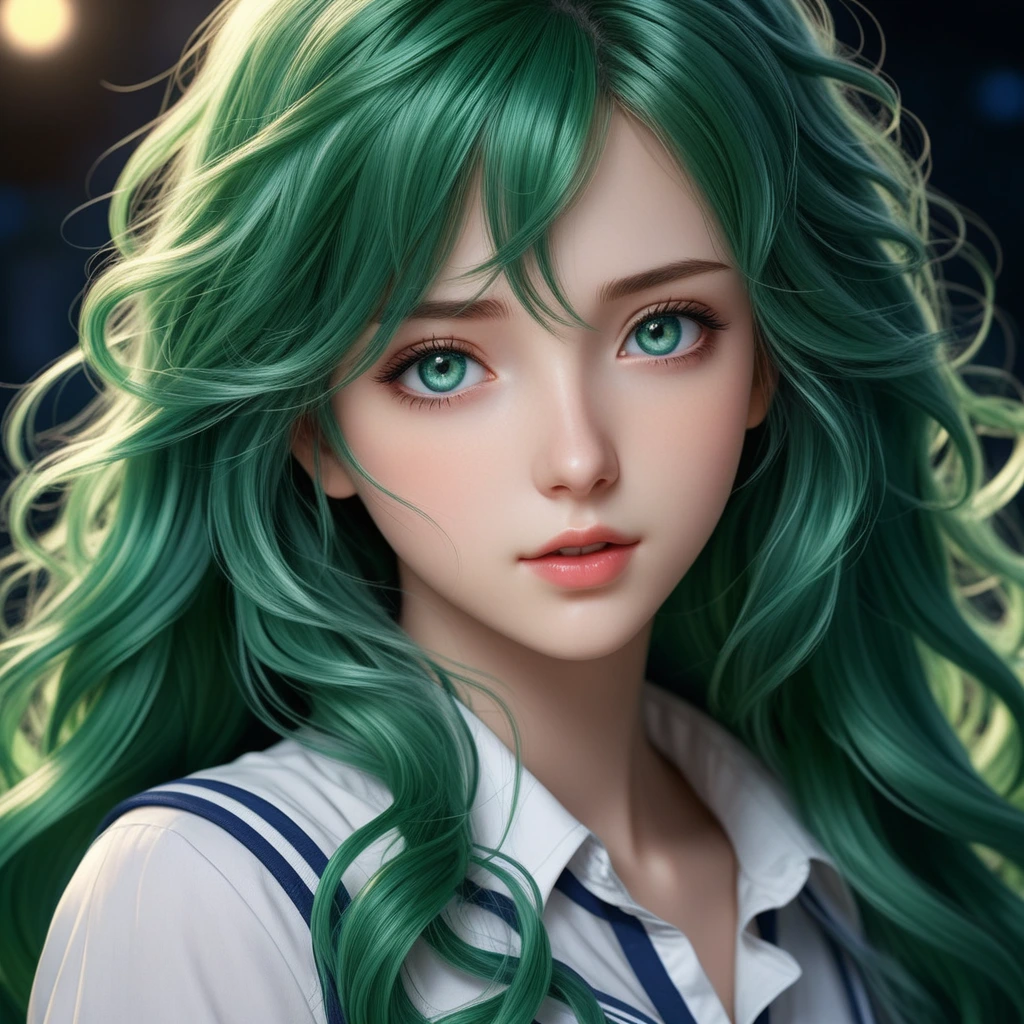
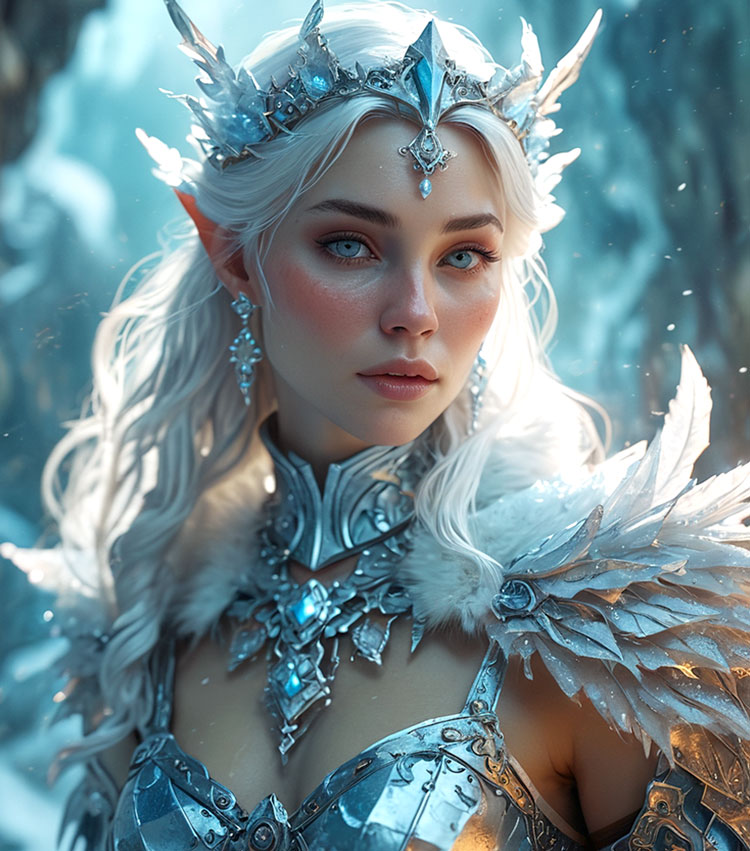
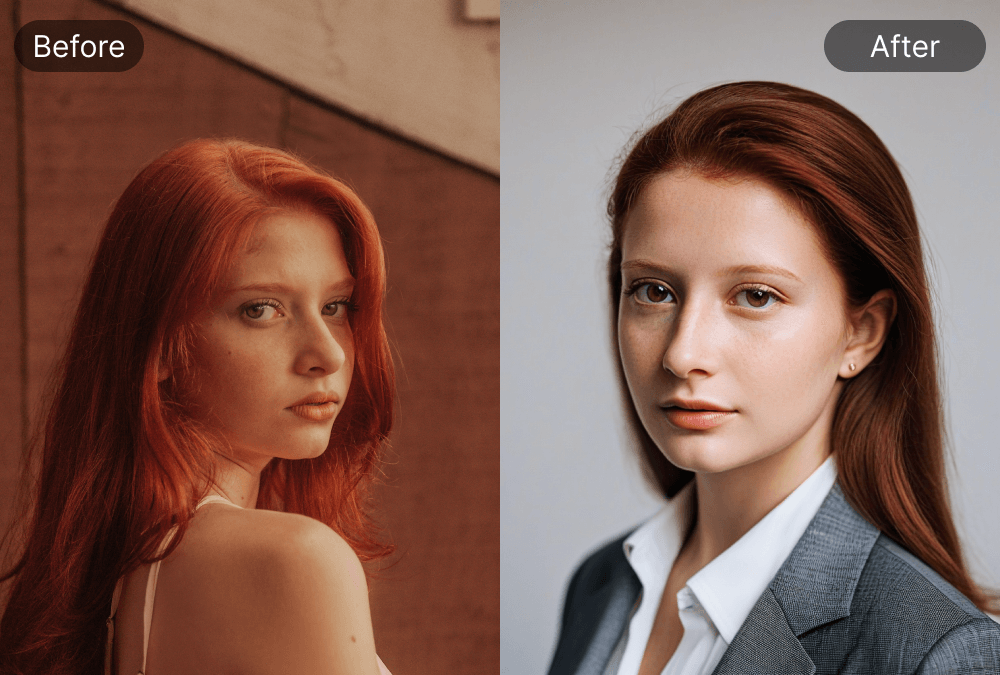
Explore our gallery to see how AI Sharpen Image transforms a variety of photos. Our tool is designed to enhance every type of image, from portraits to nature shots, ensuring each photo reaches its maximum visual potential.
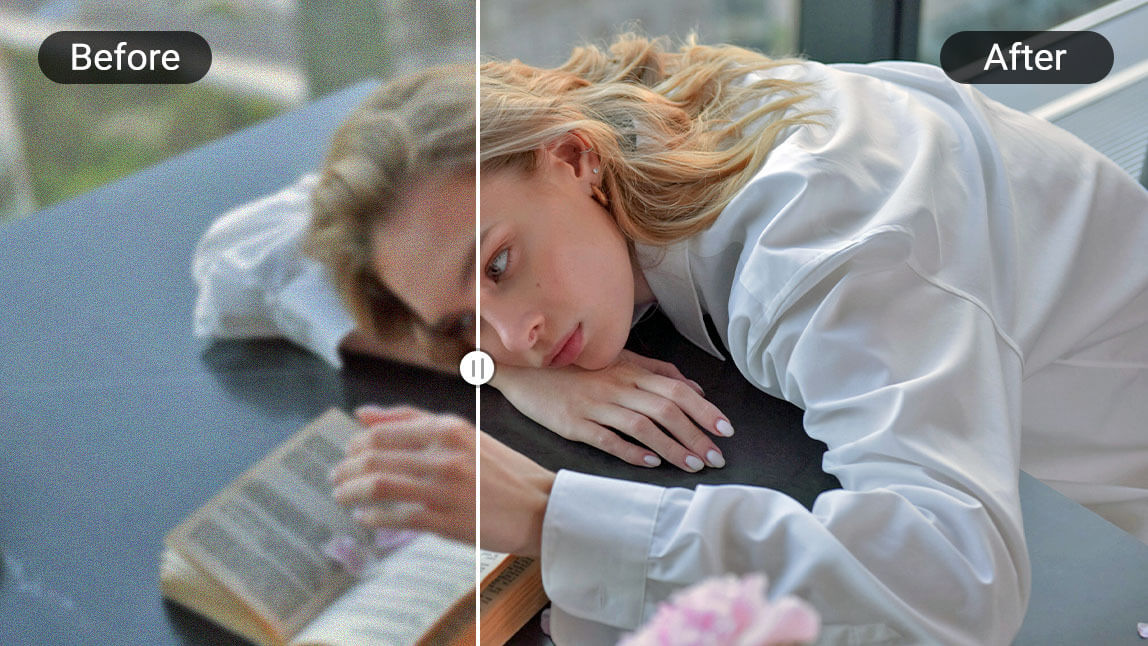
AI Sharpen Image brings out the best in facial features, enhancing details like eyes, hair, and skin texture for flawless, clear portraits. The tool creates a natural, smooth sharpening effect that improves the overall definition without over-processing, resulting in photos that look both professional and lifelike.
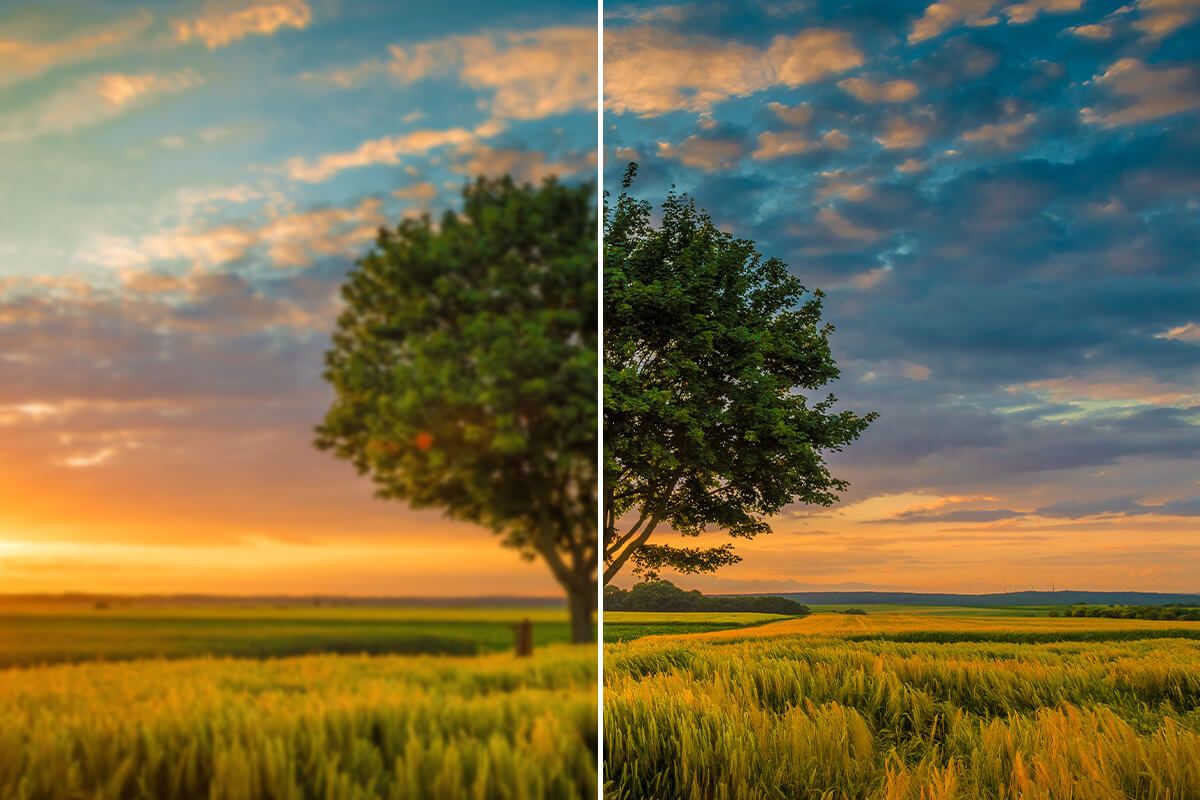
Take your nature photos to the next level with AI Sharpen Image. From fine details in tree bark to the distant textures of mountains and skies, our tool ensures that even the smallest elements stand out with vivid clarity. Whether it's capturing sweeping vistas or intricate plant life, AI Sharpen Image enhances your landscape shots to reveal their true beauty.
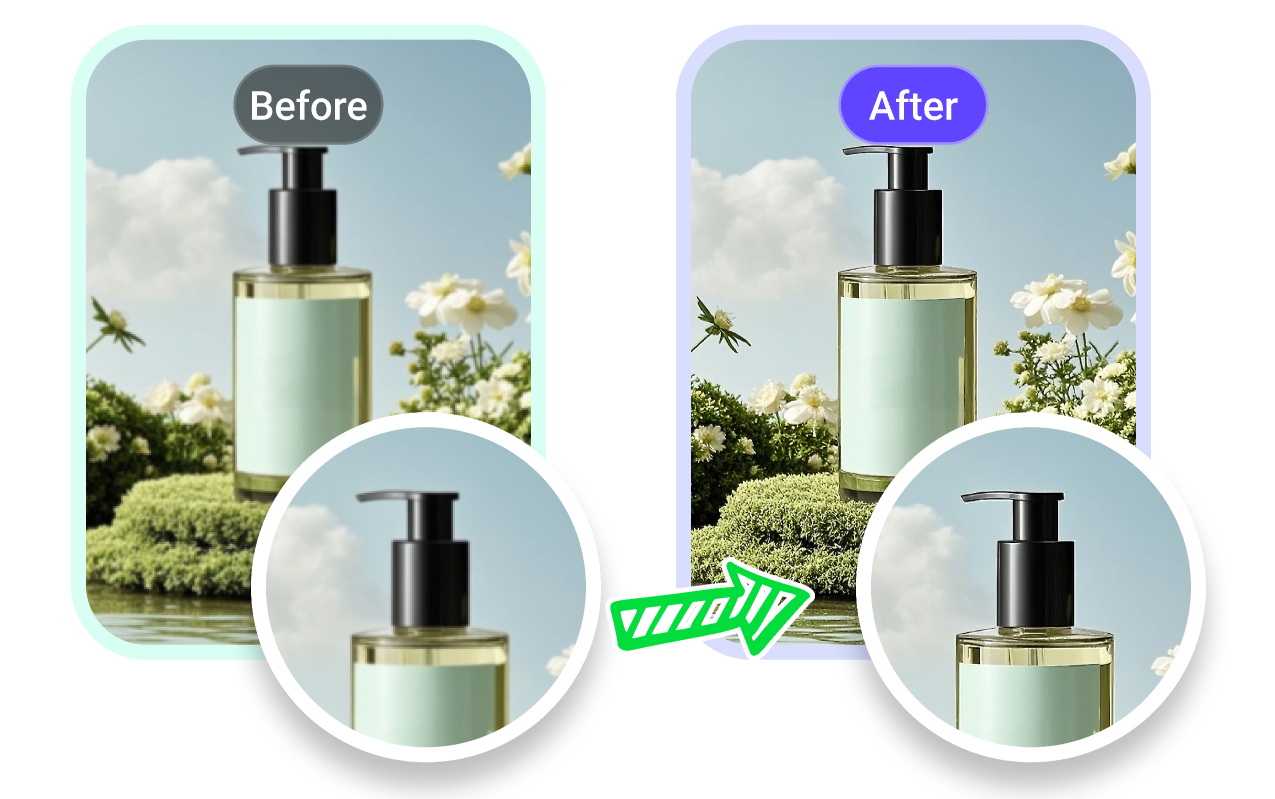
AI Sharpen Image is a game-changer for e-commerce and product shots. The tool sharpens product details, making them look crisp, clear, and professionally polished. Every detail is highlighted to ensure your product images stand out in online stores or marketing materials.
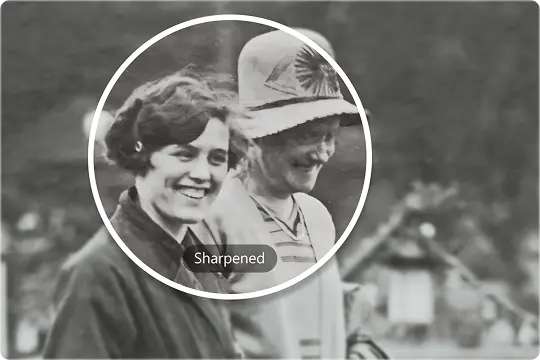
AI Sharpen Image breathes new life into old or faded photographs. The tool restores clarity by enhancing facial features, textures, and subtle details that time may have softened. Whether you're preserving family memories or digitizing vintage albums, AI Sharpen Image helps old photos look clearer, cleaner, and more vivid—bringing treasured moments back into focus.
With AI Sharpen Image, sharpening your photos takes just a few moments. Follow these three easy steps and see your images transform instantly.
Begin by uploading the image you want to sharpen. AI Sharpen Image supports all common image formats, including JPG and PNG, making it easy to work with your existing photos. Whether it's a high-resolution image or a quick snapshot, AI Sharpen Image is ready to enhance your visuals.
Choose your desired sharpening level with ease. Use the auto-setting for a one-click enhancement or fine-tune the effect with adjustable sliders to match your specific needs. Want to focus on particular areas? Adjust the sharpness on selected parts of the image for detailed customization. AI Sharpen Image gives you full control over the intensity and precision of the sharpening.
Once you're satisfied with the sharpening result, download your enhanced image in high-definition quality. Save it for future use, share it on social media, or incorporate it into your personal or professional projects. AI Sharpen Image ensures that your sharpened image is ready for any application, from print materials to online portfolios.
We've compiled the most common questions about AI Sharpen Image to help you easily understand how to optimize your photos with this powerful tool. Whether you're just getting started or looking for advanced tips, we’ve got you covered.
AI Sharpen Image is a powerful tool that uses artificial intelligence to enhance the clarity and definition of your photos. Whether it's a blurry portrait, a low-resolution landscape, or even text within your images, AI Sharpen Image sharpens every detail to bring out the best in your visuals. It’s perfect for improving the overall quality of any image, transforming them into professional-grade photos with crisp, clear details.
AI Sharpen Image supports a variety of common image formats, including JPG and PNG. This allows you to sharpen almost any type of image easily and quickly.
Yes! With AI Sharpen Image, you can easily undo any changes made during the sharpening process. Simply click the undo button to revert your image to its original version before downloading.
Yes! Whether you’re working with blurry portraits, low-resolution landscapes, or detailed product shots, AI Sharpen Image works seamlessly across all types of images. The tool intelligently adjusts to suit the specific needs of any photo, enhancing it to perfection.
Yes, AI Sharpen Image works seamlessly on most modern mobile devices, including smartphones and tablets.
While AI Sharpen Image is a standalone tool, it works beautifully alongside programs like Photoshop. After sharpening your images with AI Sharpen Image, you can import them into Photoshop for further editing or enhance them in Lightroom for refined adjustments. This combination allows you to achieve the highest level of clarity and precision in your images.
AI Sharpen Image has become a popular topic on Reddit, with users sharing their experiences and offering tips on how to get the best results. Photographers, designers, and enthusiasts discuss how they use the tool to enhance their images and improve overall quality. Reddit is a great place to gain insights, ask questions, and discover new ways to utilize AI Sharpen Image in your projects.
Ready to elevate your photos? With AI Sharpen Image, you can instantly enhance the clarity, sharpness, and vibrancy of your images. This powerful tool sharpens every detail, transforming your visuals into high-quality, professional images in just minutes. Try AI Sharpen Image now and unlock stunning results with ease.
Instantly Perfect Your Photos with AI Sharpen Image