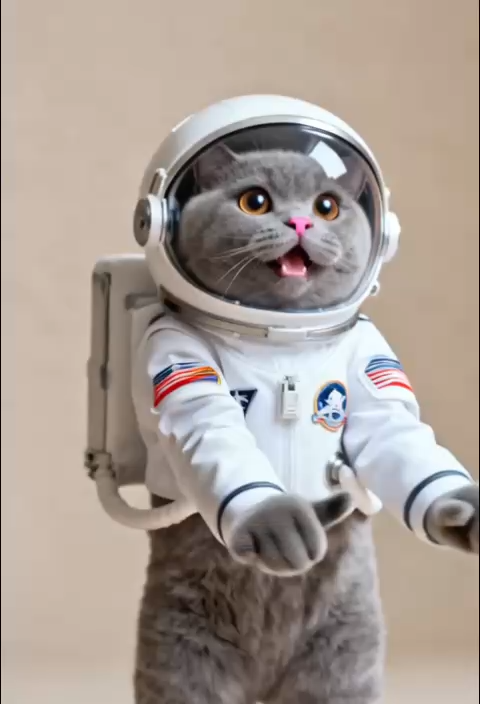
Ultra-Smooth Rotational Motion
AI Ad Clone
Create more premium AI videos with commercial usage and priority processing.
Allow other users to view your generated result.
Hide your prompt and uploaded source files from other users.
Generate Result
Waiting for Results
Complete the required inputs and click Generate.
AI Video Effect
With 360 Rotation, your video receives more than just a spin — it gains a sense of rhythm, spatial presence, and cinematic energy. The 360 Rotation effect allows characters, objects, and backgrounds to rotate in space, creating a stunning visual experience that feels immersive and alive.
Try 360 Rotation NowThe purpose of 360 Rotation is not just to rotate a frame — it is to give your story a direction. 360 Rotation adds fluid movement, spatial breathing, and visual tension. Motion becomes narrative. Rotation becomes emotion.
AI Ad Clone
Add Music To Video AI
AI Product Video
More AI Video Effect
360 Rotation delivers more than visuals. It provides impact. The audience is drawn into an active viewpoint. The clip feels like a scene from a music video, commercial, or action film. When your footage uses 360 Rotation, every second carries weight.
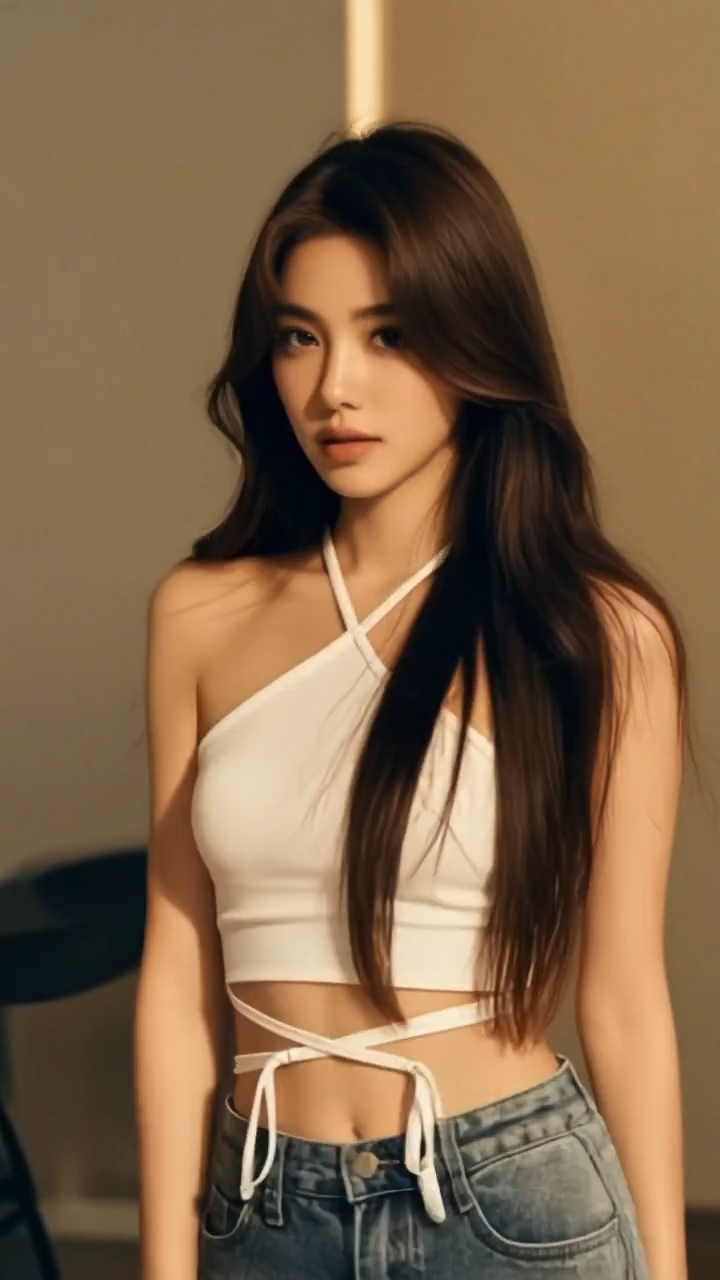
360 Rotation delivers more than visuals. It provides impact. The audience is drawn into an active viewpoint. The clip feels like a scene from a music video, commercial, or action film. When your footage uses 360 Rotation, every second carries weight.

360 Rotation delivers more than visuals. It provides impact. The audience is drawn into an active viewpoint. The clip feels like a scene from a music video, commercial, or action film. When your footage uses 360 Rotation, every second carries weight.

360 Rotation delivers more than visuals. It provides impact. The audience is drawn into an active viewpoint. The clip feels like a scene from a music video, commercial, or action film. When your footage uses 360 Rotation, every second carries weight.
360 Rotation is not limited to one style or industry. It is a powerful effect used by creators, influencers, editors, marketers, travelers, and filmmakers to improve visual storytelling. Wherever movement or attention is needed, 360 Rotation adds value.
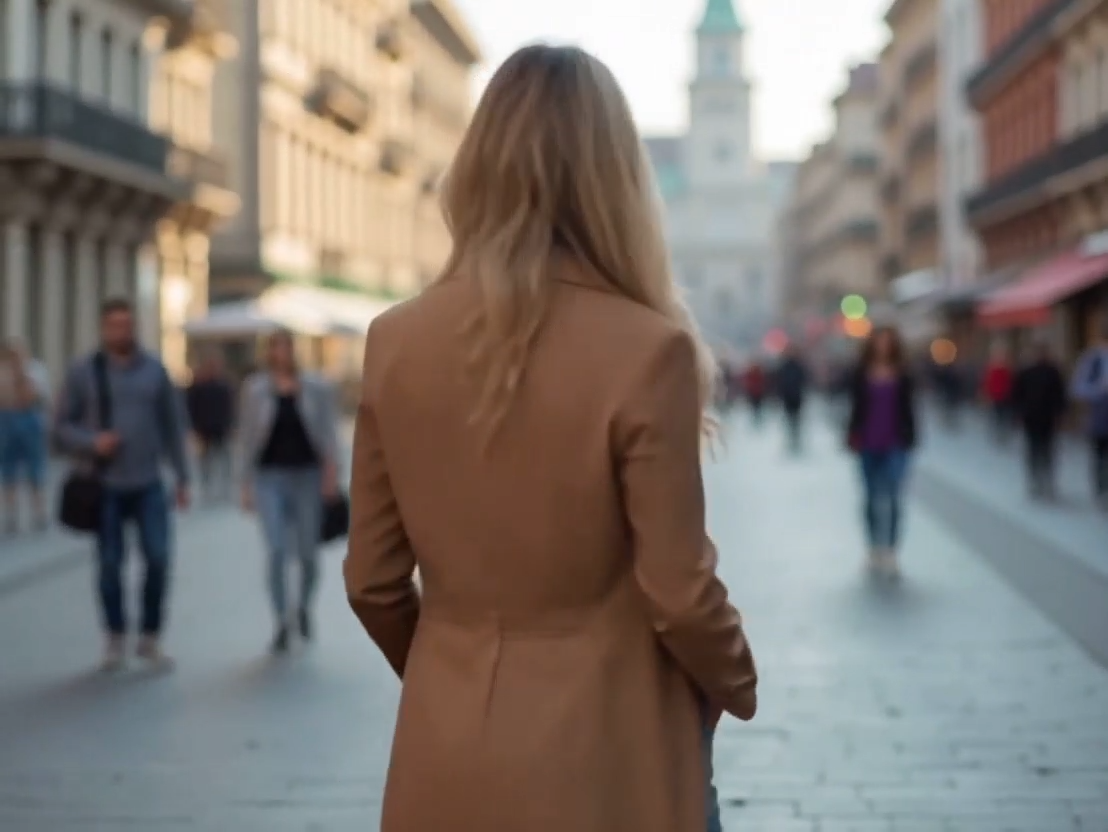
With 360 Rotation, models appear to rotate against blurred backgrounds. The effect emphasizes clothing, shapes, and poses. Fashion photography becomes dynamic, adding attitude and personality.
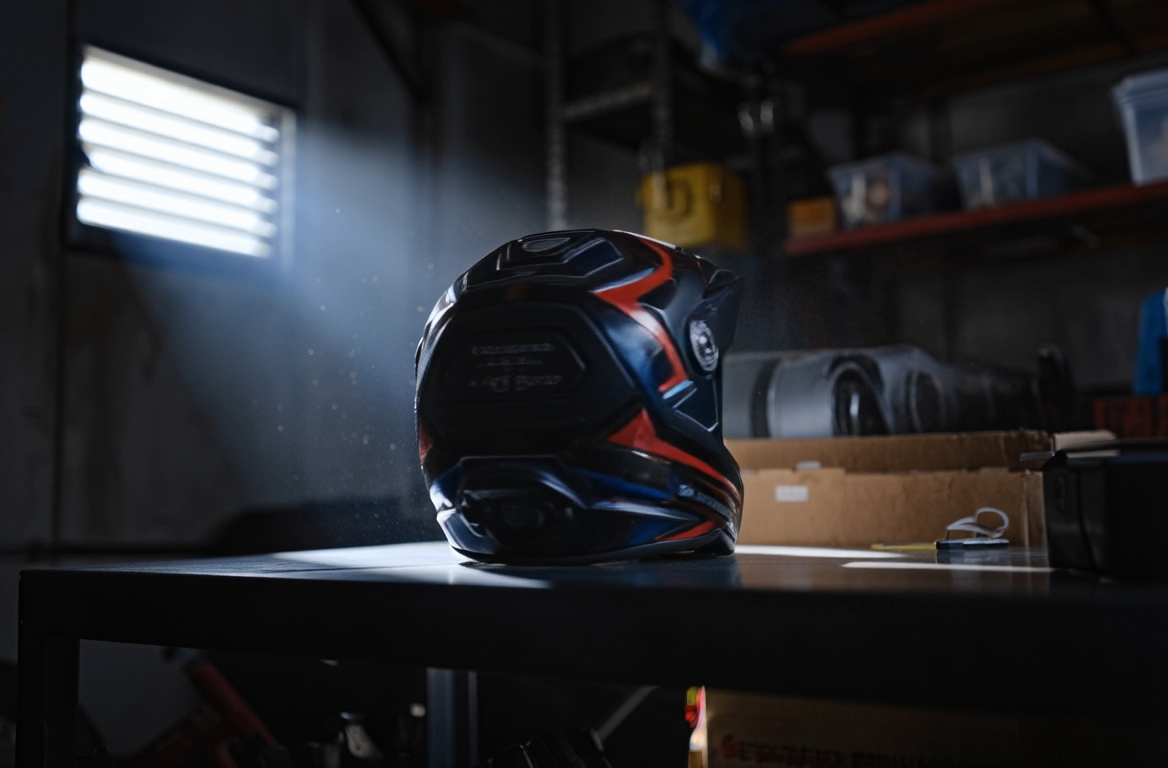
When evaluating an item, viewers want to see it clearly. With 360 Rotation, every angle is displayed in one flowing motion. It feels natural, intuitive, and informative. Influencers often use 360 Rotation to highlight craftsmanship, design, color, and features in a way that static images cannot.
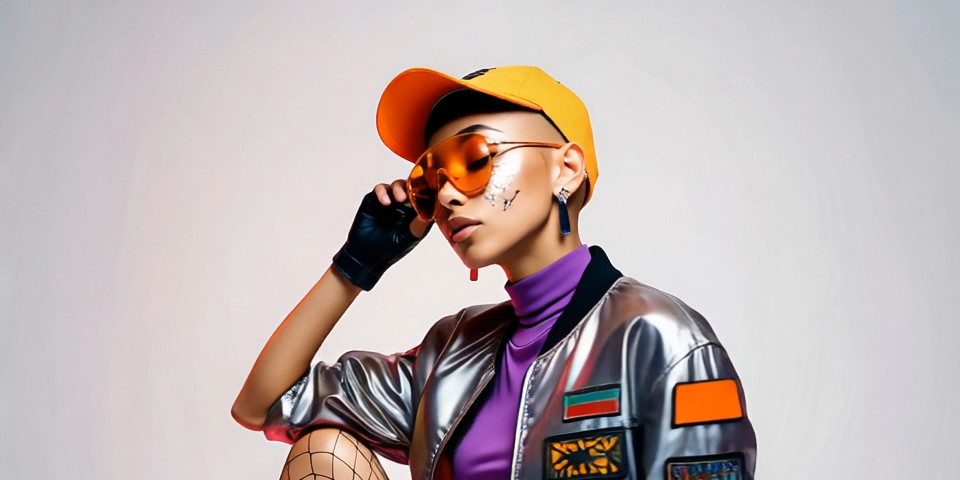
With 360 Rotation, even a stationary camera can create an illusion of expensive, cinematic equipment. It simulates a circular tracking shot found in Hollywood filmmaking. Users do not need cranes, sliders, or rotating rigs. 360 Rotation generates the complex motion digitally. The result: dramatic, bold, high-quality sequences.

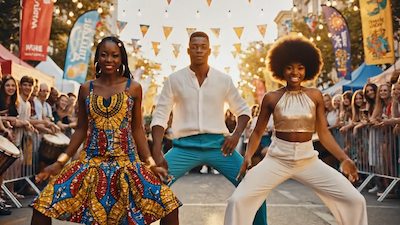
Parties, weddings, concerts, street photography, and fashion events all gain atmosphere when using 360 Rotation. The swirling background and centered subject add drama and excitement.
360 Rotation is more than a visual trick. It enhances creativity, quality, and production value. Instead of spending hours editing, users let 360 Rotation automate movement.

360 Rotation keeps the subject centered. There is no drifting focus. Everything stays aligned, making every spin look intentional and professional.

You do not need complex editing software. Just upload a clip, select a template, and 360 Rotation generates the result in real time. Anyone can use it. No editing expertise is required.

Whether you need clockwise rotating, counterclockwise rotating, orbiting around a product, or circling a person, 360 Rotation offers multiple modes. You can switch styles between clips to maintain variety and avoid monotony.
360 Rotation preserves detail. The system ensures clarity, brightness, and contrast. Even after rotation, output remains sharp and ready for commercial use.
Every social platform has different formats. 360 Rotation automatically adapts to vertical, horizontal, square, and wide formats. There is no need for manual cropping or resizing.
When generation is complete, 360 Rotation delivers files optimized for TikTok, Instagram, YouTube, and more. Your rotating video is instantly shareable.
Scrolling through examples demonstrates how expressive 360 Rotation can be. Motion grabs attention. Even still moments appear to pulse with life.
Social platforms reward dynamic visuals. Reels, TikTok, YouTube Shorts, and other platforms push content with motion. When a clip starts with 360 Rotation, the chances of viewers stopping, watching, and engaging increase. Eye-catching rotation is memorable. It sets content apart.
A product that rotates is more attractive. 360 Rotation provides 360-degree visibility. It appeals to customers by letting them explore without effort.
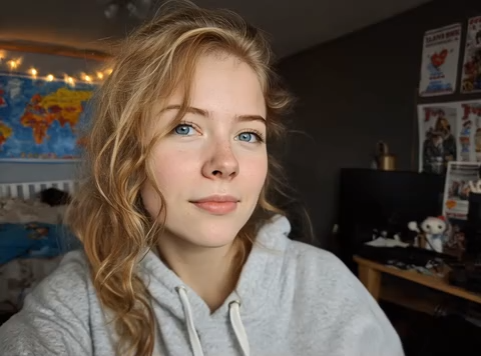
Self-portraits no longer need to stand still. With 360 Rotation, the camera appears to circle around you, even if you never moved. Hair, clothes, expressions, and gestures look full of energy. A simple turn of the head becomes dramatic. Daily moments become cinematic.
Music videos, short films, advertising clips, and visual storytelling all benefit from the emotional force of 360 Rotation. Switching scenes in sync with rotation builds rhythm. A rotating shot before a transition amplifies drama.
Anyone can produce a cinematic rotation effect. 360 Rotation removes technical barriers and lets creativity shine.
Select from different 360 Rotation styles: gentle spinning, large orbit movement, tight circular framing, or rotating product display. Templates allow users to start with the right mood and pacing. The foundation of every clip begins with 360 Rotation.
Use footage from your phone, camera, or downloaded source. Vertical or horizontal formats are supported. The interface is simple. With 360 Rotation, users only need to select their media. No pre-editing. No trimming. Everything happens inside the 360 Rotation system.
Within seconds, the video is processed. 360 Rotation stabilizes, spins, enhances, and exports. Final output is ready to publish. Users can download in HD or other resolutions.
This FAQ section helps you understand everything about 360 Rotation, from technical requirements to creative best practices.
Yes. All popular social formats work. 360 Rotation is built for vertical, horizontal, and square videos, so you can create content for TikTok, Instagram Reels, Shorts, or widescreen projects. The tool automatically recognizes aspect ratios and adapts without stretching or squeezing the image. This makes it easier to publish directly to platforms where viewers expect mobile-friendly orientation, without additional resizing or exporting steps.
No. 360 Rotation uses stabilization and interpolation so motion stays smooth and clear. The system analyzes surrounding frames, reduces shake, and keeps important objects sharp. Even if the original video was handheld or slightly shaky, the final result appears more stable. This combination of clarity and movement is one reason viewers often think the video was shot with professional motion equipment, when it was actually created with a simple effect.
Absolutely. You can adjust every parameter. 360 Rotation allows full customization of speed, angle, duration, and direction, from slow panoramic turns to fast dramatic spins. Because every project has a different mood, these options help match pacing with music, transitions, or storytelling. Whether you prefer subtle camera movement or bold visual energy, changing the rotation style is easy and gives users complete control over the finished look.
By default, no. 360 Rotation maintains image integrity, so the frame stays visible. If the rotation creates slight empty edges, automatic adjustments extend or blend the boundary without drawing attention. This avoids distracting gaps or black corners. Most of the time you will not even notice the correction, because the system applies the change intelligently. The goal is to preserve the original composition while still delivering beautiful movement.
Yes. 360 Rotation supports batch generation to save time, especially when creators produce many similar videos. Instead of repeating the same settings, you can upload a group of clips and generate results together in a single workflow. This is useful for influencers, e-commerce catalogs, event footage, or any situation where repetition would normally take hours. The tool simplifies productivity by minimizing manual effort and streamlining output.
MP4, MOV, and more. 360 Rotation delivers high-resolution video suitable for commercial projects and social platforms. The export process preserves sharpness, color detail, and aspect ratio. Whether you plan to publish on mobile feeds, show a product on a website, or include the footage in a professional presentation, the result is ready for immediate use. The flexible format support makes integration and sharing extremely straightforward.
Usually seconds. Longer videos may take slightly more time, but 360 Rotation is designed for speed. The processing engine prioritizes both efficiency and quality, so you don’t have to wait for rendering as you would with traditional editing software. Many users appreciate that they can upload a clip, generate the effect, and share it on the same device during a single creative session, without interruptions or delays.
Yes. You own your generated content. 360 Rotation gives you publishing rights, meaning you can use the final videos in brand campaigns, advertisements, paid collaborations, or online shops. There are no hidden limitations or licensing problems, so creators, businesses, and marketers can confidently build commercial strategies around the footage. The output feels professional, and audiences respond well to the energetic visual motion.
Going from ordinary footage to viral content is now simple. With 360 Rotation, every creator can transform clips into captivating motion sequences. Whether you want engaging social posts, dynamic product displays, emotional portraits, or cinematic transitions, 360 Rotation provides the power.
Start Creating Viral 360 Rotation Videos Now