Turn still images into walking motion
AI Ad Clone
Create more premium AI videos with commercial usage and priority processing.
Allow other users to view your generated result.
Hide your prompt and uploaded source files from other users.
Generate Result
Waiting for Results
Complete the required inputs and click Generate.
AI Video Effect
With a single photo upload, AI Walking Video Generator transforms static images into smooth, natural walking motion. Characters come to life with realistic movement, adding energy and flow to once-still visuals. From everyday moments to creative storytelling, it makes dynamic walking videos easy to create and ready to share.
Try AI Walking NowAI Walking uses advanced image understanding and video generation to turn a single still image into smooth, natural walking motion. By analyzing body posture, proportions, and spatial context, it creates a coherent walking sequence automatically—so you can focus on the visual idea rather than technical setup.
AI Ad Clone
Add Music To Video AI
AI Product Video
More AI Video Effect
AI Walking goes beyond simple animation. It adds movement that enhances storytelling and visual expression, allowing images to communicate more clearly through motion and presence.
AI Walking goes beyond simple animation. It adds movement that enhances storytelling and visual expression, allowing images to communicate more clearly through motion and presence.
AI Walking goes beyond simple animation. It adds movement that enhances storytelling and visual expression, allowing images to communicate more clearly through motion and presence.
AI Walking goes beyond simple animation. It adds movement that enhances storytelling and visual expression, allowing images to communicate more clearly through motion and presence.
China Video AI is designed to make creating walking animations not just possible, but smooth, intuitive, and fully integrated into your creative process. From hassle-free uploads to flexible project management, here’s why creators choose AI Walking on China Video AI.
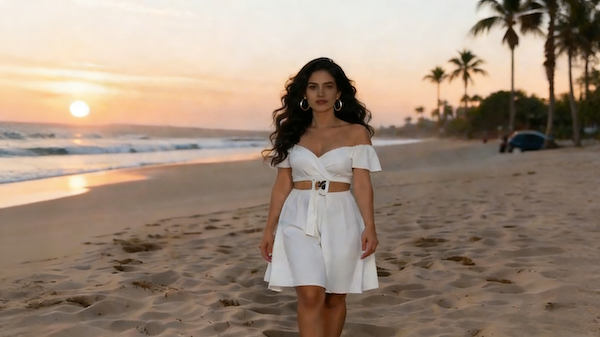
China Video AI organizes your projects, images, and generated AI Walking videos in one place. You can manage multiple creations effortlessly, keeping your creative flow uninterrupted and your assets easy to access.
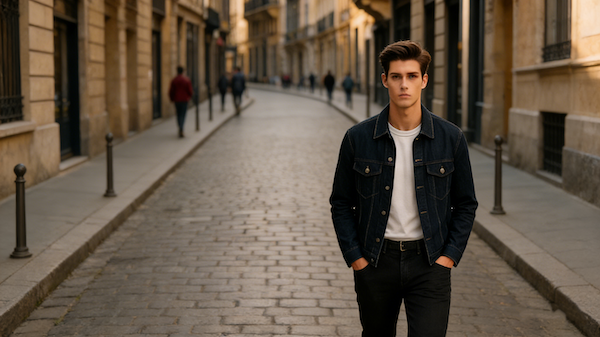
Your images and generated videos are protected with robust privacy and security measures. China Video AI ensures your AI Walking creations stay confidential while providing reliable, fast processing every time you create.
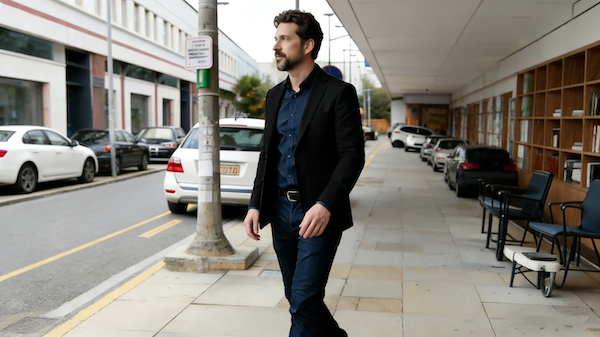
Work anywhere with China Video AI—on desktop or mobile. The platform is optimized for different devices and screen sizes, so you can generate, preview, and download AI Walking videos wherever your workflow takes you.
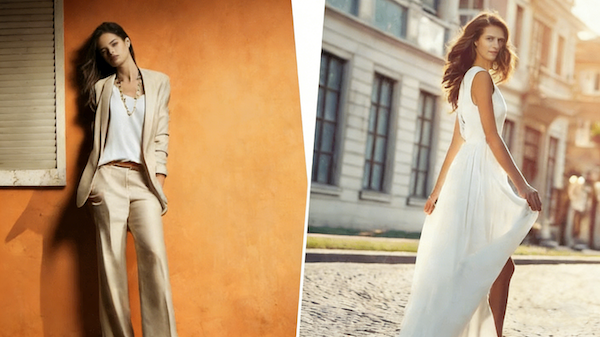
China Video AI connects AI Walking Video Generator with other creative tools and resources. You can enhance, remix, or export your content seamlessly, making it easier to bring your projects from concept to share-ready results.
By choosing the right images and paying attention to composition, you can significantly improve the realism and visual quality of your AI Walking videos, creating motion that feels smooth, balanced, and true to life.
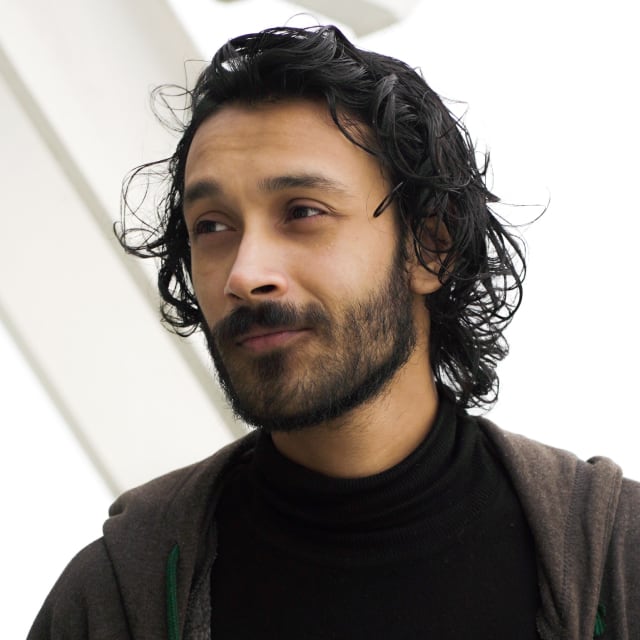
Clear, detailed images help AI Walking better understand body structure and visual details. The higher the image quality, the more stable and natural the walking motion will appear—especially for showcase-ready results.

Front-facing or side-profile poses reveal body proportions and walking direction more clearly. This makes it easier for AI Walking to generate fluid, well-aligned motion with a natural sense of direction and flow.

Images where the full body is visible, without cropping or occlusion, allow AI Walking to interpret proportions and balance more accurately. This leads to more realistic steps and smoother overall movement.
Simple backgrounds with clear visual separation help keep attention on the walking subject. Reducing visual noise results in more stable motion and a cleaner, more polished final video generated by AI Walking.
Even with the same image, different generations can produce subtle variations. Comparing multiple outputs helps you select the version that best matches your creative vision and makes the most of the AI Walking Video Generator.
Once your video is downloaded, adding music, captions, or minor timing tweaks can make your AI Walking Video Generator creation more dynamic and share-ready.
These examples created with AI Walking show how adding walking motion transforms still images into more expressive, engaging visuals. From personal creations to real-world use cases, each piece highlights the impact of movement and how it elevates visual storytelling.
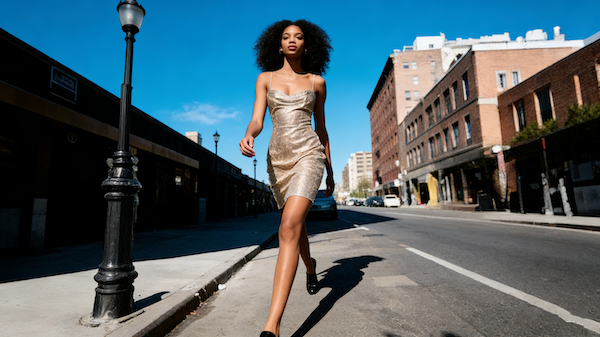
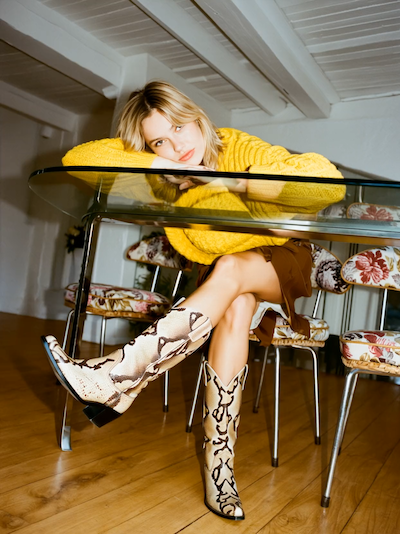
Designers and creators use AI Walking to present outfits in motion, allowing silhouettes, proportions, and materials to unfold naturally with each step. Compared to static images, walking visuals communicate style and presence more clearly and leave a stronger visual impression.
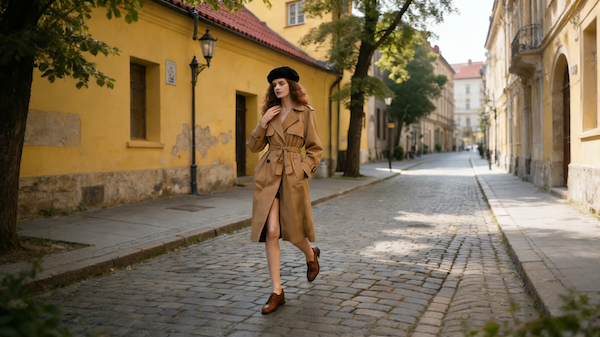
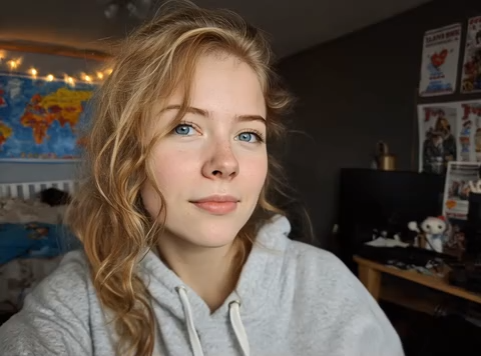
Ordinary lifestyle photos become engaging walking visuals that feel natural and relatable. With AI Walking, everyday moments gain rhythm and movement, making them well suited for personal storytelling and social content that feels authentic and approachable.
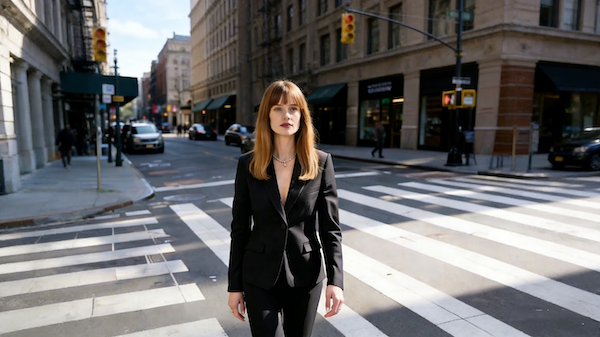
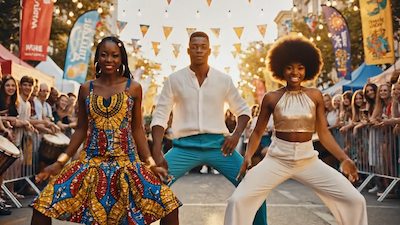
Street photography combined with walking motion creates a strong sense of atmosphere and attitude. Using the AI Walking Video Generator, creators turn still street shots into dynamic visuals that invite viewers to pause, explore, and connect.
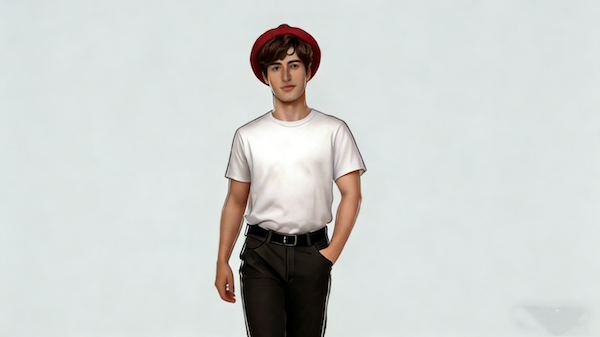
Illustrated or virtual characters come alive through walking motion, adding personality and narrative depth. Using AI Walking, creators transform single images into story-driven scenes, expanding characters into more complete visual experiences.
The process is intuitive and straightforward, even for first-time users. From uploading your image to getting a finished walking video, every step is simple, clear, and guided by AI Walking. You can see your static image come to life effortlessly, creating smooth walking animations ready to share or use in your projects.
Select a clear, standing pose image—whether a casual lifestyle photo, a character illustration, or a portrait. No prior editing is needed, so you can start creating instantly.
Once your image is uploaded, AI Walking immediately transforms it into a smooth walking animation. No parameters or extra steps are required, letting you see your still image come to life with natural, continuous movement.
Preview the final result and download it for social sharing, creative projects, or personal use. With AI Walking Video Generator, it’s easy to bring static images to life across multiple platforms and scenarios.
Explore clear and concise answers about using AI Walking Video Generator. From uploading images and generating videos to commercial usage and editing tips, this section helps you understand the process, reduce uncertainty, and make the most of your walking animations.
Explore clear and concise answers about using AI Walking Video Generator. From uploading images and generating videos to commercial usage and editing tips, this section helps you understand the process, reduce uncertainty, and make the most of your walking animations.
The AI Walking video effect turns static images into realistic walking animations. It brings characters or people to life, adding smooth, natural movement to still visuals.
AI Walking accepts standard image formats such as JPEG and PNG. Make sure your image is clear and fully shows the subject for the best walking animation results.
Images with a clear, full-body view in front or side profile yield the most natural walking motion in AI Walking. Avoid heavily tilted, cropped, or partially obscured subjects to ensure smooth animation.
No prompts are needed. AI Walking automatically analyzes the uploaded image and generates natural walking motion without requiring extra input.
Currently, AI Walking generates single-pass walking animations. For looping effects, you can export the video and use editing software to repeat or merge clips seamlessly.
AI Walking typically generates videos within a few minutes. The exact speed depends on the image resolution and server processing, ensuring a quick turnaround for most projects.
Currently, AI Walking works best for single-subject images. Multi-person images may not produce fully natural walking motion.
Yes. Once the walking animation is generated, videos can be downloaded and further edited using other tools to add music, captions, or additional effects, making AI Walking Video Generator creations more versatile.
Yes. Videos created with AI Walking Video Generator can be used for commercial purposes. We recommend reviewing the platform’s terms of service to confirm specific usage rights.
Your privacy is important. AI Walking processes images securely and does not share them with third parties. Generated videos are stored temporarily for processing and download.
Creators retain ownership of their images and generated videos. Always check AI Walking’s terms of service for commercial usage guidelines.
Turn your static images into smooth, realistic walking animations in minutes. Upload a photo and watch it come to life with natural motion. Discover the creative possibilities of AI Walking today!
Bring Your Images to Life with AI Walking