Realistic Face Recognition & Motion Mapping
AI Ad Clone
Create more premium AI videos with commercial usage and priority processing.
Allow other users to view your generated result.
Hide your prompt and uploaded source files from other users.
Generate Result
Waiting for Results
Complete the required inputs and click Generate.
AI Video Effect
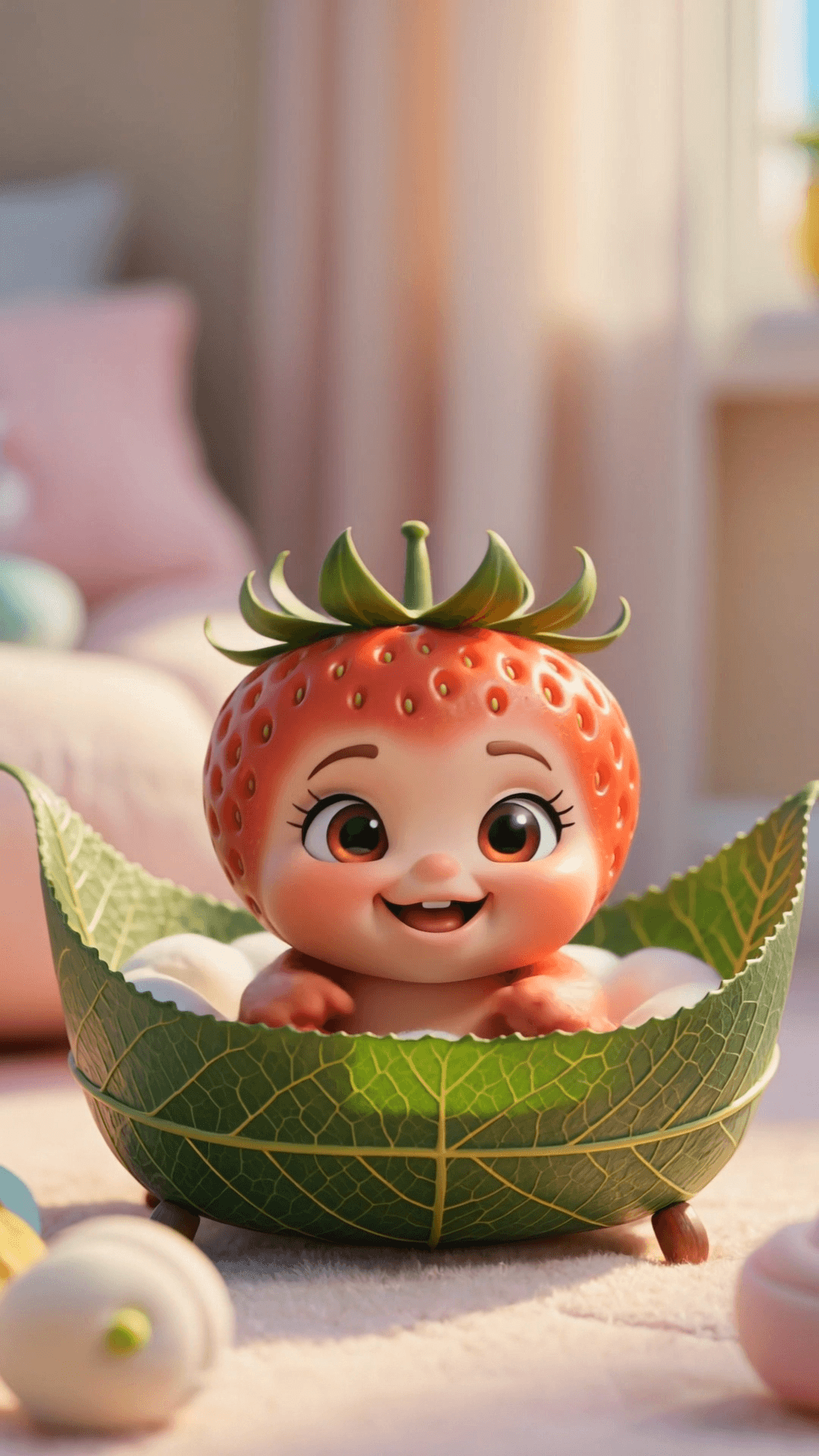
Turn a single baby photo into an energetic, share-ready dance video with Baby Dance AI. No editing skills required—just upload your image and let AI transform it into a playful, eye-catching animation in minutes. Perfectly optimized for Instagram Reels, TikTok, and Shorts, Baby Dance AI helps you create joyful dance moments that are easy to share and hard to forget.
Try Baby Dance AI NowBaby Dance AI brings together a set of intelligent features that guide you smoothly from photo upload to final export. With Baby Dance AI, creating delightful baby dance videos feels effortless, allowing every cute movement to shine naturally on screen.
AI Ad Clone
Add Music To Video AI
AI Product Video
More AI Video Effect
Baby Dance AI goes beyond simple video generation. It brings motion, rhythm, and personality together, making every baby dance moment feel lively, expressive, and more engaging than traditional editing workflows.
Baby Dance AI goes beyond simple video generation. It brings motion, rhythm, and personality together, making every baby dance moment feel lively, expressive, and more engaging than traditional editing workflows.
Baby Dance AI goes beyond simple video generation. It brings motion, rhythm, and personality together, making every baby dance moment feel lively, expressive, and more engaging than traditional editing workflows.
Baby Dance AI goes beyond simple video generation. It brings motion, rhythm, and personality together, making every baby dance moment feel lively, expressive, and more engaging than traditional editing workflows.
Discover the moments and motivations behind using Baby Dance AI. From everyday family joy to shareable creative content, these use cases show why people turn to Baby Dance AI—not just how it looks, but how it fits naturally into real life.
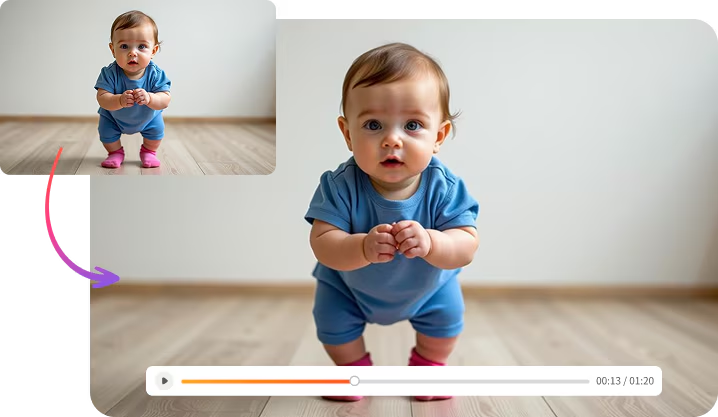
Parents use Baby Dance AI to turn everyday photos into small moments of happiness. It’s a simple way to capture growth, smiles, and personality—creating memories that feel more alive than a photo alone.
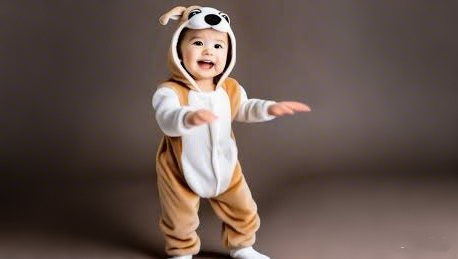
Creators choose Baby Dance AI to add warmth and originality to short-form content. When a static image isn’t enough, a playful dance clip helps posts stand out and feel more emotionally engaging.
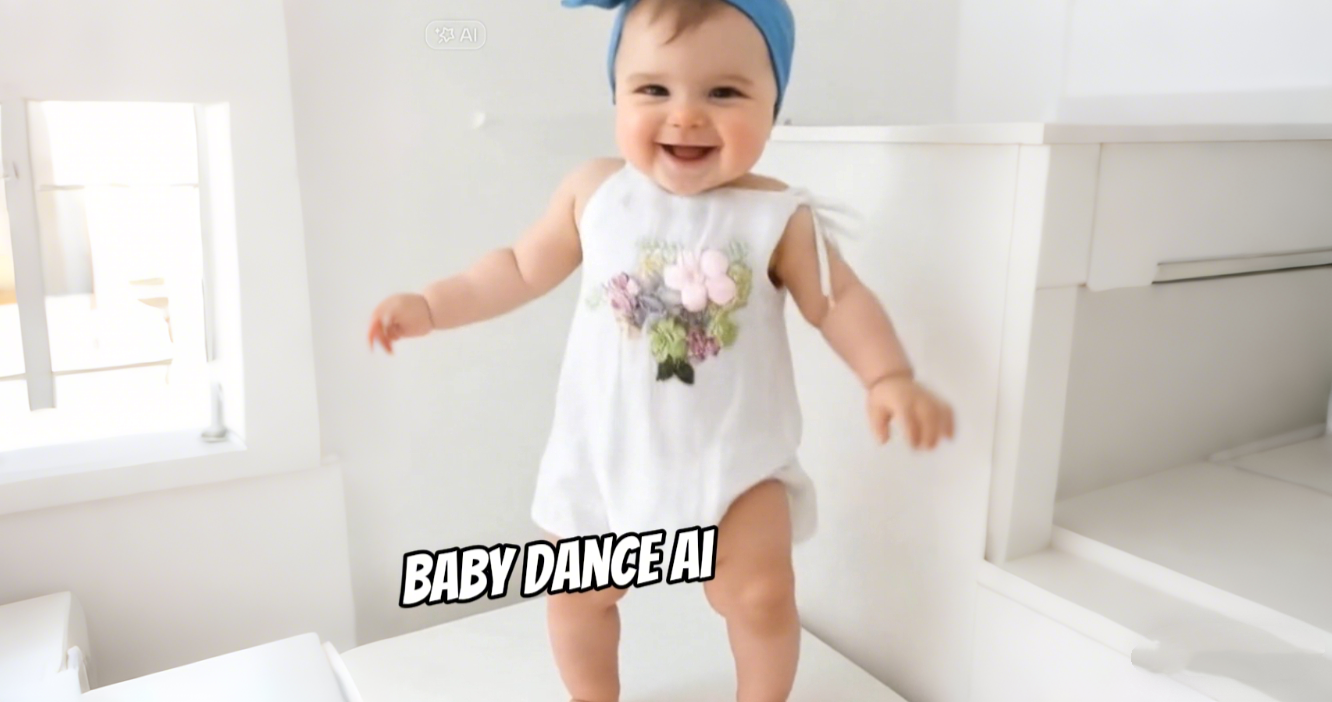
From birthdays to special milestones, Baby Dance AI offers a creative alternative to traditional messages. A short dance video feels personal, thoughtful, and memorable—perfect for sharing with friends and family.
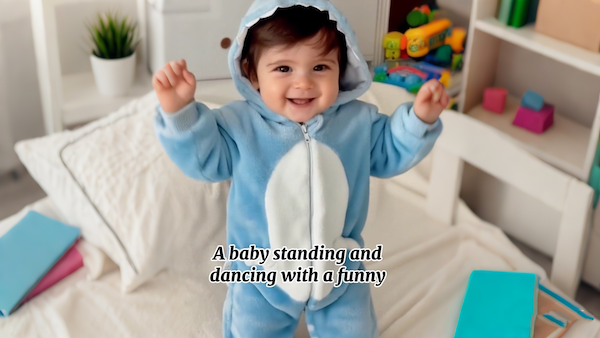
Some users use Baby Dance AI as part of their digital memory collection. By turning photos into motion, they preserve moments in a more expressive way, creating keepsakes they’ll enjoy revisiting over time.
With a few simple adjustments, you can make your Baby Dance AI videos feel more natural, engaging, and visually polished—perfect for sharing and replaying.
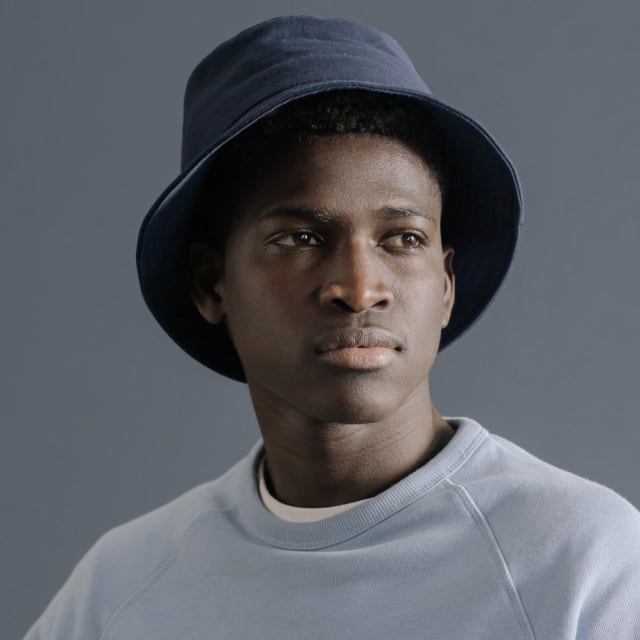
Start with a sharp, well-lit photo that shows the baby’s face clearly. For the best Baby Dance AI results, images taken in natural light and without heavy filters usually produce cleaner, more consistent results, helping the final video look smoother and more refined.
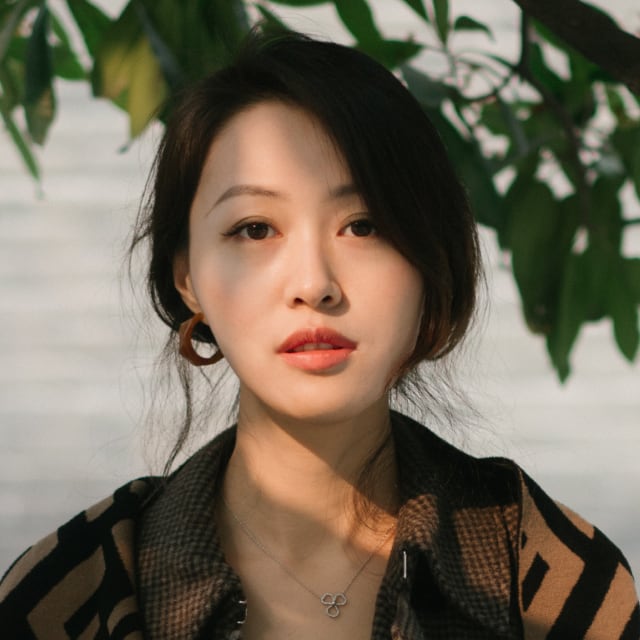
When choosing a dance reference, look for videos with steady camera movement and well-defined actions. Clear, readable motion helps your Baby Dance AI video feel more balanced and easier to watch, especially for short-form creations.

Photos where the baby is centered and free from visual obstructions tend to work best with Baby Dance AI. Avoid hands, toys, or other objects covering the face, as a clean composition helps the dance animation appear more natural and visually stable.
Shorter dance clips with a clear rhythm often perform better. A concise duration keeps attention high, makes the movement feel punchy, and increases the chances of viewers watching your Baby Dance AI video to the end.
When adding prompts, be specific about the dance style or mood you want to achieve. Clear keywords help guide your Baby Dance AI video’s creative direction and keep the overall dance style consistent from start to finish.
Take a moment to review the preview carefully before generating the final output. Checking movement flow and visual balance in advance can make a noticeable difference in how polished the final Baby Dance AI video feels.
Explore real creations made with Baby Dance AI and see how simple photos are transformed into expressive, joyful dance moments. Each example highlights the visual impact and emotional appeal that make these videos easy to love and share.
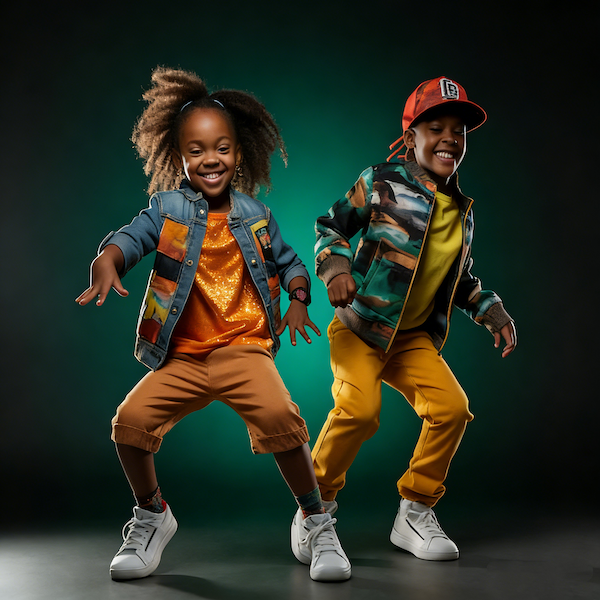
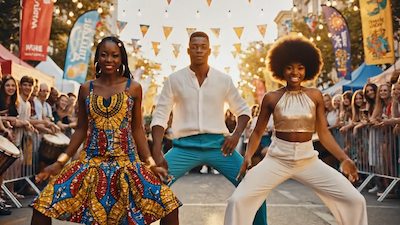
Upbeat rhythms paired with playful, energetic movements create an instantly eye-catching result. The lively motion brings out a fun personality that feels full of charm and keeps viewers watching from start to finish.
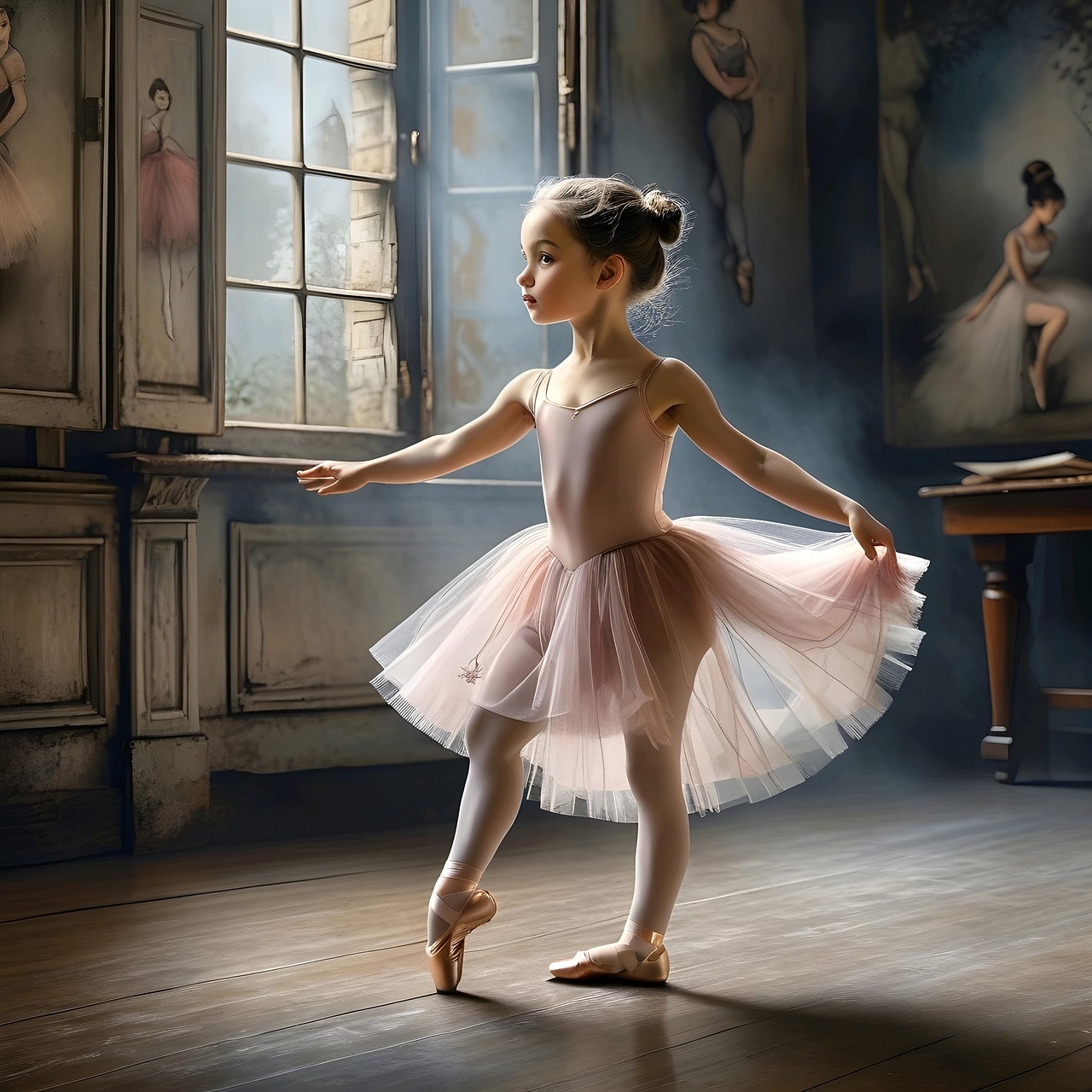
Soft, flowing dance movements combined with gentle music create a dreamy, storybook atmosphere. These Baby Dance AI videos feel calm and graceful, offering a more emotional and visually soothing viewing experience.
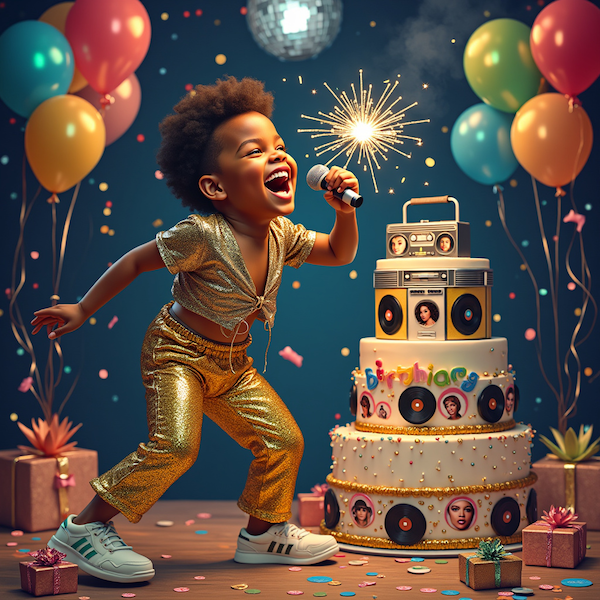
Dance clips designed around celebrations add rhythm and joy to birthday moments. Compared to static photos or text messages, Baby Dance AI videos feel more memorable and are often watched and shared again and again.
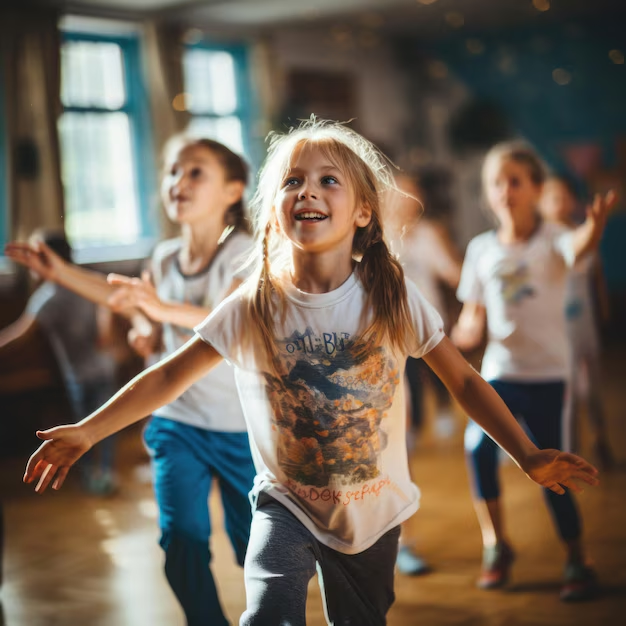
Natural movements set in everyday scenes turn ordinary photos into warm, expressive memories. Without feeling overproduced, these dance moments capture genuine emotion—perfect for family sharing and long-term keepsakes created with Baby Dance AI.
The workflow is designed to be clear and approachable from start to finish. Whether you’re trying it for the first time or creating content regularly, Baby Dance AI helps you move through each step with ease.
Start by selecting a clear, front-facing photo from your device. No extra editing or preparation is needed—simply upload the image to serve as the foundation for your baby dance video.
Click Generate and let Baby Dance AI instantly transform your uploaded photo into a lively, playful baby dance animation. No prompts or settings required—just a few seconds to see the magic.
Once your Baby Dance AI video is ready, download it in the preferred format and share it across social platforms or with family and friends. Each clip becomes a joyful, memorable moment you can enjoy anytime.
Get clear answers to the most common questions about using Baby Dance AI. Learn how the tool works, what you can create, how your photos are handled, and how to get the best results—so you can confidently turn baby photos into delightful AI dance videos in just a few steps.
Yes. Baby Dance AI is designed to work smoothly on both desktop and mobile browsers, allowing you to create and download videos without installing additional software.
Clear, front-facing photos with good lighting tend to produce the best results. Photos where the face is visible and not heavily filtered help ensure a smoother and more natural dance outcome.
In most cases, videos are generated within seconds after submission. Actual time may vary slightly depending on image size and current processing load.
Yes. You can reuse the same photo to generate different dance videos by changing prompts or creative settings, making it easy to explore multiple styles from one image.
Baby Dance AI typically supports multiple output formats, including MP4, WebM, and GIF, making it easy to use your videos across different platforms.
Video length and resolution may vary depending on the selected output and platform settings. The tool is optimized for short-form videos suitable for social sharing.
No. Uploaded images are not stored or shared. They are used only for the video creation process and are removed after generation is complete.
Baby Dance AI is a paid tool, but you can earn points by daily check-ins and completing tasks, which can be used to access the service.
Upload a photo, add a prompt, then generate and share—turning a still moment into joyful movement in just seconds. Join a new wave of creators and let your baby’s smile take the spotlight. Start exploring the creative magic of Baby Dance AI today.
Create Your Own Dance Video with Baby Dance AI