Lifelike Fur and Fang Details
AI Ad Clone
Create more premium AI videos with commercial usage and priority processing.
Allow other users to view your generated result.
Hide your prompt and uploaded source files from other users.
Generate Result
Waiting for Results
Complete the required inputs and click Generate.
AI Video Effect
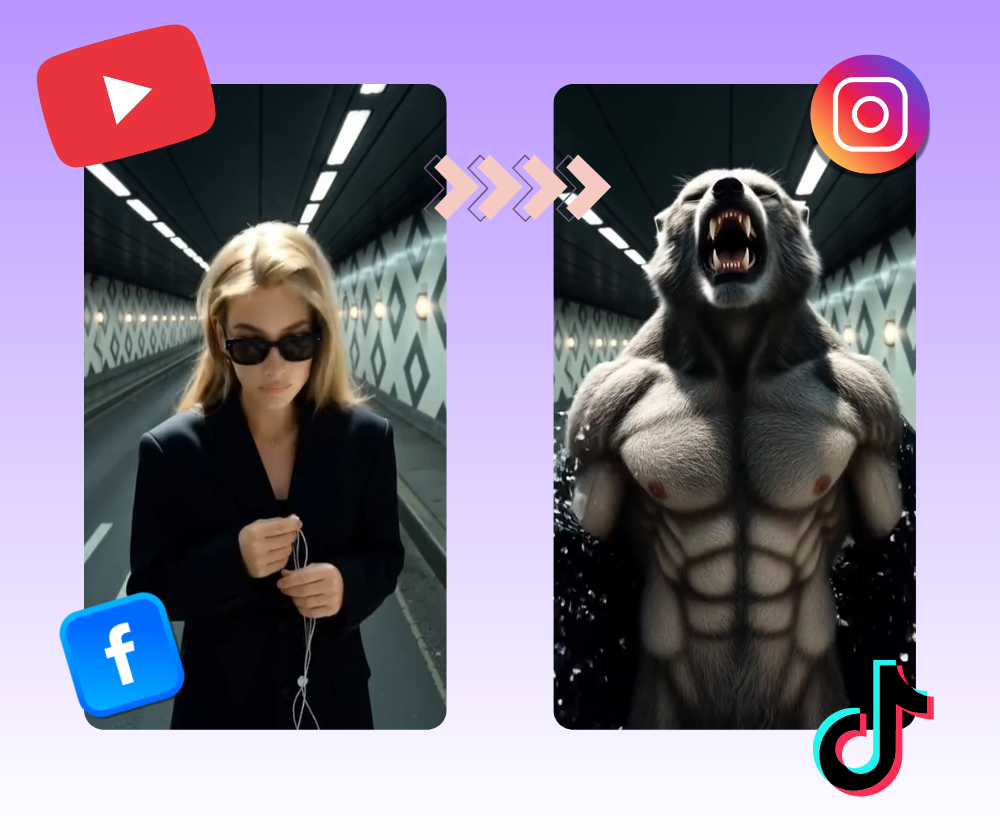
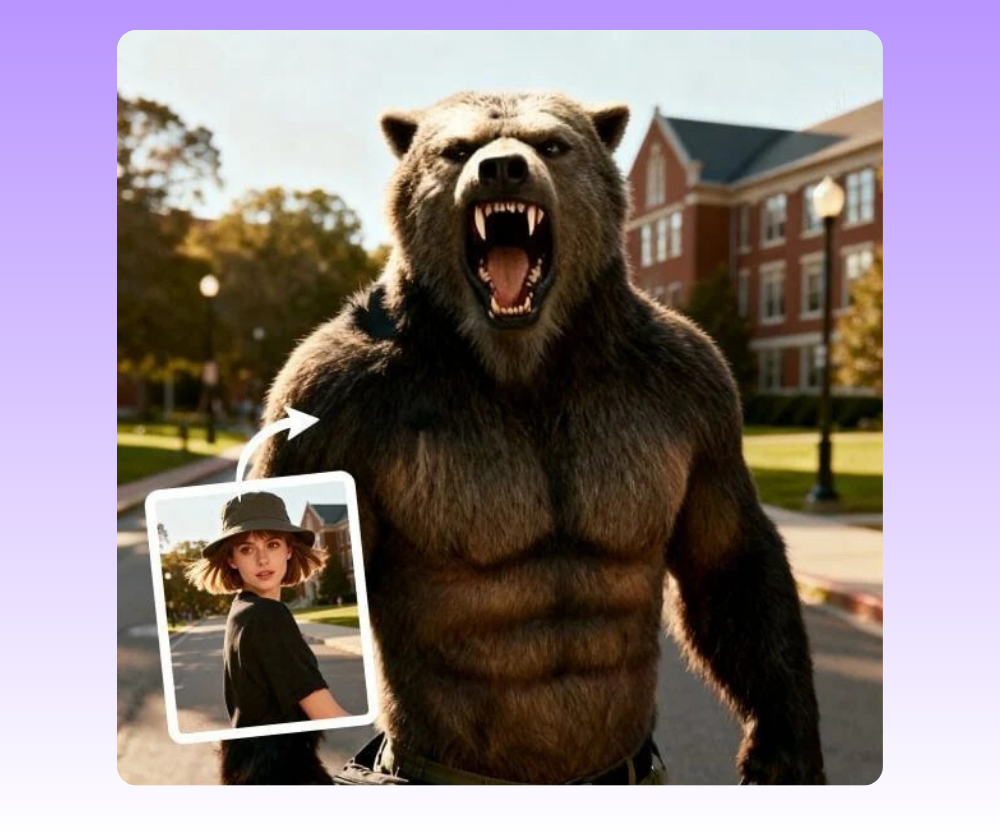
With Become Werewolf, simply upload a photo and watch your subject transform into a striking, lifelike werewolf. From richly detailed fur and glowing fangs to fluid, cinematic motion, every frame captures raw power and primal energy. Unlock your wild side and bring bold, cinematic storytelling to life with Become Werewolf.
Try Become Werewolf NowBecome Werewolf uses advanced AI video generation to turn a single photo into a dynamic werewolf transformation. By analyzing facial structure, movement, and visual depth, the tool creates a smooth, cinematic transformation that feels alive, expressive, and visually impactful from start to finish.
AI Ad Clone
Add Music To Video AI
AI Product Video
More AI Video Effect
Become Werewolf goes beyond a standard video effect. It brings characters to life by adding emotion, intensity, and personality, helping creators turn static images into expressive, story-driven visuals that feel bold and memorable.
Become Werewolf goes beyond a standard video effect. It brings characters to life by adding emotion, intensity, and personality, helping creators turn static images into expressive, story-driven visuals that feel bold and memorable.
Become Werewolf goes beyond a standard video effect. It brings characters to life by adding emotion, intensity, and personality, helping creators turn static images into expressive, story-driven visuals that feel bold and memorable.
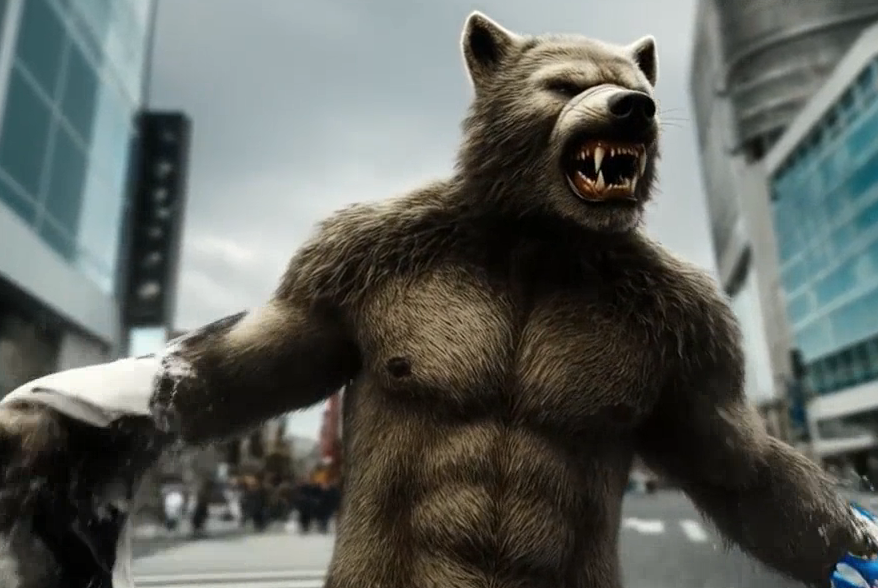
Become Werewolf goes beyond a standard video effect. It brings characters to life by adding emotion, intensity, and personality, helping creators turn static images into expressive, story-driven visuals that feel bold and memorable.
Become Werewolf is designed for creators and everyday users who want more than a simple effect. It fits naturally into different creative goals, helping people express personality, mood, and imagination through a striking transformation.
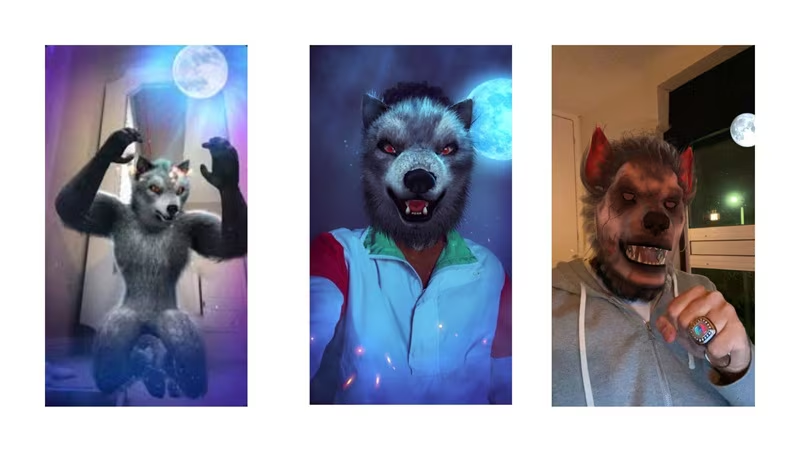
Creators working with short videos use Become Werewolf to add instant impact to their content. The transformation helps capture attention quickly, making it easier to stand out in fast-moving feeds without spending time on complex editing.
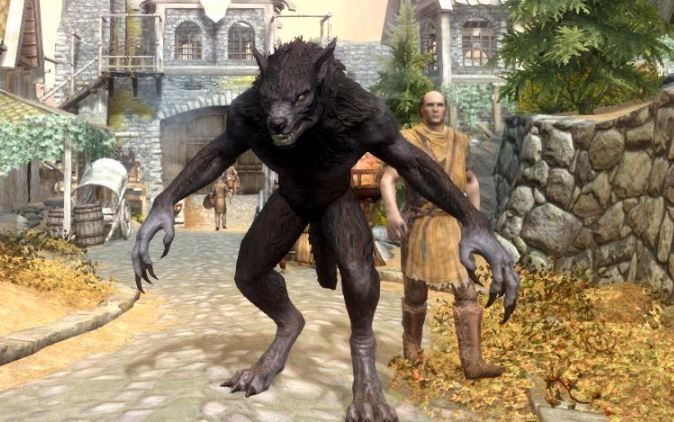
For those who enjoy character-driven content, Become Werewolf offers a simple way to explore darker, more dramatic identities. It works well for roleplay concepts, avatars, and storytelling visuals that need a strong sense of character and atmosphere.
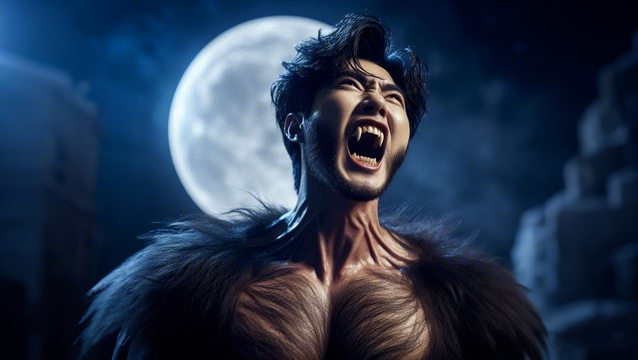
Halloween, fantasy themes, or dramatic visual concepts feel more complete with a werewolf transformation. Become Werewolf helps creators match the mood of special occasions or themed content without building everything from scratch.
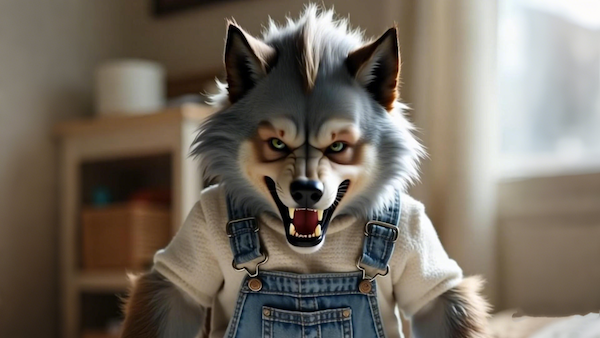
Pet lovers use Become Werewolf to experiment in a fun, lighthearted way. Transforming familiar faces into expressive werewolf characters adds personality and surprise, creating content that feels personal and easy to enjoy.
Want your werewolf videos to feel more striking and immersive? These practical tips will help you get stronger, more polished results when creating with Become Werewolf.

Choose a clear, well-focused image with even lighting. Avoid heavy filters or strong shadows, as clean details make it easier to achieve a more natural and visually balanced transformation with Become Werewolf.

Photos with subtle expressions often create more engaging results than completely neutral faces. A relaxed posture or slight emotion adds storytelling to your Become Werewolf transformation, making each video feel more alive and expressive.

Although the background stays unchanged, selecting an environment that fits the werewolf theme—like nighttime scenes, outdoor settings, or darker tones—can greatly enhance the overall atmosphere of your Become Werewolf video, making the transformation feel more cinematic and immersive.
If the first result isn’t exactly what you imagined, try again with a different photo or small adjustments. Simple changes in angle, lighting, or expression can lead to noticeably different outcomes when using Become Werewolf.
Become Werewolf works especially well for themed creations like Halloween visuals, character concepts, gaming content, or short narrative clips. Clear themes help your video feel more intentional and memorable.
When sharing or editing your Become Werewolf video, consider adding background music or subtle sound effects. Audio elements can deepen immersion and make the werewolf transformation feel more dramatic and emotionally engaging.
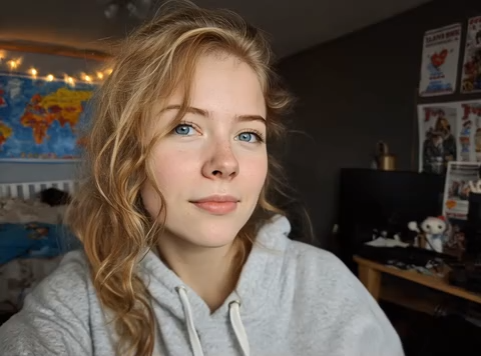
Sometimes it only takes one look to understand the impact. This gallery brings together real-style creations made with Become Werewolf, showing how different creators turn simple photos into videos people actually stop to watch.
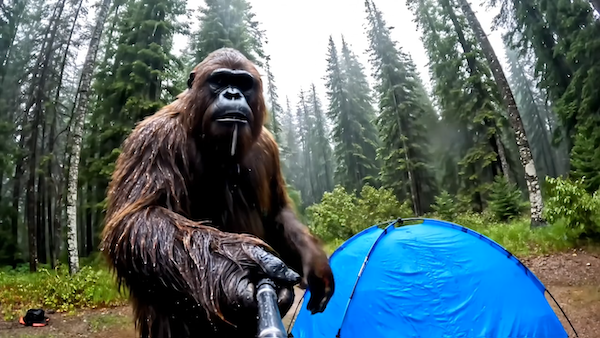
ome Become Werewolf results feel straight out of a movie scene. A calm portrait turns intense, eyes sharpen, fur comes alive, and suddenly the image feels dramatic and powerful. These cinematic Become Werewolf creations are often used for story-driven clips, concept visuals, or content that needs a strong emotional pull.
Many creators use Become Werewolf for short-form videos that need to stand out instantly. The transformation happens quickly, the contrast is strong, and viewers know something interesting is happening within seconds—perfect for feeds where attention is limited.
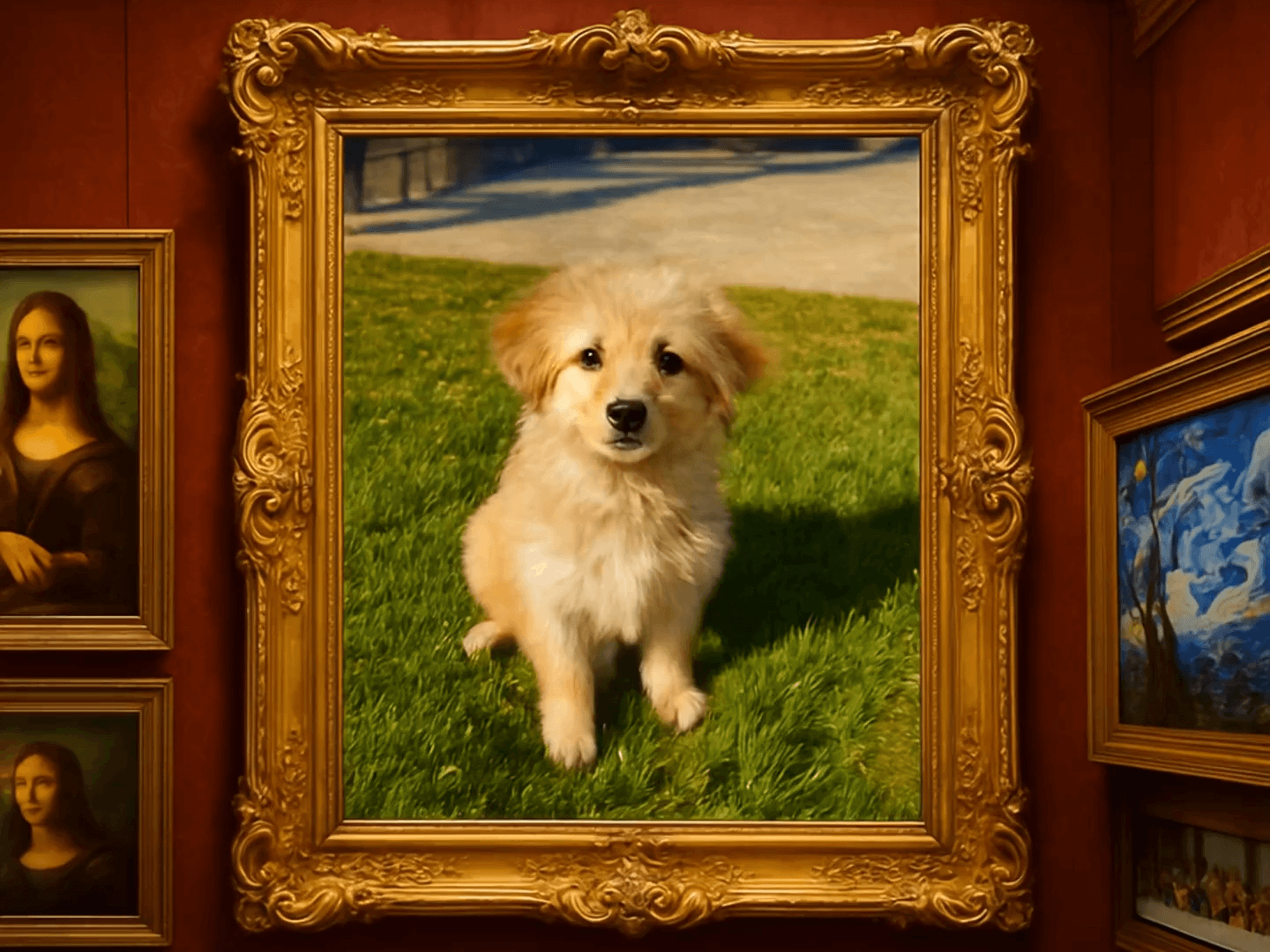
Turning pets into werewolves is where things get unexpectedly fun. Familiar faces become wild and expressive, creating a mix of humor and surprise that viewers love to share. Become Werewolf makes pet transformations playful, eye-catching, and shareable.
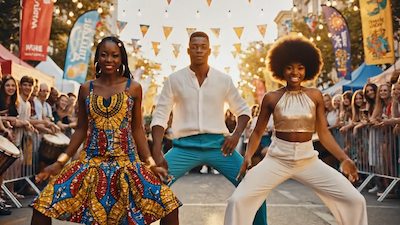
Not every video needs to be serious. Some of the most enjoyable results come from casual experiments—friends, family members, or creators themselves becoming werewolves just to see the reaction. It’s proof that Become Werewolf works not only for dramatic visuals, but also for pure entertainment.
Getting started with Become Werewolf is simple and straightforward. No editing skills are needed—just follow these steps and watch your video come together naturally.
Choose a clear photo from your device to begin. Choosing a well-framed image helps Become Werewolf process facial details more smoothly, but no special preparation or editing is required. Upload your photo and move on when you’re ready.
Once you click generate, Become Werewolf takes over automatically. Take a short pause while the system processes your image and builds the transformation—there’s nothing you need to adjust or set up.
When your video is ready, preview the result to make sure it feels right. If you’re happy with it, download the video instantly and share it anywhere you like. The Become Werewolf workflow stays clean, fast, and stress-free.
Find quick answers to the most common questions about using Become Werewolf. From image requirements and generation time to privacy, downloads, and creative use cases, this FAQ helps you understand how everything works—so you can create with confidence and focus on your ideas.
No. Become Werewolf keeps your original background exactly as it is. Only the subject is transformed, so the scene stays natural and the focus remains on the werewolf effect.
The generated videos are designed to feel visually convincing and expressive. Details like fur movement and facial intensity help the transformation look dynamic and immersive rather than flat or artificial.
Yes. Many users enjoy creating pet transformations. Pet photos often produce playful and eye-catching results that are popular for sharing.
Yes. You can generate separate videos using different photos, allowing you to experiment with various looks, expressions, or subjects.
Your photo is only used to generate your video. Once the Become Werewolf process is complete, it is not reused for any other purpose.
Absolutely. Once your Become Werewolf video is ready, you can download it instantly and share it across social platforms, messaging apps, or personal channels—no extra steps required.
Become Werewolf runs directly in the browser, so you can use it on both desktop and mobile devices without installing any software.
Yes. The werewolf transformation naturally fits seasonal themes, character concepts, and roleplay-style content, making it a popular choice for themed creations.
Upload your photo and let Become Werewolf bring your wild, creative side to life. Generate your transformation in moments, download your video, and share a powerful visual that’s designed to impress and stand out.
Start Creating with Become Werewolf Today