Dynamic Camera Zoomn
AI Ad Clone
Create more premium AI videos with commercial usage and priority processing.
Allow other users to view your generated result.
Hide your prompt and uploaded source files from other users.
Generate Result
Waiting for Results
Complete the required inputs and click Generate.
AI Video Effect
Dolly In is an AI-powered video effect that adds cinematic depth and movement to your visuals. With smooth, seamless zooming, this effect brings your subject into sharp focus while creating an immersive, dynamic experience. Perfect for storytellers, filmmakers, and content creators, Dolly In elevates your footage with a professional, polished look.
Try Dolly In NowExplore the powerful capabilities of Dolly In, bringing cinematic depth and smooth camera motion to your video creations. With its advanced AI technology, Dolly In not only delivers precise camera zooms but also adds dynamic movement, making your videos more engaging and visually captivating.
AI Ad Clone
Add Music To Video AI
AI Product Video
More AI Video Effect
Discover how Dolly In’s stunning visual effects can elevate your video production, making your projects more captivating and professionally polished.
Discover how Dolly In’s stunning visual effects can elevate your video production, making your projects more captivating and professionally polished.
Discover how Dolly In’s stunning visual effects can elevate your video production, making your projects more captivating and professionally polished.
Discover how Dolly In’s stunning visual effects can elevate your video production, making your projects more captivating and professionally polished.
Dolly In on China Video AI is the ideal solution for creators looking to elevate their videos with cinematic depth and dynamic motion. This AI-powered tool adds a professional touch to your content, making each scene more engaging and immersive.
Dolly In enhances the visual impact of your videos by focusing on key moments and adding a cinematic zoom effect. This tool is designed to simplify the creative process, allowing users to easily apply dynamic motion that transforms ordinary shots into visually compelling scenes. Enjoy high-quality results with minimal effort, making your videos more captivating and polished.
Unlike conventional video editing tools, Dolly In on China Video AI offers effortless AI-driven zoom effects without requiring advanced editing skills. While most tools demand manual adjustments and technical know-how, Dolly In automates the process, delivering precision and sophistication with just a few clicks.
Creating visually dynamic content can be time-consuming and challenging. Dolly In streamlines this process by providing an intuitive, automatic zoom effect that enhances depth and motion. The AI ensures seamless integration into your footage, allowing you to focus on storytelling instead of worrying about complicated editing techniques.
Enhance your Dolly In effects by pairing them with China Video AI other powerful tools. Combine dynamic motion with effects like Time Freeze or Slow Motion to build a multi-dimensional video that keeps your audience engaged. China Video AI platform makes it easy to integrate these features, amplifying the impact of your content across all creative projects.
Unlock the full potential of Dolly In with these expert tips to elevate your video’s visual impact. Enhance your creative process and achieve stunning cinematic results.

Dolly In allows you to create a sharper foreground with a gradually blurred background, adding a cinematic depth to your scenes. This technique enhances the visual layers of your footage, making it more dynamic and immersive. It’s perfect for highlighting key subjects while maintaining a rich, layered composition throughout your video.

Dolly In pairs naturally with effects like Time Freeze or Slow Motion, allowing you to build more visually engaging scenes. By layering Dolly In with complementary effects, you can add rhythm, contrast, and creative tension to your videos. Experimenting with combinations helps unlock new storytelling possibilities.

Leverage Dolly In to magnify emotional moments in your video. Use the zoom effect to draw attention to critical scenes, whether it’s a character’s expression or an intense action moment. This subtle yet powerful tool enhances emotional engagement and ensures your audience connects deeply with the story.
The success of Dolly In depends on its timing. Make sure the zoom syncs perfectly with the rhythm of your music or dialogue. When the camera movement aligns with the pace of the video, Dolly In will feel like a natural part of the scene, creating a more polished and immersive experience for your viewers.
Dolly In thrives on smooth, fluid motion. To achieve the best effect, ensure your footage is stable and avoid sudden camera shifts. Smooth transitions will make the zoom feel more natural and seamless, enhancing the overall flow of the video. The smoother the effect, the more professional your video will appear.
Changing camera angles can dramatically increase the visual power of Dolly In. By applying the Dolly In effect from different perspectives, you can emphasize depth, scale, and emotion more effectively. Exploring varied angles helps make your videos more dynamic and visually striking.
Explore these curated examples that demonstrate the powerful visual impact of Dolly In, showcasing real-world applications and creative successes.
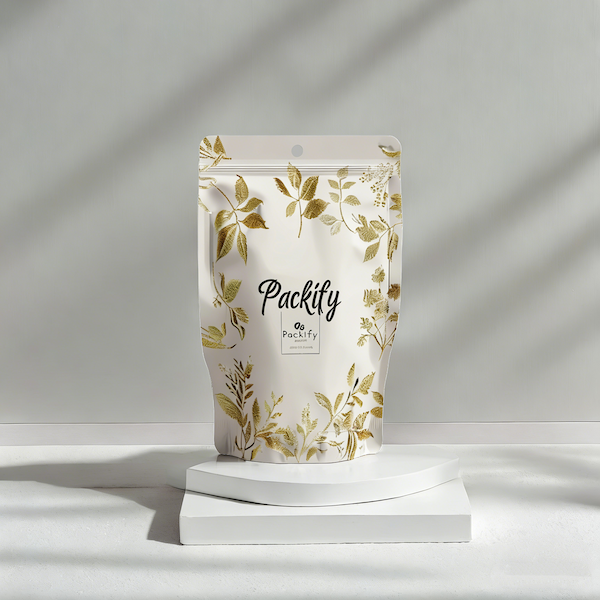
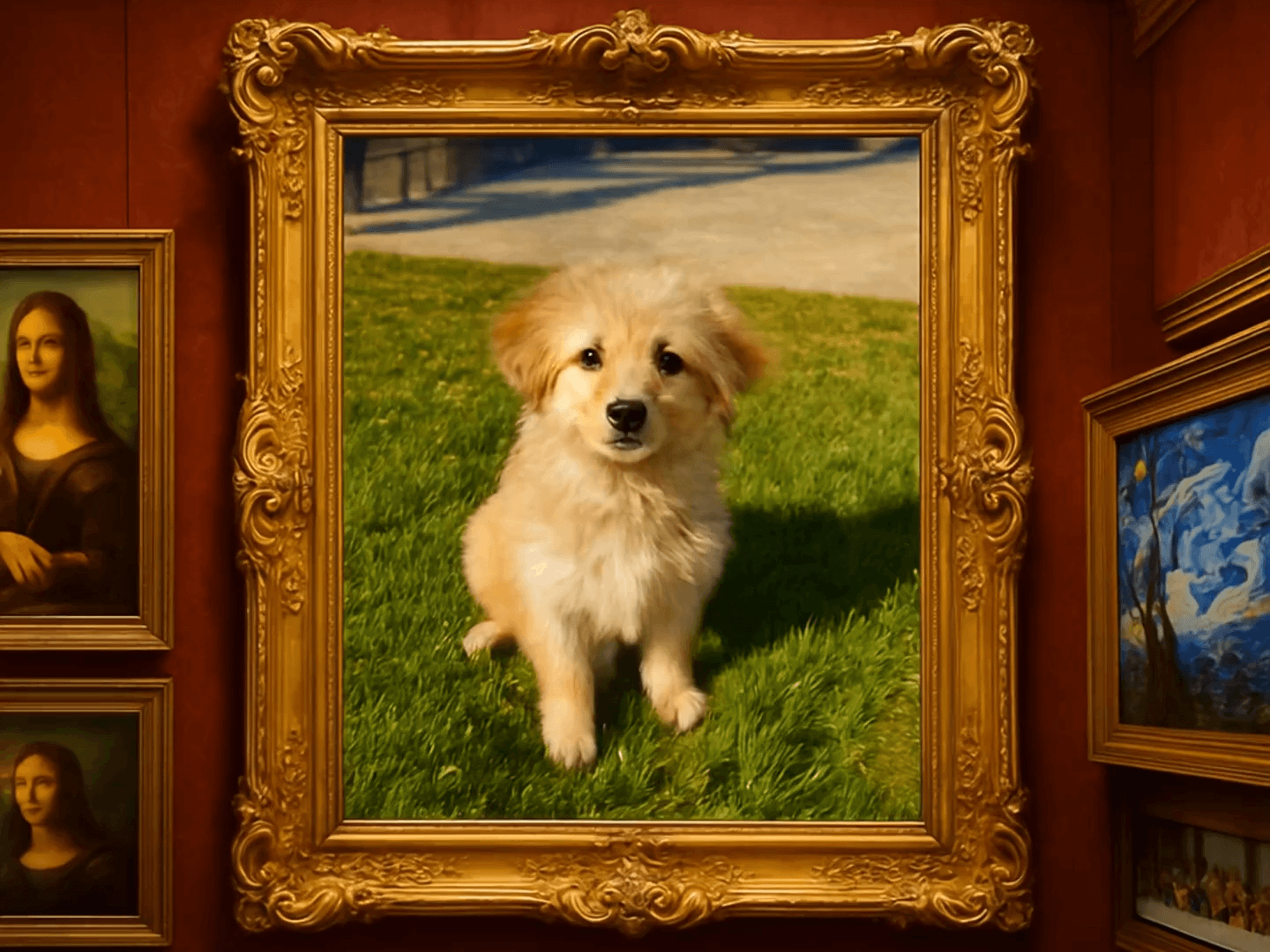
See how Dolly In elevates product demos, highlighting key features with cinematic precision. The result? A compelling presentation that draws attention and leaves a lasting impression on your audience.

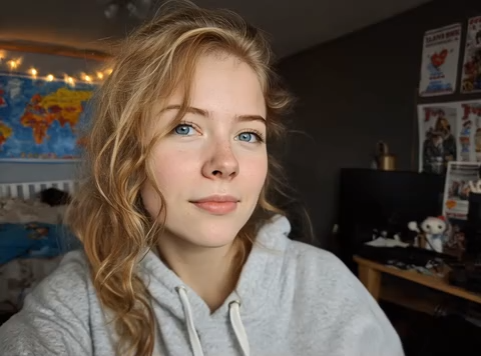
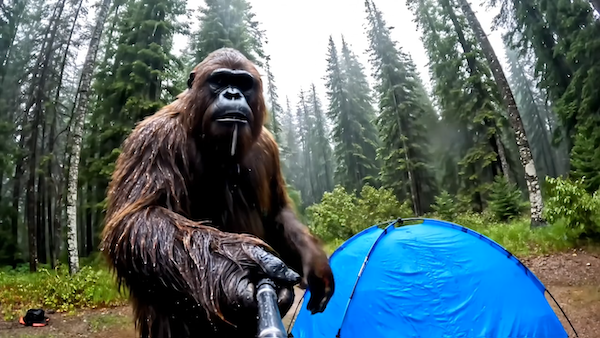
Discover how filmmakers use Dolly In to craft visually compelling scenes that grab attention and hold it. This example shows how dynamic movement and thoughtful framing can transform an ordinary shot into a captivating moment.

Social media creators are using Dolly In to take their short videos to the next level. By adding cinematic zooms, their content feels more immersive and dynamic, grabbing attention and making a lasting impression on viewers.

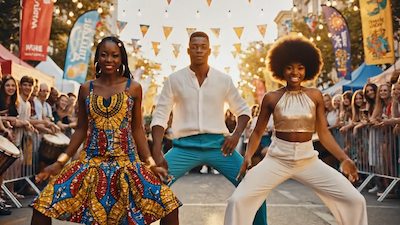
Dolly In captures the excitement and energy of live events, transforming every key moment into a dynamic, immersive experience. With smooth, cinematic motion, it brings the atmosphere to life, ensuring every viewer feels like they’re right in the middle of the action.
Get started with Dolly In and effortlessly add professional effects to your videos, enhancing their visual appeal in just a few steps.
Simply choose the photo you'd like to apply the Dolly In effect to and upload it. Whether it’s a still image or a screenshot, the process is quick and straightforward.
Once uploaded, Dolly In’s AI will automatically analyze your photo and apply the perfect zoom effect, adding depth and motion to bring your image to life.
After the effect is applied, you can download your enhanced photo and easily share it on social media or other platforms. It’s that simple to make your creations stand out with Dolly In.
Find answers to common questions about Dolly In and learn how to make the most of this powerful video effect.
This effect works seamlessly with various video types, including product showcases, short films, social media content, and creative videos.
Absolutely! Dolly In’s interface is simple and user-friendly. Just upload your image, select the effect, and make a few adjustments to instantly achieve a professional look.
Dolly In supports videos of various resolutions. For optimal results, we recommend using high-quality video material to ensure the effects are crisp and smooth.
Currently, Dolly In supports processing one file at a time. If you need to apply effects to multiple videos or images, simply upload and apply the effect to each file individually.
It supports common image formats such as JPG and PNG, making it easy for you to upload and work with various types of media.
Yes, Dolly In is a cloud-based tool, so a stable internet connection is required to upload files, generate effects, and download the final result.
The process is optimized to ensure the effect generation does not impact the loading speed. The final result maintains high quality and can be applied directly to your projects.
Dolly In is not free, but it can be accessed through different usage options such as earning points or completing tasks. Check our pricing page for more details on how to unlock the features and get the most out of Dolly In.
Transform your videos into stunning visual masterpieces with Dolly In. Perfect for creators looking to elevate their content, this effect adds a cinematic touch that makes every shot feel immersive and dynamic. Enhance your storytelling, one zoom at a time.
Unleash Cinematic Depth with Dolly In