Friendly Interactive Animation
AI Ad Clone
Create more premium AI videos with commercial usage and priority processing.
Allow other users to view your generated result.
Hide your prompt and uploaded source files from other users.
Generate Result
Waiting for Results
Complete the required inputs and click Generate.
AI Video Effect
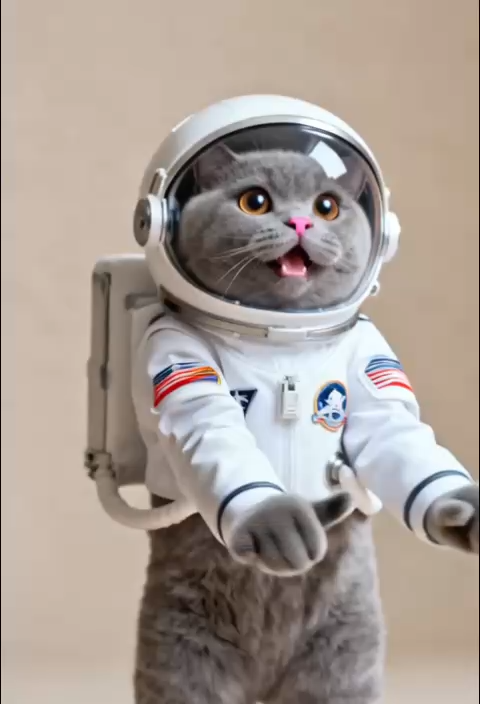
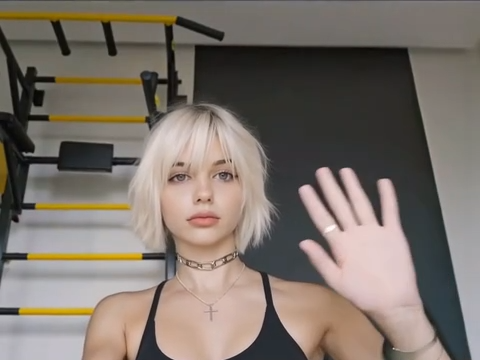
Hand Wave is an AI-powered image-to-video effect that transforms still photos into engaging short videos with a natural waving gesture. With no filming required, a single image is all it takes to create smooth, realistic, and friendly Hand Wave animations—perfect for social content, greeting videos, and personal showcases.
Try Hand Wave NowHand Wave is designed to enhance interaction in static photos by turning them into expressive, animated visuals. Through advanced AI analysis of subjects and posture, Hand Wave transforms a single image into a smooth waving animation—balancing realism, natural motion, and ease of use in one seamless experience.
AI Ad Clone
Add Music To Video AI
AI Product Video
More AI Video Effect
Unlike general image-to-video effects, Hand Wave focuses on human interaction and emotional expression. It doesn’t just animate a photo—it uses a familiar, meaningful gesture to turn a still image into a moment of genuine visual communication.

Unlike general image-to-video effects, Hand Wave focuses on human interaction and emotional expression. It doesn’t just animate a photo—it uses a familiar, meaningful gesture to turn a still image into a moment of genuine visual communication.
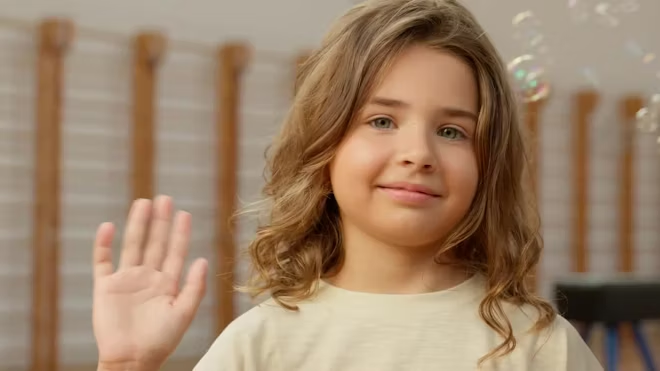
Unlike general image-to-video effects, Hand Wave focuses on human interaction and emotional expression. It doesn’t just animate a photo—it uses a familiar, meaningful gesture to turn a still image into a moment of genuine visual communication.
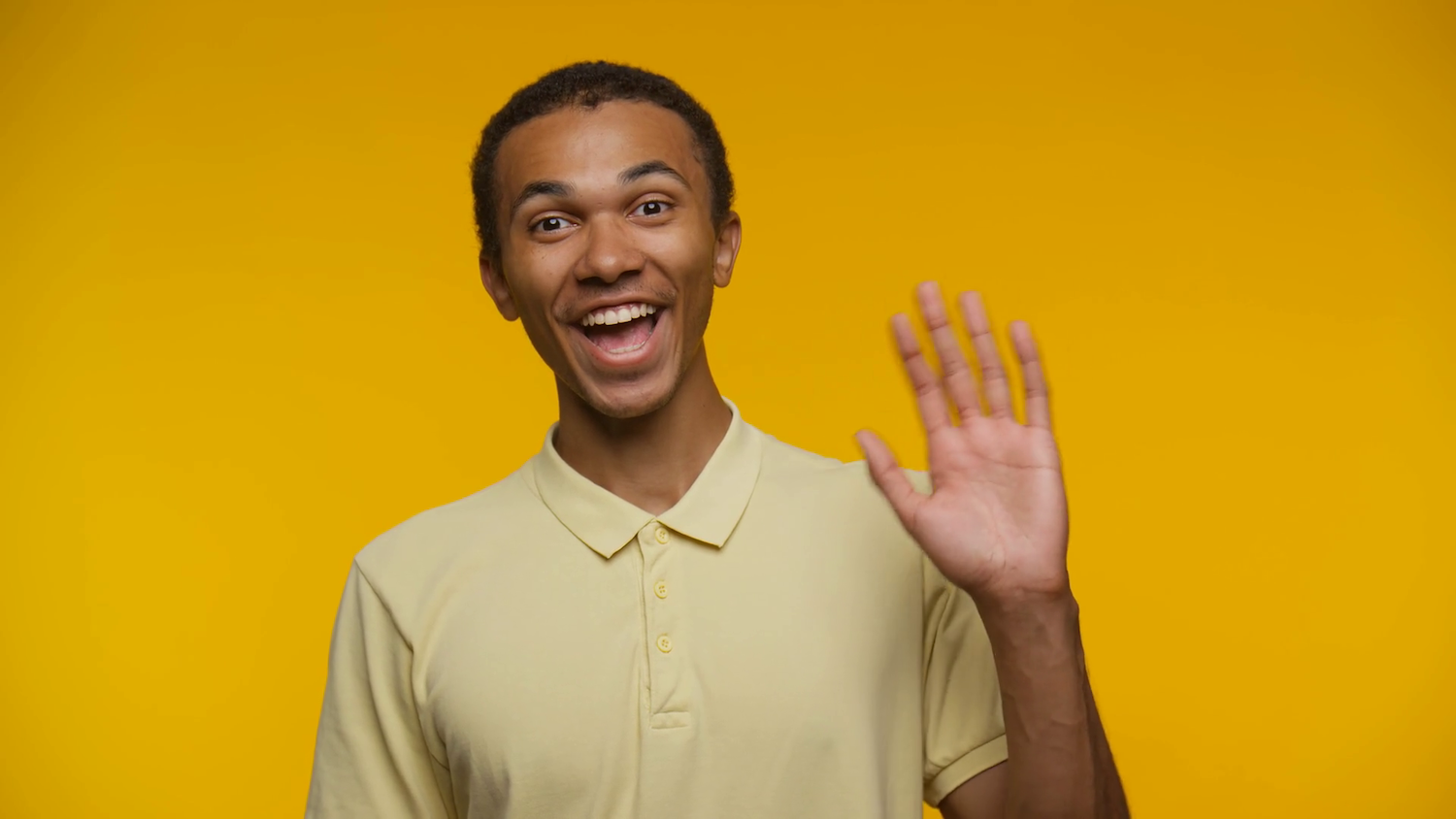
Unlike general image-to-video effects, Hand Wave focuses on human interaction and emotional expression. It doesn’t just animate a photo—it uses a familiar, meaningful gesture to turn a still image into a moment of genuine visual communication.
A great Hand Wave video feels natural, expressive, and emotionally clear. With a few smart choices during creation, you can significantly improve the final result and make the gesture feel more alive on screen.
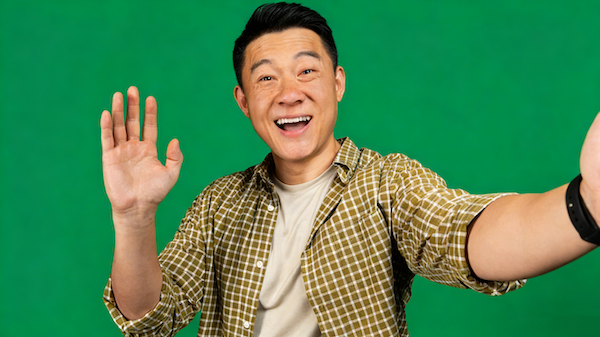
Choose an image where the hand is clearly visible, well-lit, and not blocked by objects. A relaxed, open palm or a natural greeting pose gives the AI a strong visual reference and helps produce smoother, more believable motion.
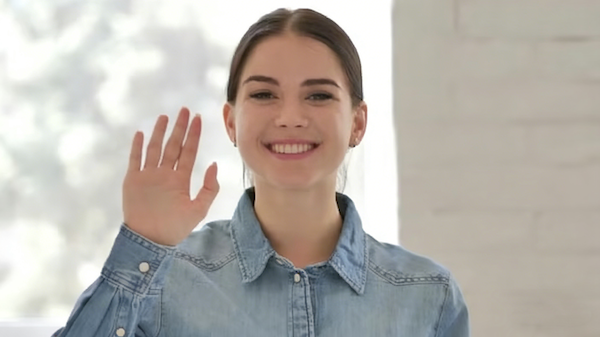
Clean or softly blurred backgrounds help the hand movement stand out. Avoid busy scenes or high-contrast patterns around the hand, as they can distract from the waving motion and reduce visual clarity.
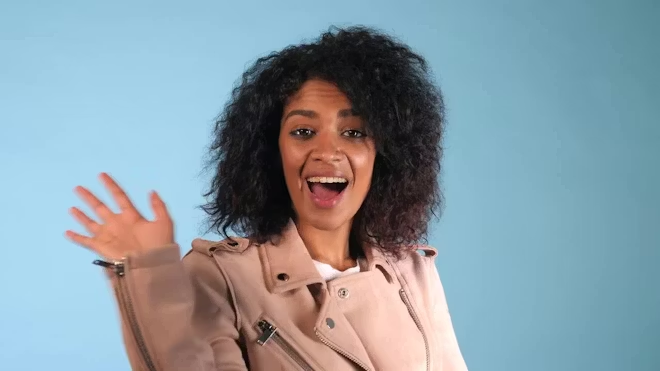
Sharp images with natural skin tones and balanced lighting lead to more fluid animation. Avoid extreme shadows, overexposed highlights, or heavy filters that may affect motion consistency.
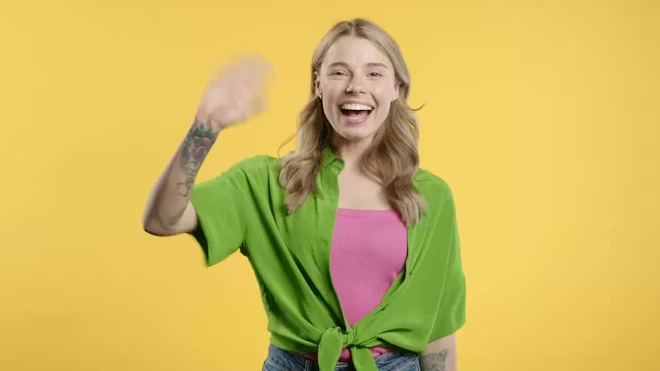
For profile greetings, onboarding screens, or short-form videos, keep the framing tight on the upper body or hand area. For storytelling or presentations, leave enough space around the subject so the gesture feels integrated into the scene.
China Video AI doesn’t just offer the Hand Wave effect—it provides a stable, efficient, and trustworthy image-to-video creation environment. From data protection to output quality and overall usability, China Video AI ensures every Hand Wave project is reliable, consistent, and ready for real-world use.

All uploaded content on China Video AI is encrypted and securely handled. Whether you’re working with personal photos or commercial assets, you can confidently use Hand Wave knowing your data remains protected throughout the creation process.

China Video AI is built on a robust AI animation framework optimized for stability and control. When using Hand Wave on China Video AI, you get smooth, dependable motion results—ideal for professional and business-ready content, not just experimental visuals.

China Video AI tailors video outputs to practical scenarios. Hand Wave videos are generated in formats and aspect ratios suited for multiple platforms, reducing the need for extra editing and allowing immediate use across social, marketing, and presentation channels.
China Video AI focuses on clarity and repeatability. With well-defined generation logic and adjustable parameters, Hand Wave creations are easier to fine-tune and reproduce—so you spend less time experimenting and more time creating with confidence.
Powered by an optimized processing pipeline, China Video AI delivers Hand Wave videos quickly without sacrificing quality. Whether you’re creating a single clip or producing content in batches, the experience remains smooth and efficient.
China Video AI is designed to be intuitive from the start. Creating Hand Wave videos requires no prior animation or video-editing experience—making professional-quality motion accessible to everyone.
Explore how different types of images come to life with the Hand Wave effect. From subtle, natural gestures to warm, expressive interactions, these examples showcase the versatility of Hand Wave across styles, subjects, and creative scenarios—designed to spark ideas for your own projects.
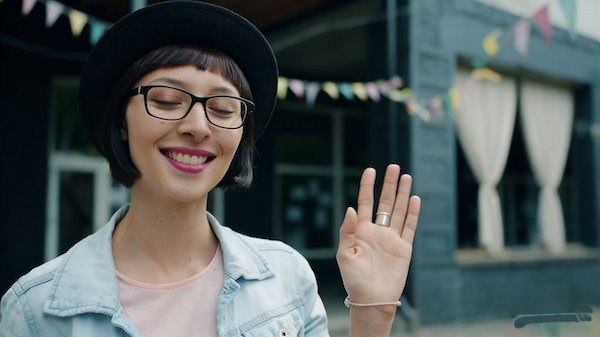
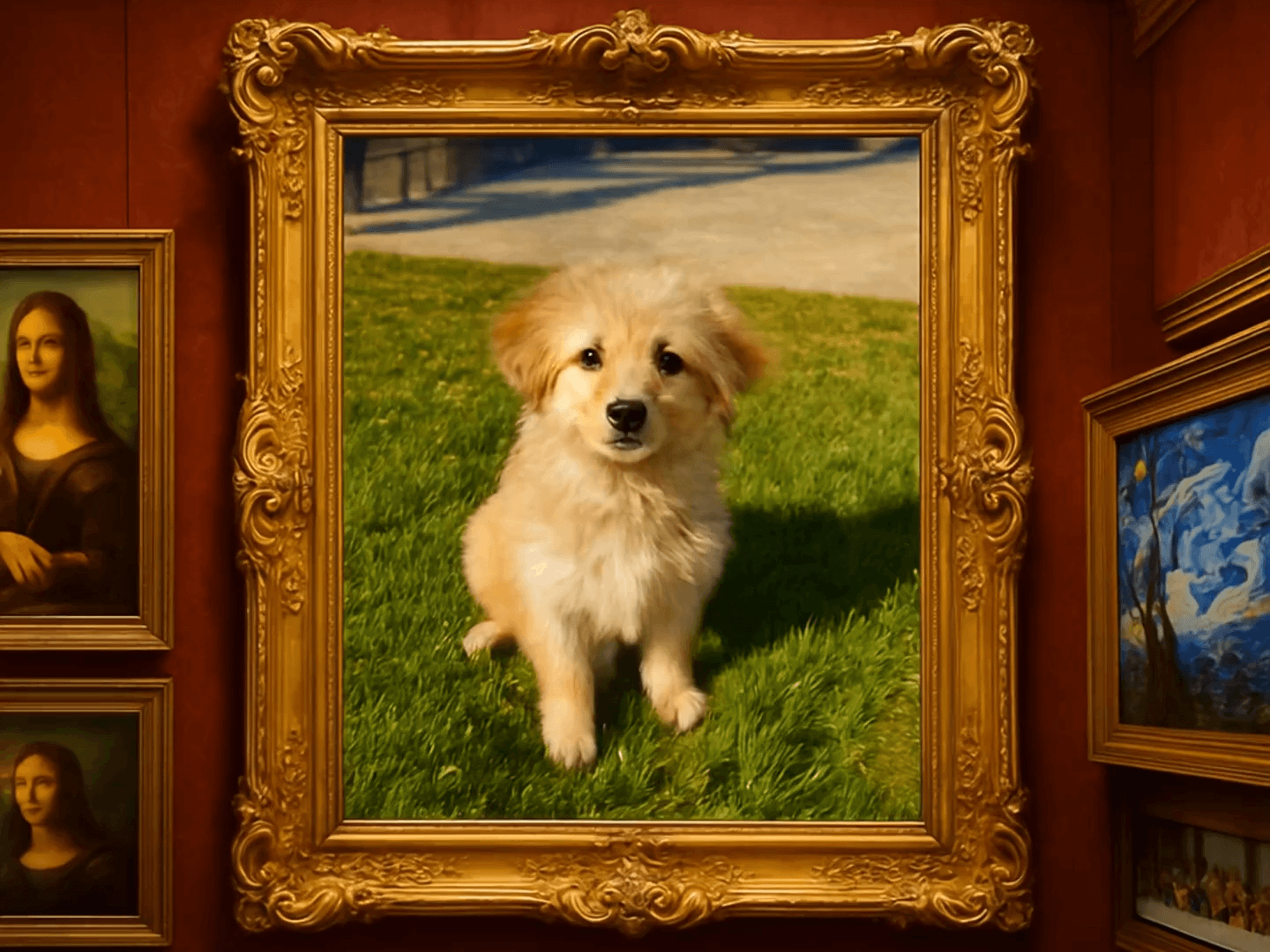
A classic portrait is transformed into a welcoming Hand Wave video. The subtle waving motion adds warmth and personality, turning a static image into a friendly greeting that feels natural, authentic, and instantly engaging.
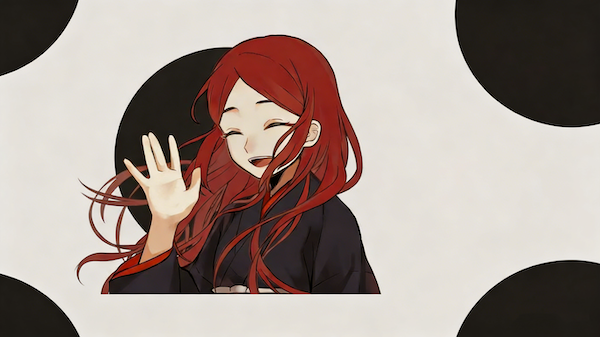
A cartoon illustration gains new energy through the Hand Wave effect. By applying a smooth, controlled waving gesture, the animation brings illustrated characters to life while preserving their original style, making them feel more expressive and approachable.

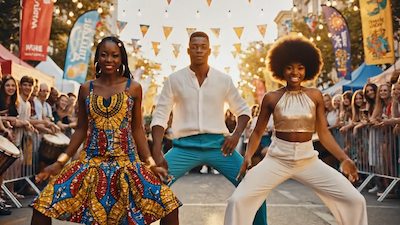
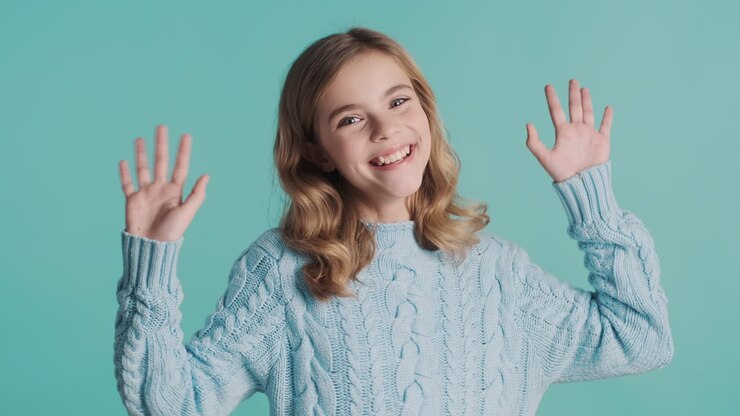
A festive photo becomes a heartfelt greeting with Hand Wave. Combined with seasonal visuals, the gentle waving motion enhances emotional connection, making Hand Wave ideal for holiday messages, celebrations, and special-occasion content.
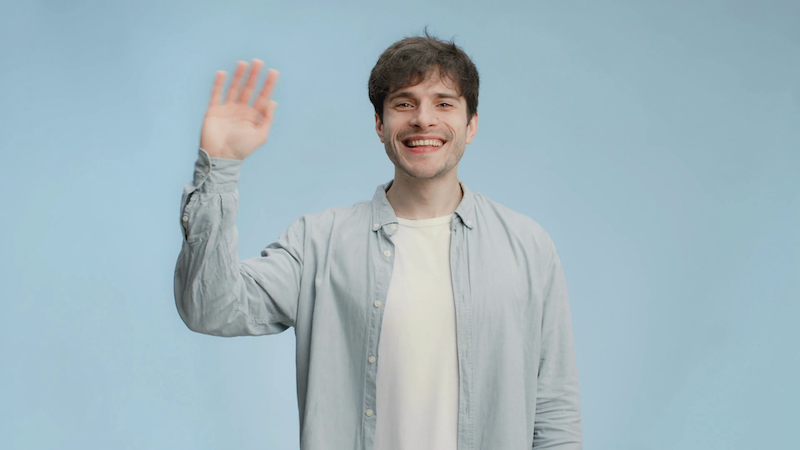
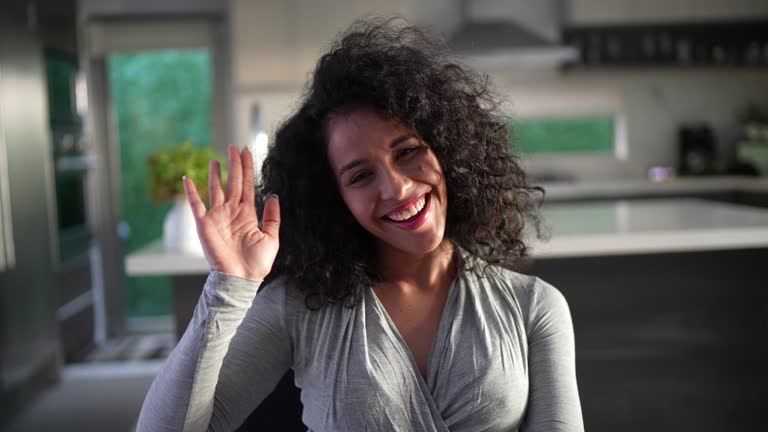
A profile image or content cover is elevated with a subtle Hand Wave animation. The motion is concise yet eye-catching, helping social posts stand out in feeds while maintaining a clean, polished look that feels purpose-built for modern platforms.
Turn a static image into a lively Hand Wave animation in just three clear steps. The process is straightforward and intuitive, with no technical skills or prior experience required.
Upload a clear photo with a visible hand. Clean backgrounds and good lighting help the Hand Wave motion look smoother and more natural.
Choose the Hand Wave effect in China Video AI. The AI automatically generates the animation—no timelines, settings, or manual adjustments needed.
Preview the Hand Wave animation instantly. When it looks right, export the video with one click and use it right away across social, presentation, or digital content.
Everything you need to know before getting started with Hand Wave, explained in a simple and straightforward way to help you create with confidence.
Photos that clearly show a person’s upper body or hand area work best for Hand Wave. Portraits with clean backgrounds and good lighting help ensure the waving motion looks smooth and realistic. Both realistic photos and illustrated characters can be used.
Yes. Hand Wave works with both real photos and illustrated characters. The animation respects the original visual style, allowing cartoons and illustrations to gain motion without losing their artistic look.
Most Hand Wave videos are generated within a short time after applying the effect. Once the process is complete, you can preview and download the video immediately without additional steps.
No. Hand Wave is designed for ease of use. The entire process—from uploading an image to exporting a video—is straightforward and does not require any video editing knowledge or technical background.
Hand Wave supports common video formats and aspect ratios, making it easy to use the exported videos across different platforms, presentations, and digital channels.
No. Hand Wave animation only adds motion. The original colors, composition, and visual style remain unchanged, so the Hand Wave video looks natural and true to the source image.
No. The effect focuses only on adding motion. Colors, composition, and visual style of the original image remain intact, ensuring the animation feels natural rather than over-processed.
Yes. You can upload the same image multiple times to generate Hand Wave videos for different purposes, platforms, or creative experiments.
Bring your images one step closer to real interaction. With Hand Wave, turning a still photo into a friendly, expressive video is simple, natural, and fast.
Start Creating Hand Wave Videos Today