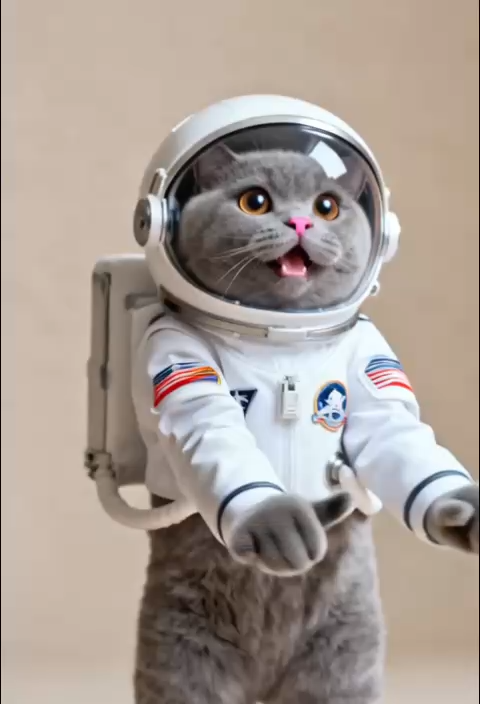
Instant Motion Generation
AI Ad Clone
Create more premium AI videos with commercial usage and priority processing.
Allow other users to view your generated result.
Hide your prompt and uploaded source files from other users.
Generate Result
Waiting for Results
Complete the required inputs and click Generate.
AI Video Effect
Last Second is an AI-powered video effects creative tool designed to transform ordinary video clips or a single image into cinematic, emotion-packed highlights. With Last Second, creators can automatically generate key moment animation effects that emphasize pivotal actions or reactions. Whether it is a suspenseful reveal, an unexpected twist, or a visually explosive instant, Last Second brings the final moments of your content to life.
Try Last Second NowLast Second is designed to enhance short-form video content by adding a layer of cinematic intensity and narrative power. The tool focuses on both visual aesthetics and emotional resonance, making every frame impactful and every moment meaningful.
AI Ad Clone
Add Music To Video AI
AI Product Video
More AI Video Effect
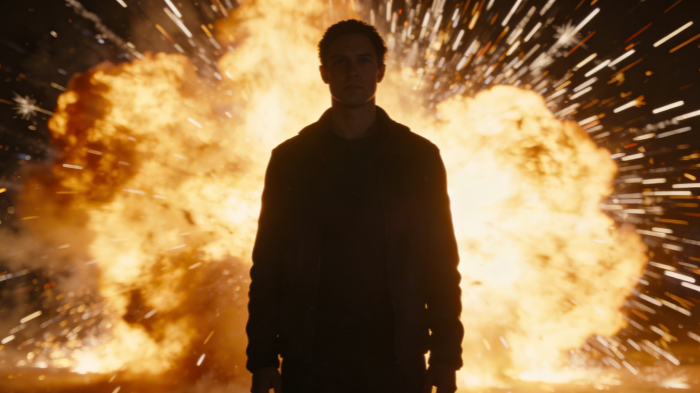
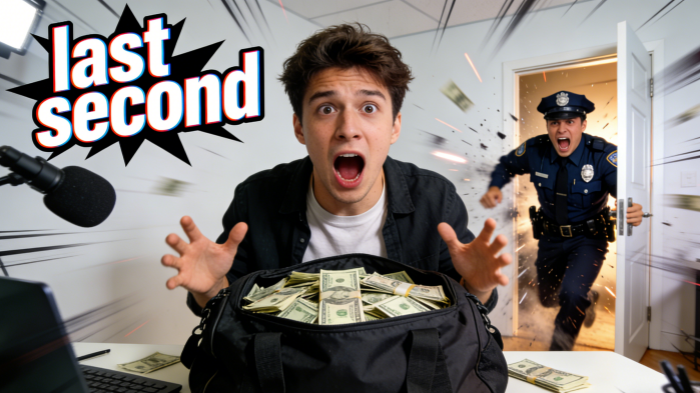
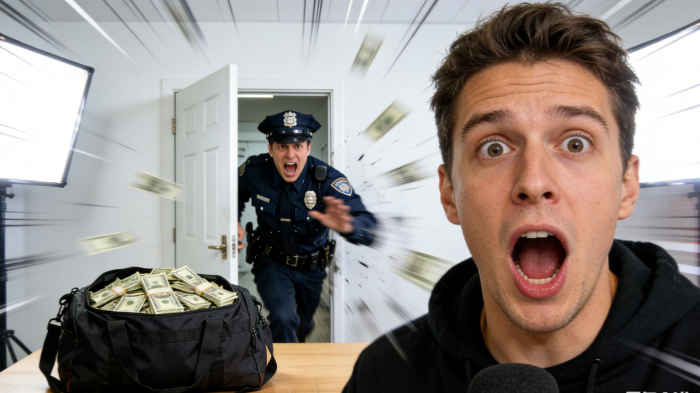
Last Second is versatile and can be applied across a wide array of content creation scenarios.
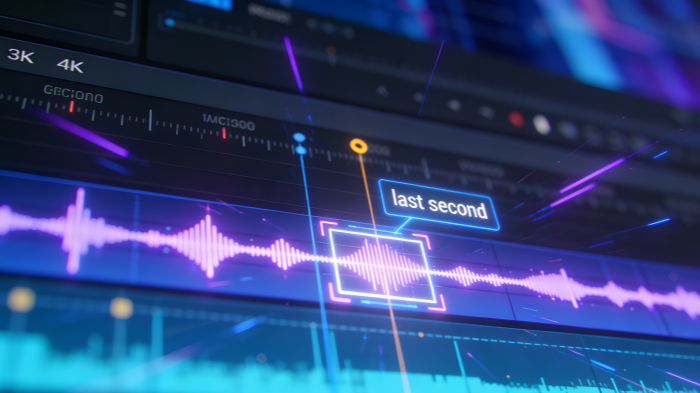
Highlight product features or key selling points with Last Second. The tool amplifies the most important moments, making your product demonstrations visually compelling and easy to understand. Last Second ensures that every product highlight is presented with dramatic flair, capturing viewer interest immediately.
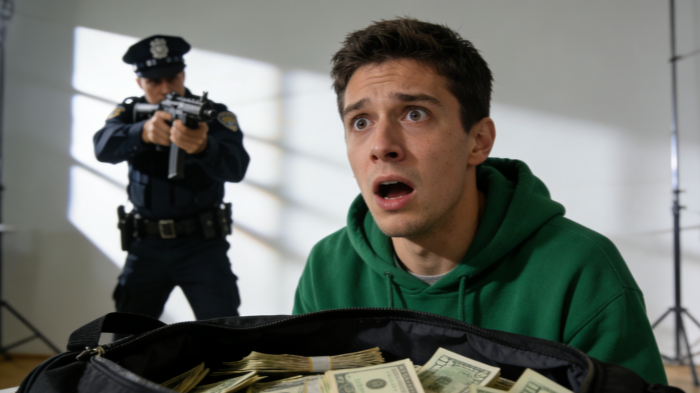
Last Second is capable of calculating the precise pacing of a video timeline. By setting up calm or routine atmospheres in the early part of a clip, Last Second can deliver a sudden, explosive event in the final second—like a siren blaring, a door bursting open, or a dramatic object entering the scene. This results in a powerful visual and auditory shock that captures attention instantly.
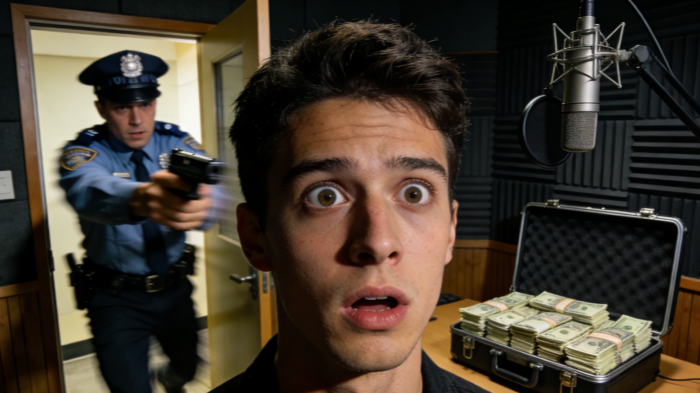
Whether your footage is live-action or AI-generated, Last Second's advanced lighting and physics-based integration algorithms ensure that sudden elements (e.g., a character entering the frame, a falling meteor) blend perfectly with the original scene, maintaining realism and avoiding any visual dissonance.
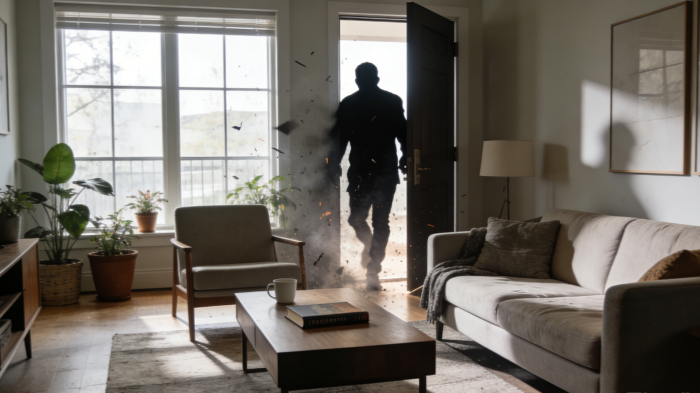
Last Second transforms ordinary video consumption into a suspenseful experience. By creating anticipation and intrigue, the tool encourages viewers to stay engaged until the climactic final second. This makes Last Second an invaluable asset for creators seeking to increase watch time and viewer satisfaction.
Last Second does more than generate motion effects; it combines AI-based understanding of video content with automatic emotional enhancement.
Last Second identifies critical actions, subtle movements, and the rhythm of the footage to determine the optimal points for enhancement.
With Last Second, even a short clip or a single image can be transformed into a visually impactful highlight.

Last Second is intuitive, requiring no advanced video editing skills, making it ideal for beginners and professionals alike.
The automation of Last Second enables rapid production of high-quality clips without lengthy editing processes.
Last Second outputs styles optimized for platforms like TikTok, Instagram Reels, and YouTube Shorts, ensuring your content looks professional and shareable.
Last Second includes built-in templates and AI-guided suggestions, sparking new ideas and helping creators produce innovative, engaging content consistently.
The following examples illustrate the types of videos that can be enhanced using Last Second:
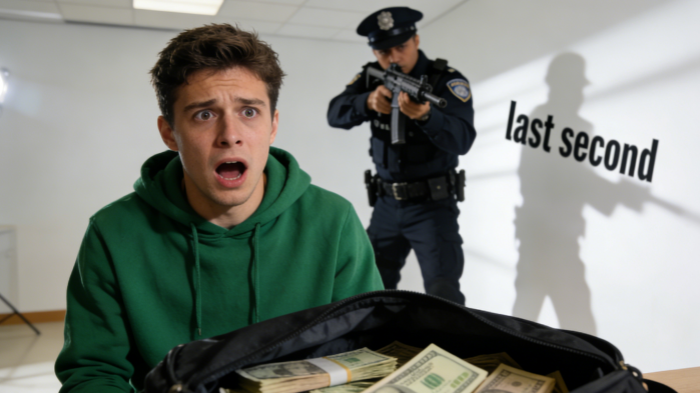
Videos with surprise or shock elements naturally encourage sharing. Last Second accentuates these moments, prompting viewers to share clips with comments like "You have to watch until the end!" This can drive significant organic reach and engagement.
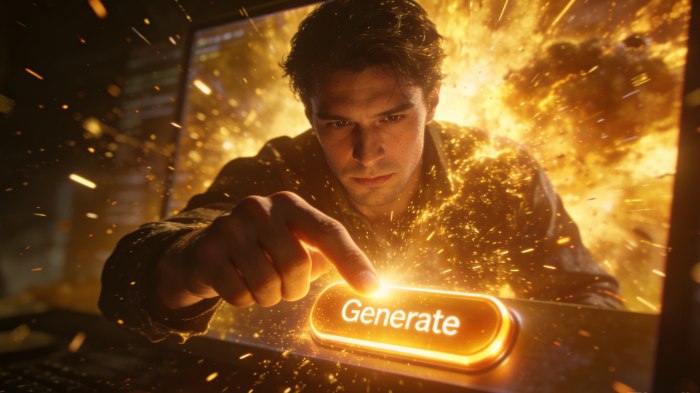
Capture moments like surfing, skateboarding, or parkour stunts, and use Last Second to enhance the visual intensity at the critical moment.
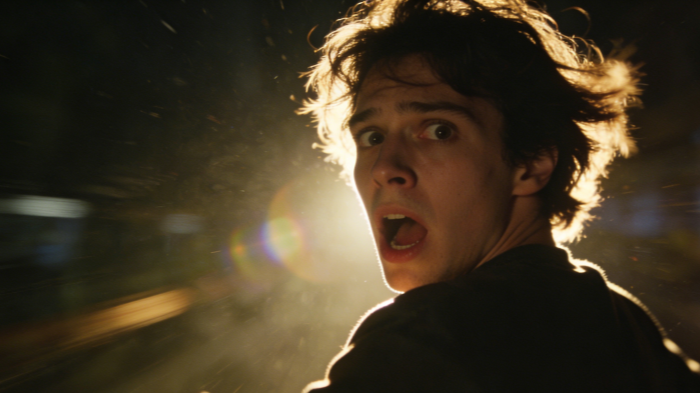
Add dramatic flashes, sudden movements, or visual bursts using Last Second to elevate the impact of your fashion or lifestyle content.
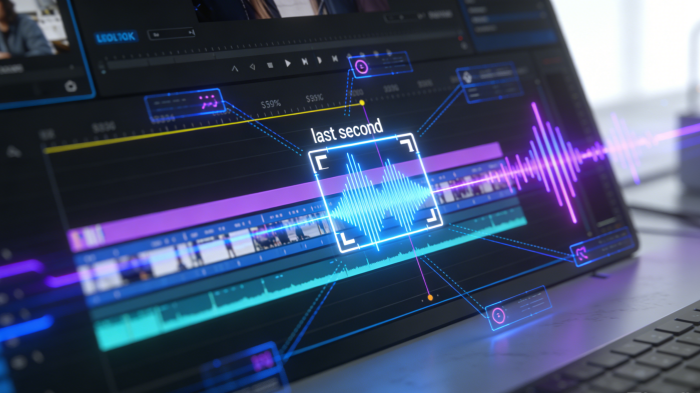
Use Last Second to emphasize plot twists or narrative climaxes, creating a suspenseful, cinematic feel for your videos that keeps audiences engaged from start to finish.
The Last Second workflow is designed to be fast and straightforward:
Bring in your video clip or still image that you want to enhance with Last Second.
Select the type of enhancement, such as speed, impact intensity, or visual style. Last Second provides real-time previews to guide your creative choices.
Last Second automatically renders your video with the enhanced effects applied. The output is ready to share, ensuring that every critical moment is amplified and visually compelling.
Here we address common questions regarding the Last Second AI tool:
The platform offers basic access, but full features may require a subscription or payment. Free users may experience limitations in rendering resolution, export options, or the number of generations allowed per day. Paid plans typically unlock advanced customization tools, faster processing speeds, and higher-quality outputs. This flexible pricing structure ensures accessibility for casual creators while providing professional-grade capabilities for advanced users.
Common image and video formats like JPG, PNG, and MP4 are compatible with Last Second. The system is designed to handle widely used media standards to simplify the workflow for creators. Most short-form social media clips can be uploaded without conversion. This broad compatibility reduces preparation time and ensures that users can quickly begin enhancing their content without worrying about technical formatting barriers.
Depending on settings, Last Second can render output from 720p to 1080p or higher resolutions. The final quality depends on the original file resolution and selected export configuration. Higher-tier plans may allow enhanced bitrate control and improved visual clarity. This ensures that content remains sharp and professional-looking, whether it is published on social media platforms or displayed on larger screens.
Yes. Last Second allows you to adjust visual effect types, intensity, and timing to fit your creative vision. Users can fine-tune parameters such as animation strength, dramatic pacing, and transition emphasis. This flexibility makes it possible to create subtle suspense or bold, explosive moments depending on the intended audience. Customization ensures that each output feels unique and aligned with your storytelling goals.
Perfect for TikTok, Instagram Reels, YouTube Shorts, and other short-form video platforms. The generated clips are optimized for vertical viewing formats and fast-paced consumption habits. Enhanced dramatic timing and visual emphasis help increase watch completion rates and social engagement. Whether you are building a personal brand or promoting a product, the tool supports content strategies tailored to modern social media trends.
Rendering typically takes seconds to minutes, depending on the clip size and effect complexity. Shorter videos with minimal adjustments process faster, while high-resolution or effect-heavy clips may require additional time. The system is designed for efficiency, enabling creators to produce multiple enhanced videos within a short period. This speed makes it ideal for trend-based content that requires rapid turnaround.
Yes. Last Second-generated clips can be further edited in external video software if needed. After downloading, users may add background music, subtitles, branding elements, or additional transitions. The exported files are compatible with most professional and consumer editing programs. This flexibility allows creators to integrate enhanced clips seamlessly into larger projects or multi-scene productions.
Users should review the specific licensing terms associated with their subscription plan. In most cases, creators retain rights to their original uploaded content while being permitted to distribute generated outputs. Proper compliance with platform rules ensures safe commercial use and smooth content publishing across digital channels.
With Last Second, every clip can reach peak visual impact. Transform your content into dramatic, unforgettable moments that captivate audiences and leave a lasting impression. Start using Last Second today to make every second count and ensure your viewers experience the ultimate engagement with your videos.
Start Creating Your Highlight Videos Now