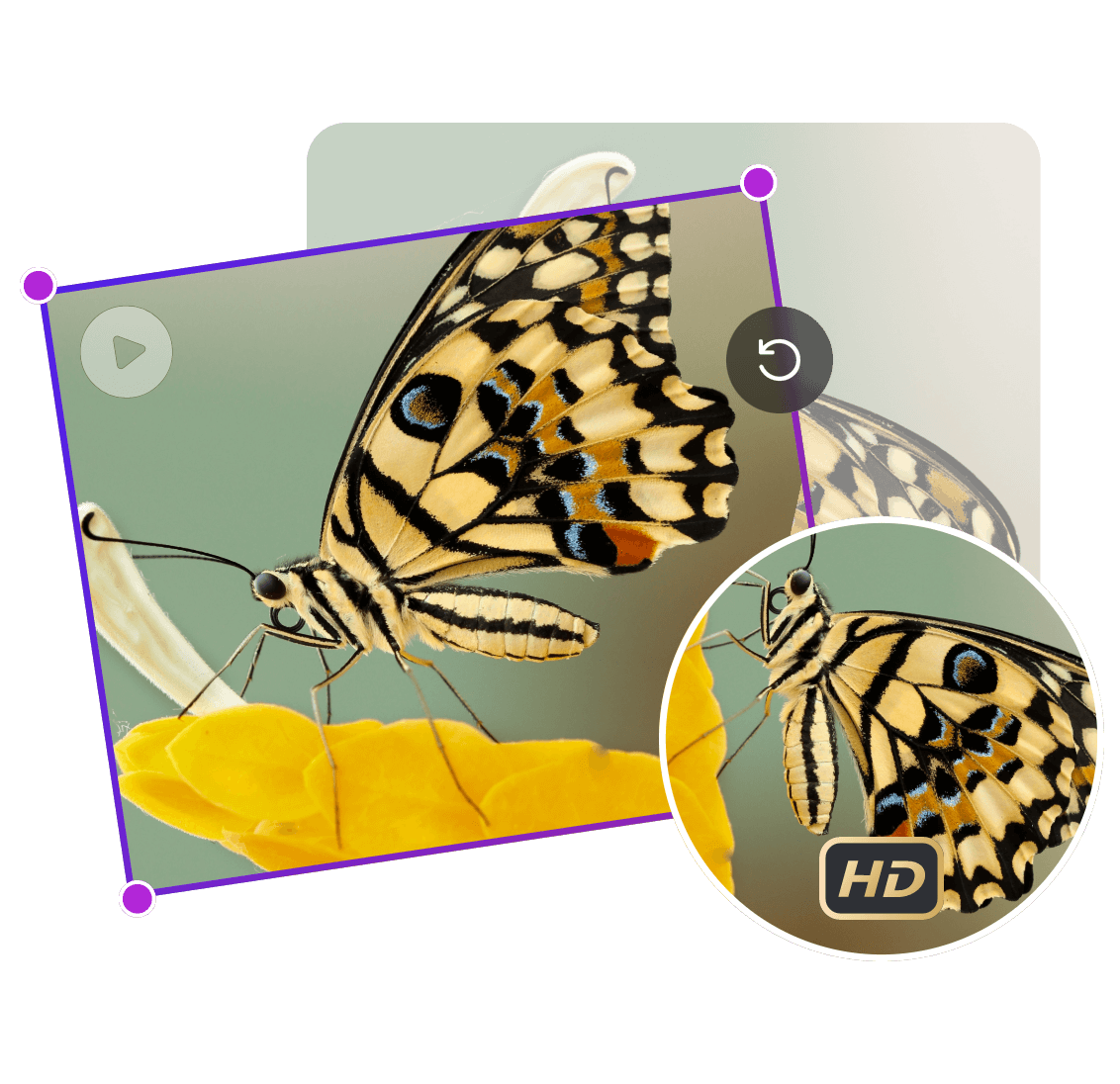
Multi-Angle Free Rotation
AI Ad Clone
Create more premium AI videos with commercial usage and priority processing.
Allow other users to view your generated result.
Hide your prompt and uploaded source files from other users.
Generate Result
Waiting for Results
Complete the required inputs and click Generate.
AI Video Effect
No matter whether your video was recorded vertically, horizontally, upside down, or at an unintended angle, Rotate Video functionality from China Video AI provides a fast and reliable way to fix it. Modern content creation often happens spontaneously on mobile devices, and incorrect orientation is one of the most common issues creators face.
Try Rotate Video NowChina Video AI Rotate Video tool is designed specifically for content creators, social media users, educators, marketers, and everyday users who need a dependable way to adjust video orientation. The core strength of Rotate Video lies in its balance of simplicity and precision. Instead of complicated timelines and layered editing interfaces, Rotate Video focuses on doing one task extremely well.
AI Ad Clone

Add Music To Video AI

AI Product Video
More AI Video Effect
No matter your level of technical experience, Rotate Video makes video orientation adjustment intuitive and fast. Instead of learning complex editing workflows, users can rely on Rotate Video for immediate results.
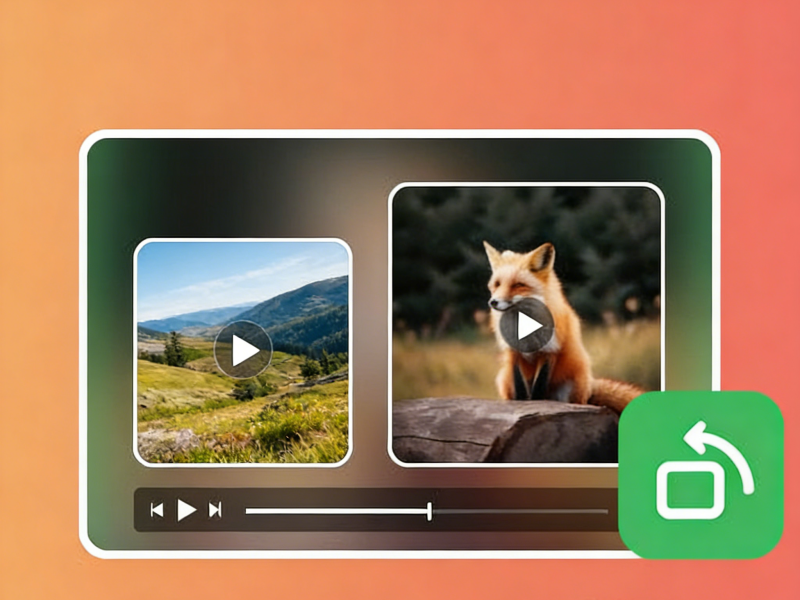
No matter your level of technical experience, Rotate Video makes video orientation adjustment intuitive and fast. Instead of learning complex editing workflows, users can rely on Rotate Video for immediate results.
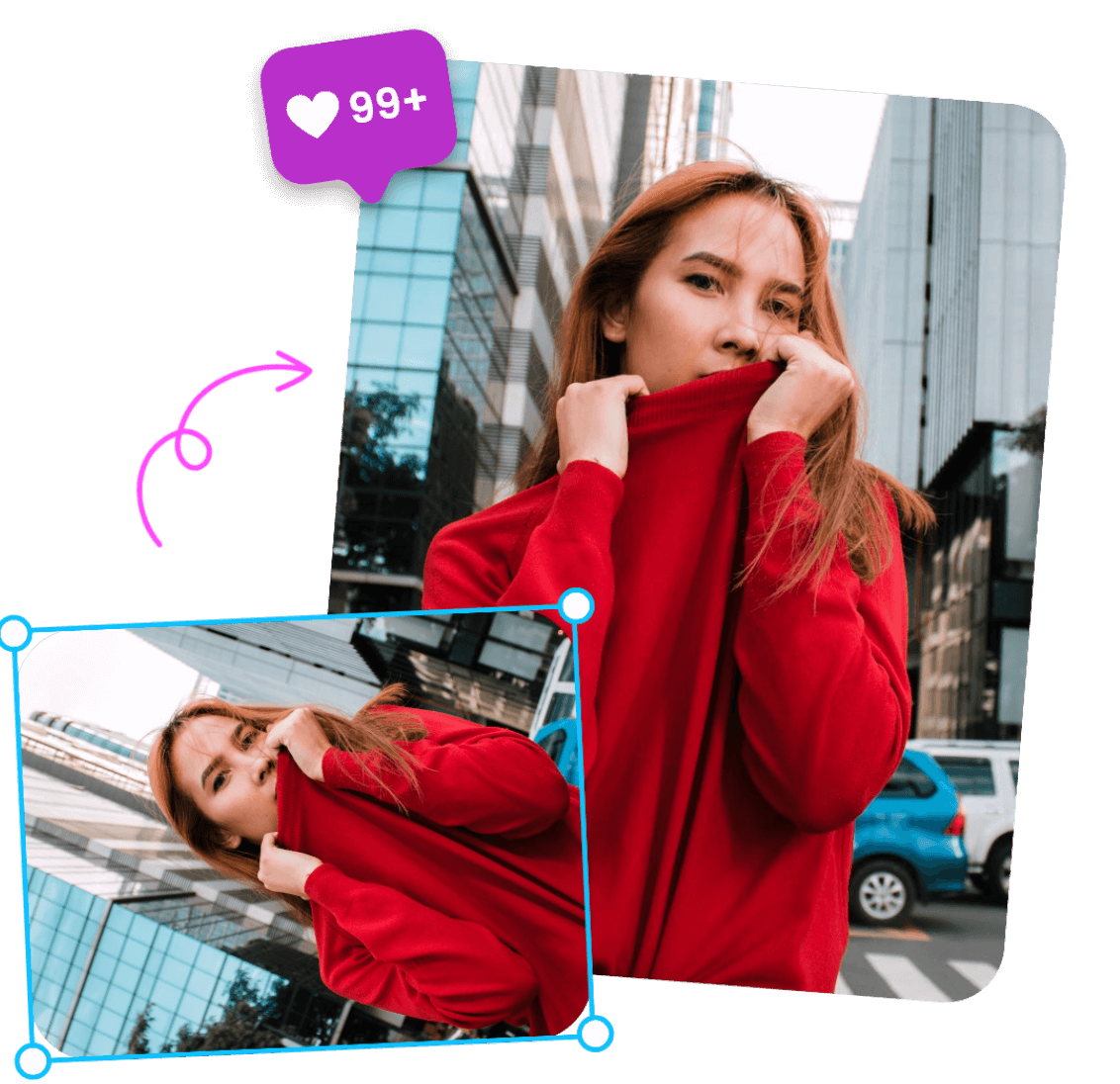
No matter your level of technical experience, Rotate Video makes video orientation adjustment intuitive and fast. Instead of learning complex editing workflows, users can rely on Rotate Video for immediate results.

No matter your level of technical experience, Rotate Video makes video orientation adjustment intuitive and fast. Instead of learning complex editing workflows, users can rely on Rotate Video for immediate results.
Rotate Video is not only a corrective tool—it is also a creative utility that enhances how content is presented. From casual users to professionals, Rotate Video supports a wide variety of real-world use cases.
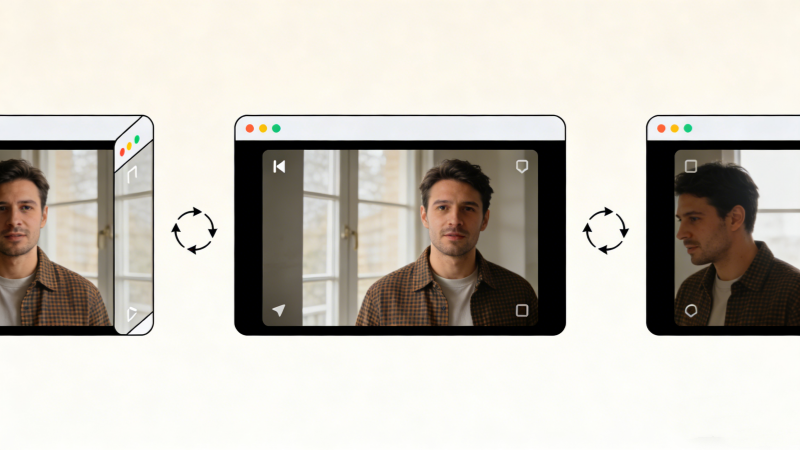
Social platforms demand correct orientation. Rotate Video ensures your videos appear exactly as intended, preventing awkward viewing experiences and improving engagement.
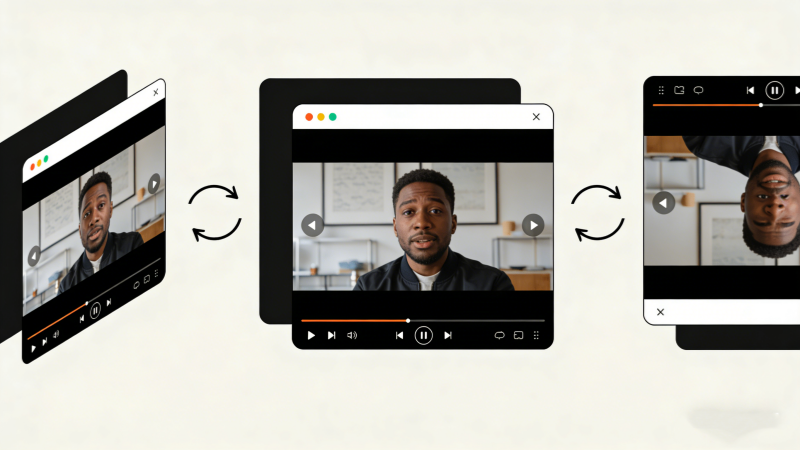
Handheld filming often results in tilted footage. Rotate Video helps vloggers and everyday users fix camera angle inconsistencies effortlessly.
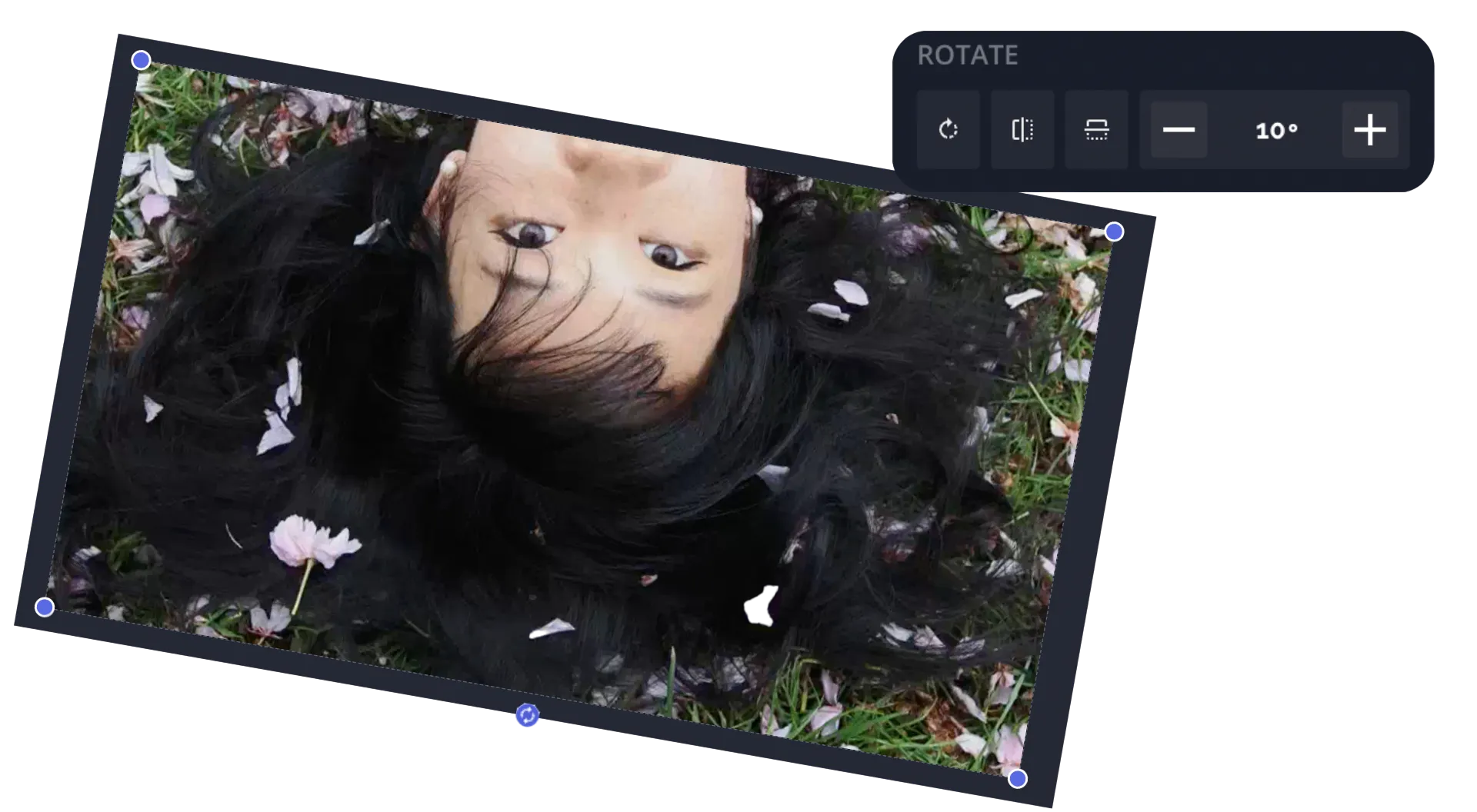
With Rotate Video, users can rotate videos clockwise or counterclockwise by 90°, 180°, or 270°. This precision is ideal for correcting sideways or inverted footage caused by sensor errors.
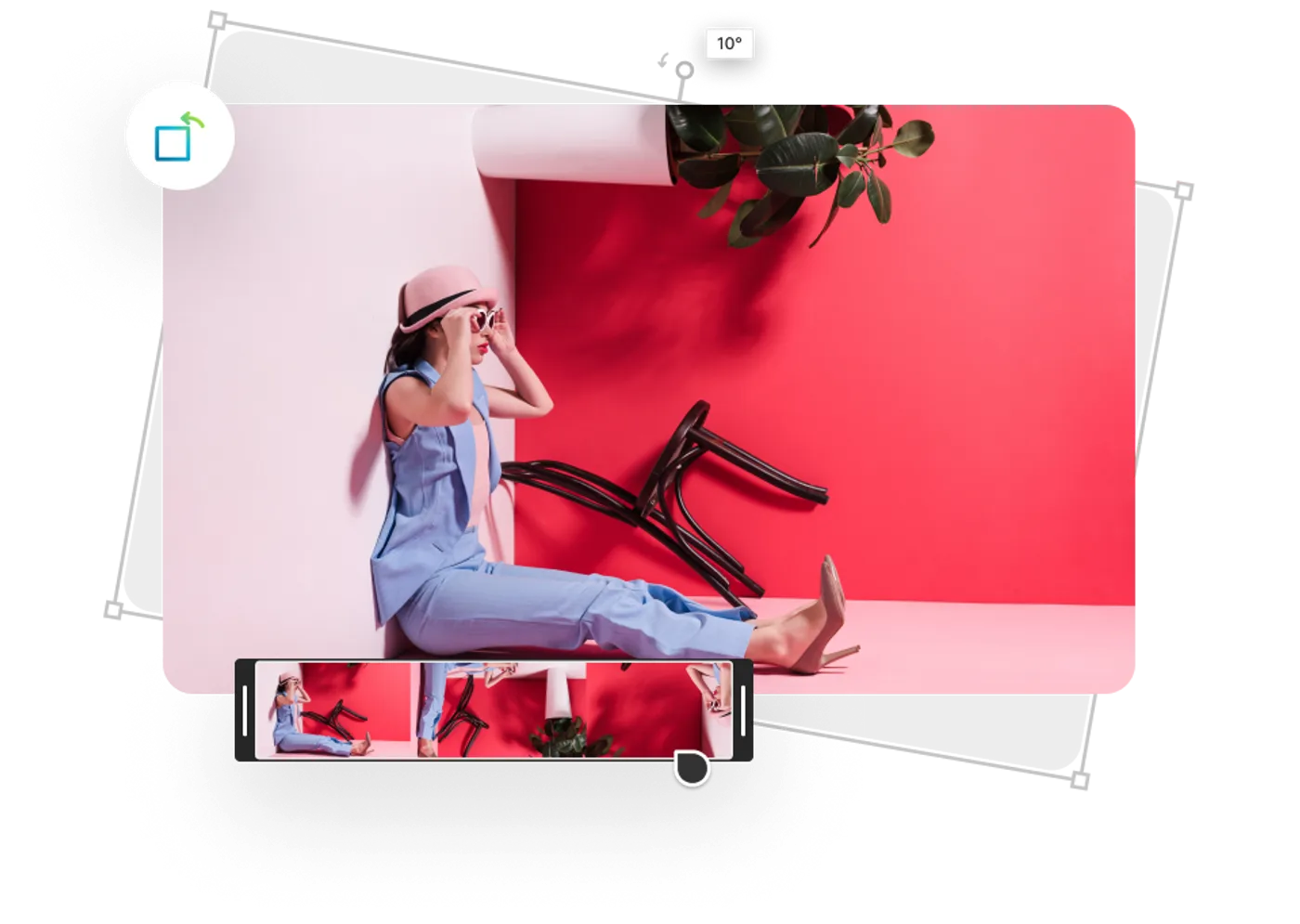
Rotate Video also supports horizontal and vertical flipping. This feature is especially useful for correcting mirrored text from front-facing cameras or achieving symmetrical visual effects.
China Video AI Rotate Video tool is built to deliver more than just rotation—it provides a seamless and reliable editing experience that users can trust.

Rotate Video requires no learning curve. The real-time preview window allows users to instantly see results while adjusting orientation.

With Rotate Video, all processing happens online. Users can access the tool from any browser without downloads or updates.

China Video AI processes files using encrypted connections. Videos handled through Rotate Video are automatically removed after processing, ensuring complete privacy.
Before exporting, Rotate Video allows users to test different angles and mirror combinations until the perfect composition is achieved.
Powered by cloud rendering, Rotate Video can handle large video files—hundreds of megabytes—in just seconds.
From personal clips to professional marketing materials, Rotate Video adapts effortlessly to every use case.
Explore how Rotate Video enhances content across different scenarios. These examples demonstrate the versatility of Rotate Video in real-world applications.
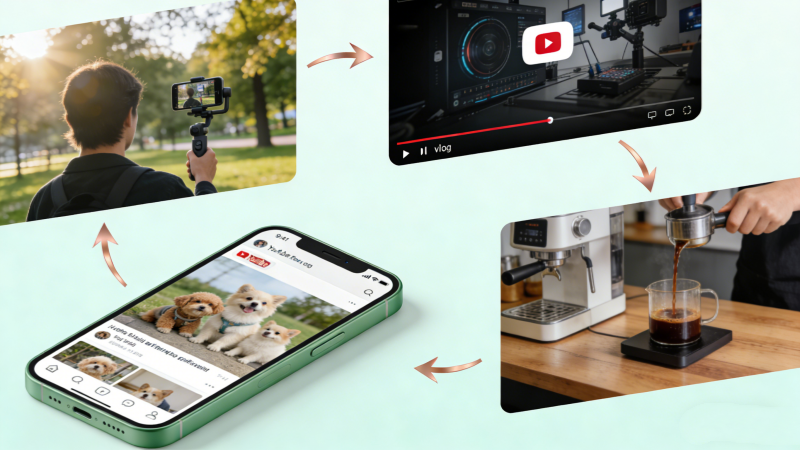
Drone footage, action camera clips, and handheld recordings often suffer from unexpected tilts due to movement, wind, or improper device orientation. Rotate Video instantly corrects these errors, restoring visual balance and clarity. With Rotate Video, creators can confidently fix misaligned footage from extreme shooting conditions, ensuring stable, professional-looking results suitable for publishing, presentations, or long-term archival use.
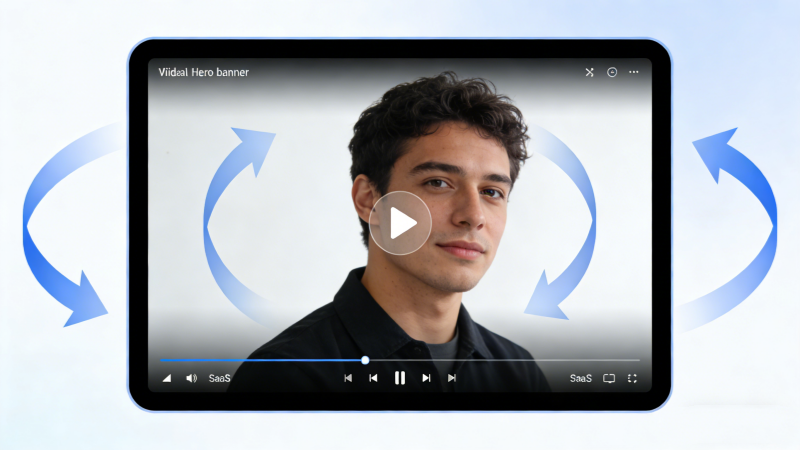
By using Rotate Video to flip footage horizontally, creators can fix mirrored text caused by front-facing cameras or selfie modes. This also allows users to experiment with balanced, symmetrical aesthetics for artistic purposes. With Rotate Video, visual composition becomes more flexible, helping videos feel natural, readable, and visually pleasing across both creative and practical applications.
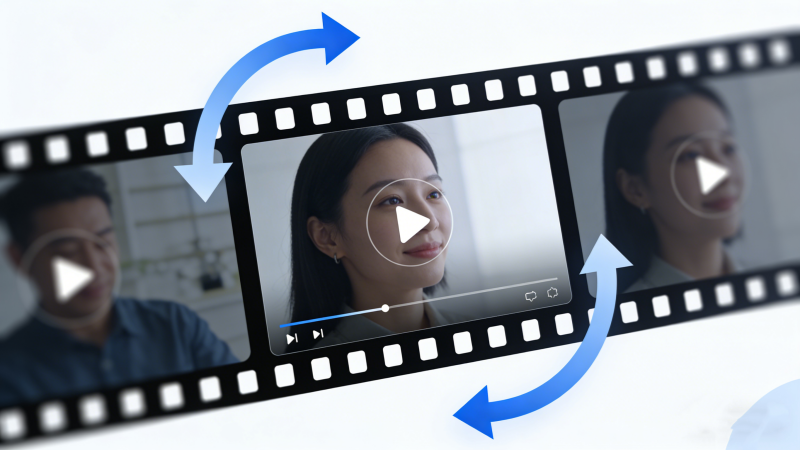
With Rotate Video, product visuals can be perfectly aligned, ensuring viewers clearly see every detail without distraction. Proper orientation improves professionalism and trust, especially in e-commerce or promotional content. Using Rotate Video, businesses can quickly correct filming mistakes, maintain consistent framing, and present products from the most effective angle to enhance viewer understanding and conversion potential.
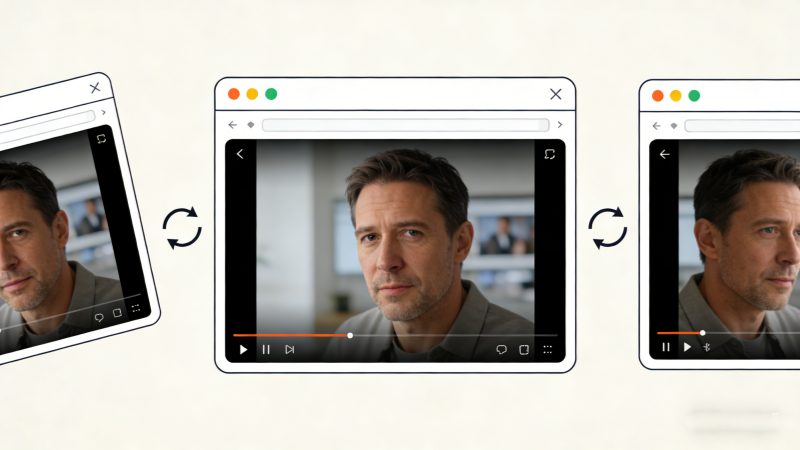
Rotate Video helps preserve moments by correcting angles, making every memory comfortable to watch and emotionally engaging. Daily vlogs, travel clips, and family recordings often capture spontaneous moments with imperfect orientation. With Rotate Video, creators can effortlessly refine these memories, ensuring the storytelling remains smooth, immersive, and visually enjoyable for both creators and their audiences.
Adjusting video direction has never been easier. Rotate Video simplifies the process into three intuitive steps.
Select the desired angle—90°, 180°, or 270°—using Rotate Video’s intuitive controls.
Upload your video in supported formats such as MP4 or MOV. Rotate Video handles files quickly and securely.
Once processing is complete, download your newly rotated video instantly. With Rotate Video, results are immediate.
This section answers the most common questions users have about Rotate Video.
No registration is needed to use Rotate Video. Users can access all essential features instantly without creating an account or providing personal information. This lowers the barrier to entry and allows quick edits when time is limited or when working on shared devices.
Yes. Rotate Video allows repeated adjustments.You can experiment with different orientations as many times as needed before downloading the final version. This flexibility is especially helpful when fine-tuning visual composition or correcting multiple orientation mistakes.
Rotate Video supports common file sizes; very large files depend on network conditions. Performance may vary based on internet speed and device capability. For best results, a stable connection is recommended when working with high-resolution or long-duration videos to ensure smooth processing.
Yes. Rotate Video is fully mobile-browser compatible.The interface adapts to smaller screens, allowing users to rotate videos directly from smartphones or tablets. This makes it convenient for on-the-go edits without transferring files to a desktop computer.
All files processed with Rotate Video are handled securely and deleted automatically. Advanced encryption protocols are used during processing, and content is not stored permanently. Once the task is complete, files are removed from servers to protect user privacy and data confidentiality.
No. Rotate Video maintains the original aspect ratio.The tool adjusts orientation without stretching, cropping, or distorting the frame. This ensures that the visual proportions remain accurate and consistent across different viewing platforms and screen sizes.
Most videos are processed by Rotate Video within seconds. Actual processing time depends on video length, resolution, and network speed. Short clips typically finish almost instantly, while larger files may take slightly longer but still complete efficiently.
Some versions of Rotate Video support multiple file processing.This feature is useful for users handling several clips at once, such as social media managers or educators. Batch handling helps streamline workflows and reduces repetitive manual steps.
There is no need to download complex editing software or learn advanced techniques. With China Video AI Rotate Video, anyone can instantly correct video orientation and elevate content quality. Whether you are fixing a simple recording mistake or preparing professional material, Rotate Video ensures your videos are always presented at the perfect angle.
Start Rotating Your Videos Today for the Perfect Viewing Angle