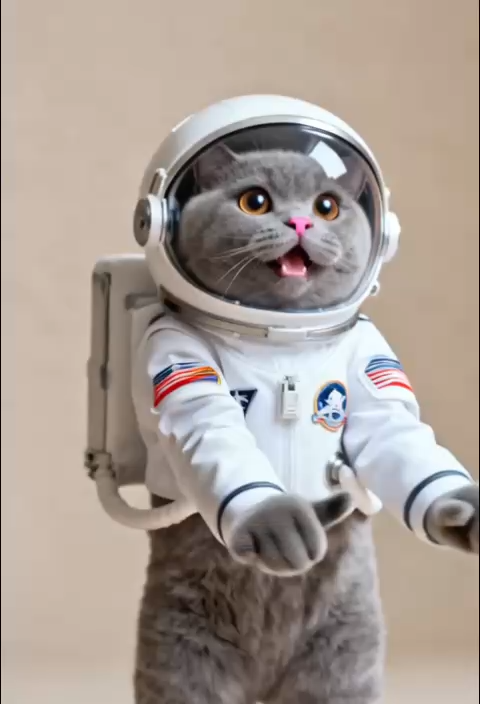
Intelligent Wiggle Dynamic Algorithm
AI Ad Clone
Create more premium AI videos with commercial usage and priority processing.
Allow other users to view your generated result.
Hide your prompt and uploaded source files from other users.
Generate Result
Waiting for Results
Complete the required inputs and click Generate.
AI Video Effect
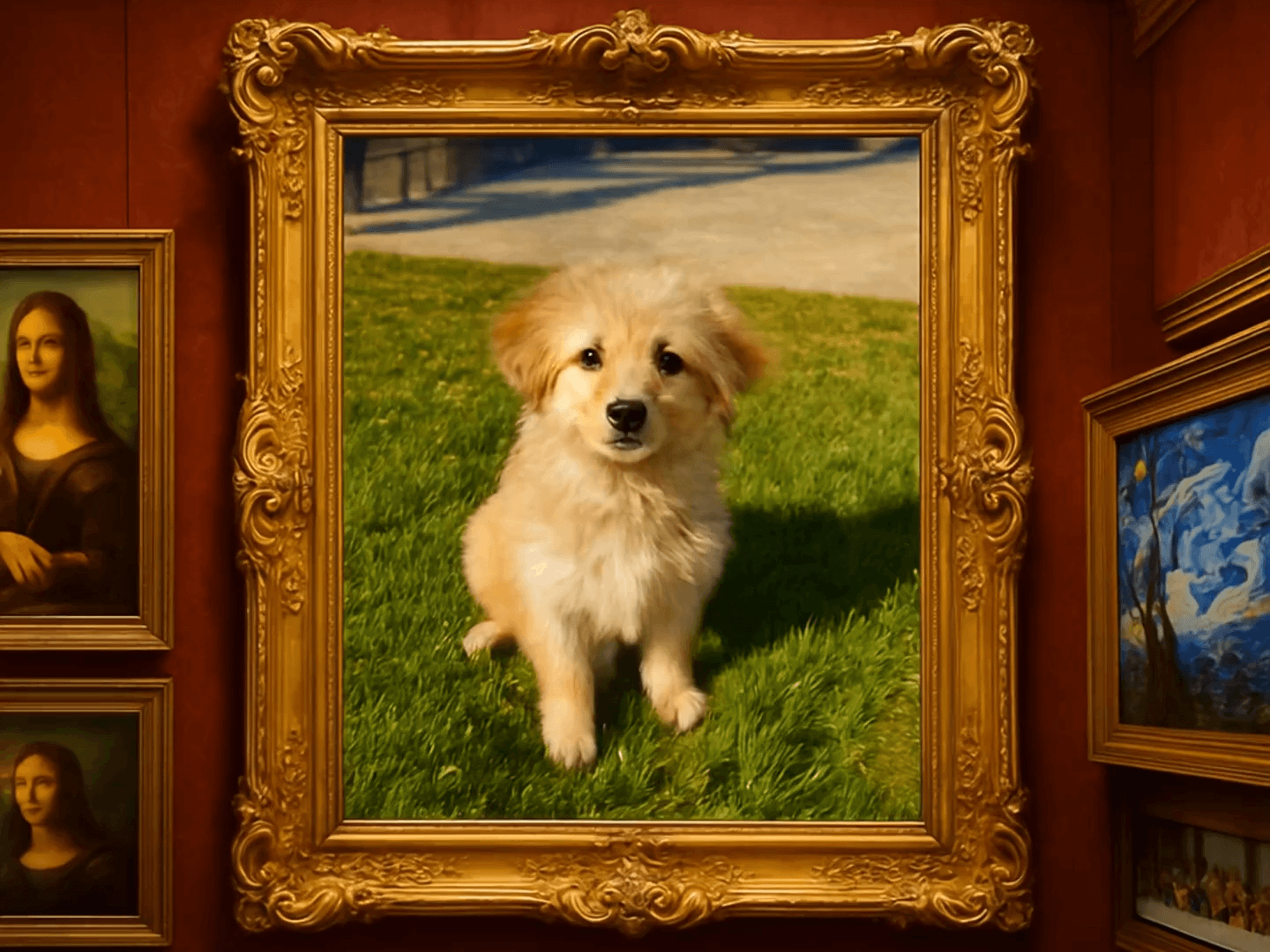
Wiggle Wiggle is an innovative AI video effect tool that combines subtle shaky 'wiggle' motion with smooth zoom and pan movements. It adds rhythm and dynamic flair to static photos or standard videos, transforming them into visually captivating works of art.
Try Wiggle Wiggle NowWiggle Wiggle harnesses cutting-edge AI dynamic analysis technology, seamlessly integrating subtle shaking effects with natural camera movements. The result is a fluid and expressive video effect that transforms ordinary footage into something visually compelling.
AI Ad Clone
Add Music To Video AI
AI Product Video
More AI Video Effect
Wiggle Wiggle is versatile and can be used by a wide range of content creators, brands, and designers. Its unique features make it an indispensable tool for elevating digital content.
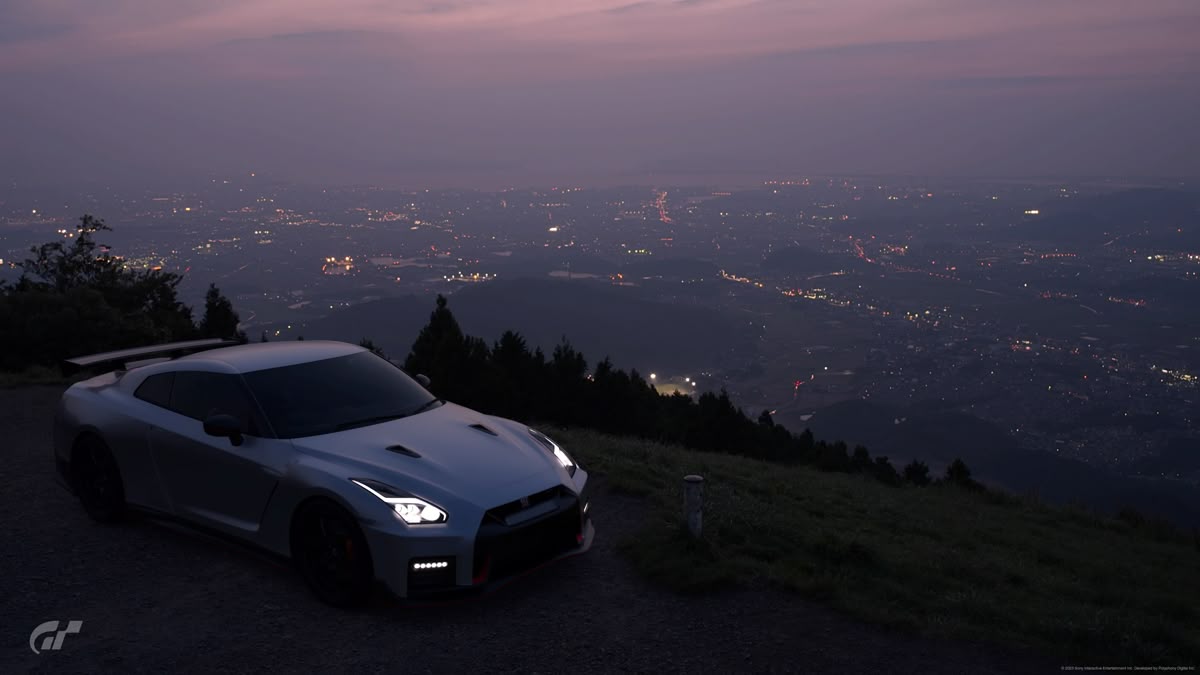
Social media influencers and creators can use Wiggle Wiggle to craft attention-grabbing intros or dynamic transitions for Instagram, TikTok, and YouTube Shorts. The engaging motion ensures their content stays fresh and appealing to audiences on fast-paced platforms.

E-commerce brands can leverage Wiggle Wiggle to create dynamic product videos that highlight key features with ease. The subtle 'wiggle' effect and smooth zooming not only enhance the product's visual appeal but also improve click-through rates and conversions by providing a more professional and engaging presentation.

For photographers, Wiggle Wiggle offers an easy way to breathe new life into static images. The tool can convert a photographer's portfolio into dynamic video presentations, perfect for use in galleries, exhibitions, or online portfolios. Adding the wiggle effect to still shots can make them stand out in a sea of conventional photography.
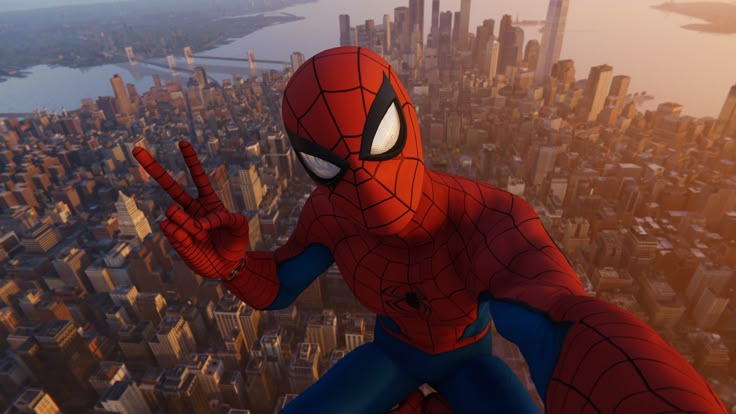
Wiggle Wiggle is also a fantastic tool for event organizers who want to make their marketing materials more engaging. Whether it's an event flyer or a digital poster, Wiggle Wiggle can transform static designs into dynamic pieces of visual art that catch the eye and attract attendees.
Unlike traditional video effects tools, Wiggle Wiggle specializes in balancing subtle, playful motion with high-end visual aesthetics. Here's why it's the go-to tool for creators who want to make their content pop.

Wiggle Wiggle's dynamic effects algorithm carefully controls the amount of movement, ensuring the visual shake never becomes jarring or uncomfortable for the viewer. The gentle wiggle adds a sophisticated level of dynamism without overwhelming the frame.

Wiggle Wiggle's AI automatically detects the subject in your images or videos, ensuring that the dynamic effects are applied naturally around the central focus. Whether it's a person or a product, the effect always emphasizes what matters most.

Wiggle Wiggle makes it easy for anyone—regardless of technical skills—to create professional-quality dynamic videos. With just a few clicks, you can generate engaging, motion-filled content ready to be shared on social media or used in campaigns.
Wiggle Wiggle supports high-resolution video exports, ensuring that your dynamic creations maintain their visual quality across various platforms, from social media to large screens.
Wiggle Wiggle optimizes video rendering speed, allowing creators to work more efficiently. What might take hours in traditional editing software can now be done in minutes, saving you time and effort.
Wiggle Wiggle strikes the perfect balance between creative freedom and efficient content production. Whether you're producing one video or multiple, you can quickly create eye-catching content without sacrificing quality.
Take a look at the various ways Wiggle Wiggle brings visuals to life. From fashion to photography, Wiggle Wiggle's effects will add that perfect touch of movement.

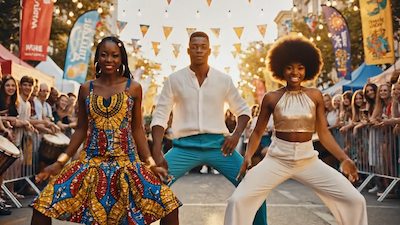
Add a subtle wiggle effect and camera movements to fashion shots, making them appear more cinematic and impactful.
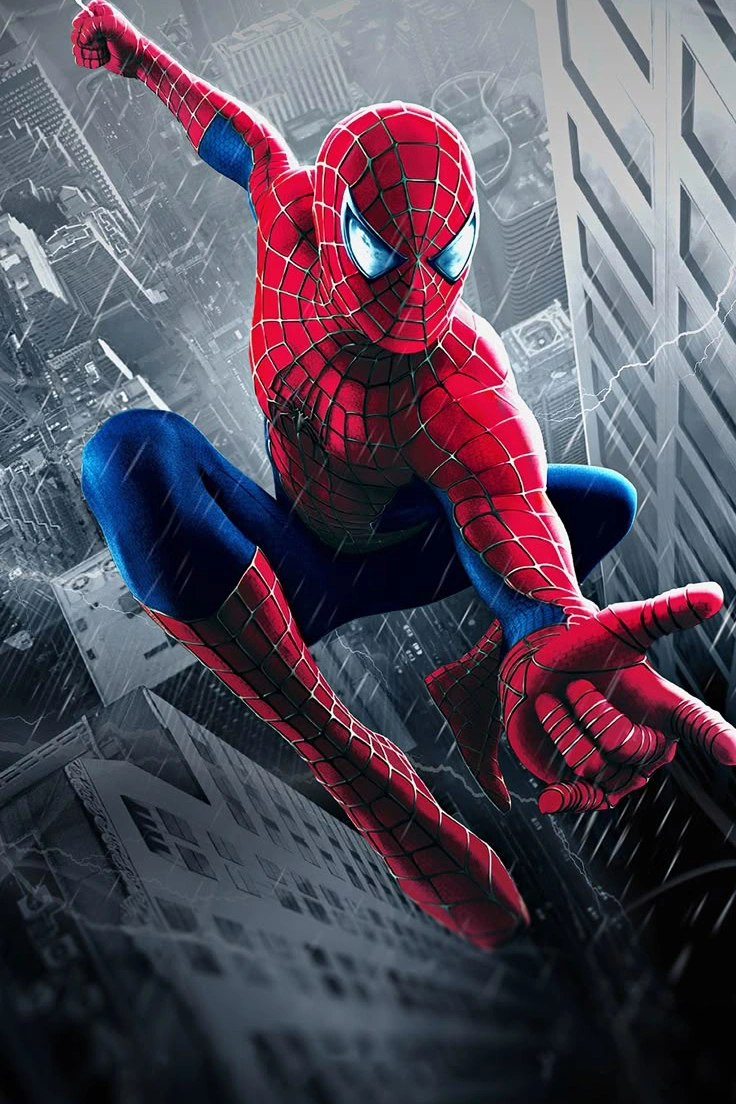
Transform static posters into dynamic, engaging animations, making your designs more exciting and relevant for modern digital audiences.
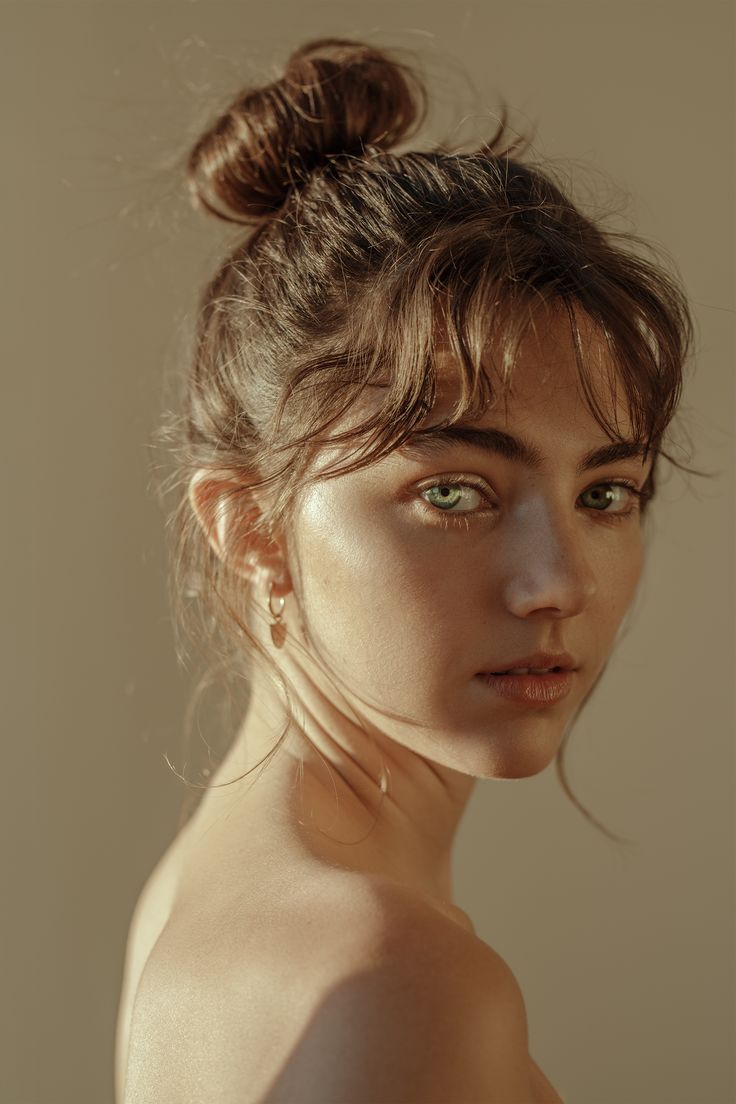
Even when the body moves or the camera zooms in, Wiggle Wiggle uses advanced AI to maintain the integrity of facial features, ensuring your character's likeness stays true to the original image.

Tailored for mobile-first platforms, Wiggle Wiggle ensures that your videos are perfectly aligned and adapted for vertical viewing, eliminating the need for cumbersome cropping and adjustments.
No complicated processes here. Just a few simple steps, and you're ready to share your new dynamic video with the world.
Browse through a variety of dynamic templates to find the one that best suits your style and the look you're going for.
Upload your media, and Wiggle Wiggle's AI will automatically identify the subject and scene, preparing it for dynamic enhancement.
Once your video is ready, you can download it in high-quality resolution, perfect for sharing or posting online.
Get answers to your most common questions about using Wiggle Wiggle and making the most of its unique features.
Wiggle Wiggle supports a wide range of common image and video formats, including JPG, PNG, MP4, and others. Whether you're working with photos, videos, or GIFs, Wiggle Wiggle ensures that your files are compatible and easy to upload. It's a versatile tool for creators who want to transform different media types into dynamic, motion-filled visuals.
Yes, the videos you create using Wiggle Wiggle can be used commercially, such as on social media, in promotional materials, and for brand marketing campaigns. As long as the content complies with the platform's guidelines, Wiggle Wiggle allows creators to produce professional-looking videos for commercial purposes.
Wiggle Wiggle supports HD video output, ensuring that the videos you create look sharp, clear, and polished across all platforms. Whether you're sharing your videos on social media or embedding them on websites, Wiggle Wiggle ensures your creations maintain high quality. The resolution settings are designed to suit both web and mobile formats.
Yes, with Wiggle Wiggle, you can adjust the intensity and speed of the dynamic effects to suit your project's needs. Some templates offer customization options, allowing you to fine-tune the amount of wiggle and zoom for a more subtle or dramatic effect. This flexibility ensures that your visuals match your desired aesthetic.
Typically, it takes only a few seconds to a minute to generate a video with Wiggle Wiggle, depending on the complexity of the effect and the size of the file. Thanks to its powerful AI and optimized rendering engine, Wiggle Wiggle allows you to create stunning videos in record time.
Yes, Wiggle Wiggle is fully mobile-friendly and can be accessed via web browsers on your mobile device. This means you can create and edit dynamic videos on the go, whether you're commuting, traveling, or working from home.
Yes, higher-tier versions of Wiggle Wiggle offer batch video generation capabilities, allowing you to create multiple videos simultaneously. This feature is particularly useful for businesses, content creators, and marketers who need to generate large quantities of videos quickly.
Wiggle Wiggle distinguishes itself from regular zoom effects by combining subtle shaking motion with AI-powered camera movements, creating a more natural and rhythmic flow. While traditional zoom effects simply enlarge or shrink an image, Wiggle Wiggle introduces dynamic motion that enhances the energy and engagement of the visuals.
Bring your static images to life with dynamic wiggles and camera effects. Wiggle Wiggle lets you infuse creative energy into your projects, ensuring every frame pops with movement and rhythm. Start now and discover the power of AI-driven motion.
Start Creating Your Wiggle Wiggle Dynamic Videos Today