High-Quality Snowflake Simulation
AI Ad Clone
Create more premium AI videos with commercial usage and priority processing.
Allow other users to view your generated result.
Hide your prompt and uploaded source files from other users.
Generate Result
Waiting for Results
Complete the required inputs and click Generate.
AI Video Effect
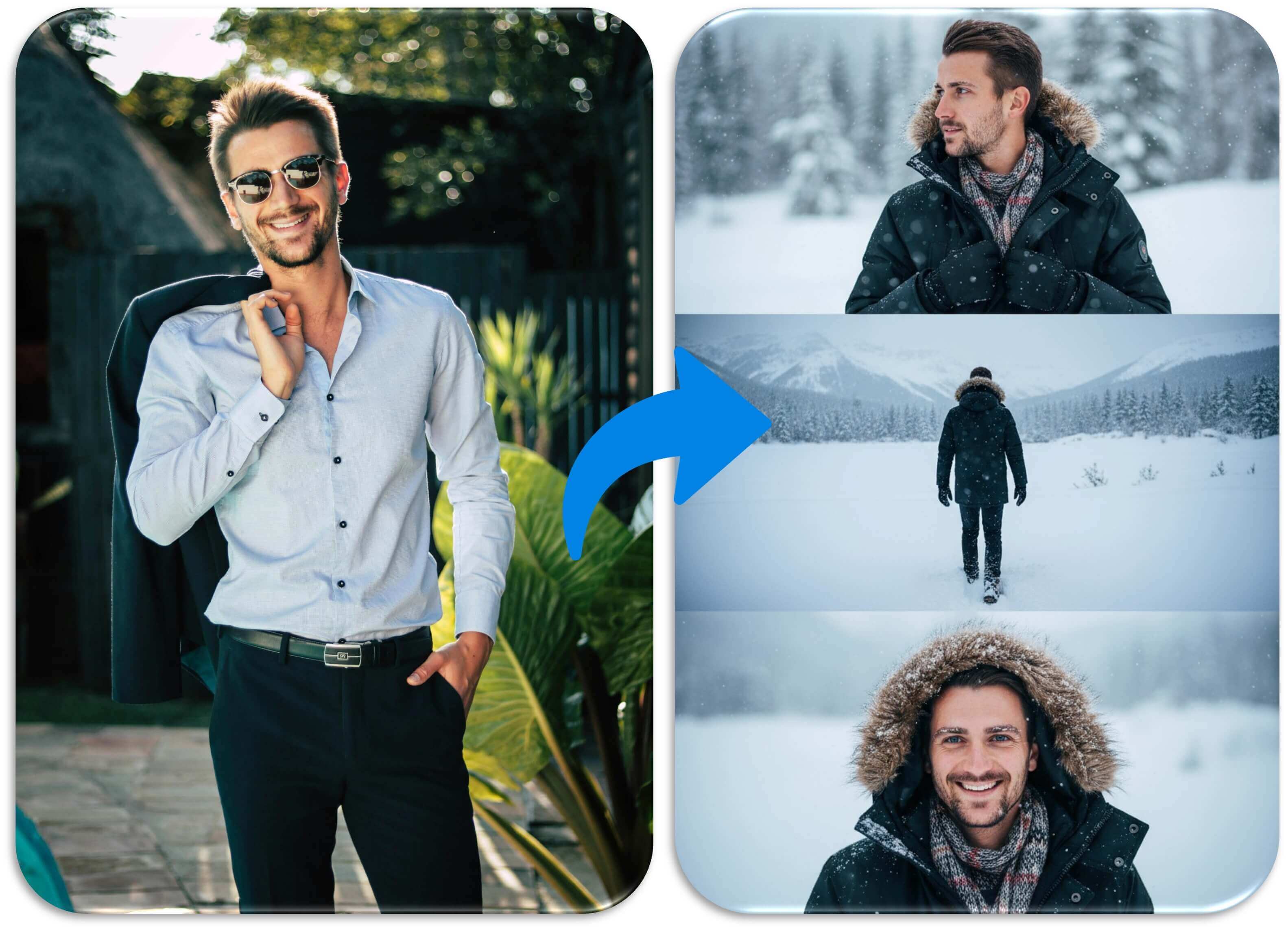
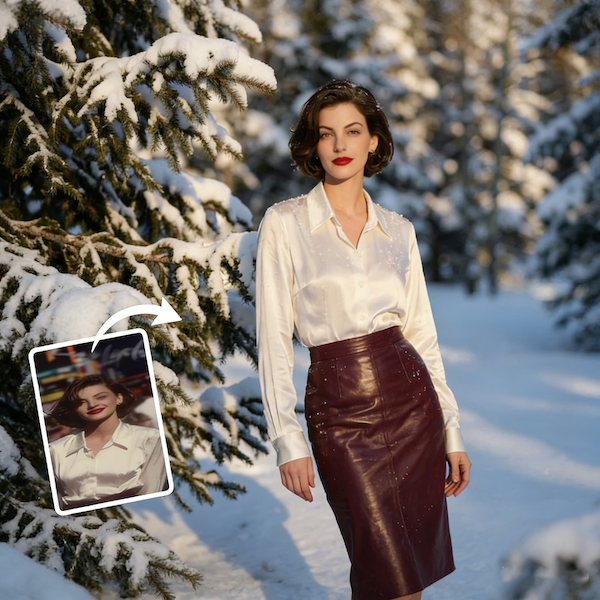
AI Winter Snow adds gentle, realistic snowfall to your images, turning still photos into immersive winter videos. Preserve the original composition while creating smooth, natural snow motion with ease.
Try Winter Snow NowBuilt on high-precision video generation models, Winter Snow adds continuous, natural snowfall to your videos while preserving the original structure and composition. Every frame remains stable and consistent, creating a smooth and immersive winter atmosphere from start to finish.
AI Ad Clone
Add Music To Video AI
AI Product Video
More AI Video Effect
Winter Snow goes beyond simply adding snow. By analyzing scene structure and visual rhythm, it allows snowfall to enhance the story of the video, creating layered depth and a more immersive emotional experience.
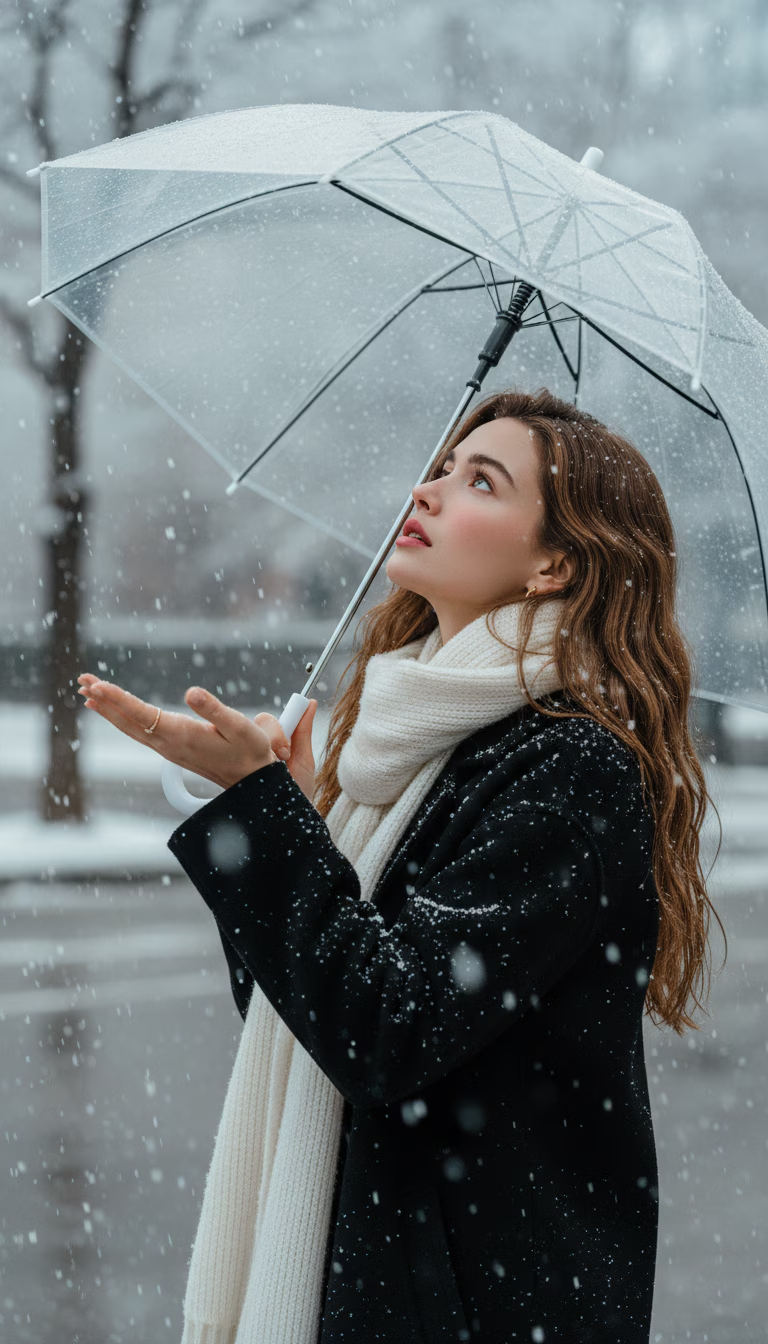
Winter Snow goes beyond simply adding snow. By analyzing scene structure and visual rhythm, it allows snowfall to enhance the story of the video, creating layered depth and a more immersive emotional experience.
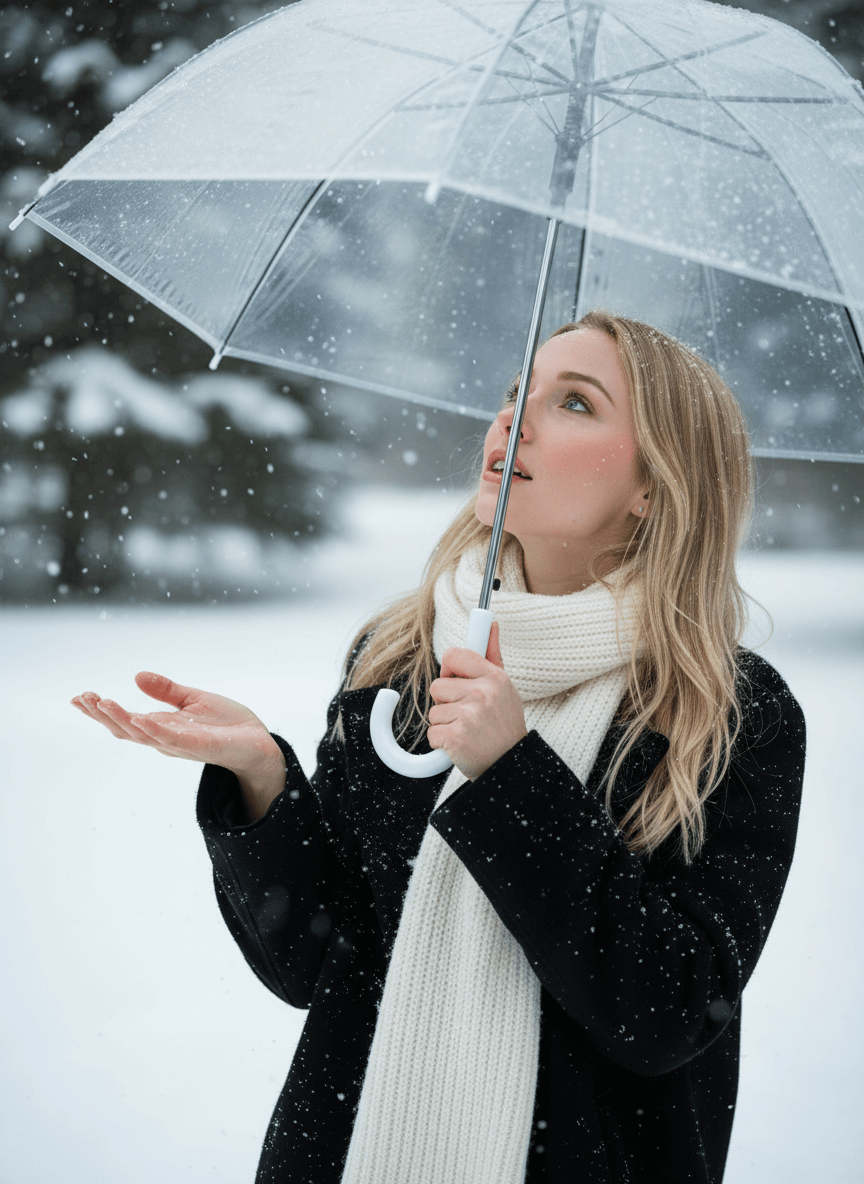
Winter Snow goes beyond simply adding snow. By analyzing scene structure and visual rhythm, it allows snowfall to enhance the story of the video, creating layered depth and a more immersive emotional experience.
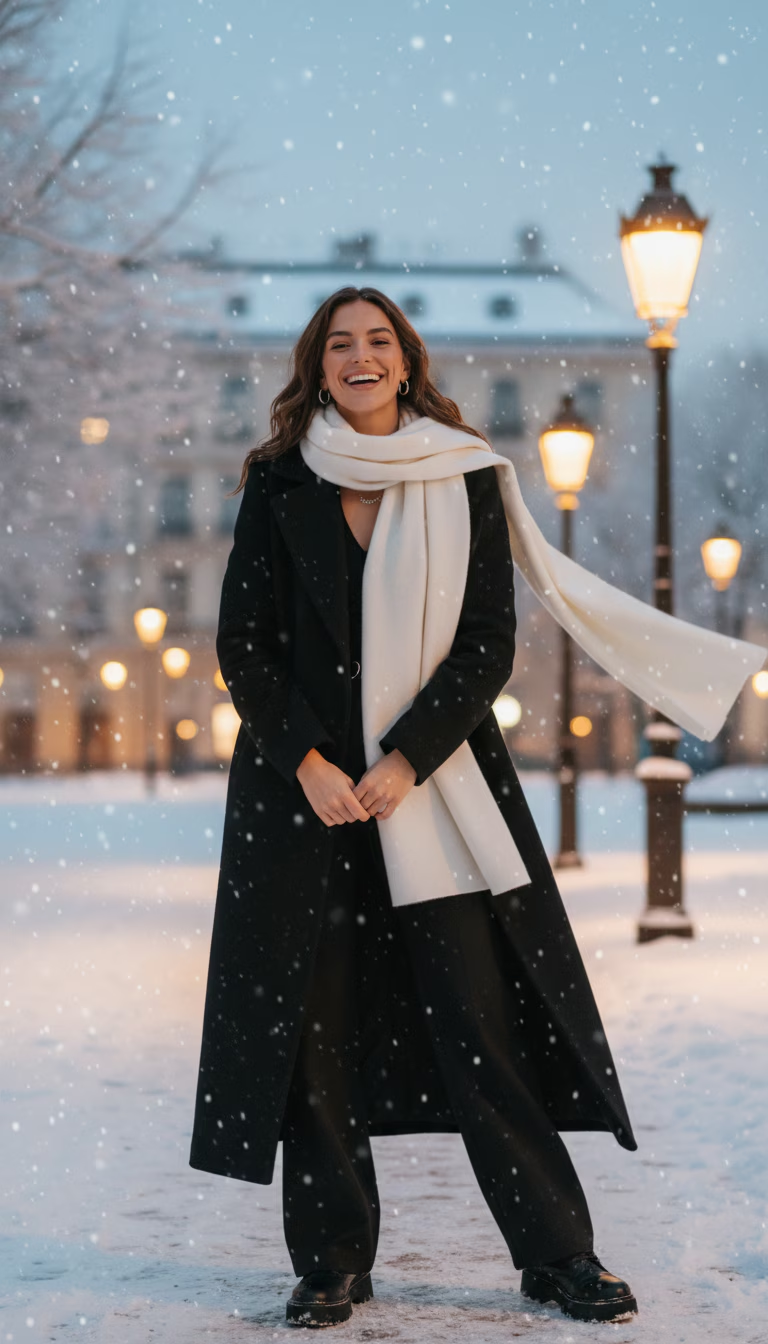
Winter Snow goes beyond simply adding snow. By analyzing scene structure and visual rhythm, it allows snowfall to enhance the story of the video, creating layered depth and a more immersive emotional experience.
Winter Snow is designed for creators and teams who want to add seasonal atmosphere to video content—without complex editing, manual overlays, or time-consuming adjustments. If you’re looking to enhance mood, emotion, or storytelling with a natural winter feel, this tool fits seamlessly into your workflow.
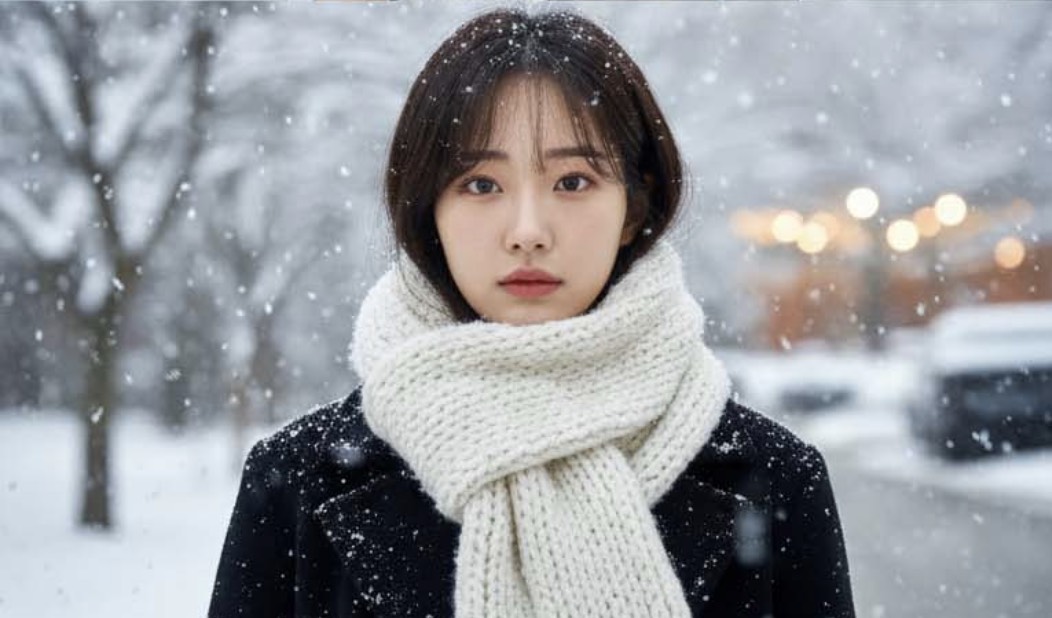
For creators producing short-form or social-first content, Winter Snow offers a fast way to add winter ambiance that feels polished and intentional. With one-click AI generation, creators can keep their content visually fresh and seasonal without slowing down their posting rhythm.
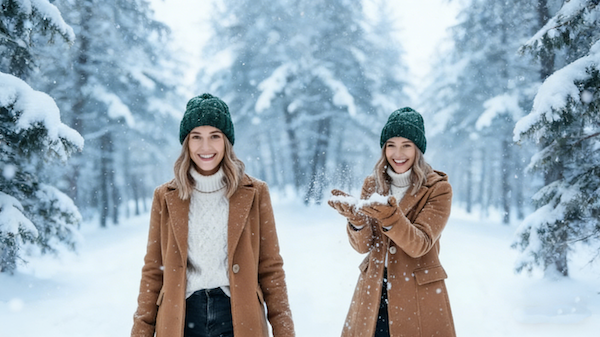
Winter Snow helps travel and lifestyle creators reinforce seasonal context and emotional tone. Instead of re-shooting or heavily editing footage, you can transform existing videos into winter-ready content that feels cohesive, atmospheric, and aligned with your narrative.
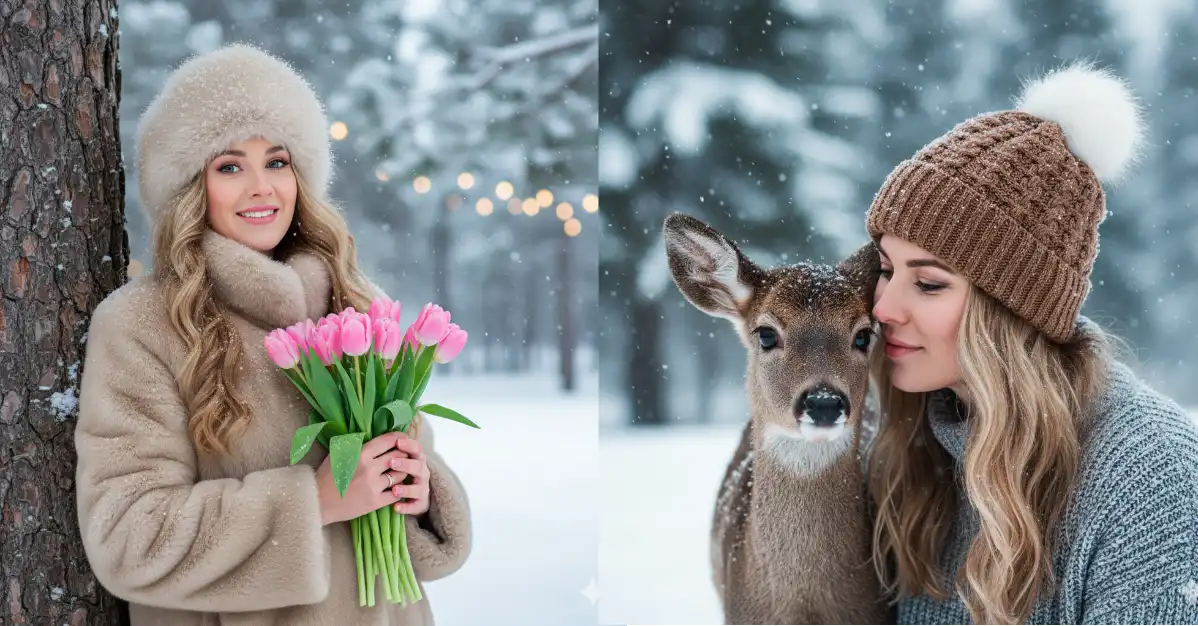
For filmmakers and visual storytellers, Winter Snow supports mood-driven storytelling by adding subtle snowfall that enhances emotion without overpowering the scene. It allows creators to focus on pacing, structure, and story while AI handles the environmental detail.
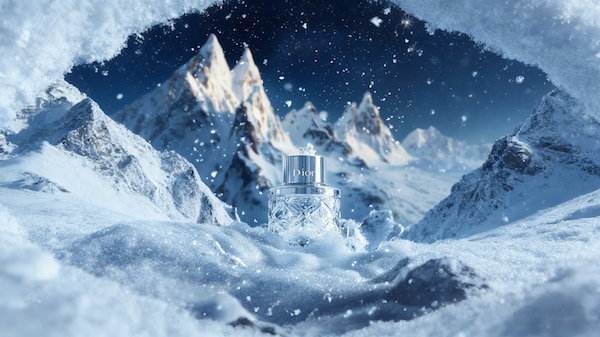
Winter Snow is well suited for brands planning winter promotions, holiday campaigns, or seasonal visuals. It enables marketing teams to quickly adapt existing video assets for winter themes, ensuring consistency across platforms while maintaining brand tone and visual quality.
Winter Snow on China Video AI is built for creators who value speed, clarity, and reliability. Instead of dealing with manual layers, trial-and-error edits, or fragmented tools, China Video AI offers a focused, guided experience that helps you move from upload to result with confidence—knowing exactly what to expect at every step.

Winter Snow on China Video AI isn’t a downloadable overlay or a preset you need to fine-tune. It’s part of a dedicated workflow designed specifically for snowfall video generation, so you spend less time adjusting and more time creating.

Traditional snowfall effects often require masking subjects, managing layers, or adjusting keyframes frame by frame. On China Video AI, Winter Snow removes those steps entirely—there’s nothing to draw, animate, or align by hand.

Instead of guessing how an effect will look after rendering, China Video AI Winter Snow follows a consistent generation logic. What you preview is what you get, helping reduce uncertainty and saving time on repeated exports.
China Video AI keeps the entire process in a single browser-based environment. There’s no need to switch software, install plugins, or adapt files for different tools—your Winter Snow video is ready to download and share as soon as it’s generated.
Many creators abandon effects not because they look bad, but because there are too many choices. China Video AI Winter Snow removes unnecessary decisions—no presets to compare, no sliders to second-guess—so you can move forward confidently without overthinking each step.
When you’re creating multiple videos or working on a series, consistency matters. Winter Snow on China Video AI is designed to deliver stable, repeatable results across different uploads, making it easier to maintain a unified winter style across campaigns, collections, or ongoing content.
Explore real examples created with Winter Snow and see how subtle snowfall transforms everyday footage into atmospheric winter stories that feel natural, cinematic, and ready to share across different platforms.
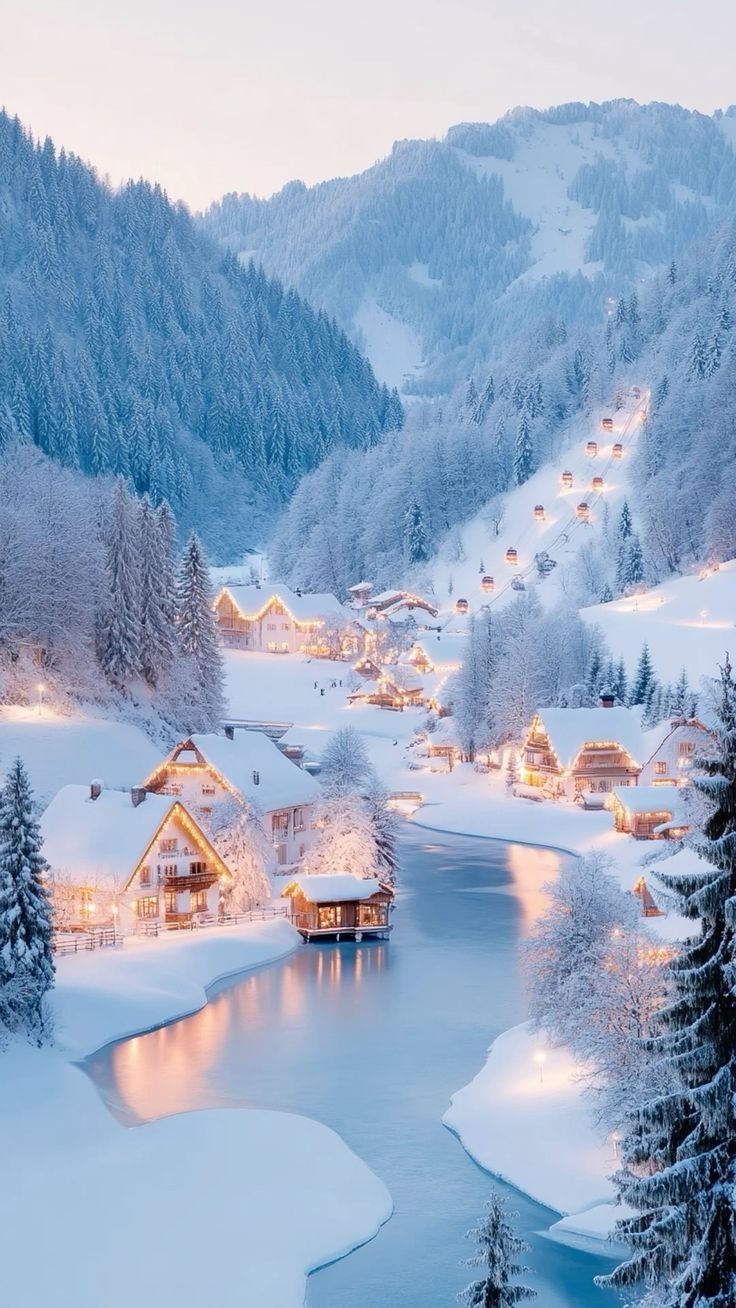
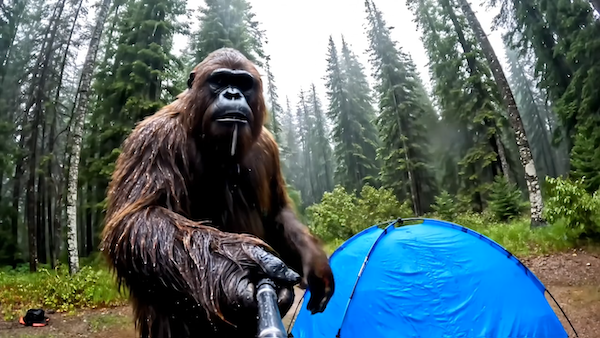
In nature-focused videos, Winter Snow adds a calm layer of falling snow that enhances depth and atmosphere, turning forest scenes into peaceful winter narratives that feel cinematic and immersive.
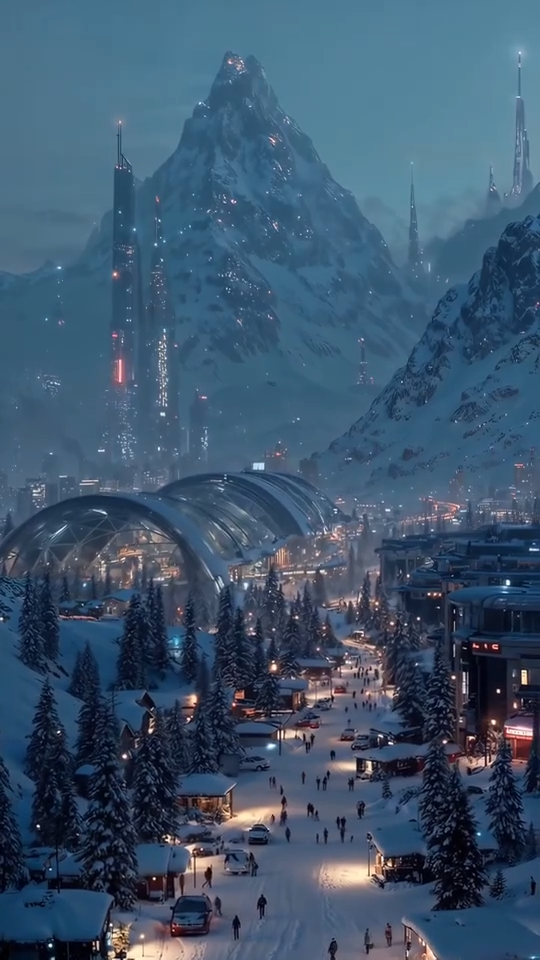
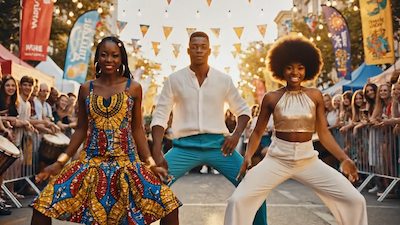
City scenes gain a new emotional tone as Winter Snow blends snowfall with street lights and architecture, creating cozy, share-worthy winter visuals often used in short films and social content.
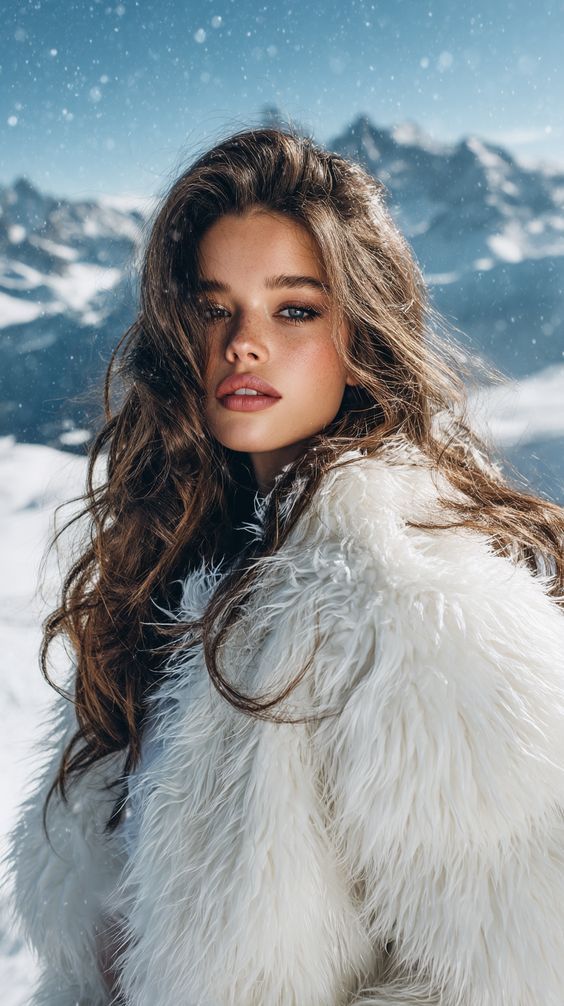
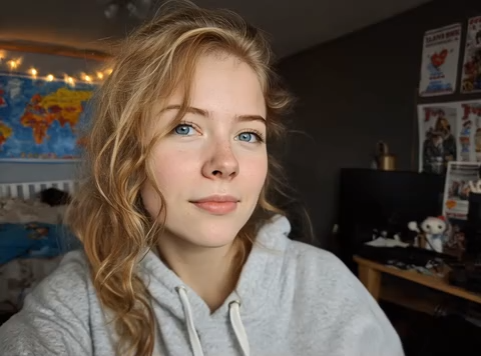
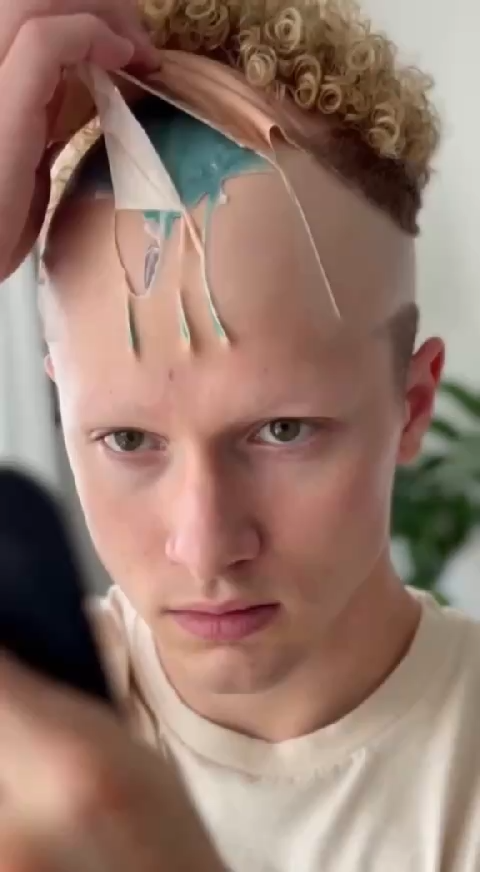
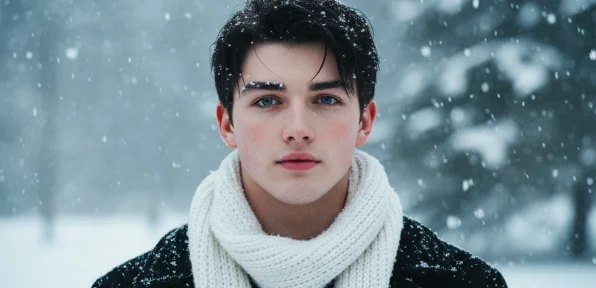
For portraits and lifestyle videos, Winter Snow helps creators frame emotional moments, using gentle snowfall to support storytelling without distracting from the subject.
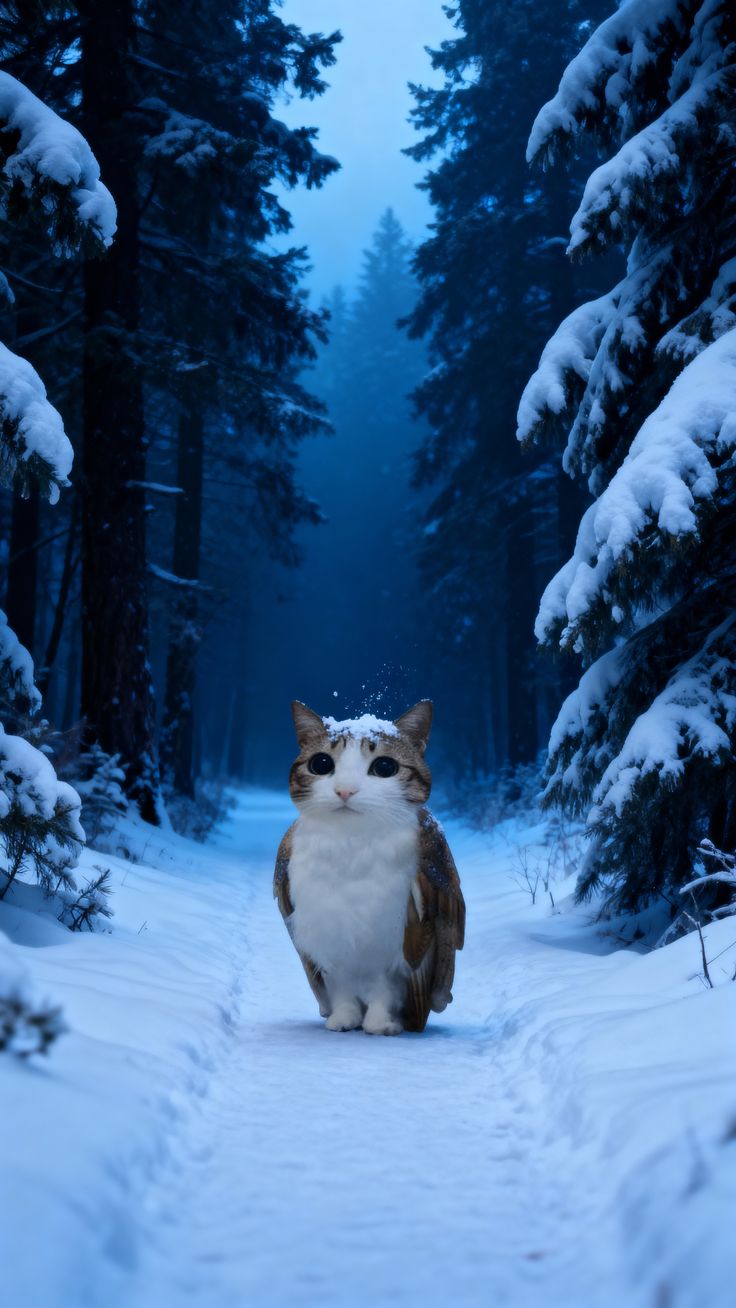
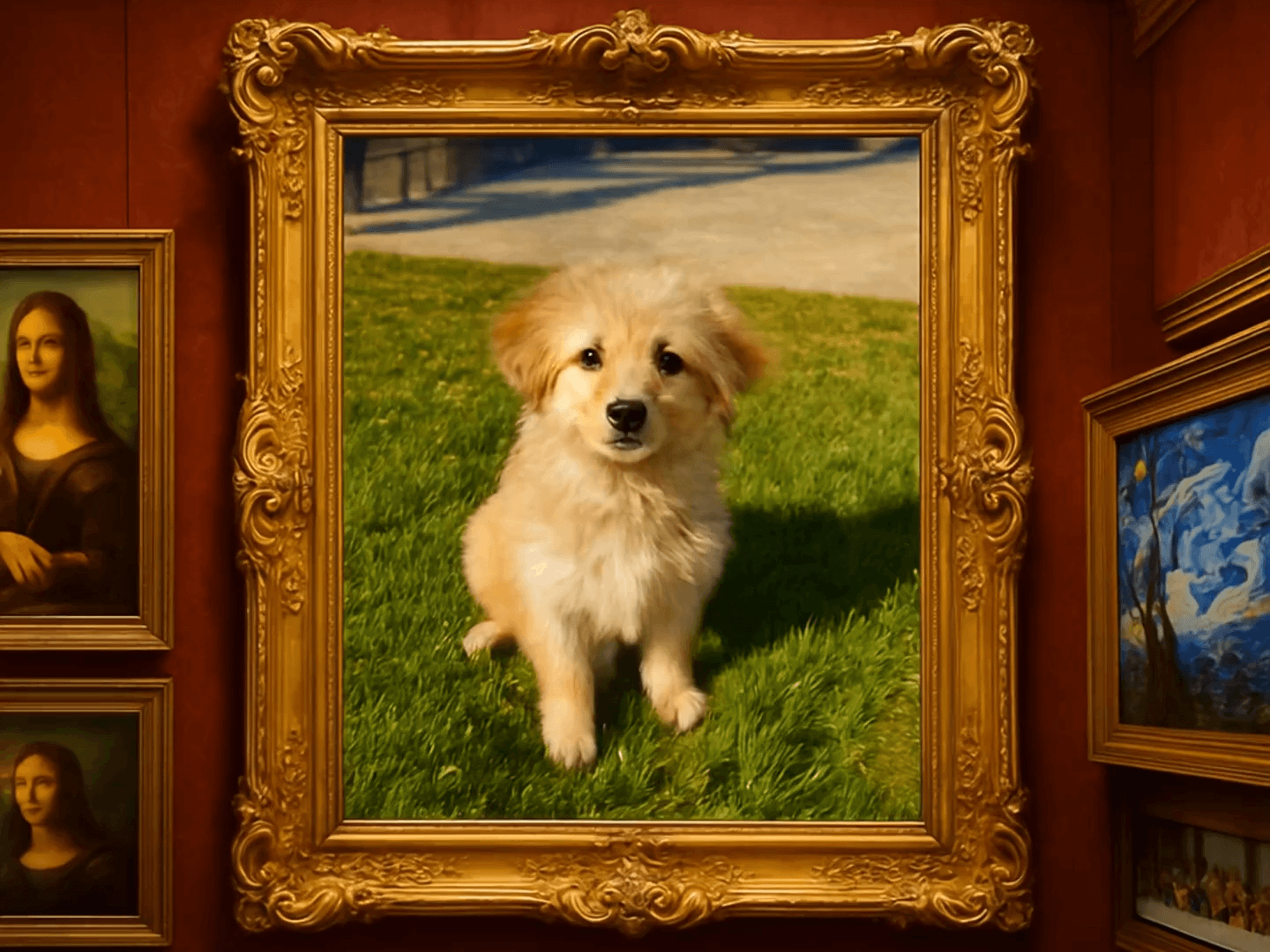
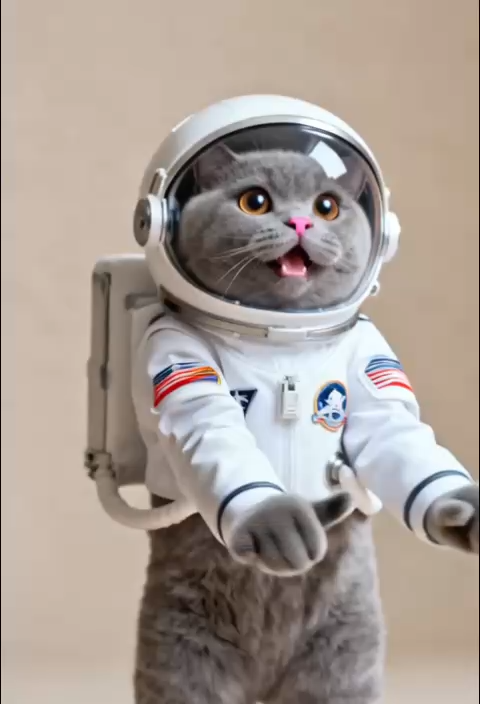
Animal videos become more engaging with Winter Snow, as soft snowfall adds seasonal context and warmth, making these clips especially popular for social sharing and audience engagement.
A clear, guided workflow designed to help you move from upload to final video with confidence, even if it’s your first time using Winter Snow, with no complex settings or prior experience required.
Start by selecting the video you want to enhance with Winter Snow. As long as the footage is clear and complete, the system is ready to process it—no preparation or manual editing required.
With one click, Winter Snow begins creating snowfall across your video timeline. The process runs automatically in the background, so you can relax while the winter atmosphere takes shape.
Once the video is ready, preview the result and download your Winter Snow creation instantly. Share it on social platforms or use it in your projects without extra formatting steps.
Find clear answers to common questions about using Winter Snow, from supported video types and formats to generation speed, quality, and usage scenarios—so you can create with confidence.
Yes. Winter Snow works with both static and moving footage, keeping snowfall visually consistent even when subjects or cameras are in motion.
Yes. Winter Snow is designed as a one-click video effect, making it easy to use even for first-time users.
No. Winter Snow uses a one-click AI generation process, with snowfall effects automatically determined to ensure a natural and balanced result.
Winter Snow is optimized for short videos and typically produces results within seconds to a few minutes, depending on video length.
Yes. Winter Snow allows you to preview the generated video so you can review the snowfall effect before downloading or sharing it.
Generated videos are available in common formats such as MP4 and MOV, making them easy to download, share, and publish.
No. Winter Snow preserves the original resolution and clarity of your video, ensuring snowfall effects are applied without degrading image quality.
Winter Snow applies snowfall consistently across the full duration of the uploaded video, ensuring a unified winter look from start to finish.
Upload your footage and let AI instantly transform it with the Winter Snow effect, adding emotion, depth, and storytelling to every scene.
Start Creating with Winter Snow Today