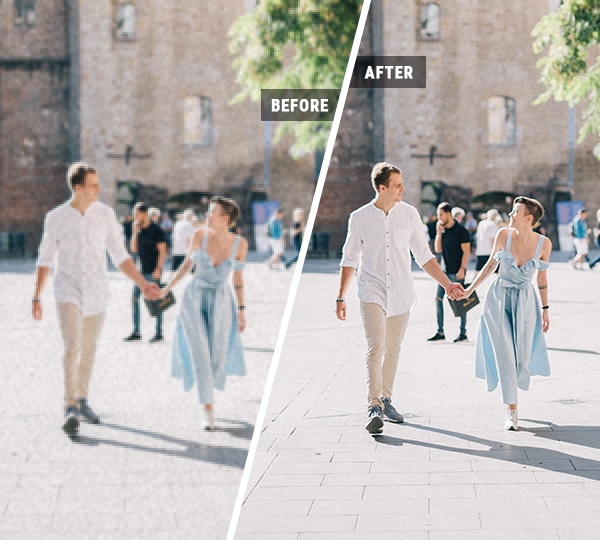
All You Need to Know About Video Enhancer
Curious about how to make your videos sharper, more vibrant, and professionally polished? Explore our FAQ section to discover how Video Enhancer can instantly upscale resolution, remove noise, enhance colors, and bring your footage to life — safely, efficiently, and effortlessly.
Curious about how to make your videos sharper, more vibrant, and professionally polished? Explore our FAQ section to discover how Video Enhancer can instantly upscale resolution, remove noise, enhance colors, and bring your footage to life — safely, efficiently, and effortlessly.
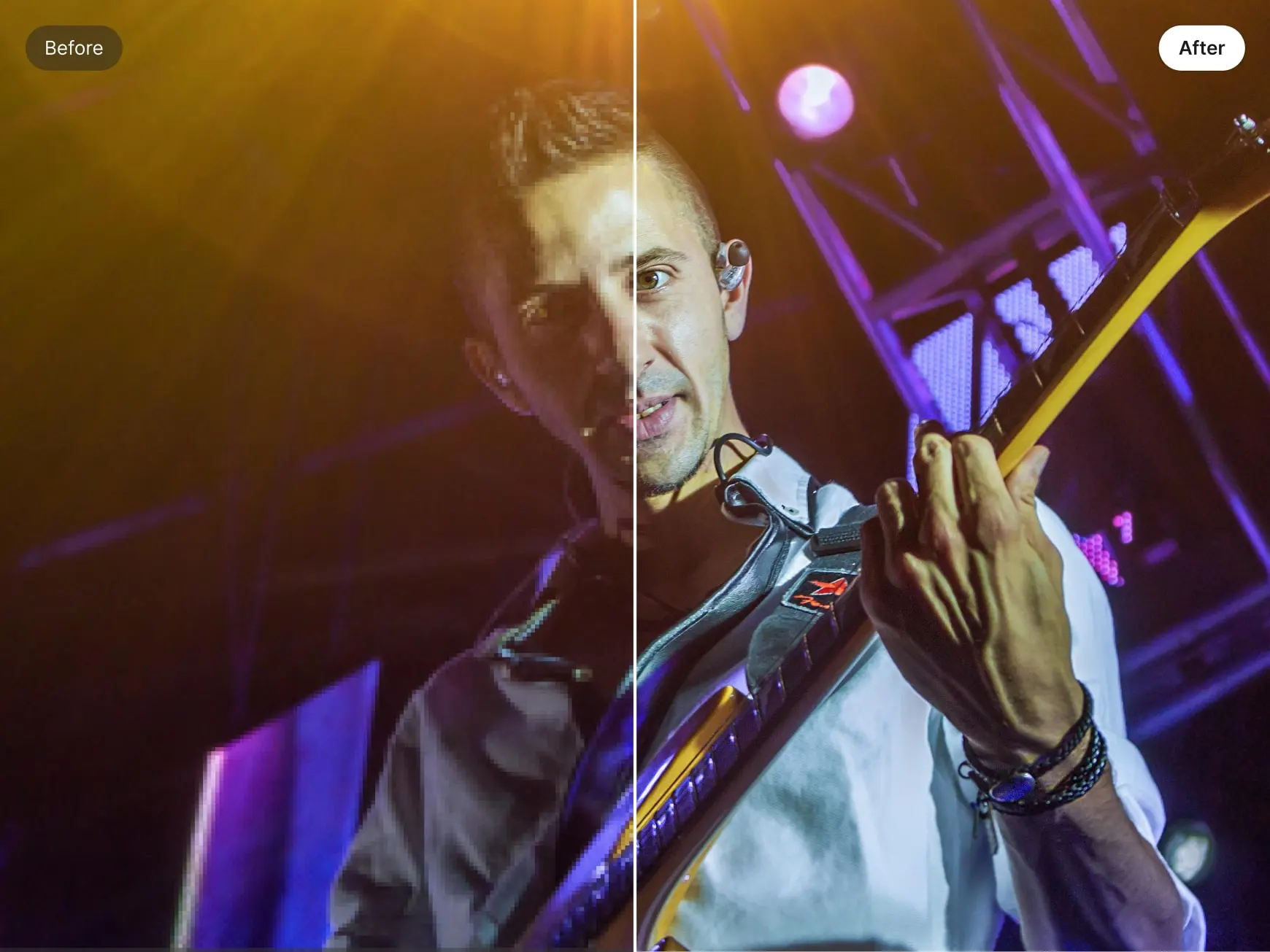
Video Enhancer is an AI-powered tool that instantly improves video quality. It sharpens details, reduces noise, enhances colors, and upscales resolution, transforming low-resolution or blurry footage into crisp, professional-quality videos with minimal effort.
Yes! With Video Enhancer, you can instantly improve any video. Whether it’s old home recordings, low-resolution clips, or compressed social media footage, the AI-driven tool sharpens details, balances colors, reduces noise, and restores clarity — delivering polished, professional-quality results in minutes.
Clearing a blurry video is simple with Video Enhancer. Upload your footage, enable AI sharpening and noise reduction, and let the system intelligently reconstruct details. The result is crisp, smooth frames and a visually stunning video ready to share or publish.
You can enhance a wide range of videos with Video Enhancer: travel and adventure clips, home recordings, marketing and brand videos, social media content, low-light or night scenes, and more. The AI automatically optimizes clarity, color, and motion for any type of footage.
Video Enhancer lets you enhance and upscale videos to 4K resolution. While this feature isn’t freely available, you can unlock access by earning points through daily check-ins or completing simple tasks.
Not at all. Video Enhancer is built for creators of all levels. Its AI handles complex adjustments automatically, so anyone can achieve professional-quality results with just a few clicks.
Most Video Enhancer tools prioritize user privacy. Uploaded videos are not used for AI training, keeping your content secure. Always review the specific platform’s privacy policy for details.
Processing speed depends on video length, resolution, network conditions, and the platform’s capabilities. Many tools offer free trial limits or maximum durations — check the service details for exact restrictions.
Yes! Video Enhancer works seamlessly on smartphones and tablets. Upload, enhance, and download high-quality videos directly from your device, no desktop required.
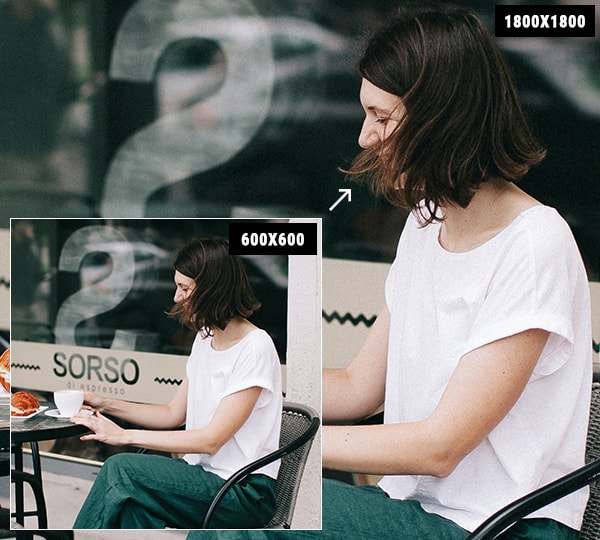
Absolutely. Video Enhancer intelligently upscales and restores low-resolution or old footage, reconstructing missing details, reducing noise, and enhancing sharpness and color. Even blurry or compressed clips can be transformed into crisp, professional-quality videos.