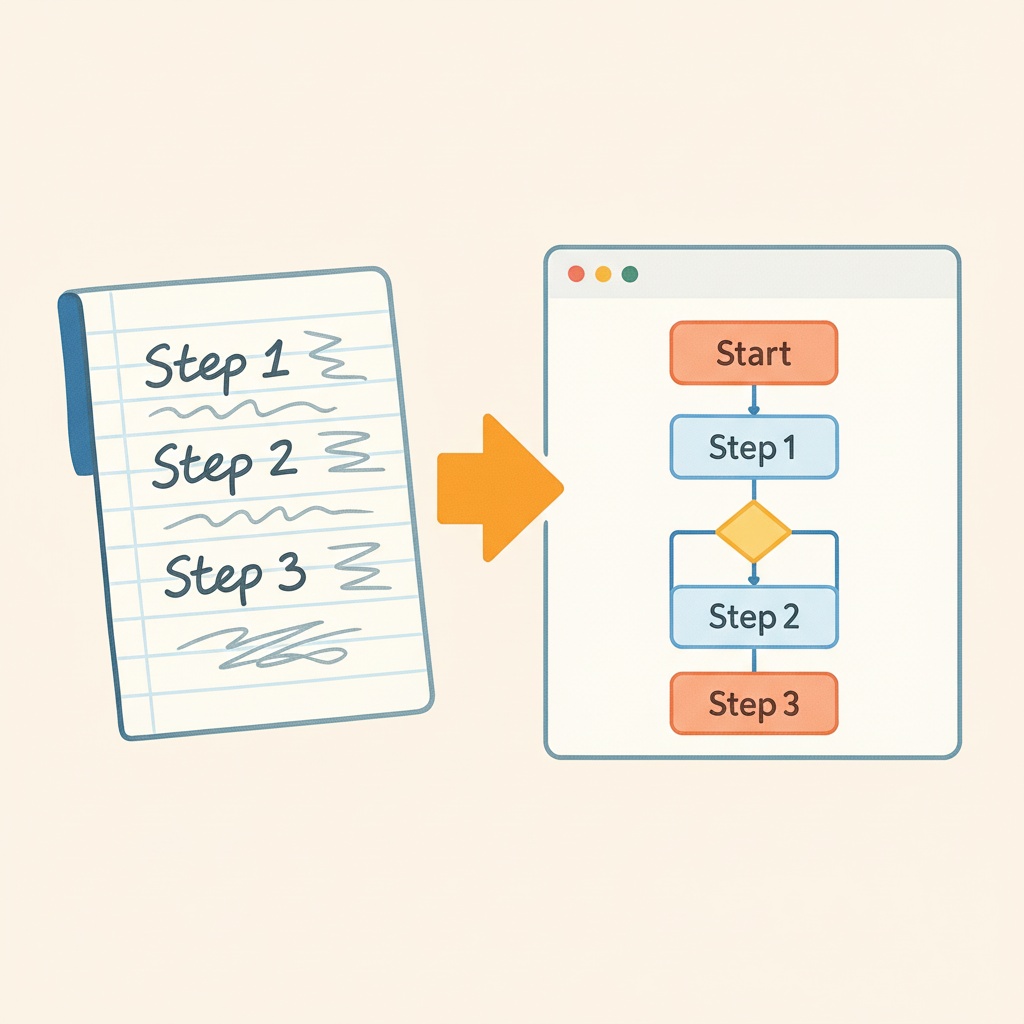
Intelligent Text-to-Flowchart Conversion
Body Editor
 Sample
AI Flowchart Generator Create Professional Diagrams from Text
Create more premium AI videos with commercial usage and priority processing.
Allow other users to view your generated result.
Hide your prompt and uploaded source files from other users.
Waiting for Results
Complete the required inputs and click Generate.
AI Image Tool
AI Flowchart is an intelligent, AI-powered flowchart generation solution designed to transform plain text into structured, professional-grade diagrams within seconds. By simply entering a short sentence or a detailed description, AI Flowchart can automatically analyze logic, identify relationships, and generate clear, visually organized flowcharts, business diagrams, and system architectures.
Try AI Flowchart NowChina Video AI AI Flowchart Generator is built on advanced natural language understanding and structural reasoning models. It helps users convert abstract ideas into professional, readable flowcharts while dramatically reducing the time and effort required for manual diagram creation. AI Flowchart is not just a drawing tool—it is a thinking assistant.
Body Editor
Spiderman AI
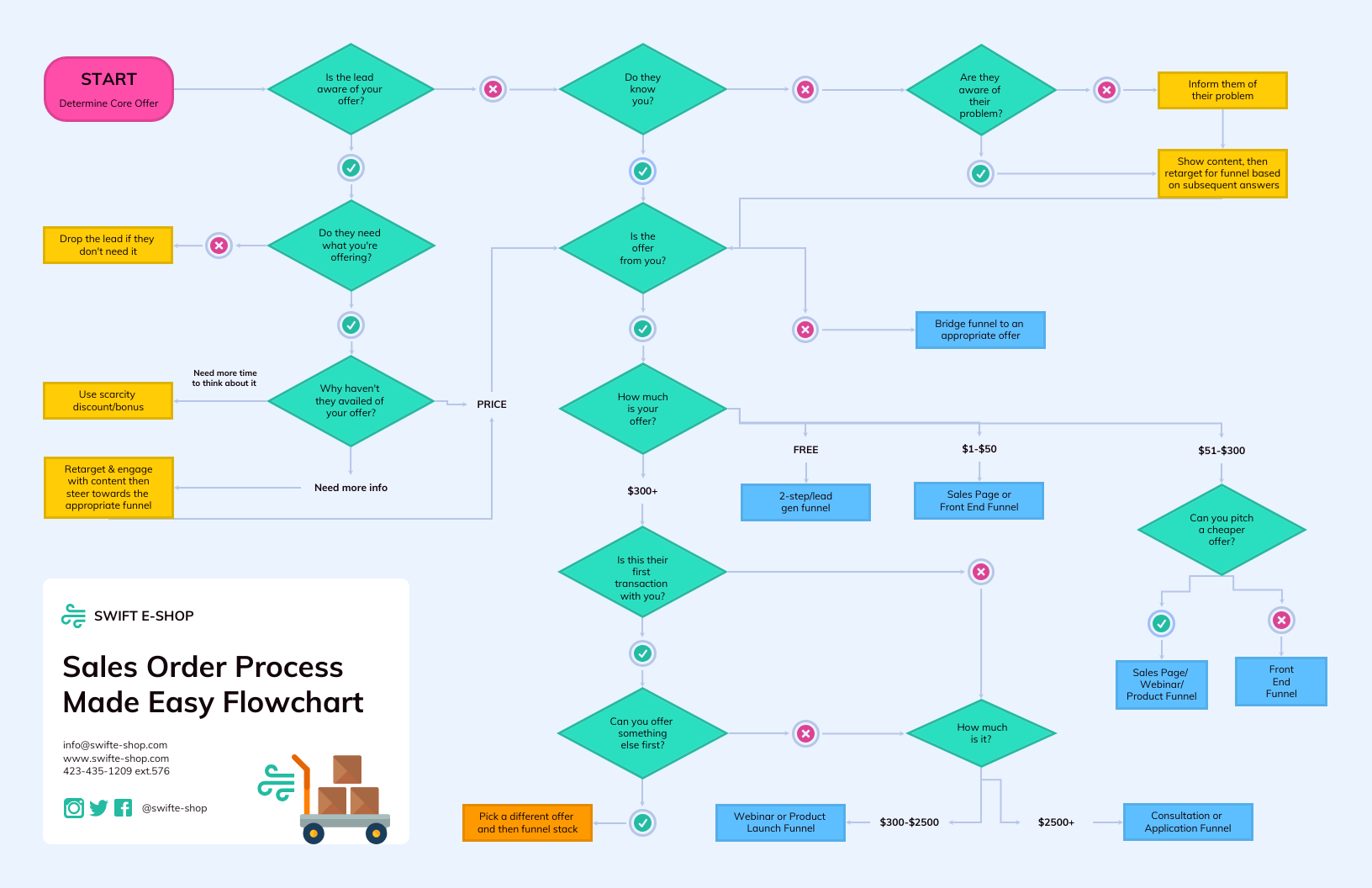
Can Display
More AI Image Tool
AI Flowchart empowers users to break down complexity into clarity. Whether used for work, product planning, or study, AI Flowchart presents structured visuals that make understanding and communication easier.
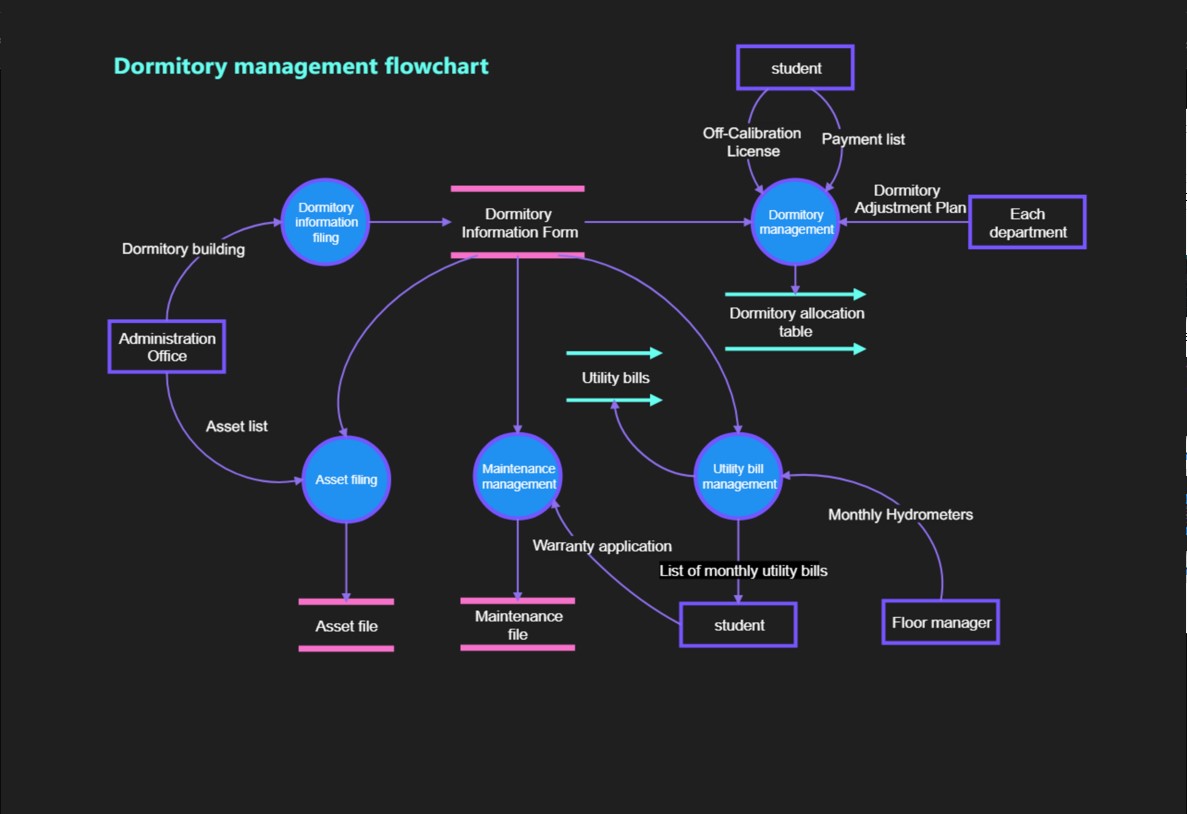
AI Flowchart empowers users to break down complexity into clarity. Whether used for work, product planning, or study, AI Flowchart presents structured visuals that make understanding and communication easier.
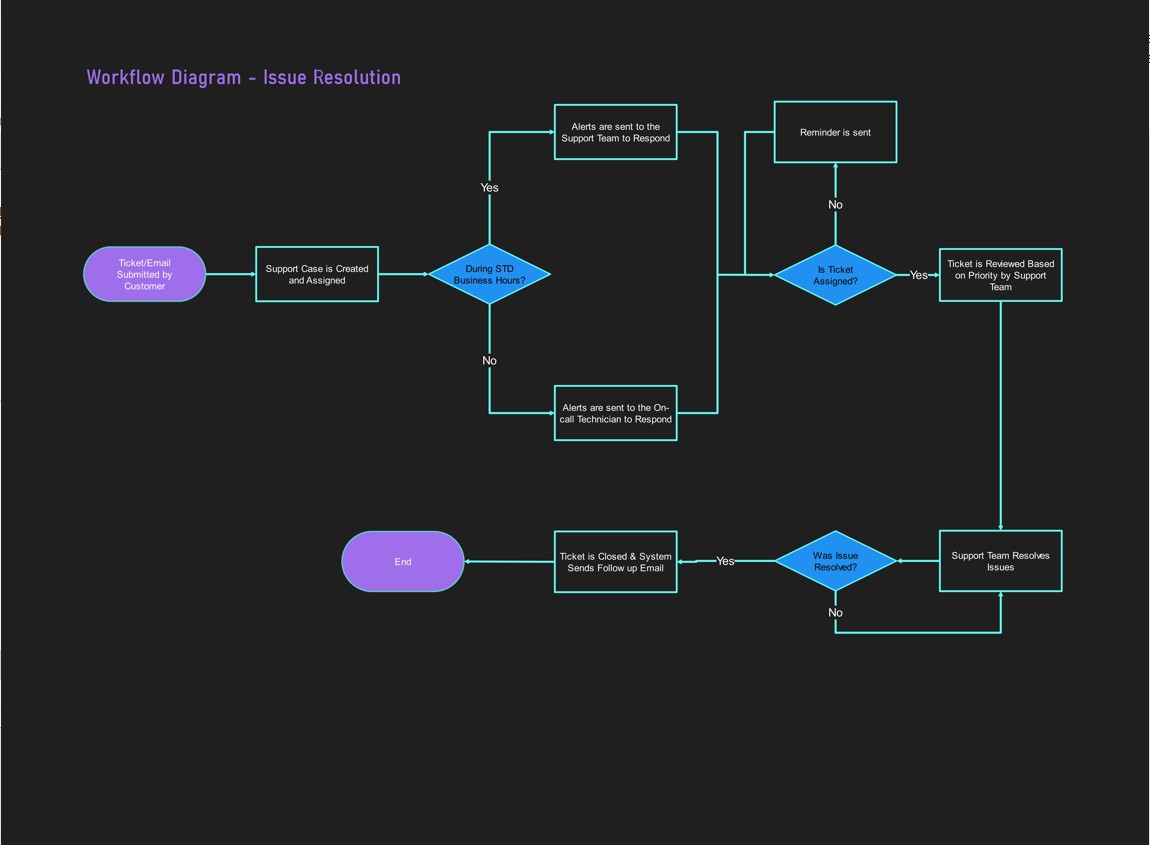
AI Flowchart empowers users to break down complexity into clarity. Whether used for work, product planning, or study, AI Flowchart presents structured visuals that make understanding and communication easier.

AI Flowchart empowers users to break down complexity into clarity. Whether used for work, product planning, or study, AI Flowchart presents structured visuals that make understanding and communication easier.
AI Flowchart is designed to serve a wide range of industries, roles, and use cases. Its flexibility allows different users to improve efficiency and clarity across various scenarios.
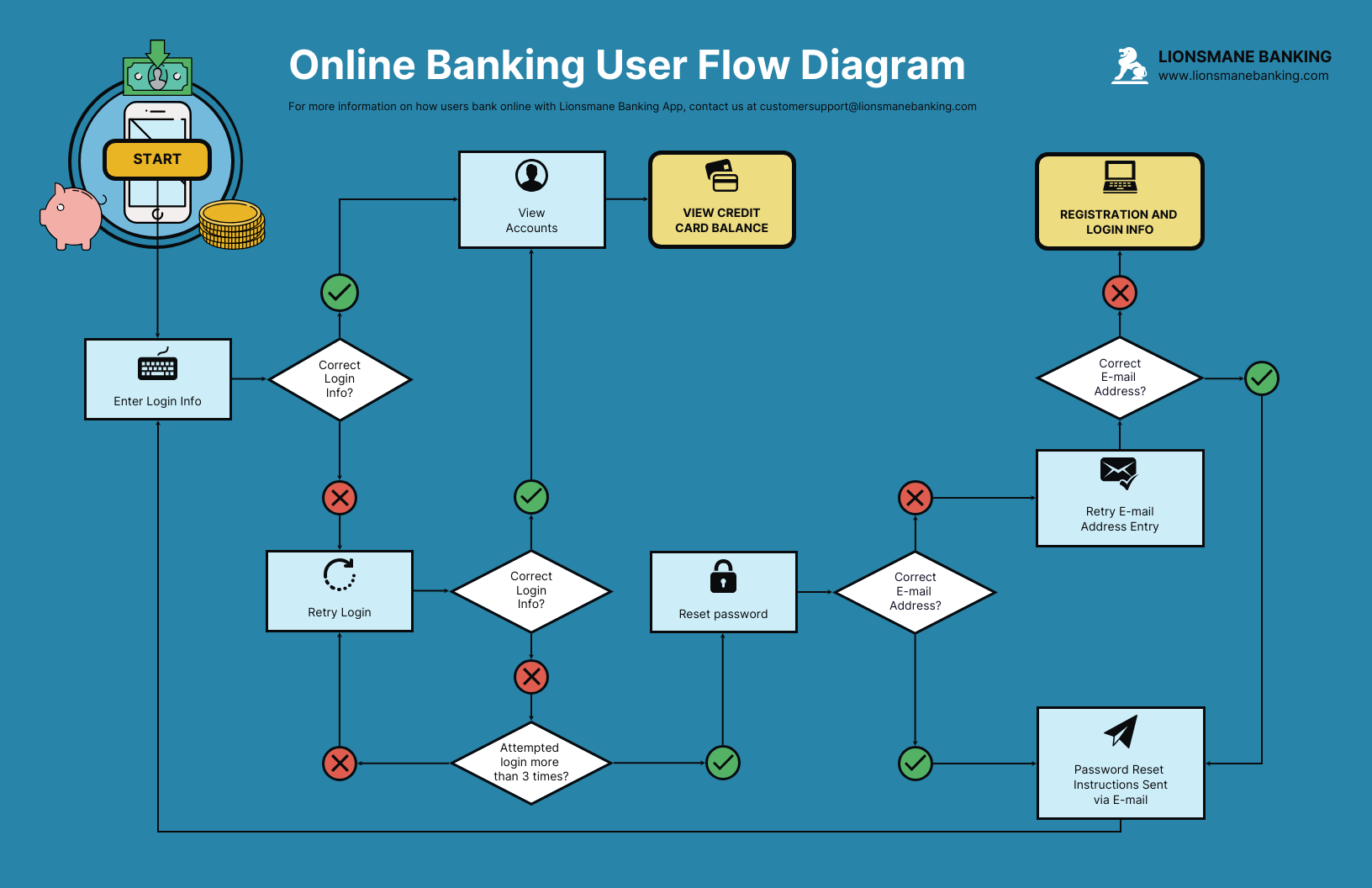
With AI Flowchart, there is no need to start from scratch by dragging shapes. Users can paste meeting notes, workflow descriptions, or upload documents, and AI Flowchart instantly analyzes the logic to generate a complete flowchart draft.

AI Flowchart eliminates manual alignment tasks. The AI engine optimizes spacing, connector paths, and visual balance to ensure every diagram is clean, readable, and visually appealing.
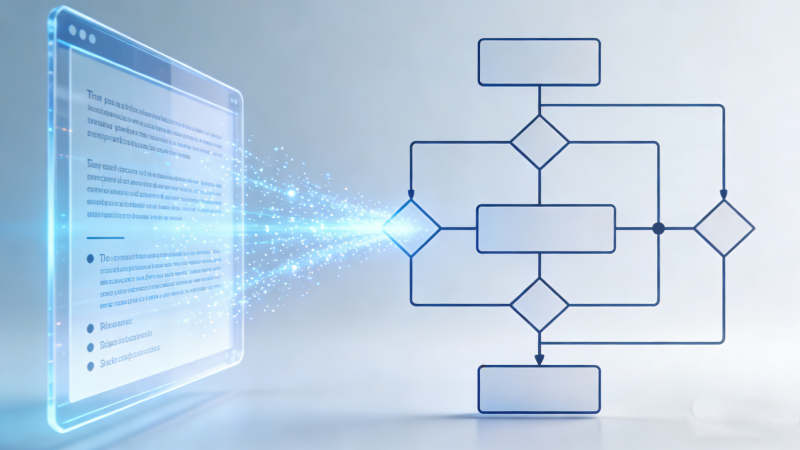
AI Flowchart supports team collaboration. When text descriptions or data sources change, AI Flowchart intelligently detects updates and suggests diagram modifications, keeping workflows synchronized with project progress.
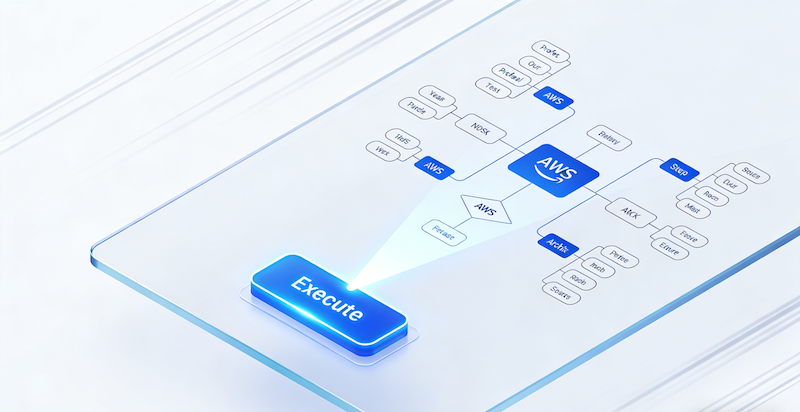
Teachers can use AI Flowchart to create lesson structures and knowledge maps, while students can organize complex study notes. AI Flowchart turns textbook content into clear, logical diagrams that enhance understanding and memory.
China Video AI is more than just an AI tool platform—it focuses on practical, efficient, and production-ready AI solutions. China Video AI AI Flowchart ensures that flowcharts truly “think” with you.

AI Flowchart on China Video AI is optimized for multilingual input, especially Chinese semantic structures, ensuring accurate logic interpretation and diagram generation.

With AI Flowchart, users do not need to master complex diagram software. The AI handles structure, layout, and formatting automatically.

AI Flowchart reduces tasks that traditionally take hours into a matter of seconds, freeing time for strategic thinking and decision-making.
AI Flowchart is suitable for learning, work, reporting, planning, and collaboration—all in one solution.
China Video AI continuously upgrades its AI Flowchart engine, ensuring better accuracy, smarter logic recognition, and improved outputs over time.
AI Flowchart works smoothly with other China Video AI AI tools, creating a unified and efficient creative workflow.
AI Flowchart is not just powerful—it is built for real-world application.
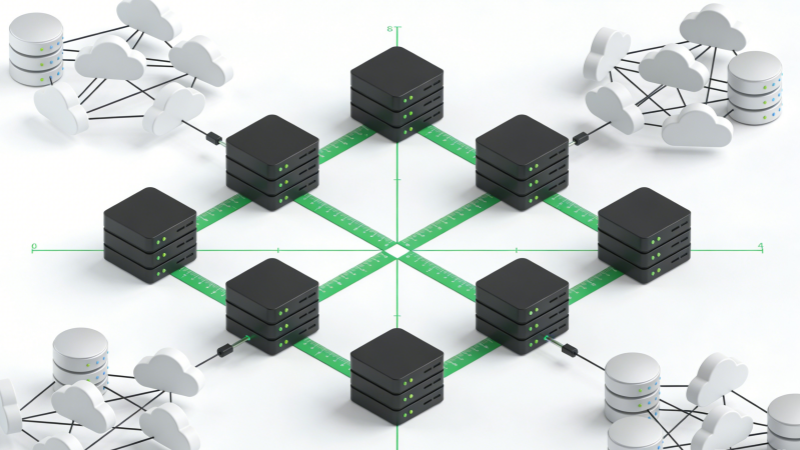
AI Flowchart compresses workflows that once took hours or days into minutes, allowing teams to focus on execution rather than formatting. By automating repetitive tasks and reducing the need for manual adjustments, it frees team members to concentrate on critical decision-making, strategy planning, and creative problem-solving. This efficiency gain not only accelerates project timelines but also improves overall productivity and team morale, enabling organizations to achieve goals faster without compromising quality or accuracy.

AI Flowchart integrates effortlessly with documents, boards, and project management systems, reducing tool switching and maintaining workflow continuity. Users can embed diagrams directly into reports, slides, and collaborative platforms, keeping information centralized and accessible. This seamless integration ensures that project updates, team feedback, and progress tracking remain synchronized, eliminating miscommunication and versioning issues. Teams can continue working in their preferred environments while benefiting from automated flowchart generation without disrupting established processes or digital ecosystems.
AI Flowchart transforms abstract educational content into intuitive diagrams that enhance learning and training outcomes. By converting complex theories, concepts, or procedures into structured visuals, it helps learners grasp relationships, hierarchies, and sequences quickly. Trainers and instructors can create engaging lesson plans, simplified explanations, and step-by-step guides that cater to different learning styles. This visual approach improves retention, comprehension, and participation, making educational and professional development sessions more interactive, impactful, and easy to follow.
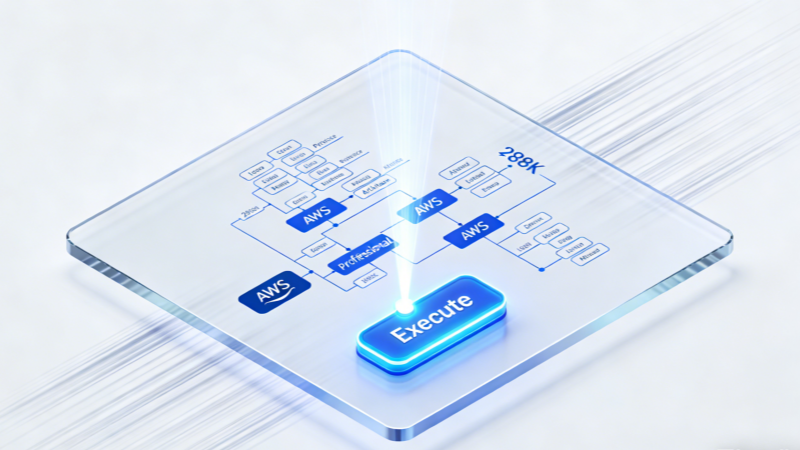
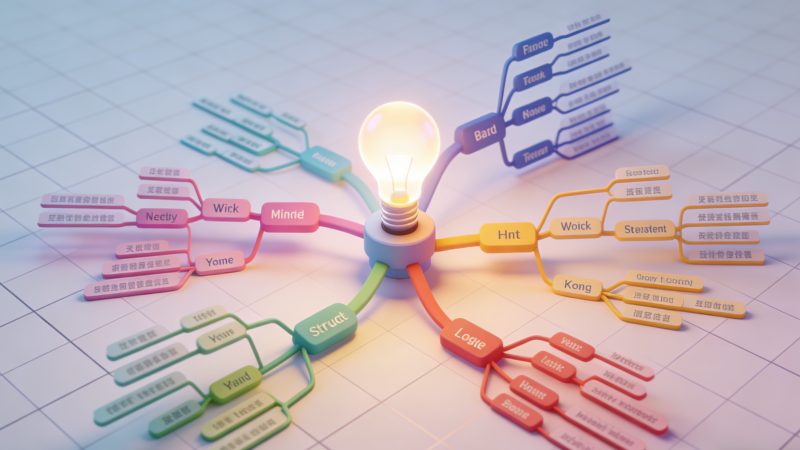
During brainstorming, AI Flowchart captures scattered ideas and expands them into structured mind maps, supporting creativity and idea development. Users can input rough notes, keywords, or fragmented thoughts, and the system organizes them into logical clusters and connections. This process encourages exploration of new ideas, discovery of hidden patterns, and identification of priorities. Teams and individuals can iterate quickly, visualize alternative solutions, and maintain a clear overview of concepts, ensuring that every creative spark is effectively captured, refined, and turned into actionable insights.
Using China Video AI AI Flowchart is simple and beginner-friendly.
Describe your workflow, logic, or steps using natural language. AI Flowchart supports both short and detailed input.
AI Flowchart interprets the text, identifies nodes, branches, and dependencies, and builds a logical structure.
With one click, AI Flowchart generates a clean, well-organized, and professional flowchart ready for use.
Here are answers to the most common questions users ask about AI Flowchart.
No. AI Flowchart handles all structural and visual design automatically. Users do not need to worry about connecting nodes, aligning shapes, or selecting colors and layouts manually. The AI intelligently optimizes the diagram structure to ensure readability and clarity, making it suitable for both beginners and professionals who want fast, polished results.
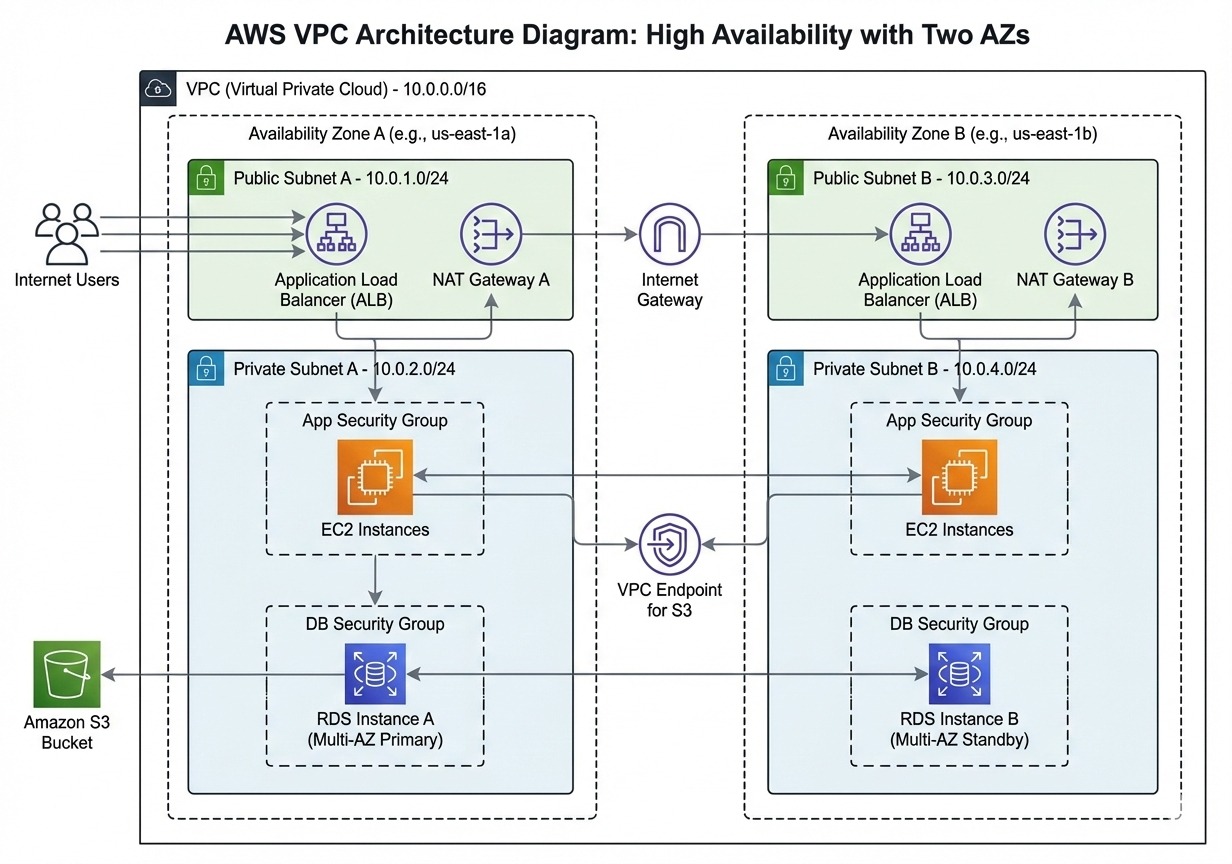
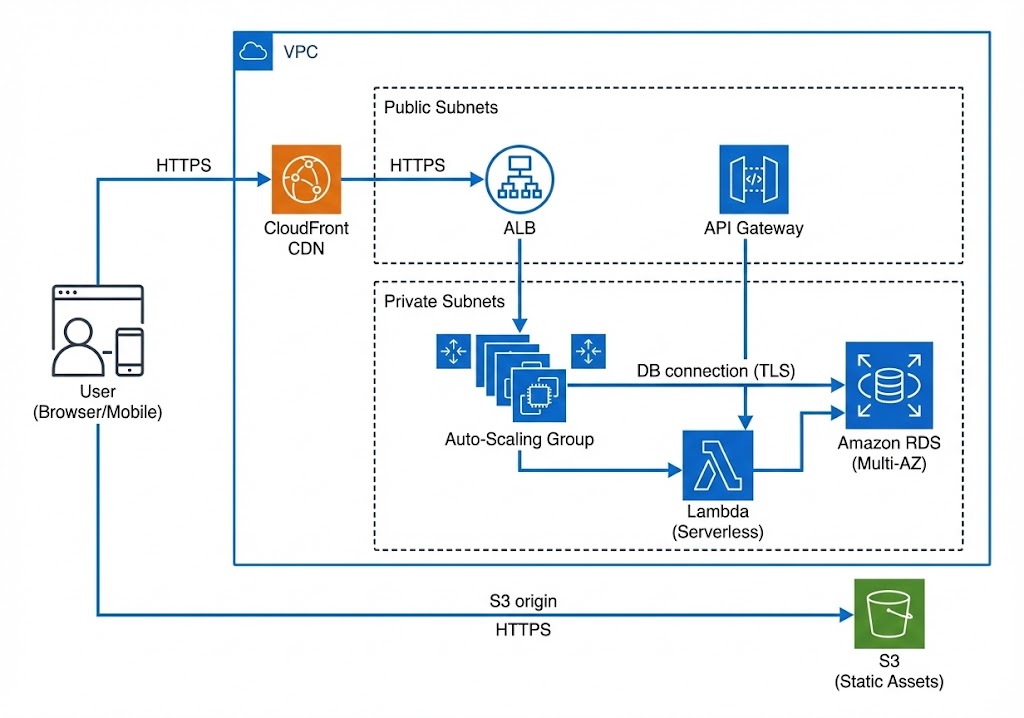
AI Flowchart supports business, system, learning, and operational workflows. It can generate diagrams ranging from simple step-by-step processes to complex multi-branch workflows, including user journeys, organizational charts, and algorithm visualizations. This versatility makes it applicable to project planning, software development, classroom teaching, and corporate documentation.
Yes. AI Flowchart is optimized for accurate Chinese language understanding. It correctly interprets Chinese characters, semantic meaning, and sentence structure to ensure that flowcharts are logical and properly organized. This makes it a reliable solution for users who prefer working in Chinese or need bilingual workflow diagrams for international teams.
Yes. Modify the text and AI Flowchart regenerates the diagram. Users can refine steps, add or remove nodes, or adjust descriptions, and the AI instantly updates the visual representation. This dynamic editing feature ensures that flowcharts remain accurate, current, and aligned with evolving project requirements without requiring manual re-drawing.
Absolutely. AI Flowchart supports collaborative workflows. Multiple users can work on the same project simultaneously, share updates, and provide feedback directly within the platform. Real-time synchronization ensures that everyone sees the latest version of the flowchart, which improves communication, reduces errors, and accelerates project delivery.
It is smarter, easier to use, and optimized for real-world applications. The AI not only generates diagrams quickly but also understands natural language inputs with high accuracy. China Video AI platform integrates workflow automation, collaborative tools, and customization options, making it a practical solution for businesses, educators, and developers who need visually organized and actionable process charts.
Yes. AI Flowchart is excellent for knowledge structuring and teaching. Educators can transform lesson plans, course outlines, or complex topics into visual diagrams, while students can organize study notes, map out problem-solving steps, and improve understanding of abstract concepts. This makes learning more engaging, interactive, and easier to recall.
Yes. AI Flowchart significantly reduces diagram creation time. Tasks that typically require manual drawing, formatting, and proofreading can be completed in seconds. This allows users to focus on critical thinking, decision-making, and content quality rather than spending hours arranging nodes, optimizing layouts, or troubleshooting inconsistencies in traditional diagramming tools.
Turn complexity into clarity with China Video AI AI Flowchart Generator. Whether you are designing workflows, teaching concepts, or planning systems, AI Flowchart helps you transform ideas into professional diagrams effortlessly. Start using AI Flowchart today and leave tedious manual diagramming behind.
Build Clear and Efficient Flowcharts with China Video AI Today