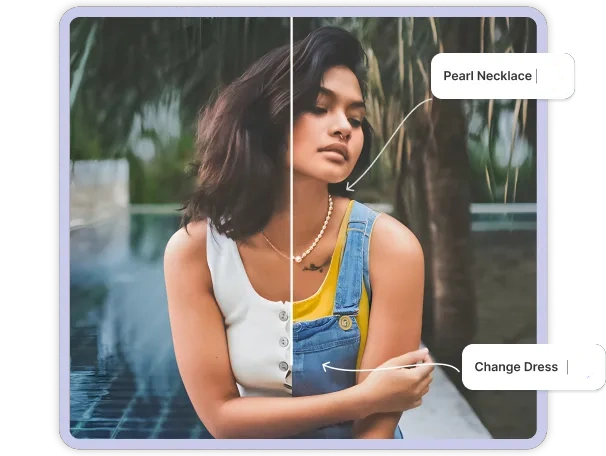
Select and Replace with Ease
Body Editor
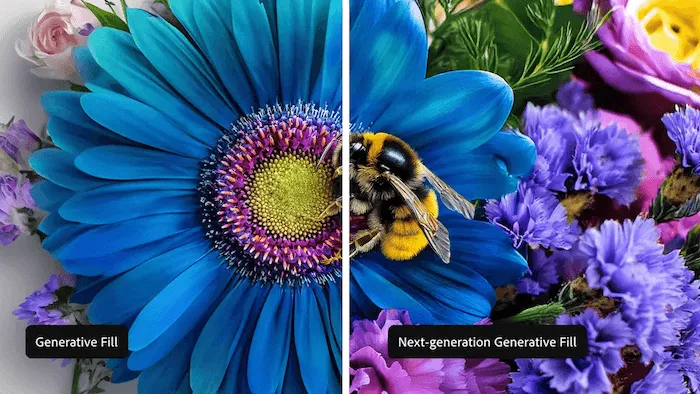 Sample
Turn Prompts into Creative Results
Create more premium AI videos with commercial usage and priority processing.
Allow other users to view your generated result.
Hide your prompt and uploaded source files from other users.
Waiting for Results
Complete the required inputs and click Generate.
AI Image Tool
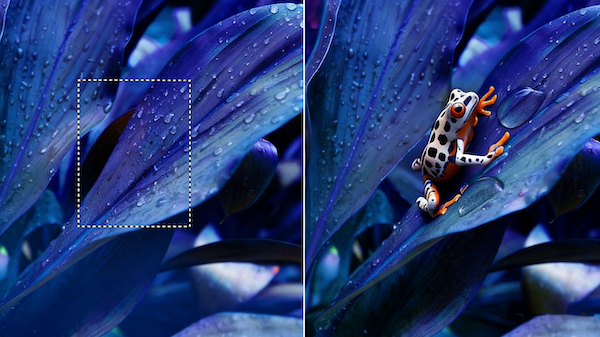
Skip the complicated edits. With generative fill, all you need is a photo, a selected area, and a simple prompt. Our AI instantly creates natural, seamless results that refresh your image and bring your ideas to life.
Try Generative Fill NowGenerative fill gives you an intuitive way to edit and transform any image. Simply highlight an area, describe your idea, and let the AI regenerate the scene with clean, natural results. Whether you’re fixing small details or reimagining an entire photo, generative fill makes high-quality editing effortless.
Body Editor
Spiderman AI
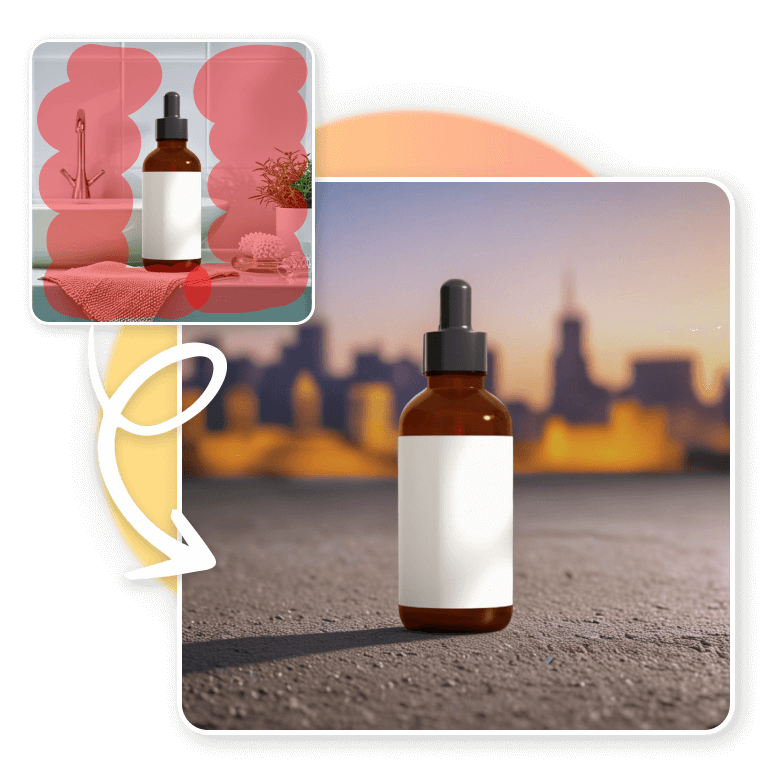
Can Display
More AI Image Tool
Generative fill does more than enhance your photos—it speeds up creative work, expands what’s possible, and adapts to any visual task. With quick results and fewer steps, generative fill helps you produce polished, professional content with ease.
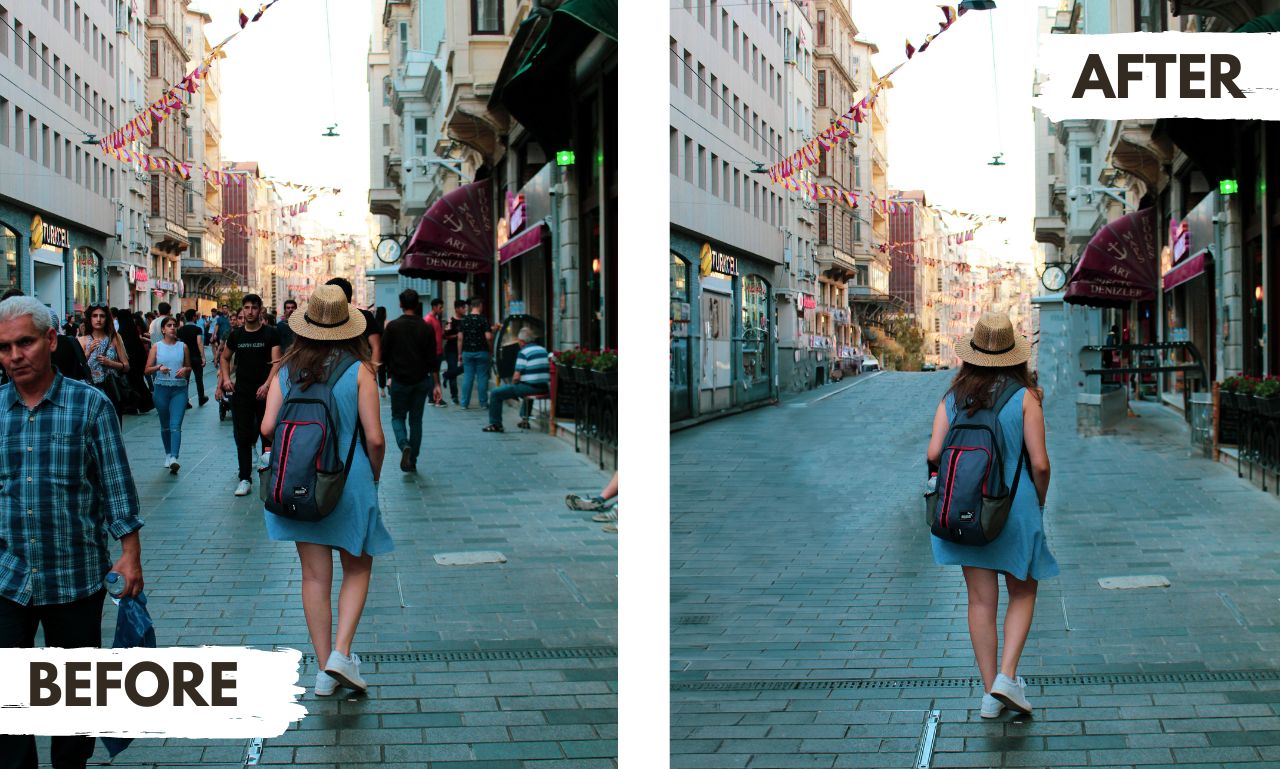
Generative fill does more than enhance your photos—it speeds up creative work, expands what’s possible, and adapts to any visual task. With quick results and fewer steps, generative fill helps you produce polished, professional content with ease.
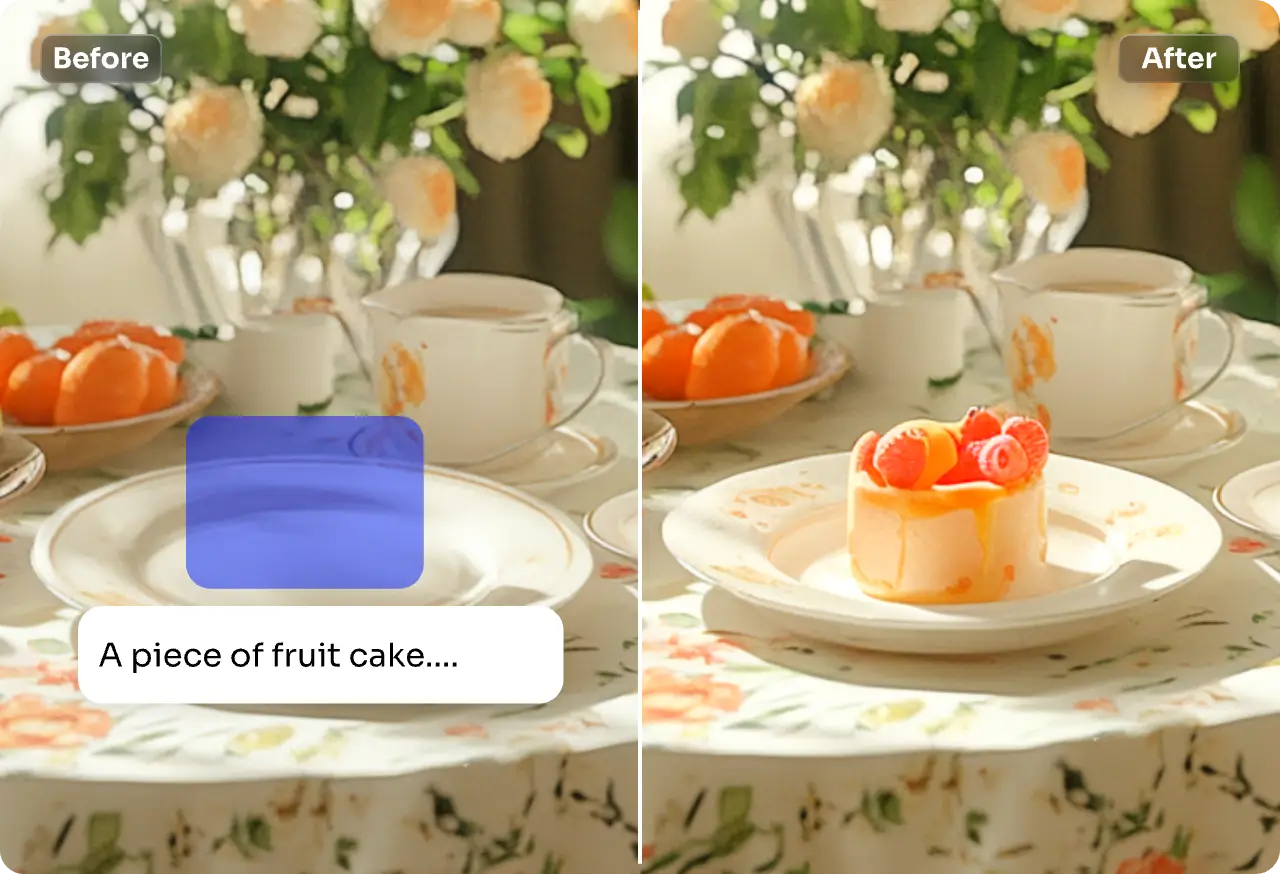
Generative fill does more than enhance your photos—it speeds up creative work, expands what’s possible, and adapts to any visual task. With quick results and fewer steps, generative fill helps you produce polished, professional content with ease.
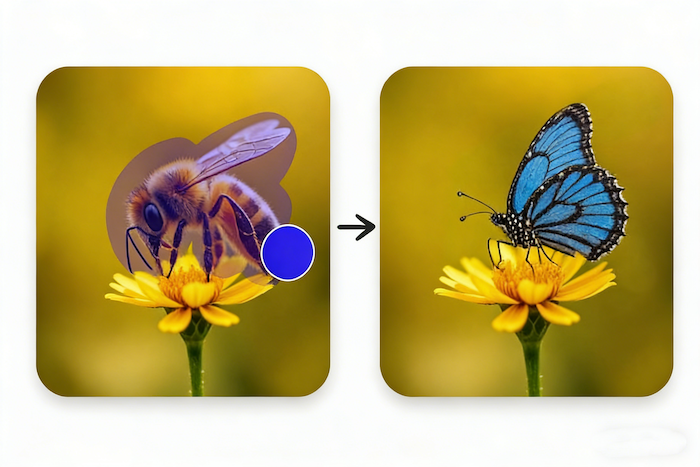
Generative fill does more than enhance your photos—it speeds up creative work, expands what’s possible, and adapts to any visual task. With quick results and fewer steps, generative fill helps you produce polished, professional content with ease.
China Video AI seamlessly integrates generative fill into a smart, intuitive platform, making your editing workflow faster and smoother. Focus on creativity without worrying about logistics, and make every edit effortless.
Generative fill is fully embedded in your China Video AI workspace, allowing you to edit, regenerate, and organize visuals without switching tools. Save time and maintain creative momentum from start to finish.
Every edit on China Video AI is securely protected. Your images, prompts, and generated results are stored safely, ensuring your creations remain private while using generative fill for all kinds of projects.
Everything you need is right on the China Video AI platform. From image editing to prompt management and batch generation, Generative Fill helps you complete every step of your creative process quickly and efficiently..
China Video AI handles multiple types of projects—from social media visuals to product photography, concept art, and marketing materials. With generative fill, the platform makes it easy to produce high-quality, professional results for any creative goal.
To get the most natural and consistent results with generative fill, these practical tips will help you fine-tune every edit and create visuals that feel polished, intentional, and seamlessly integrated.
Go beyond colors and materials—include mood, lighting direction, angle, texture, and context. A prompt like 'a white ceramic vase on a wooden table with soft light from the left' gives generative fill far more clarity than a simple 'vase on a table.'

When working on busy or complex photos, begin with a small corner or background detail. Testing in a smaller area allows Generative Fill to blend new content naturally with the original image before expanding edits to larger sections.
Each prompt in Generative Fill can produce subtle variations in lighting, detail, and composition. Generate several versions and compare them side by side—small differences can help you find the most natural, well-balanced output.
For hair, transparent objects, reflections, or intricate shapes, precise masking can make a big difference. A cleaner edge gives generative fill a clear boundary, resulting in smoother blending and more realistic transitions.
When adding new elements or replacing backgrounds, ensure the lighting angle, shadow depth, and perspective align with your original photo. Proper alignment helps Generative Fill maintain realism and prevents edits from looking artificial.
After generating with Generative Fill, check whether the new content aligns with the original color palette. Minor color correction or tonal adjustments can help unify the image and give the final result a cohesive, professional finish.
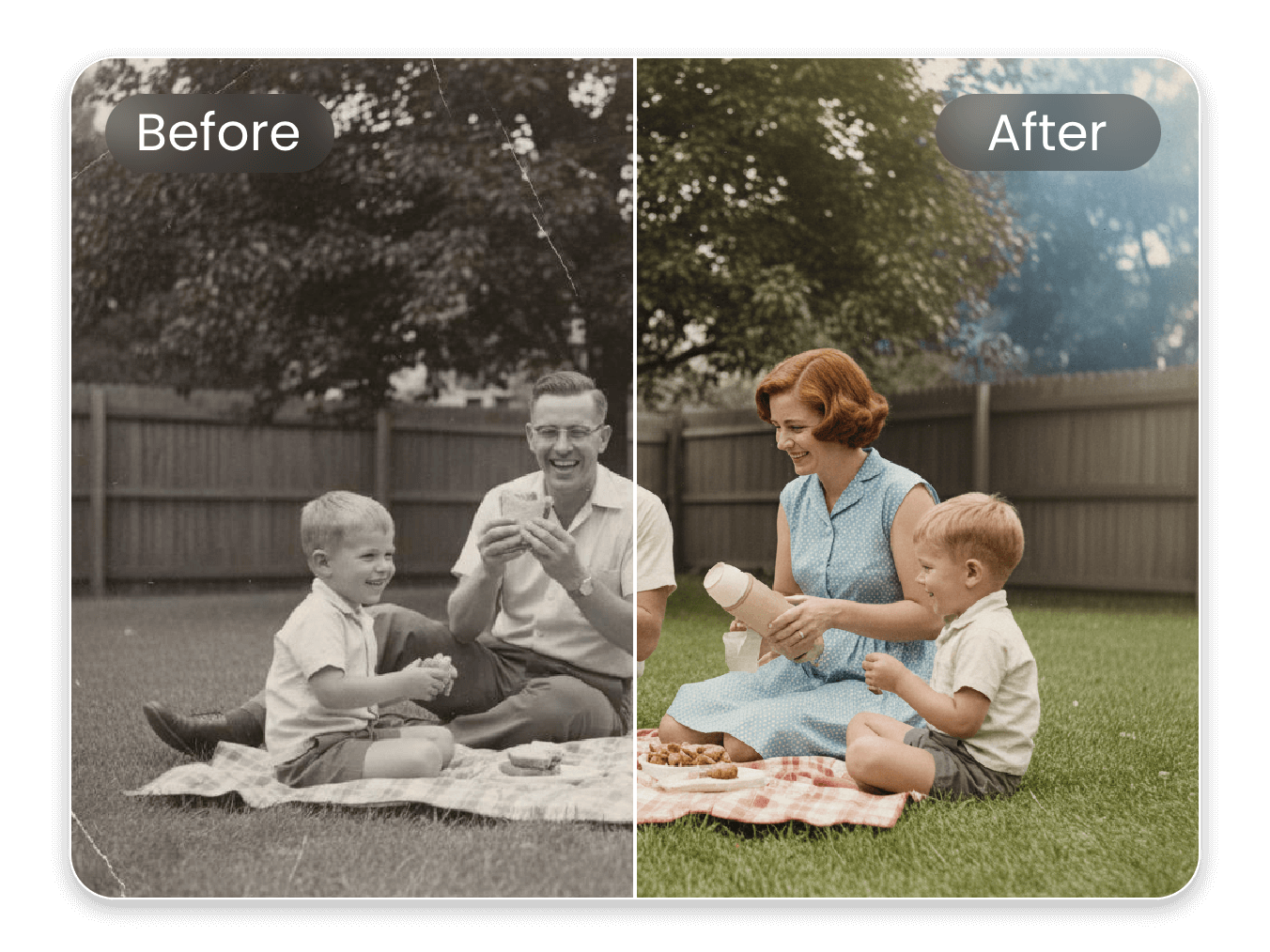
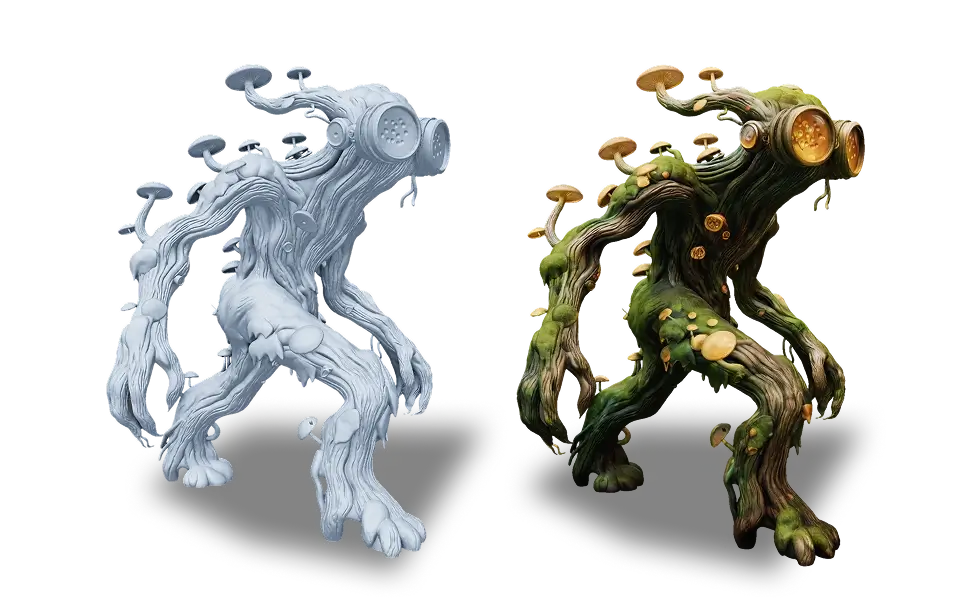
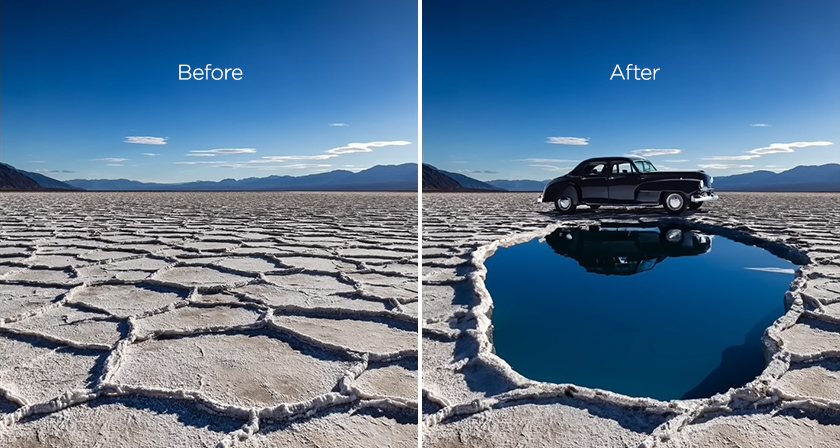
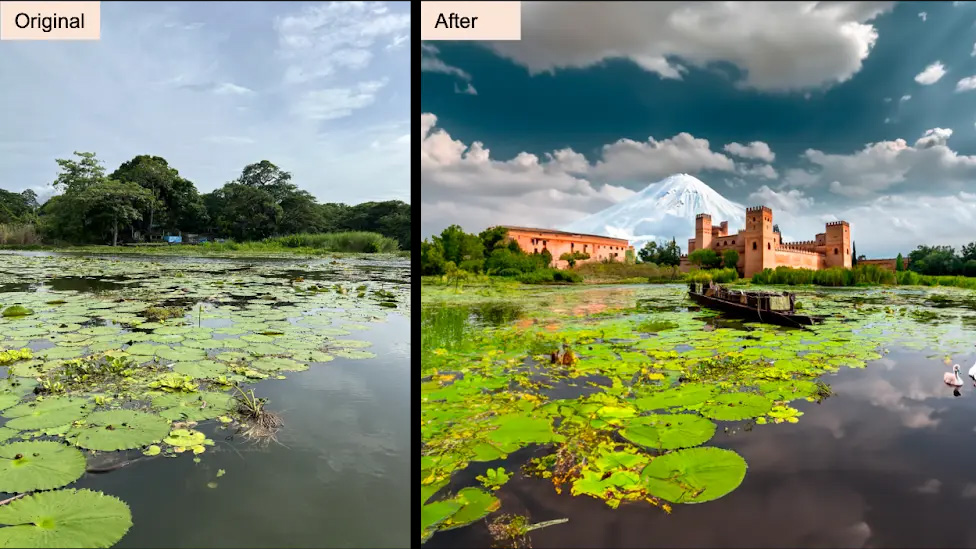
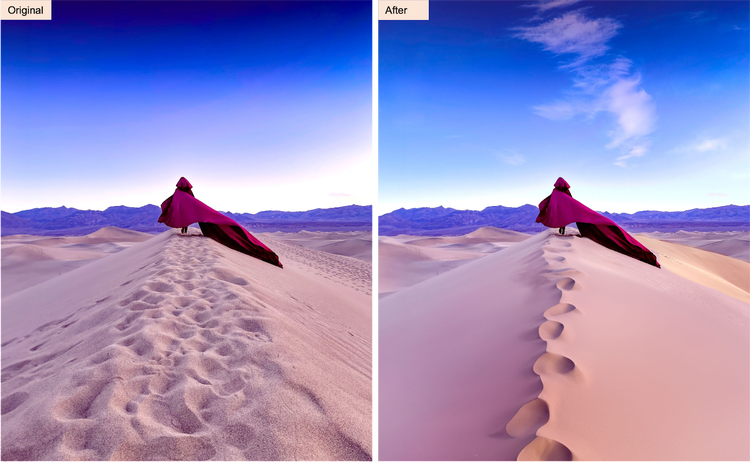
Generative fill comes to life through real examples. These visuals highlight how much impact a single transformation can make—showing viewers exactly what’s possible and how powerful the results can be.
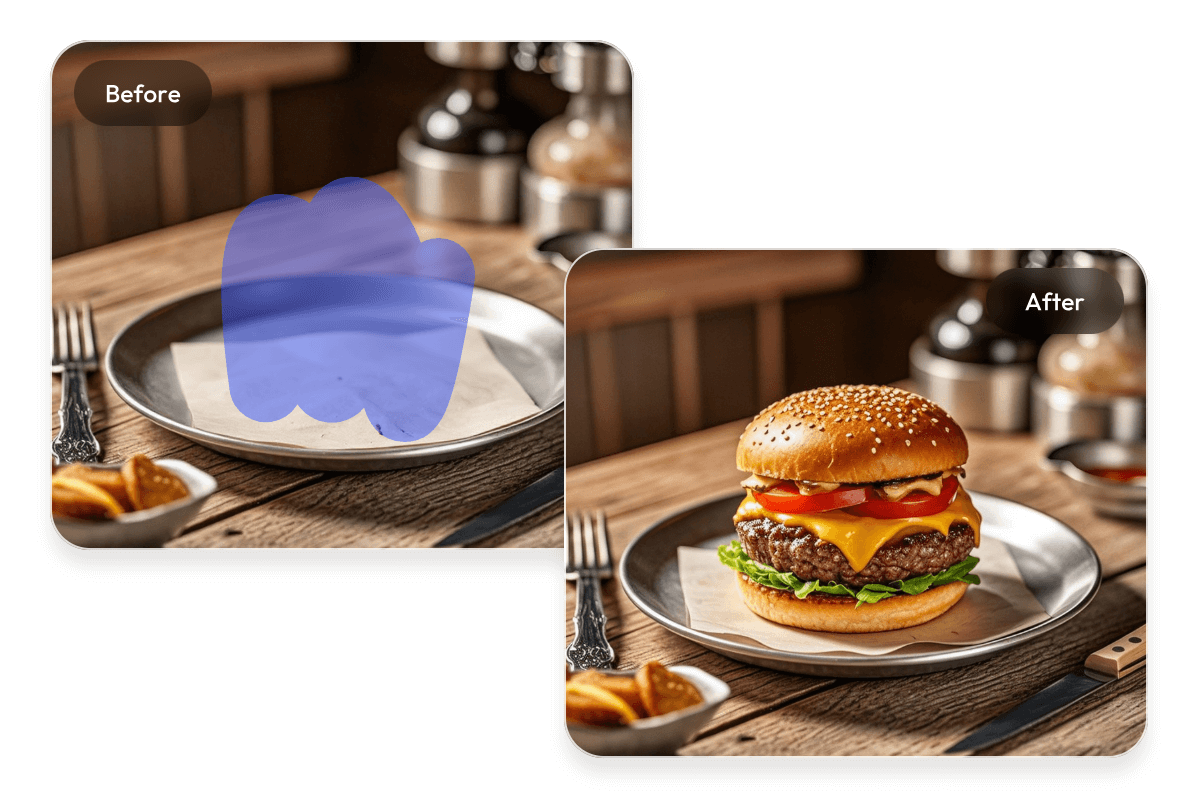
With generative fill, everyday product images can be transformed into polished, brand-ready visuals. Clean backgrounds, styled environments, and consistent lighting help products feel more premium and more compelling, ideal for e-commerce, ads, and promotional campaigns.
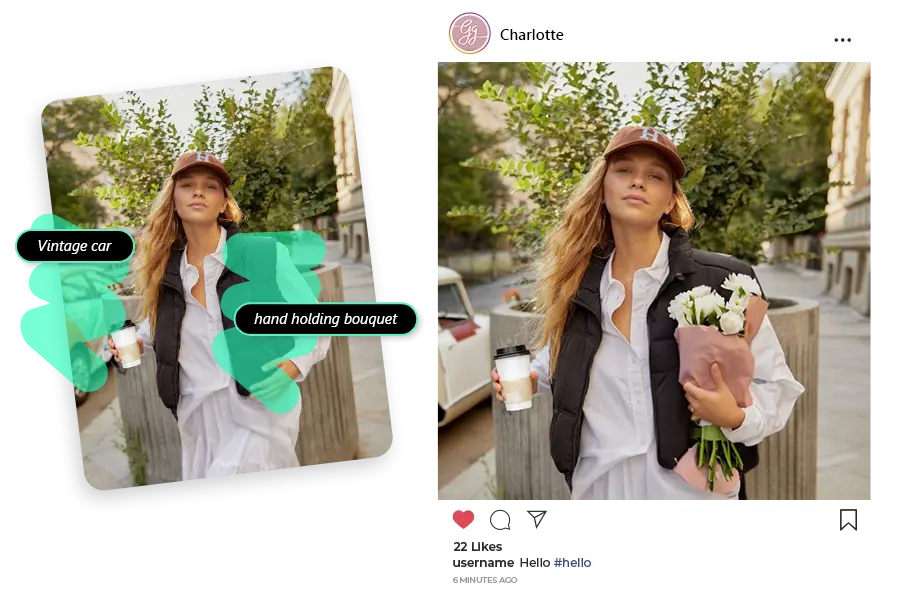
Generative fill can reshape simple photos into striking visuals that fit any creative direction. Dynamic colors, refined backgrounds, or immersive atmospheres elevate your content, making social posts and banners more engaging and visually memorable.
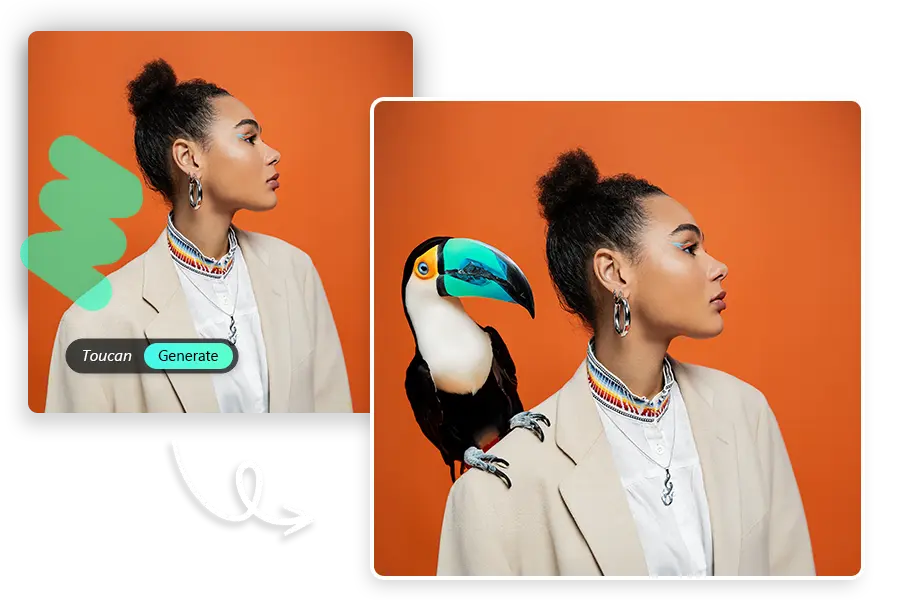
Portraits gain new energy when enhanced with generative fill. Subtle details, refined scenes, and thoughtful atmosphere adjustments help express personality and emotion, giving the final image a richer sense of style and storytelling.
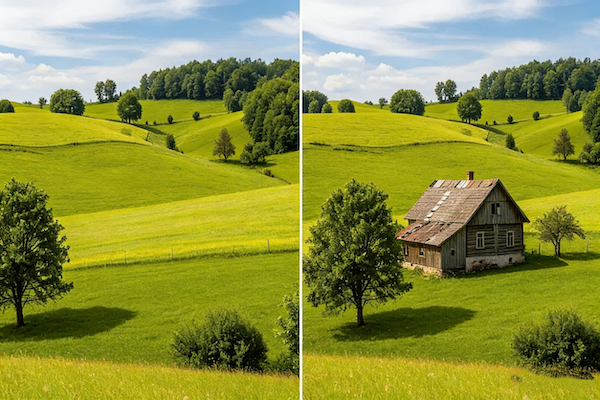
Generative fill can refine scenery by enhancing light, balancing composition, or adding subtle environmental elements. The result is a more cohesive, cinematic landscape that feels intentionally crafted and visually immersive.
Generative fill is designed to feel simple from the very first use. These clear steps help new users move through the process with confidence and create polished edits without hesitation.
Start by importing your photo in JPG or PNG format. Once uploaded, the Generative Fill editor loads instantly, giving you a clean workspace to begin editing right away.
Use the brush or mask tool to highlight the part of the image you want to update. Then add a short prompt that explains the visual change you’re aiming for. This gives generative fill the direction it needs to produce results aligned with your creative intent.
Click Generate and review the options produced by Generative Fill. Browse through the variations and apply the one you like with a single tap. Once you’re happy with the result, export your edited image and save it to your device.
Discover practical answers to the most common questions about Generative Fill. Learn how to get the best results with Generative Fill, understand usage guidelines, and explore tips that help you create polished, professional visuals with confidence.
It depends on the platform you are using. Each service has its own licensing terms. Before using generative fill for commercial work, review the platform’s guidelines to make sure your usage is fully compliant.
Try refining your prompt with more specific details—lighting direction, material, style, or mood often make a big difference. You can also generate multiple variations with Generative Fill or apply small color adjustments afterward for a more consistent, natural look.
No installation is required. Generative fill tool works directly in your browser and may also offer mobile apps. You can start editing instantly without downloading heavy software.
Yes, but starting with a smaller section is usually more reliable. For large or complex areas, adjusting your prompt or generating several options with Generative Fill can help you achieve a more natural final result.
In most cases, yes. Generative Fill focuses on filling the masked area while preserving the rest of your image. For precise control, you can generate multiple variations and choose the one that fits best.
Short and specific prompts tend to perform well. Descriptions that mention objects, mood, lighting, or texture help Generative Fill understand exactly what you want to add or replace.
Generation is typically fast—often just a few seconds—depending on your image size and internet connection.
The tool isn’t completely free, but you can access it easily by earning points. Daily check-ins and simple tasks let you collect points that can be used to generate images. It’s a flexible way to try generative fill without upfront cost.
With just one photo and a short description, you can transform your images in an instant. Click Upload Image to get started — unleash your creativity and let Generative Fill turn your ideas into reality.
Experience the Magic of Generative Fill in Seconds