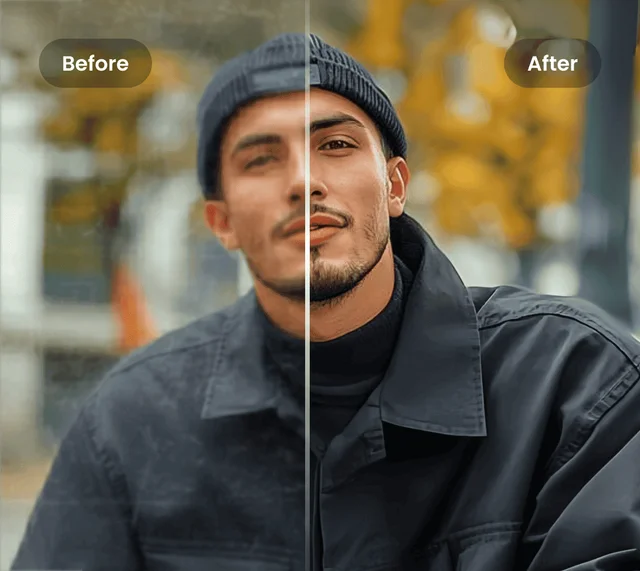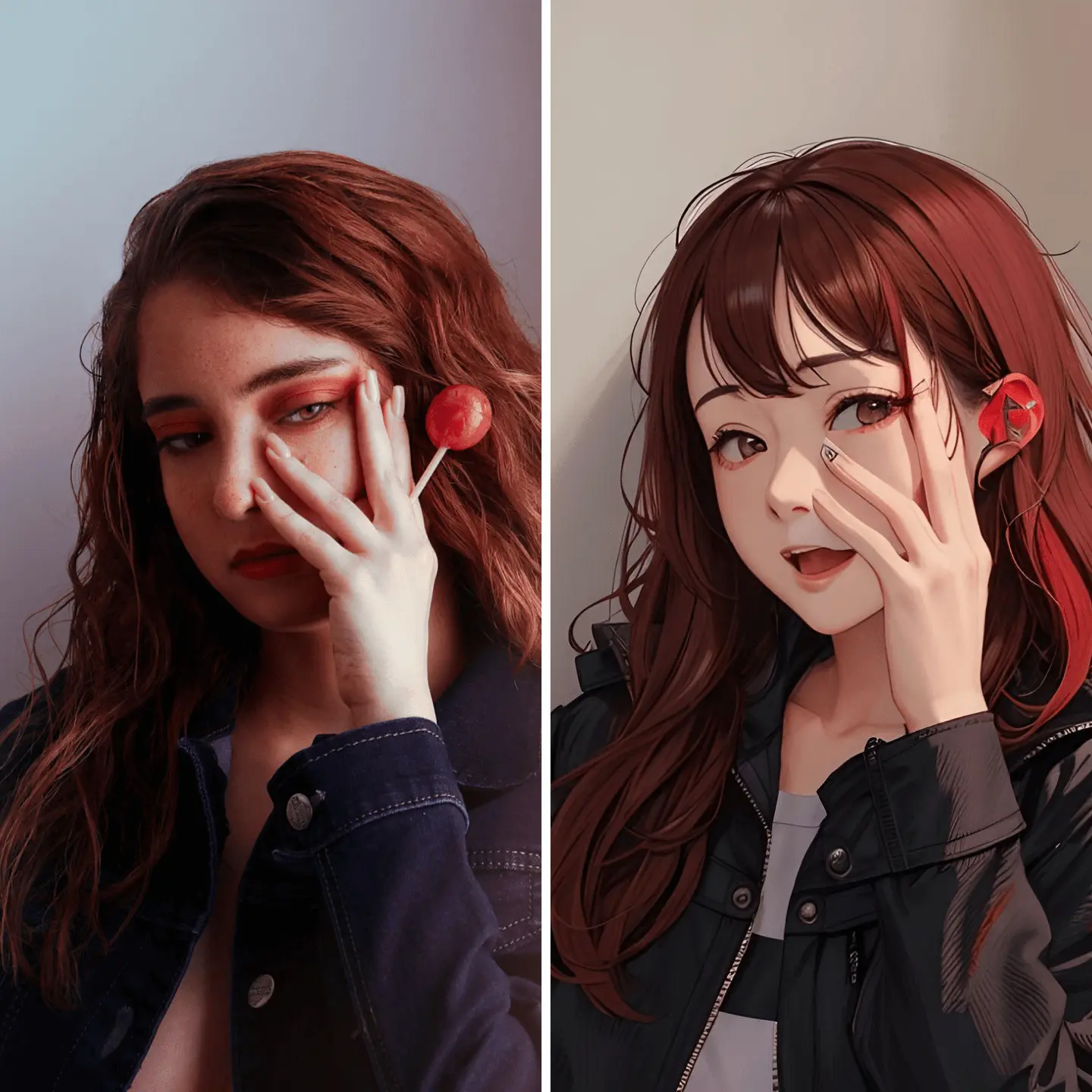
Smart Noise Reduction and Deblurring
Body Editor
Make Your Images Stand Out
Create more premium AI videos with commercial usage and priority processing.
Allow other users to view your generated result.
Hide your prompt and uploaded source files from other users.
Waiting for Results
Complete the required inputs and click Generate.
AI Image Tool
Turn ordinary photos into high-quality, vibrant visuals in just a click. Powered by advanced AI, AI Photo Enhancer automatically fixes blur, removes noise, and enhances colors and details, helping photographers, social media creators, and e‑commerce sellers effortlessly create professional-looking images — no complex editing required.
Try AI Photo Enhancer NowAI Photo Enhancer goes beyond simple sharpening to deliver a comprehensive image transformation. It enhances clarity, restores detail, and revitalizes colors, helping every photo look polished and professional.
Body Editor
Spiderman AI
Can Display
More AI Image Tool
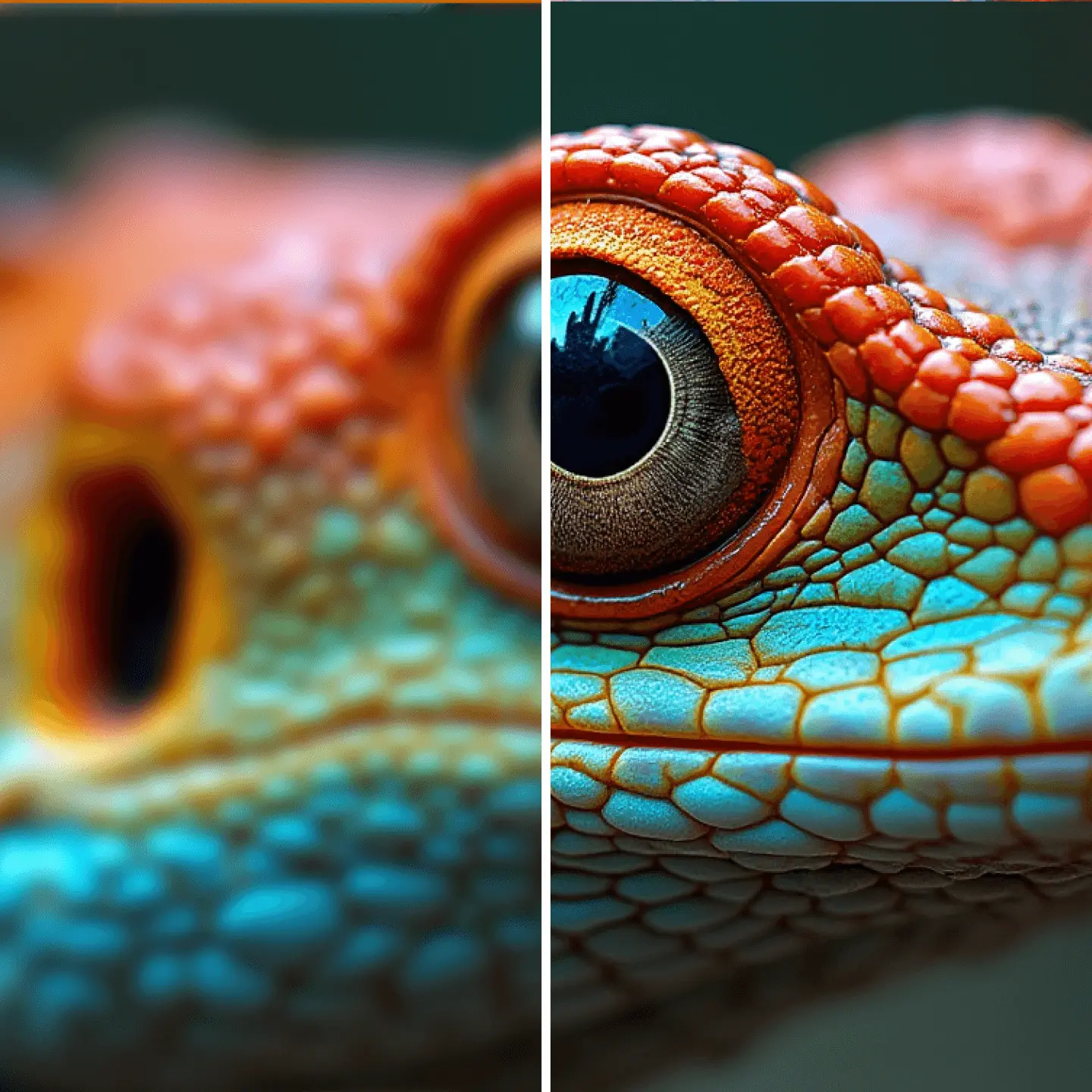
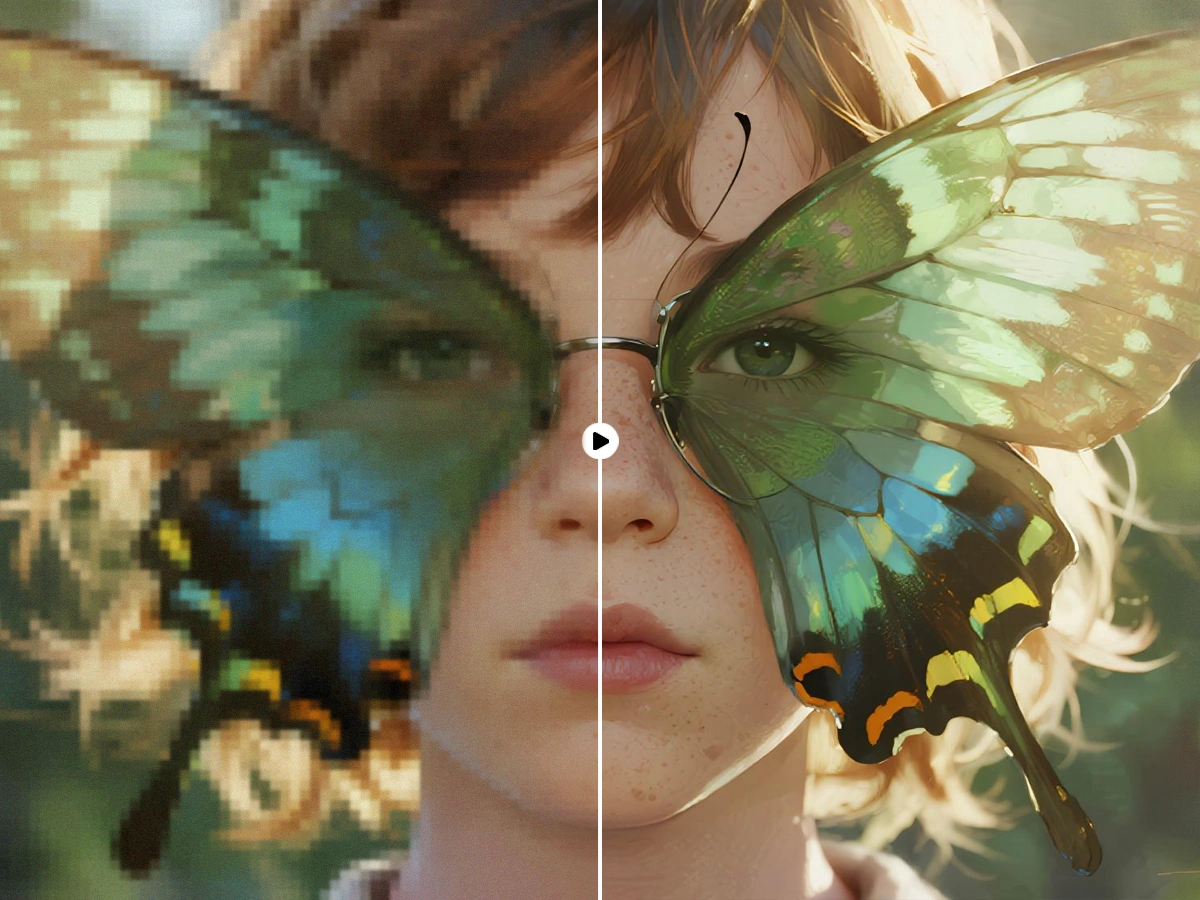
AI Photo Enhancer doesn’t just improve images — it elevates them with professional precision. Every photo becomes more vivid, expressive, and visually compelling. From subtle details to overall visual impact, AI Photo Enhancer ensures your images capture attention in any setting.
AI Photo Enhancer doesn’t just improve images — it elevates them with professional precision. Every photo becomes more vivid, expressive, and visually compelling. From subtle details to overall visual impact, AI Photo Enhancer ensures your images capture attention in any setting.
AI Photo Enhancer doesn’t just improve images — it elevates them with professional precision. Every photo becomes more vivid, expressive, and visually compelling. From subtle details to overall visual impact, AI Photo Enhancer ensures your images capture attention in any setting.
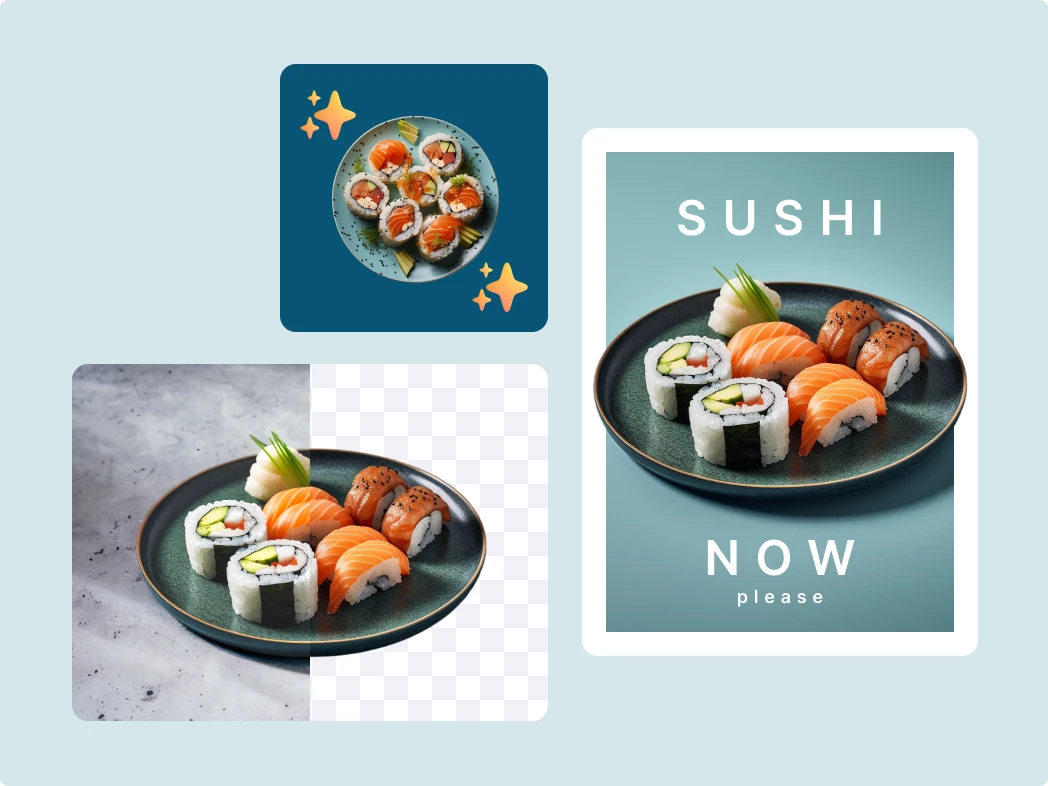
AI Photo Enhancer doesn’t just improve images — it elevates them with professional precision. Every photo becomes more vivid, expressive, and visually compelling. From subtle details to overall visual impact, AI Photo Enhancer ensures your images capture attention in any setting.
China Video AI AI Photo Enhancer combines intelligent automation with artistic precision, instantly bringing clarity, vibrancy, and depth to your images. Achieve professional-quality results in seconds, effortlessly.
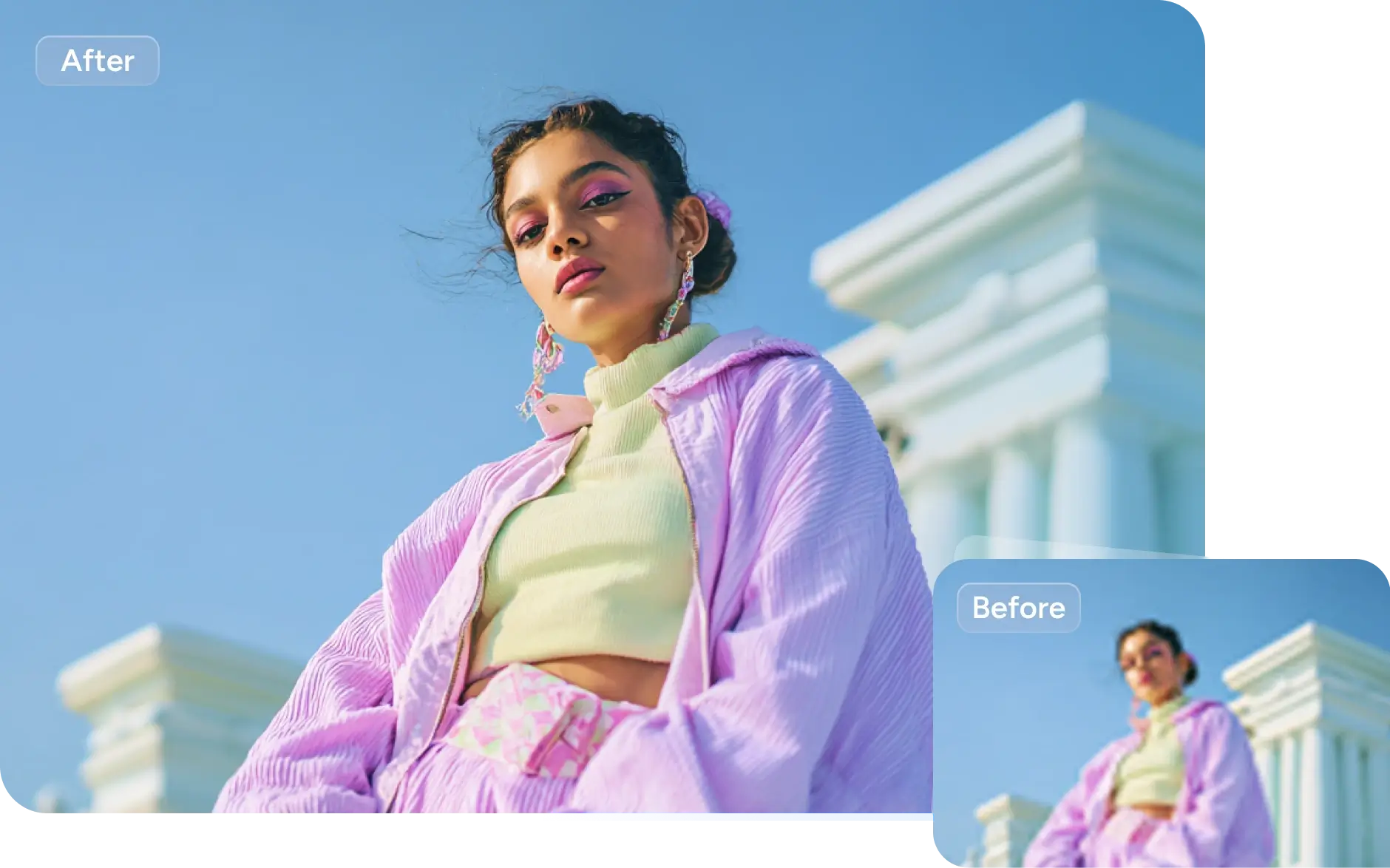
AI Photo Enhancer instantly knows what kind of photo you’re working with — portraits, landscapes, products, or even old snapshots — and brings out the best in every detail, color, and texture.
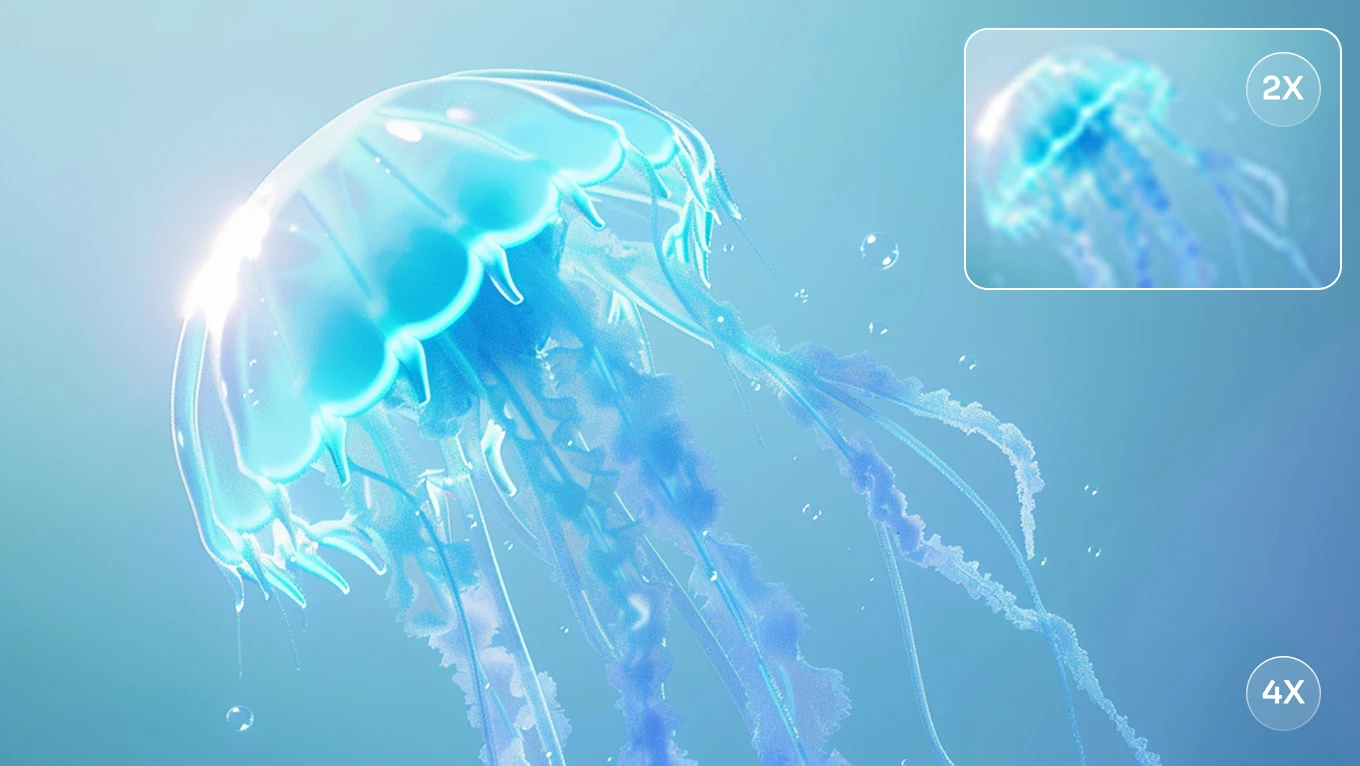
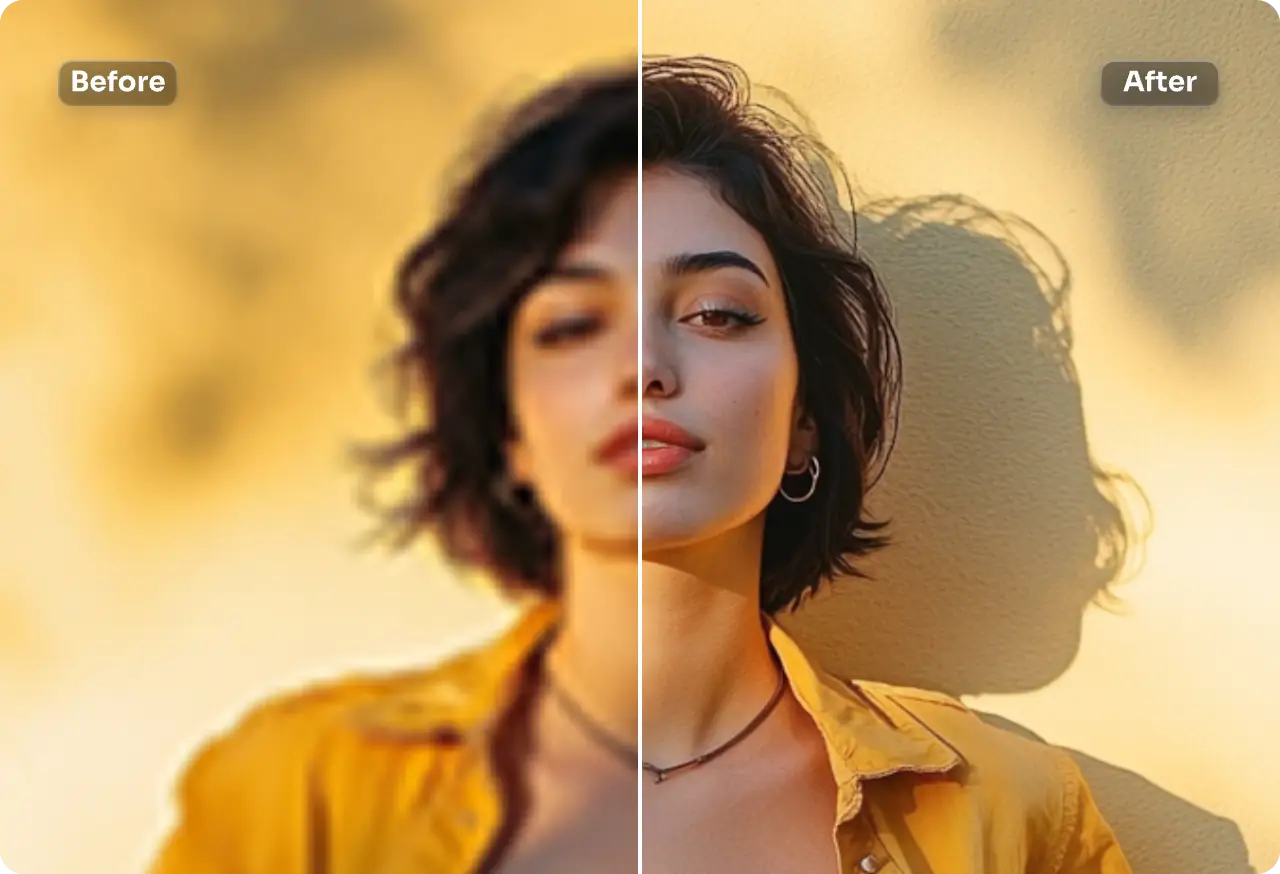
Say goodbye to blur and noise. AI Photo Enhancer uses advanced AI to perfect lighting and tones, giving you crisp, vibrant, and ready-to-use images with just one click.
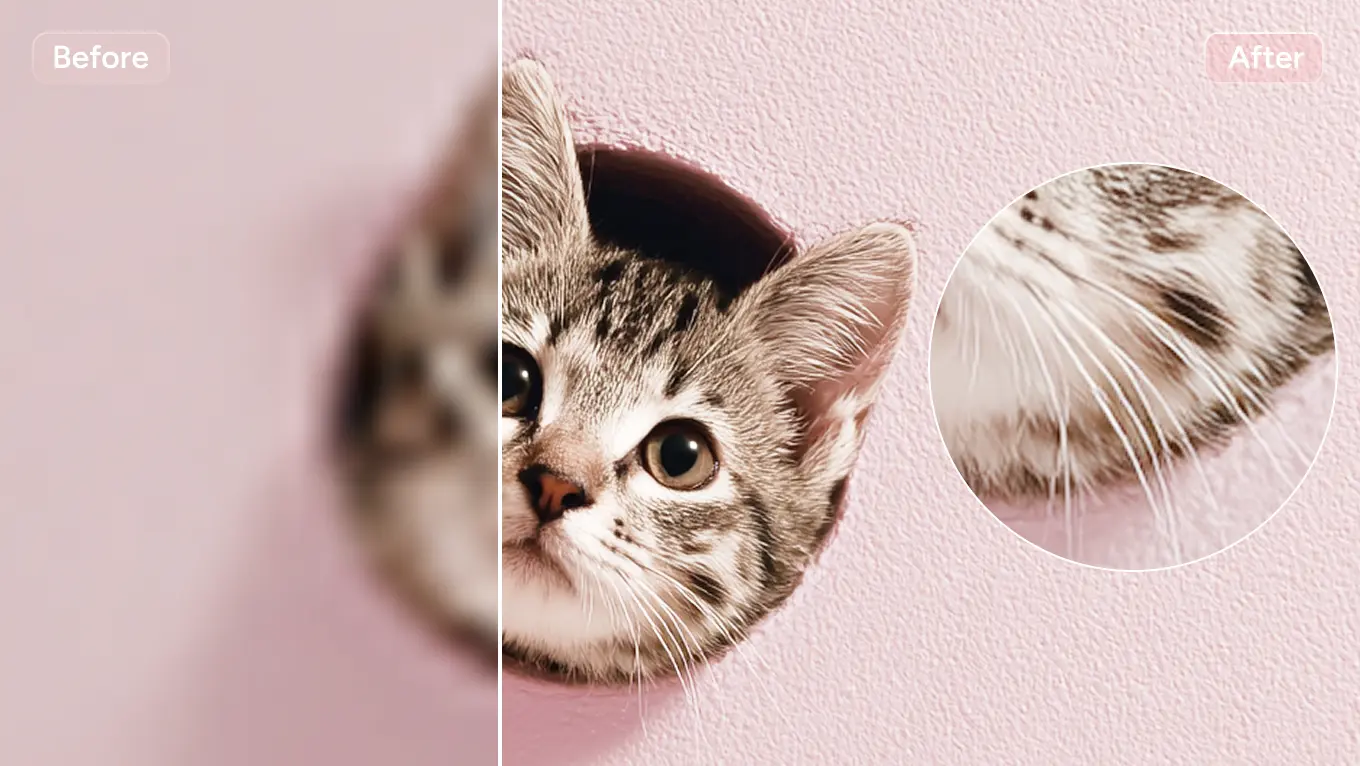
Keep the soul of your photo while making it shine. AI Photo Enhancer enhances depth, sharpness, and color naturally, creating lifelike results that feel effortless.
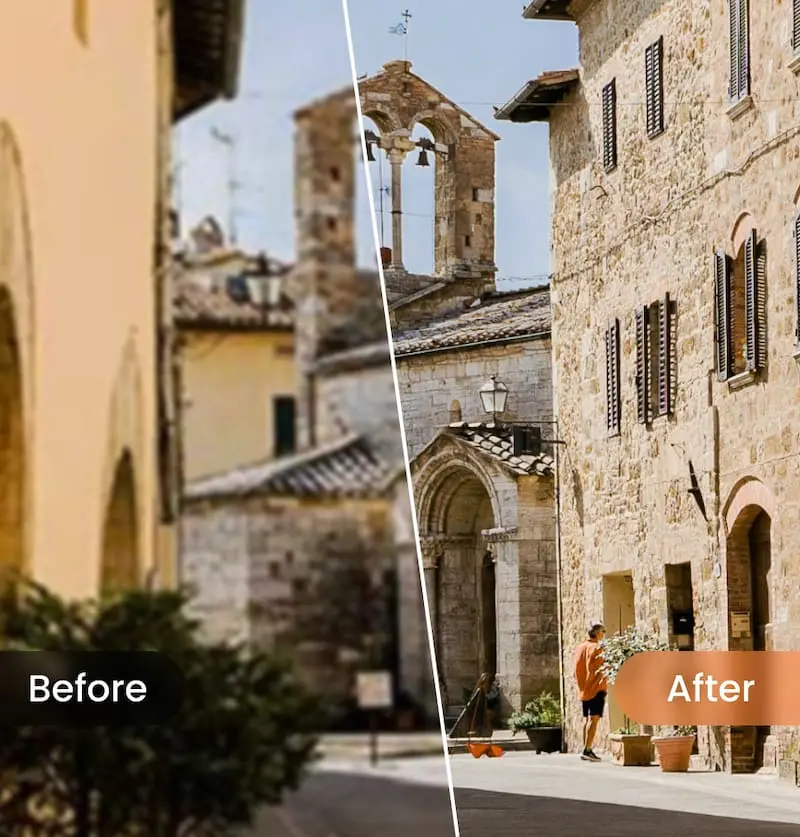
From social media posts to marketing campaigns or photo restoration, AI Photo Enhancer fits right into your process — upload, enhance, and download stunning images in seconds.
Get the most out of AI Photo Enhancer and take your photos to the next level. With these practical tips, you’ll learn how to upload the best images, optimize settings for your needs, and effortlessly achieve stunning results, every time.

While AI Photo Enhancer can significantly improve low-resolution or blurry images, uploading the highest quality source image you have will yield the best results. The sharper and clearer the original, the more detailed and vibrant your enhanced photo will be.

AI Photo Enhancer offers different enhancement modes such as “Portrait,” “Landscape,” and “Product.” Selecting the right mode tailored to the content of your image helps the AI deliver precise and natural-looking results.

Before downloading, take a moment to review the enhanced image. AI Photo Enhancer optimizes sharpness, color, and brightness, but manually adjusting contrast or brightness can make your image look even more polished.
If the first result doesn’t quite meet your expectations, don’t hesitate to upload other images or adjust the settings. The flexible features of AI Photo Enhancer allow you to fine-tune and discover the ideal result for your photos.
Always save the original and enhanced images to easily compare the results. This allows you to fully appreciate the impact of AI Photo Enhancer's improvements, ensuring you choose the best version of your photo after enhancement. By comparing the original photo with the enhanced version, you can see how AI Photo Enhancer sharpens details, boosts colors, and improves clarity.
Although AI Photo Enhancer does an excellent job of automatic optimization, feel free to import your enhanced images into tools like Photoshop or other tools for further creative edits or personalized adjustments. This way, you can make your images truly unique.
Experience the power of AI Photo Enhancer through real examples, showcasing the journey from uploaded image to enhanced masterpiece. From everyday phone shots to historical photo restoration and e-commerce images, each photo gains remarkable clarity, vibrancy, and depth. Explore four typical use cases:
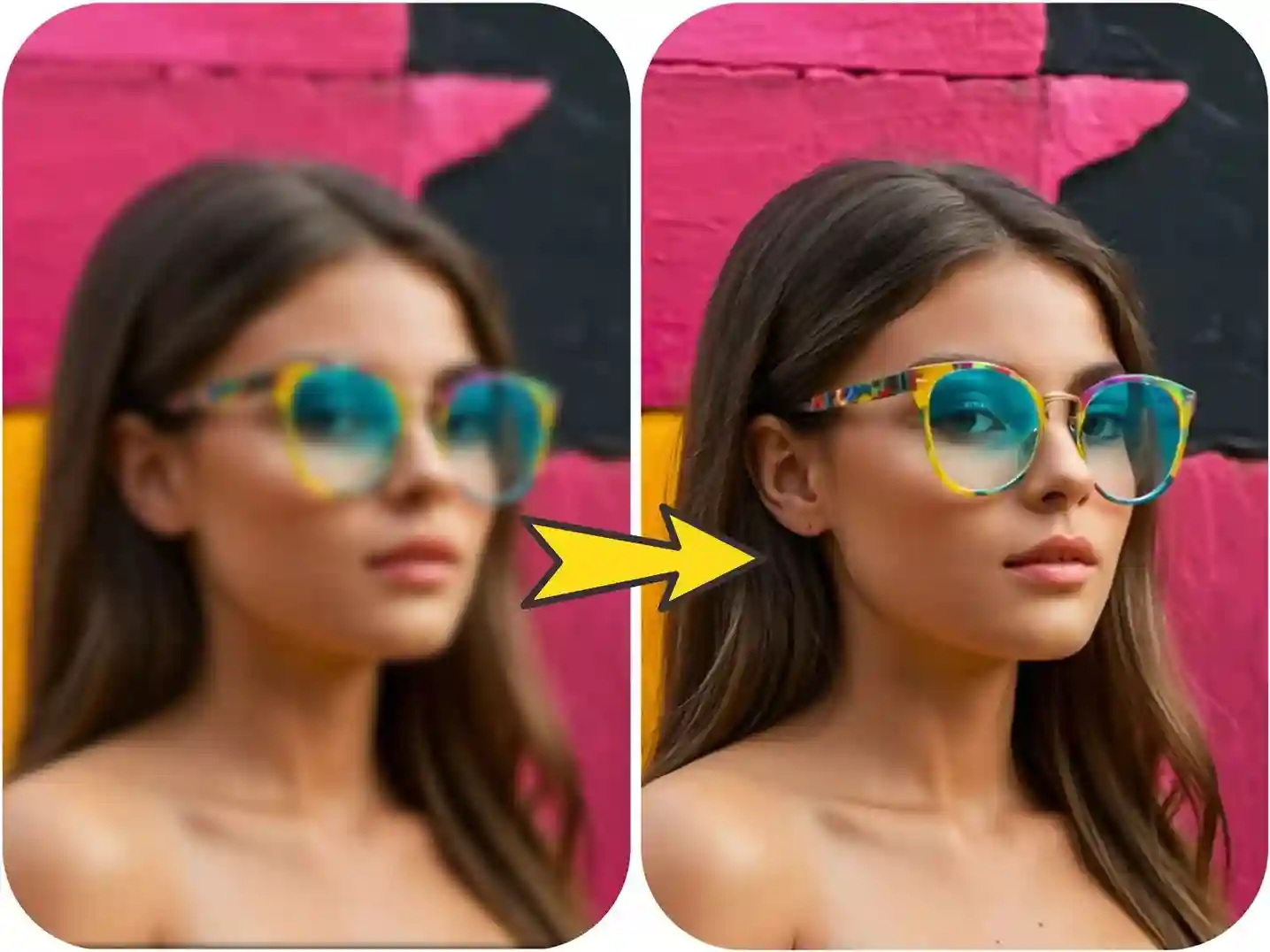
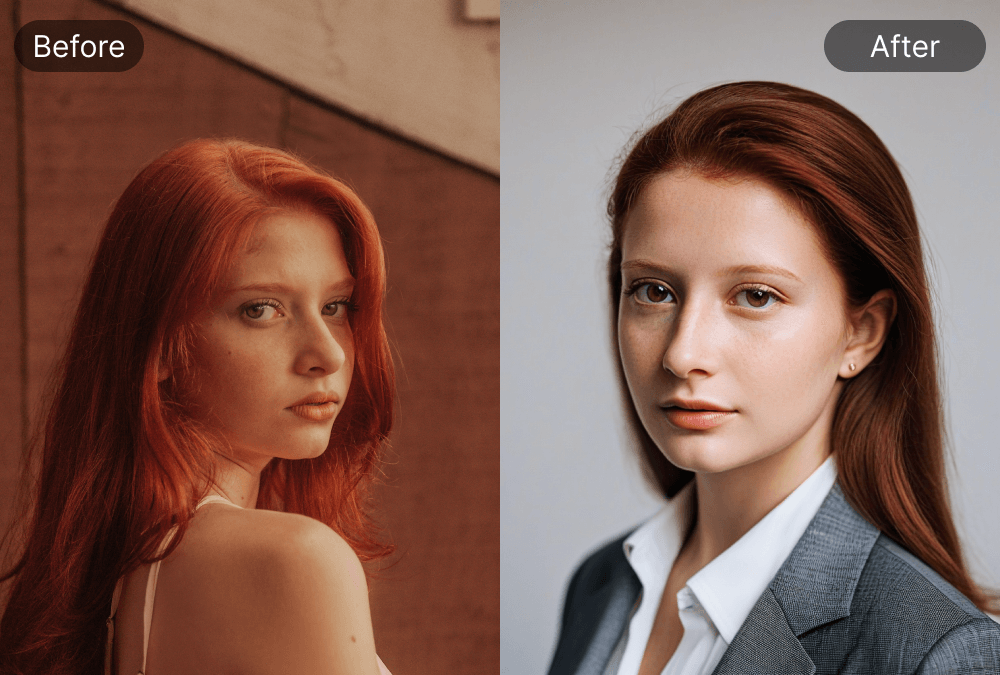
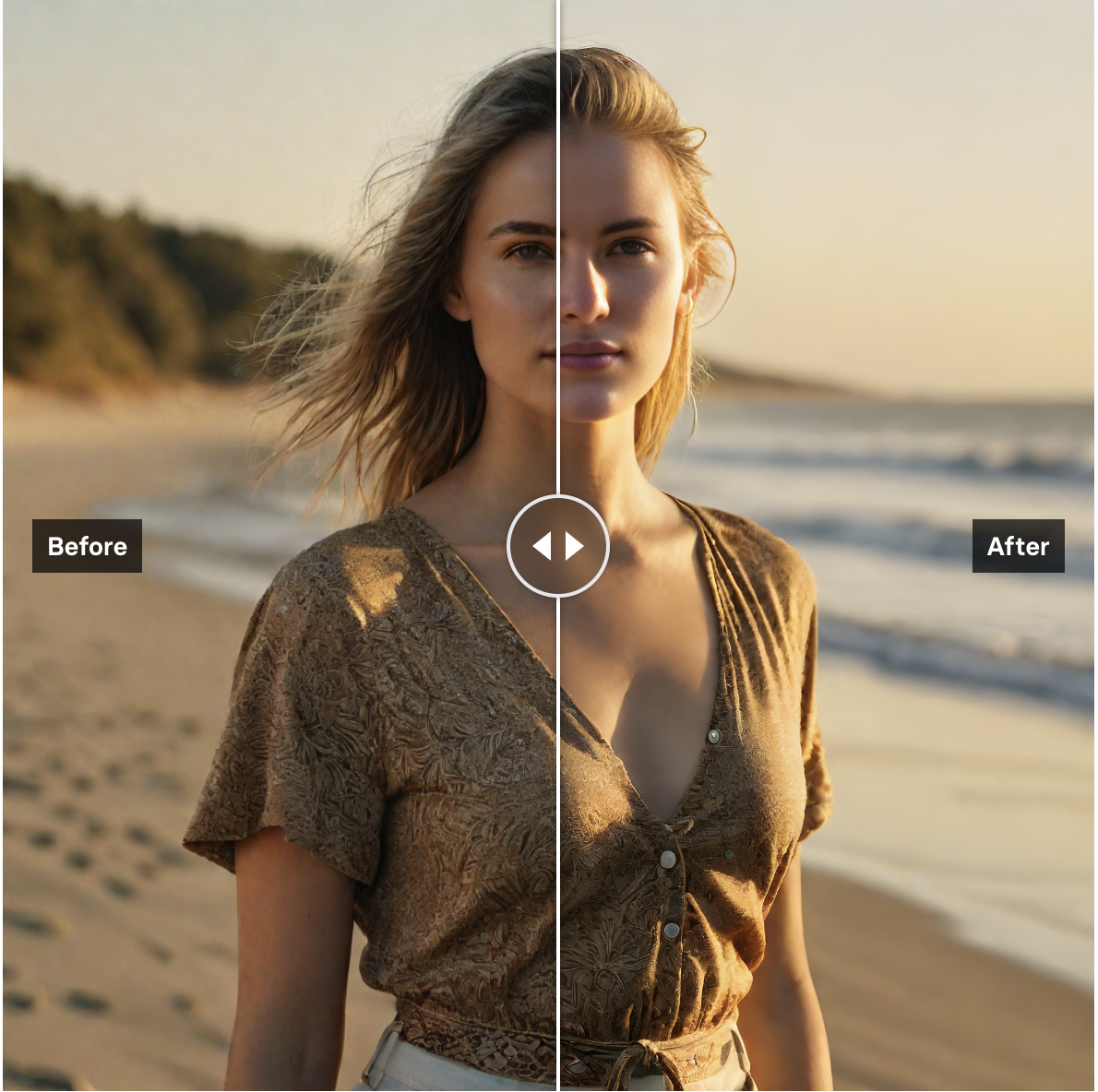
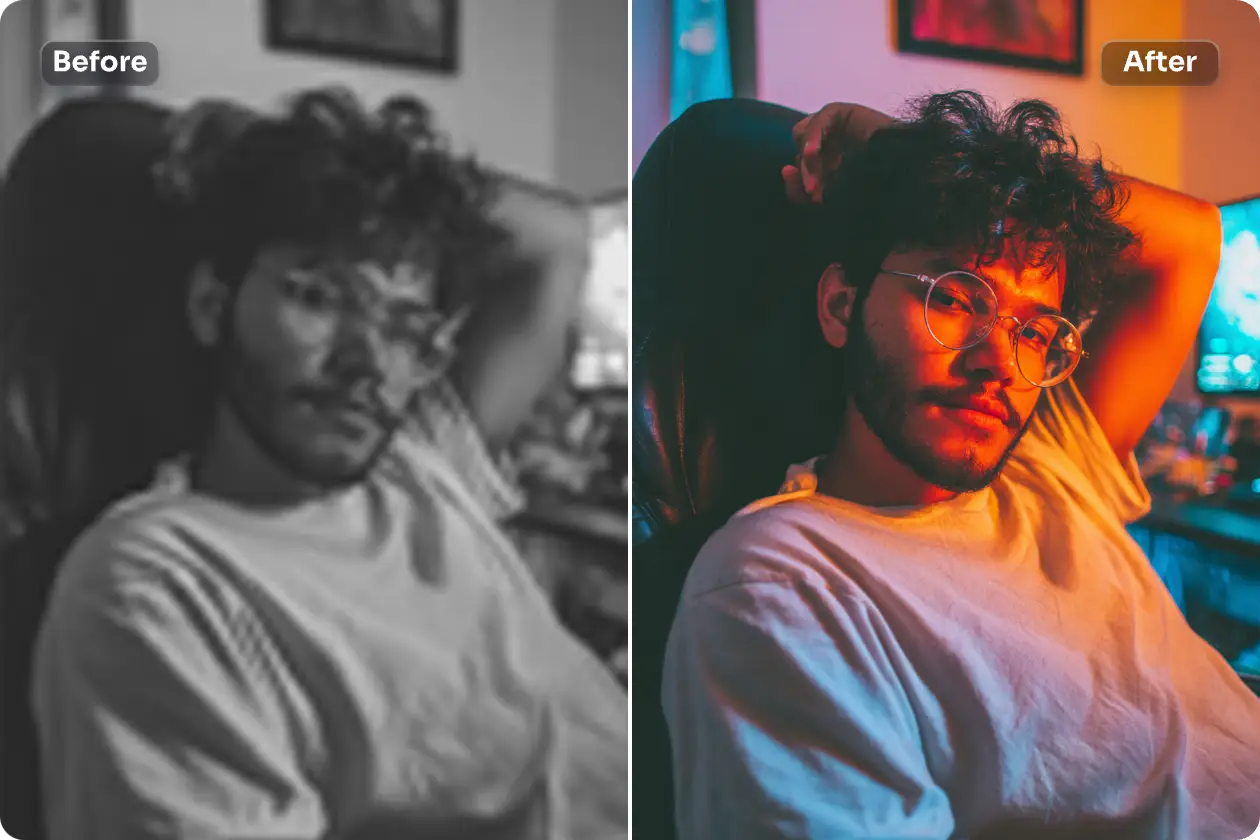
Turn everyday selfies and portraits into stunning, magazine-ready images. AI Photo Enhancer sharpens facial details, smooths skin naturally, boosts your glow, and makes every expression pop with clarity.
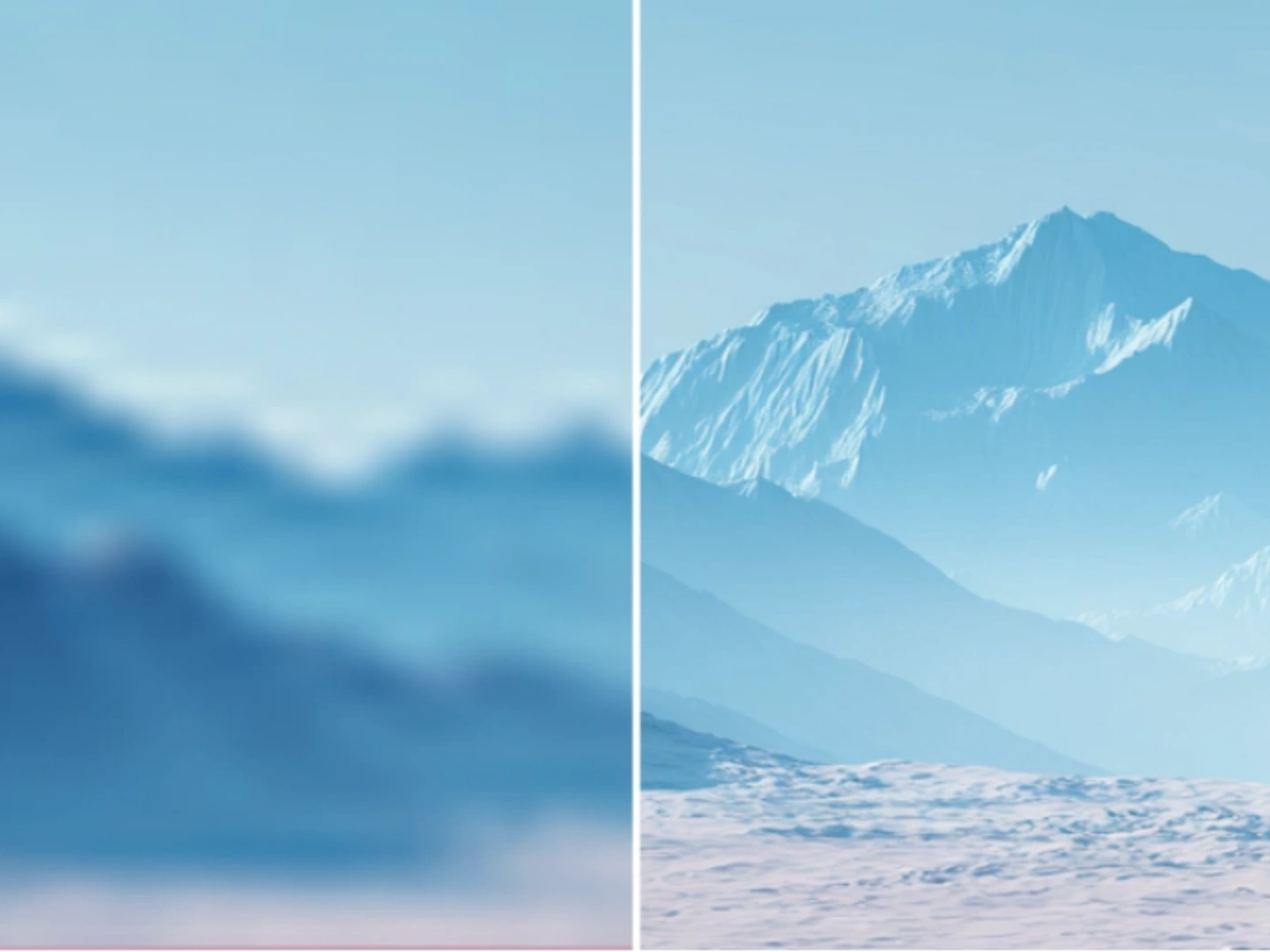
Bring your scenery and architectural shots to life. AI Photo Enhancer enriches textures, restores depth and contrast, and amplifies colors for breathtaking, immersive visuals.
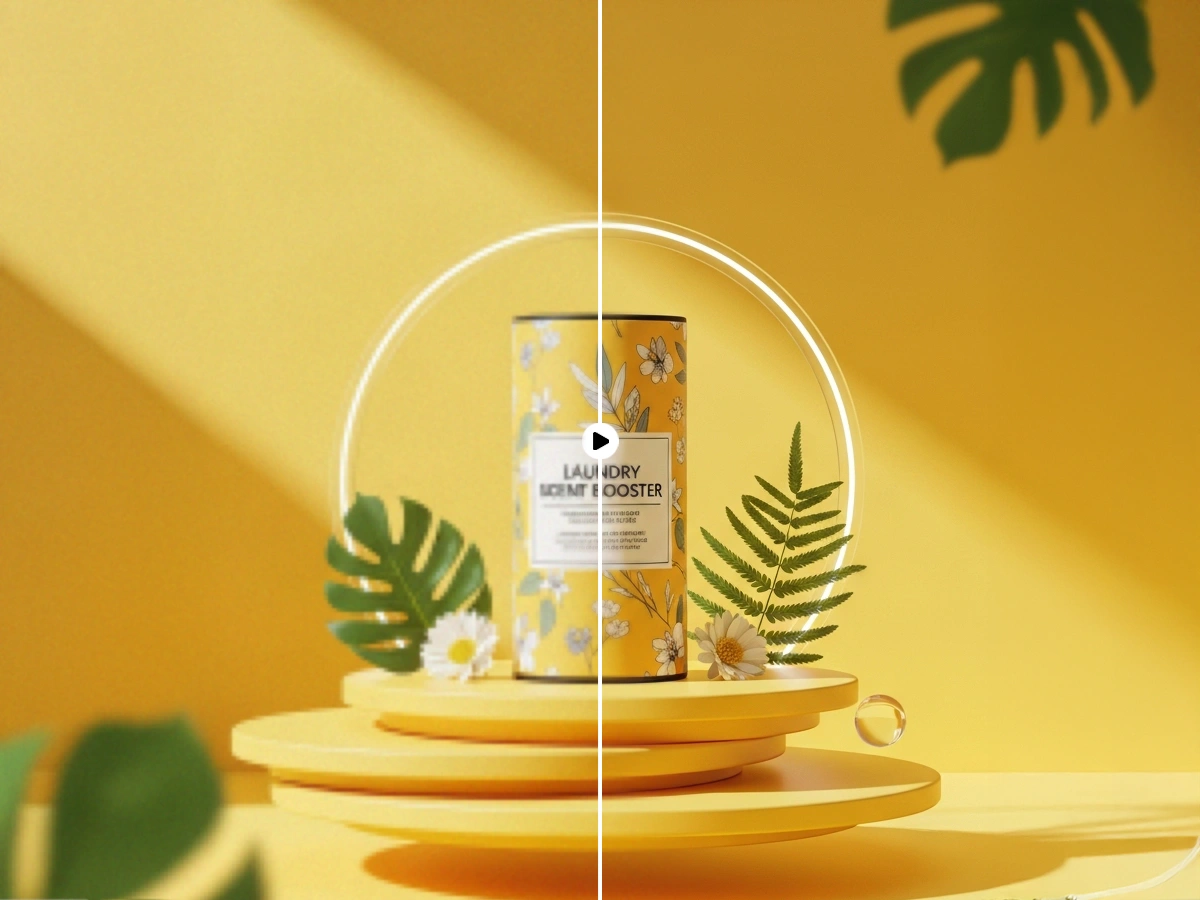
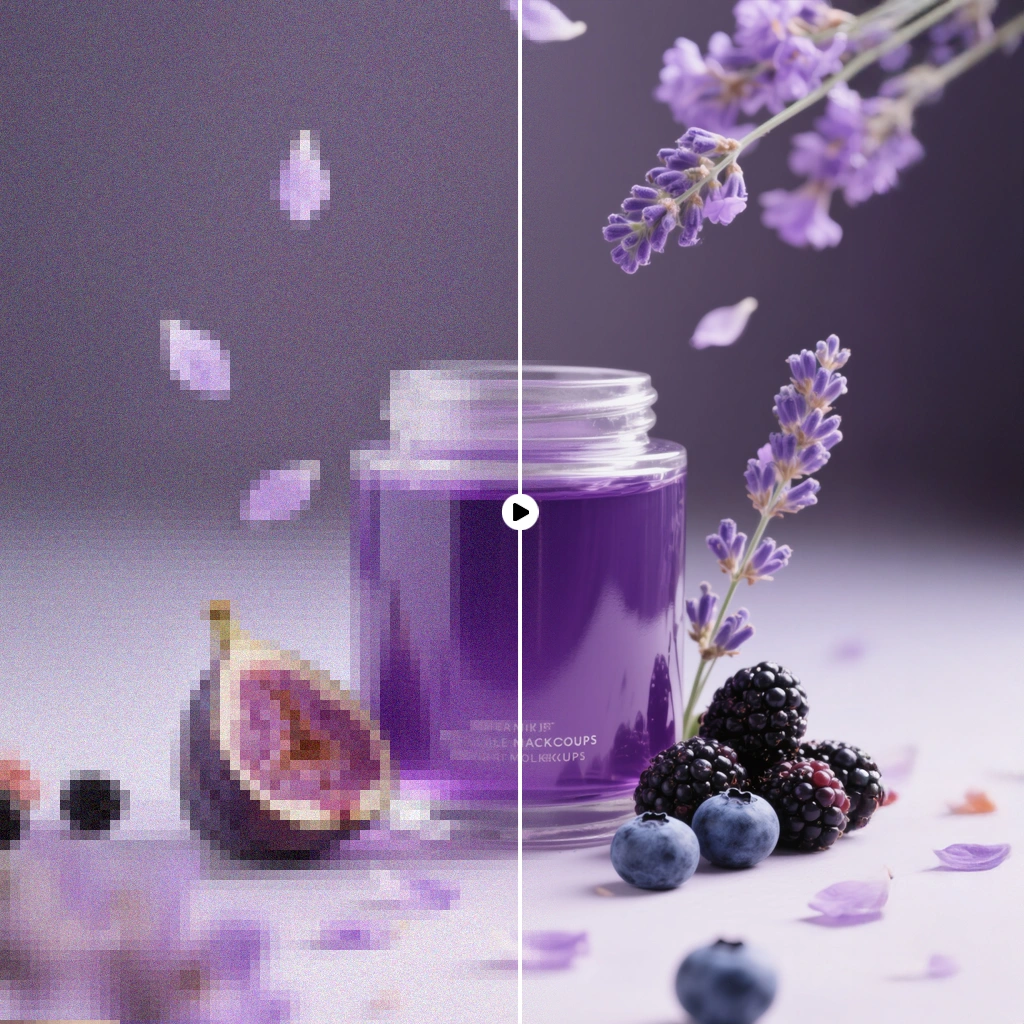
Make your products shine online. AI Photo Enhancer removes clutter, highlights key features, and delivers crisp, high-quality images that grab attention and drive sales.
AI Photo Enhancer restores color, sharpens details, and brings faded or scratched photos back to life with natural, high-quality results.
With AI Photo Enhancer, improving your photos has never been easier. From upload to download, just three simple steps are all it takes to achieve clear, vibrant, and professional-quality images:
Drag and drop or click to upload your image to AI Photo Enhancer. Whether it’s everyday smartphone photos, old scanned images, or product photos for e-commerce, AI Photo Enhancer automatically detects the content and prepares it for enhancement.
Once uploaded, AI Photo Enhancer automatically analyzes the image for blur, noise, and color inconsistencies, then applies smart enhancements. It removes noise, sharpens details, upscales resolution, and adjusts brightness, contrast, and saturation — delivering naturally clear and visually striking results.
After processing, download your high-quality image with a single click in JPG or PNG format. Enhanced images are ready for social media, online stores, or printing. AI Photo Enhancer ensures every photo looks professional, making sharing and showcasing effortless.
Discover how AI Photo Enhancer can instantly transform your photos. From restoring old images to enhancing product shots, our FAQ answers the most common questions to help you get vibrant, clear, and professional results effortlessly with AI Photo Enhancer.
Discover how AI Photo Enhancer can instantly transform your photos. From restoring old images to enhancing product shots, our FAQ answers the most common questions to help you get vibrant, clear, and professional results effortlessly with AI Photo Enhancer.
A: AI Photo Enhancer is an intelligent online tool that improves your photos instantly. It automatically removes blur, reduces noise, sharpens details, enhances colors, and optimizes overall image quality, turning ordinary photos into professional-looking visuals.
A: Almost any image can be enhanced — from blurry or low-light smartphone shots, portraits, landscapes, product photos, scanned documents, to old or damaged photos. The AI Photo Enhancer automatically adapts its process to different types of content.
A: No. AI Photo Enhancer improves visual quality and, where supported, can upscale images while preserving sharpness and fine details, giving richer, clearer results without compromising the original file.
A: Absolutely. AI Photo Enhancer can revive faded, damaged, or low-res images by enhancing clarity, enriching colors, and recovering hidden details, making your old photos look fresh and vibrant again.
A: While AI Image Upscaler or AI Image Extender focus primarily on enlarging images without losing detail, AI Photo Enhancer improves the overall quality — including textures, colors, brightness, and contrast — delivering complete image enhancement.
A: Yes! Tools like Clipfly AI Photo Enhancer and Facewow AI Photo Enhancer instantly improve product photos by sharpening details, enhancing colors, and creating visually appealing images ready for online stores or marketplaces.
A: Not at all. Platforms like AI Photo Enhancer Free, Remaker AI, and Clipfly AI are user-friendly. Simply upload your image, let the AI process it, and download your enhanced photo — professional results in seconds.
A: Absolutely. Once downloaded, enhanced images can still be edited in Photoshop, or any other creative software for cropping, layout, or adding design elements.
A: JPG and PNG are recommended. Higher-resolution images achieve the best results, but even low-resolution photos can be significantly improved using AI Photo Enhancer.
A: Yes, certain versions of AI Photo Enhancer support batch processing. You can improve multiple images at once, saving time and boosting productivity — perfect for photographers, content creators, and e-commerce professionals who need to process several photos quickly.
Transform your images into clear, vibrant, and professional-quality photos in seconds. Upload your photo, let AI Photo Enhancer work its magic, and download stunning results — perfect for social media, e-commerce, or printing.
Enhance Your Photos Instantly with AI Photo Enhancer