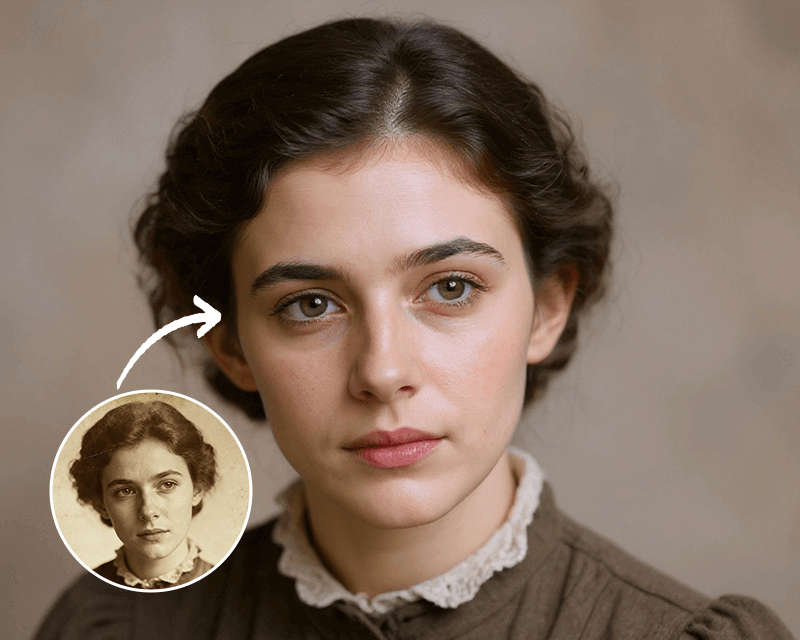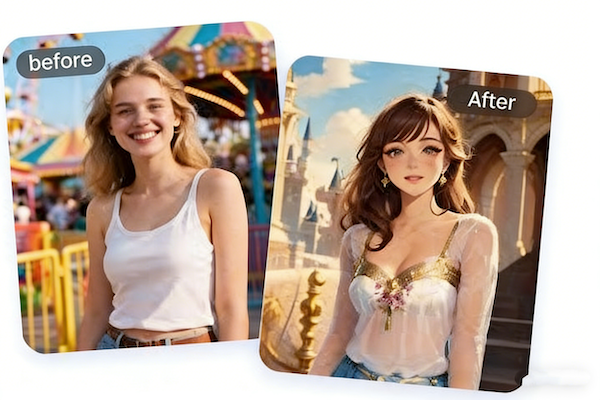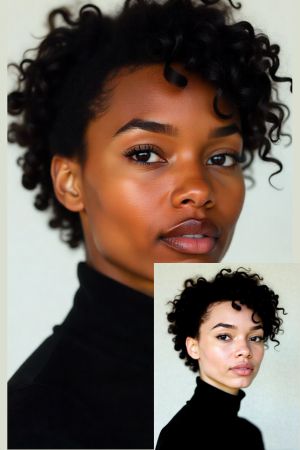
Intelligent Skin Detection and Precise Replacement
Body Editor
 Sample
Intelligent Skin Detection
Create more premium AI videos with commercial usage and priority processing.
Allow other users to view your generated result.
Hide your prompt and uploaded source files from other users.
Waiting for Results
Complete the required inputs and click Generate.
AI Image Tool
China Video AI Change Skin Color AI tool empowers creators to naturally and precisely modify human skin tones using just a single image. By leveraging advanced artificial intelligence, Change Skin Color allows users to explore diverse visual identities while preserving realism, texture, and lighting accuracy.
Try Change Skin Color NowChina Video AI Change Skin Color is far more than a basic recoloring tool. Built on intelligent skin detection and deep-detail modeling, Change Skin Color delivers realistic, controllable, and high-fidelity skin tone adjustments that meet professional standards.
Body Editor
Spiderman AI
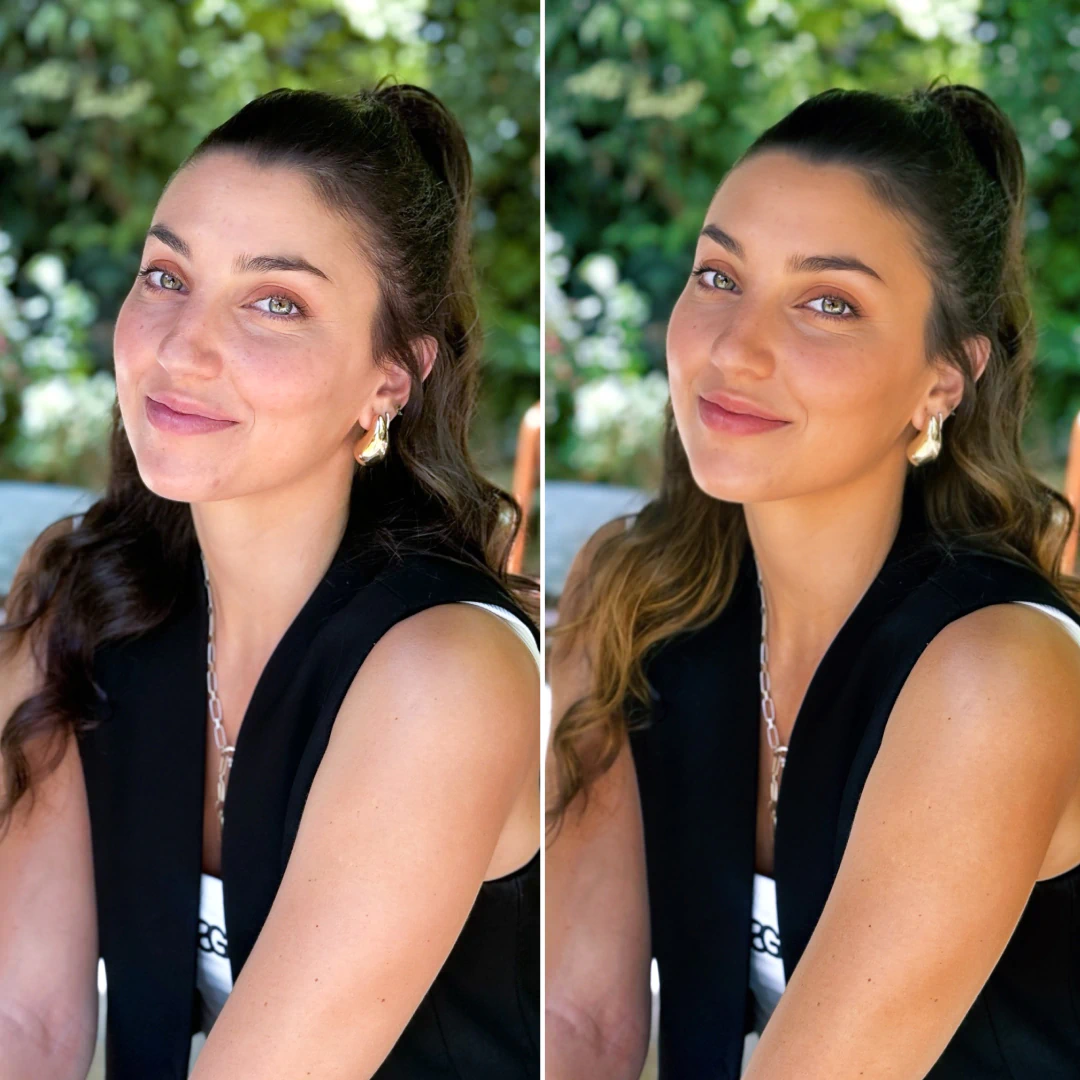
Can Display
More AI Image Tool
With Change Skin Color, creators can instantly preview how different skin tones appear within the same composition. This eliminates the need for reshoots and dramatically accelerates creative decision-making. Change Skin Color removes physical limitations and expands artistic freedom.
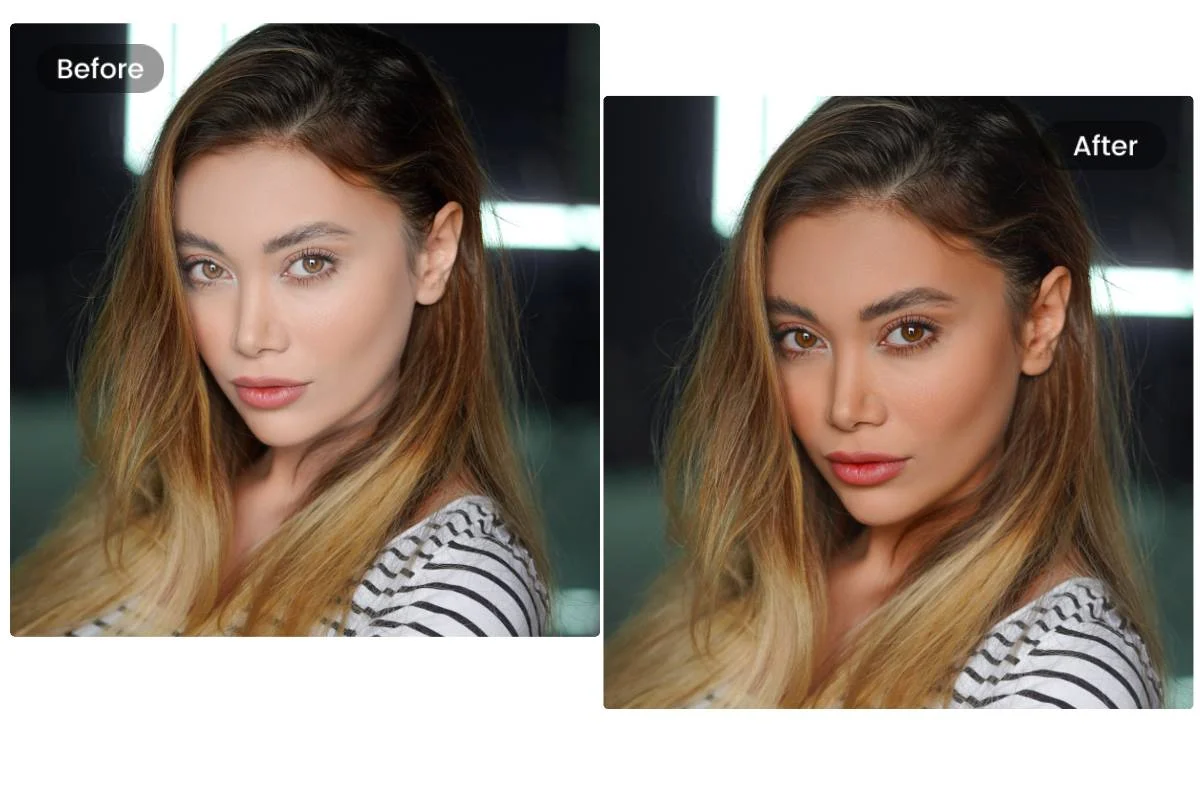
With Change Skin Color, creators can instantly preview how different skin tones appear within the same composition. This eliminates the need for reshoots and dramatically accelerates creative decision-making. Change Skin Color removes physical limitations and expands artistic freedom.
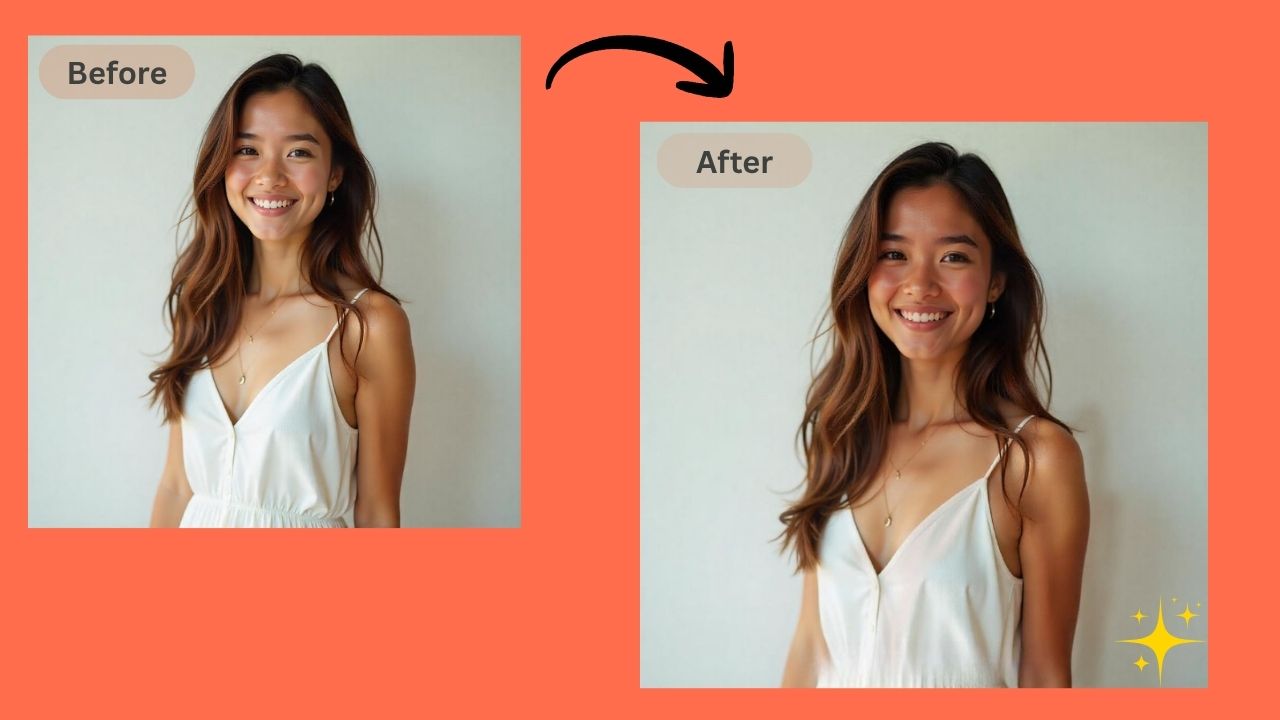
With Change Skin Color, creators can instantly preview how different skin tones appear within the same composition. This eliminates the need for reshoots and dramatically accelerates creative decision-making. Change Skin Color removes physical limitations and expands artistic freedom.

With Change Skin Color, creators can instantly preview how different skin tones appear within the same composition. This eliminates the need for reshoots and dramatically accelerates creative decision-making. Change Skin Color removes physical limitations and expands artistic freedom.
Change Skin Color is not just a photo-editing function—it is a creative accelerator that enhances communication, storytelling, and visual strategy across industries.

Marketers use Change Skin Color to localize visuals for different regions, improving relevance and emotional resonance.

With Change Skin Color, a single model image can represent multiple customer demographics, increasing inclusivity and buyer confidence.
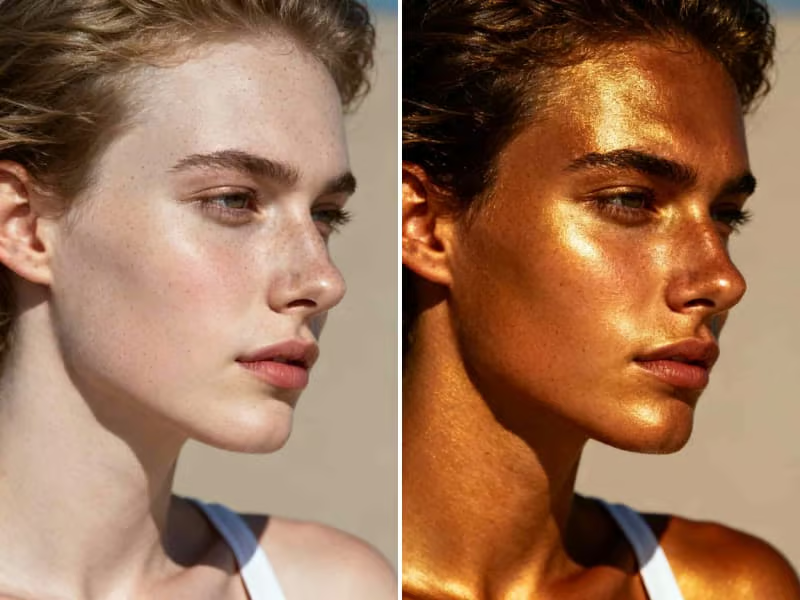
China Video AI designed Change Skin Color for everyone. Complex Photoshop adjustments are replaced with intuitive sliders and color selections, making Change Skin Color accessible without technical expertise.

Photographers rely on Change Skin Color to balance skin tones across lighting conditions or preview tanning effects, elevating service quality and client satisfaction.
Choosing China Video AI Change Skin Color means choosing efficiency, authenticity, and professional-grade AI image processing.

China Video AI Change Skin Color uses advanced models that prevent unnatural overlays and maintain organic transitions.

No prior editing experience is required. Change Skin Color delivers professional results through a simplified interface.
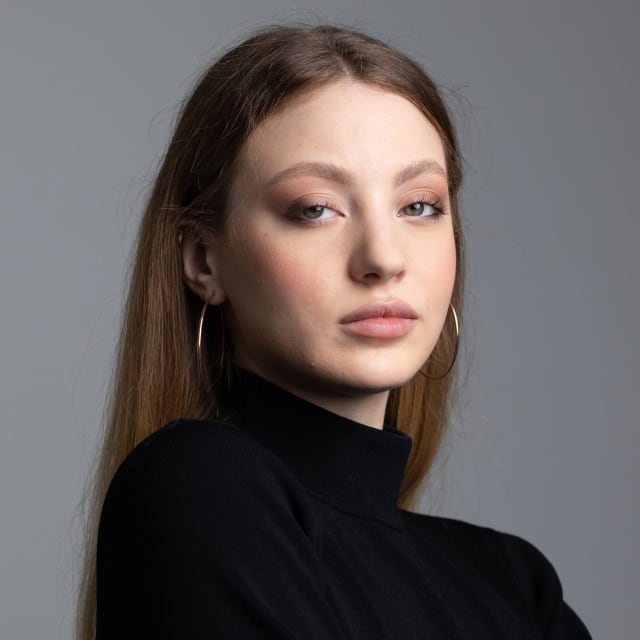
Every Change Skin Color adjustment preserves facial anatomy, expressions, and lighting integrity.
Whether for advertising or artistic projects, Change Skin Color adapts to both performance-driven and expressive workflows.
With cloud processing, Change Skin Color eliminates hardware limitations and accelerates output.
Change Skin Color works smoothly alongside other China Video AI AI tools, creating a unified content production pipeline.
Change Skin Color delivers immediate, visible results across a wide variety of real-world applications.
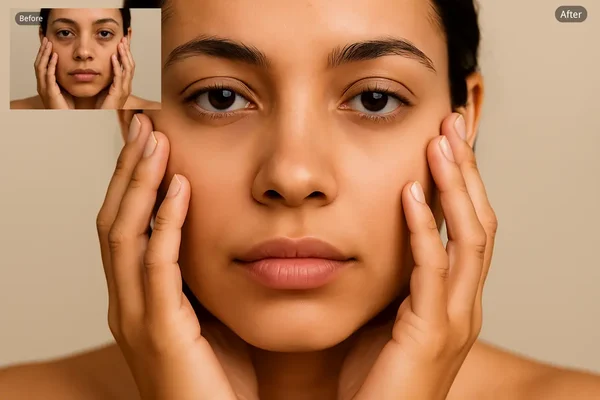
Creators use Change Skin Color to explore how skin tone variations influence mood, elegance, and personality. By adjusting subtle tonal differences, creators can test how warmth or depth affects emotional perception, visual balance, and character identity. This approach is especially useful for branding, editorial imagery, and storytelling, where emotional nuance and visual harmony play a crucial role in audience engagement and interpretation.
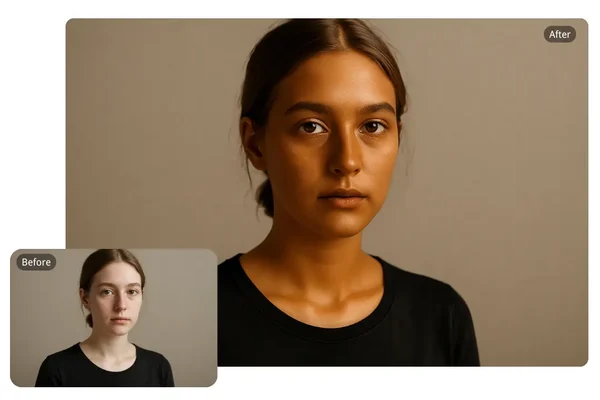
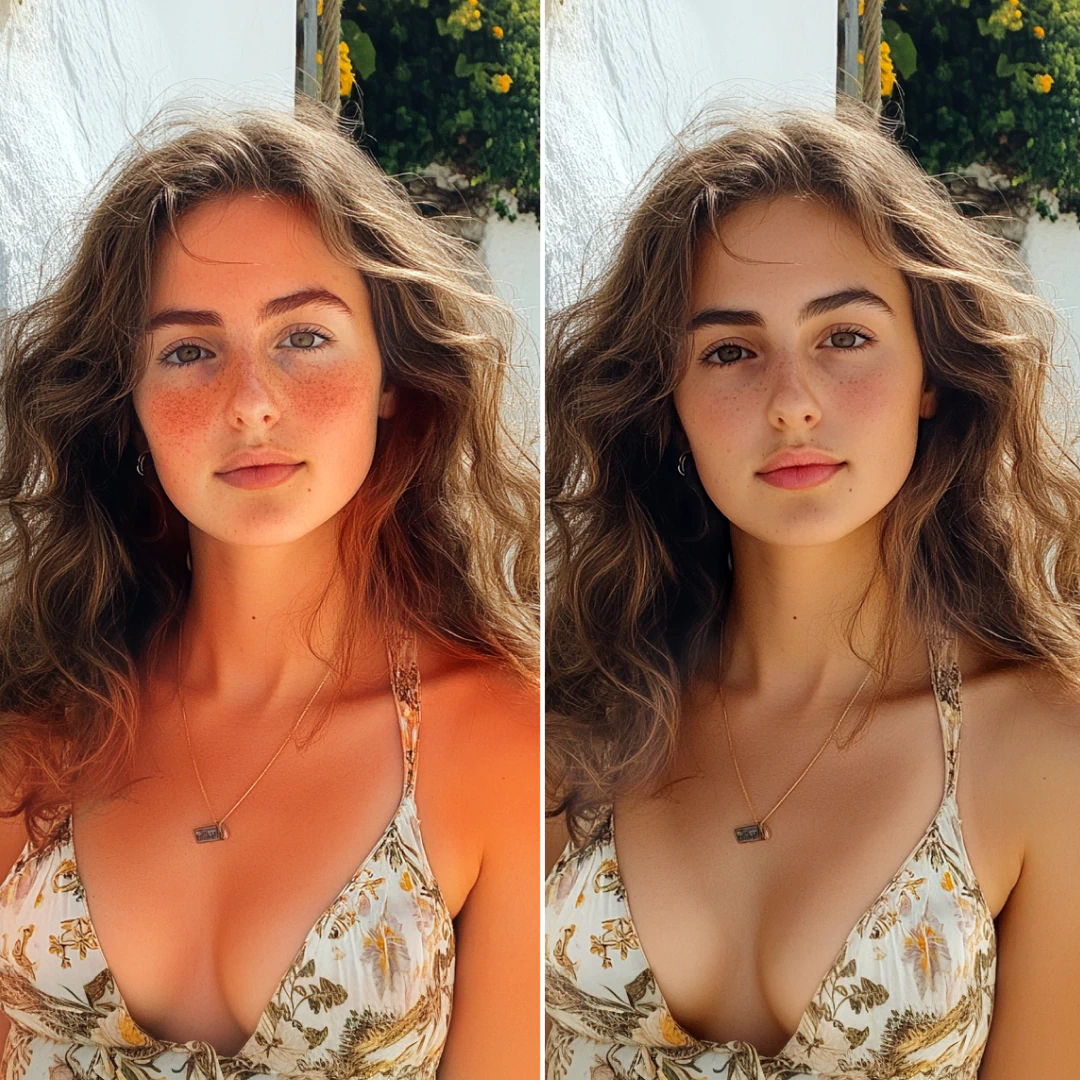
China Video AI Change Skin Color avoids artificial “plastic skin” by retaining pores, freckles, and natural shine, even at ultra-high resolution. Advanced texture analysis ensures that original skin characteristics remain intact during color adjustment. This level of detail preservation makes the results suitable for close-up portraits, professional prints, and high-definition digital displays without visible degradation or loss of realism.
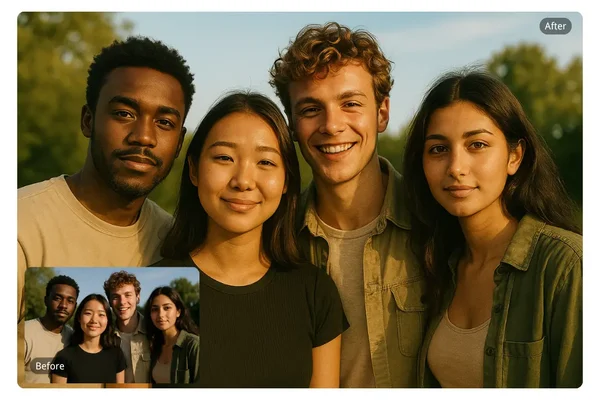
With automatic detection, Change Skin Color ensures flawless boundaries without manual brushing, regardless of pose complexity. The system accurately distinguishes skin from overlapping elements such as hair, accessories, and clothing. This intelligent separation minimizes errors and saves time, allowing users to focus on creative decisions rather than technical corrections or tedious manual refinements.
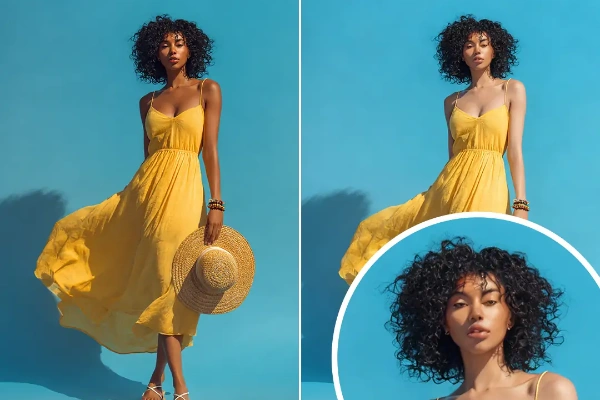
Designers apply Change Skin Color in early-stage proposals to communicate ideas clearly and convincingly. By visualizing multiple variations from a single source image, teams can compare directions efficiently. This speeds up feedback cycles, improves stakeholder understanding, and reduces the need for repeated revisions or costly reshoots during the conceptual phase.
Achieving natural skin tone transformation with Change Skin Color takes just three simple steps.
Upload a clear image, and Change Skin Color automatically detects all skin regions.
Choose your target look, and Change Skin Color intelligently adapts color while preserving realism.
Within seconds, Change Skin Color produces a high-quality image ready for use.
This section answers common questions to help users fully understand and utilize Change Skin Color.
Yes, Change Skin Color supports smooth transitions across a wide tonal spectrum.The AI carefully balances brightness, undertones, and contrast to avoid unnatural shifts. Even extreme changes remain visually coherent, allowing users to experiment with diverse appearances while maintaining realistic lighting and depth throughout the image.
China Video AI Change Skin Color prioritizes texture and lighting accuracy.The technology preserves pores, freckles, natural gradients, and skin reflections. By respecting the original light source and facial contours, the output remains lifelike and consistent, even when viewed at high resolution or used in professional presentations.
Not at all. Change Skin Color is designed for simplicity.The interface eliminates complex editing steps and replaces them with intuitive controls. Users can achieve high-quality results without understanding color theory or advanced retouching techniques, making it accessible to beginners and professionals alike.
Yes, Change Skin Color is suitable for commercial projects.It can be safely applied to advertising materials, e-commerce visuals, branding assets, and client work. The generated images meet professional standards, allowing businesses and creators to integrate them confidently into revenue-generating workflows.
Absolutely. Change Skin Color handles multiple subjects effectively.The AI detects each individual separately and applies consistent adjustments across all visible skin areas. This is especially useful for group photos, team portraits, and campaign visuals where visual harmony is essential.
No. Change Skin Color only modifies skin tone.Facial structure, expressions, eye shape, and defining characteristics remain unchanged. This ensures that identity and personality are preserved, making the tool ideal for respectful visual enhancement rather than structural alteration.
Change Skin Color typically generates results within seconds.Thanks to cloud-based AI processing, users experience minimal waiting time. This speed enables rapid experimentation, quick revisions, and efficient content production without slowing down creative or business workflows.
Yes. Change Skin Color integrates seamlessly into the China Video AI AI workflow.Users can pair it with other image or video tools on the platform to build a complete, end-to-end content creation pipeline, improving efficiency while maintaining consistent visual quality across different media formats.
No matter your role—designer, content creator, marketer, or photographer—China Video AI Change Skin Color enables faster exploration of diverse visual identities. Start using Change Skin Color today and let AI help you produce authentic, inclusive, and professional-grade imagery that truly connects with your audience.
Create More Inclusive and Expressive Visuals with Change Skin Color Today