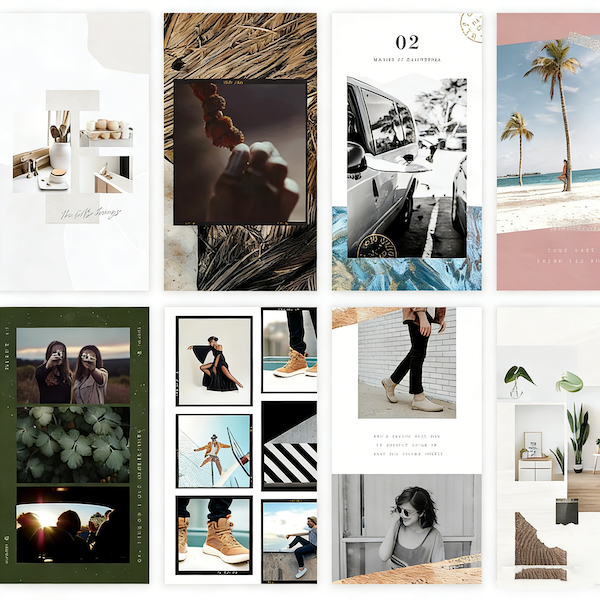
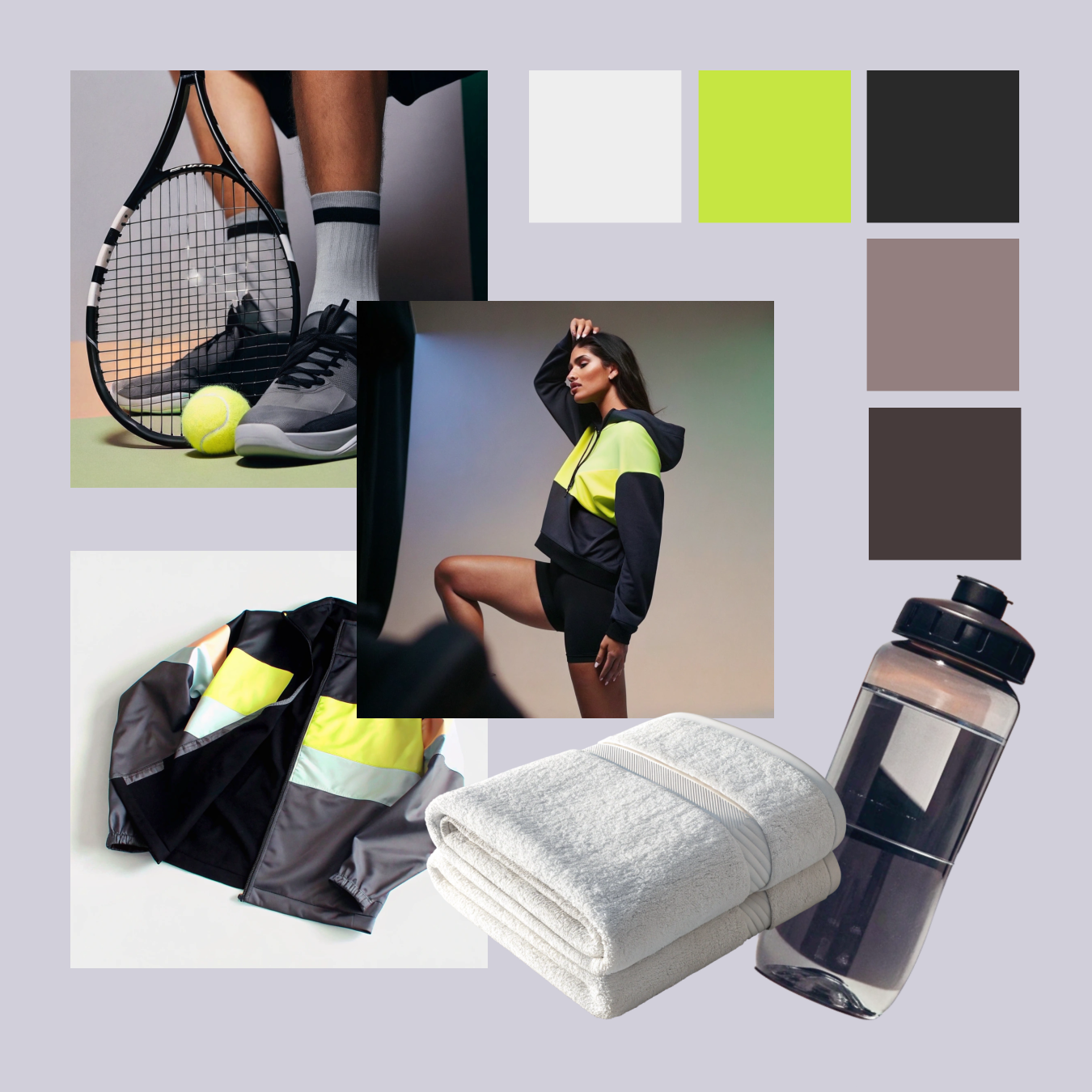
Photo Collage Maker

Canvas Area

Upload one or more images to build the collage.

AI Image Tool

Photo Collage Maker

High-Quality Output

Try Collage Maker Now

Canvas Area

Stupid Meme

Canvas Settings

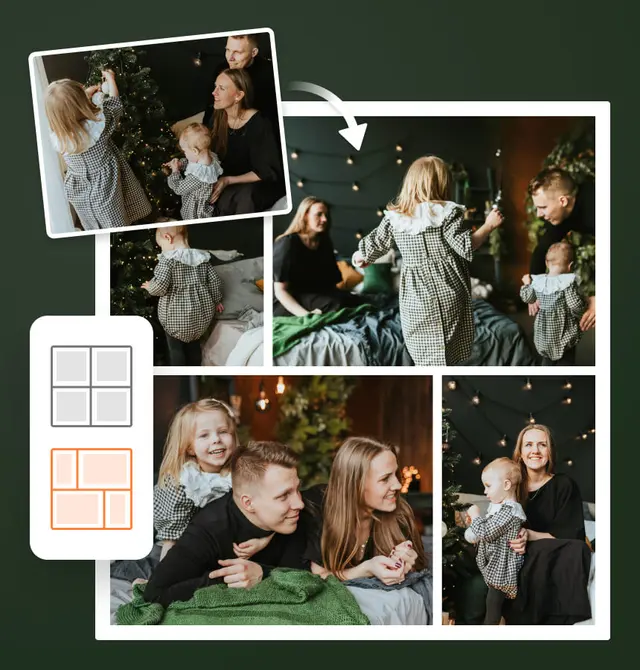
Collage Maker lets you effortlessly turn multiple photos into a polished visual story. From travel memories and lifestyle moments to product displays and social posts, create high-quality collages in minutes. Choose a layout, upload your images, fine-tune the design, and Collage Maker delivers beautiful, expressive results right in your browser.

Explore the Powerful Tools of Collage Maker

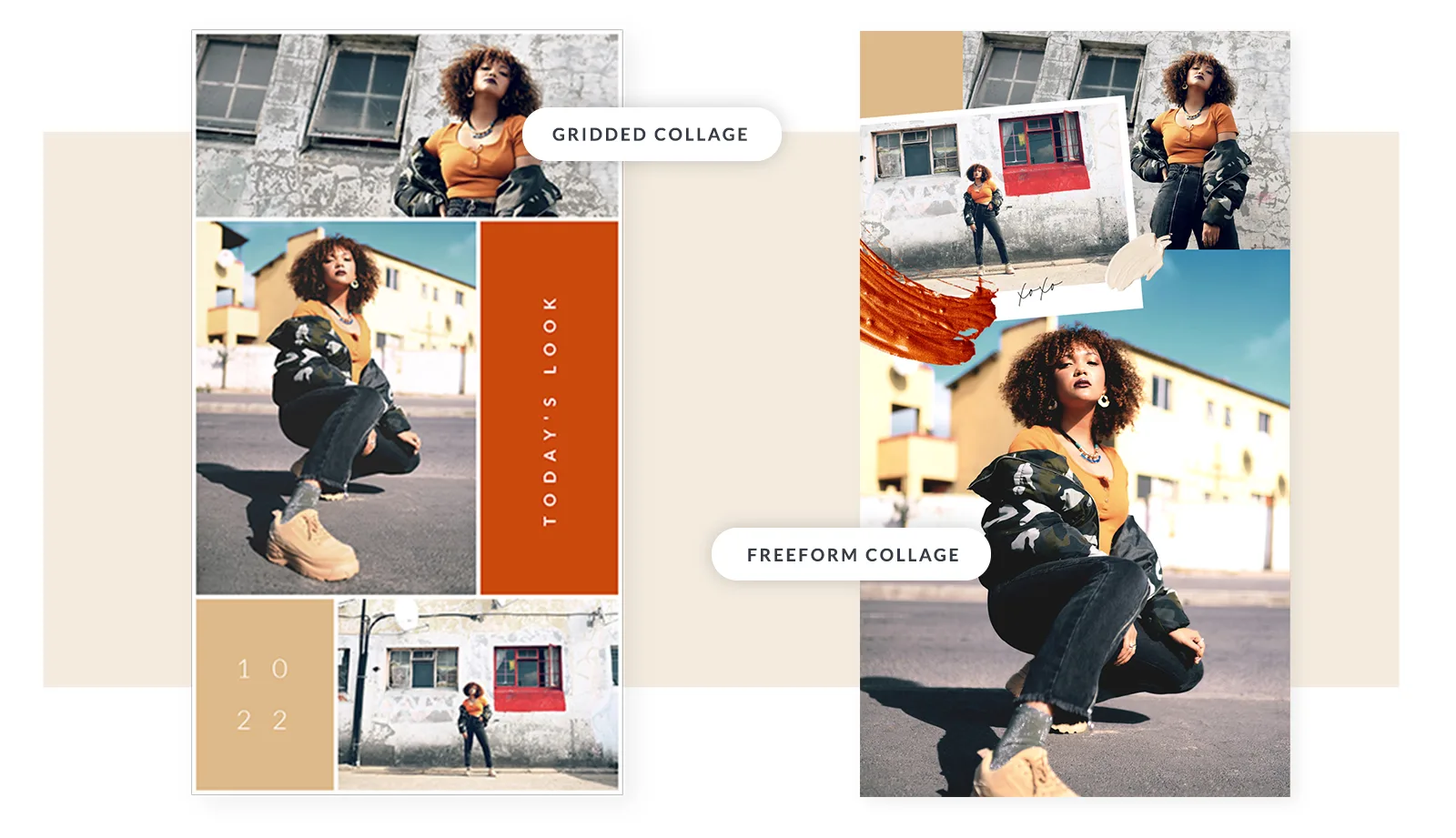
Collage Maker gives you complete freedom to design without fixed templates. You can build unique layouts by combining images, adjusting composition, and guiding the design with text inputs. This flexible workflow makes Collage Maker ideal for social content, brand visuals, product promotion, creative portfolios, and everyday image storytelling.

Smart Layout Selection

Smart Layout Selection

Body Editor

Flexible Canvas Customization

Flexible Canvas Customization

Spiderman AI

High-Quality Output

High-Quality Output

Can Display

Why Collage Maker Stands Out for Visual Storytelling

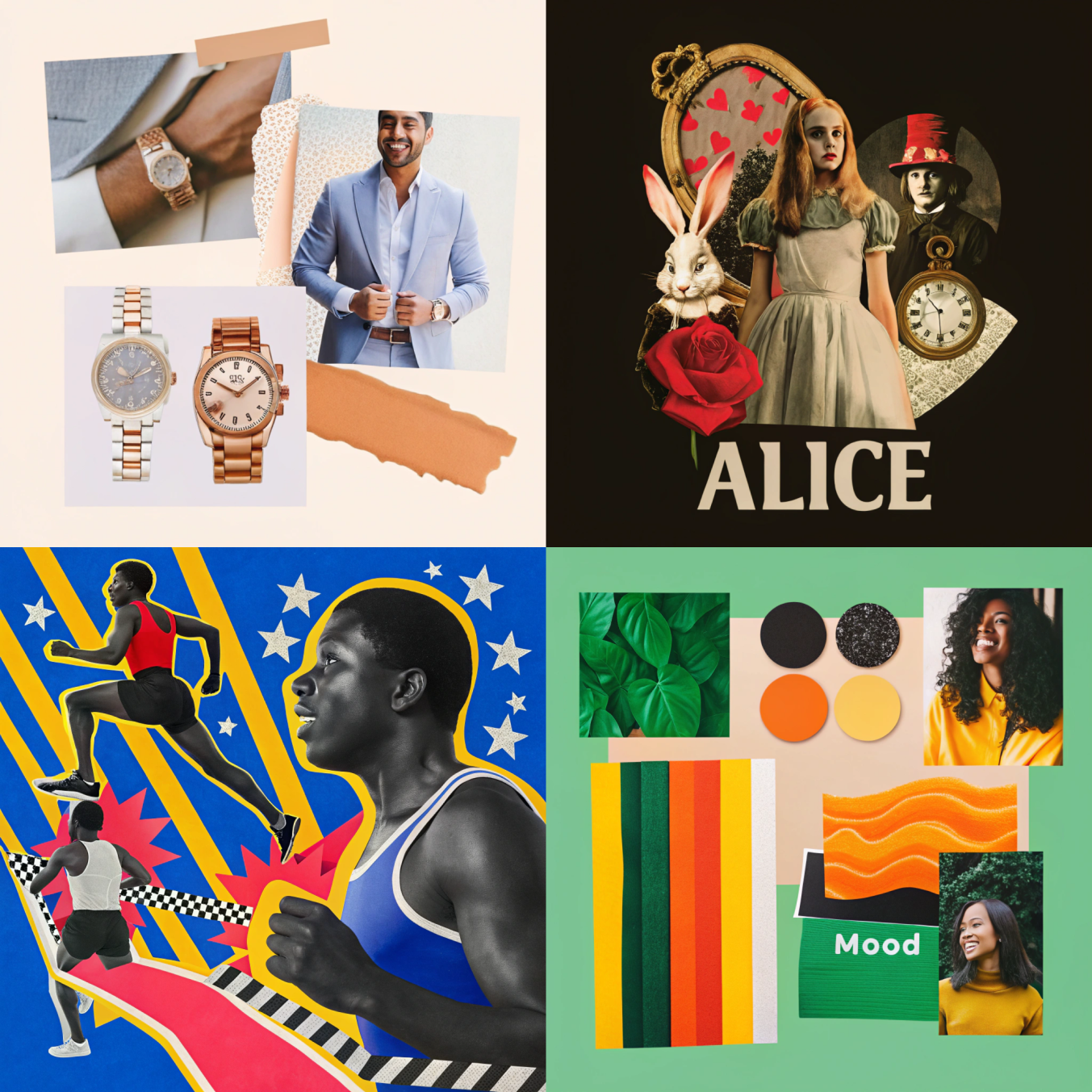
Collage Maker focuses on visual storytelling, enhancing not just image placement but the overall mood, tone, and narrative of the final design. By interpreting scene intent, color direction, and stylistic cues, Collage Maker helps your collage present a unified expression and complete visual story.

Themes That Inspire

Themes That Inspire

Collage Maker focuses on visual storytelling, enhancing not just image placement but the overall mood, tone, and narrative of the final design. By interpreting scene intent, color direction, and stylistic cues, Collage Maker helps your collage present a unified expression and complete visual story.

Visual Consistency Engine

Visual Consistency Engine

Collage Maker focuses on visual storytelling, enhancing not just image placement but the overall mood, tone, and narrative of the final design. By interpreting scene intent, color direction, and stylistic cues, Collage Maker helps your collage present a unified expression and complete visual story.

Designed for Storytelling

Designed for Storytelling

Collage Maker focuses on visual storytelling, enhancing not just image placement but the overall mood, tone, and narrative of the final design. By interpreting scene intent, color direction, and stylistic cues, Collage Maker helps your collage present a unified expression and complete visual story.

Collage Maker for Social Media Content

Collage Maker helps you create visually striking photo collages tailored for social platforms. With intuitive layouts, text guidance, and decorative elements, you can turn ordinary images into eye-catching content that engages your audience.

Instagram Feed

Instagram Feed

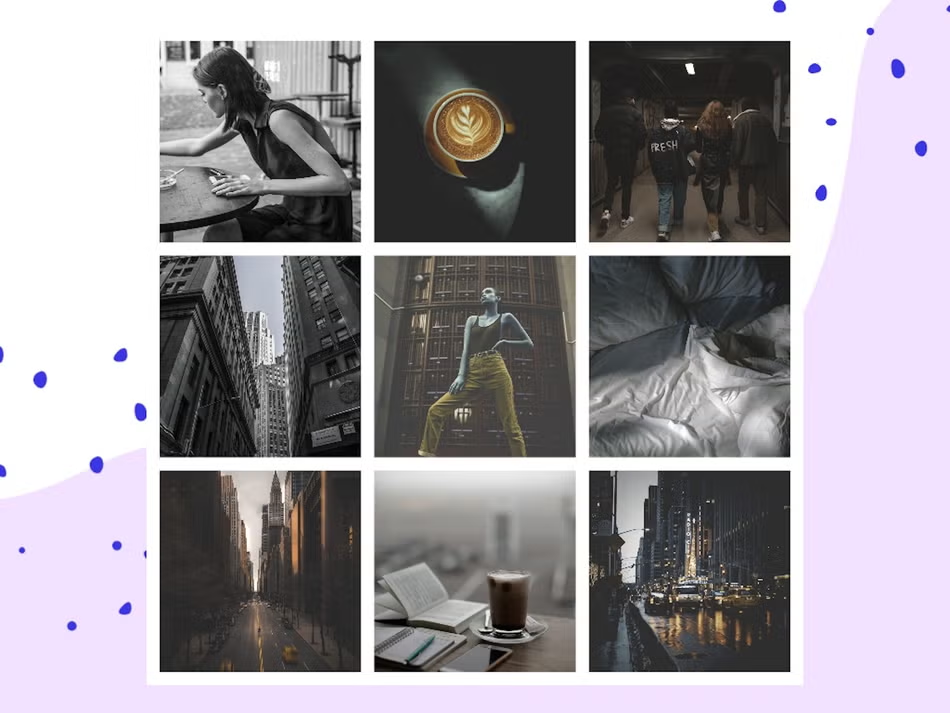
Showcase multiple photos in a clean, balanced grid that looks seamless in your feed. Collage Maker helps maintain visual harmony while letting you highlight key moments and creative compositions in a single post.

Instagram & Facebook Stories

Instagram & Facebook Stories

Design vertical photo collages sized perfectly for stories. Collage Maker allows full-screen layouts with text overlays, stickers, and decorative elements, making your photo stories visually appealing and engaging.

Pinterest Boards

Pinterest Boards

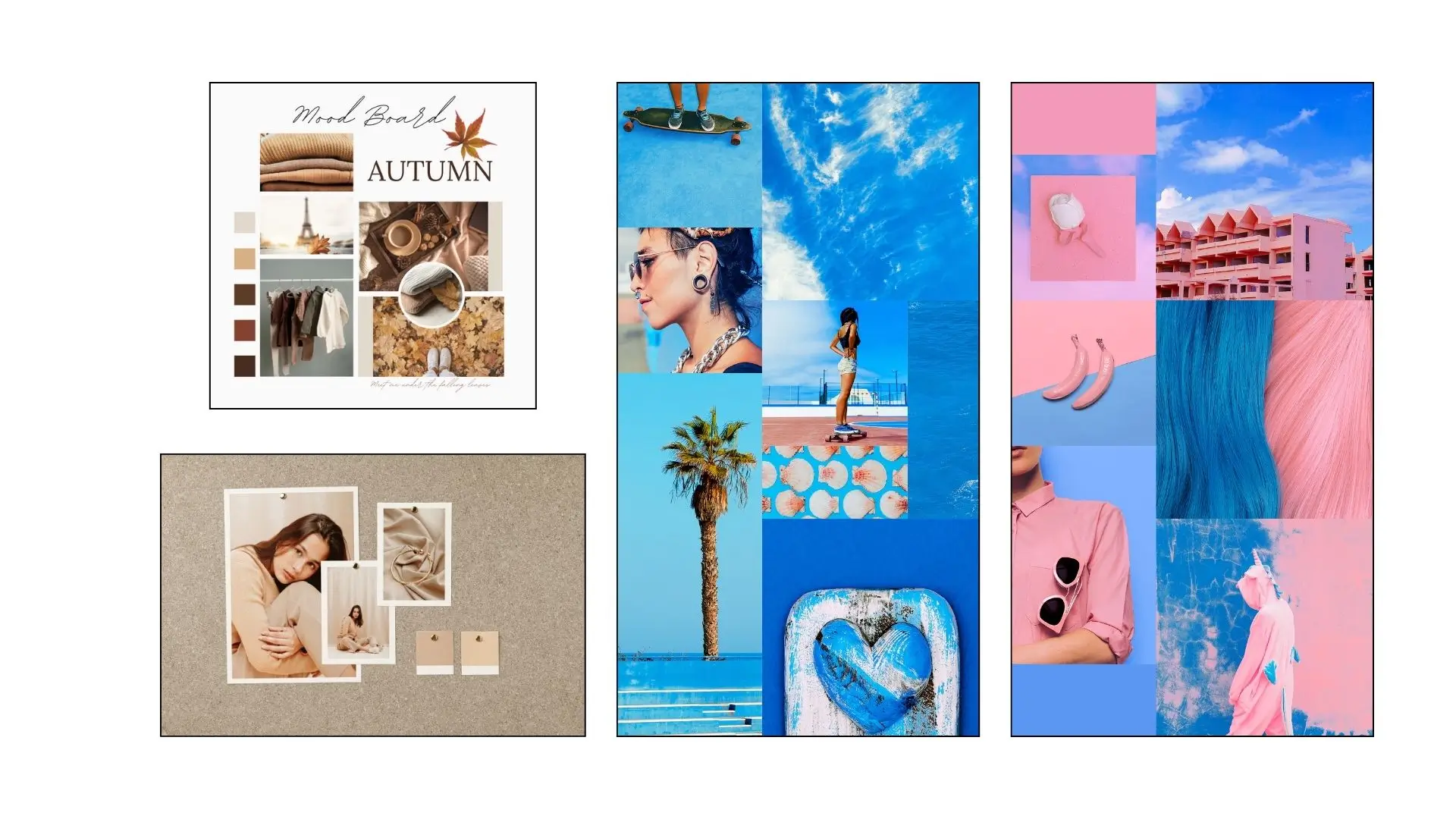
Boost engagement by arranging tall, eye-catching collages ideal for Pinterest boards. Collage Maker lets you combine multiple images, color themes, and visual motifs into cohesive, pinnable designs.

Facebook Covers

Facebook Covers

Create banner-style collages optimized for Facebook profile and page covers. Collage Maker helps you draw attention with impactful layouts, combining key photos, text, and decorative accents for a professional look.

Discover Diverse Collage Layouts with Collage Maker

Collage Maker offers a wide variety of grid-style layouts to organize your photos in a clean, balanced, and visually engaging way. Each layout type is fully customizable, giving you flexibility to create collages that reflect your style, storytelling, and brand identity.

Avatar

Collage Strips

Use horizontal or vertical photo strips to highlight a timeline or sequential story in Collage Maker.

Avatar

Diagonal Split

Divide the canvas diagonally to showcase contrasting image sets in a striking arrangement with Collage Maker.

Avatar

Mixed-Size

Combine different-sized photos to emphasize key images while keeping a cohesive structure with Collage Maker.

Avatar

Shapes

Arrange images in hearts, stars, plus signs, and other shapes to add playful flair; Collage Maker lets your collages break the rectangle mold.

Avatar

Grid

A traditional grid with uniformly sized cells, perfect for portfolios, photo galleries, and balanced social media posts with Collage Maker.

Avatar

Square

Collage Maker’s square grids are perfect for side-by-side arrangements or big photo wraps, ideal for social media posts and compact galleries.

Bring Your Photos to Life as Immersive Visual Stories with Collage Maker

Collage Maker opens up a wider space for emotional expression, transforming photos from simple displays into immersive visual journeys. With Collage Maker, every image can tell a story—whether it’s personal memories or professional brand presentations—bringing fresh creativity, depth, and visual impact to your designs.

Travel Memories

Travel Memories

Turn your adventures into a rich visual travel journal filled with atmosphere and story. Collage Maker can gather scenery, street moments, local cuisine, ticket stubs, maps, and snapshots into one expressive canvas. You can even add hand-drawn elements, notes, and stickers to create personalized travel collages that feel like flipping through a custom scrapbook. Every trip becomes a memorable visual story.

Lifestyle Collages

Lifestyle Collages

Capture the heartbeat of daily life—your morning coffee, cozy corners, handwritten notes, outfits, or the glow of evening light. Collage Maker lets you turn ordinary moments into cinematic, artful collages by applying filters, decorative overlays, and layout effects. Transform small, everyday fragments into a cohesive lifestyle story that reflects your unique aesthetic.

Instagram-Style Grids

Instagram-Style Grids

With Collage Maker, you can create homepage layouts with a modern magazine-style grid, perfect for showcasing portfolios, cover designs, and creative walls. Collage Maker makes your social pages feel like an open art book, where every frame captures attention and invites viewers to stop, explore, and engage.

Product Showcases

Product Showcases

Showcase your products with impactful, professional collages that highlight colors, textures, details, and multiple angles. Collage Maker enables creative scene layouts, text overlays, and decorative accents, making every product presentation visually compelling. Ideal for storefront banners, promotional materials, e-commerce listings, or brand storytelling.

Create Collages in Three Easy Steps with Collage Maker

You don’t need design experience to create polished and expressive visuals. Collage Maker offers a clean, intuitive workflow where every step feels natural—from importing images and applying style direction to exporting a refined final design. The tool transforms scattered photos into layouts with strong structure and a consistent aesthetic, helping ideas turn into professional-quality collages in just a few minutes.

01

Step 1: Upload Your Photos

Import the photos you want to include. Collage Maker automatically analyzes the images, identifies their dimensions and subjects, and prepares them for a clean visual arrangement.

02

Step 2: Customize the Layout with Text Input

Describe the style you want—minimal, vibrant, modern, editorial, scrapbook, geometric, or creative. Collage Maker converts your text into a layout that reflects mood and visual direction, allowing you to fine-tune spacing, framing, balance, and thematic presentation. This text-guided layout generation makes design intuitive and expressive, giving you full creative control without complex tools.

03

Step 3: Export Your Final Design

Save your polished collage in high resolution. With Collage Maker, the final design is ready for social media posts, printing, presentations, digital portfolios, brand displays, or any professional application.

Frequently Asked Questions about Collage Maker

Find answers to the most common questions about Collage Maker. Learn how to upload images, customize layouts, add text and decorations, export high-quality collages, and create professional designs for social media or print.

What is a photo collage maker?

Absolutely. Collage Maker allows you to enrich your collages with a wide range of elements, including custom text, titles, stickers, shapes, icons, and color blocks. You can adjust fonts, colors, sizes, and positioning to match your creative vision, giving each collage a unique personality. With Collage Maker, you have full creative control to craft visually striking designs that stand out on social media, marketing materials, or personal projects.

Is there a limit to the number of photos I can upload?

Collage Maker is primarily an online tool, designed for seamless browser-based use. However, you can save your projects and work offline once the files are downloaded.

Can I add text or decorative elements?

Collage Maker supports common image formats including JPG and PNG, ensuring smooth uploading and high-quality output.

Can I use it offline?

Absolutely. You can customize backgrounds with colors, gradients, textures, or even upload your own images, making each collage unique.

What image formats does it support?

Definitely. Collage Maker provides layouts and aspect ratios optimized for Instagram, Facebook, Pinterest, and other platforms.

Does Collage Maker allow adding custom backgrounds or textures?

Yes. Collage Maker outputs high-quality, royalty-free collages that can be used for personal, commercial, and professional projects.

Is it suitable for creating collages for social media platforms?

Yes. Collage Maker allows editing each image with filters, color adjustments, brightness, contrast, and special effects, giving full creative control.

Is it safe for commercial use?

Yes. Collage Maker intelligently adjusts images of varying resolutions and sizes, automatically optimizing their placement and scaling to maintain clarity and visual balance. High-resolution export ensures your final collage preserves sharpness, detail, and color integrity, regardless of the original photo dimensions.

Unleash Your Creativity with Collage Maker Today

Turn your ideas into stunning collages in minutes. With Collage Maker, combine photos, videos, text, and colors into beautiful, professional layouts. Dive in, explore endless possibilities, and make every project uniquely yours. Start creating with Collage Maker now!

Unleash Your Creativity with Collage Maker Today