Intelligent Light Blending
Minecraft Skin
 Sample
With AI Christmas Lights, every photo becomes a festive moment. From holiday group shots and social avatars to branded visuals, this intelligent filter seamlessly blends warm Christmas lights into your images, instantly elevating the seasonal mood. Simply upload a photo, choose a lighting style, and let AI Christmas Lights create a radiant result in seconds—bringing the magic of the holidays to life, effortlessly.
Create more premium AI videos with commercial usage and priority processing.
Allow other users to view your generated result.
Hide your prompt and uploaded source files from other users.
Waiting for Results
Complete the required inputs and click Generate.
AI Photo Effect
With AI Christmas Lights, every photo becomes a festive moment. From holiday group shots and social avatars to branded visuals, this intelligent filter seamlessly blends warm Christmas lights into your images, instantly elevating the seasonal mood. Simply upload a photo, choose a lighting style, and let AI Christmas Lights create a radiant result in seconds—bringing the magic of the holidays to life, effortlessly.
Try AI Christmas Lights NowAI Christmas Lights is more than a seasonal filter—it’s a smart creative tool designed to speed up holiday visuals. Powered by advanced image understanding, AI Christmas Lights analyzes your photo’s layout, subjects, and background depth to add realistic Christmas lights that feel naturally part of the scene. The result is festive lighting that looks intentional, balanced, and visually polished.
Minecraft Skin
Pinterest Image Generator
Sprite Sheet
More AI Photo Effect
AI Christmas Lights goes beyond simply adding lights. It focuses on how light shapes mood and storytelling. By carefully balancing color, brightness, and glow, AI Christmas Lights turns everyday photos into expressive holiday visuals that feel warm, joyful, and full of seasonal charm.
AI Christmas Lights goes beyond simply adding lights. It focuses on how light shapes mood and storytelling. By carefully balancing color, brightness, and glow, AI Christmas Lights turns everyday photos into expressive holiday visuals that feel warm, joyful, and full of seasonal charm.
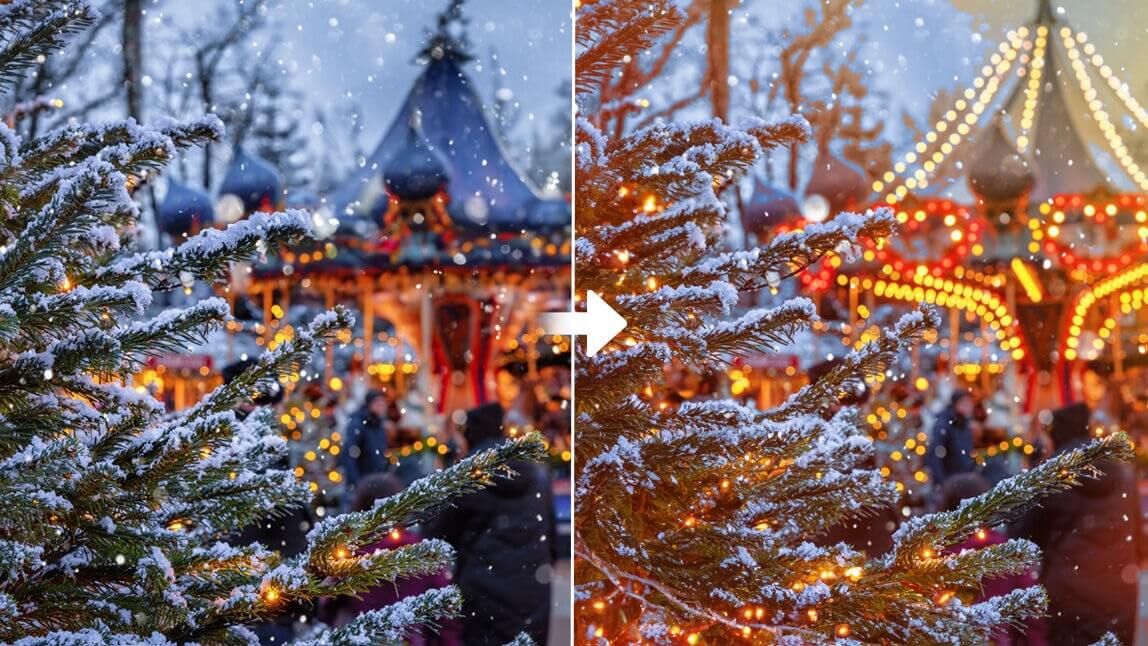
AI Christmas Lights goes beyond simply adding lights. It focuses on how light shapes mood and storytelling. By carefully balancing color, brightness, and glow, AI Christmas Lights turns everyday photos into expressive holiday visuals that feel warm, joyful, and full of seasonal charm.
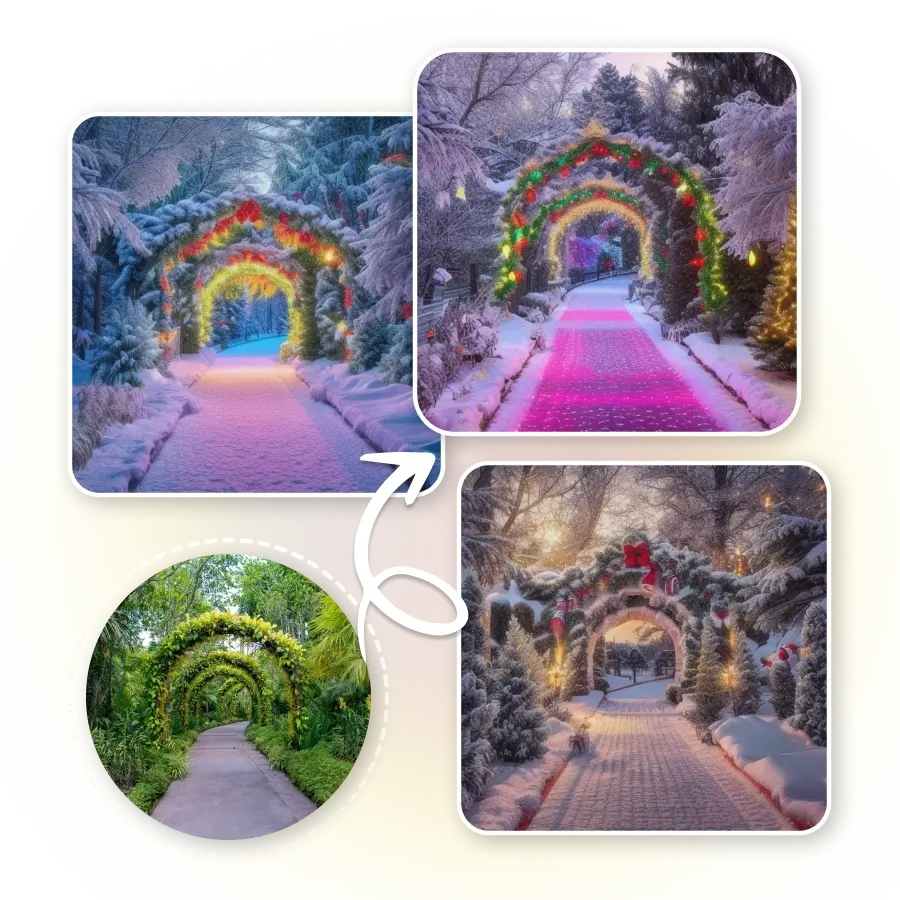
AI Christmas Lights goes beyond simply adding lights. It focuses on how light shapes mood and storytelling. By carefully balancing color, brightness, and glow, AI Christmas Lights turns everyday photos into expressive holiday visuals that feel warm, joyful, and full of seasonal charm.
AI Christmas Lights is designed for anyone who wants to add a festive touch to their photos without extra effort. No complex editing, no learning curve—just a simple way to create holiday-ready visuals that feel intentional and polished.
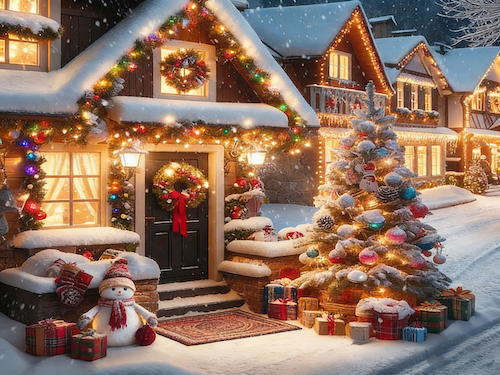
Perfect for creators who want to keep their holiday content fresh and engaging. AI Christmas Lights helps turn everyday photos into seasonal posts that fit naturally into social feeds, stories, and profile visuals.
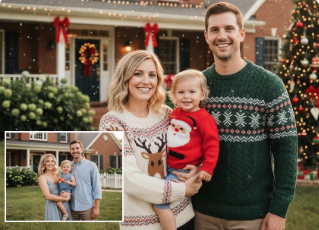
Ideal for capturing the spirit of the holidays in personal photos. From family gatherings to casual winter moments, AI Christmas Lights makes it easy to create images worth sharing, saving, and revisiting.
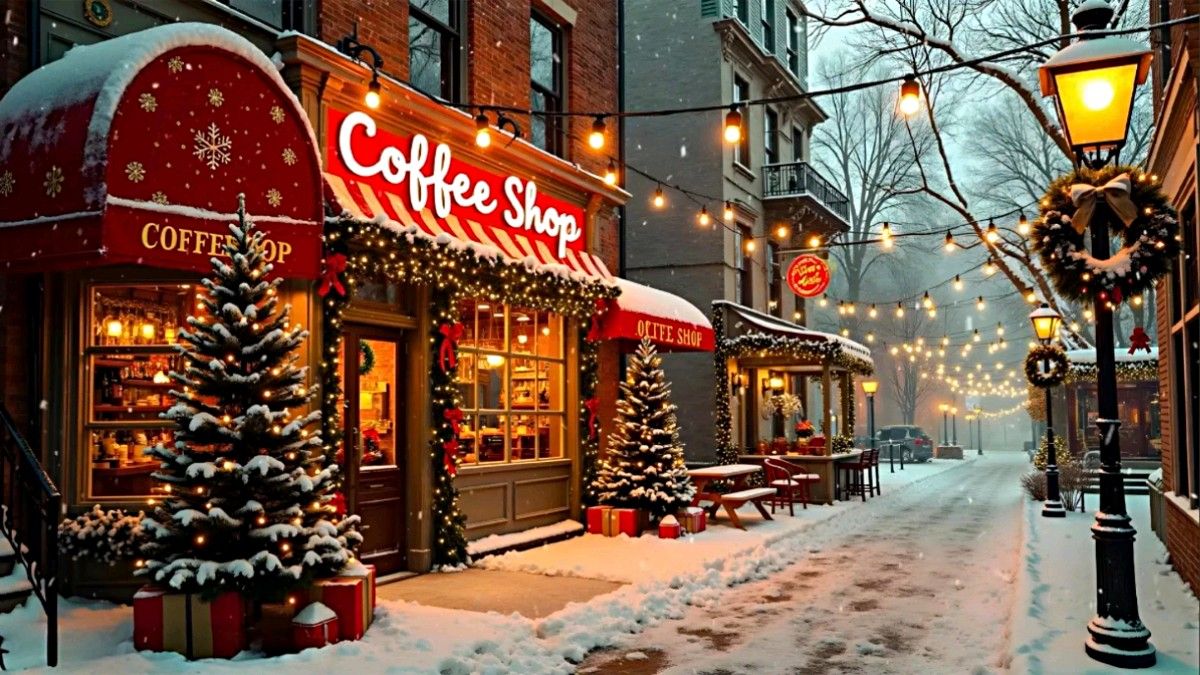
A practical choice for sellers who need festive visuals fast. AI Christmas Lights supports clean, seasonal imagery for product photos, banners, and promotions without the cost or time of traditional design work.
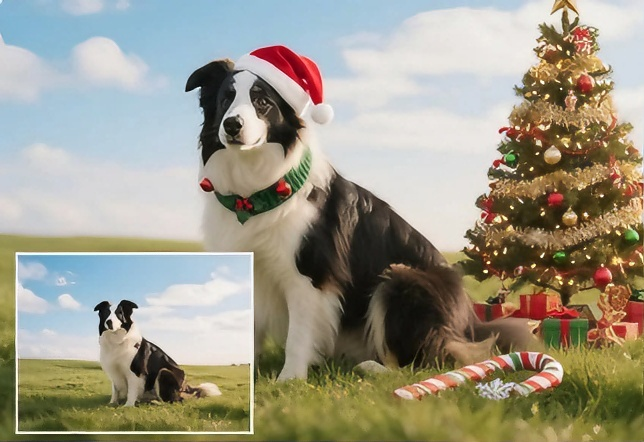
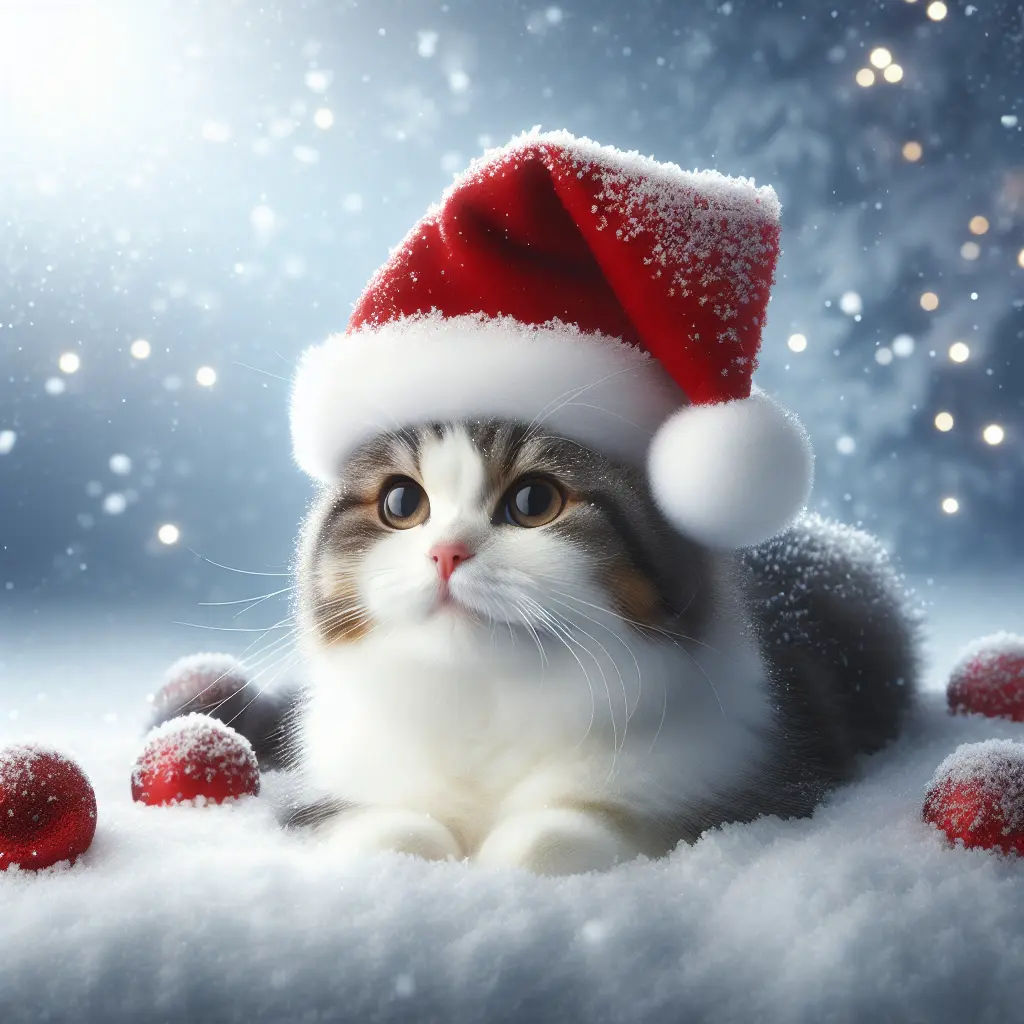
Great for adding holiday charm to lifestyle and pet photos. AI Christmas Lights keeps the focus on personality while subtly enhancing the seasonal mood, making images feel warm and share-ready.
A few thoughtful choices can make a big difference. By paying attention to composition, lighting balance, and mood, you can use AI Christmas Lights to create images that feel more polished, expressive, and visually engaging.

Photos with even lighting and a clear subject tend to produce stronger results. Avoid images that are too dark or overly busy, as clean compositions give holiday lights more room to enhance the scene naturally.
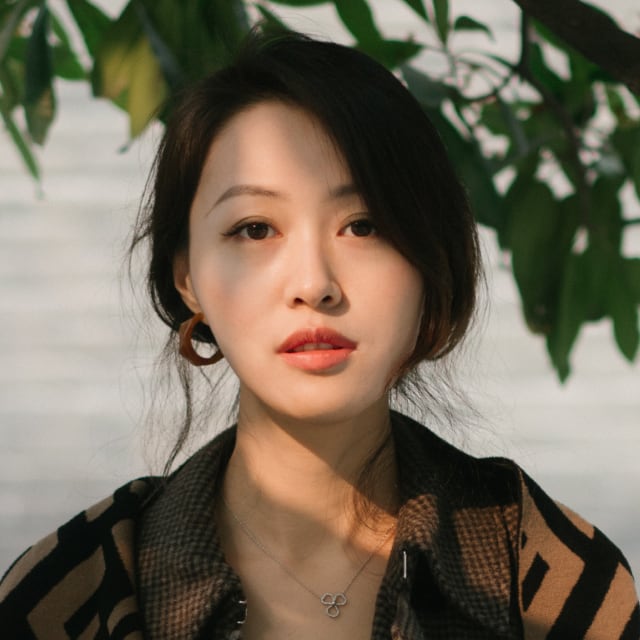
When possible, choose photos with open background areas such as walls, trees, or night skies. This extra space allows AI Christmas Lights to place holiday lighting more freely, adding depth while preventing the image from feeling crowded.

Warm tones work well for cozy family moments, indoor scenes, and intimate portraits, while cooler or more colorful lights suit outdoor shots and lively holiday settings. Choosing the right tone helps reinforce the feeling you want the image to convey.
Subtle adjustments go a long way. If the lights feel too strong, reducing brightness can preserve detail; if they feel flat, a slight contrast boost can add dimension and clarity without overwhelming the image.
Complement the lights with simple holiday elements like snow textures, ribbons, or festive props already present in the photo. Small details can enrich the scene without distracting from the main subject.
Don’t settle on the first result. Creating multiple variations with AI Christmas Lights lets you compare different moods and compositions, helping you choose the version that best matches your creative intent and holiday vision.
Explore how creators use AI Christmas Lights to transform everyday photos into festive visuals that feel warm, expressive, and share-ready. From personal memories to polished marketing assets, these examples show how AI Christmas Lights adds instant holiday atmosphere and visual impact across different styles and scenes.
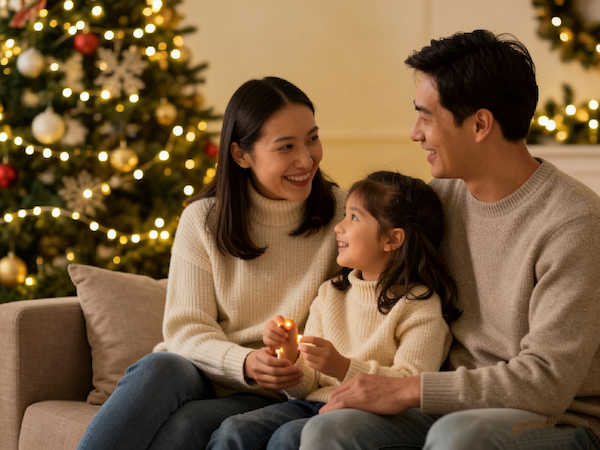
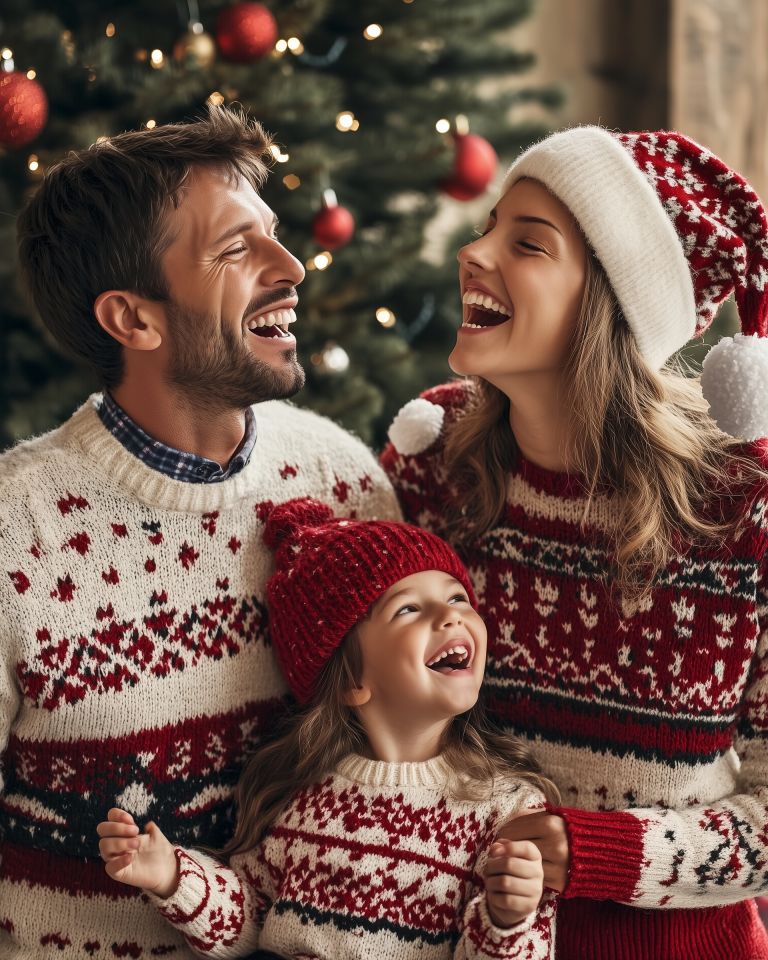
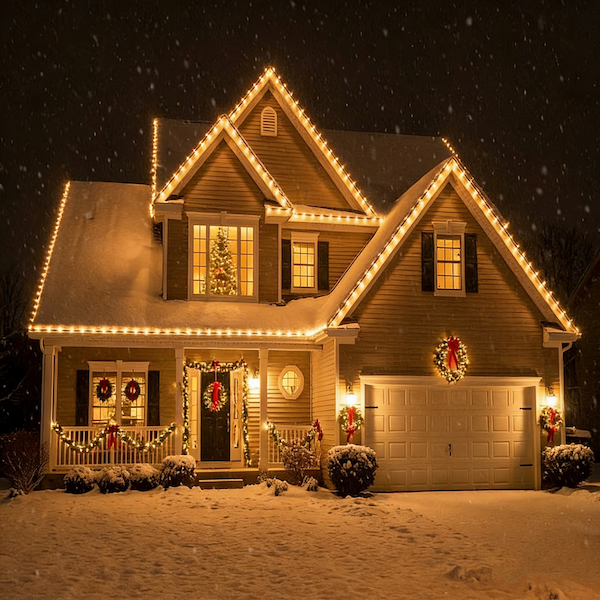
Family photos come alive with soft, glowing holiday lights that enhance warmth and togetherness. With AI Christmas Lights, simple indoor and outdoor shots feel more inviting, turning meaningful moments into festive images worth sharing and saving.
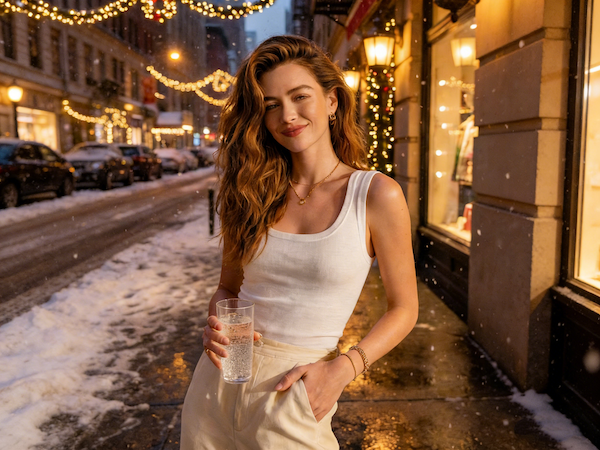
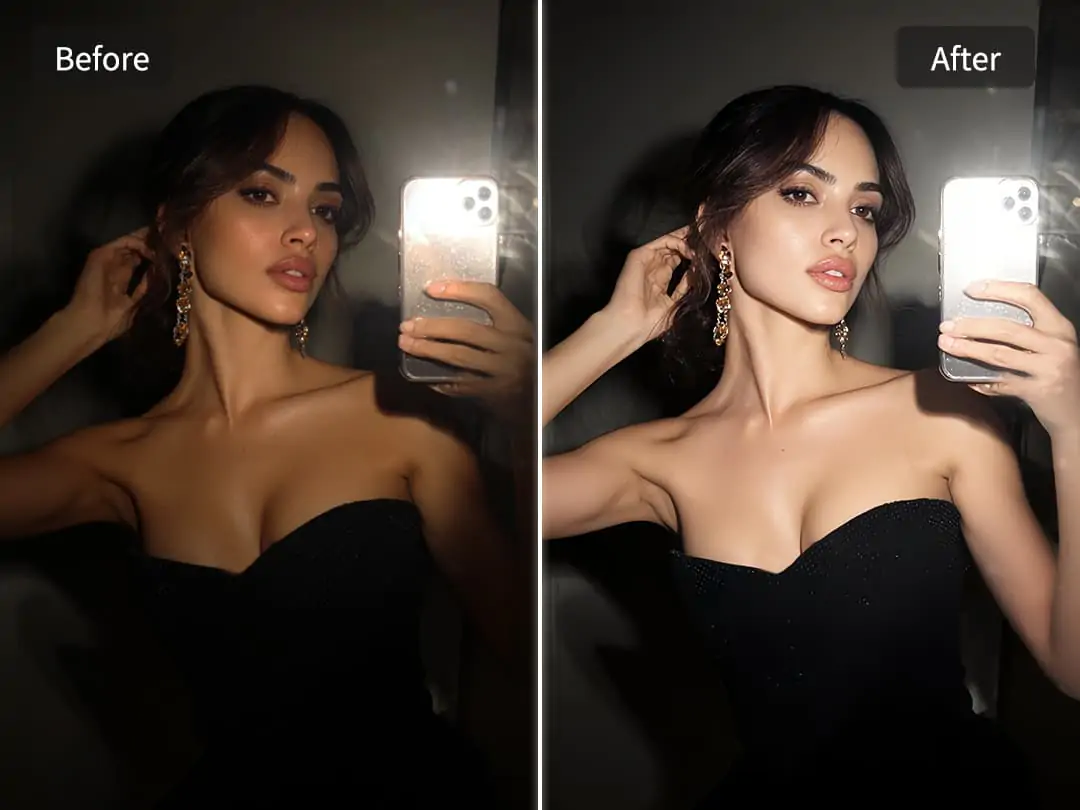
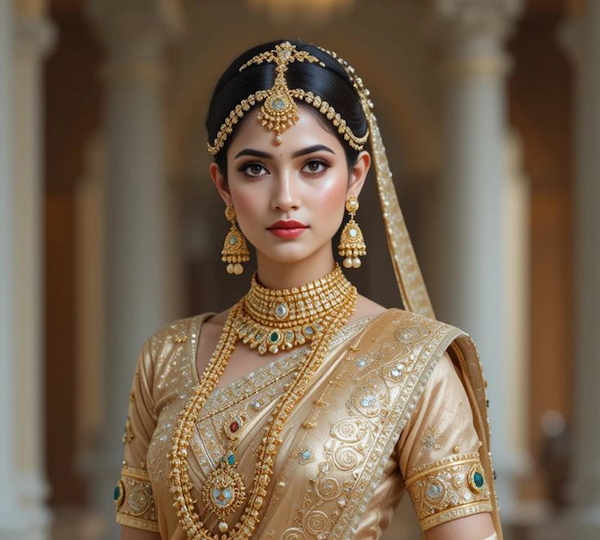
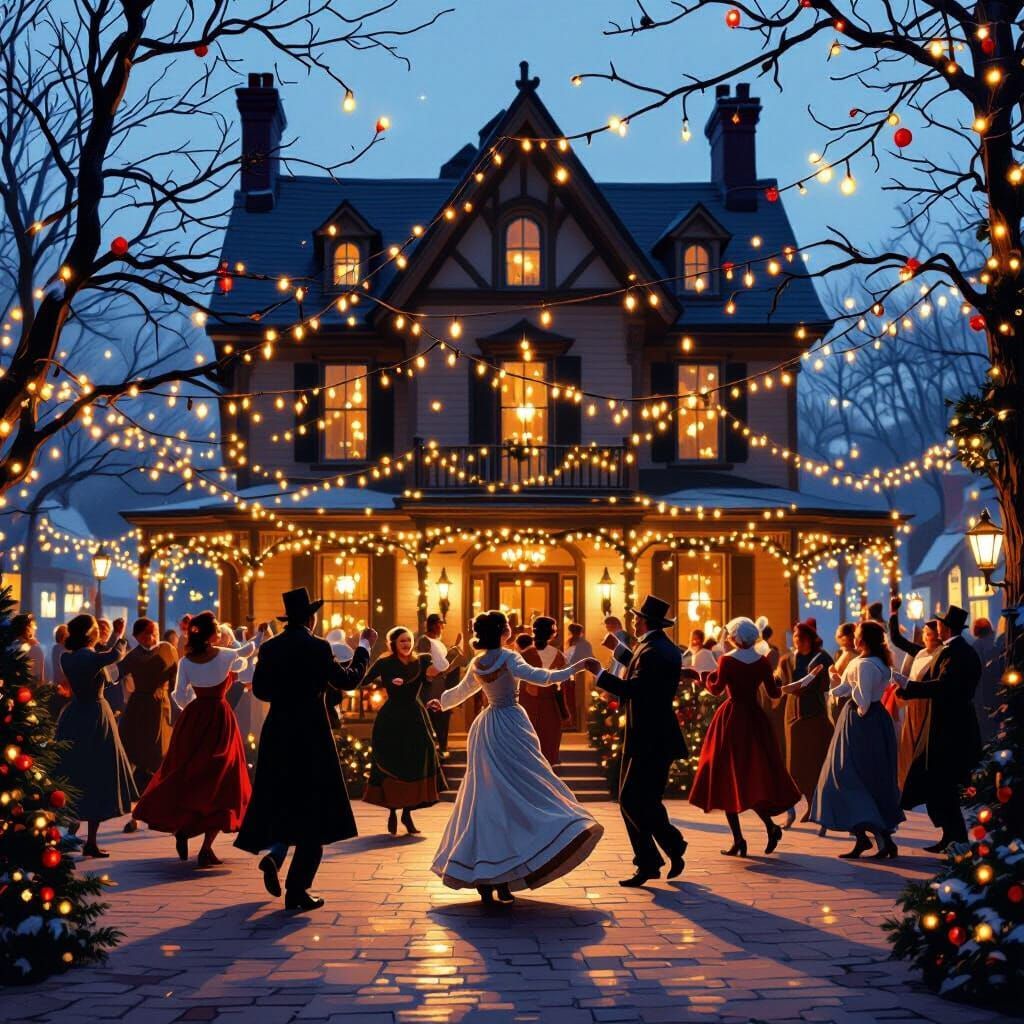
Personal holiday photos gain a refined seasonal touch through carefully balanced Christmas lighting. AI Christmas Lights helps elevate portraits and casual snapshots with gentle glow and festive accents, creating holiday-ready images that feel natural, expressive, and perfect for social sharing or profile visuals.
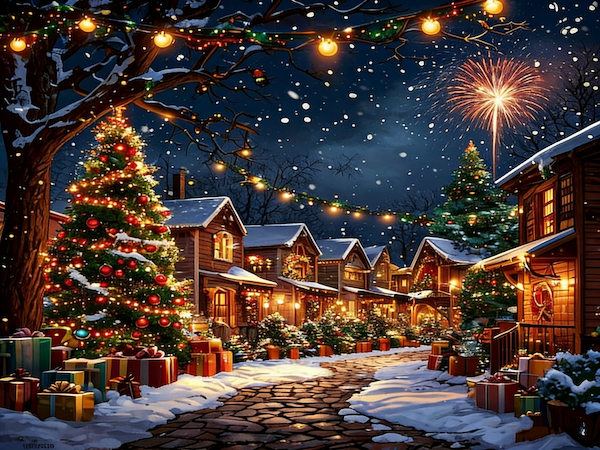
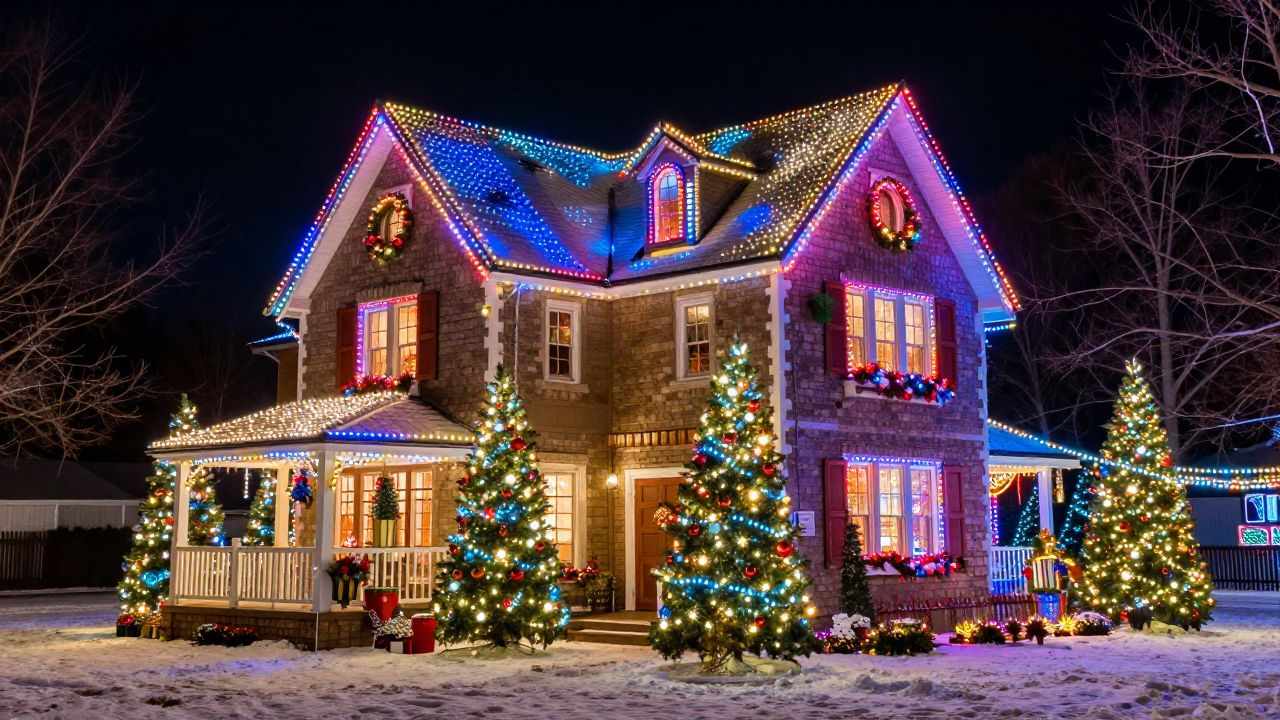
Urban photos are transformed with layered holiday lighting that adds depth and seasonal energy. Using AI Christmas Lights, everyday streets and night scenes take on a festive glow, creating visuals that feel lively, immersive, and full of holiday spirit.
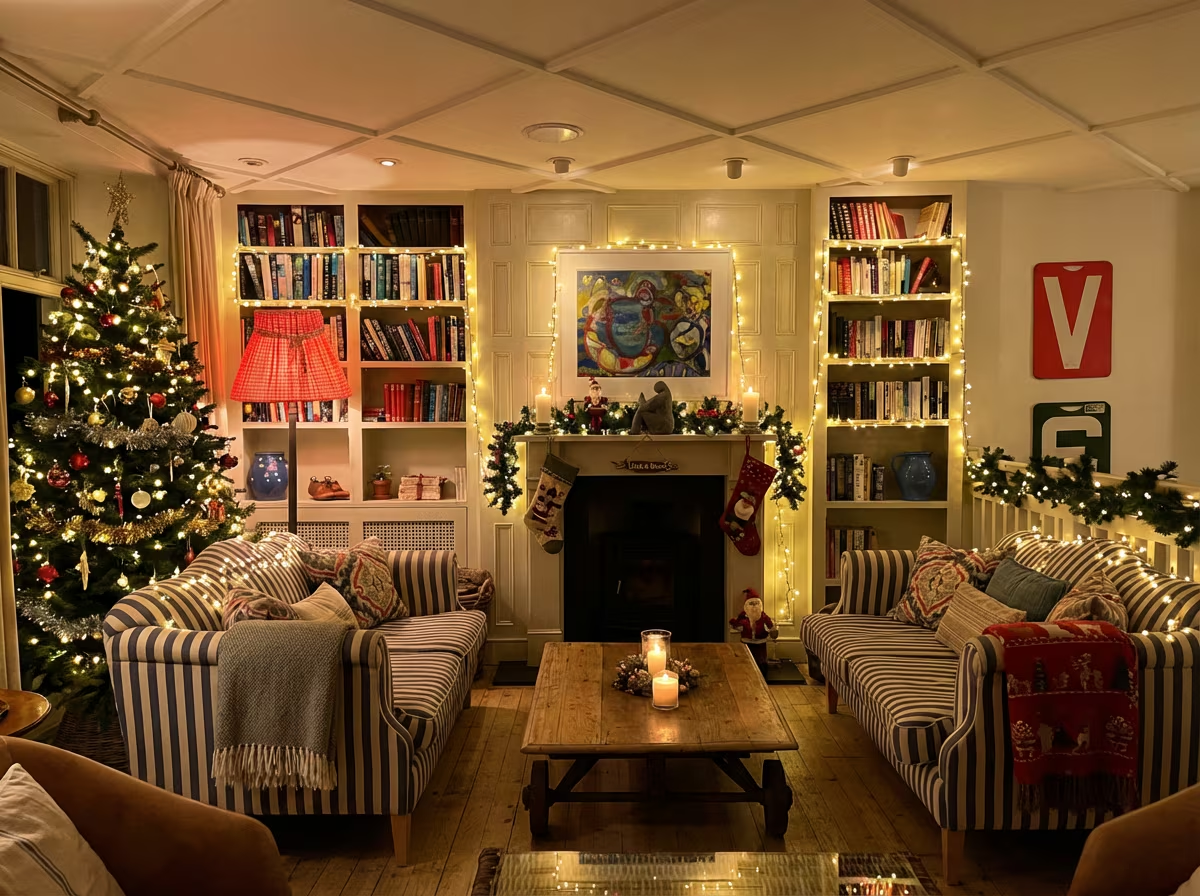
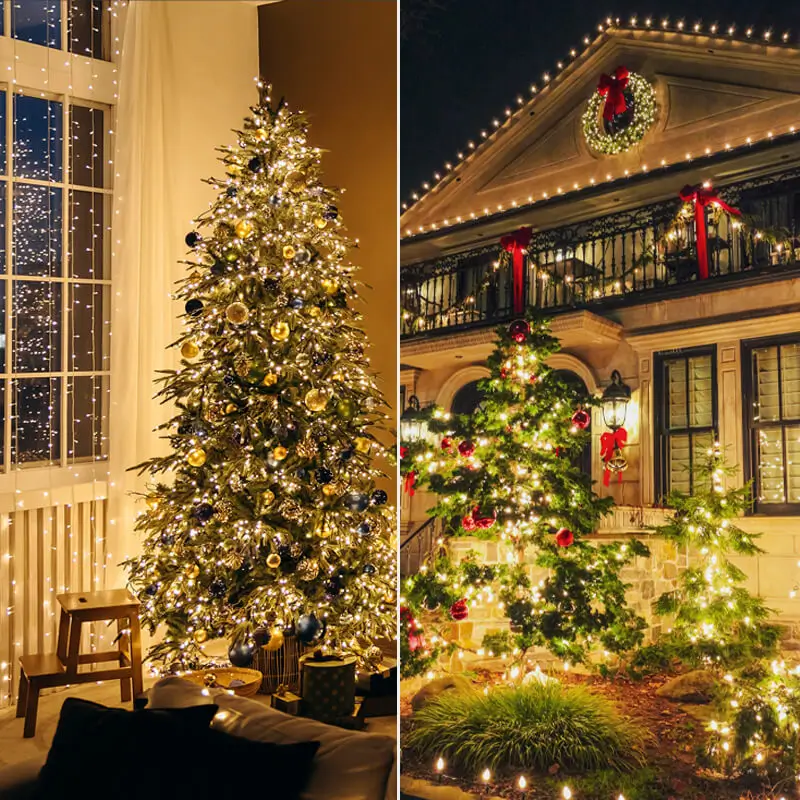
Living spaces and interior photos are enhanced with warm Christmas lighting that adds comfort and seasonal charm. AI Christmas Lights helps rooms feel more inviting and festive, making it easy to create holiday-ready interior visuals for inspiration, sharing, or seasonal presentation.
Getting started with AI Christmas Lights is quick and straightforward. There’s no setup to learn and no design experience needed. Follow a simple flow—upload, describe, and download—and watch your holiday visuals come together smoothly.
Begin by selecting the photo you want to enhance with AI Christmas Lights. Clear portraits, cozy indoor scenes, and outdoor holiday moments all work well. Uploading takes only a moment, so you can move straight into creating without delays.
Use a short text description to guide the look and mood of your holiday lights. You can mention the atmosphere you want, such as warm and cozy or bright and festive. This step helps AI Christmas Lights align the final result with your creative intent, while keeping the process easy and intuitive.
Once the image is ready, preview the festive lighting effect instantly. If everything looks right, download the final image and use it for social posts, holiday greetings, or seasonal visuals. With AI Christmas Lights, the entire process feels smooth from start to finish.
AI Christmas Lights is designed to make holiday lighting effects simple, intuitive, and trustworthy. Here are some of the most common questions users have when getting started.
AI Christmas Lights is designed to make holiday lighting effects simple, intuitive, and trustworthy. Here are some of the most common questions users have when getting started.
AI Christmas Lights uses advanced image analysis to understand the structure of your photo, including the subject and background. It then applies festive lighting that blends naturally into the scene, creating a balanced and realistic holiday look.
You can use AI Christmas Lights by earning points through daily check-ins and completing tasks. Once your points are used up, continued access to this effect requires payment.
Yes. AI Christmas Lights supports a wide range of images, including portraits, landscapes, and product photos, making it suitable for many holiday creative scenarios.
AI Christmas Lights takes into account existing light, background details, and subject placement to ensure the holiday lights feel natural and well integrated, resulting in visuals that look authentic and visually cohesive.
No installation is required. AI Christmas Lights runs directly in your browser, allowing you to create festive visuals without downloading apps or managing updates.
Images generated with AI Christmas Lights can be used for both personal and commercial purposes, depending on the platform’s usage terms. Many creators and businesses use them for seasonal promotions, product visuals, and holiday campaigns.
AI Christmas Lights supports JPG and PNG image formats. Each uploaded image should be no larger than 10MB. For the best results, we recommend using clear, high-resolution photos with a well-defined subject, which helps create cleaner and more visually balanced holiday lighting effects.
In most cases, AI Christmas Lights produces results within a short time. Processing speed may vary slightly based on image size and system demand, but the overall experience is designed to feel smooth and efficient.
Yes. You can create multiple variations using the same image, allowing you to explore different holiday moods and select the version that best matches your creative vision.
Absolutely. AI Christmas Lights is built with simplicity in mind. Even users with no design or editing background can create festive lighting effects with confidence.
Bring your holiday ideas to life in just moments. Upload your photo, choose a lighting style you love, and let AI Christmas Lights transform your image with festive charm. Share your creations and let this Christmas shine brighter with beautifully lit holiday visuals.
Start Creating with AI Christmas Lights Today