Sample

Adjust Video

Adjust Video
Source Video*Max 50MB
Video Adjustments

Generate Result

My Creations →

Waiting for Results

Complete the required inputs and click Generate.

AI Video Tool

Adjust Video Online Free Video Editor for Brightness and Contrast

Creating visually appealing videos no longer requires professional editing software or advanced technical skills. With Adjust Video, you can instantly enhance the visual quality of your footage online using a simple, intuitive interface. Adjust Video allows creators to optimize brightness, contrast, saturation, and other essential visual parameters in just a few clicks, transforming ordinary footage into eye-catching content.

Try Adjust Video Now

Adjust Video Free Online Brightness and Contrast Tool

Adjust Video offers a complete and intuitive set of visual adjustment tools designed to help creators enhance content quickly and efficiently. Every feature in Adjust Video focuses on improving visual clarity while maintaining simplicity.

One-Click Brightness and Contrast Control

One-Click Brightness and Contrast Control

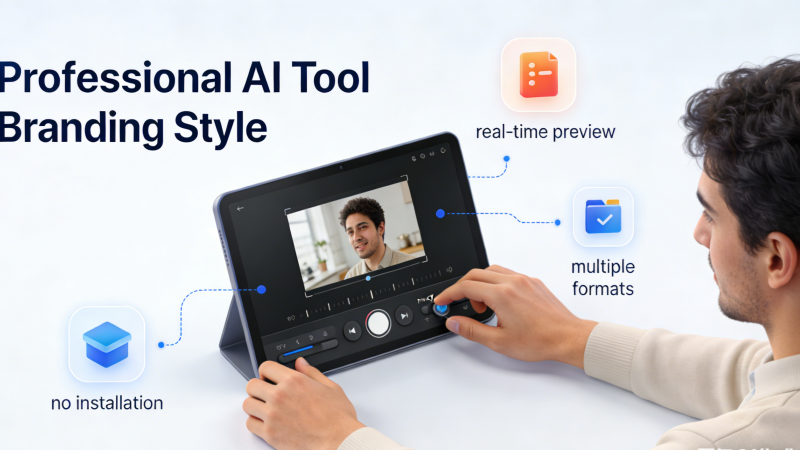
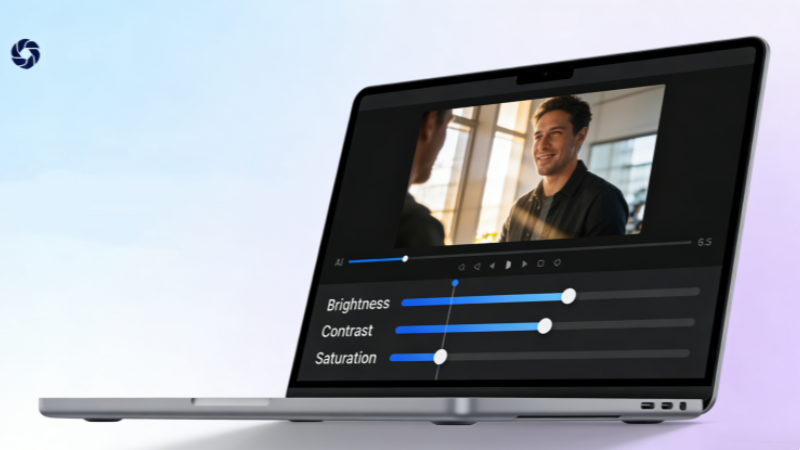
Every adjustment made in Adjust Video can be previewed instantly. This real-time feedback ensures efficient workflows and eliminates guesswork. Once satisfied, Adjust Video supports exporting videos in multiple formats to match different publishing needs.
Saturation and Color Enhancement

Saturation and Color Enhancement

AI Fruit Video

Real-Time Preview and Flexible Export

Real-Time Preview and Flexible Export

Out Of Frame

The Ultimate Tool for Professional Visual Quality

No matter your role—content creator, marketer, filmmaker, or educator—Adjust Video elevates your videos to a professional standard. The value of Adjust Video lies in its ability to deliver immediate, visible improvements without technical complexity.

Enhanced Lighting Depth

Enhanced Lighting Depth

No matter your role—content creator, marketer, filmmaker, or educator—Adjust Video elevates your videos to a professional standard. The value of Adjust Video lies in its ability to deliver immediate, visible improvements without technical complexity.

Stronger Visual Atmosphere

Stronger Visual Atmosphere

No matter your role—content creator, marketer, filmmaker, or educator—Adjust Video elevates your videos to a professional standard. The value of Adjust Video lies in its ability to deliver immediate, visible improvements without technical complexity.

Compatibility with Multiple Video Types

Compatibility with Multiple Video Types

No matter your role—content creator, marketer, filmmaker, or educator—Adjust Video elevates your videos to a professional standard. The value of Adjust Video lies in its ability to deliver immediate, visible improvements without technical complexity.

Unlock Creative Possibilities with Adjust Video

Adjust Video is more than a parameter-adjustment tool—it empowers creators to achieve precise visual expression across diverse scenarios.

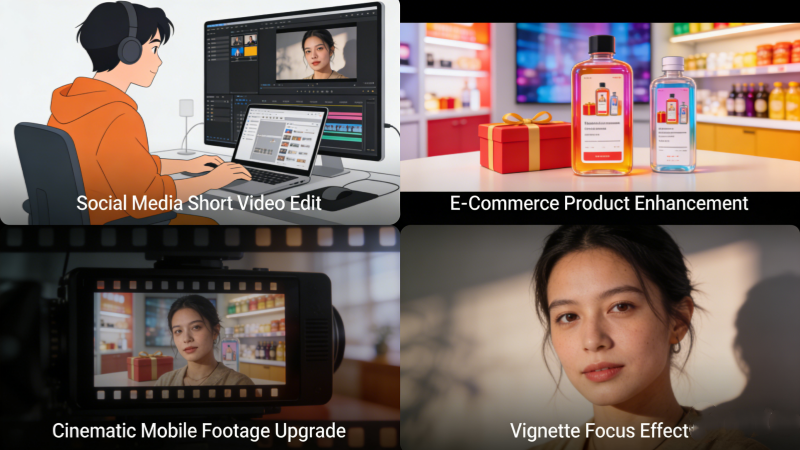
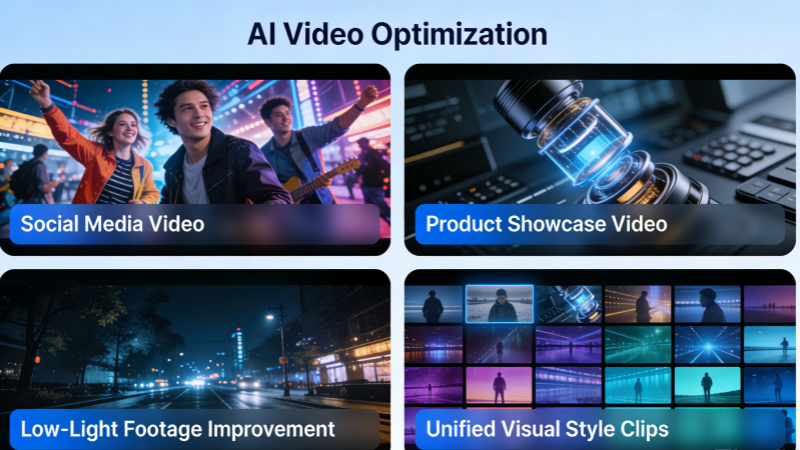
Social Media Video Optimization

Social Media Video Optimization

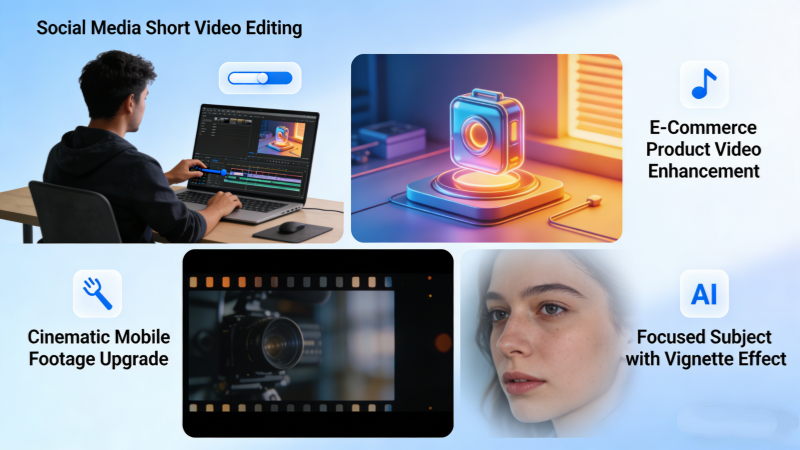
Platforms like TikTok, Instagram, and YouTube demand visually striking content. Adjust Video enables creators to fine-tune brightness, contrast, and saturation to match platform aesthetics, helping videos perform better in fast-scroll environments.

Product Showcase Enhancement

Product Showcase Enhancement

With Adjust Video, product videos become clearer and more compelling. Enhanced lighting and accurate color representation improve perceived quality and boost viewer trust, leading to higher conversion rates.

Cinematic-Style Visual Quality

Cinematic-Style Visual Quality

Even smartphone footage can achieve a cinematic feel using Adjust Video. By refining contrast, shadows, and highlights, Adjust Video simulates depth and visual layering often associated with professional cameras.

Focused Visual Attention

Focused Visual Attention

Using vignette effects and clarity adjustments, Adjust Video helps guide viewer attention toward key subjects. This visual focus improves storytelling efficiency and information delivery.

Why Choose Adjust Video for Visual Enhancement

Compared to traditional video editing software, Adjust Video focuses exclusively on visual adjustment, allowing users to prioritize results over technical processes.

Avatar

No Software Installation Required

Adjust Video operates entirely online, making it accessible from any device with a browser.

Avatar

Beginner-Friendly Interface

Even users with no editing experience can master Adjust Video within minutes.

Avatar

Real-Time Visual Feedback

Adjust Video displays changes instantly, saving time and increasing creative confidence.

Avatar

Multiple Resolution Export Options

Whether for social media or presentations, Adjust Video supports exporting videos in various resolutions.

Avatar

Privacy-Focused Processing

Most Adjust Video platforms automatically delete uploaded files, ensuring content security.

Avatar

Broad Format Compatibility

Adjust Video supports MP4, AVI, MOV, and other common formats, ensuring seamless workflows.

Adjust Video Visual Showcase

Explore how Adjust Video transforms video quality across real-world applications.

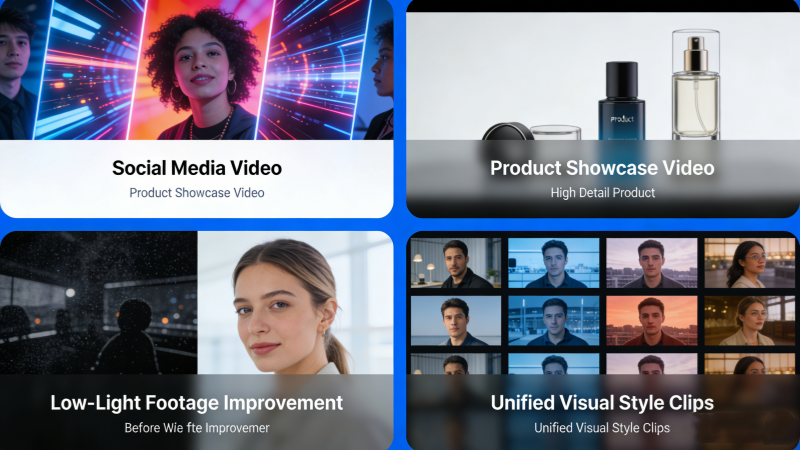
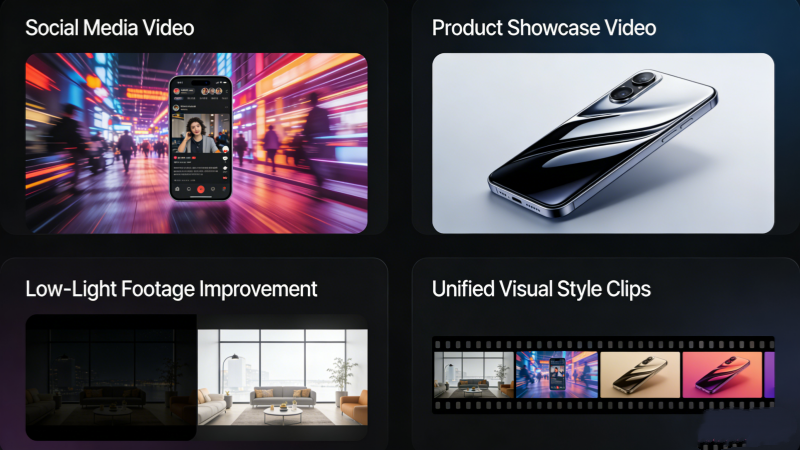
Original Footage vs Enhanced Output

Original Footage vs Enhanced Output

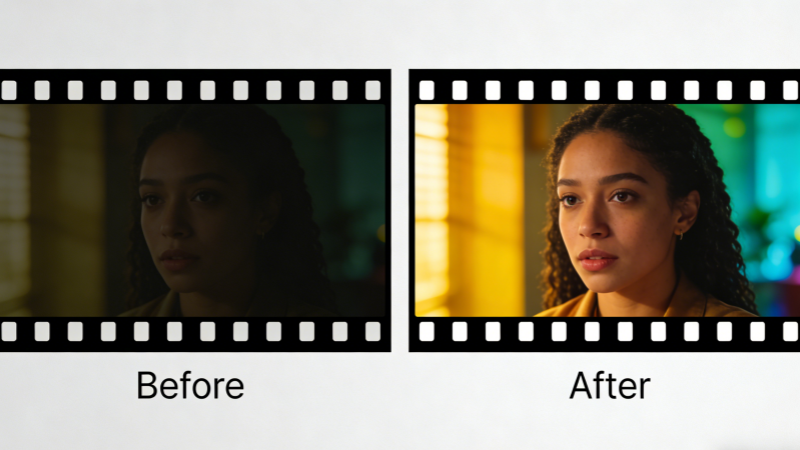
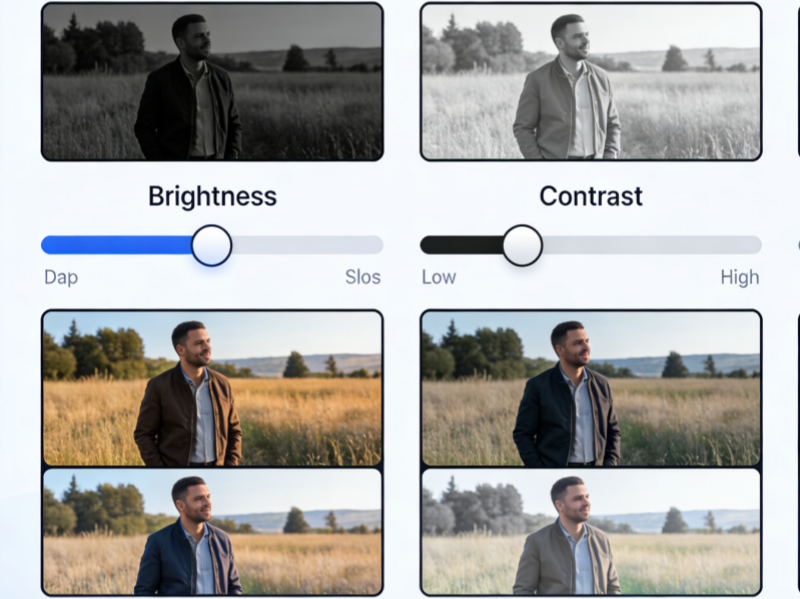
Side-by-side comparisons demonstrate how Adjust Video improves brightness and contrast. These visual comparisons clearly highlight subtle shadow recovery, smoother highlight transitions, and overall balance improvements, allowing viewers to instantly recognize the difference between unprocessed footage and visually refined results.

Saturation Enhancement Examples

Saturation Enhancement Examples

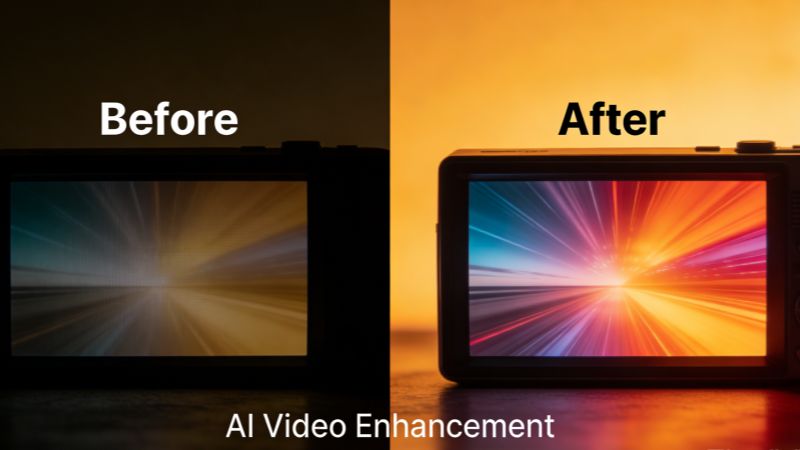
See how Adjust Video adds vibrancy without oversaturation. Color tones appear richer and more expressive while maintaining natural skin tones and realistic environments, ensuring the image feels lively and engaging rather than artificial or overly processed.

Low-Light Video Improvements

Low-Light Video Improvements

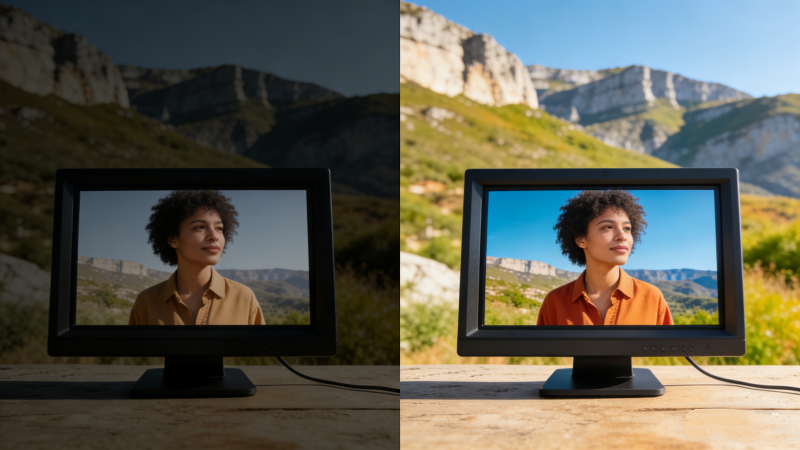
Adjust Video effectively corrects underexposed footage captured in challenging lighting conditions. Details hidden in dark areas become visible, noise is visually minimized, and overall exposure feels more even, making low-light recordings far more watchable and professional-looking.

Unified Social Media Style

Unified Social Media Style

Multiple clips adjusted with Adjust Video maintain consistent visual aesthetics. This helps creators establish a recognizable visual identity across posts, ensuring that different videos share similar lighting, color tone, and mood when published on the same platform.

Improve Video Visual Quality in Three Simple Steps

Adjust Video is designed for speed and ease, requiring no prior editing knowledge.

01

Step 1: Upload Your Video

Drag and drop or select a file. Adjust Video supports multiple formats. You can upload videos recorded on smartphones, cameras, or screen recorders. The upload process is fast and straightforward, allowing you to get started immediately without worrying about technical settings or complicated preparation steps.

02

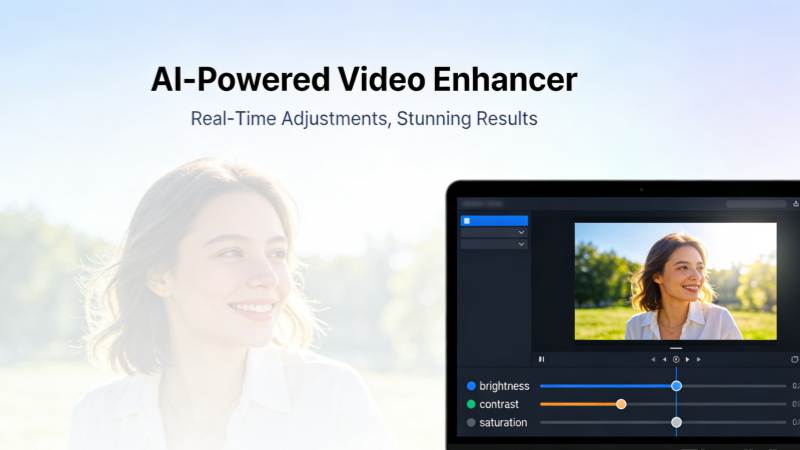
Step 2: Adjust Parameters and Preview

Use sliders or automated options within Adjust Video to fine-tune brightness, contrast, saturation, and more. As you modify each parameter, changes are displayed instantly, helping you compare results in real time. This interactive preview ensures precise control and allows you to experiment confidently before finalizing your visual adjustments.

03

Step 3: Export the Optimized Video

Choose output settings and export. Adjust Video delivers ready-to-use results instantly. You can select the appropriate resolution and format based on your intended use, whether for social platforms, presentations, or personal archives. Once exported, the video is ready for sharing or further creative work.

Complete Adjust Video FAQ Guide

Below are answers to common questions about Adjust Video functionality and usage.

What is Adjust Video?

Adjust Video supports MP4, AVI, MOV, and other popular formats. This wide compatibility ensures users can work with footage recorded on smartphones, cameras, or screen recorders. Supporting standard formats also makes exporting and sharing videos across platforms smooth and hassle-free.

Which parameters can be adjusted?

No. Adjust Video works entirely online. Users can access the tool directly through a web browser without downloading or installing additional software. This makes it convenient for quick edits on different devices, including laptops and tablets, while avoiding system compatibility or storage issues.

Which formats are supported?

Most Adjust Video tools export videos without watermarks. This allows users to maintain a clean, professional appearance for their content. Watermark-free exports are especially important for business, educational, and promotional videos where branding control and visual consistency matter.

Is installation required?

Yes. Adjust Video provides real-time previews. Users can instantly see how changes to brightness, contrast, or color affect the video before exporting. This real-time feedback helps reduce trial and error, making the adjustment process faster and more accurate.

Does exported video include watermarks?

Currently, Adjust Video focuses on single-file processing. This design choice prioritizes simplicity and performance, ensuring stable and responsive adjustments for each video. While batch processing is not available, individual control allows users to fine-tune each clip with greater precision.

Can I preview adjustments in real time?

Most Adjust Video interfaces include reset options. This feature allows users to revert all changes back to the original state with a single click. Resetting adjustments is useful for experimentation, enabling users to compare different visual styles without permanently altering the source video.

Does Adjust Video support batch processing?

Adjust Video adjusts parameters without unnecessary re-compression. Because the tool focuses on visual tuning rather than heavy encoding, the original clarity is preserved. Proper adjustments can even improve perceived quality by correcting exposure and color issues present in the original footage.

Can I reset adjustments?

Most Adjust Video platforms automatically delete user files. Uploaded videos are processed temporarily and removed after completion, reducing privacy risks. This approach ensures that personal, commercial, or sensitive content is not stored long-term on external servers.

Start Enhancing Your Video Visuals with Adjust Video Today

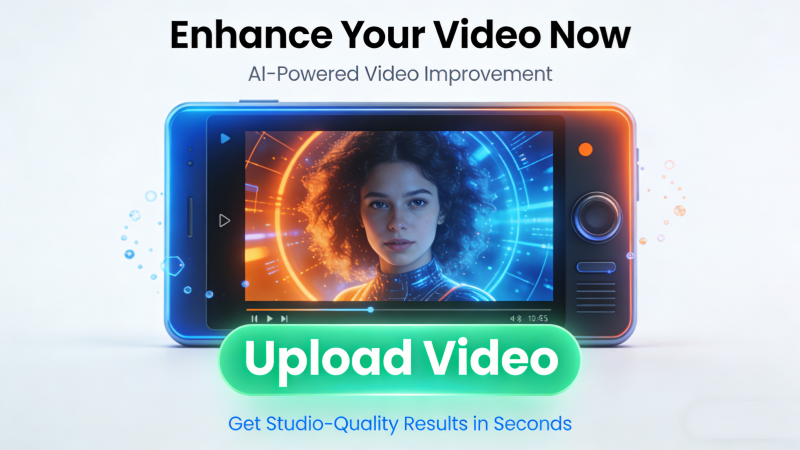
Upload your video now and experience how Adjust Video improves clarity, color, and visual impact. With Adjust Video, your content becomes more engaging, more professional, and more effective across social media, marketing campaigns, and creative projects.Make every frame count—choose Adjust Video and transform how your videos look.

Start Enhancing Your Video Visuals with Adjust Video Today