Document to Video Converter Turn Documents into Professional Videos
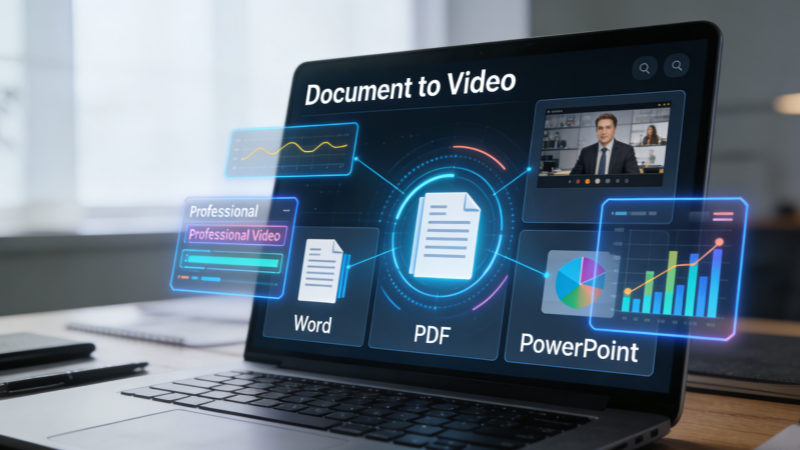
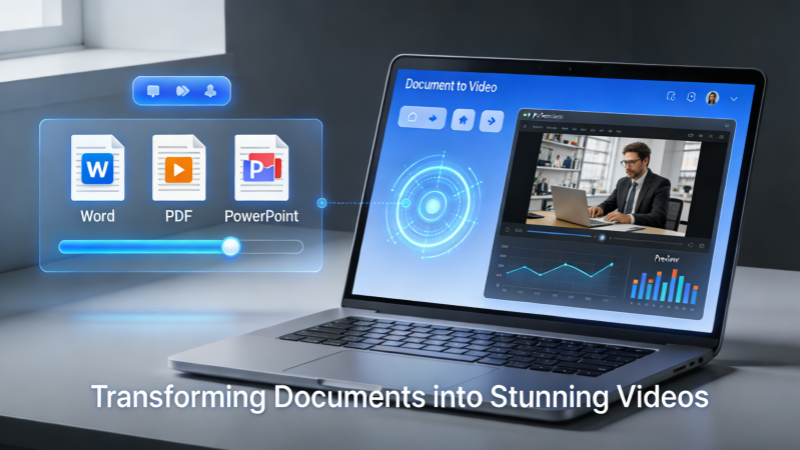
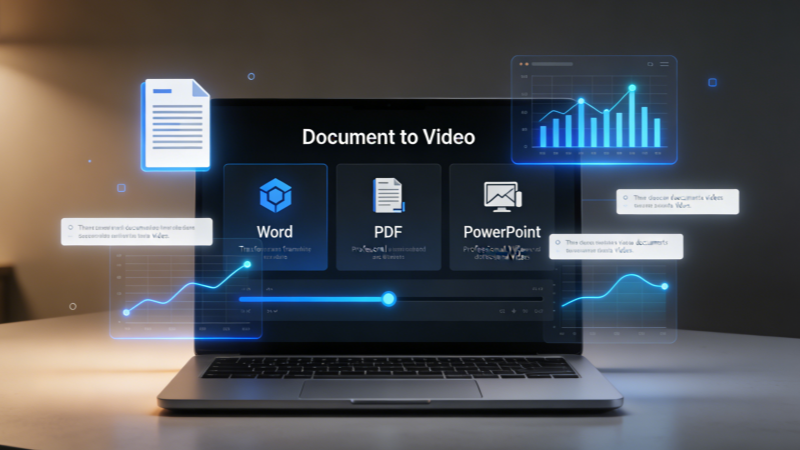
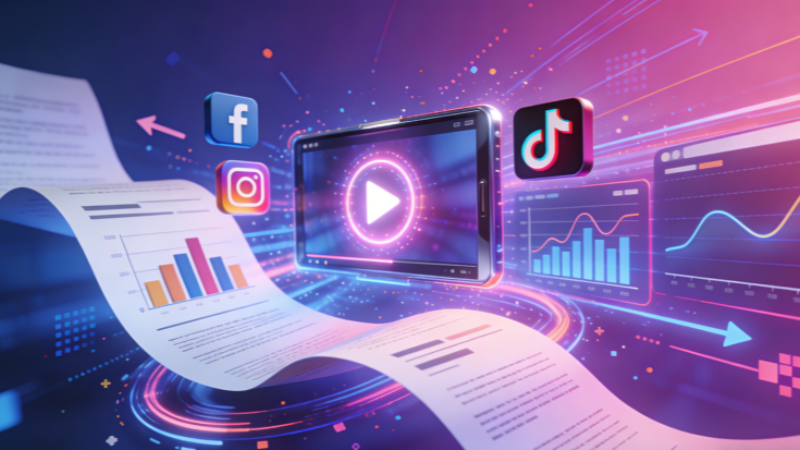
The Document to Video tool allows you to automatically convert your Word documents, PDFs, PowerPoint presentations, or plain text content into visually rich, well-structured, and professionally paced videos. With Document to Video, you no longer need any video editing experience or complex production workflows.
A Document to Video Engine Designed for Efficient Content Creation
Document to Video leverages advanced AI content analysis and video generation technology to automatically parse the structure of your documents and convert text into engaging visual narratives.
Intelligent Document Parsing and Scene Segmentation
Document to Video supports AI-generated voiceovers in multiple languages and a variety of vocal styles. You can choose from formal, conversational, energetic, or authoritative tones depending on your audience and content type. Document to Video empowers creators to adapt their videos for international audiences, making it easier to scale your content globally without compromising quality or style.
A High-Conversion, High-Retention Video Content Engine
Whether you are working with lengthy instruction manuals, structured business reports, or detailed white papers, Document to Video converts your text into videos that captivate, inform, and retain attention.
Content Automatically Visualized
Whether you are working with lengthy instruction manuals, structured business reports, or detailed white papers, Document to Video converts your text into videos that captivate, inform, and retain attention.
Optimized for Social Media and Marketing
Whether you are working with lengthy instruction manuals, structured business reports, or detailed white papers, Document to Video converts your text into videos that captivate, inform, and retain attention.
Significant Time Savings
Whether you are working with lengthy instruction manuals, structured business reports, or detailed white papers, Document to Video converts your text into videos that captivate, inform, and retain attention.
Inspiring Use Cases for Document to Video
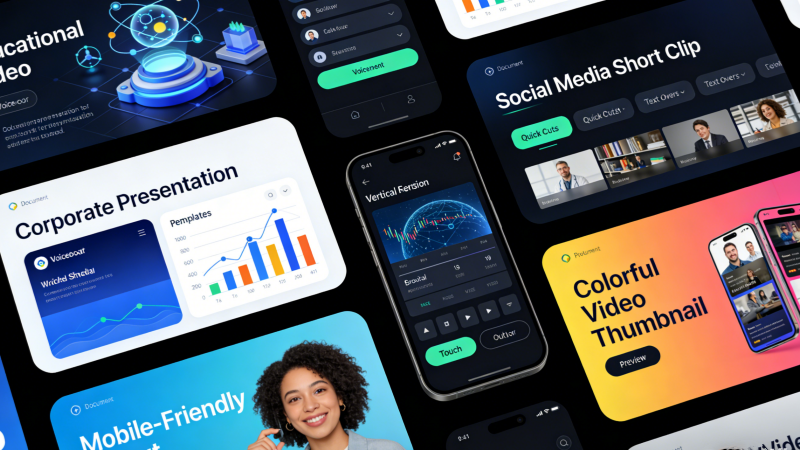
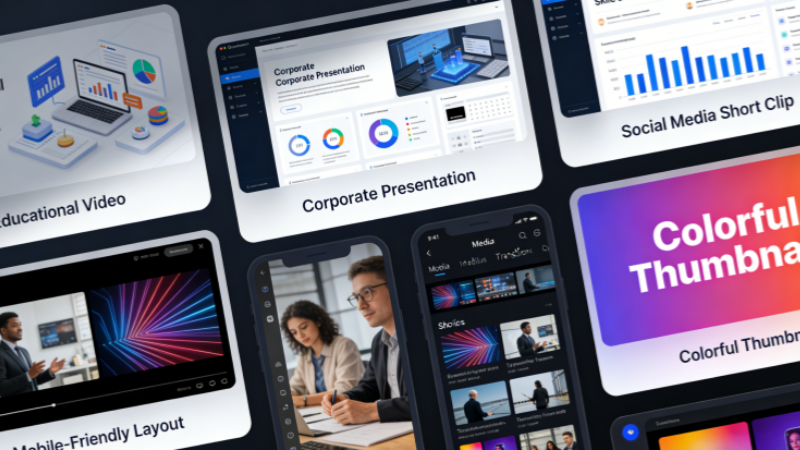
Document to Video is perfect for any scenario where you need to communicate written content in an engaging, visually compelling format. Organizations, educators, marketers, and creators all benefit from the ability to turn text into video without complex tools or extensive editing knowledge.
Multi-Format Intelligence
No matter if it’s a complex PDF industry white paper, a professionally designed PowerPoint presentation, or a simple Word document, Document to Video precisely identifies chapters, key points, and charts, automatically generating a complete video storyboard for each piece of content. Document to Video ensures your messages are accurately captured and visually represented.
Maximum Content Reuse
With Document to Video, a single annual report or training manual can instantly become multiple short videos for TikTok, LinkedIn, YouTube, or internal platforms. Document to Video allows one piece of content to generate multiple formats and outputs, maximizing your return on investment.
Multi-Language Localization
Document to Video makes international content distribution effortless. A single document can be transformed into multilingual videos with AI voiceovers and subtitles, enabling Document to Video users to quickly reach global audiences without additional translation or editing effort.
Why Choose China Video AI Document to Video?
China Video AI Document to Video is not merely a tool to convert text into video; it is a comprehensive solution for producing professional video content from your documents. Document to Video streamlines the entire process, ensuring efficiency, accuracy, and high-quality results.
Rapid Generation
With Document to Video, you can produce videos in minutes without any video editing skills, allowing your team to focus on content creation rather than technical production.
Deep Semantic Understanding
Document to Video goes beyond simple paragraph splitting. It analyzes the semantic structure of your documents, identifies key insights, and ensures that the resulting video accurately communicates your intended message.
Professional Video Structure
Document to Video automatically generates videos that adhere to standard storytelling and viewing patterns, ensuring smooth pacing and engaging transitions.
Multi-Platform Compatibility
Videos generated with Document to Video are optimized for YouTube, TikTok, corporate websites, and other platforms, providing versatile usage across multiple channels.
High-Quality AI Voiceovers
Document to Video produces natural-sounding AI voiceovers that closely resemble human speech, enhancing viewer engagement and trust.
Support for Multiple Document Formats
Document to Video works seamlessly with Word, PDF, PowerPoint, and TXT files, making it an adaptable tool for various professional and creative use cases.
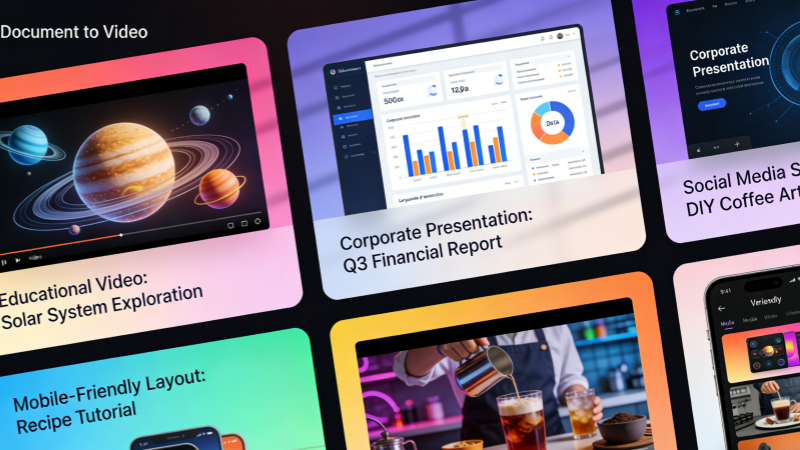
Document to Video Application Gallery
Explore real-world examples of Document to Video in action across diverse content scenarios. Document to Video enables content creators to see tangible results, providing a reference for professional applications and creative inspiration.
Document Explanation Videos
Document to Video converts complex documents into visually understandable video formats, making even highly technical or detailed content accessible to a broader audience.
Enhanced Information Retention
Studies show that viewers process video information significantly faster than reading plain text. Document to Video leverages audiovisual integration to improve comprehension and retention, allowing audiences to grasp key information effortlessly.
Mobile-Friendly Experience
Traditional documents can be difficult to read on mobile devices. Document to Video converts content into 16:9 or 9:16 video streams, ensuring a smooth and visually appealing experience for mobile viewers.
Social Media Short Videos
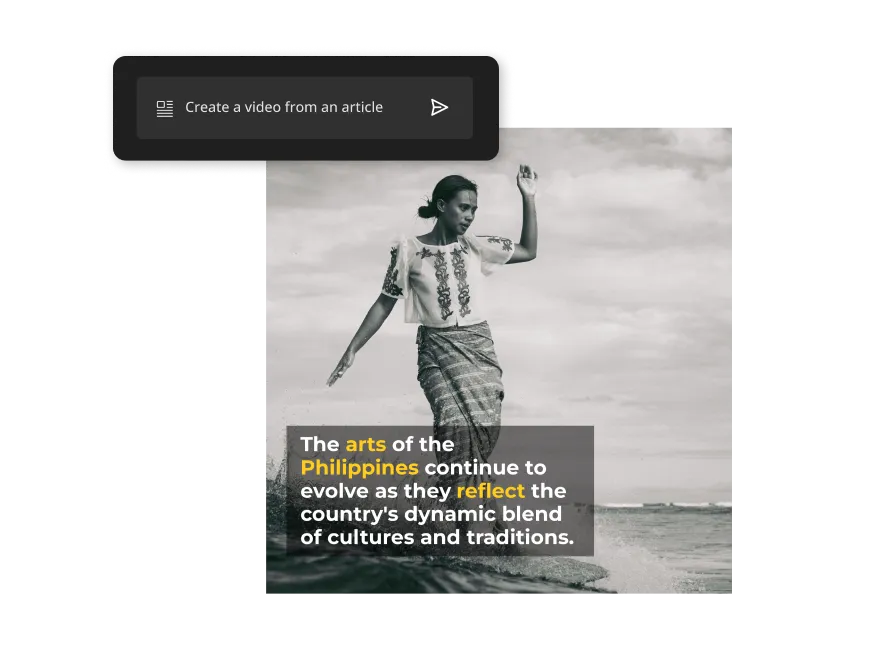
Document to Video allows long-form content to be broken down into multiple short videos suitable for social media, increasing visibility and engagement while maintaining consistent messaging.
Create Document to Video in Three Simple Steps
Document to Video makes professional video creation accessible even to beginners. You can convert your written content into videos in just three steps, thanks to the intuitive AI-powered platform.
01
Upload Your Document
Supported formats include Word, PDF, PowerPoint, and plain text. Document to Video reads and understands your content, preparing it for transformation into video.
02
AI Automatically Generates Video
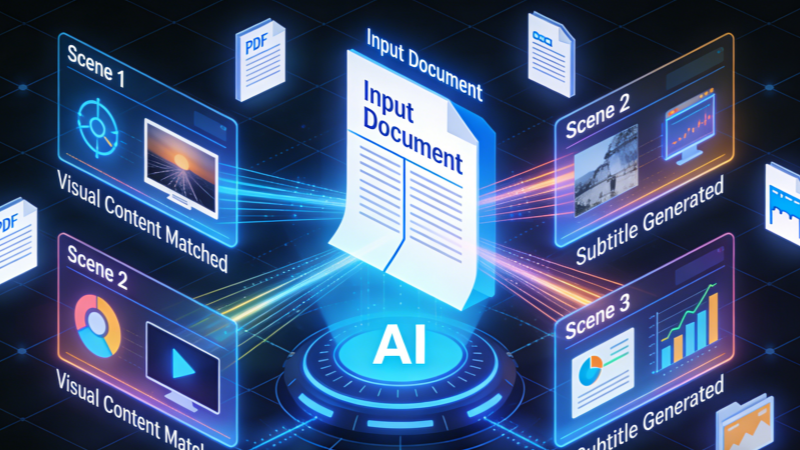
Document to Video parses your text, matches relevant visuals, generates subtitles, and applies AI voiceovers to produce a polished video.
03
Export and Publish
Once the video is generated, Document to Video allows you to download and share it across any platform, whether for marketing, education, or corporate communications.
Frequently Asked Questions About Document to Video
Here are the answers to common questions about Document to Video and how it can transform your content into video.
What is Document to Video?
No. Document to Video handles all video production steps automatically. Users do not need any prior knowledge of editing software or video production techniques. The tool provides an intuitive experience where uploading a document is sufficient, and all scene creation, visual matching, and audio integration are managed by the AI, making video creation accessible to everyone.
What document formats are supported?
Yes. Document to Video allows minor adjustments to text, visuals, and voiceovers. After the video is generated, users can fine-tune elements such as color, timing, and animation to better match brand guidelines or presentation needs. This flexibility ensures that the final output is tailored to specific audience preferences or marketing objectives.
Do I need video editing experience?
Yes, Document to Video supports multiple languages for voiceovers and subtitles. Users can create videos for international audiences without additional translation work. The AI provides natural-sounding voice options in each supported language and synchronizes subtitles accurately, allowing organizations to expand their global reach and engage viewers across different regions more effectively.
Can I edit the generated video?
Absolutely. Document to Video automatically segments lengthy documents for easier viewing. For content such as annual reports, research papers, or training manuals, the tool breaks the material into digestible video sections. This ensures that viewers can focus on each key point without being overwhelmed, improving comprehension and maintaining audience engagement throughout long-form content.
Is multi-language support available?
Yes. Document to Video can break long content into social media-friendly short clips. Users can create multiple condensed videos from one original document, each highlighting specific insights or sections. This capability makes it easier to share content across platforms like TikTok, Instagram, and LinkedIn, increasing exposure and audience engagement without additional editing work.
Can it handle long documents?
Generally, yes, depending on platform licensing. Document to Video supports commercial applications, allowing businesses to use the generated videos for marketing campaigns, internal training, or client presentations. Users should check specific licensing terms for content redistribution, but the tool is designed to meet professional standards for commercial deployment.
Can I generate short videos?
Document to Video typically produces a video in just a few minutes. Depending on document length and complexity, the process may take slightly longer, but it is still significantly faster than traditional video editing. This rapid turnaround allows teams to quickly create multiple video assets for different purposes, enhancing productivity and content output efficiency.
Is it suitable for commercial use?
Education, marketing, corporate training, content creation, and many others can leverage Document to Video to simplify content delivery and boost engagement. It is particularly valuable for businesses needing scalable video solutions, educators aiming to make lessons more interactive, and content creators looking to repurpose written material into engaging visual narratives for various audiences.
Turn Your Documents into High-Quality Videos Now
Stop letting valuable content remain hidden in your documents. With China Video AI Document to Video tool, every piece of text can be transformed into a visually compelling video that maximizes reach, retention, and engagement. Document to Video empowers creators, educators, marketers, and businesses to communicate more effectively, making your content not only readable but unforgettable.