Comprehensive Guide to the ChatGPT Video Generator
Here are the answers to the most common questions about turning text into video using the ChatGPT Video Generator.
Here are the answers to the most common questions about turning text into video using the ChatGPT Video Generator.
Yes. The ChatGPT Video Generator is designed specifically for beginners, so you don’t need any video editing experience. The system automatically handles scene selection, transitions, audio timing, and visual arrangement, allowing you to create polished videos effortlessly.
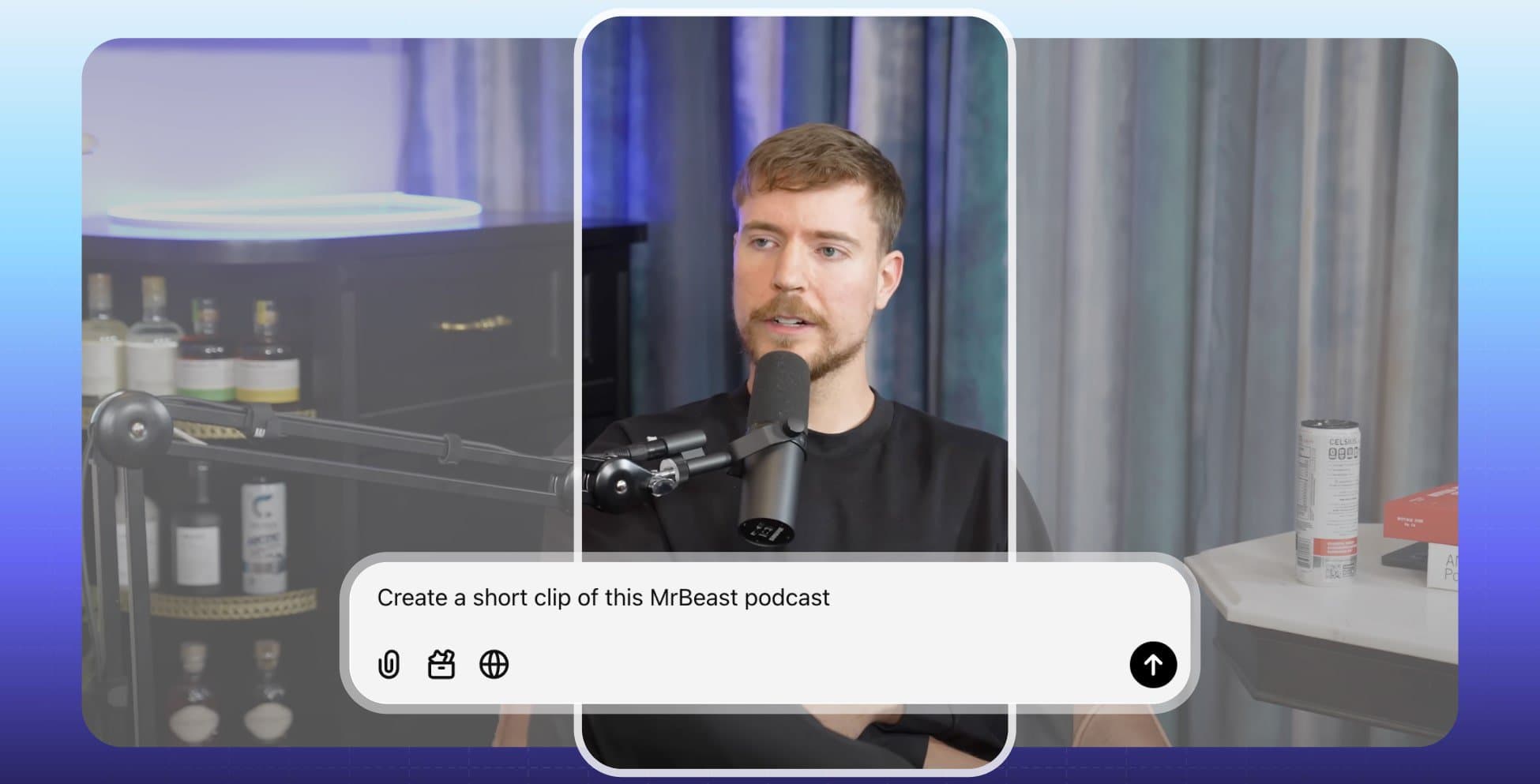
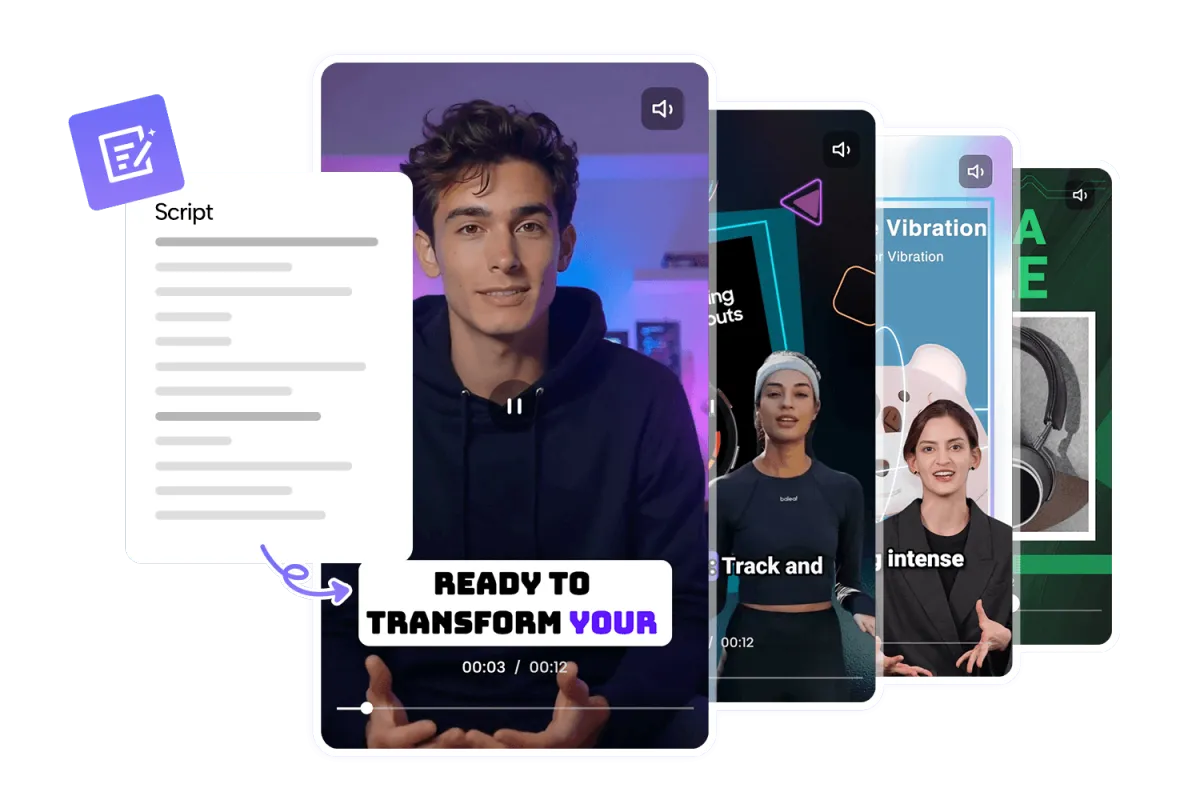
Absolutely. You can use articles, blogs, scripts, or even full presentations with the ChatGPT Video Generator. The tool analyzes your content, extracts key points, and transforms it into a coherent, engaging video narrative within minutes.
Yes. The ChatGPT Video Generator relies on a built-in library of royalty-free visuals, sound effects, and AI-generated voiceovers. This ensures your finished video is copyright-safe and compliant for both personal and commercial use.
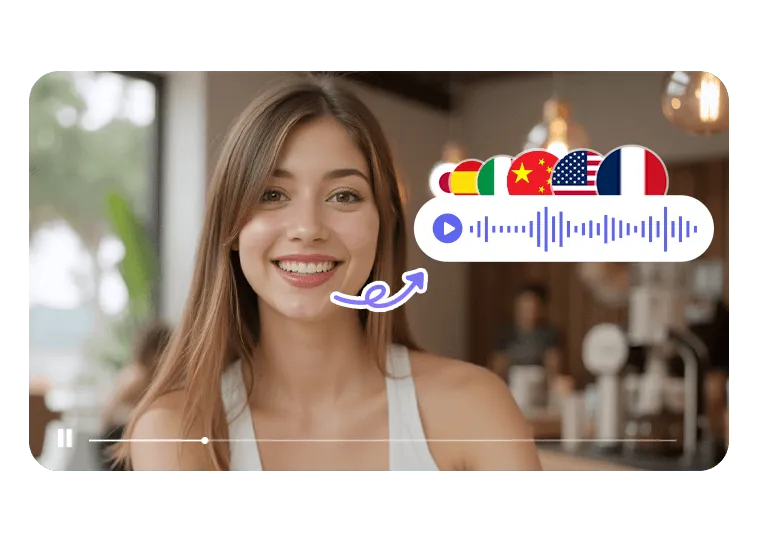
The ChatGPT Video Generator offers a wide selection of multilingual voiceovers and diverse voice styles. Whether you need formal narration, casual tones, or expressive reads, you can match your video’s message and target audience with ease.
Yes—videos generated by the ChatGPT Video Generator are optimized for major social media platforms. You can export in various aspect ratios and resolutions suitable for YouTube, TikTok, Instagram, Facebook, and more.
Yes, the ChatGPT Video Generator includes flexible editing options that let you refine every part of your video. You can rearrange scenes, update subtitles, replace visuals, modify narration, and customize pacing to match your creative vision.
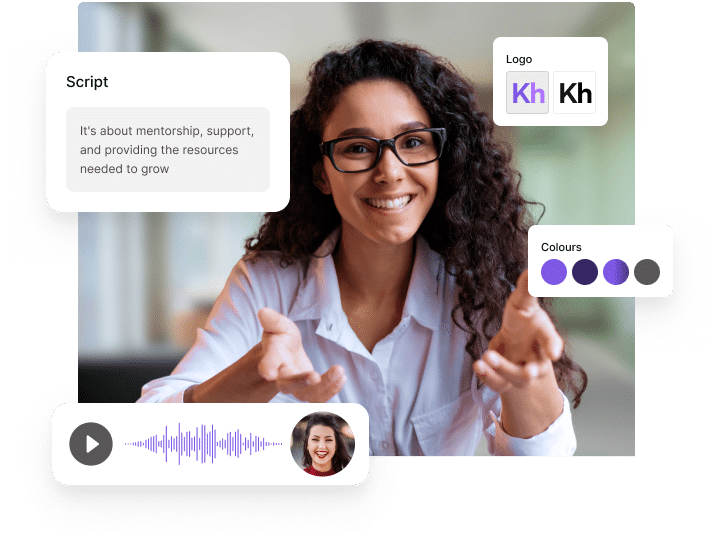
Absolutely—your own photos, video clips, logos, and audio files can be seamlessly integrated into the ChatGPT Video Generator. This allows you to maintain brand consistency and personalize every project with your unique assets.
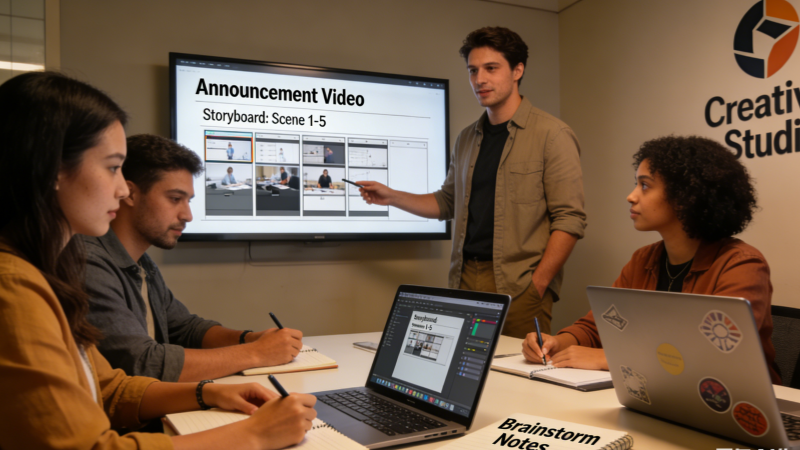
The ChatGPT Video Generator is ideal for creators, educators, brands, marketers, and enterprises. Anyone who needs to communicate ideas visually—whether for tutorials, promotions, lessons, or storytelling—can benefit from this tool.
No. The ChatGPT Video Generator is fully cloud-based, meaning you don’t need to install any software. You can access it from any browser and create videos instantly without worrying about device performance or storage.
Usually just minutes. The ChatGPT Video Generator processes scripts, selects visuals, and renders your video with remarkable speed, allowing you to produce high-quality content far faster than traditional editing methods.