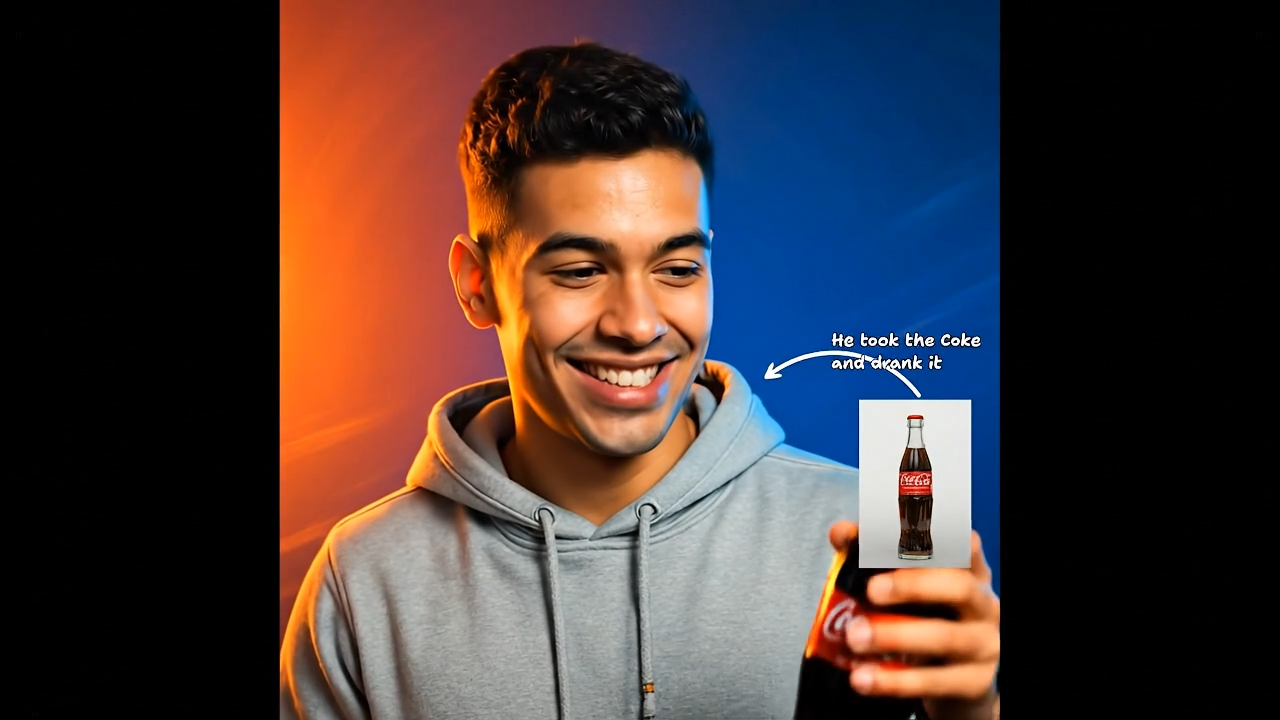
Sample

Text-Guided Motion

Draw to Video
Source Image1 max · 10MB each
Aspect Ratio
Unlimited Plan

Create more premium AI videos with commercial usage and priority processing.

View Plans
Public Visibility

Allow other users to view your generated result.

Copy Protection

Hide your prompt and uploaded source files from other users.

Generate Result

My Creations →

Waiting for Results

Complete the required inputs and click Generate.

AI Video Tool

AI Draw to Video: Turn Your Sketches Into Motion Instantly

Transform hand-drawn doodles and sketches into fluid animated videos in seconds. No complex prompts or editing skills required—just upload your art and let our AI handle the magic. Perfect for creators, kids, and social storytelling.

Try Draw to Video Now

Everything You Need to Animate Drawings Online

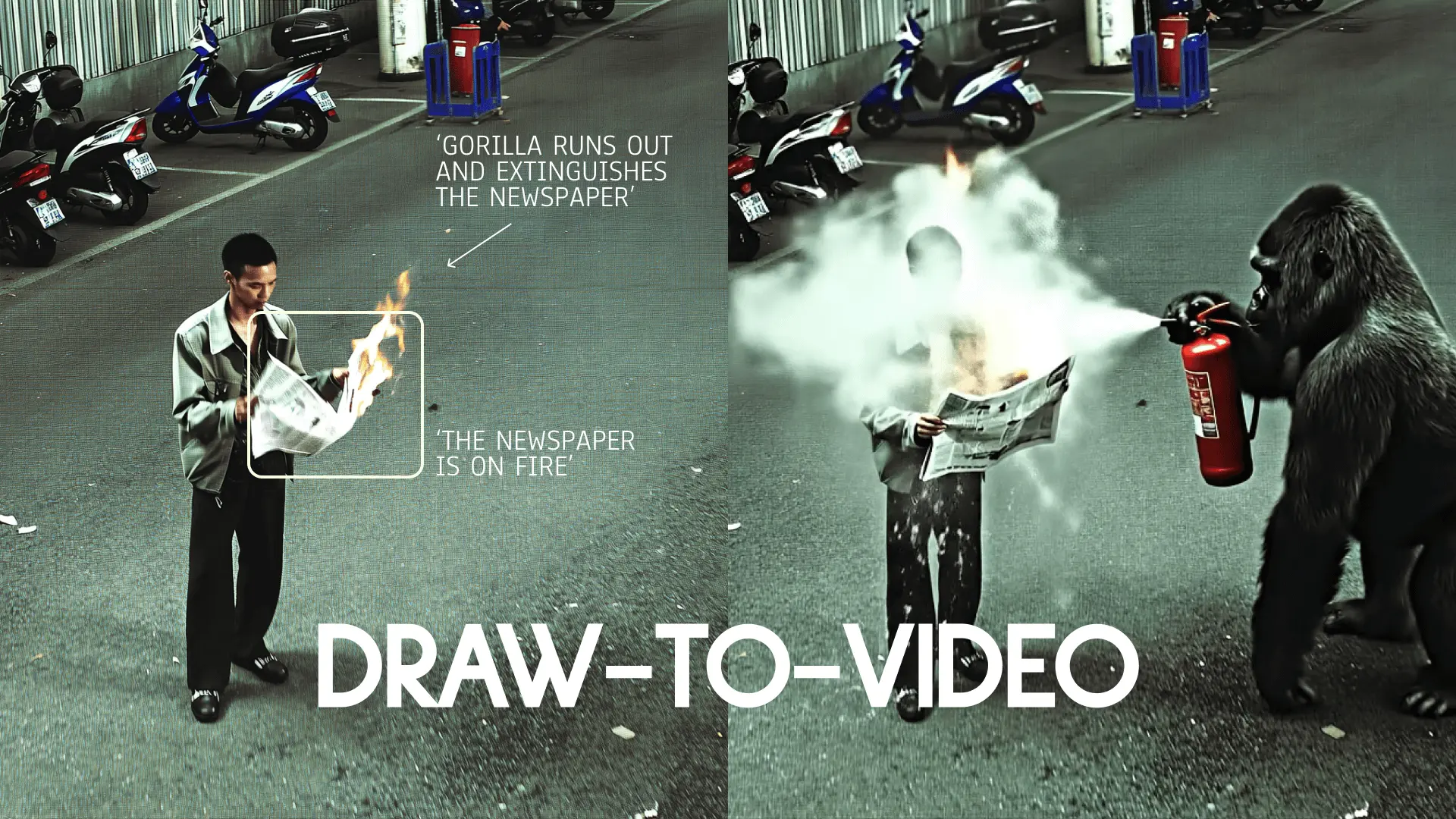
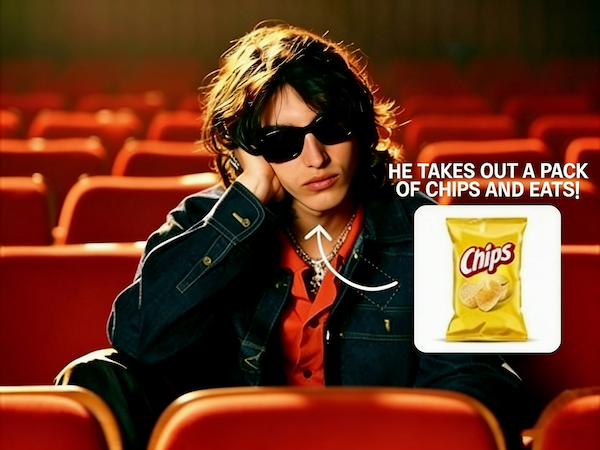
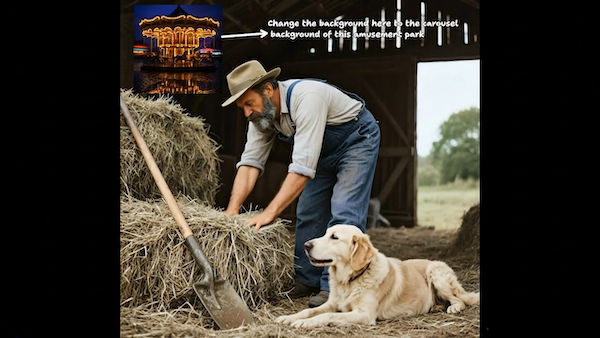
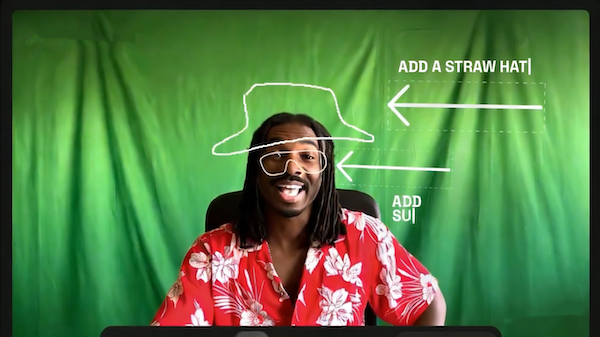
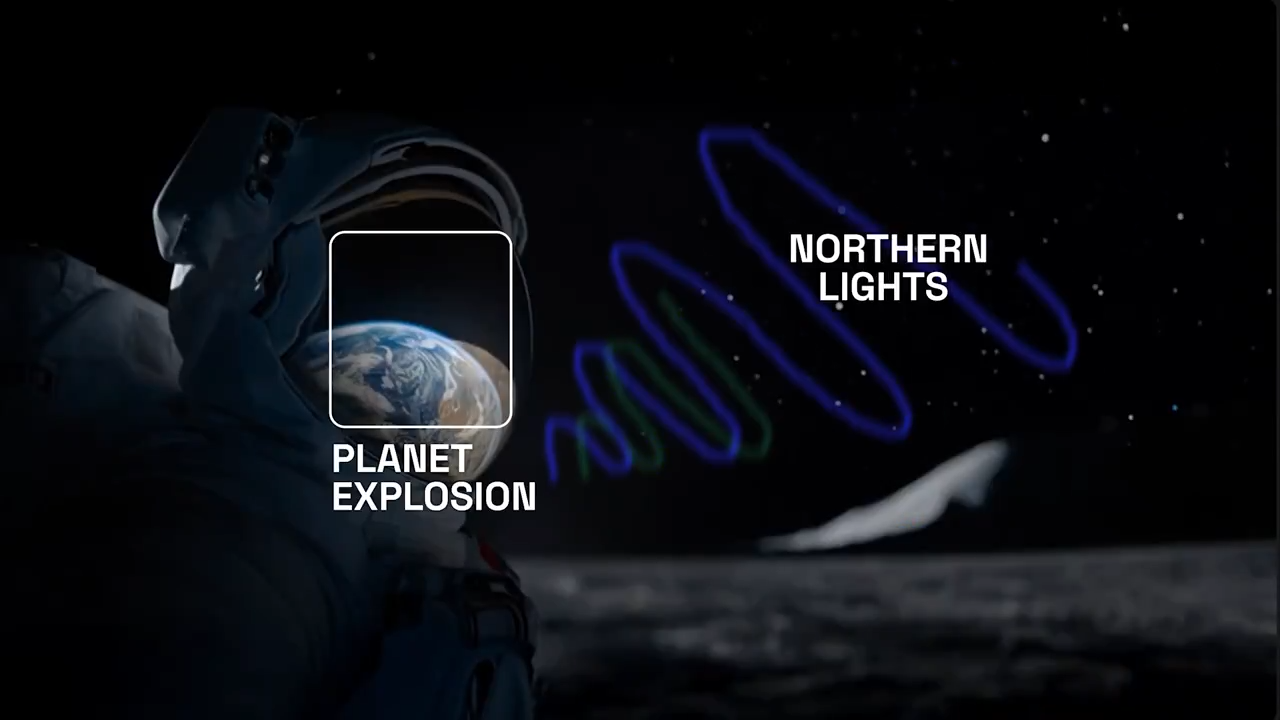
Draw to Video AI is an AI video generator that turns sketches, doodles, storyboard frames, kids drawings, and notebook ideas into animated videos in minutes. Built for users searching animate my drawing online, turn sketch into animation AI, AI doodle to video generator, and sketch animation for TikTok.

Animate Drawings in Seconds

Convert rough notebook doodles and sketches into short-form videos for TikTok, Instagram Reels, and YouTube Shorts. Draw to Video AI is widely used for sketch animation content, meme videos, and viral-style doodle trends. Instead of using complex editing tools, you simply upload a drawing and generate a ready-to-post video.
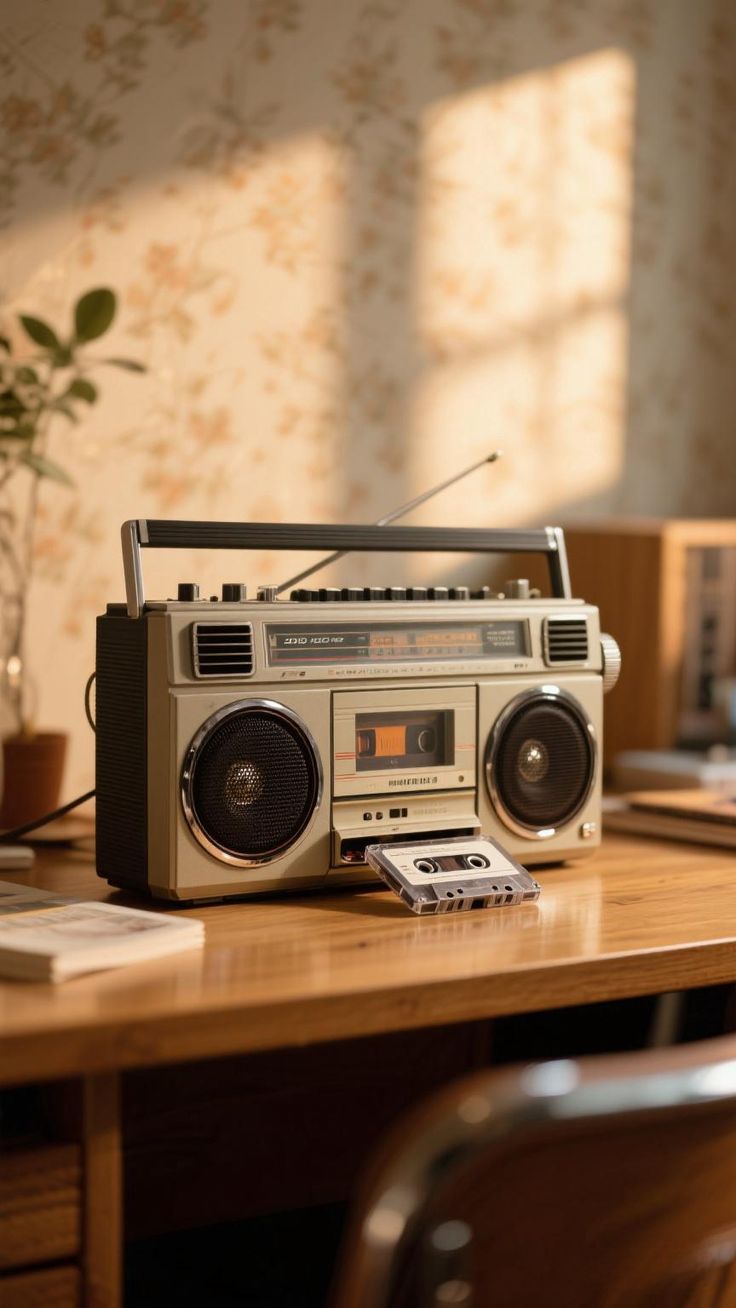
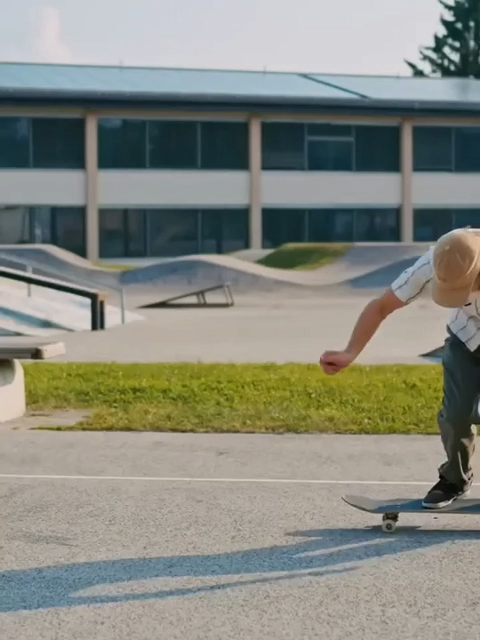
Turn Kids Drawings Into Moving Memories

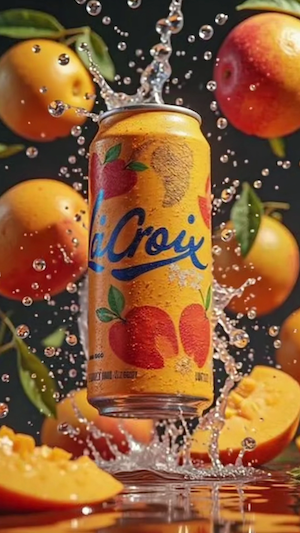
AI Fruit Video

Transform Doodles Into TikTok Videos

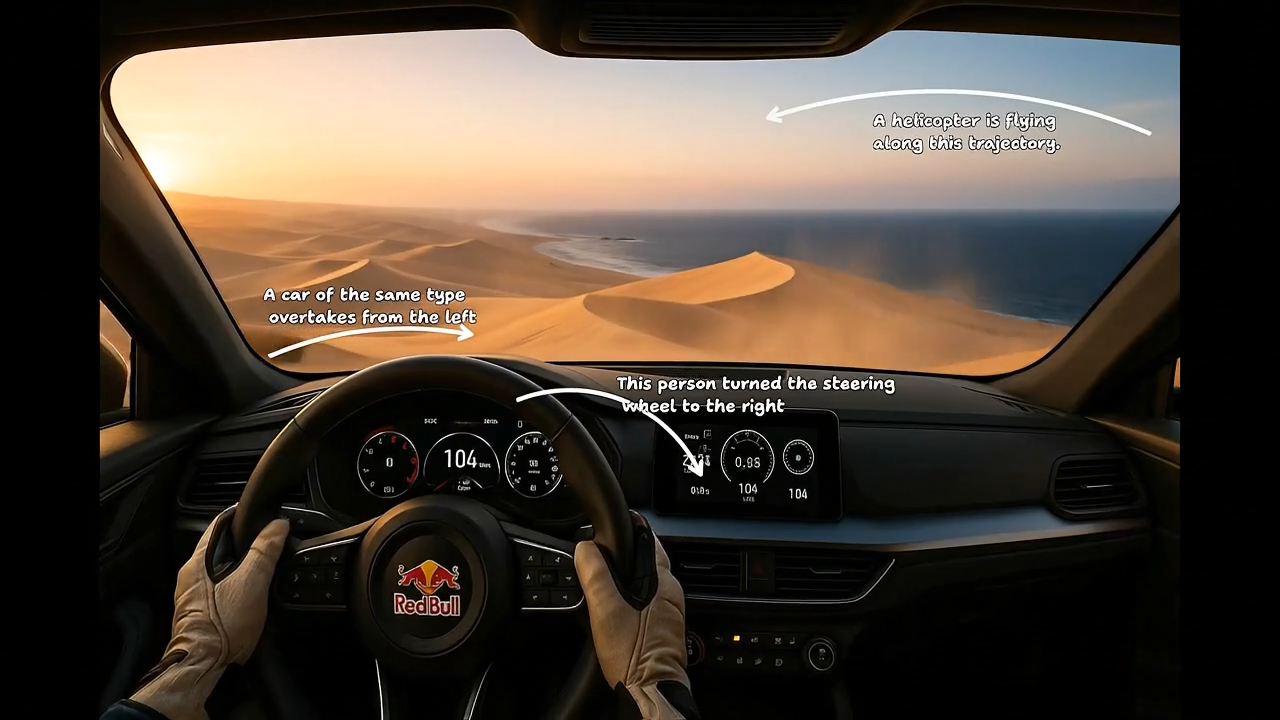
Out Of Frame

Make Static Drawings Feel Alive

Draw to Video AI turns static sketches, doodles, storyboard frames, kids drawings, and rough ideas into short animated videos people actually stop to watch. Instead of a flat image, your drawing becomes a moving scene with simple motion, timing, and visual flow — ready for sharing on TikTok, Instagram Reels, or YouTube Shorts.

Turn Rough Ideas Into Watchable Videos

Turn Rough Ideas Into Watchable Videos

Draw to Video AI turns static sketches, doodles, storyboard frames, kids drawings, and rough ideas into short animated videos people actually stop to watch. Instead of a flat image, your drawing becomes a moving scene with simple motion, timing, and visual flow — ready for sharing on TikTok, Instagram Reels, or YouTube Shorts.

Make Handmade Art More Memorable

Make Handmade Art More Memorable

Draw to Video AI turns static sketches, doodles, storyboard frames, kids drawings, and rough ideas into short animated videos people actually stop to watch. Instead of a flat image, your drawing becomes a moving scene with simple motion, timing, and visual flow — ready for sharing on TikTok, Instagram Reels, or YouTube Shorts.

Create More Shareable Content

Create More Shareable Content

Draw to Video AI turns static sketches, doodles, storyboard frames, kids drawings, and rough ideas into short animated videos people actually stop to watch. Instead of a flat image, your drawing becomes a moving scene with simple motion, timing, and visual flow — ready for sharing on TikTok, Instagram Reels, or YouTube Shorts.

Built for Real Creative Scenarios

Draw to Video AI is designed for everyday creators, families, artists, and social media users. From casual doodles to storytelling projects, the workflow stays simple and fast.

TikTok Sketch Videos

TikTok Sketch Videos

Turn rough pen sketches into animated TikTok content quickly. Perfect for trending doodle videos, meme animations, and visual jokes. Create more content without spending hours editing.

Kids Drawing Animation

Kids Drawing Animation

Upload children's artwork and transform it into moving animated scenes. Bring playful drawings to life in a way kids can actually watch and enjoy. Perfect for parents and family memories.

Storyboard & Concept Visualization

Storyboard & Concept Visualization

Animate rough storyboard frames and scene sketches instantly. Useful for writers, indie creators, and visual storytellers testing ideas quickly. Draw to Video AI makes concepts easier to present visually.

Doodles & Notebook Sketches

Doodles & Notebook Sketches

Turn random notebook drawings into creative short videos. Even messy doodles can become visually engaging animations. Perfect for creative experiments and social content.

Why Choose Draw to Video AI

Most AI video tools are built for complex cinematic generation. Draw to Video AI focuses on something simpler — helping everyday users animate drawings quickly and naturally.

Avatar

Designed Specifically for Sketches and Doodles

Unlike general AI video tools, Draw to Video AI focuses specifically on sketches, doodles, and hand-drawn images for natural animation results.

Avatar

No Prompt Writing Required

Easier than traditional AI video generators with no prompt writing required. Simply upload your drawing and let the AI handle the rest.

Avatar

Perfect for TikTok and Short-Form Content

Great for TikTok sketch videos and short-form social content. Create engaging animations optimized for social media platforms.

Avatar

Beginner-Friendly Workflow

Beginner-friendly workflow with almost no learning curve. Anyone can start creating animated videos from drawings in minutes.

Avatar

Fast AI Animation Generation

Fast AI animation generation built for quick creative ideas. Go from sketch to animated video in just a few minutes.

Avatar

Works for Multiple Use Cases

Works well for kids drawings, storyboard concepts, and meme sketches. One tool for all your sketch animation needs.

Create Different Types of Sketch Animation Videos

Draw to Video AI is an AI sketch to video generator that turns drawings, doodles, storyboard frames, kids artwork, and notebook sketches into animated videos online in minutes.

Kids Artwork Videos

Kids Artwork Videos

Turn crayon drawings, school sketches, and children's artwork into animated videos using Draw to Video AI. This is one of the most common use cases for parents looking for kids drawing to video AI.

TikTok Doodle Content

TikTok Doodle Content

Create TikTok-ready sketch animations directly from notebook doodles, rough drawings, and meme concepts. Draw to Video AI is widely used as a TikTok AI sketch video generator for short-form content creation.

Animated Storyboard Scenes

Animated Storyboard Scenes

Turn storyboard sketches, concept frames, and rough scene drawings into animated video previews with Draw to Video AI. This feature is useful for indie creators, filmmakers, and storytellers who need fast visual prototyping.

Funny Sketch & Meme Videos

Funny Sketch & Meme Videos

Animate funny doodles, reaction sketches, and simple cartoon ideas into short viral-style videos. Draw to Video AI is often used for meme animation content and casual social media humor.

How Draw to Video AI Works

The workflow is designed to stay fast, simple, and beginner-friendly. Turn a static drawing into an animated video in three easy steps.

Upload Your Drawing

Choose a sketch, doodle, storyboard frame, or kids drawing from your device. The AI supports both digital art and hand-drawn images.

Let AI Animate the Scene

Draw to Video AI automatically adds movement and visual transitions. No prompts, animation skills, or editing timelines required.

Download & Share Anywhere

Export your animated sketch video in minutes. Share directly to TikTok, Instagram Reels, or YouTube Shorts.

Frequently Asked Questions

Everything you need to know about Draw to Video AI — how it works, what it supports, and why creators use Draw to Video to turn sketches, doodles, kids drawings, and storyboard ideas into animated AI videos online.

What is Draw to Video AI?

This tool works best with simple sketches, doodles, hand-drawn illustrations, storyboard frames, and children's drawings. Clear line art, rough concepts, and notebook doodles often produce the most natural Draw to Video animation results. Even unfinished or rough drawings can still be turned into engaging animated videos with Draw to Video.

Do I need any animation or video editing skills?

Most AI video generators rely on text prompts or cinematic generation workflows, which can be complex and time-consuming. Draw to Video is focused specifically on image-to-video and sketch animation rather than prompt-based generation. There is no need to write prompts, describe scenes, or configure technical settings.

What types of drawings work best for Draw to Video?

Yes, Draw to Video is optimized for short-form content creation on TikTok, Instagram Reels, and YouTube Shorts. Many creators use it to turn sketches, doodles, and meme drawings into engaging short videos. After generation, you can directly export Draw to Video results and post them to social media platforms.

How is Draw to Video different from other AI video generators?

No, Draw to Video does not require any prompt writing or text-based input. Unlike many AI tools, it is fully image-driven and works directly from uploaded drawings. You simply upload your sketch, and handle animation generation automatically.

Can I create TikTok or short-form content with Draw to Video?

Yes, animating children's drawings is one of the most popular use cases for Draw to Video. Parents use it to turn kids' sketches, crayon drawings, and school artwork into animated videos. It transforms simple drawings into playful moving scenes that feel warm and memorable.

Do I need to write prompts to use Draw to Video?

This video generator typically generates animated videos within a few minutes depending on image complexity and output settings. The system is optimized for fast Draw to Video processing, making it suitable for daily creative use.

Can I animate my child's drawings with Draw to Video?

Yes, Draw to Video works directly in mobile browsers, tablets, and desktop devices without installation. You can upload drawings, generate animations, and export videos from any modern device. No app download or software setup is required.

How fast is Draw to Video generation?

Draw to Video focuses specifically on turning drawings into animated videos in the simplest possible way. Unlike general AI video tools, it is optimized for sketches, doodles, kids drawings, and storyboard animation. Draw to Video removes complexity such as prompts, editing timelines, and cinematic configurations.

Create Animated Videos From Your Drawings Instantly

Turn sketches and doodles into AI animated videos in seconds. Upload, generate, and share — no skills needed.

Create Animated Videos From Your Drawings Instantly