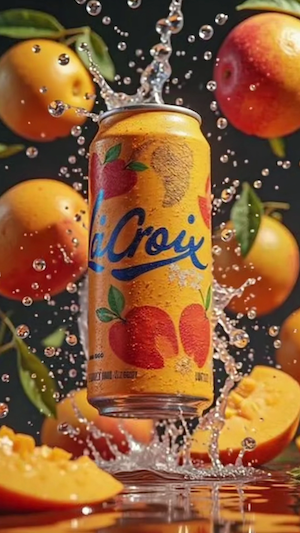
Multi-Direction Video Flipping
Flip Video works with all major video formats including MP4, MOV, AVI, and WEBM. This wide compatibility allows Flip Video to fit seamlessly into any workflow, regardless of device or recording source.
Broad Format Compatibility
Waiting for Results
Complete the required inputs and click Generate.
AI Video Tool
Flip Video is a simple yet powerful online solution designed to help users instantly adjust video orientation with precision and ease. Whether you need to flip a video horizontally, vertically, or mirror it to correct camera distortion, Flip Video provides a seamless experience that works directly in your browser.
Try Flip Video NowFlip Video is designed with simplicity and efficiency in mind, offering robust functionality without unnecessary complexity. The Flip Video tool serves content creators, educators, marketers, and everyday users who need fast, reliable video flipping without compromising quality. Every feature in Flip Video is purpose-built to eliminate friction and maximize productivity.
Flip Video works with all major video formats including MP4, MOV, AVI, and WEBM. This wide compatibility allows Flip Video to fit seamlessly into any workflow, regardless of device or recording source.
AI Fruit Video
Out Of Frame
More AI Video Tool
Flip Video empowers users to transform awkward or incorrectly oriented footage into polished, professional content. No matter the use case, Flip Video enhances visual clarity and viewer comfort by ensuring that videos display correctly across screens and platforms.
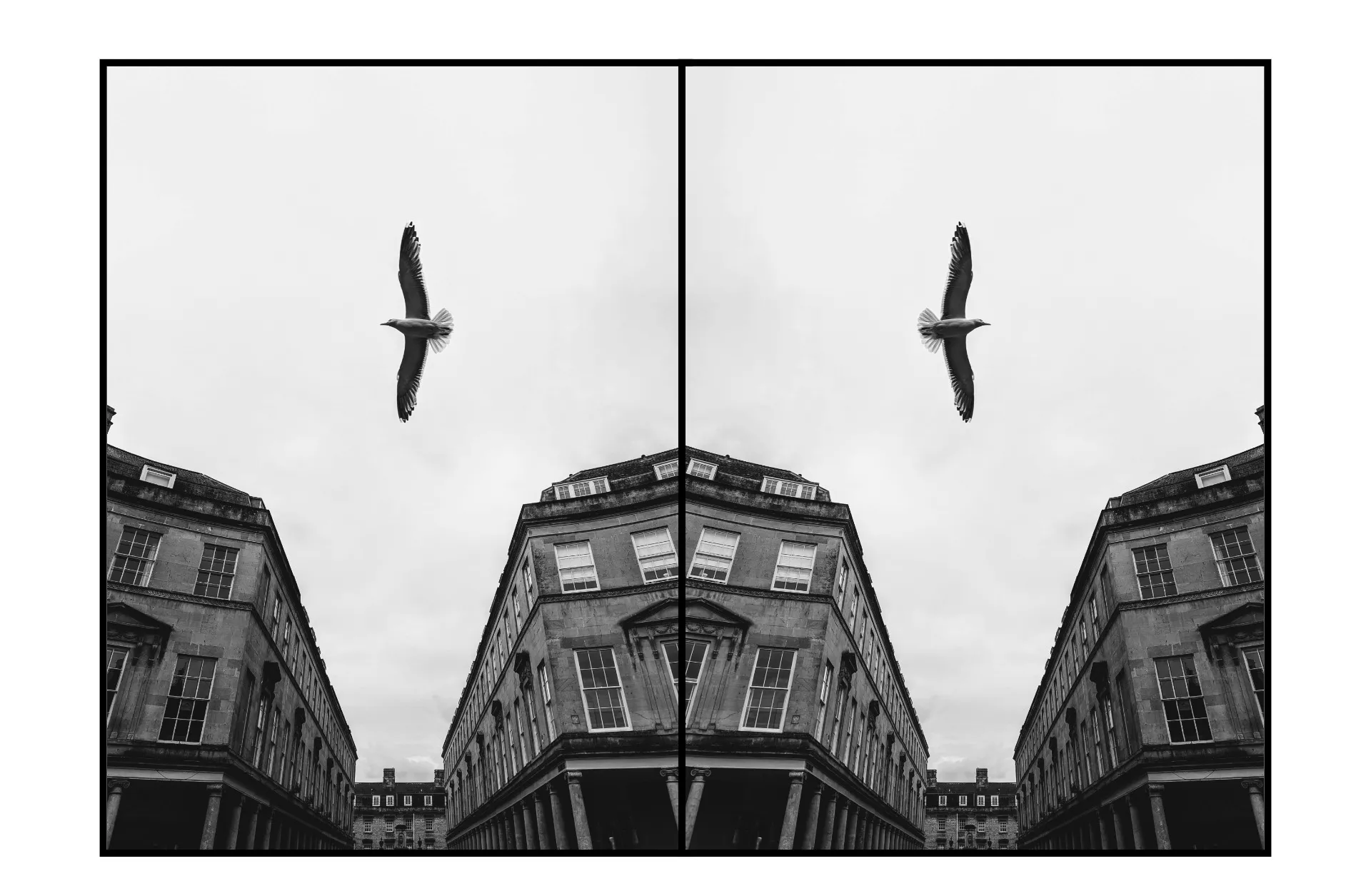
Flip Video empowers users to transform awkward or incorrectly oriented footage into polished, professional content. No matter the use case, Flip Video enhances visual clarity and viewer comfort by ensuring that videos display correctly across screens and platforms.
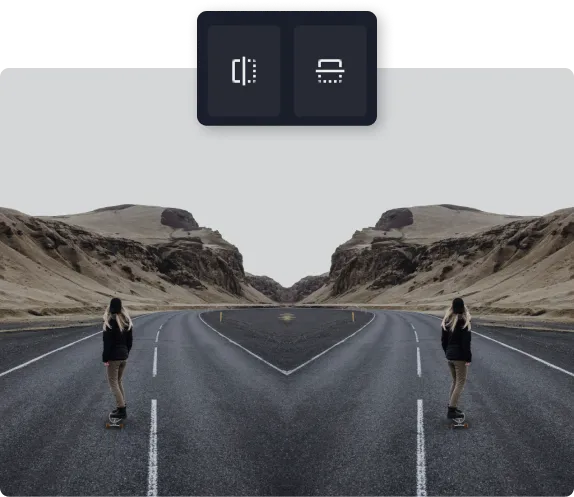
Flip Video empowers users to transform awkward or incorrectly oriented footage into polished, professional content. No matter the use case, Flip Video enhances visual clarity and viewer comfort by ensuring that videos display correctly across screens and platforms.
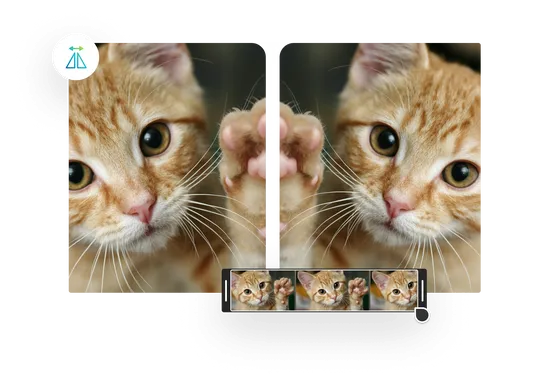
Flip Video empowers users to transform awkward or incorrectly oriented footage into polished, professional content. No matter the use case, Flip Video enhances visual clarity and viewer comfort by ensuring that videos display correctly across screens and platforms.
Flip Video fits naturally into a wide range of creative, professional, and everyday scenarios. It is a practical tool for anyone who works with video and values efficiency.

Vloggers, streamers, and short-form video creators rely on Flip Video to correct selfie recordings and camera mishaps quickly, keeping production timelines tight and content quality high.
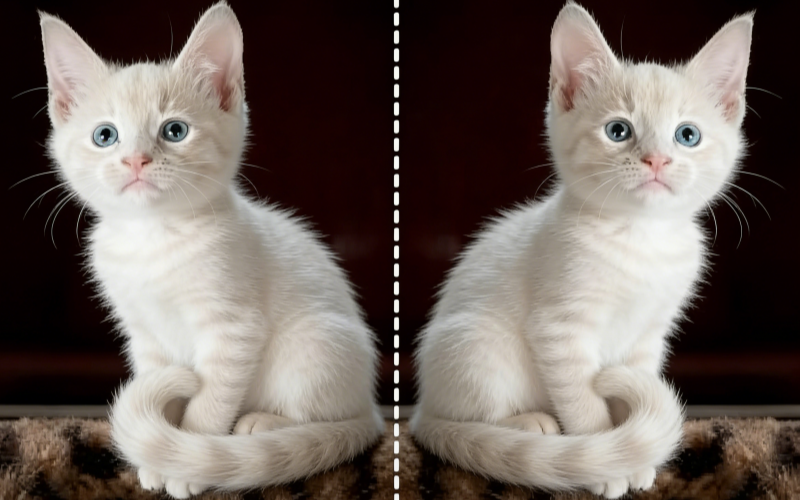
Flip Video allows casual users to fix orientation mistakes from smartphones or cameras without learning complex editing software. Flip Video makes video correction accessible to everyone.
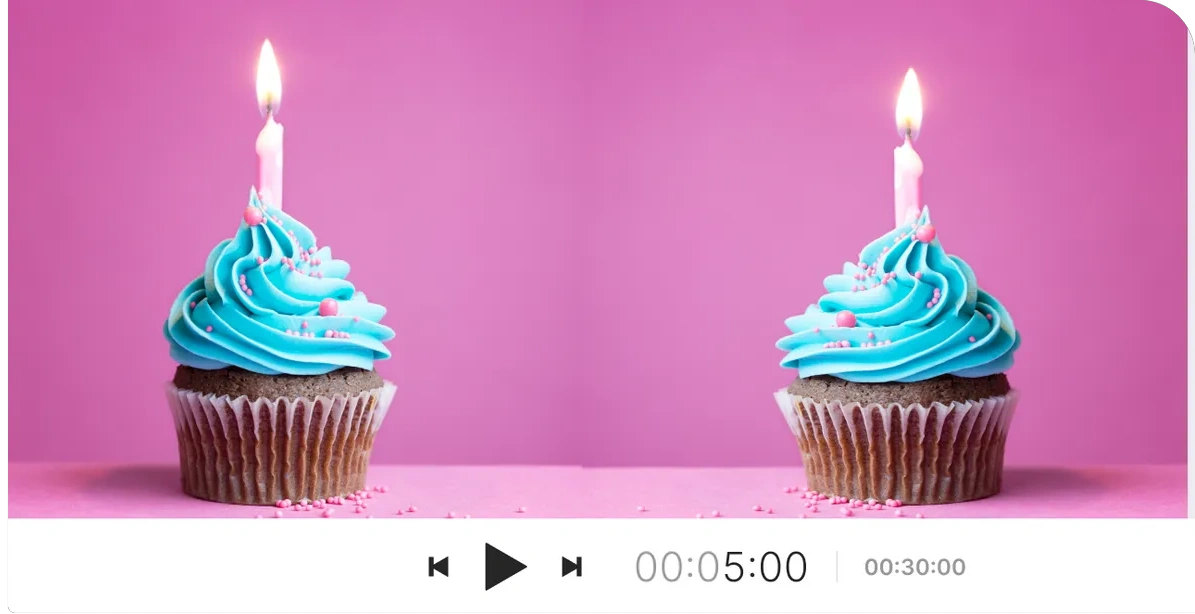
Is the text on your T-shirt reversed? Does a sign in the background read backward? Flip Video uses mirror flipping to restore correct orientation instantly, saving otherwise unusable footage.
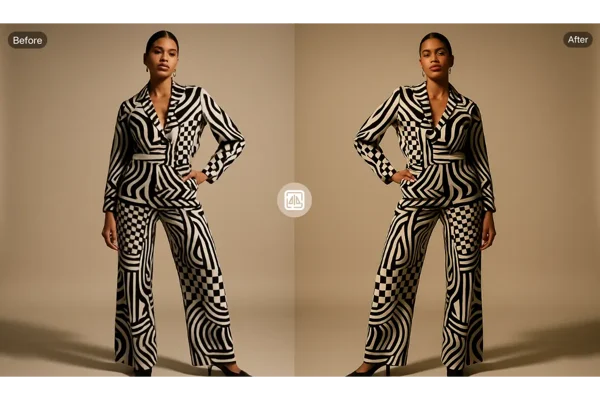
Accidentally recorded a video with the phone upside down? Flip Video’s vertical flip feature restores the world to its proper orientation, preserving valuable moments that would otherwise be lost.
Flip Video is more than a basic utility. It is a thoughtfully designed experience that balances speed, stability, and usability. China Video AI Flip Video focuses on what users truly need—reliability, security, and clarity.

Flip Video runs entirely in the browser, eliminating installation delays and device compatibility issues.

Flip Video’s interface is intuitive, allowing first-time users to complete tasks confidently without tutorials.

Videos uploaded to Flip Video are used solely for processing and are not stored or misused, ensuring privacy.
Flip Video respects your content ownership. Exported videos remain free of branding or watermarks.
Flip Video works seamlessly on desktops, tablets, and mobile devices.
Flip Video allows users to experience its essential functionality without upfront payment barriers.
Flip Video adapts to a wide variety of real-world video scenarios, from casual recordings to professional projects.
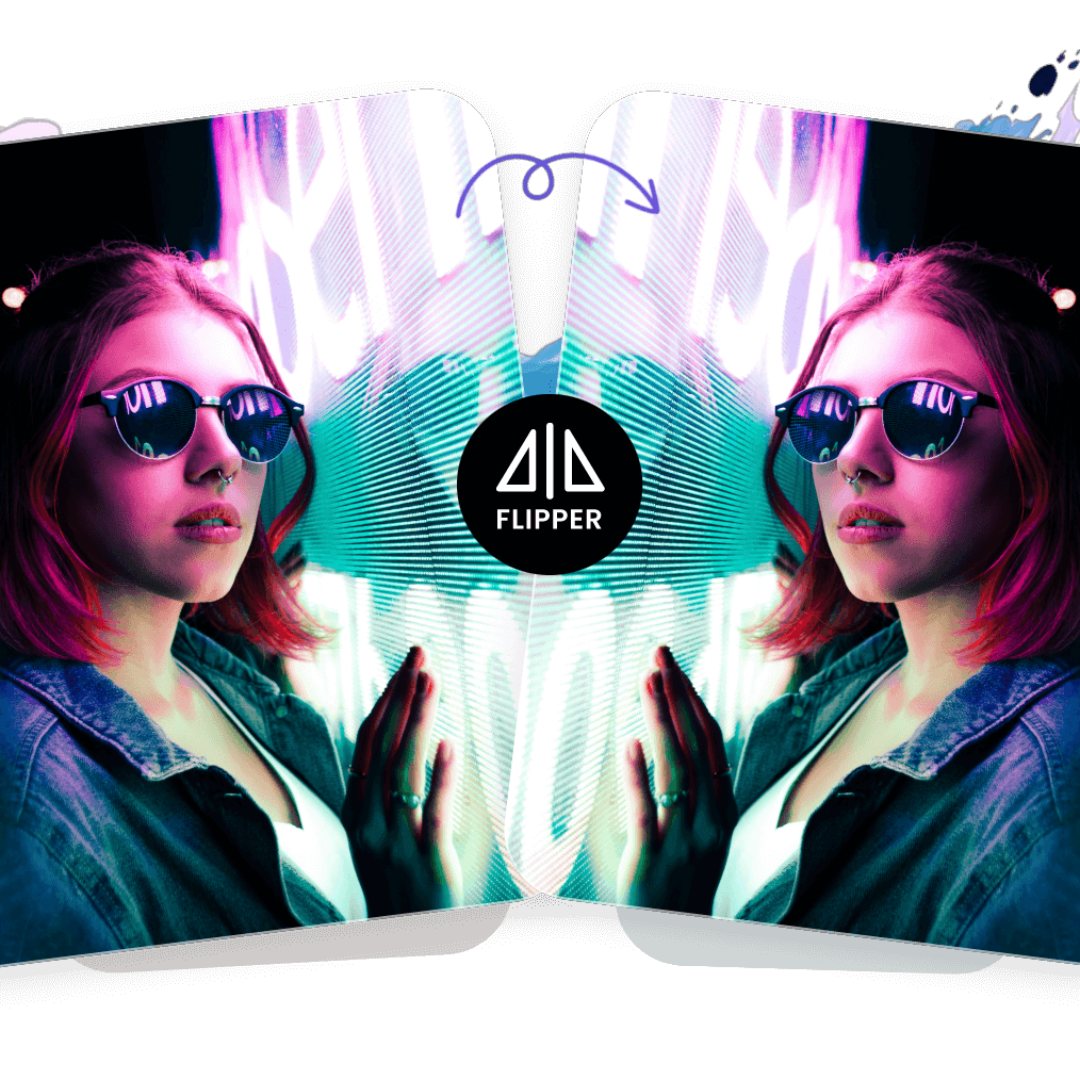
Flip Video corrects mirrored footage so that gestures, expressions, and movement appear natural and authentic. This ensures that any reversed text, background elements, or hand motions are properly aligned, giving your videos a polished, professional look. Whether you are recording daily vlogs, travel diaries, or personal content for social media, the corrected orientation makes your storytelling seamless and visually pleasing for viewers, eliminating distractions caused by reversed visuals.
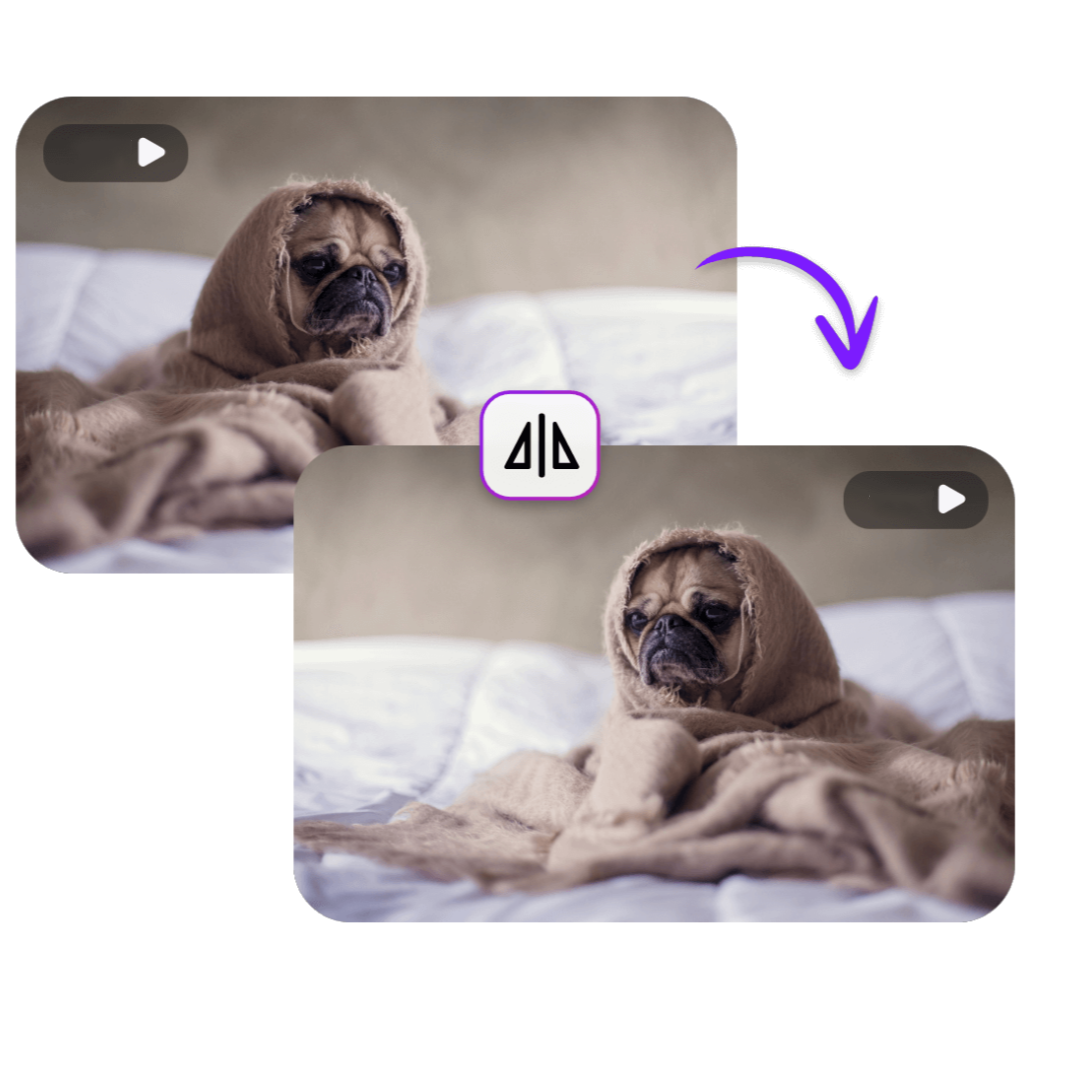
Flip Video ensures instructional and tutorial recordings maintain proper orientation for viewer clarity. This means text, charts, diagrams, and on-screen actions are displayed exactly as intended. When presenting educational material, training sessions, or software walkthroughs, flipped recordings help learners follow instructions accurately. The consistent visual alignment also enhances comprehension, engagement, and overall professionalism, making your instructional videos more effective and easy to understand.

Flip Video can be used creatively to build symmetrical compositions, kaleidoscope-style visuals, and mirrored effects that add artistic impact. By duplicating video layers and applying mirrored transformations, creators can craft visually striking effects that capture attention. This technique allows filmmakers, content creators, and social media artists to experiment with visual storytelling, add depth and dimension to their videos, and explore creative possibilities beyond standard filming, all without complex editing software.
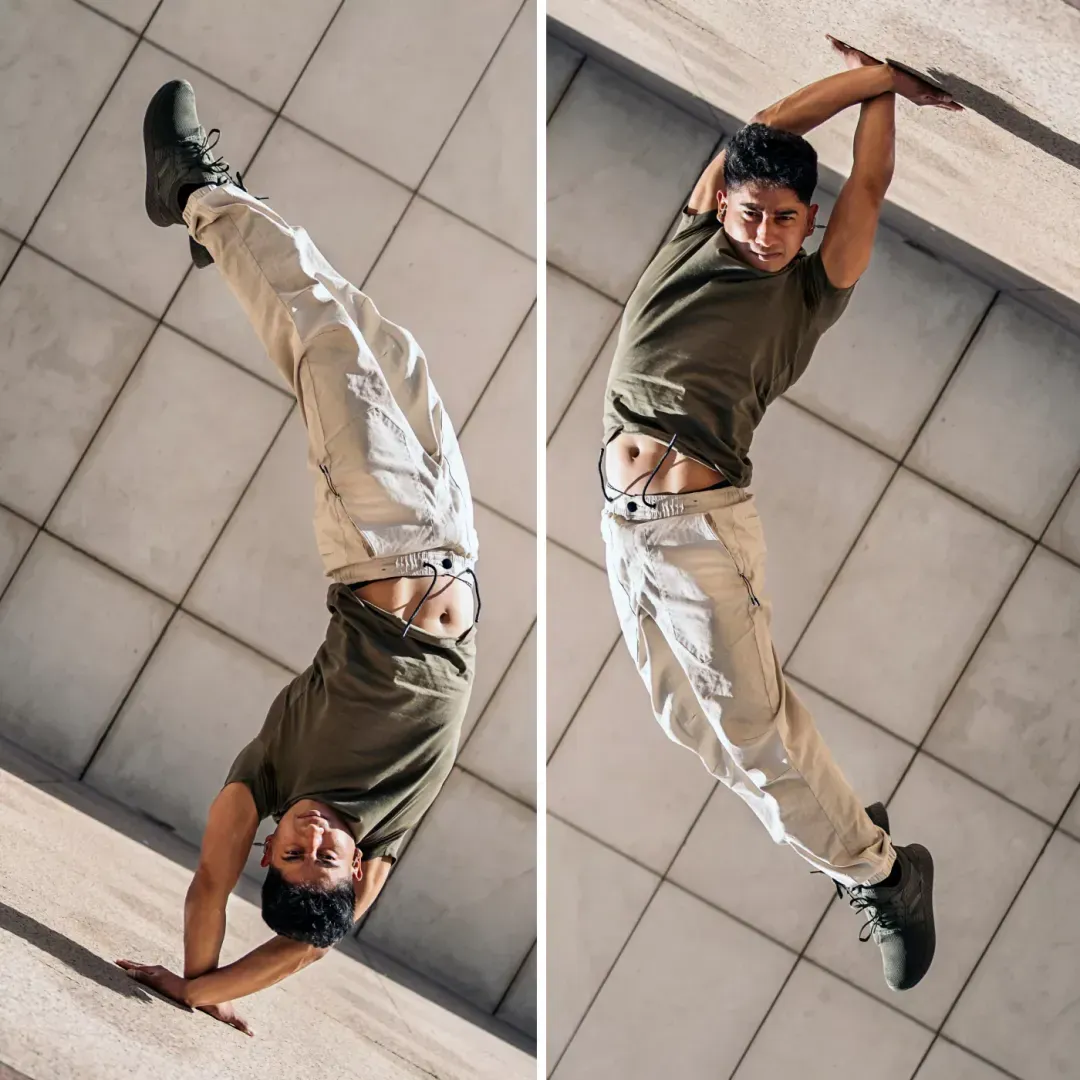
Flip Video guarantees clean exports, allowing videos to be used for commercial, promotional, or artistic purposes without limitations. You can confidently share flipped videos across social platforms, embed them in websites, or include them in presentations without worrying about distracting branding. The high-quality output maintains original resolution and frame rate, ensuring that your work appears professional and visually polished, whether it is for personal projects, marketing campaigns, or artistic showcases.
Flip Video simplifies video transformation into a fast, intuitive workflow that anyone can follow.
Select and upload the video file you want to correct using Flip Video’s secure upload system.
With Flip Video, choose horizontal or vertical flipping and preview the result instantly.
Download your flipped video and use it anywhere—social platforms, presentations, or archives.
This section answers the most common questions users have about Flip Video.
No. Flip Video preserves original video quality throughout the flipping process. Unlike traditional video editors that may compress footage, Flip Video ensures that resolution, frame rate, and clarity remain intact. Flip Video’s processing algorithm is optimized to maintain both image sharpness and color accuracy, allowing videos to retain professional-level quality even after multiple flips or mirror transformations.
Yes. Flip Video works in mobile browsers, making it convenient to flip videos directly from smartphones and tablets. This allows creators, students, and casual users to adjust orientation on the go without needing desktop software.
Flip Video supports most common file sizes depending on network conditions, allowing users to process standard smartphone and camera videos without issues.
No. Flip Video exports are completely watermark-free, even when using the free version. Users can confidently share flipped videos on social media, presentations, or client projects without worrying about branding overlays. This makes Flip Video ideal for creators who want a professional finish without paying for additional software.
Flip Video usually processes videos within seconds, depending on file size and network speed. Smaller videos can be flipped almost instantly, while larger files may take a few moments longer.
Some features may require registration, but Flip Video allows basic flipping without an account. Signing up unlocks additional capabilities, such as saving video preferences, accessing larger file sizes, or using batch flipping features.
Flip Video deletes files automatically after processing, ensuring complete privacy and security. No videos are retained on servers beyond the time needed to apply the flip transformation.This automatic deletion policy is part of Flip Video’s commitment to data protection, offering peace of mind to creators, educators, and businesses alike who rely on safe, temporary cloud-based processing.
Yes. Flip Video allows unlimited transformations, meaning users can flip, mirror, or rotate a video as many times as needed. This flexibility is especially useful for correcting mistakes, experimenting with creative effects, or adjusting orientation for multiple platforms.
With Flip Video, correcting video orientation is no longer a technical challenge—it’s a simple, fast, and reliable process. There is no need to download software or struggle with complicated editors. Just upload your video, apply the desired flip, and export a clean, professional output.
Start Flipping Your Videos Today for Perfect Visuals