Smart Content Summarization
Choose from natural-sounding AI voices and a curated library of background music. With Article to Video, narration and sound design are seamlessly aligned to enhance clarity, emotion, and professional polish.
Smart Content Summarization
Create more premium AI videos with commercial usage and priority processing.
Allow other users to view your generated result.
Hide your prompt and uploaded source files from other users.
Waiting for Results
Complete the required inputs and click Generate.
AI Video Tool
Transform words into more than just reading. With AI-powered Article to Video, any article—whether it’s a blog post, news piece, guide, or long-form story—can be instantly converted into engaging, share-ready videos. Bring your ideas to life, boost audience interaction, and expand your reach across social platforms with ease.
Try Article to Video NowPowered by advanced AI understanding, Article to Video automatically analyzes your article’s structure, identifies key messages, and turns written content into a clear, cohesive visual storyline. No manual scripting is needed. From long-form articles to engaging visual storytelling, Article to Video simplifies and streamlines the entire video creation process.
Choose from natural-sounding AI voices and a curated library of background music. With Article to Video, narration and sound design are seamlessly aligned to enhance clarity, emotion, and professional polish.
AI Fruit Video
Out Of Frame
More AI Video Tool
More than a simple conversion tool, Article to Video reimagines how information is consumed. By transforming reading time into short, visual experiences, it helps audiences grasp ideas faster and engage longer—making Article to Video ideal for modern content distribution.

More than a simple conversion tool, Article to Video reimagines how information is consumed. By transforming reading time into short, visual experiences, it helps audiences grasp ideas faster and engage longer—making Article to Video ideal for modern content distribution.
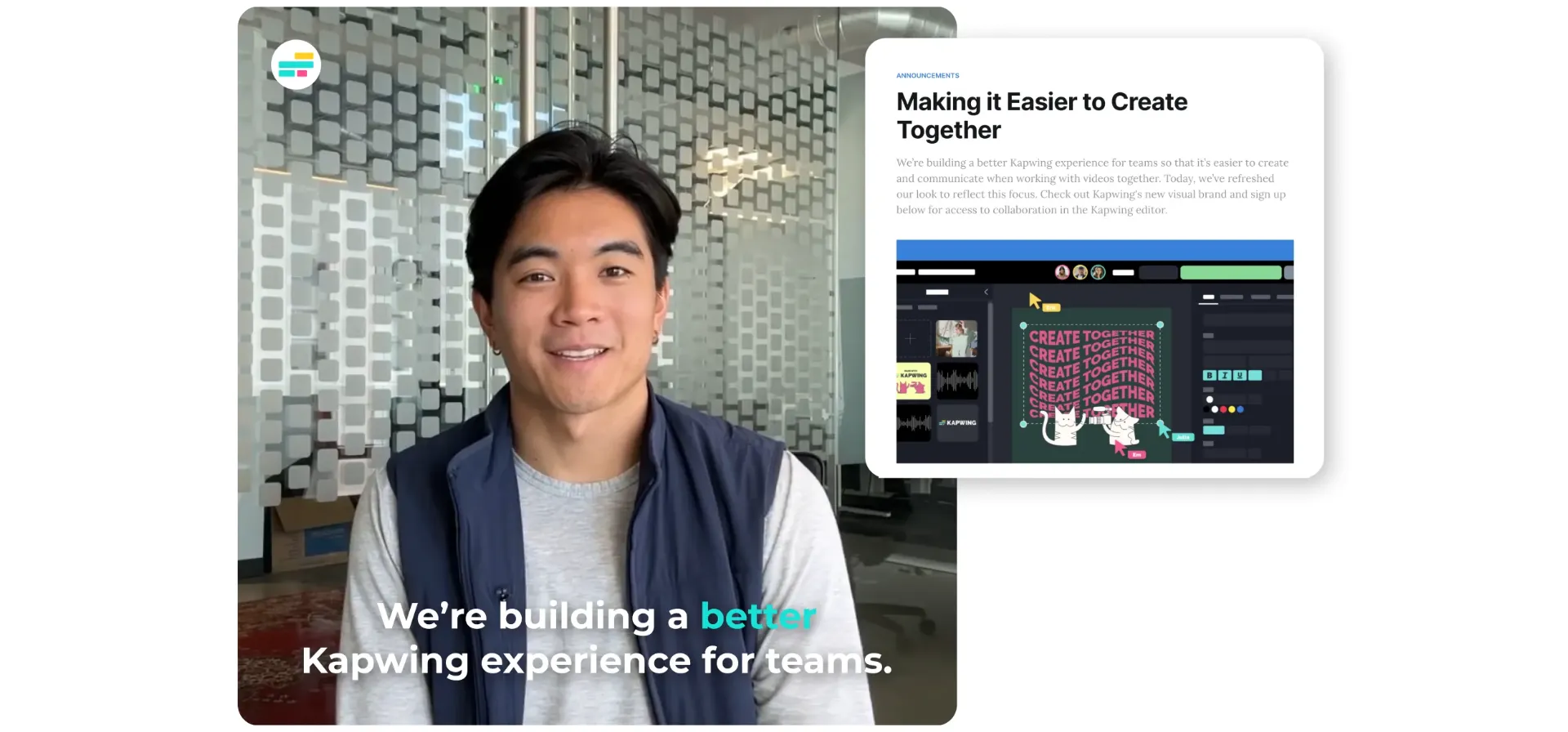
More than a simple conversion tool, Article to Video reimagines how information is consumed. By transforming reading time into short, visual experiences, it helps audiences grasp ideas faster and engage longer—making Article to Video ideal for modern content distribution.
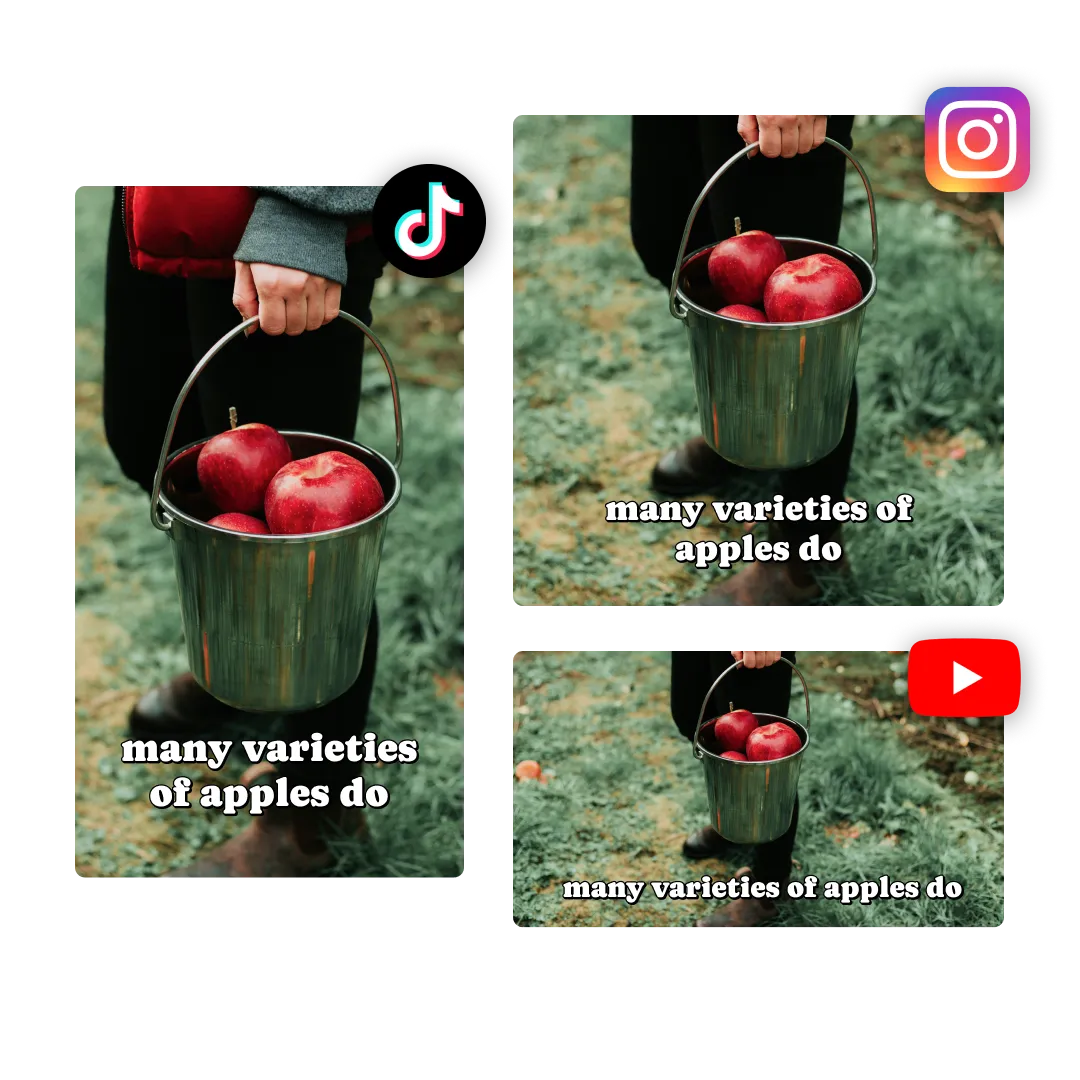
More than a simple conversion tool, Article to Video reimagines how information is consumed. By transforming reading time into short, visual experiences, it helps audiences grasp ideas faster and engage longer—making Article to Video ideal for modern content distribution.
Built for creators who care about results, China Video AI goes beyond basic conversion. It focuses on helping your content perform better, communicate clearer, and create real impact—without adding complexity to your workflow.
Instead of constantly creating from scratch, China Video AI lets you reuse articles you already have. One piece of writing can become multiple video assets, helping you extend content lifespan and increase return on effort with Article to Video.

China Video AI is optimized for fast creation while keeping outputs clean and professional. This balance allows creators, marketers, and teams to publish consistently without feeling rushed or overwhelmed.

Unlike tools focused only on generation, China Video AI is designed with real platforms and audiences in mind. Videos created with Article to Video on China Video AI fit naturally into social feeds, marketing campaigns, and content channels where attention truly matters.
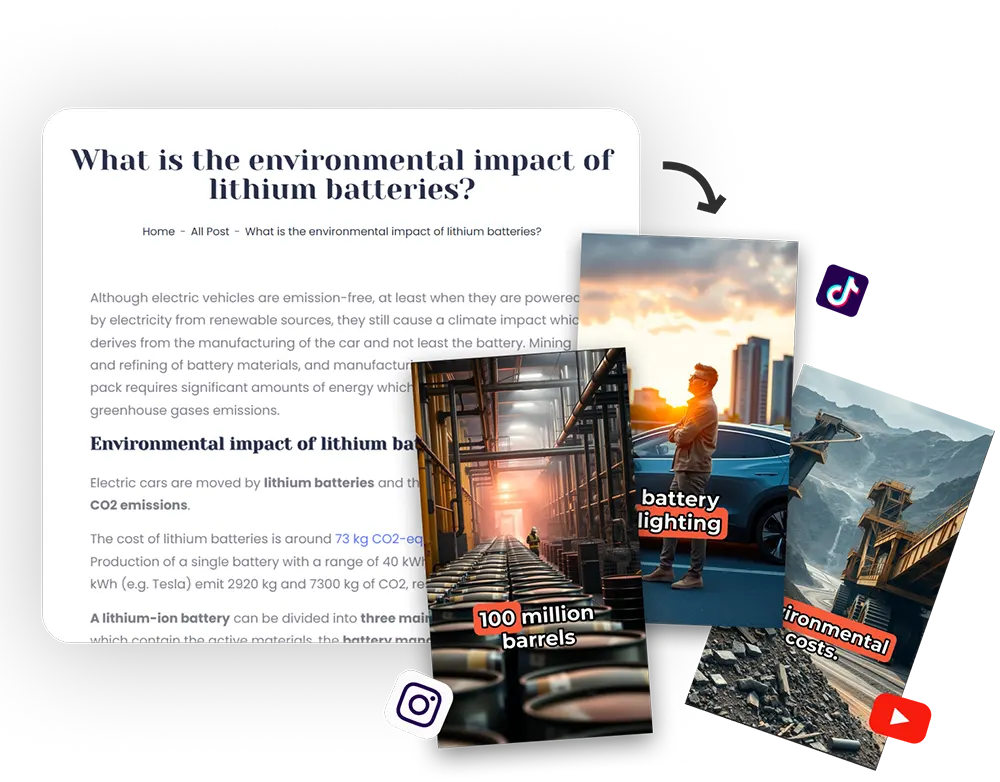
China Video AI removes common friction points like complex workflows, unclear steps, and technical setup. The process feels approachable and predictable, helping users feel confident using Article to Video—even without prior video experience.
With a few thoughtful optimizations, you can make videos generated by Article to Video clearer, more visually appealing, and better suited for discovery across different platforms.

Before converting, organize your article into clear sections such as an introduction, key points, and a conclusion. Well-structured content helps Article to Video present ideas more clearly and keeps the visual narrative focused and easy to follow.

Use short emphasis lines or key terms within your article to highlight important ideas. These visual anchors help guide scene transitions and make information easier for viewers to understand at a glance in Article to Video outputs.

Match the voice tone to your content and audience. Educational topics benefit from clear, steady narration, while social or lifestyle content often feels more engaging with a lighter, conversational voice. The right choice can greatly improve the viewing experience of Article to Video outputs.
Adding your logo, brand colors, or a consistent intro and outro helps create visual recognition over time. With repeated use, Article to Video videos become more memorable and aligned with your brand identity.
Highlight the most compelling idea or takeaway in your video title and cover image. A clear, focused visual entry point increases click-through rates and makes your Article to Video content easier to discover.
Create different versions for various platforms or audiences by adjusting length, format, or opening scenes. Comparing performance helps you refine your approach and ensures Article to Video delivers results in real-world distribution.
Explore how written content is transformed into compelling video experiences. These examples highlight the visual clarity, storytelling strength, and real impact created with Article to Video.

Long-form blog content is reshaped into focused, visually guided explainer videos. Complex ideas are presented with clear pacing and strong visual structure, helping viewers understand key topics quickly and intuitively through Article to Video.
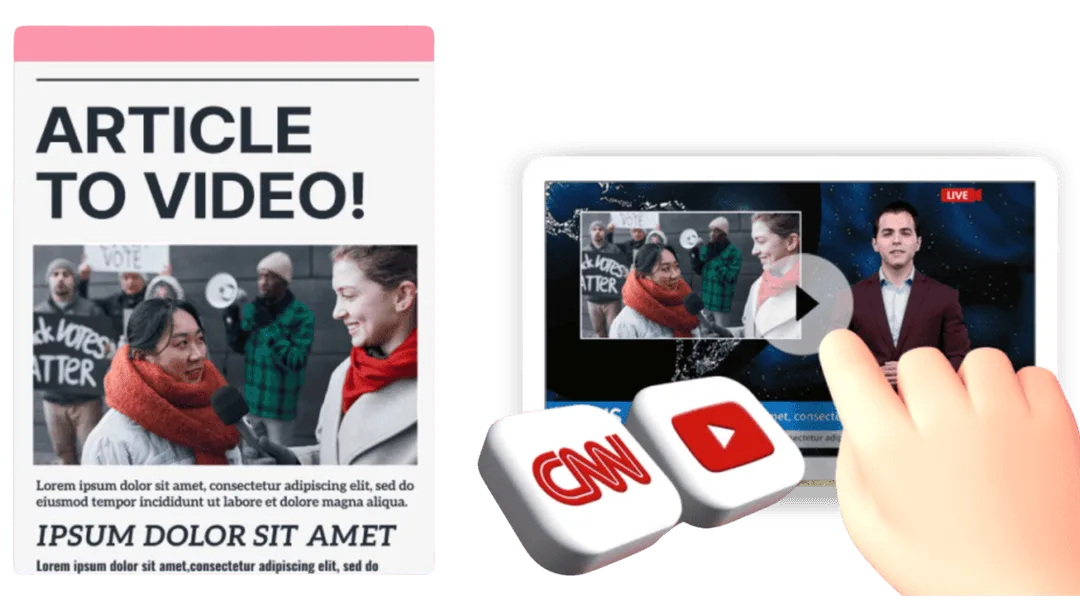
Text-heavy news articles become concise, fast-moving video summaries. By distilling essential information into dynamic visuals, Article to Video makes updates easier to follow and more engaging for modern audiences.

Instructional articles are converted into structured video walkthroughs. Each step is visually reinforced, making educational and promotional content easier to absorb, revisit, and share using Article to Video.

Product-focused articles are transformed into clear, persuasive video explainers. Features, benefits, and use cases are presented visually, helping audiences grasp value faster and building confidence through well-crafted Article to Video presentations.
Turning written content into video doesn’t need to feel complicated. With Article to Video, the process stays clear and guided from start to finish, helping you move from idea to finished video with confidence.
Start by pasting your article link or text into the workspace. This gives Article to Video the context it needs to understand your content and prepare it for visual storytelling, without extra setup or preparation.
Choose how your video should look and sound. Adjust voice style and video format to match your message and audience. These simple choices help shape the final result while keeping the workflow smooth and intuitive.
Once everything is ready, generate your video and preview the result. Download the finished file or share it directly across social platforms, making it easy to bring your Article to Video creation to life wherever your audience is.
Have questions about how Article to Video works, what it supports, and how to get the best results? This FAQ section covers common topics around usage, content types, editing flexibility, and practical tips—helping you create videos with confidence and clarity.
Clear structure and well-defined key points usually lead to better results. Organizing your article before converting helps Article to Video present the content more smoothly.
In most cases, yes. However, commercial use should follow platform terms and respect the licensing rules of any included media assets.
Most Article to Video tools support multiple languages, including Chinese, allowing creators to work across different languages with ease.
Video length is influenced by the amount and structure of the original article. By adjusting how much content you include or focusing on key sections, you can guide Article to Video toward shorter or more detailed results.
Yes. Once the video is created, you can review the output and make adjustments, such as regenerating sections or refining visual choices, depending on the available editing options.
Article to Video follows the logical flow of your article by default, helping ensure that ideas are presented in a clear and consistent order that reflects the original content.
Absolutely. Article to Video is designed to be easy to use, making it accessible for solo creators, small teams, and organizations looking to streamline content production.
You can refine the article structure, adjust preferences, or regenerate the video. Small changes often lead to noticeable improvements in the final output.
Don’t let great articles stay hidden in text. Turn written content into compelling visual stories with Article to Video, boost engagement, expand your reach, and give every article the spotlight it deserves.
Start Creating with Article to Video Today