Sample

Smart Video Editing Made Simple

Video Editor
Source Video*Max 50MB
Unlimited Plan

Create more premium AI videos with commercial usage and priority processing.

View Plans
Public Visibility

Allow other users to view your generated result.

Copy Protection

Hide your prompt and uploaded source files from other users.

Generate Result

My Creations →

Waiting for Results

Complete the required inputs and click Generate.

AI Video Tool

Video Editor Lets You Make Every Frame Stand Out

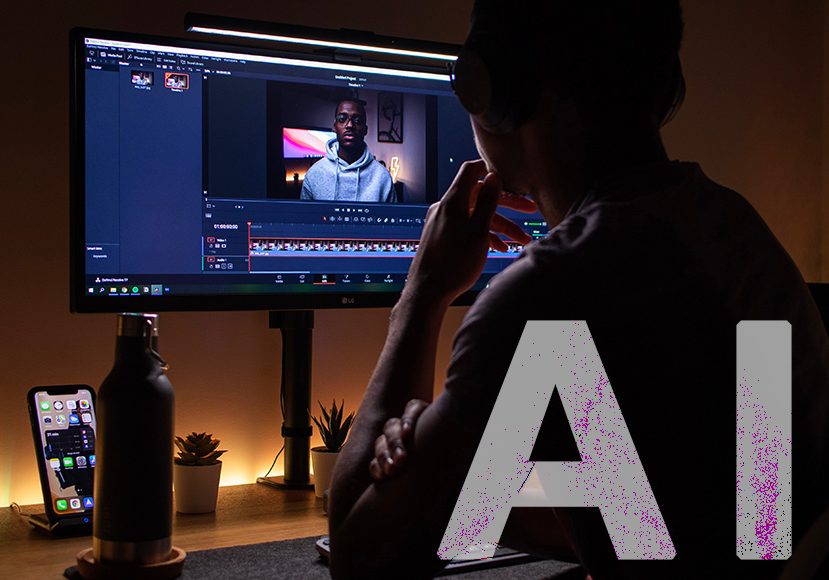
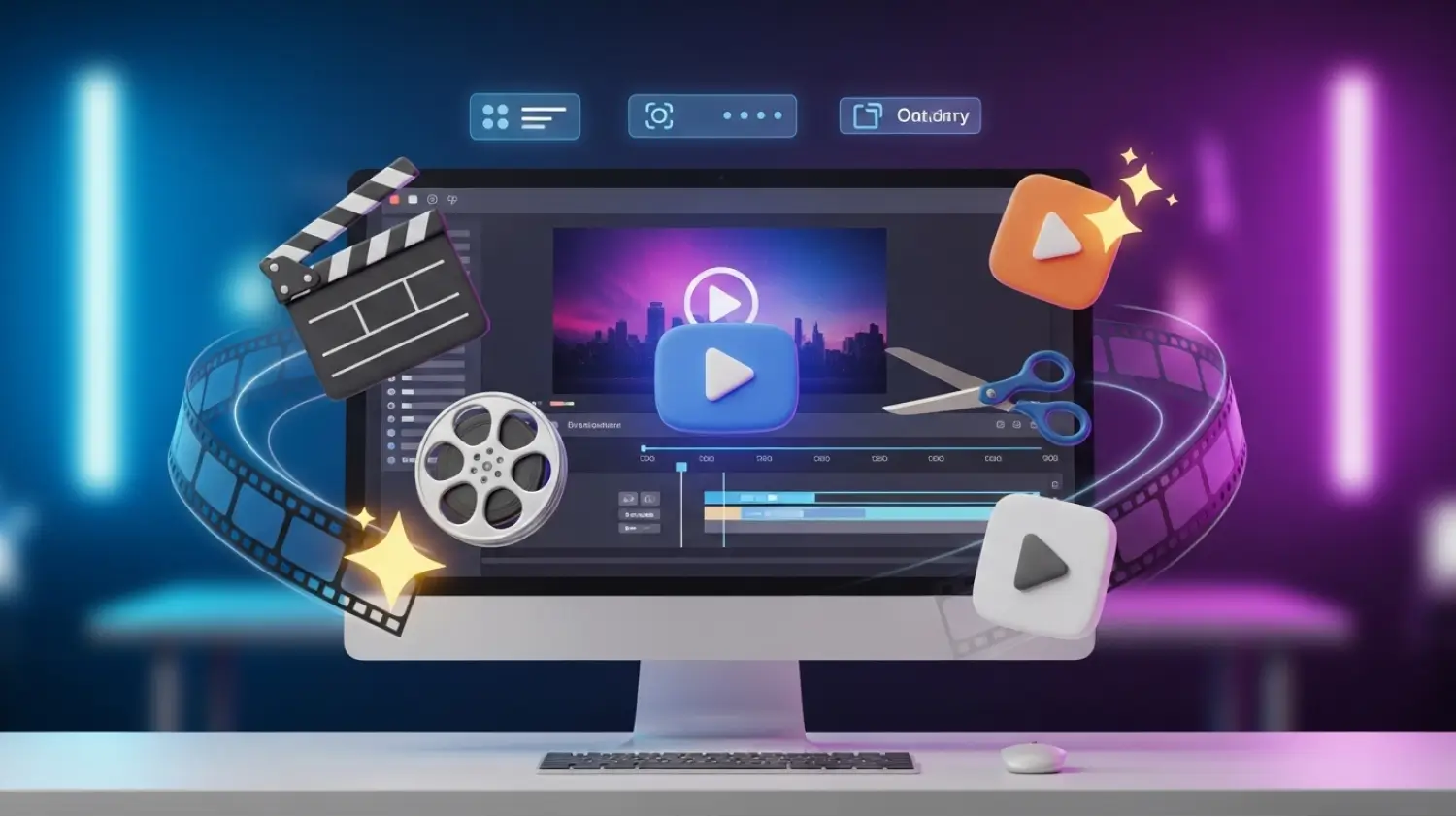
Create stunning videos in minutes with Video Editor. From social clips and product showcases to personal projects, effortlessly trim, enhance, and assemble your footage. Intuitive drag-and-drop controls, a rich media library, and smart editing tools make it easy to produce professional-quality videos without the hassle.

Try Video Editor Now

Video Editor Gives You Full Creative Control

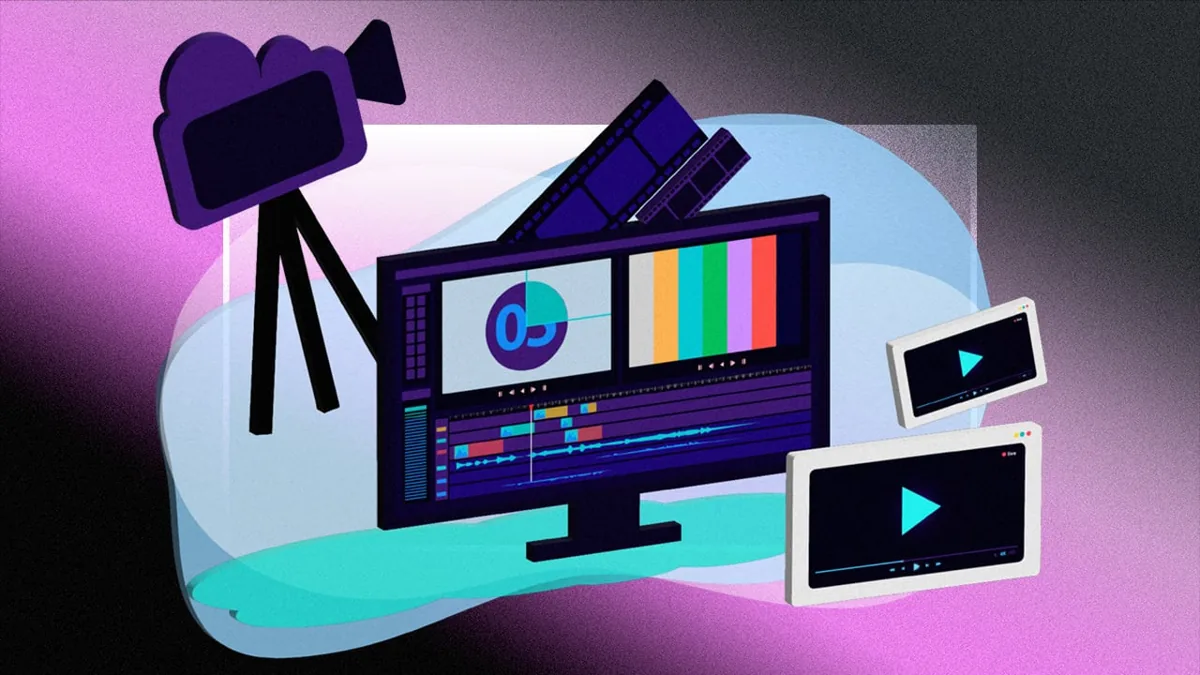
Video Editor equips you with a complete suite of editing tools—from precise trimming and seamless merging to advanced effects, audio control, and subtitle creation. Every project becomes an opportunity to explore your creativity and bring ideas to life.

Smart Video Editing Made Simple

Smart Video Editing Made Simple

Customize fonts, colors, placement, and motion effects for titles and captions. Video Editor also features automatic subtitle generation and timing adjustments, ensuring your audience can easily follow your story while keeping your creative process fast and intuitive.
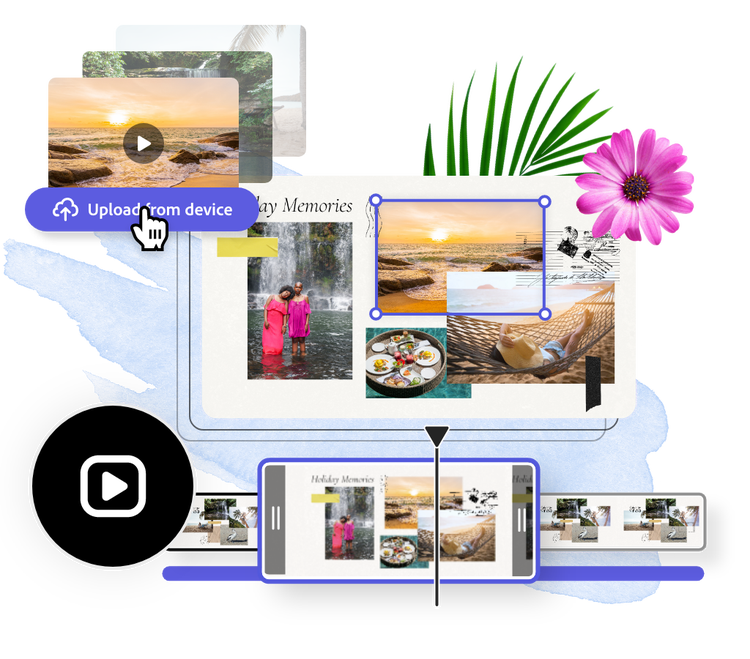
Extensive Media Library at Your Fingertips

Extensive Media Library at Your Fingertips

AI Fruit Video

Add Text and Subtitles Quickly and Clearly

Add Text and Subtitles Quickly and Clearly

Out Of Frame

Produce Professional Videos Faster with Video Editor

Video Editor combines powerful tools with smart features to streamline your workflow. Turn raw footage into polished videos quickly using real-time previews, smart automation, and intuitive controls, making the editing process smooth and efficient.

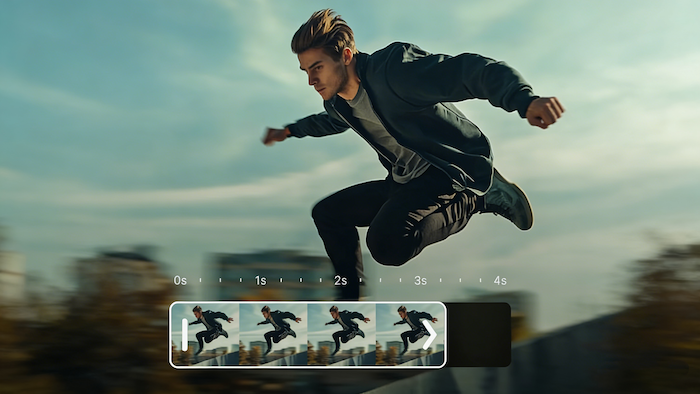
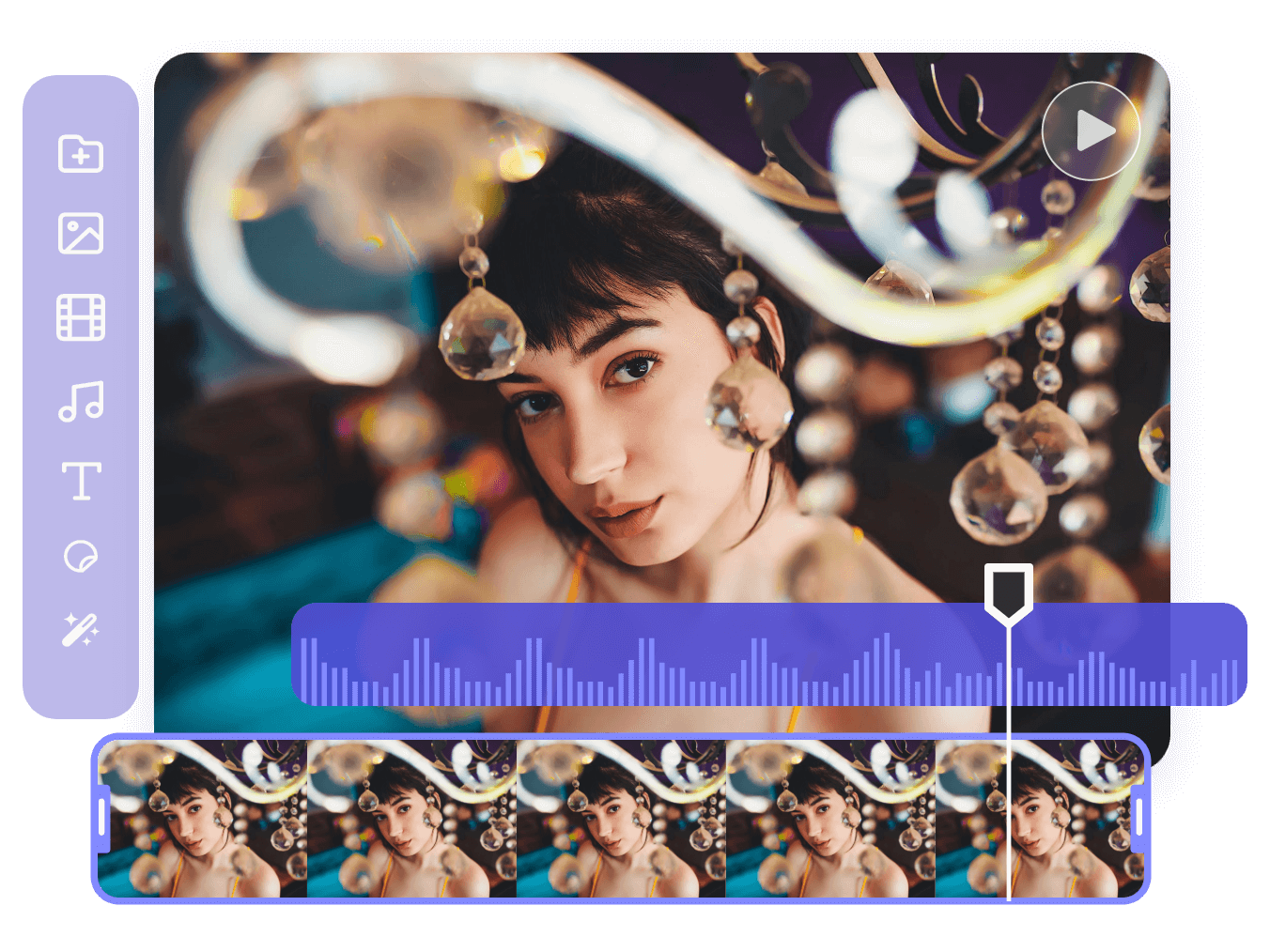
Preview and Adjust Every Frame

Preview and Adjust Every Frame

Video Editor combines powerful tools with smart features to streamline your workflow. Turn raw footage into polished videos quickly using real-time previews, smart automation, and intuitive controls, making the editing process smooth and efficient.

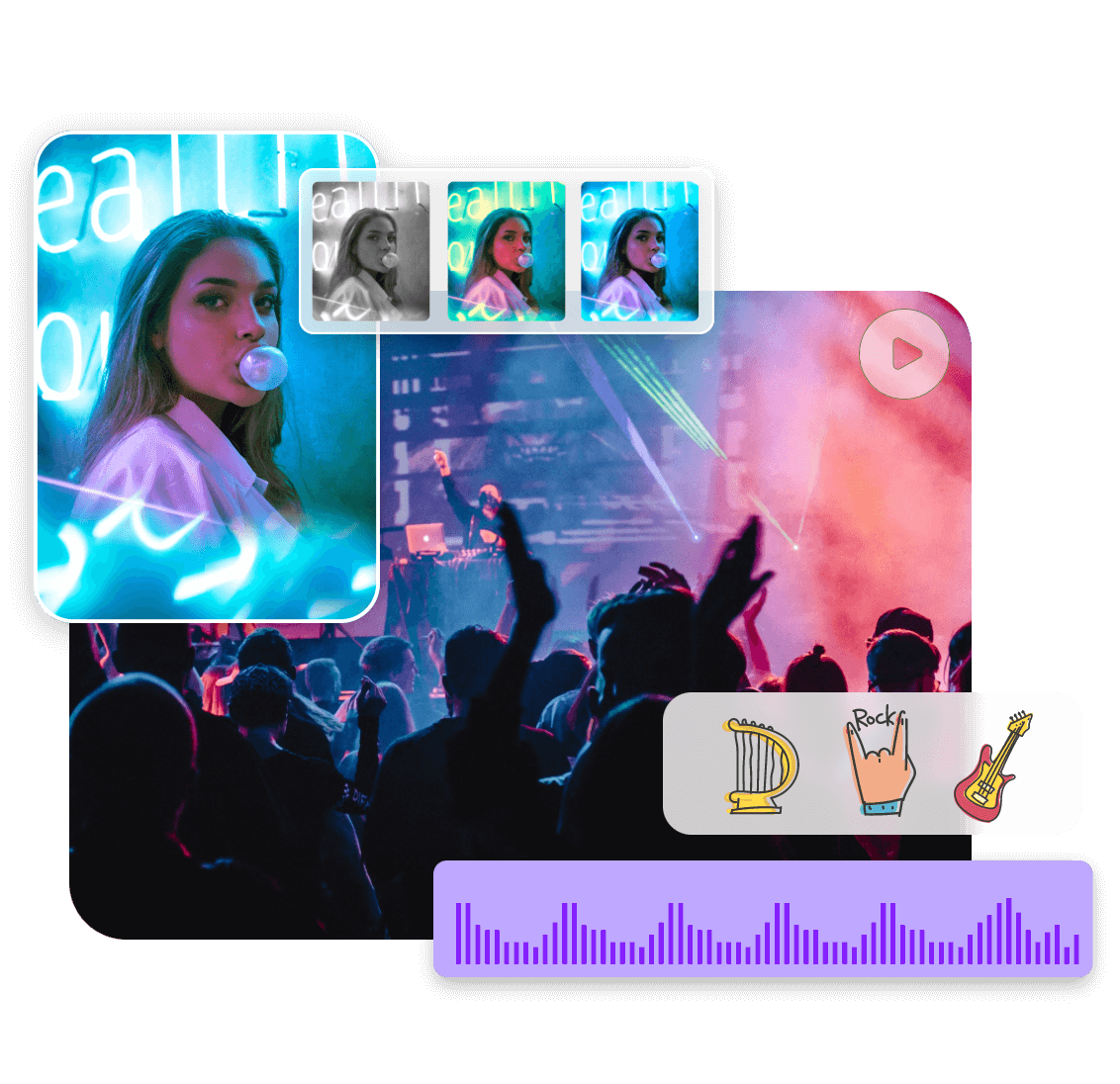
Transform Your Videos with Transitions and Filters

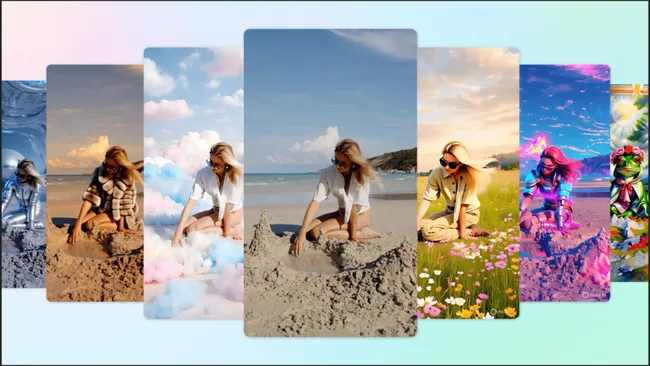
Transform Your Videos with Transitions and Filters

Video Editor combines powerful tools with smart features to streamline your workflow. Turn raw footage into polished videos quickly using real-time previews, smart automation, and intuitive controls, making the editing process smooth and efficient.

Export High-Quality Videos Across Platforms

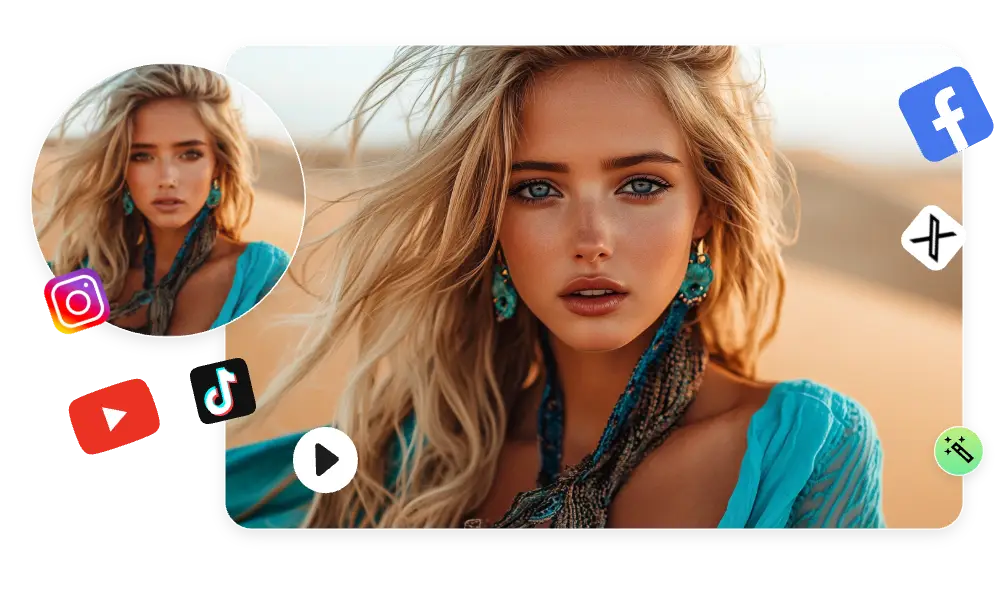
Export High-Quality Videos Across Platforms

Video Editor combines powerful tools with smart features to streamline your workflow. Turn raw footage into polished videos quickly using real-time previews, smart automation, and intuitive controls, making the editing process smooth and efficient.

Why Choose China Video AI Video Editor

China Video AI Video Editor is designed to empower creators with speed, flexibility, and professional results. By combining intuitive tools, smart automation, and a rich media ecosystem, it helps you produce engaging videos faster, without compromising on quality or creativity.

Focus on Core Value and User Benefits

Focus on Core Value and User Benefits

China Video AI Video Editor saves time by streamlining the video creation process. Users can focus on storytelling and creativity, while smart features handle tasks like trimming, transitions, and subtitle generation. The result: polished, high-quality videos that captivate your audience.

Unique Advantages Over Other Tools

Unique Advantages Over Other Tools

Unlike traditional software or other online editors, China Video AI Video Editor integrates seamlessly with other AI tools, such as Video Enhancer, Add Images to Your Video, and Video Object Remover. This interconnected ecosystem makes it easy to combine media types and effects, producing unique, professional content.

Solve Common Editing Challenges

Solve Common Editing Challenges

Creating videos can be time-consuming and challenging. Common issues like mismatched clips or difficulty adding subtitles slow down production. China Video AI Video Editor solves these problems with intelligent automation, real-time previews, and a versatile media library, enabling creators to focus on creativity and deliver professional results.

Easy to Use with Minimal Learning

Easy to Use with Minimal Learning

With an intuitive interface and drag-and-drop controls, China Video AI Video Editor is perfect for both beginners and experienced creators. Minimal setup is required, allowing you to efficiently produce polished, professional videos in no time.

Tips to Make the Most of Video Editor

Unlock the full potential of Video Editor with practical strategies that elevate your videos. Thoughtful planning, creative experimentation, and smart adjustments can help you produce polished, engaging content that captures attention and stands out.

Avatar

Plan Your Story First

Map out the flow of your video before starting your edits. Video Editor allows you to arrange clips efficiently, but having a clear narrative structure ensures your story is compelling, seamless, and easy for viewers to follow.

Avatar

Keep Clips Concise

Focus on trimming and highlighting key moments to maintain pace and viewer engagement. Video Editor makes it simple to remove unnecessary footage, keeping each scene impactful and visually appealing.

Avatar

Experiment with Visual Flow

Try different clip sequences, pacing, and transitions to see what enhances the overall rhythm of your video. Video Editor empowers you to explore multiple arrangements, helping every scene feel dynamic and polished.

Avatar

Leverage Music and Sound

Background music and sound effects can set tone and emotion. Video Editor enables precise audio adjustments, letting you synchronize sound with visuals to create immersive, professional-quality experiences.

Avatar

Focus on Color and Lighting

Adjust brightness, contrast, and color tones to create a cohesive look across your video. Video Editor’s real-time preview makes it easy to see how changes enhance your visuals and maintain a consistent, polished style.

Avatar

Review Before Exporting

Before exporting, take the time to watch your video from start to finish in Video Editor, checking every transition, subtitle, and effect. Video Editor’s preview tools ensure the final export is smooth, vibrant, and ready for sharing across social media, websites, or presentations.

See What You Can Create with Video Editor

Explore the endless possibilities of Video Editor. From dynamic social clips to engaging product videos, every piece demonstrates creativity and impact, highlighting what’s achievable with professional editing made easy.

Social Media Highlights

Social Media Highlights

Vibrant edits and dynamic effects bring short-form content to life. Video Editor projects capture attention instantly, showing how creative storytelling can engage audiences on any platform.

Marketing & Promotional Videos

Marketing & Promotional Videos

Compelling visuals and cohesive designs create high-impact marketing content. Video Editor demonstrates how brands can present products and campaigns with clarity, professionalism, and visual appeal.

Event & Experience Videos

Event & Experience Videos

Showcase memorable moments with cinematic flair and immersive storytelling. Video Editor projects highlight experiences, making events, launches, or personal milestones visually captivating.

Personal Creative Projects

Personal Creative Projects

Unique artistic expressions come alive through custom edits, music, and color treatments. Video Editor empowers creators to turn individual ideas into visually striking videos that reflect personality and style.

Create High-Quality Videos in Three Simple Steps with Video Editor

Video Editor makes video creation fast and intuitive. With just a few clicks, you can transform raw footage into polished, professional videos. Organize clips, add creative enhancements, and refine every detail with ease, empowering both beginners and pros to create standout videos.

01

Upload Your Videos

Import your videos into Video Editor to start your project instantly. Arrange and preview clips to lay the groundwork for smooth editing and a polished final result.

02

Edit and Enhance

Trim, merge, and rearrange clips, add text, captions, transitions, filters, and effects, or layer background music. Video Editor provides flexible tools to enhance every frame, bringing your creative vision to life with professional quality.

03

Export and Share

Choose the ideal resolution and format for your project, then export directly from Video Editor. Share your videos instantly on social media, websites, or keep them for personal archives—every export retains sharp visuals and smooth playback.

Your Video Editor Questions Answered

Discover clear, practical answers to common questions about Video Editor. From getting started and uploading videos to exporting high-quality content and integrating with other AI tools, this guide helps you make the most of Video Editor and create professional, engaging videos with ease.

Which operating systems and browsers support Video Editor?

Not at all. Video Editor is designed for creators of all levels. Its intuitive interface and drag-and-drop functionality make video editing fast and simple.

What export formats are supported?

Absolutely. Upload your own media files to Video Editor and combine them with built-in assets to create personalized videos.

Is it suitable for beginners?

Video Editor provides a rich library of videos, images, music tracks, stickers, and animations, giving you endless options to enhance your projects.

Is it difficult to use?

Video Editor preserves visual clarity and audio quality during export, so your final video remains professional and vibrant.

Can I use my own videos in Video Editor?

Video Editor supports watermark-free exports in premium plans, giving you full control over your final content.

What types of built-in media does it offer?

Video Editor works on tablets and smartphones with modern browsers, allowing you to create and edit videos on the go.

Will exporting affect video quality?

Video Editor provides a dedicated support team. Contact them directly through the help center for quick assistance.

Can I export videos without a watermark?

Video Editor works seamlessly with other AI tools from China Video AI, allowing you to enhance your videos, streamline your workflow, and create professional, cohesive content across multiple platforms.

Start Your Video Projects Today with Video Editor

Bring your ideas to life with Video Editor. Experiment with clips and effects to transform concepts into polished, shareable videos. Fast, fun, and effortless—your next standout project is just a few clicks away. Create now and make your vision a reality!

Start Your Video Projects Today with Video Editor