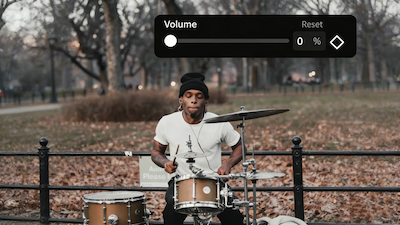
Sample

Supports Multiple Video Formats

Mute Video
Source Video*Max 50MB

Generate Result

My Creations →

Waiting for Results

Complete the required inputs and click Generate.

AI Video Tool

Instantly Remove Audio and Elevate Your Videos with Mute Video

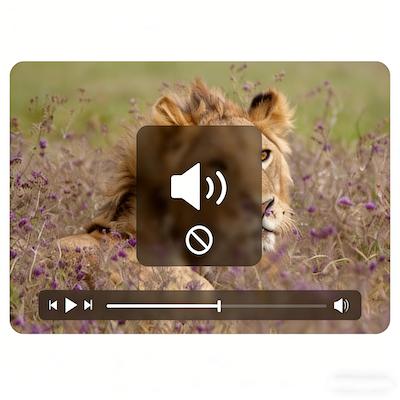
With Mute Video, quickly strip audio from any video online—no software downloads or complicated steps required. Supporting all major formats, it works directly in your browser, letting the visuals take center stage and giving your videos a fresh, immersive feel.

Try Mute Video Now

Easily Silence Videos with Smart Controls in Mute Video

Mute Video makes removing unwanted audio simple, smart, and intuitive. Content creators and casual users alike can quickly silence background noise, letting every frame speak for itself. Mute Video keeps the focus on visuals, enhancing the storytelling power of your videos.

Supports Multiple Video Formats

Supports Multiple Video Formats

No software installation or account registration is required—Mute Video allows you to upload, mute, and download videos directly in your browser. Fast processing ensures you spend less time waiting and more time creating.

Full or Partial Muting Options

Full or Partial Muting Options

AI Fruit Video

Instant Online Processing

Instant Online Processing

Out Of Frame

Boost Your Video’s Impact While Removing Distractions with Mute Video

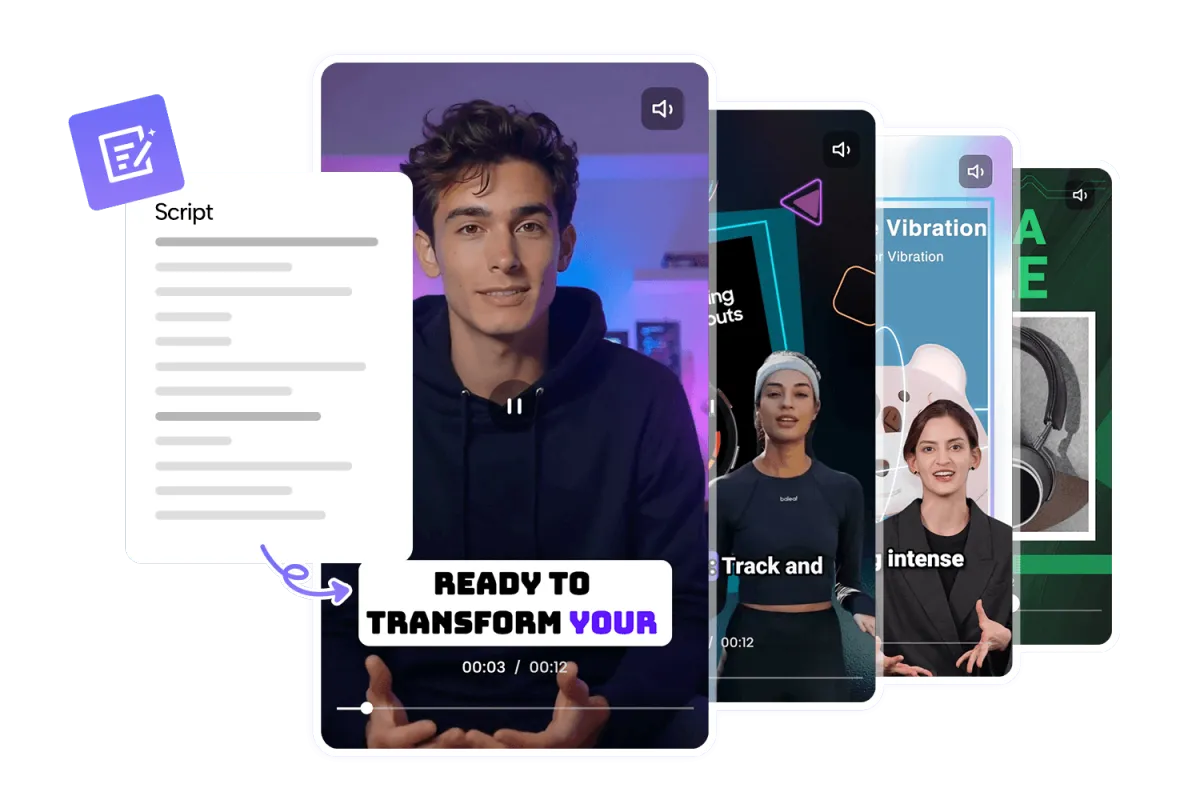
Mute Video does more than remove audio—it makes your videos adaptable for any scenario, from social media clips to corporate presentations, keeping them professional, clear, and shareable.

Preserves Video Quality

Preserves Video Quality

Mute Video does more than remove audio—it makes your videos adaptable for any scenario, from social media clips to corporate presentations, keeping them professional, clear, and shareable.

Cross-Platform Compatibility

Cross-Platform Compatibility

Mute Video does more than remove audio—it makes your videos adaptable for any scenario, from social media clips to corporate presentations, keeping them professional, clear, and shareable.

Instant Preview and Feedback

Instant Preview and Feedback

Mute Video does more than remove audio—it makes your videos adaptable for any scenario, from social media clips to corporate presentations, keeping them professional, clear, and shareable.

Optimize Your Video Projects Effectively Using Mute Video

Maximize your video’s impact by applying these simple yet effective tips while using Mute Video. Learn how to plan, refine, and optimize your clips to achieve smoother flow, clearer visuals, and a more polished final result that engages viewers across any platform.

Plan Your Edits in Advance

Plan Your Edits in Advance

Before muting, identify sections where audio might distract from key visuals or storytelling moments. Planning ahead allows Mute Video to help you maintain smooth pacing, emphasize important scenes, and ensure your video communicates its message clearly.

Use in Multi-Clip Projects

Use in Multi-Clip Projects

For videos composed of multiple clips, mute each segment individually with Mute Video to maintain consistent sound control and seamless transitions. This approach helps the final video feel cohesive, polished, and professional.

Preview Before Final Export

Preview Before Final Export

Always preview your muted video with Mute Video before exporting. Checking ensures that timing, pacing, and visual flow feel natural, and that all key visuals remain the focus without any unexpected distractions.

Optimize for Different Platforms

Optimize for Different Platforms

Adjust your muted clips according to the platform or audience. Mute Video works perfectly for social media, presentations, or personal projects, helping your content stay visually engaging, properly formatted, and ready for any viewing context.

Why Use Mute Video on China Video AI

Using Mute Video on China Video AI gives you more than a simple muting tool—it offers a full-featured, integrated content creation experience. Streamline your workflow, enhance your videos, and keep every project secure, all in one platform.

Avatar

Simple and Intuitive

Start muting your videos instantly with Mute Video—no editing skills required. China Video AI clean, user-friendly interface guides you through each step, making it easy to remove unwanted audio and focus on your visuals.

Avatar

No Installation or Registration

Process your videos entirely in your browser. Mute Video on China Video AI eliminates the need for downloads or account creation, saving time and keeping your workflow completely hassle-free.

Avatar

Supports Multiple Formats

China Video AI Mute Video supports MP4, MOV, AVI, WebM, and other popular formats. Easily work with different clips from smartphones, cameras, or other devices without worrying about compatibility.

Avatar

Fast Processing

Complete muting in seconds. Mute Video on China Video AI ensures rapid processing, so you can maintain momentum in your projects and meet tight deadlines without waiting.

Avatar

High-Quality Output

Maintain original resolution, clarity, and frame rate even after muting. Mute Video delivers professional, lossless results that are ready for sharing, presentation, or social media posting.

Avatar

Secure and Private

Your videos stay protected. Mute Video on China Video AI handles your content securely, with encrypted processing and strict privacy measures, ensuring your creative work remains confidential.

Discover How Mute Video Transforms Every Clip

Experience side-by-side comparisons to see how Mute Video transforms your clips, giving every frame clarity, focus, and a professional touch. Instantly remove distractions, highlight key moments, and bring out the full visual potential of your videos for your projects.

Social Media Clips

Social Media Clips

Remove distracting background noise with Mute Video, making short videos more engaging and visually striking. Enhance pacing, highlight key moments, and ensure viewers focus on the content rather than unwanted sounds. Perfect for Instagram Reels, TikTok, or YouTube Shorts.

Podcast

Podcast

Use Mute Video to eliminate background noise in your podcast recordings, ensuring clear, crisp audio for your listeners. Maintain focus on voices, improve comprehension, and deliver professional, distraction-free episodes every time.

Product Promotions

Product Promotions

Use Mute Video to remove ambient noise from marketing videos, letting visuals and branding shine. Highlight product features, create polished campaigns, and deliver high-quality promotional content ready for social media, websites, or presentations.

Personal Memory Videos

Personal Memory Videos

Preserve the essence of special moments by silencing background noise with Mute Video. Emphasize emotional or scenic elements, making personal videos more immersive, heartfelt, and visually memorable.

Mute Your Videos in Three Simple Steps

With Mute Video, there’s no need to install software or follow complicated tutorials. Each step is clear and intuitive, so you can complete your task with confidence.

01

Upload Your Video

Select the video you want to mute and upload it to the Mute Video interface. Drag-and-drop or click to upload, with support for all common formats, making the process simple and reliable.

02

Apply Muting

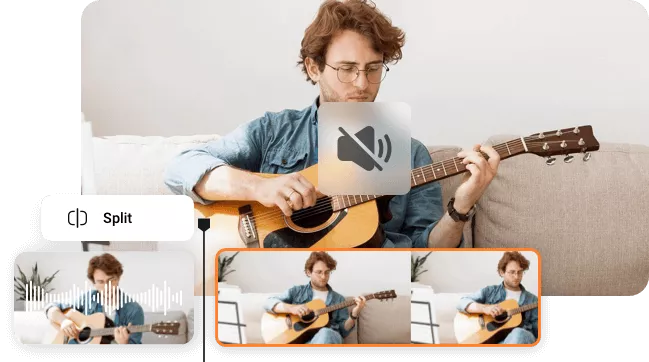
Use a one-click action or select specific segments on the timeline to remove unwanted audio. Mute Video guides you through every step, ensuring precise control over each section of your video.

03

Download or Share

Preview the muted video to confirm it meets your expectations. Then, download the silent version or share it directly to social platforms. Mute Video makes this fast, safe, and hassle-free, so your content is ready to use immediately.

Find Answers and Make the Most of Mute Video

Explore common questions and discover how Mute Video can make your video editing experience smoother, faster, and more reliable. This section helps you understand the tool’s capabilities, workflow, and best practices so you can create polished, professional-quality videos with ease.

Explore common questions and discover how Mute Video can make your video editing experience smoother, faster, and more reliable. This section helps you understand the tool’s capabilities, workflow, and best practices so you can create polished, professional-quality videos with ease.

Mute Video is an online tool that allows you to remove unwanted audio from your videos quickly and easily. It works directly in your browser, supports multiple formats, and helps you create distraction-free, high-quality content for social media, presentations, or personal projects.

Not free, but you can use Mute Video by earning points through daily check-ins or completing simple tasks. Once points are used up, paid options are available for continuous access.

Mute Video supports videos of varying lengths, from short clips to longer recordings. While very large files may take slightly longer to process, the tool handles most standard video durations smoothly, ensuring a fast and reliable experience.

No. Mute Video preserves your video’s original resolution and frame rate, ensuring a lossless, professional-quality result.

Yes. Mute Video allows selective muting, giving you precise control over which sections remain silent.

Absolutely. Mute Video processes your videos securely in the browser. Uploaded content is protected and not shared, giving you peace of mind while editing your videos online.

Yes. Mute Video maintains your video’s original resolution and format, making muted videos fully compatible with video editing software for post-production, adding music, captions, or effects.

Currently, Mute Video focuses on one video at a time to ensure fast, high-quality processing. For multiple videos, upload and process them sequentially—each file is handled efficiently.

Usually, Mute Video does not significantly alter file size. Removing audio is lightweight, and your video retains nearly the same storage size while keeping original quality intact.

Yes. Mute Video allows you to keep a backup of your original video before muting. This way, you can revert or create alternate versions without losing your original content.

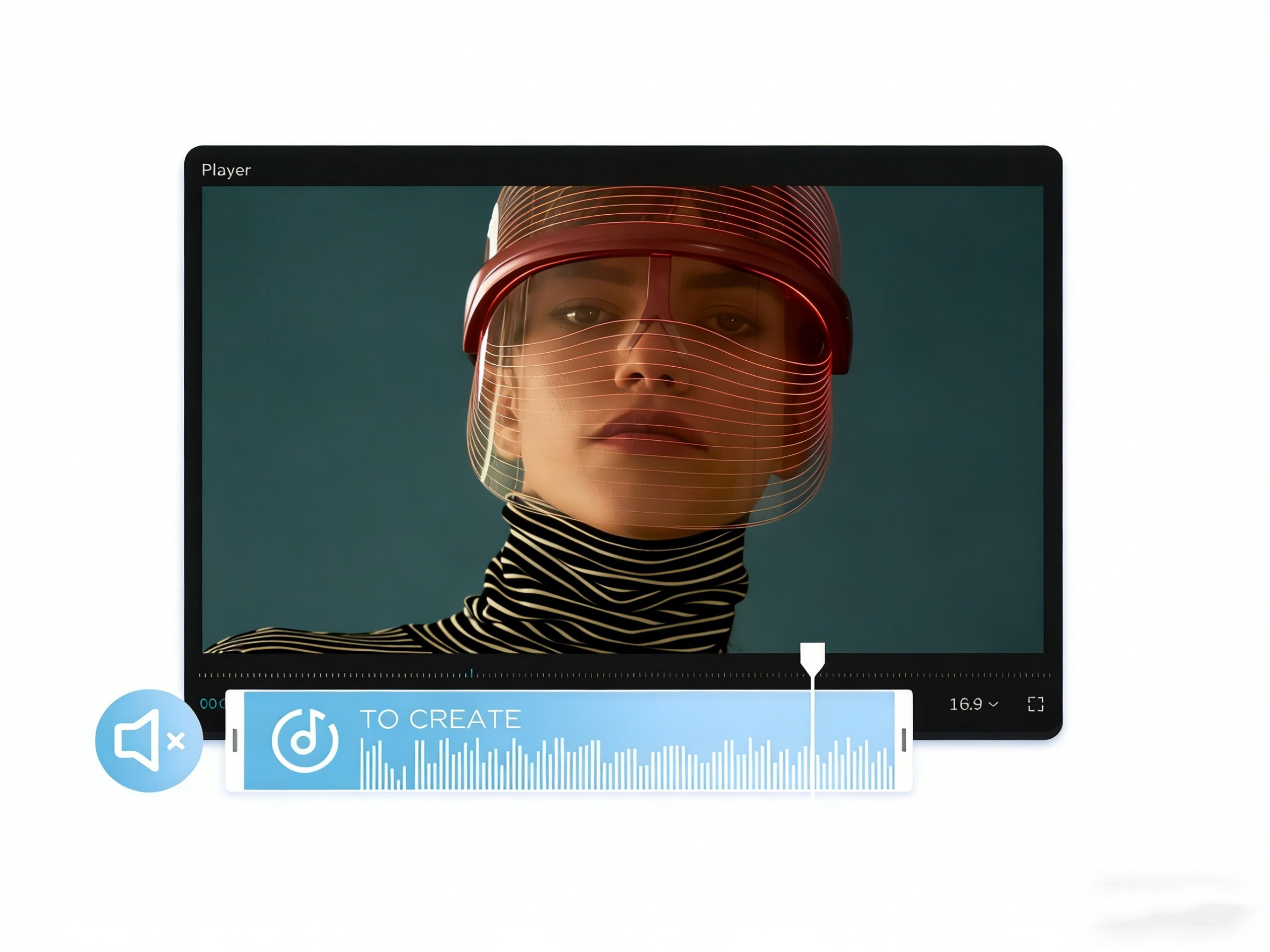
Start Using Mute Video and Make Every Frame Count

Take control of your videos and remove unwanted audio in seconds. With Mute Video, maintain high quality, enhance viewer focus, and create professional, distraction-free content. Try it now and see the difference!

Start Using Mute Video and Make Every Frame Count