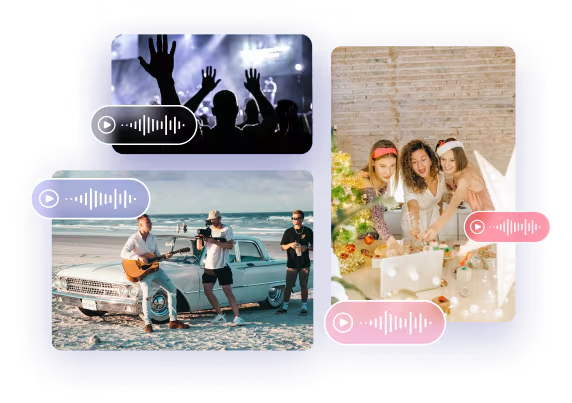
Intuitive Upload and Conversion Process
Video to MP3 runs entirely in your browser, providing a fast and secure conversion experience. Upload your videos and get high-quality MP3 files instantly, without needing an account or login.
SampleHigh-Fidelity MP3 Output
Waiting for Results
Complete the required inputs and click Generate.
AI Video Tool
Easily extract and convert audio from any video into MP3 format—no software installation or complicated setup required. Simply upload your video, and instantly generate a downloadable MP3 file. Perfect for music, lectures, podcasts, course recordings, and creative projects, Video to MP3 delivers a fast and seamless audio extraction experience.
Try Video to mp3 NowVideo to MP3 is more than a simple converter—it’s a smart assistant for handling video and audio content, focused on high-fidelity audio extraction and lightning-fast processing, ensuring every conversion is efficient and reliable.
Video to MP3 runs entirely in your browser, providing a fast and secure conversion experience. Upload your videos and get high-quality MP3 files instantly, without needing an account or login.
AI Fruit Video
Out Of Frame
More AI Video Tool
Beyond core conversion, Video to MP3 offers a suite of practical features that make processing videos smoother, faster, and more versatile for different creative and professional needs.

Beyond core conversion, Video to MP3 offers a suite of practical features that make processing videos smoother, faster, and more versatile for different creative and professional needs.
Beyond core conversion, Video to MP3 offers a suite of practical features that make processing videos smoother, faster, and more versatile for different creative and professional needs.
Beyond core conversion, Video to MP3 offers a suite of practical features that make processing videos smoother, faster, and more versatile for different creative and professional needs.
Maximize the value of your audio content with these easy and effective strategies for using Video to MP3, helping you work smarter and make the most of every clip.

Break long videos into smaller sections before extraction. Doing so with Video to MP3 makes it easier to organize multiple MP3 files, quickly locate specific clips, and manage audio for projects, playlists, or detailed post-production work.
For optimal results, select videos with clear audio and minimal background noise. High-quality input ensures that the MP3 files generated by Video to MP3 retain full clarity and fidelity, making your recordings ready for professional use, remixing, or sharing.
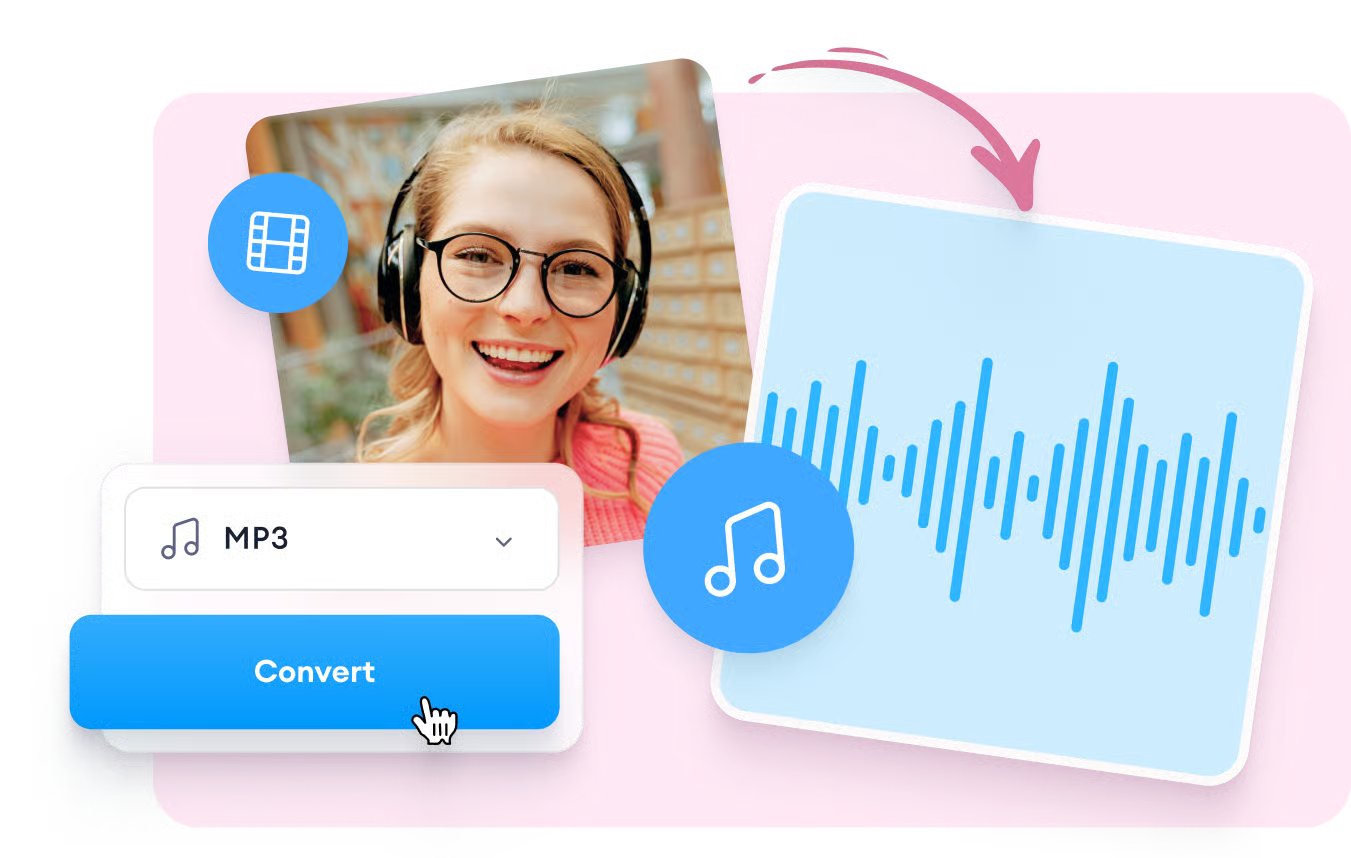
Always listen to your extracted MP3 files before integrating them into projects. Using Video to MP3 to preview audio ensures smooth post-production, helps catch issues early, and guarantees that your final content meets your quality standards.
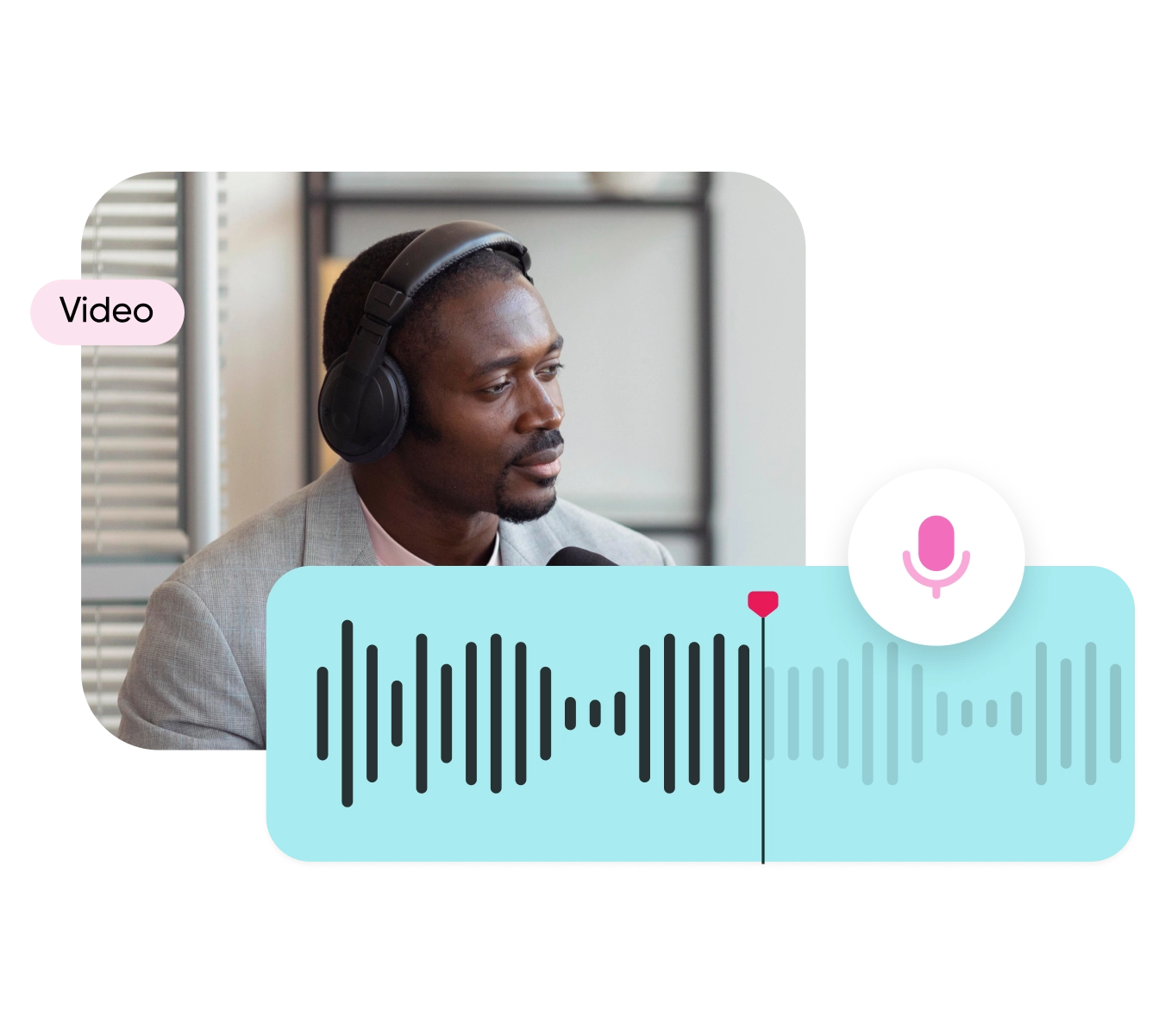
Add relevant tags, titles, or metadata to your MP3 files after extraction. Video to MP3 makes it easy to organize and catalog audio, improving searchability, managing large libraries, and keeping your content workflow efficient.
China Video AI delivers an optimized Video to MP3 conversion experience. Using intelligent workflows and advanced technology, it makes audio extraction fast, accurate, and secure. From creators and educators to everyday users, China Video AI provides reliable support for all your audio needs.

Powered by an optimized engine, Video to MP3 on China Video AI quickly analyzes video audio tracks and generates MP3 files. Both long videos and short clips can be converted in seconds, significantly boosting productivity.

Video to MP3 runs directly in your browser and works seamlessly on desktops, laptops, tablets, and smartphones. Extract audio anytime, anywhere, without the need to install additional software.

China Video AI supports multiple formats beyond MP3, including WAV and AAC. With Video to MP3, you can select the ideal format, file size, and audio quality for different projects, making content creation, sharing, and archiving simple and flexible.
China Video AI processes all video files via secure HTTPS channels, ensuring that every Video to MP3 conversion is safe and private. Files are never stored long-term or shared, giving you complete peace of mind.
With a clean, intuitive interface, Video to MP3 is easy to operate. Clear step-by-step guidance ensures even first-time users can extract audio quickly and efficiently, making Video to MP3 accessible to everyone.
China Video AI provides a clean workspace, with Video to MP3 conversion free from ads and watermarks. Focus entirely on your projects and content creation without distractions.
Discover inspiring examples of how Video to MP3 is transforming audio extraction across different scenarios. From conversion previews to real-world applications, Video to MP3 delivers high-quality results that enhance creative workflows and make audio more accessible for listening, editing, and sharing.
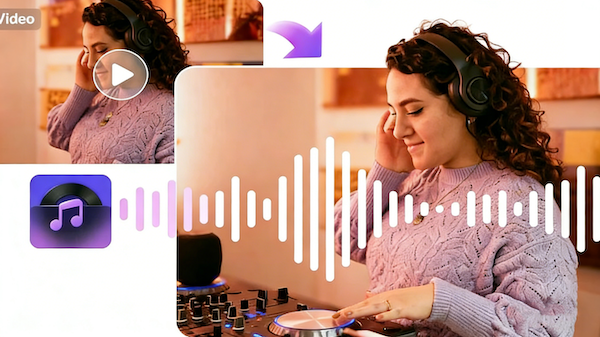
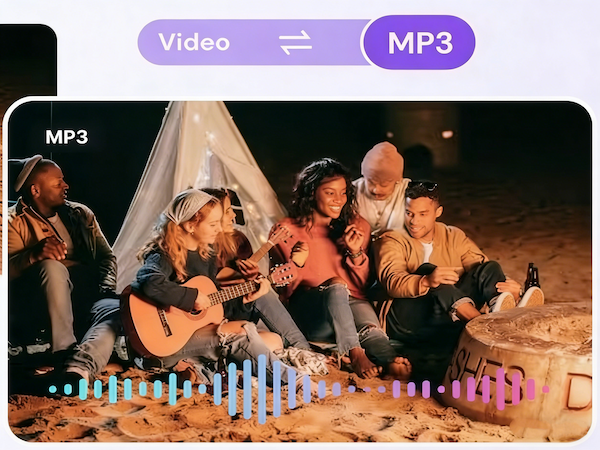
Experience how users transform live concert recordings, music videos, and rare performances into high-quality MP3 collections. These showcases highlight the clarity and fidelity achievable with Video to MP3, turning videos into personal music libraries that can be enjoyed anytime.
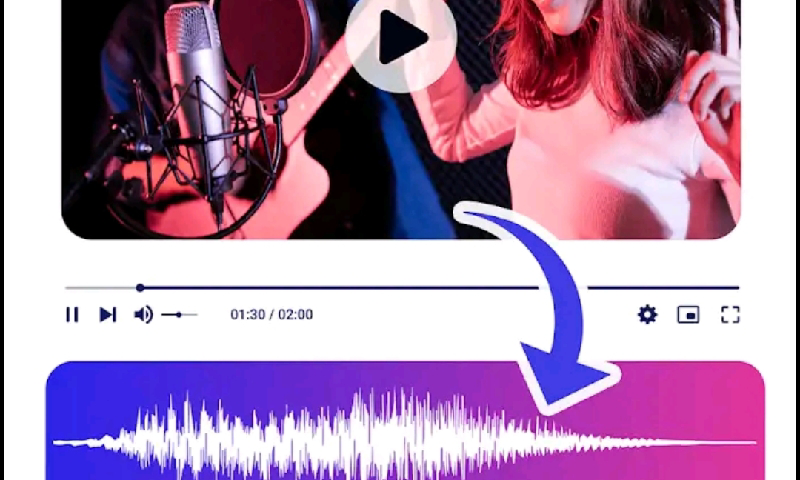
See real-world examples of podcasters and educators who extract audio clips from lengthy video content to produce polished podcasts, lecture series, or highlights. These case studies demonstrate how Video to MP3 helps creators streamline their content workflow and reach audiences more effectively.
Discover projects where course videos are converted into audio with Video to MP3 for on-the-go learning. Video to MP3 enables students to review lessons during commutes or breaks, and teachers to share recorded lectures efficiently, proving the tool’s educational value in real scenarios.
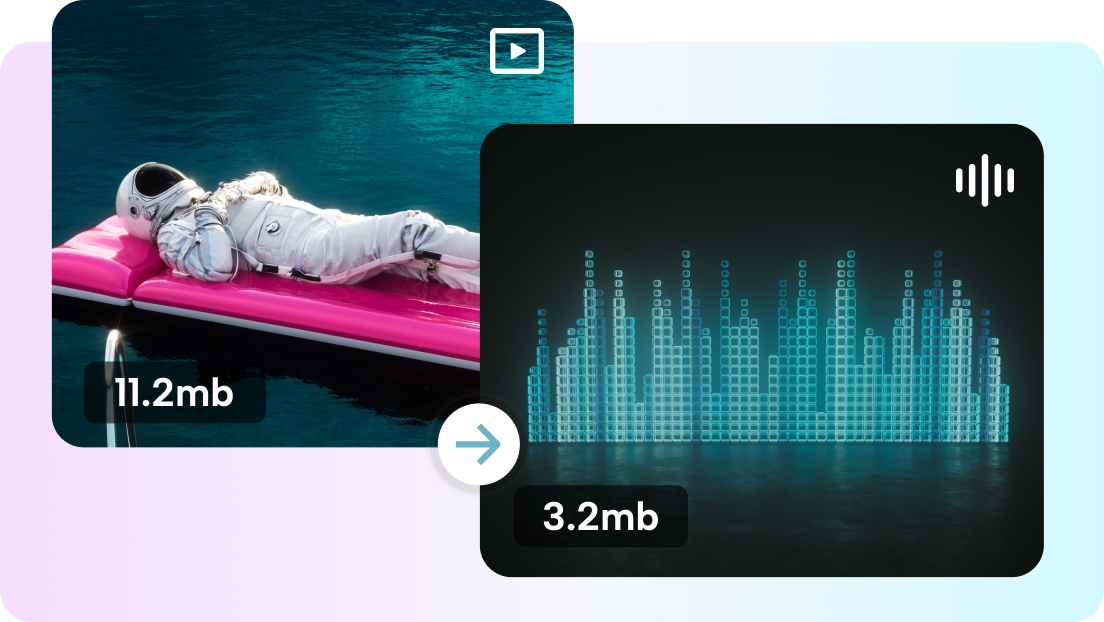
Explore creative projects where background music, dialogues, or sound effects from videos have been extracted and repurposed for short videos, edits, or social media content. Video to MP3 empowers creators to enhance their content portfolio, demonstrating tangible results and creative flexibility.
Follow these three simple steps to quickly extract high-quality audio from any video using Video to MP3. The process is clear, efficient, and designed to give you a smooth and reliable workflow.
Drag your video into the conversion area or click “Add Video.” The intuitive upload process ensures your files are ready for extraction with Video to MP3 in just a few clicks.
Choose MP3 as your target format and adjust basic settings if needed. Clear and simple options make it easy to set up your extraction without confusion.
Once conversion is complete, click “Download” to save the MP3 to your device. Video to MP3 ensures a smooth, reliable workflow, letting you access your audio quickly and efficiently.
Want to know more? Here are answers to the most frequently asked questions from users about Video to MP3, and an invitation to start your own conversion experience immediately.
Video to MP3 supports multiple bitrates for MP3 output, allowing you to choose the right balance between file size and audio fidelity for music, podcasts, or lectures.
The MP3 output from Video to MP3 preserves as much of the original audio quality as possible, supporting common high-bitrate settings for clear, faithful sound.
Video to MP3 handles a wide range of file sizes and video lengths. For very large files, conversion may take longer, but the process remains reliable and secure.
Video to MP3 works with video files you have downloaded to your device. For online videos, simply download them first and then upload to the tool to extract audio.
Absolutely. Video to MP3 processes files through secure channels and does not store them permanently, ensuring your content remains private and protected.
While Video to MP3 focuses on fast extraction, you can listen to the resulting MP3 files immediately after conversion and use external tools for trimming or editing if needed.
Video to MP3 focuses on audio extraction. To convert subtitles to audio, you can combine extracted MP3 with text-to-speech tools for narration.
Upload videos in segments or ensure a stable internet connection. Video to MP3 handles large files efficiently, but splitting very long videos can reduce wait time.
Start using Video to MP3 today and instantly convert your videos into high-quality MP3 files with ease. Experience fast, reliable, and professional audio extraction now!
Start Converting Videos to MP3 Today