Comprehensive Guide to the Video Upscaler
Here are some common questions about the Video Upscaler to help you get started:
Here are some common questions about the Video Upscaler to help you get started:
We support all common formats, including MP4, MOV, AVI, and more. The Video Upscaler tool ensures compatibility with a wide range of formats, making it easier for you to work with various types of video content.
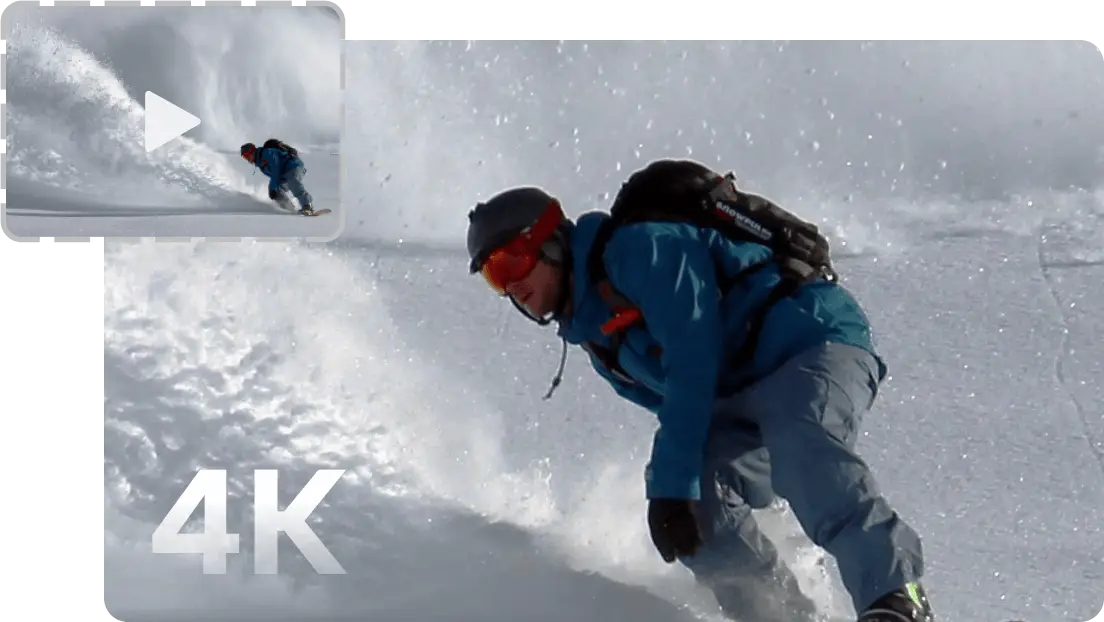
No, the tool is designed to upscale lower resolutions to higher ones, but not beyond 4K. The Video Upscaler focuses on enhancing the clarity of your video by increasing resolution up to 4K. While you can upscale HD and lower resolutions to 4K, the tool won’t extend beyond that as it is optimized for maintaining the highest quality within that range.
The time depends on the video size and the chosen resolution, but it’s typically completed within minutes. The Video Upscaler works efficiently by processing the video and enhancing its resolution, allowing you to quickly enhance your videos without long waiting times.
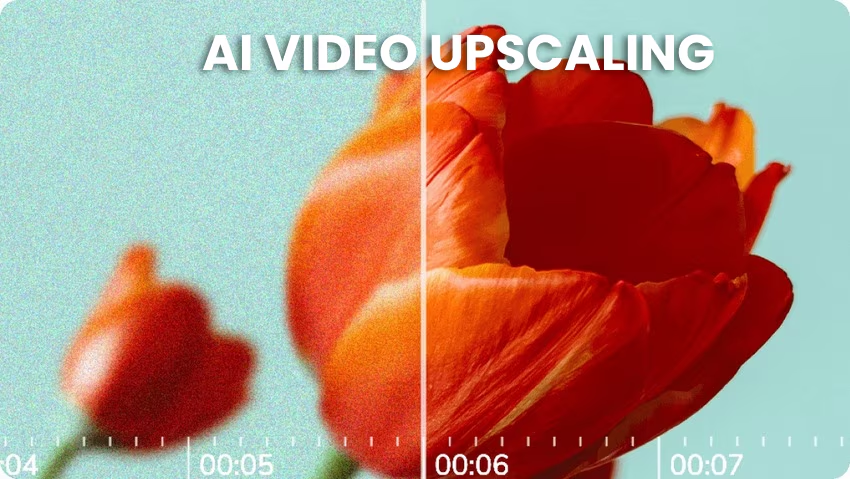
Yes, the AI reduces noise and grain for a smoother final product. The advanced noise reduction features of the Video Upscaler help create a cleaner, sharper video by eliminating unwanted artifacts and grain.
No, you can upscale videos of any length, but longer videos may take more time. The Video Upscaler can handle videos of any duration, making it versatile for all kinds of video content.
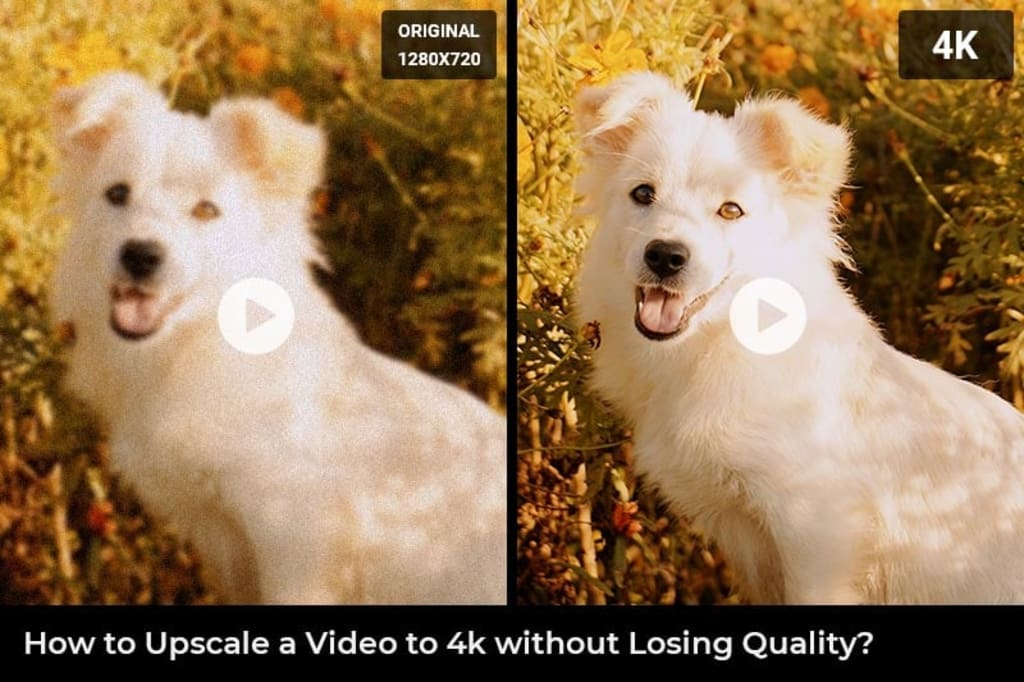
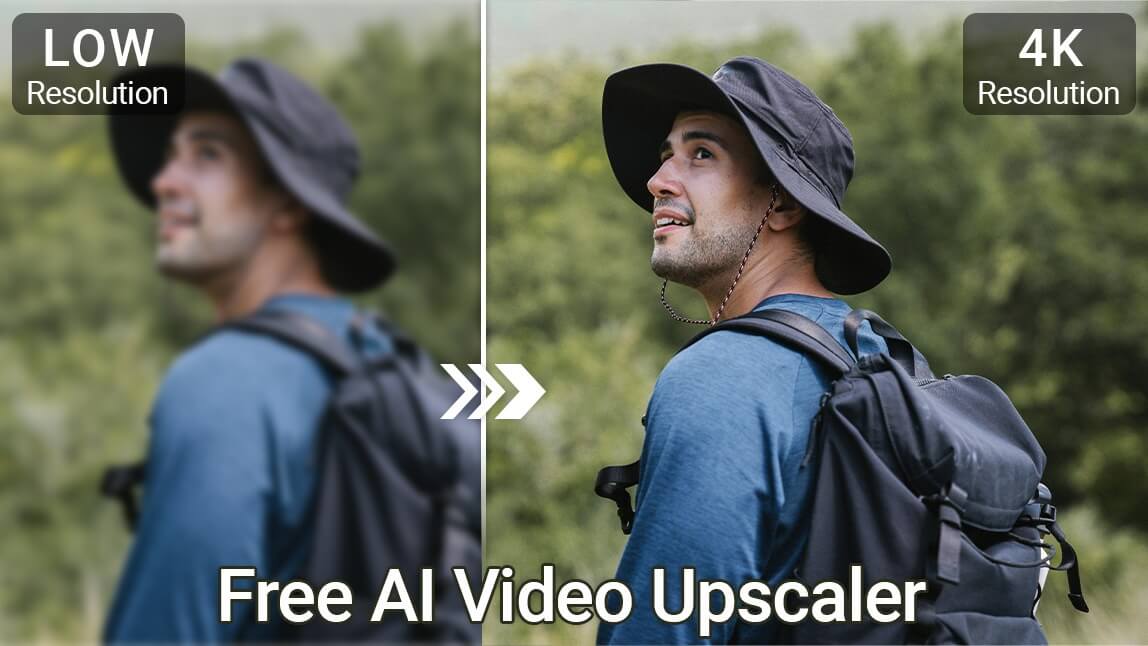
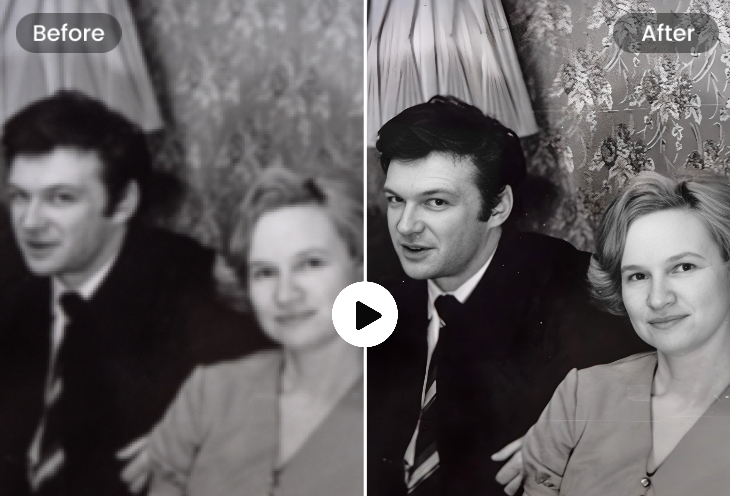
No, the AI ensures that the upscaled video retains as much of the original quality as possible. The Video Upscaler uses advanced algorithms to maintain the integrity of the video’s original quality while boosting its resolution.
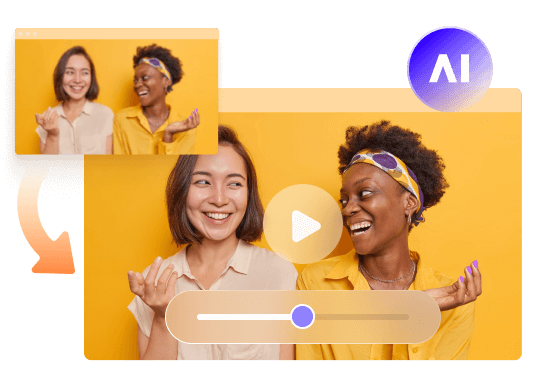
Yes, the tool is perfect for both personal and professional video projects. The Video Upscaler is designed to meet the needs of both casual creators and professionals, allowing you to enhance video quality for social media, advertisements, corporate videos, and more.
While there’s a free trial, full access requires a subscription. The Video Upscaler offers a free trial to let you explore the tool’s features before committing.
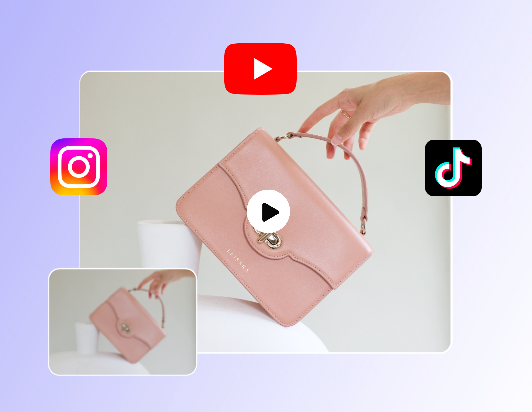
Absolutely! This tool is great for improving the quality of social media videos. Whether you're creating content for Instagram, YouTube, TikTok, or any other platform, the Video Upscaler helps optimize your videos for professional-looking results that stand out in your audience’s feed. The high-quality upscaling enhances your videos, ensuring they look their best.
No, the interface is user-friendly and requires no technical expertise. The Video Upscaler is designed with simplicity in mind, so even if you’re not tech-savvy, you can easily enhance your videos.