Intelligent Subject Detection
Body Editor
High-Quality Visuals
Create more premium AI videos with commercial usage and priority processing.
Allow other users to view your generated result.
Hide your prompt and uploaded source files from other users.
Waiting for Results
Complete the required inputs and click Generate.
AI Image Tool
With Background Changer, transform any photo in seconds by replacing its background with ease. Generate high-quality, attention-grabbing visuals that elevate every image, enhance your designs, and make your social media posts stand out. Background Changer puts creative control at your fingertips, letting you craft striking visuals faster than ever.
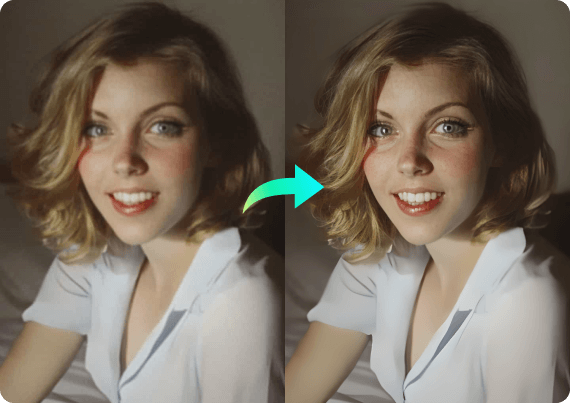
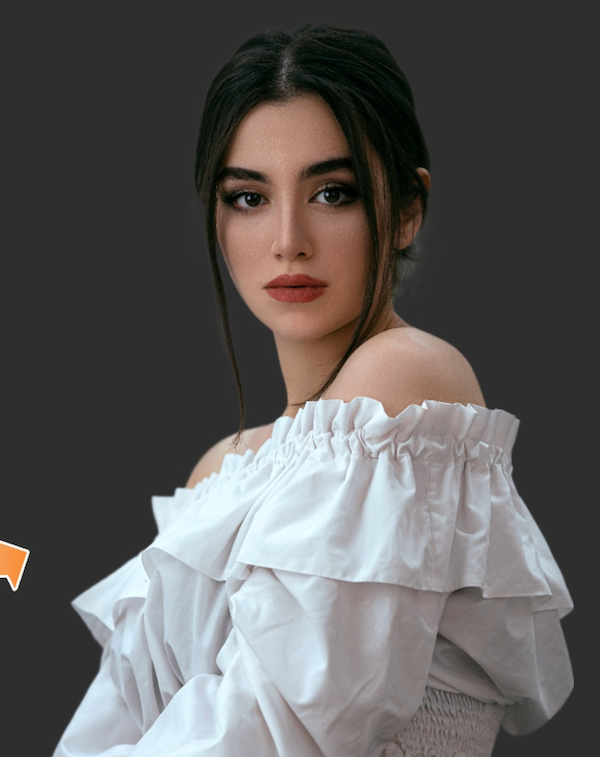
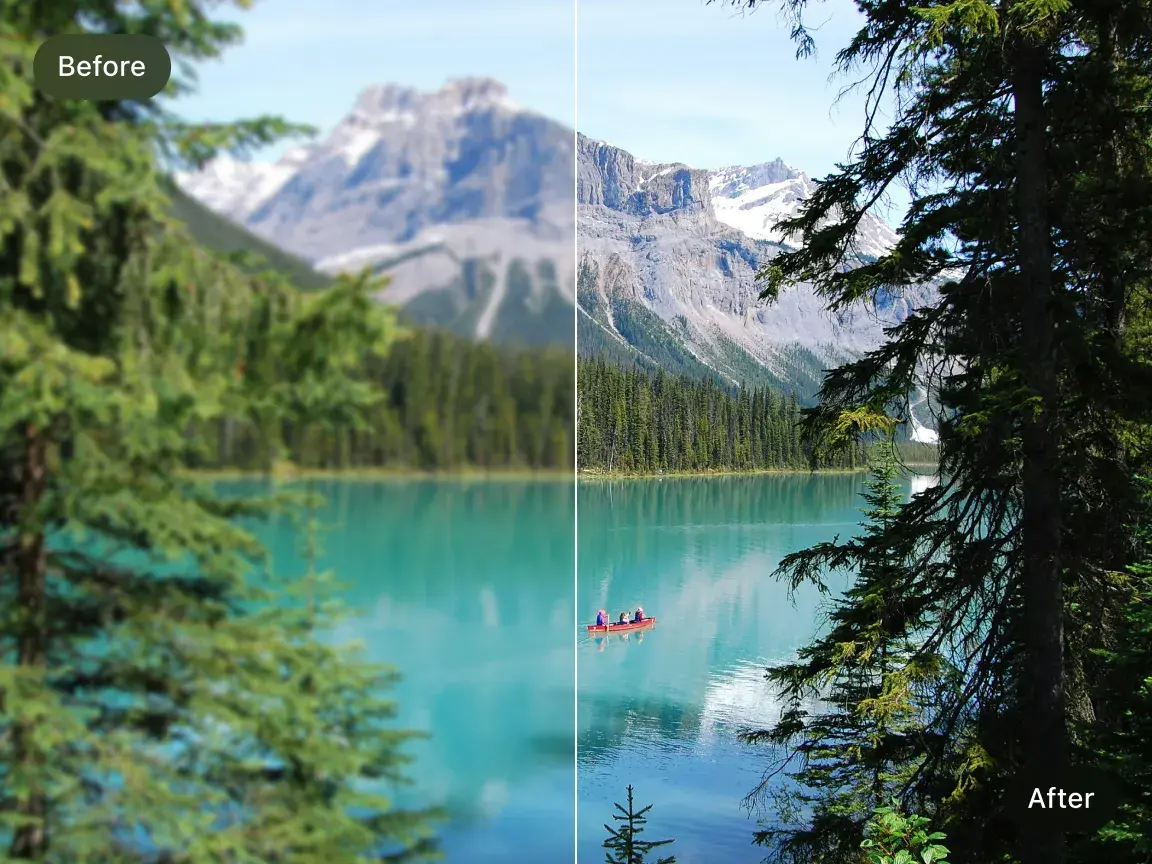
Try Background Changer NowBackground Changer combines intelligent AI detection with seamless editing tools to transform your photos in seconds. Instantly isolate subjects and apply new backgrounds with precision, while maintaining natural colors and edges. Its three core capabilities streamline the creative process, unlocking endless possibilities for social posts, presentations, and design projects.
Body Editor
Spiderman AI
Can Display
More AI Image Tool
Background Changer does more than quickly replace backgrounds—it enhances every image with intelligent optimization and multi-layer enhancements, delivering a polished, professional look. Key advantages include:
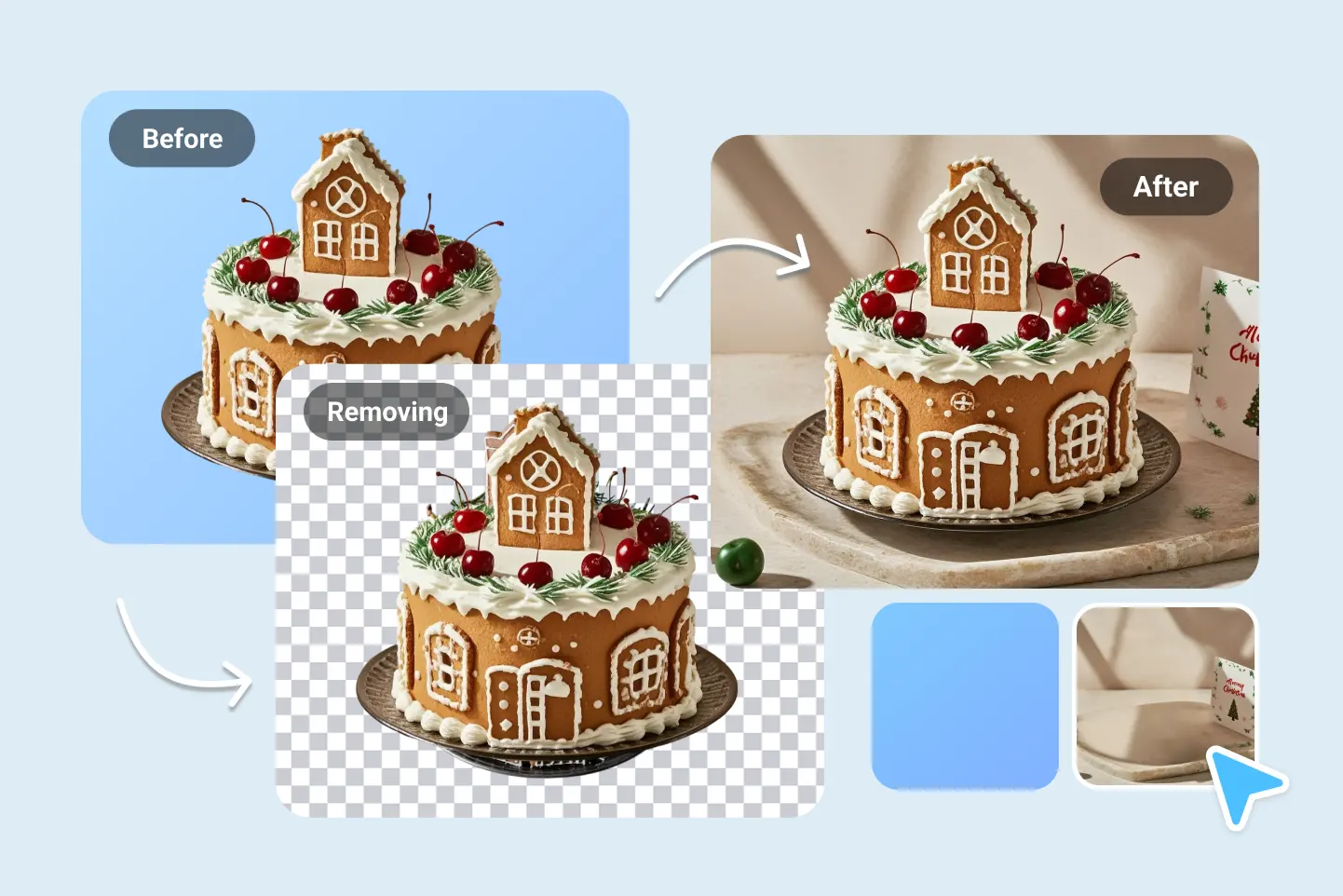
Background Changer does more than quickly replace backgrounds—it enhances every image with intelligent optimization and multi-layer enhancements, delivering a polished, professional look. Key advantages include:
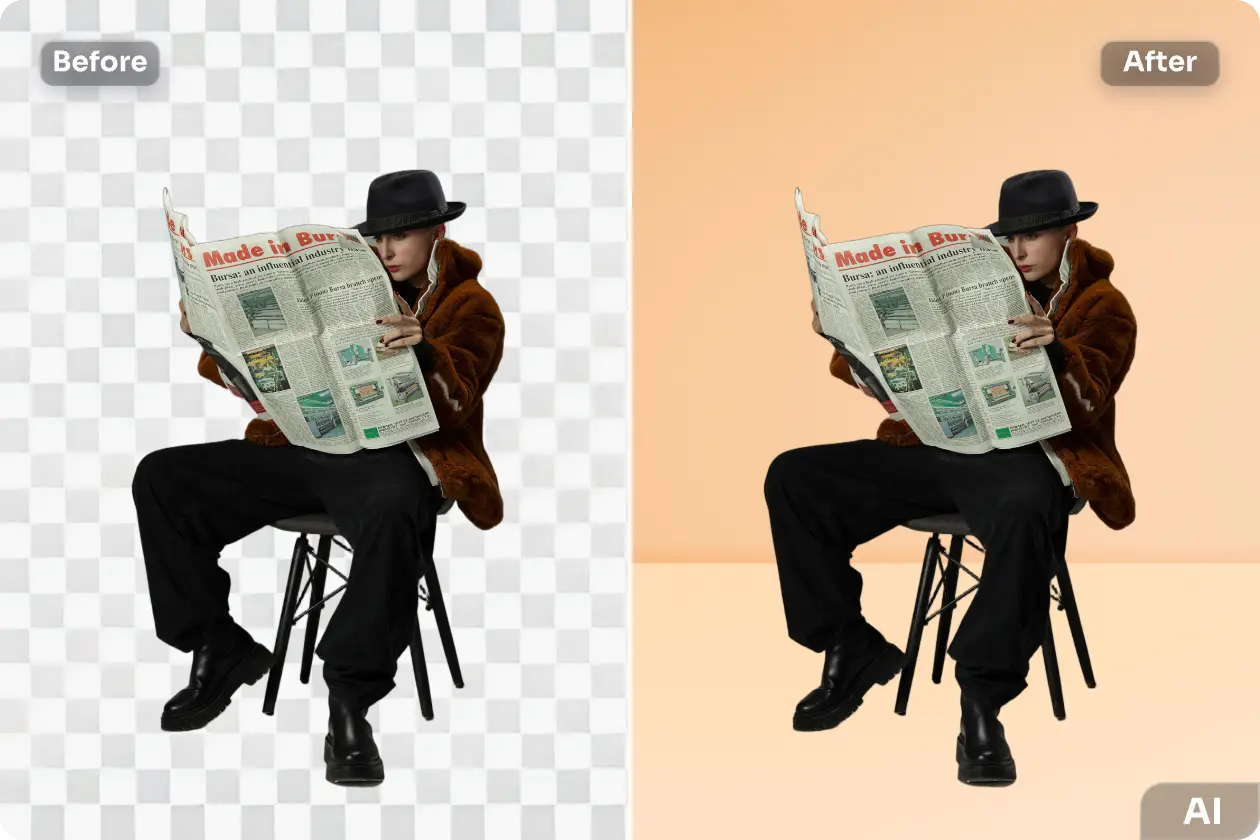
Background Changer does more than quickly replace backgrounds—it enhances every image with intelligent optimization and multi-layer enhancements, delivering a polished, professional look. Key advantages include:
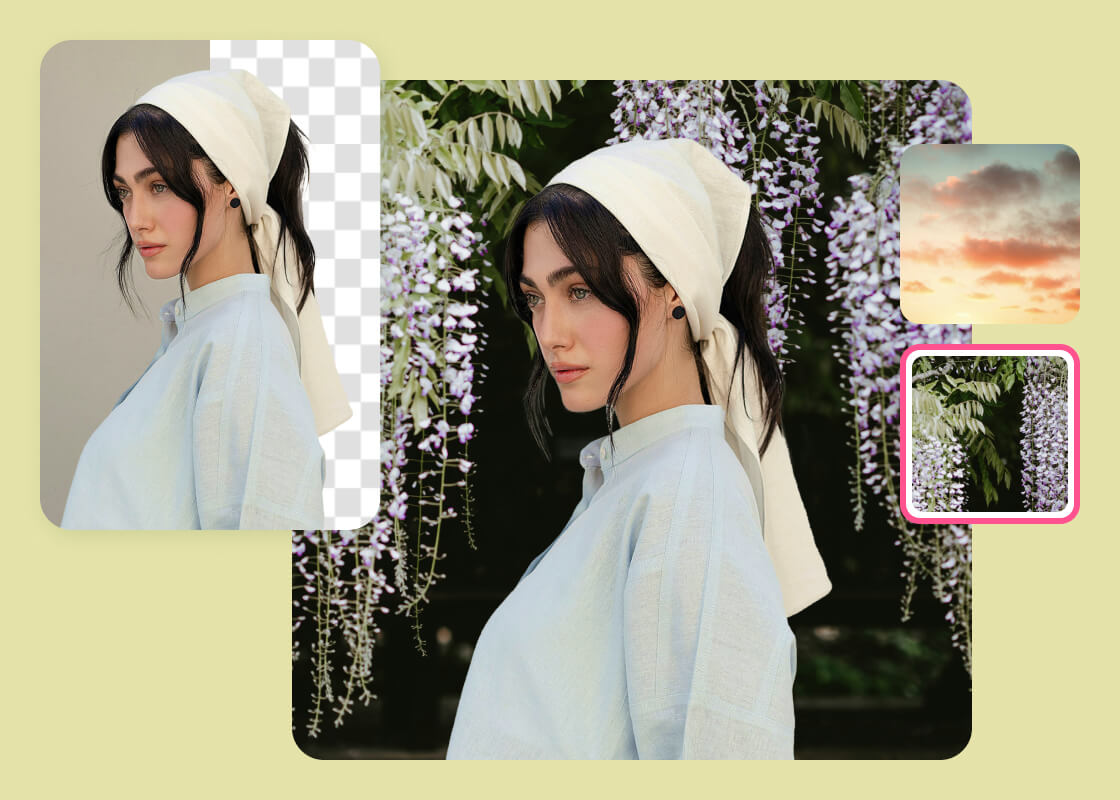
Background Changer does more than quickly replace backgrounds—it enhances every image with intelligent optimization and multi-layer enhancements, delivering a polished, professional look. Key advantages include:
Unlock professional results faster with Background Changer on China Video AI. This powerful Background Changer tool streamlines your creative workflow, reduces manual editing time, and gives every image a polished, visually compelling finish. Here’s why creators, marketers, and professionals rely on it:
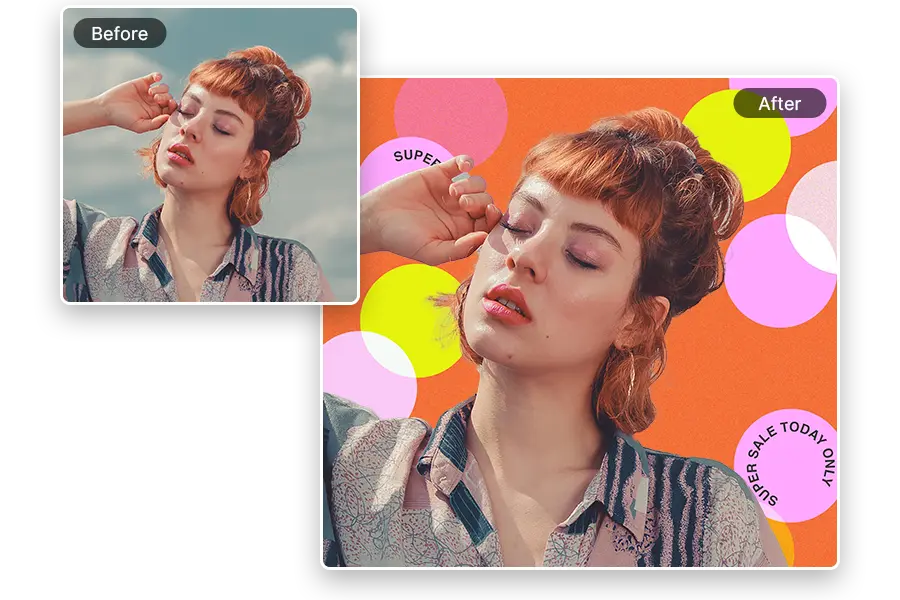
Background Changer on China Video AI helps users produce industry-level visuals in less time. Instead of spending hours masking subjects or adjusting layers manually, China Video AI automates the process so you can focus on storytelling, branding, and design impact.
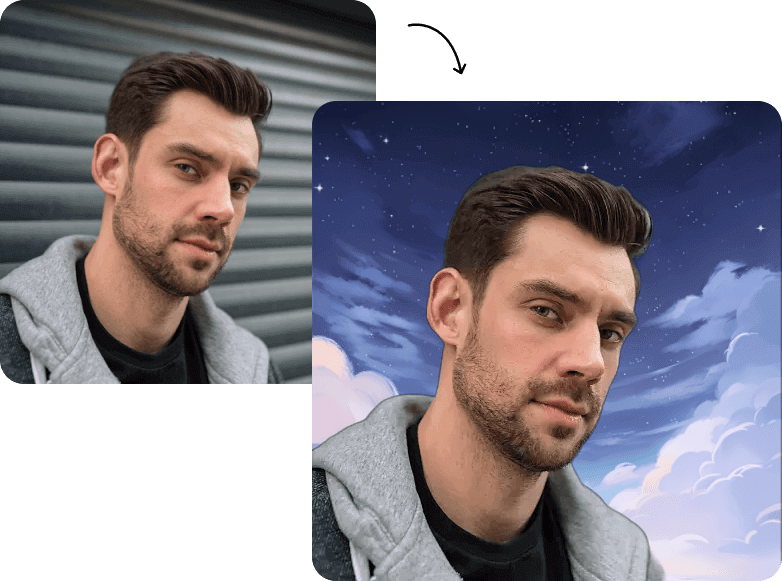
Traditional photo editors require manual selection tools, precise outlining, and layer management. Background Changer on China Video AI replaces these steps with AI-powered automation that delivers clean, accurate results in seconds—giving you a faster and more reliable editing experience without complex controls.
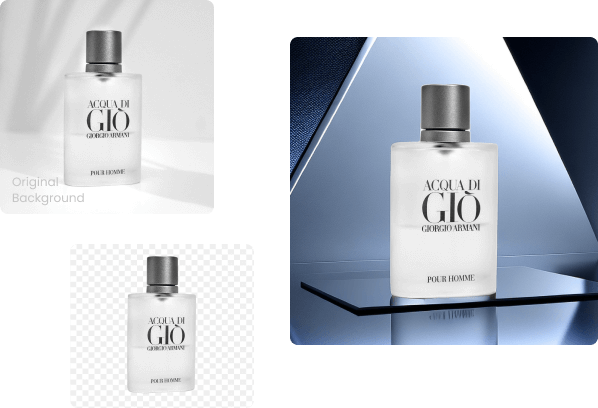
Users often struggle with messy edges, time-consuming cutouts, mismatched backgrounds, and inconsistent image quality. Background Changer intelligently resolves these issues by refining edges, balancing visual tone, and generating cohesive backgrounds that enhance the final image without extra retouching.

From social media campaigns to website banners and digital ads, content demands have never been higher. Background Changer on China Video AI supports fast turnaround, consistent branding, and high-resolution output, making it the ideal solution for creators and teams who need professional visuals quickly and repeatedly at scale.
Make the most of Background Changer with a few practical tips that help you create cleaner, more professional visuals—without extra effort. These suggestions focus on image quality, composition, and final presentation, helping every design stand out.

Good input leads to great results. Images with sharp subjects and proper lighting allow Background Changer to capture contours more accurately, giving you cleaner separation and a more natural final effect.
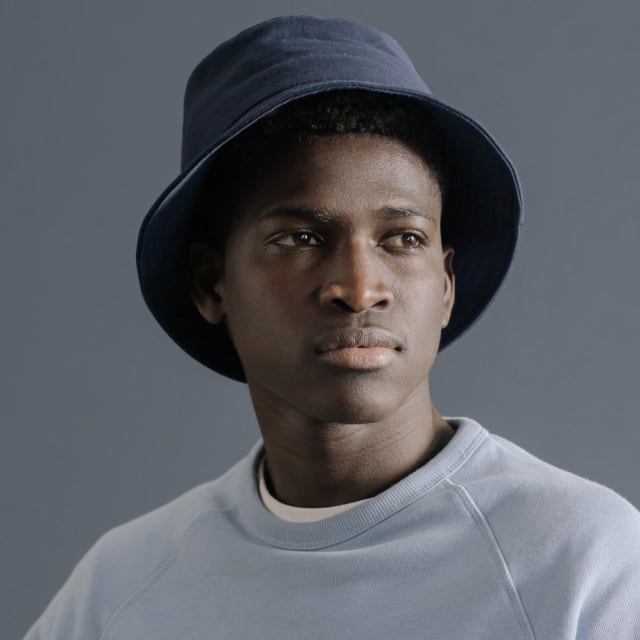
Selecting a background that complements your subject’s tone, lighting, and color brings your visual together. When using Background Changer, try pairing portraits with soft gradients or matching product photos with clean, minimal backdrops for a cohesive look.

Even after switching backgrounds, composition determines visual impact. Use Background Changer to reposition the subject if needed, ensuring the main focus sits in a balanced and visually appealing position.
When creating visuals for print, ads, or high-quality presentations, upload images that are sharp and detailed. Background Changer handles fine edges better and produces cleaner results that look polished even at larger sizes.
Try multiple backgrounds and moods before exporting. Background Changer makes experimentation quick, helping you find the perfect balance between creativity, clarity, and visual impact—especially for social media or marketing content.
Once your background is finalized, feel free to enhance the visual further in China Video AI or other editors with text, borders, overlays, or effects. Background Changer provides the foundation; small finishing touches can elevate the final result even more.
Explore the endless possibilities of your images with Background Changer, immersing them in vibrant, imaginative scenes. Each showcase example demonstrates how ordinary photos can be transformed with Background Changer into visually striking stories that captivate, inspire, and leave a lasting impression.
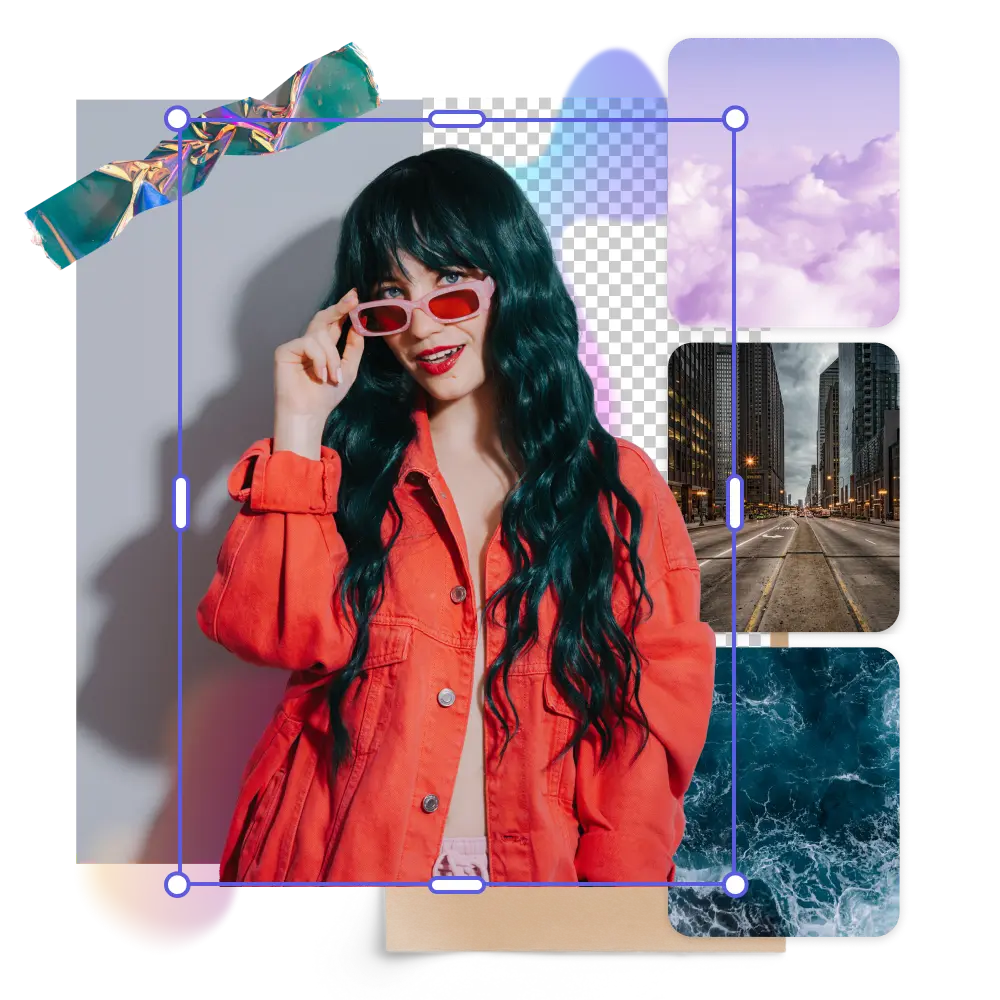
Grab attention instantly by turning posts into scroll-stopping visuals. Bold colors, dynamic compositions, and playful overlays make every Instagram, Facebook, or TikTok update pop and encourage shares.
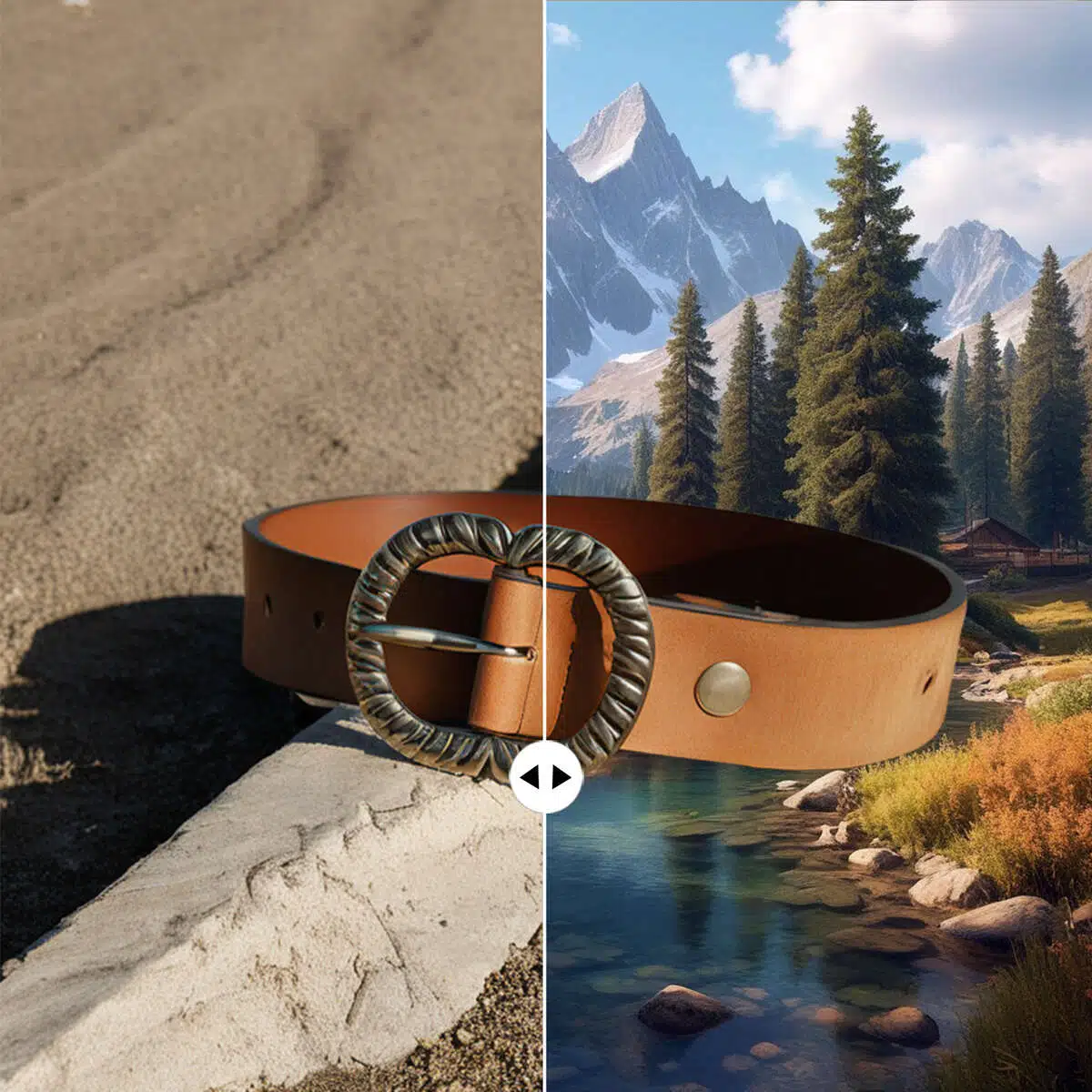
Showcase your products and brand identity in a clean, professional way with Background Changer. These examples demonstrate how refined backgrounds and thoughtful composition can elevate product appeal, strengthen brand perception, and capture audience attention across marketing, e-commerce, and promotional visuals.
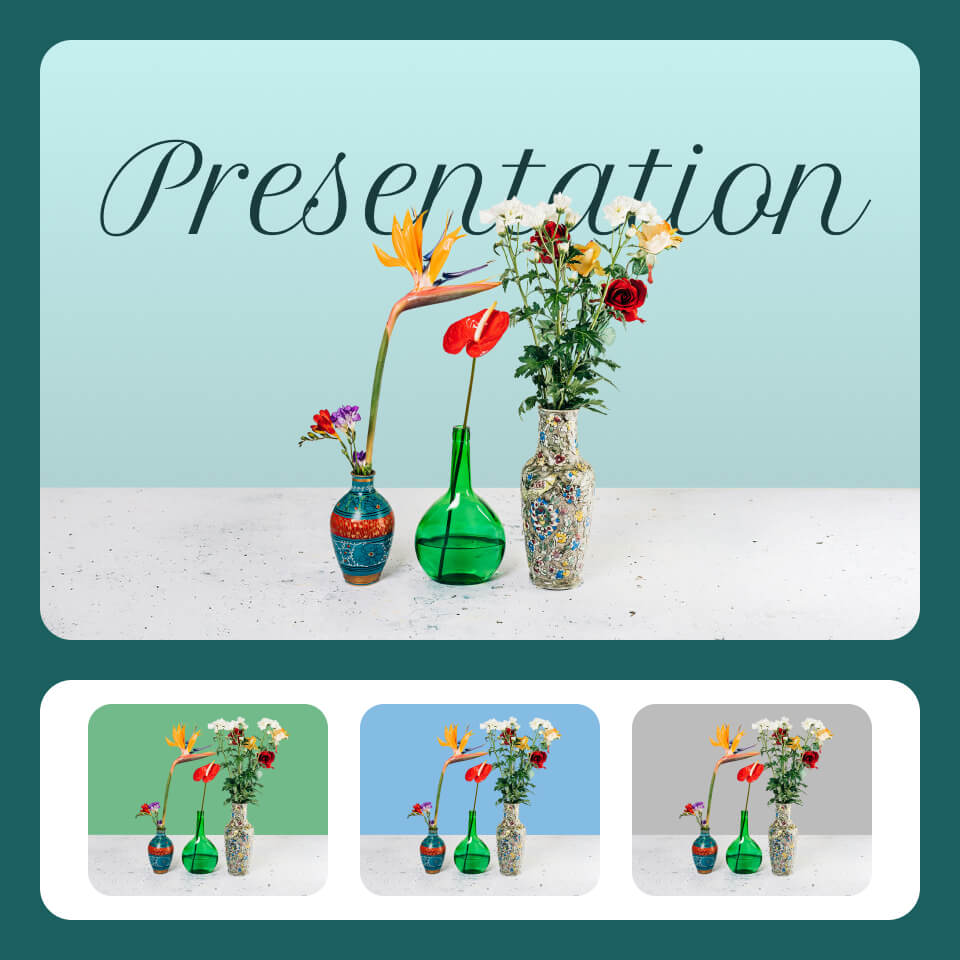
Elevate your work with polished, high-impact visuals produced through Background Changer. Sleek designs and cohesive aesthetics make slides, reports, and marketing materials not only visually compelling but memorable.
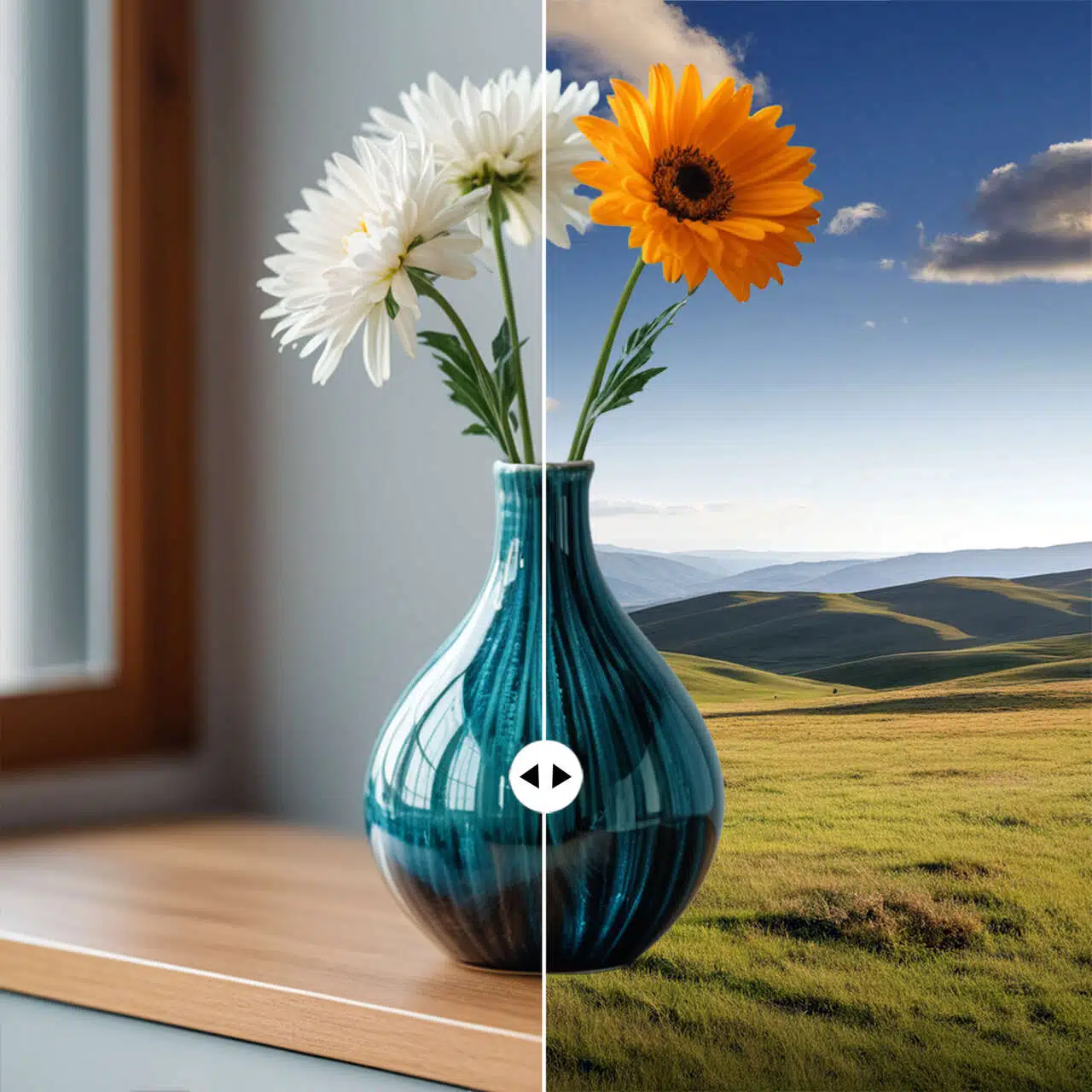
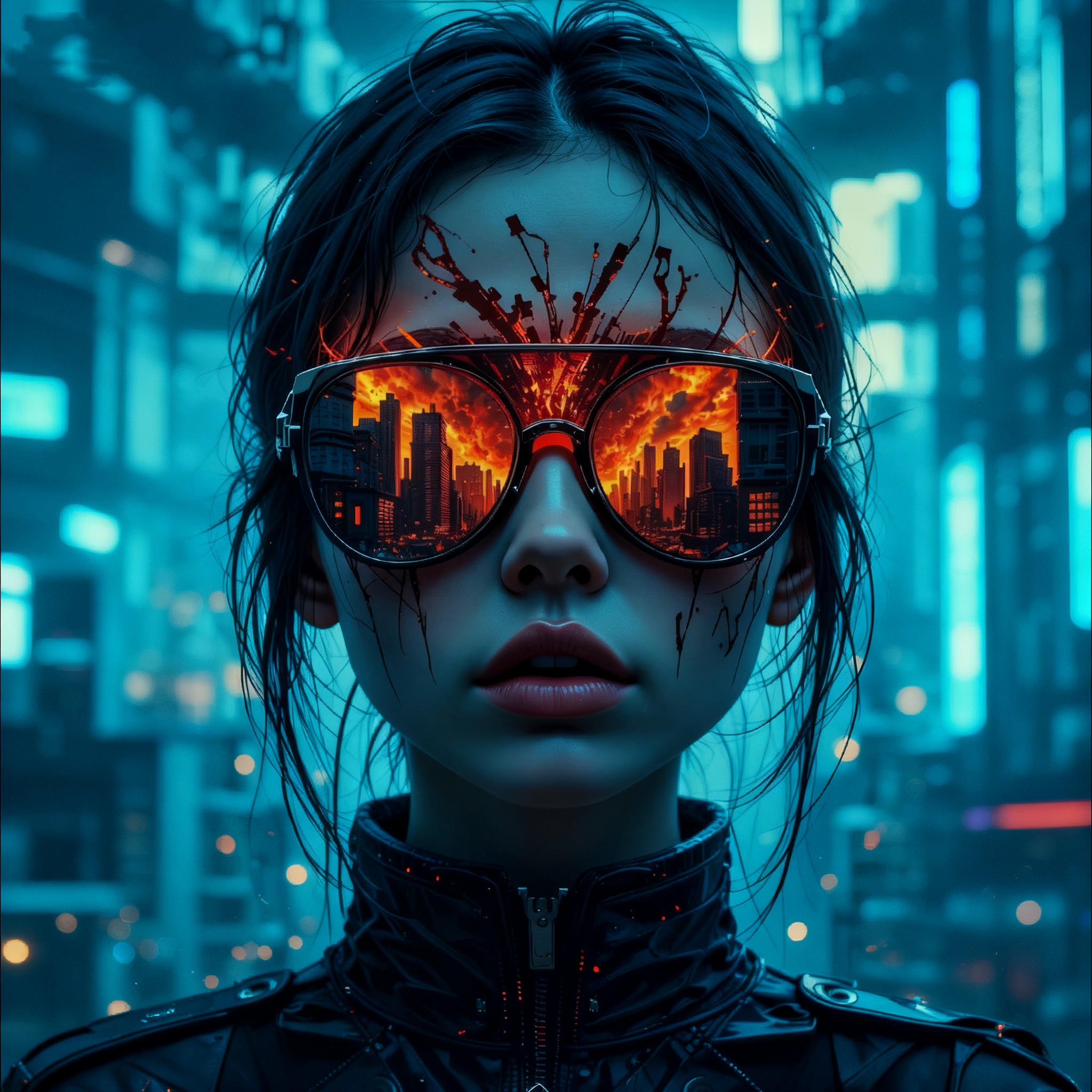
Push your creativity further with Background Changer, blending photos with abstract patterns, dreamy color gradients, or surreal visual elements. Each composition crafted in Background Changer sparks imagination and turns your images into captivating works of art.
With Background Changer, transforming your photos into captivating visuals is effortless and inspiring. In just three simple steps, you can turn ordinary images into high-quality, eye-catching creations. Design social media content, enhance presentations, or explore creative projects with speed, precision, and style, and watch your ideas come to life instantly.
Choose an image from your device or cloud storage. Background Changer instantly detects the subject, isolates it with precision, and prepares your photo for a seamless background transformation—making the first step fast, accurate, and hassle-free.
Browse inspiring examples created with Background Changer to spark ideas and discover possibilities. Then guide Background Changer with custom text or creative prompts to adjust background style, mood, and effects, creating unique, personalized visuals that reflect your vision.
Save your image immediately, or open it in China Video AI editor to enhance quality, fine-tune details, and add extra creative touches. Share your polished visuals instantly on social media or use them for presentations, posters, and more.
Get clear answers about using Background Changer, from supported devices and export options to privacy, batch processing, and recommended settings. This quick guide helps you work faster, solve common questions, and get professional results with ease.
With Background Changer, most images are processed in seconds. Even high-resolution or complex photos are quickly transformed, ensuring fast results for social media, presentations, and design projects.
Yes! Background Changer allows you to upload custom backgrounds in addition to its extensive template library. This lets you create truly personalized visuals tailored to your projects or brand style.
Background Changer supports common formats like JPG and PNG for uploads, and outputs high-resolution images with optional transparent backgrounds, perfect for design, social media, or professional presentations.
Yes, batch processing is supported. Background Changer can efficiently handle multiple images, making it ideal for content creators, e-commerce stores, or marketing teams who need consistent background replacements quickly.
Background Changer is a web-based tool that requires an internet connection to leverage its AI engine, ensuring fast, accurate, and seamless background replacement across all devices.
Yes. Background Changer prioritizes user privacy and securely processes your photos in-browser or via encrypted servers. Images are not shared without permission, giving you peace of mind.
Definitely. Background Changer produces visually striking images optimized for Instagram, Facebook, TikTok, and other social media platforms, helping you create shareable content that stands out.
For optimal results, Background Changer works best with high-resolution images under 2MB. Photos with clear subjects and distinct edges yield the most precise background replacements and professional-looking results.
No design skills required—Background Changer brings every photo to life. Upload your image now, instantly replace the background, and explore limitless creative possibilities with ease and precision.
Experience Background Changer and Create More