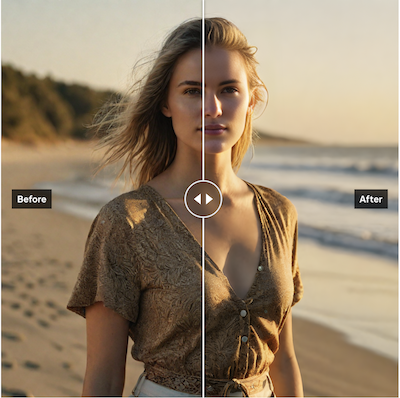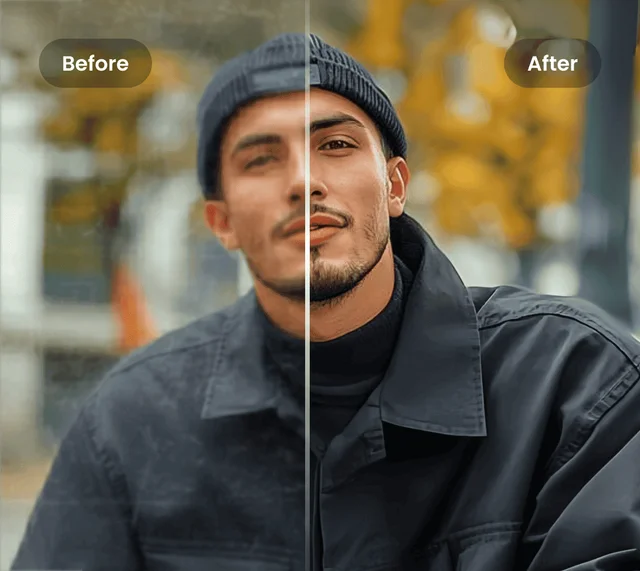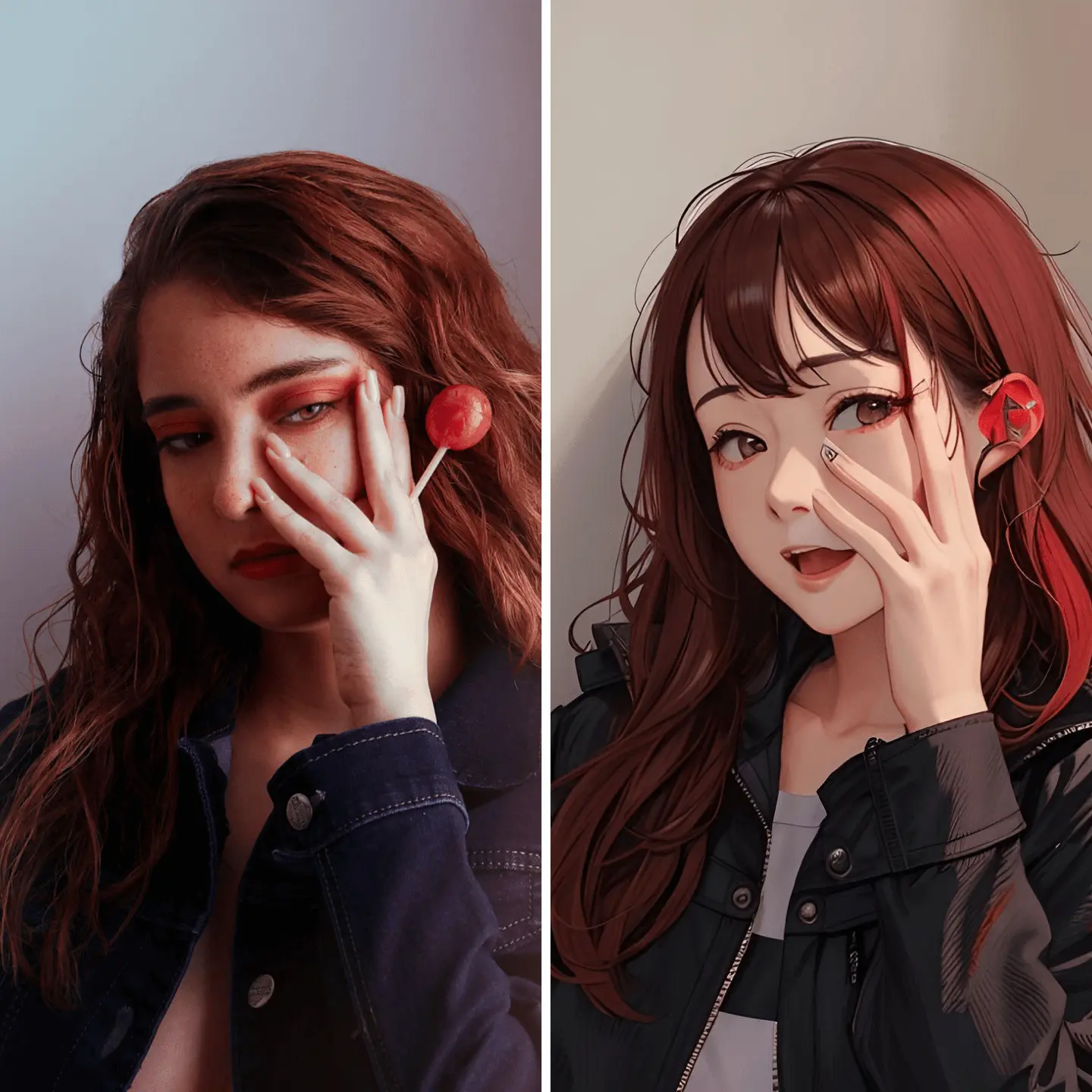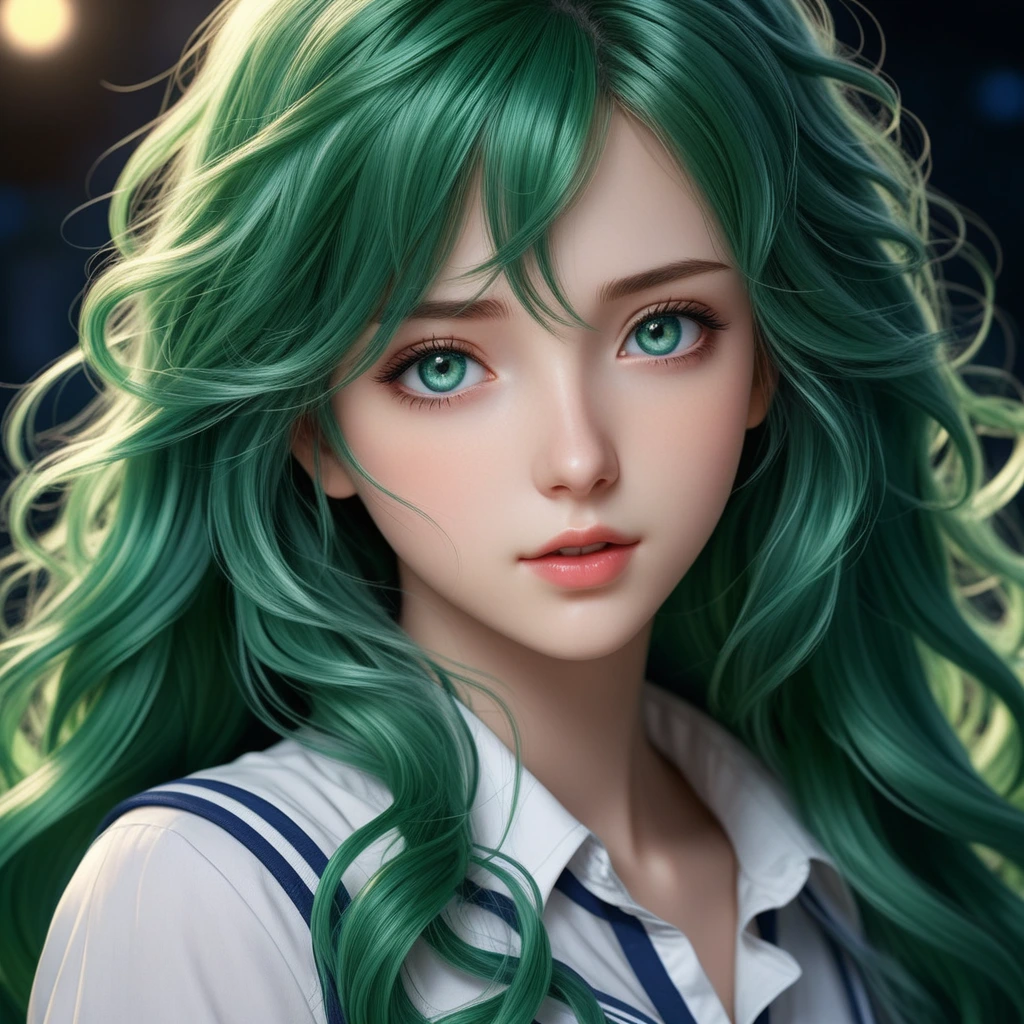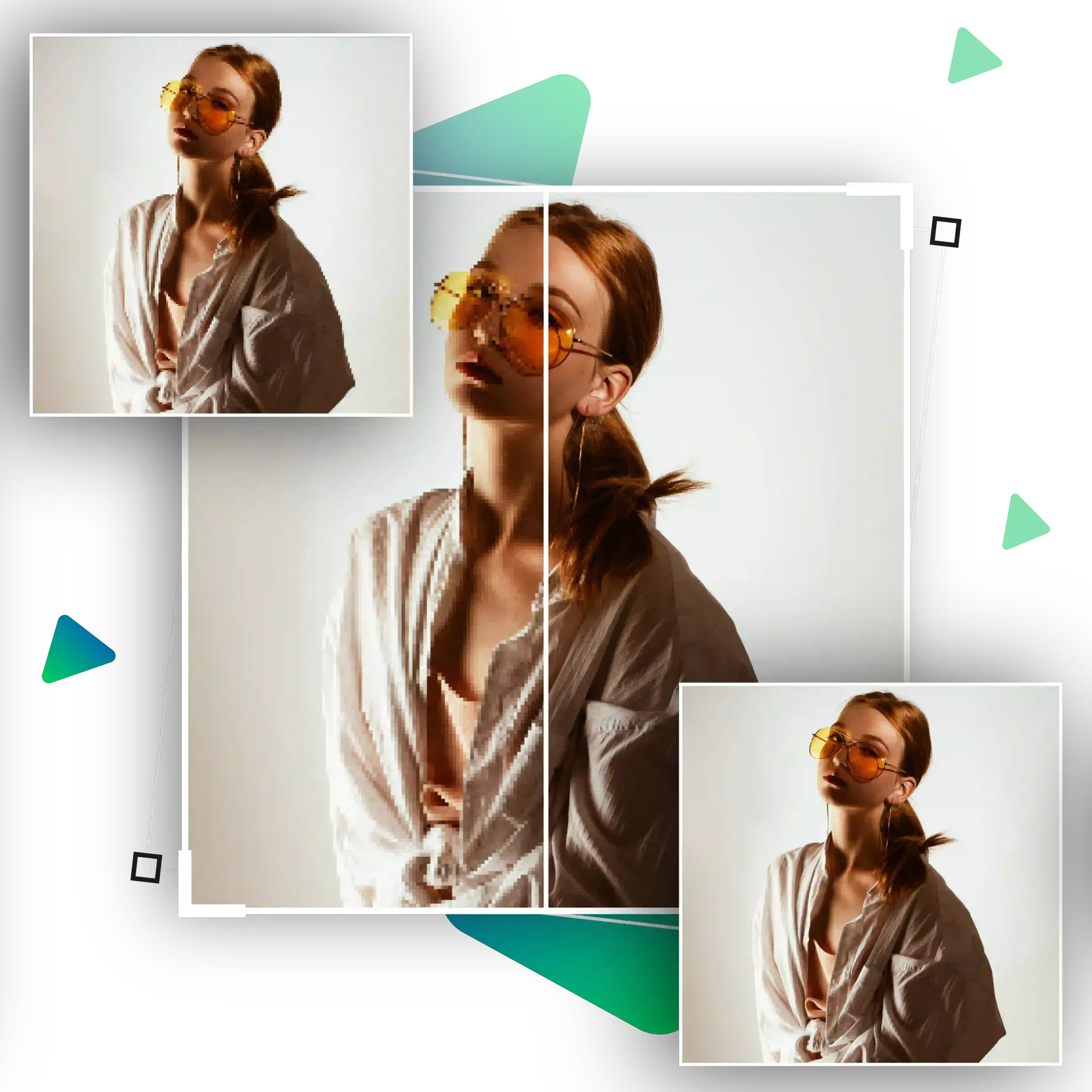
1. Ultra-Clear Super Resolution
Body Editor
AI Noise Reduction
Create more premium AI videos with commercial usage and priority processing.
Allow other users to view your generated result.
Hide your prompt and uploaded source files from other users.
Waiting for Results
Complete the required inputs and click Generate.
AI Image Tool
With AI Image Enlarger, anyone can turn blurry or tiny images into high-resolution results suitable for printing, design, social media, or commercial use — all in just a few clicks. No editing background is required. AI Image Enlarger does all the heavy lifting for you.
Try AI Image Enlarger NowAI Image Enlarger offers a powerful suite of AI-powered enhancement tools that combine deep learning, texture reconstruction, and noise suppression. These features work together seamlessly to deliver lifelike clarity and detail, making AI Image Enlarger one of the most advanced image upscaling solutions available today.
Body Editor
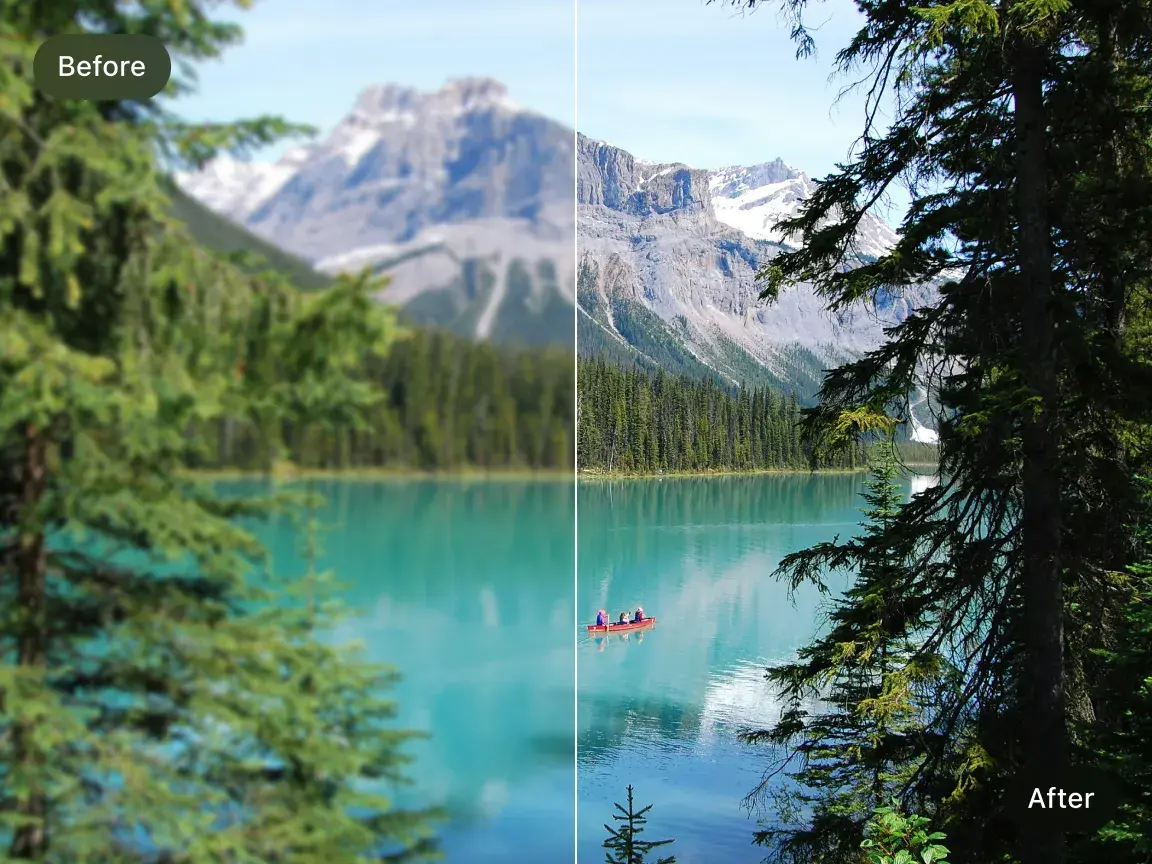
Spiderman AI
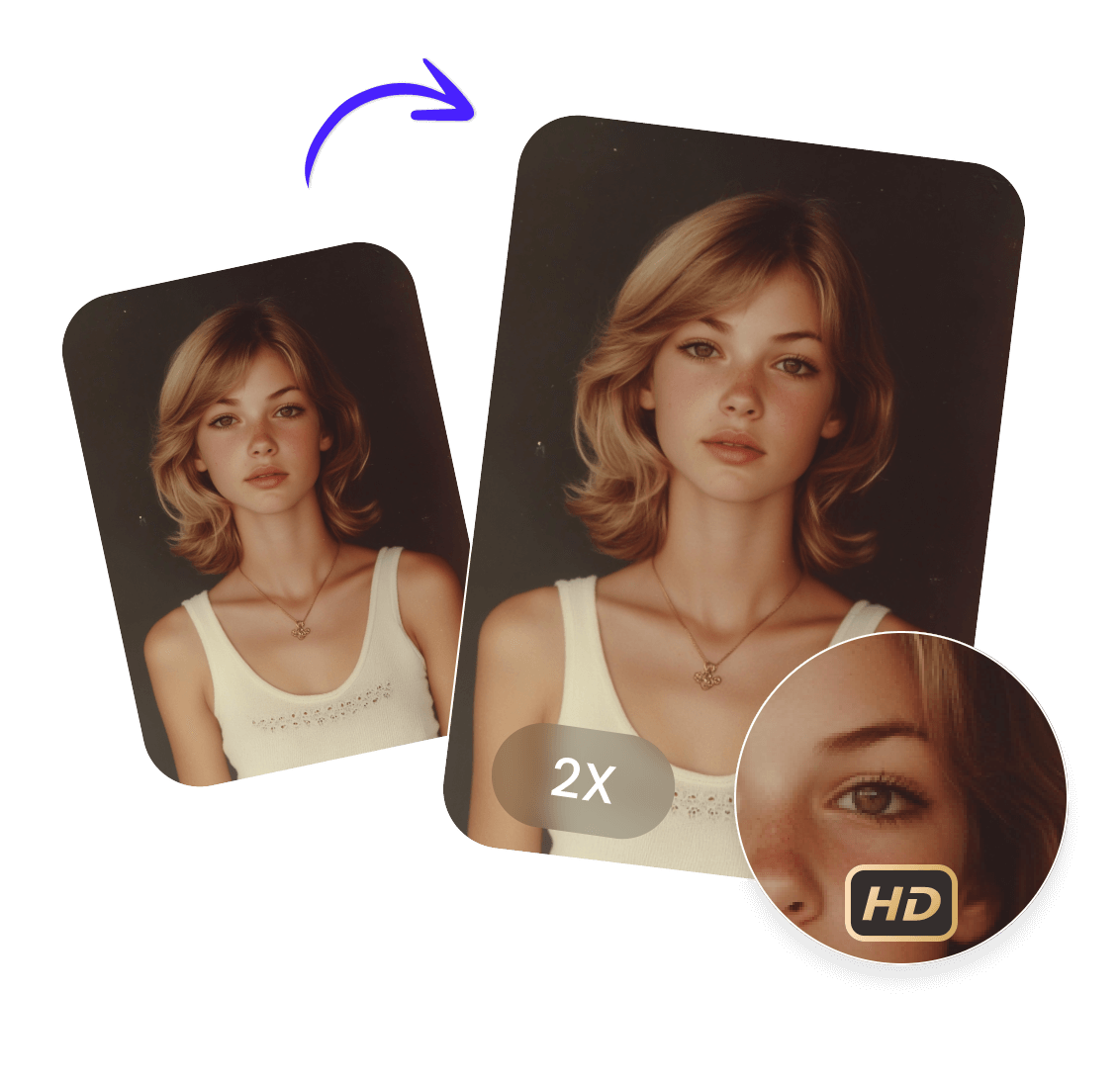
Can Display
More AI Image Tool
AI Image Enlarger breathes new life into low-resolution images by turning them into sharp, vibrant, and professional-grade visuals. This makes AI Image Enlarger valuable for everyday users, content creators, businesses, and designers alike.
AI Image Enlarger breathes new life into low-resolution images by turning them into sharp, vibrant, and professional-grade visuals. This makes AI Image Enlarger valuable for everyday users, content creators, businesses, and designers alike.
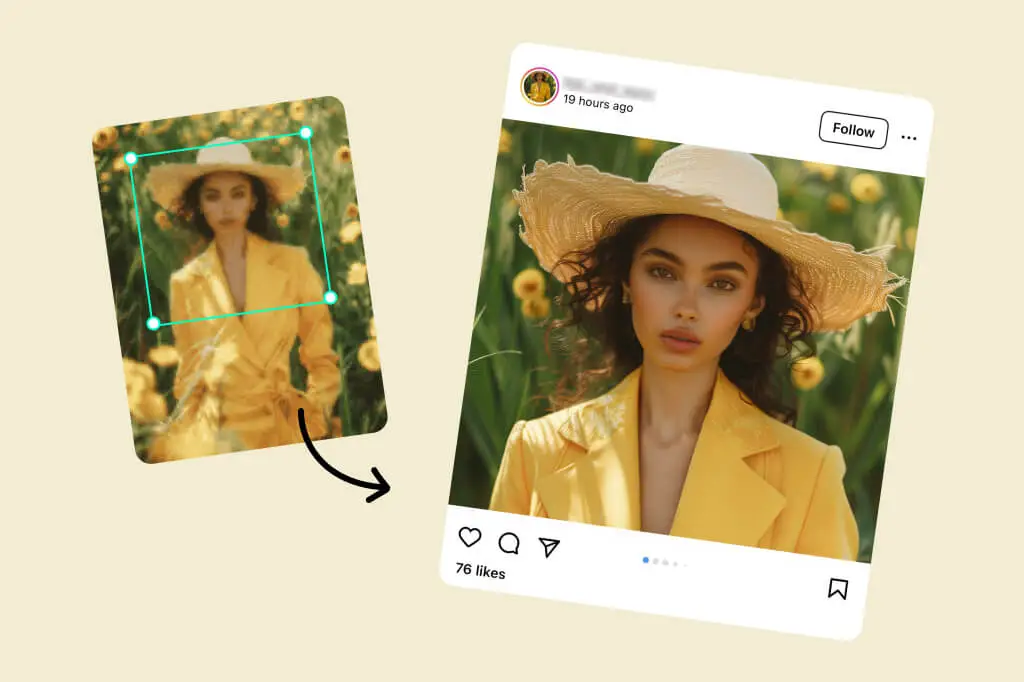
AI Image Enlarger breathes new life into low-resolution images by turning them into sharp, vibrant, and professional-grade visuals. This makes AI Image Enlarger valuable for everyday users, content creators, businesses, and designers alike.
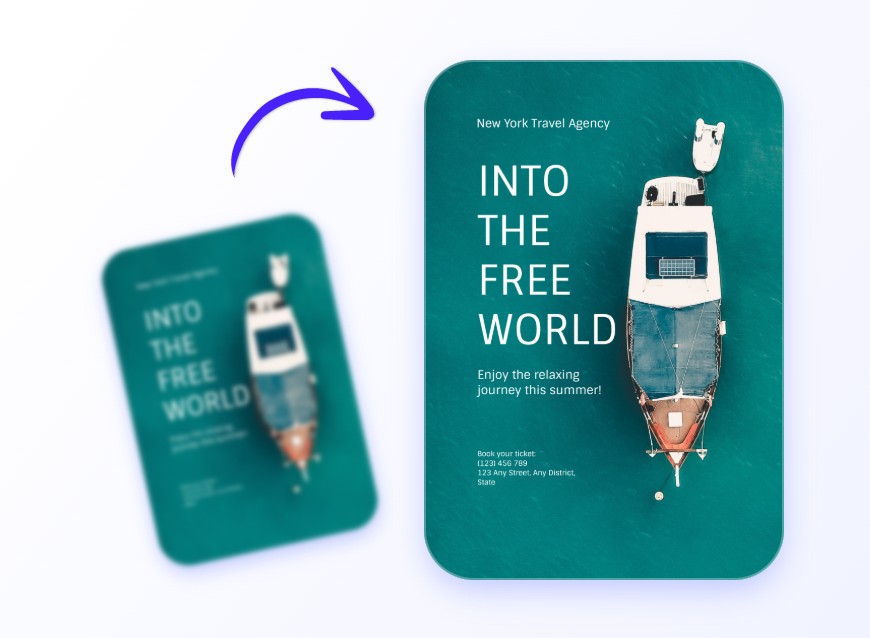
AI Image Enlarger breathes new life into low-resolution images by turning them into sharp, vibrant, and professional-grade visuals. This makes AI Image Enlarger valuable for everyday users, content creators, businesses, and designers alike.
AI Image Enlarger unlocks new possibilities for creators, businesses, and everyday users.
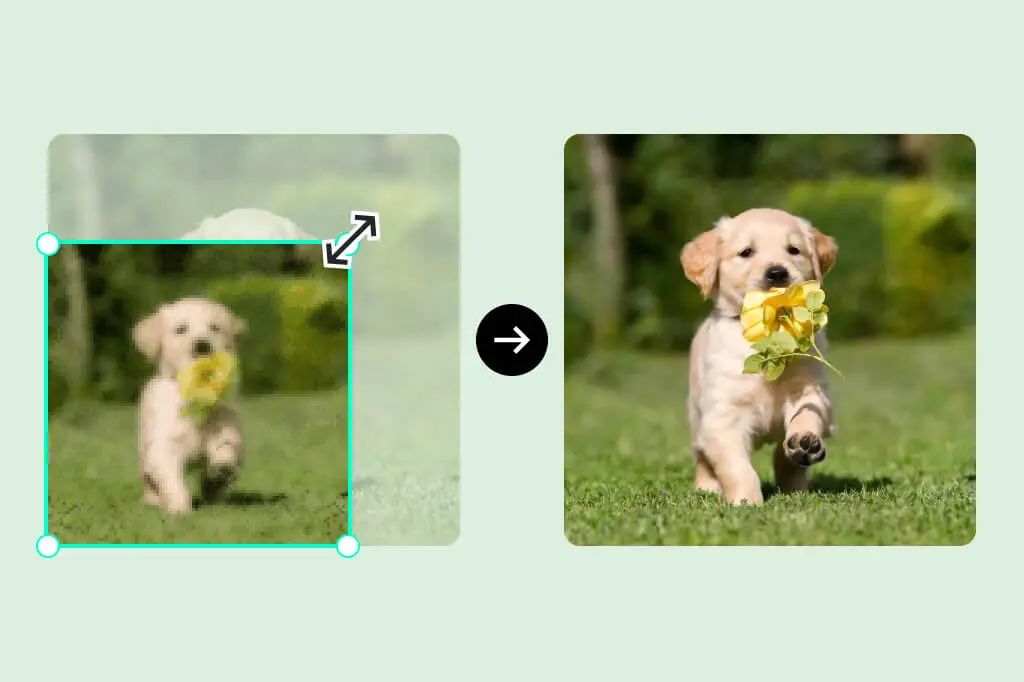
With AI Image Enlarger, screenshots become cleaner, sharper, and more suitable for presentations or app showcases.
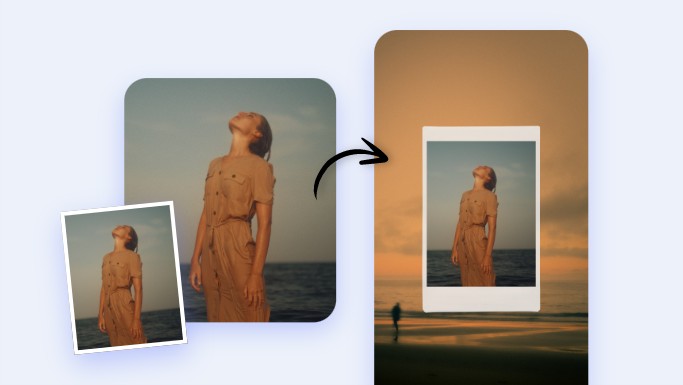
With advanced AI enhancement and upscaling technology, Wallpaper Creation ensures every detail remains crisp, vibrant, and visually captivating — even when expanded to large screen dimensions.
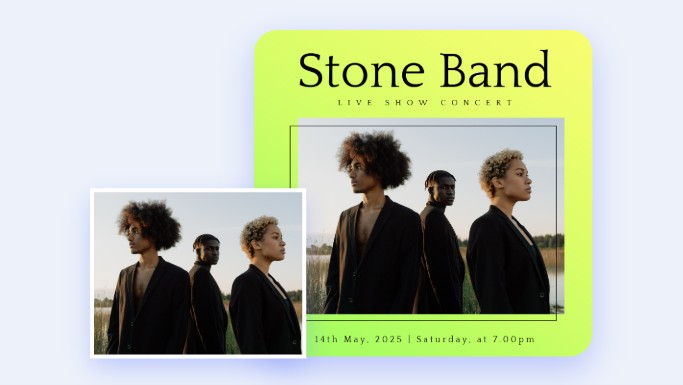
AI Image Enlarger allows any image to be scaled to poster size with no visible pixelation — perfect for events, branding, and home decor.
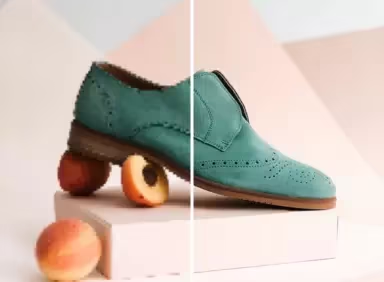
E-commerce sellers use AI Image Enlarger to enhance product textures, improving professionalism and boosting conversions.
China Video AI AI Image Enlarger combines cutting-edge AI technology with user-friendly design to turn low-resolution images into high-quality visuals effortlessly. Whether for personal memories, creative projects, or professional applications, the tool ensures that every detail is restored, enhanced, and sharp.

AI Image Enlarger quickly converts blurry or pixelated images into crisp, high-resolution photos. You don’t need professional software or long editing sessions — results are ready in seconds.

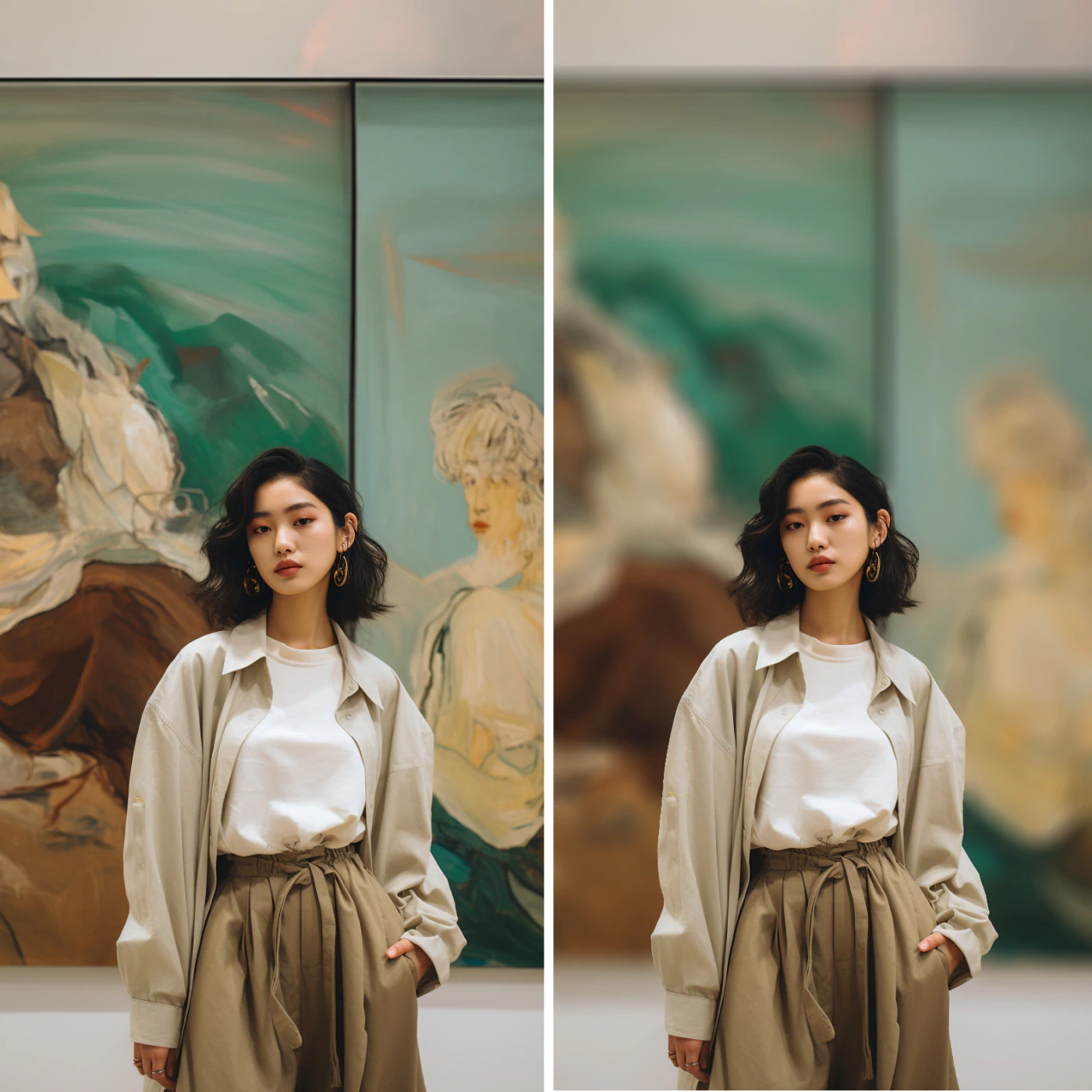
Unlike standard upscaling, AI Image Enlarger intelligently reconstructs textures, edges, and small features. It preserves the natural look of skin, fabrics, landscapes, and intricate designs.
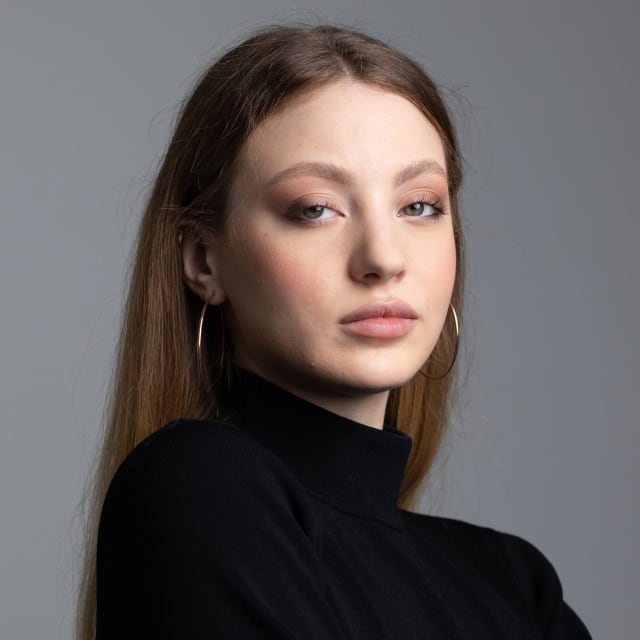
Old or low-quality images often contain noise or blur. AI Image Enlarger automatically removes these imperfections while enhancing clarity, making your photos look clean and professional.
With a simple upload, select, and download process, AI Image Enlarger is accessible for everyone. No technical knowledge or software installation is required — just a few clicks to achieve stunning results.
AI Image Enlarger works for portraits, product images, artwork, screenshots, posters, and even old photos. It’s perfect for e-commerce, social media, creative projects, or personal keepsakes.
China Video AI prioritizes your privacy. All images uploaded to AI Image Enlarger are processed securely and deleted automatically after enhancement, ensuring your photos remain confidential.
Different types of images benefit significantly from AI Image Enlarger’s super-resolution and detail enhancement.
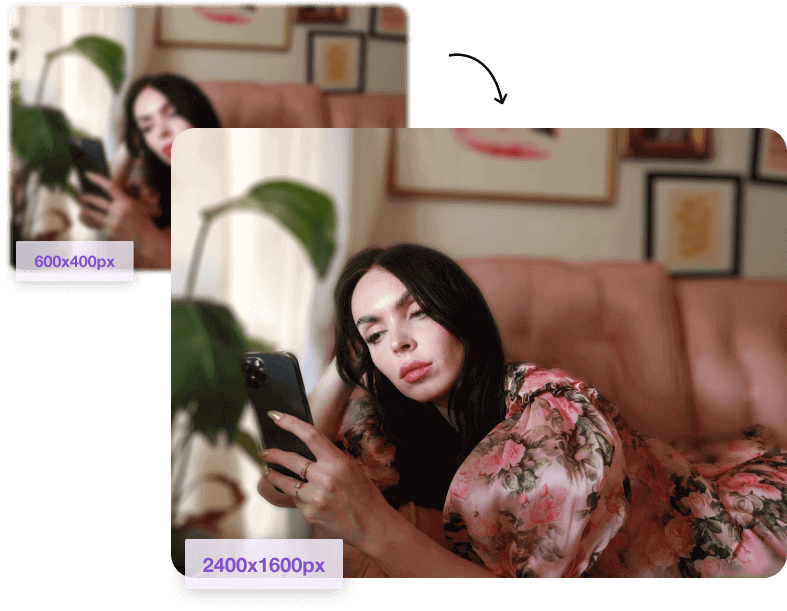
AI Image Enlarger sharpens eyes, eyelashes, hair strands, and facial features to produce clean, attractive portraits suitable for professional or personal use. It also smooths skin textures subtly, enhances natural lighting, and preserves unique facial details, making portraits appear more lifelike and vibrant while keeping the subject’s personality intact. This makes it ideal for social media profiles, professional headshots, or family photos that demand high-quality visual appeal.
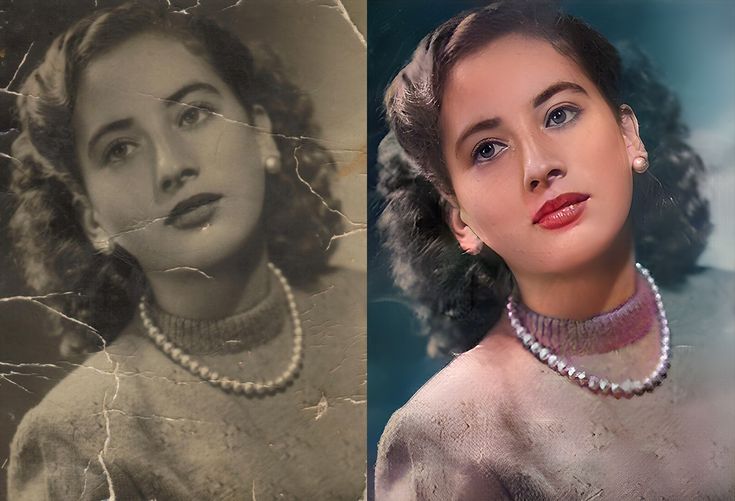
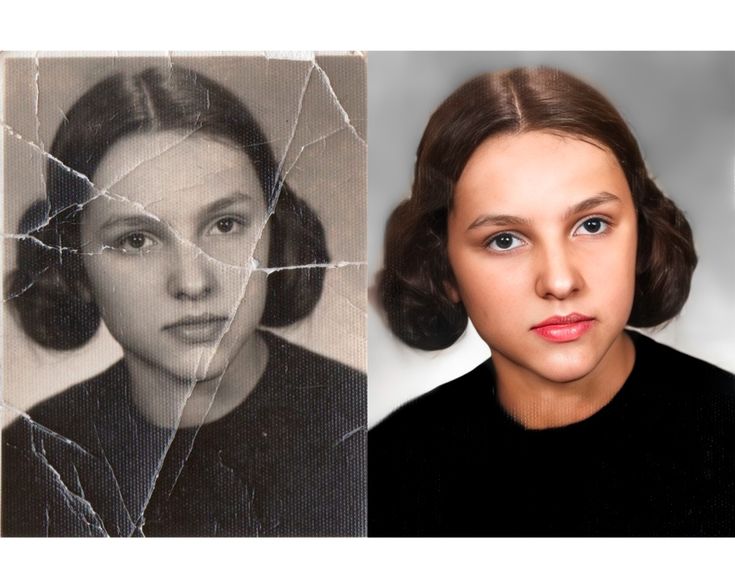
Faded historical photos regain clarity, brightness, and detail. AI Image Enlarger reconstructs missing elements while maintaining authenticity, allowing old memories to shine with the help of AI Image Enlarger. It carefully restores textures, tones, and subtle shadows, reviving each photograph’s original charm while eliminating noise, scratches, or discoloration. Users can preserve precious family histories or historical archives digitally, ensuring these moments remain vivid and shareable for generations to come.
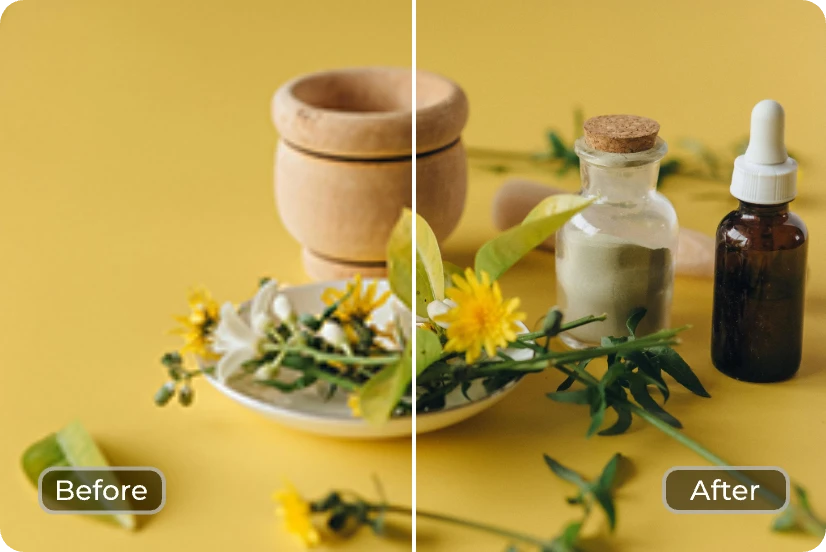
AI Image Enlarger boosts clarity for banners, catalogs, ads, and online stores. Product textures become sharp and visually compelling, making your marketing materials stand out with AI Image Enlarger. It preserves fine details like stitching, packaging designs, and material textures while enhancing colors and contrast to attract consumer attention. This tool ensures professional-grade images for e-commerce platforms, promotional campaigns, and digital advertisements, helping businesses showcase products in the most appealing and realistic way possible.
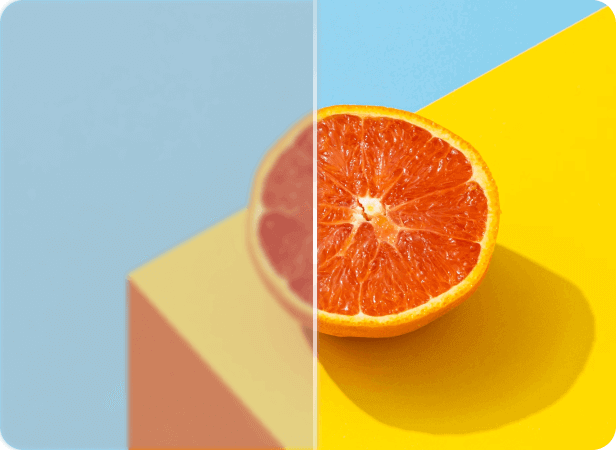
Graphic designers and artists use AI Image Enlarger to scale digital drawings or posters without losing line quality or color integrity. It maintains intricate details, brush strokes, and gradients while enlarging artwork, ensuring original style and vibrancy remain intact. Artists can confidently produce high-resolution prints, online portfolios, or large-format banners without compromising visual fidelity. This makes the tool invaluable for professional designers, illustrators, and hobbyists who want their creative works to shine in any size or medium.
AI Image Enlarger is designed for simplicity, accessibility, and professional-grade results.
Choose any low-resolution or blurry image. AI Image Enlarger supports JPEG, PNG, WEBP, and more.
Select from 2×, 4×, or 8× enlargement. You can also enable noise reduction and detail boost. AI Image Enlarger optimizes settings automatically.
AI Image Enlarger processes the image in seconds. Download your high-resolution, enhanced photo for immediate use.
The following FAQs provide a complete overview of what AI Image Enlarger can do, how it works, and why it is trusted by creators, designers, and everyday users. From supported image types to noise reduction, color preservation, and safety standards, these questions highlight the tool’s ability to upscale photos with exceptional clarity.
No. AI Image Enlarger rebuilds details instead of stretching pixels. Instead of relying on basic interpolation, it uses learned visual patterns to reconstruct missing edges, refine textures, and add realistic depth. This ensures the enlarged output maintains sharpness, clarity, and professional-grade detail, even when significantly increasing the resolution.
Absolutely — AI Image Enlarger produces results suitable for posters, flyers, and high-quality prints. Its enhancements ensure that your enlarged image stays sharp and vibrant even at large sizes. Whether you’re preparing marketing materials, artwork, or personal photo prints, the tool delivers print-ready output with consistent resolution and color accuracy.
AI Image Enlarger deletes photos automatically after processing. Your files are handled securely, and no data is stored longer than necessary. The system uses encrypted transfer protocols and privacy-first architecture to ensure your images remain private, making it safe for personal, professional, or sensitive photo enhancement tasks.
Yes, AI Image Enlarger is excellent for reviving historical, faded, or scratched photos. It enhances clarity, reconstructs broken details, and reduces visible damage such as grain or discoloration. This makes it a valuable tool for preserving family memories, archiving vintage photographs, and restoring sentimental images with minimal effort.
AI Image Enlarger allows up to 8× enlargement depending on input quality. The tool automatically evaluates your photo to determine the best upscale level while preserving detail. Even at high magnification, the system maintains strong sharpness and structural accuracy, making it useful for both digital applications and large-format printing.
Yes — color integrity is maintained with balanced enhancement. The AI carefully analyzes the hues, saturation, and contrast to ensure natural tones are preserved during upscaling. Instead of oversaturating or shifting colors, it enhances vibrancy subtly, resulting in a clean, faithful reproduction of your original image’s mood and lighting.
Yes, it creates sharper content ideal for Instagram, TikTok, Facebook, and more. Enlarged images retain crisp details even after platform compression, helping your posts stand out. Whether you’re editing selfies, product shots, or graphics, the tool ensures your visuals remain high-quality across all devices and feeds.
No experience is required — AI Image Enlarger is beginner-friendly. The interface is simple and intuitive: just upload, choose your upscale option, and download the enhanced image. All processing is automated by advanced AI models, allowing anyone to achieve professional results without learning complex editing software.
AI Image Enlarger elevates the quality of any photo with intelligent detail restoration and super-resolution enlargement. With just one click, AI Image Enlarger transforms ordinary photos into HD masterpieces.
Experience the Magic of AI Image Enlarger