Automatic Blur Fix to Unblur Image
Body Editor
No Watermark, No Barriers
Create more premium AI videos with commercial usage and priority processing.
Allow other users to view your generated result.
Hide your prompt and uploaded source files from other users.
Waiting for Results
Complete the required inputs and click Generate.
AI Image Tool
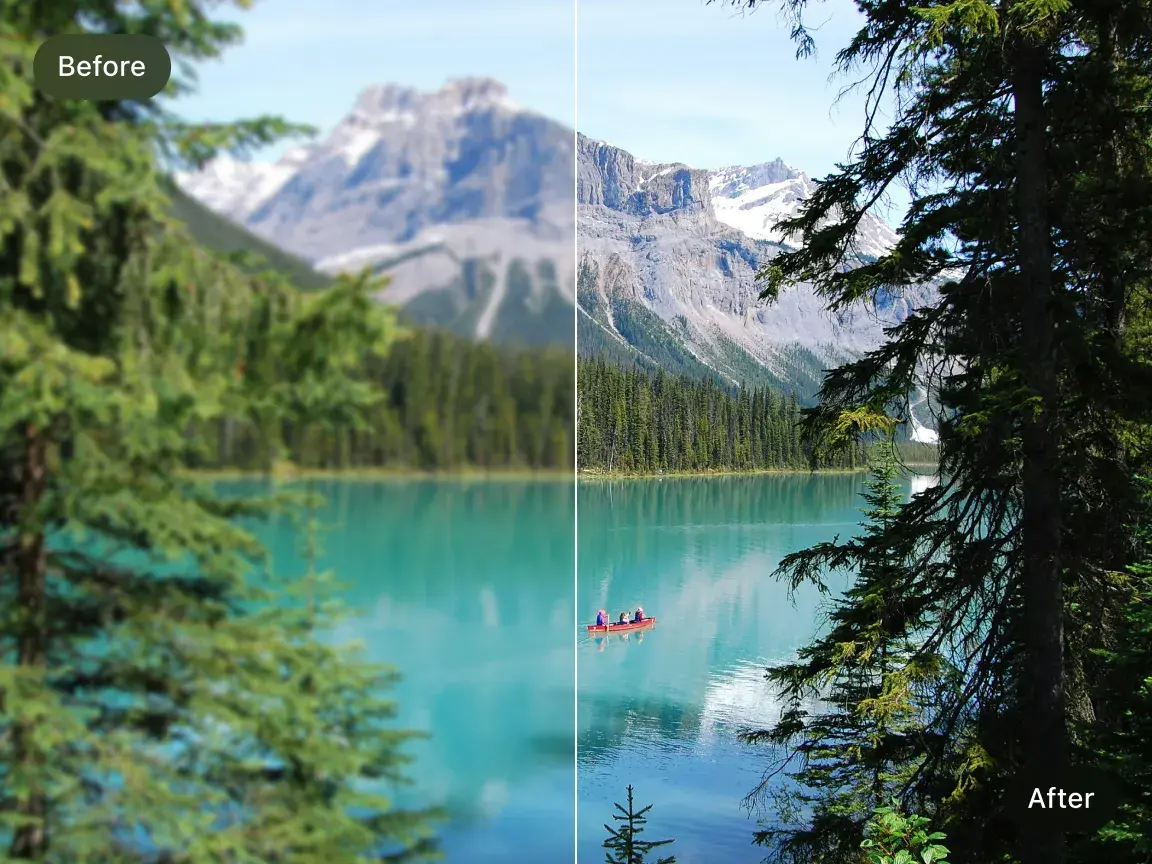
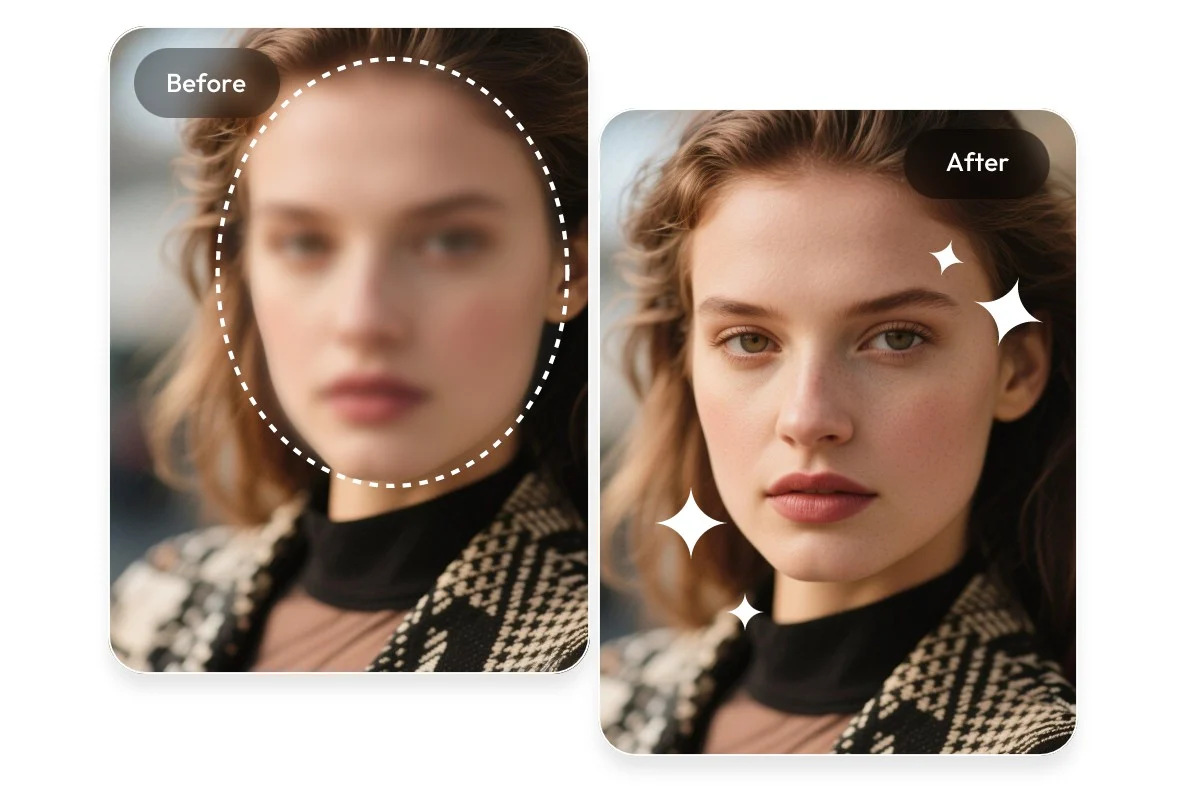
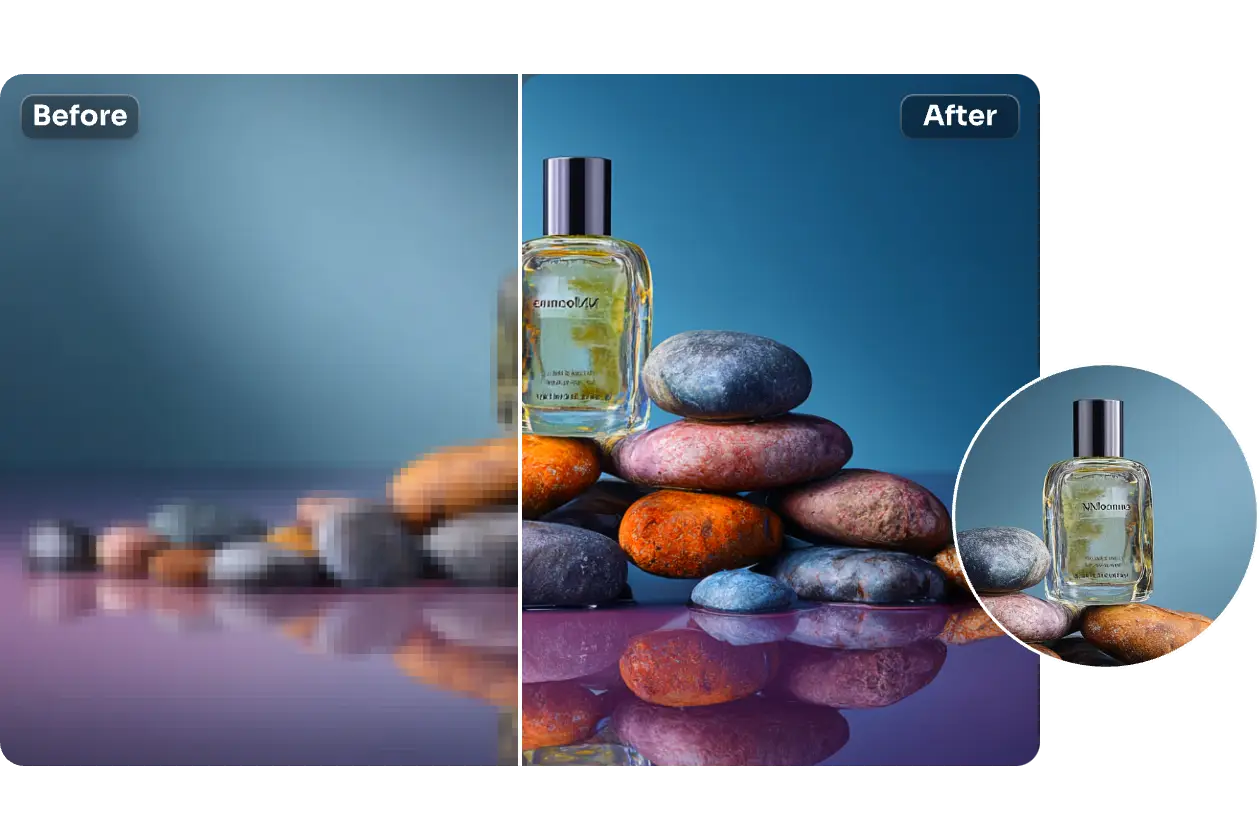
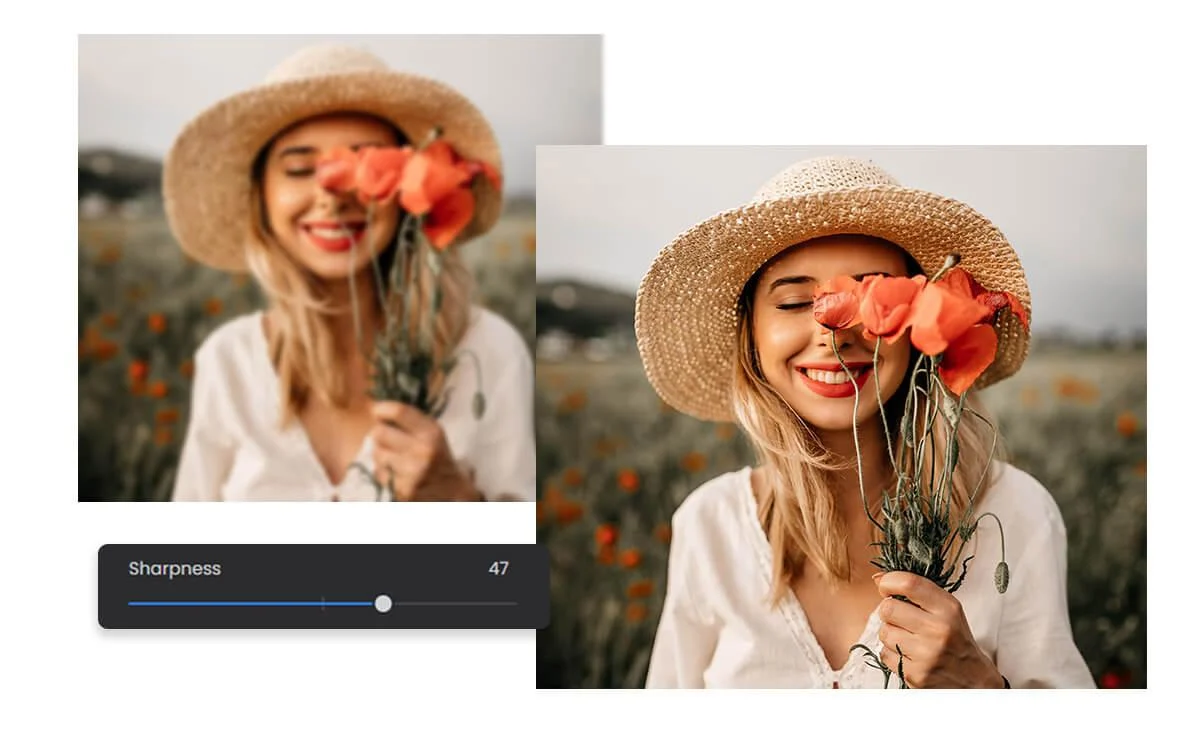
You take a photo that looks fine at first, but later notice it's blurry. It happens often—low light or motion can affect clarity. Instead of deleting it, you can quickly fix it with an unblur image tool. Just upload, process, and download a clearer result. It's a simple way to recover details and turn a nearly lost photo into something worth keeping.
Try Unblur Image NowThis tool provides a fast and simple way to improve blurry photos without requiring any editing skills. It focuses on automatic processing, natural results, and consistent performance, making it easy for anyone to unblur image in seconds. AI video generator technologies share similar visual processing concepts in broader workflows.
Body Editor
Spiderman AI
Can Display
More AI Image Tool
This section explains how an unblur image tool improves real-world photo usability rather than aiming for perfection. In most cases, images are not completely unusable—they simply lack clarity. When you unblur image, you recover enough detail to make photos practical again for sharing, saving, or professional use. Even small improvements in sharpness can significantly change how an image is perceived and used.
This section explains how an unblur image tool improves real-world photo usability rather than aiming for perfection. In most cases, images are not completely unusable—they simply lack clarity. When you unblur image, you recover enough detail to make photos practical again for sharing, saving, or professional use. Even small improvements in sharpness can significantly change how an image is perceived and used.
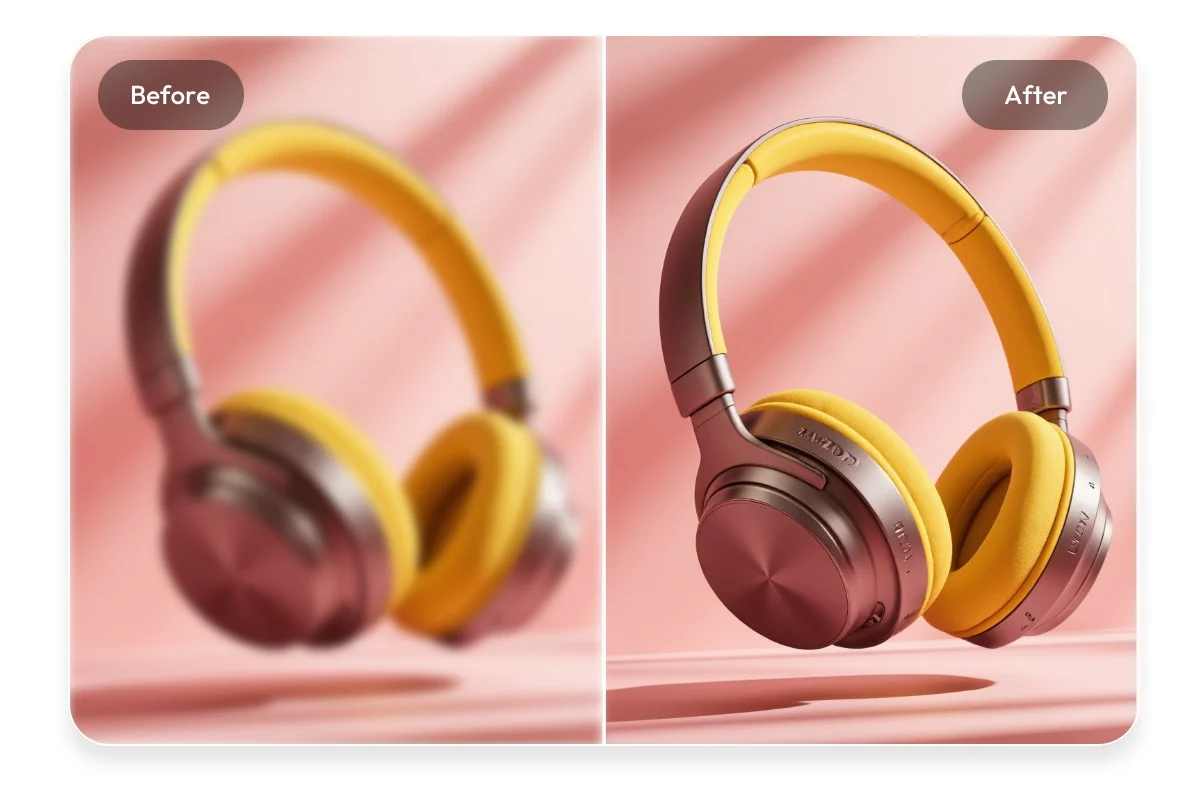
This section explains how an unblur image tool improves real-world photo usability rather than aiming for perfection. In most cases, images are not completely unusable—they simply lack clarity. When you unblur image, you recover enough detail to make photos practical again for sharing, saving, or professional use. Even small improvements in sharpness can significantly change how an image is perceived and used.
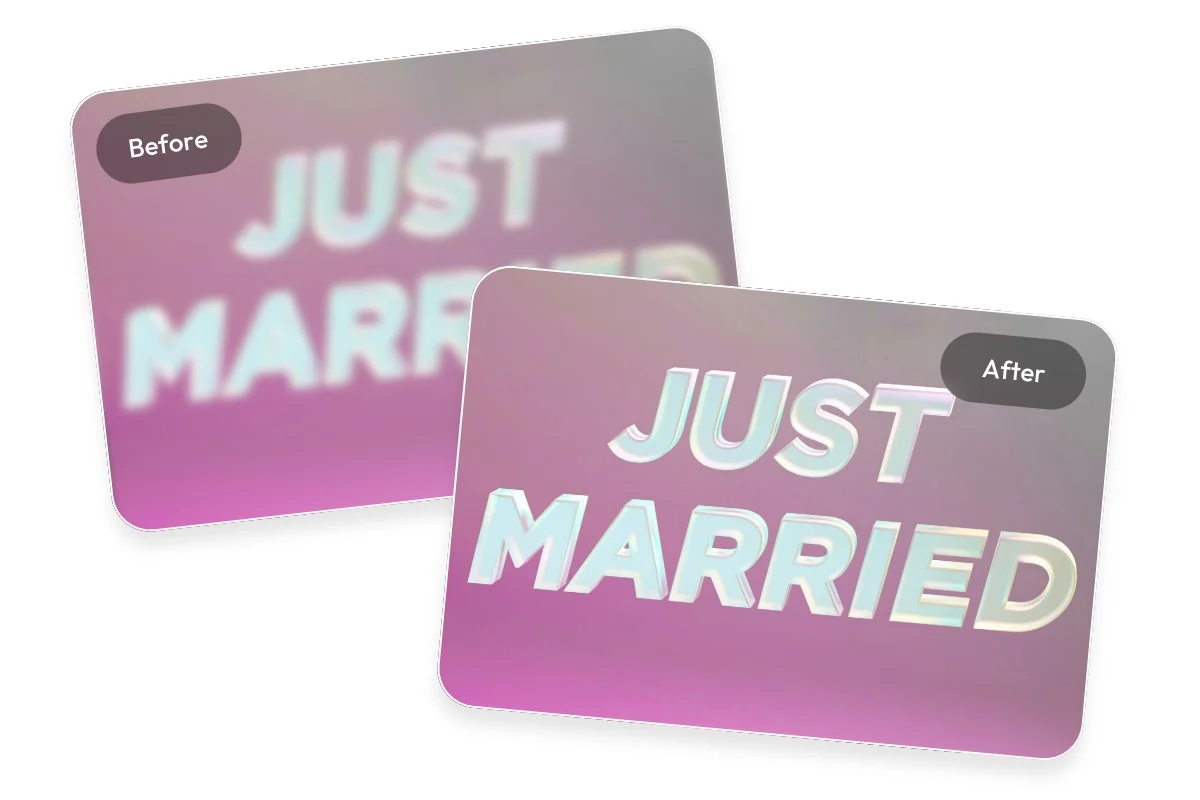
This section explains how an unblur image tool improves real-world photo usability rather than aiming for perfection. In most cases, images are not completely unusable—they simply lack clarity. When you unblur image, you recover enough detail to make photos practical again for sharing, saving, or professional use. Even small improvements in sharpness can significantly change how an image is perceived and used.
This tool is designed for everyday situations where image clarity matters but time or editing skills are limited. Instead of relying on complex software, you can unblur image quickly and recover useful details from photos you might otherwise ignore or delete. It fits naturally into common personal, social, and work scenarios where fast visual improvement is needed.
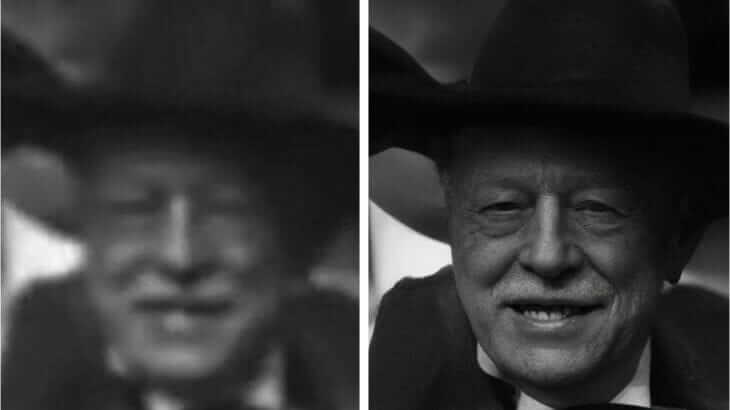
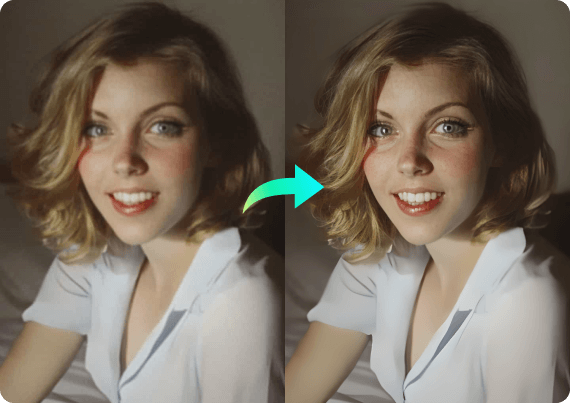
Older photos often lose clarity due to aging, compression, or scanning quality. When you unblur image, you can restore part of that lost detail and improve overall visibility. While it may not fully recreate the original image, it often brings back enough clarity to make the photo meaningful again. This is especially useful for family archives, historical images, or digitized prints that you want to preserve or revisit.
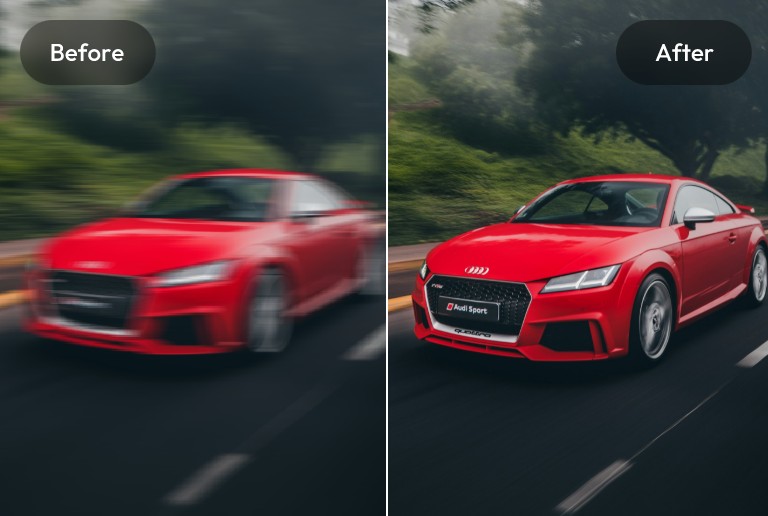
Sometimes you only notice a photo is blurry right before posting it online. Instead of uploading it as-is, you can quickly unblur image to improve how it looks. Clearer images tend to appear more polished and attract more attention on social platforms. This simple step can make your content feel more intentional and improve overall presentation quality.
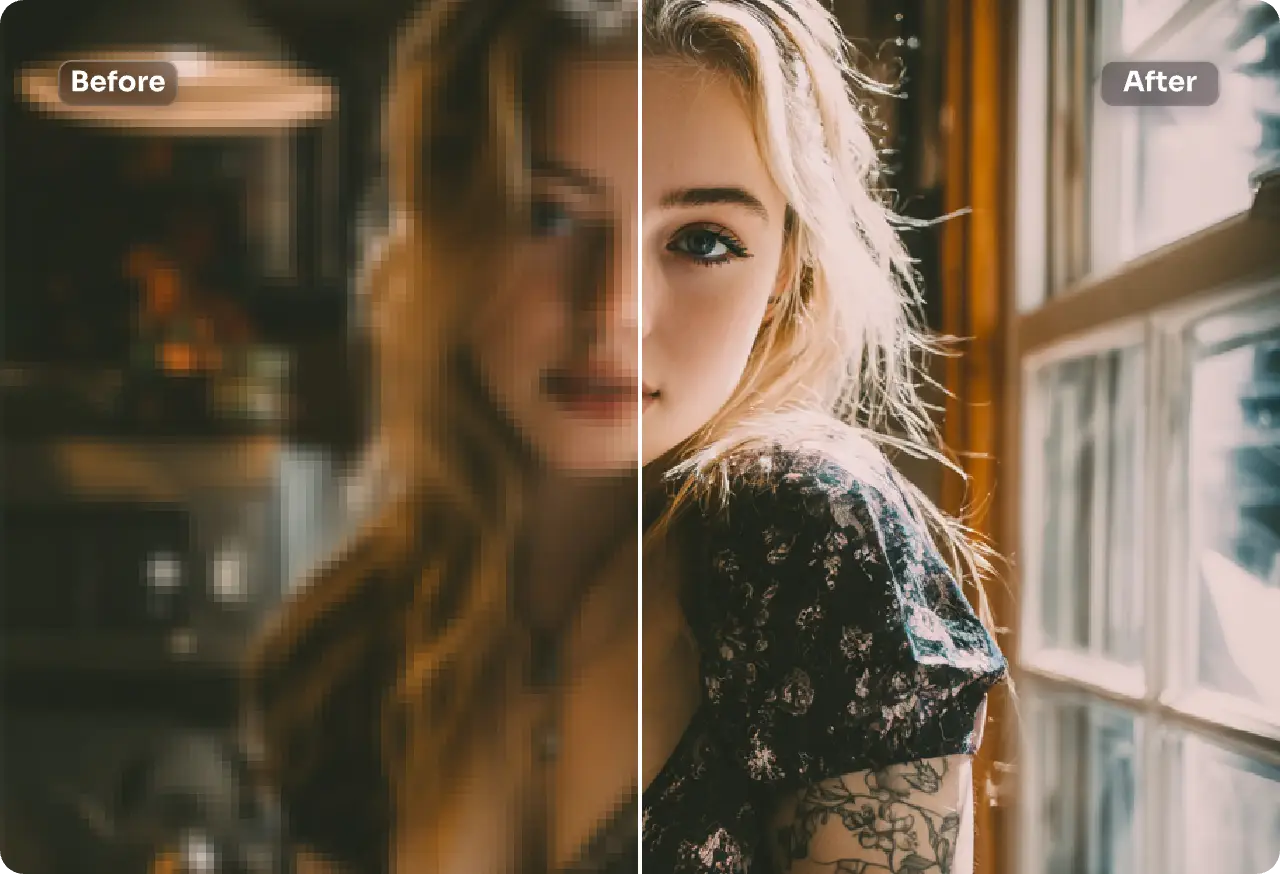
Not every photo requires professional editing, but clarity still matters in daily life. When you unblur image, even casual pictures become easier to keep, organize, and revisit later. This is useful for personal albums, memory collections, or everyday documentation. You don't need perfect quality—just enough clarity to make the image worth saving and using.
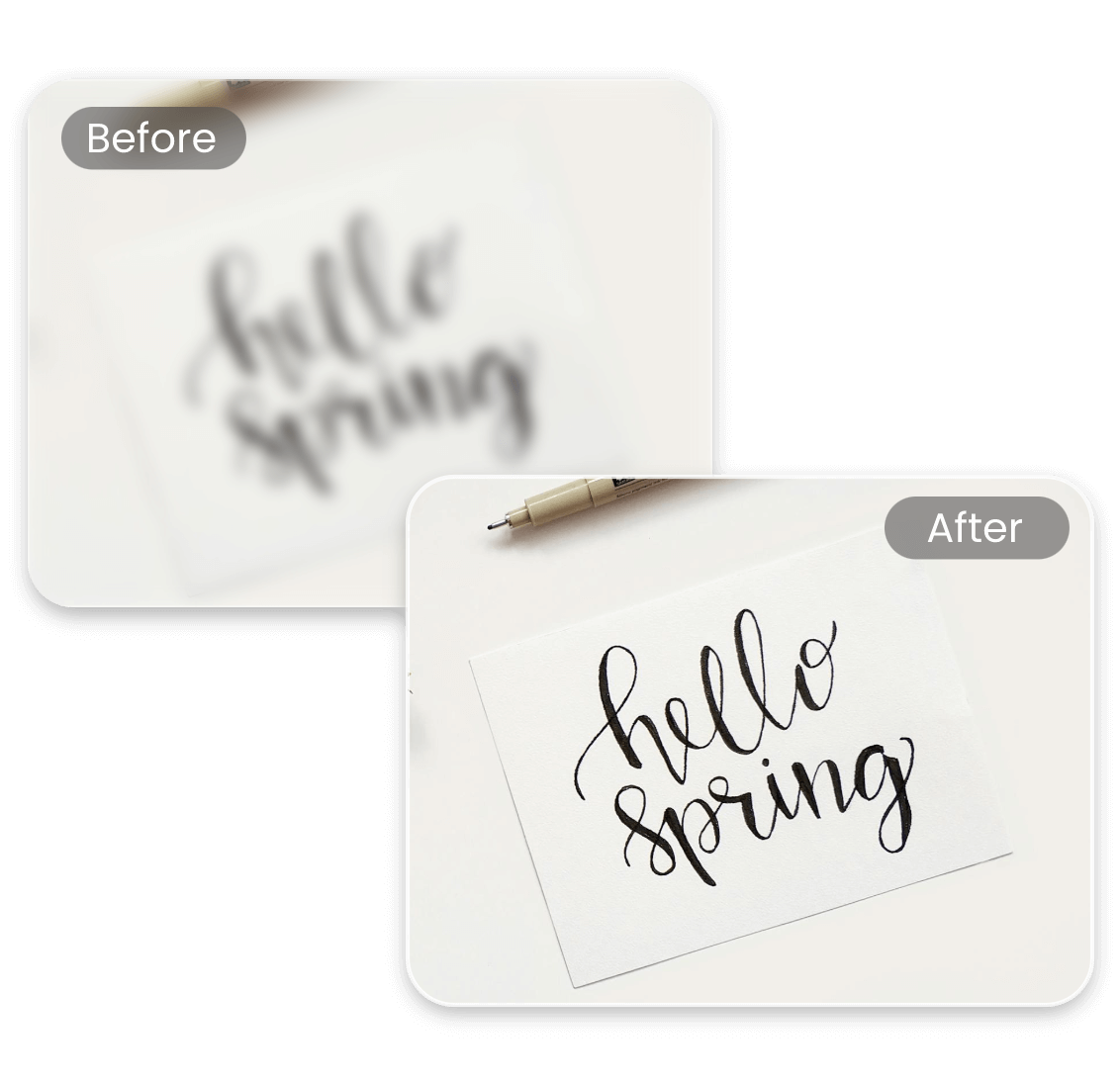
Blurry visuals can reduce the effectiveness of professional materials such as presentations, reports, or online content. When you unblur image for work-related use, the result looks more refined and easier to understand. Clear images improve communication by making key details more visible. This is especially helpful when working under time pressure or with limited visual resources.
China Video AI provides a practical and efficient way to unblur image compared to traditional editing methods or complex software. Instead of relying on manual adjustments, it focuses on automation, speed, and consistent results. Whether you need a quick fix or a reliable everyday tool, China Video AI makes it easier to unblur image without unnecessary steps.

Time matters when you just need a quick result. China Video AI is optimized to unblur image in seconds without heavy processing or delays. You don't have to wait through long rendering times or complex steps. This makes it ideal for real-time use, especially when working with multiple images. Fast performance ensures you can fix and move on without interruption.

Many image tools require some level of editing knowledge. With China Video AI, you can unblur image without understanding technical settings or controls. The process is fully automatic, making it accessible to beginners and efficient for experienced users. There's no learning curve, which reduces friction and saves time. Anyone can get usable results immediately.

You can start using China Video AI without any upfront commitment. This allows you to test how well it can unblur image before deciding to upgrade. Free access is useful for occasional needs or quick experiments. It also helps users understand the value of improving image clarity. You can try it instantly and see real results.
China Video AI uses modern AI models trained to restore missing detail. When you unblur image, the system focuses on edges, textures, and important visual elements. This leads to more accurate and natural-looking results. The technology is designed to avoid excessive sharpening or distortion. It balances clarity and realism effectively.
Image privacy is an important concern for many users. China Video AI ensures that when you unblur image, files are processed securely. There is no unnecessary long-term storage of uploaded images. This makes it suitable for both personal and professional use. You can use the tool with confidence.
Instead of using multiple tools, China Video AI combines key features in one place. You can unblur image, improve resolution, and enhance details within a single workflow. This reduces the need for switching between platforms or tools. It simplifies the entire process from upload to final result. A streamlined experience makes image improvement more efficient.
You don't need perfect input to get useful results. Most real-world photos have small issues like motion blur, low light, or compression. This tool is designed to handle those everyday situations and help you unblur image without requiring ideal conditions. Instead of retaking photos, you can improve what you already have and make it usable again.
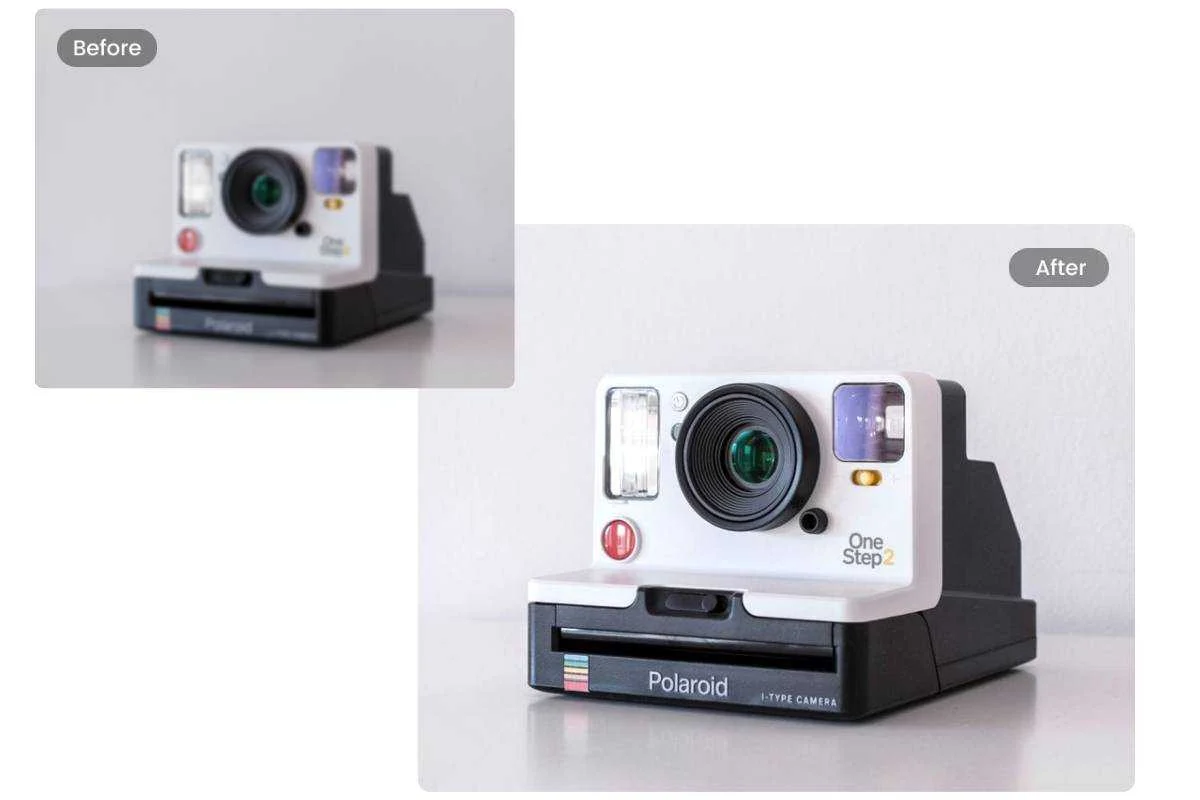
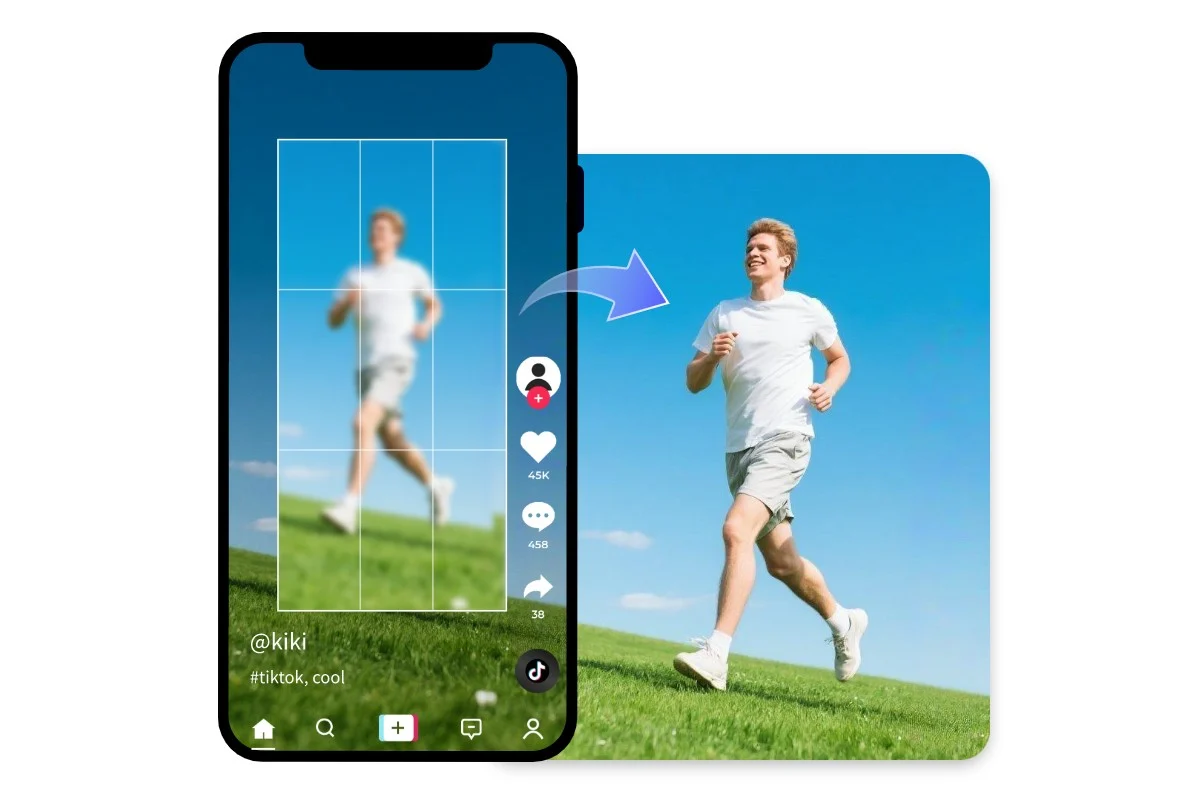
Smartphone photos are convenient, but they often suffer from motion blur or poor lighting. When you take pictures on the go, even slight hand movement can affect sharpness. Using this tool to unblur image helps recover clarity without extra effort. This makes everyday photography more reliable and less dependent on perfect timing. It's especially useful for casual shots that still matter.
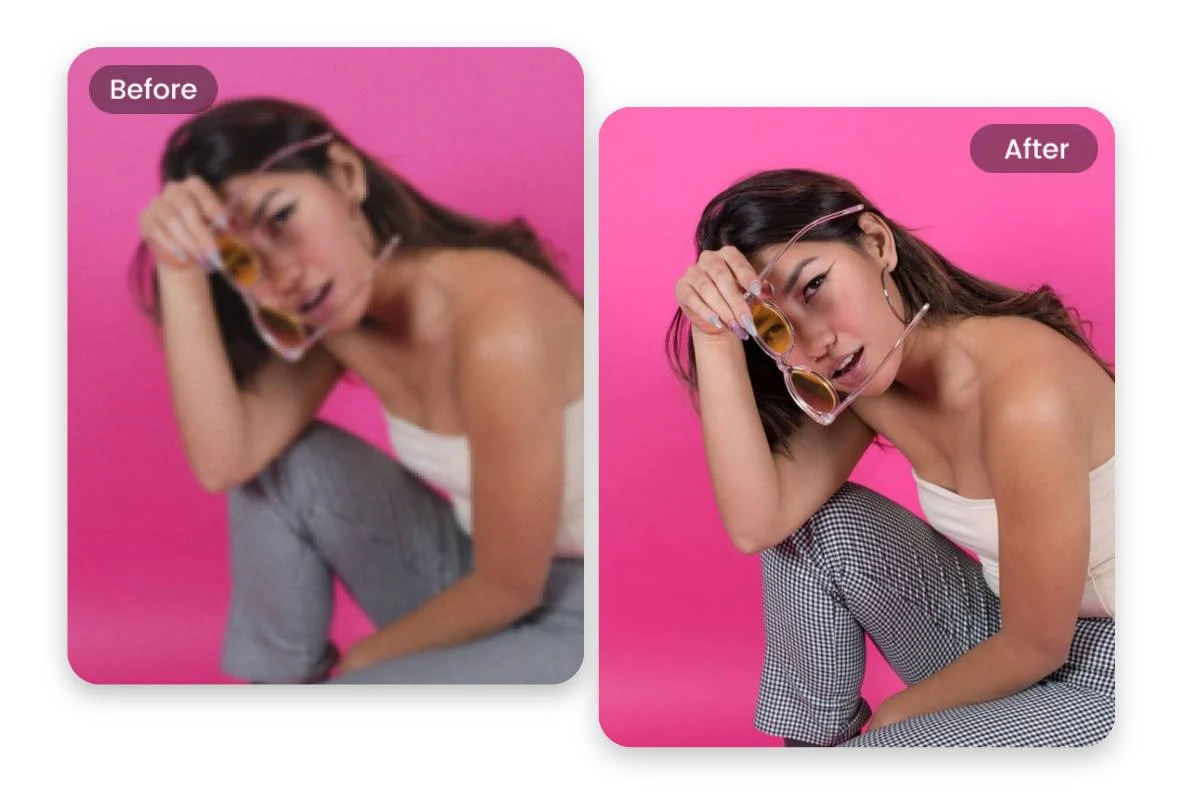
Photos taken during events are often captured quickly and under less-than-ideal conditions. Lighting changes, movement, and timing can all contribute to blur. When you unblur image, you can recover important moments that cannot be retaken. This is valuable for occasions like parties, gatherings, or live events. Even partial improvement can make these photos worth keeping and sharing.
Old printed photos often lose detail when converted into digital formats. Scanning can introduce softness or reduce sharpness, especially with older materials. By using this tool to unblur image, you can restore some of that lost clarity. This helps make archived photos easier to view and preserve over time. It's a practical way to improve digitized content without manual editing.
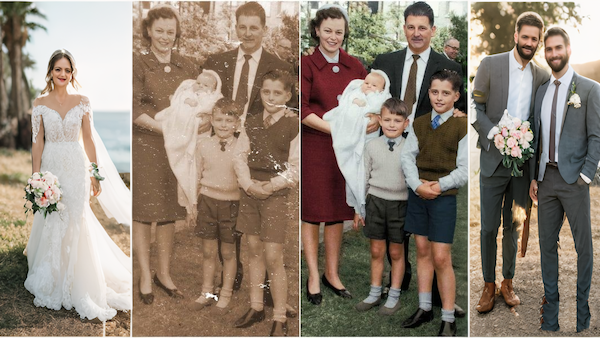
Image clarity plays an important role in how content is perceived online. Blurry visuals can reduce credibility and make content look unfinished. When you unblur image before publishing, the result appears more polished and intentional. This is useful for blogs, product listings, and simple marketing materials. Clear images help communicate information more effectively and improve overall presentation.
Enhancing your photos doesn't need to be complicated. With China Video AI, you can unblur image in just a few simple steps. The entire process is designed to be fast, intuitive, and accessible, even if you've never used an image editing tool before. From upload to download, everything happens in your browser without extra setup.
Start by selecting the image you want to improve. You can drag and drop your file or upload it directly from your device. The tool supports common formats, so there's no need for conversion. Once uploaded, the system prepares the image automatically for processing. This step takes only a few seconds and requires no adjustments.
After uploading, you can choose how you want to unblur image based on your needs. For example, you might select face enhancement for portraits or general sharpening for everyday photos. These modes help the system focus on the most important parts of the image. You don't need technical knowledge—just pick the option that fits your photo. The tool handles the rest automatically.
Once everything is set, the AI begins to unblur image and improve clarity. The process runs quickly and usually completes within seconds. After processing, you can preview the result and download the improved version. The output is ready to use for sharing, printing, or publishing. From start to finish, you can unblur image in a simple and efficient workflow.
Everything you need to know about unblurring images with our AI tool.
No installation is required to unblur image with this tool. Everything runs directly in your browser, which makes it accessible across devices. You can upload, process, and download images without setting up any software. This reduces friction and makes the process more convenient. It also ensures compatibility with both desktop and mobile environments.
Images with clear subjects and some existing detail tend to produce the best results. Portraits, objects, and simple scenes respond well when you unblur image. Photos that are extremely noisy, pixelated, or heavily blurred are more challenging. Even so, most everyday photos can still benefit from improvement. The tool works best when there is at least some structure to enhance.
The system is designed to maintain a natural appearance. When you unblur image, it focuses on restoring clarity without introducing heavy artifacts. This avoids the overly sharp or artificial look seen in some editing methods. The result is typically subtle but effective. Most images look clearer while still feeling realistic.
Images are processed automatically without manual review or intervention. When you unblur image, files are not stored longer than necessary for processing. This provides a reasonable level of privacy for general use. There is no need to create an account in most cases. For sensitive images, it's still recommended to review the platform's privacy policy.
Yes, you can easily unblur image using a mobile browser. The tool is designed to work across smartphones, tablets, and desktops. You don't need to download any app or additional software. The workflow remains the same regardless of device. This makes it convenient for on-the-go image fixes.
In many cases, yes. When you unblur image, the tool can also enhance resolution to improve overall quality. This is useful if you want to reuse the image for larger displays or printing. The system balances clarity and scaling to avoid distortion. Final quality still depends on the original image.
Most common formats such as JPG and PNG are supported. You can upload and unblur image without converting files beforehand. The output remains compatible with standard platforms and devices. This keeps the workflow simple and efficient. Support for widely used formats ensures flexibility.
You should use an unblur image tool whenever a photo looks unclear but still matters. This includes moments you want to keep, share, or reuse. It's especially useful before posting online or preparing content. Instead of discarding the image, you improve it quickly. It's a practical solution for handling everyday image quality issues.
Unblur image in seconds and see how much clarity you can bring back.
Try Unblur Image on a Photo You Almost Deleted