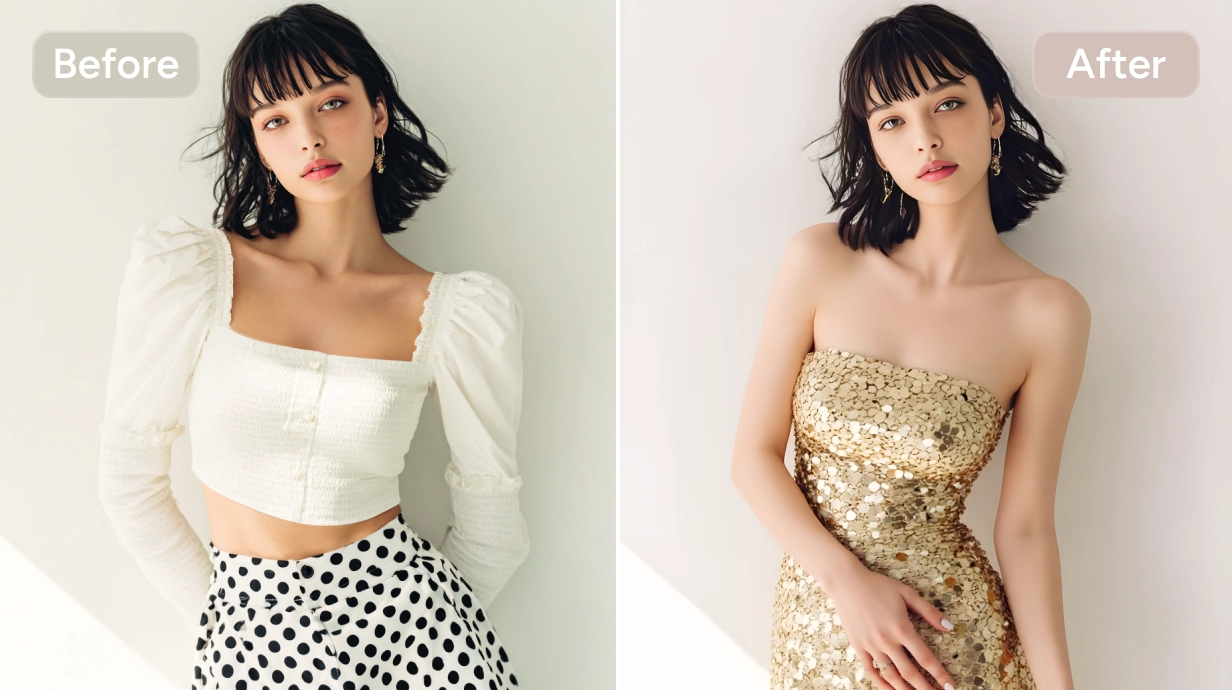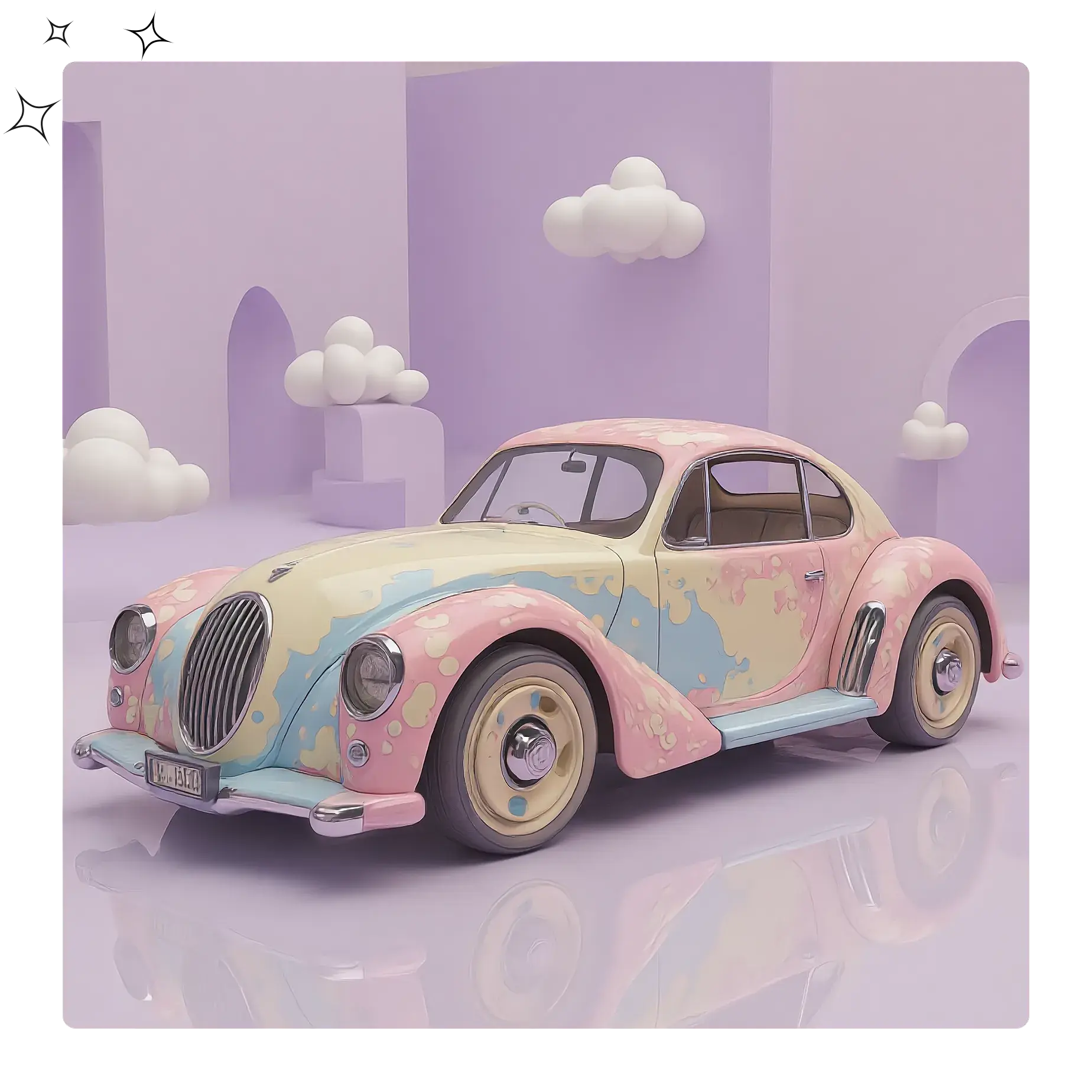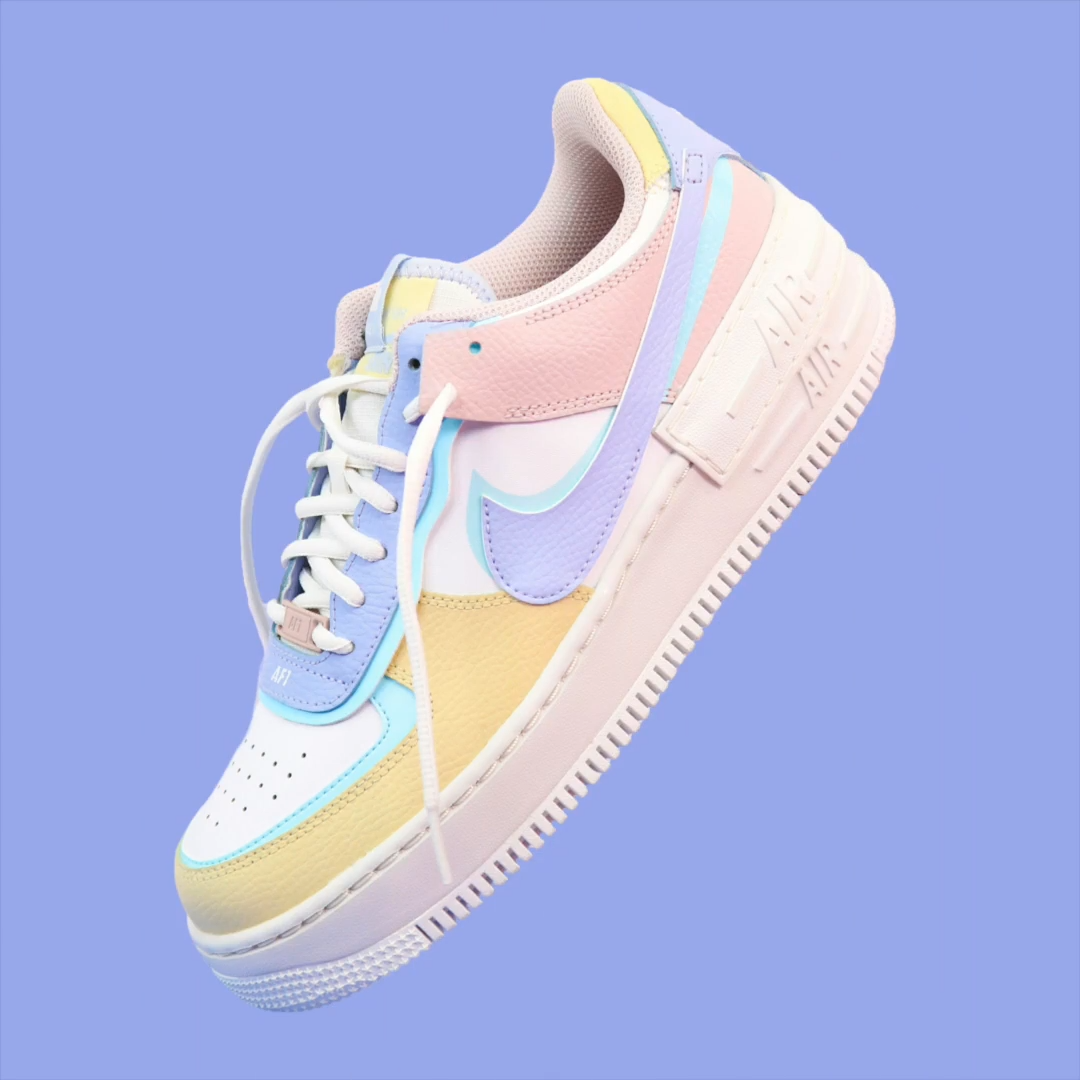
Instant Color Swap
Body Editor
Instant Color Swap
Create more premium AI videos with commercial usage and priority processing.
Allow other users to view your generated result.
Hide your prompt and uploaded source files from other users.
Waiting for Results
Complete the required inputs and click Generate.
AI Image Tool
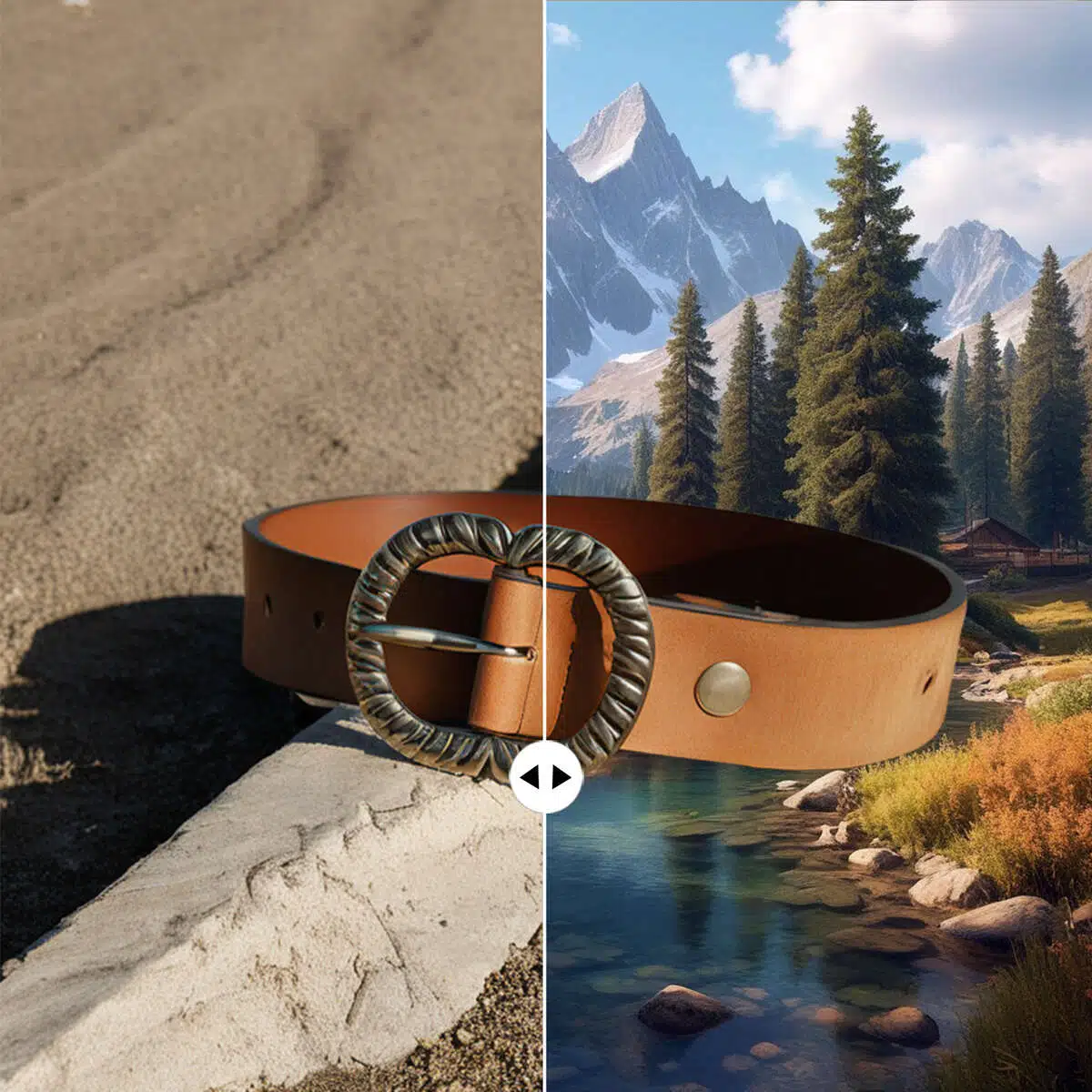
Instantly transform your images with our intuitive Change background color tool. Swap, customize, or enhance backgrounds in just a few clicks, creating striking, professional-quality visuals without the need for complex software.
Try Change Background Color NowOur Change background color tool is crafted to give you full creative control. From quick swaps to precise color customization, experience seamless editing that enhances every image with professional results.
Body Editor

Spiderman AI
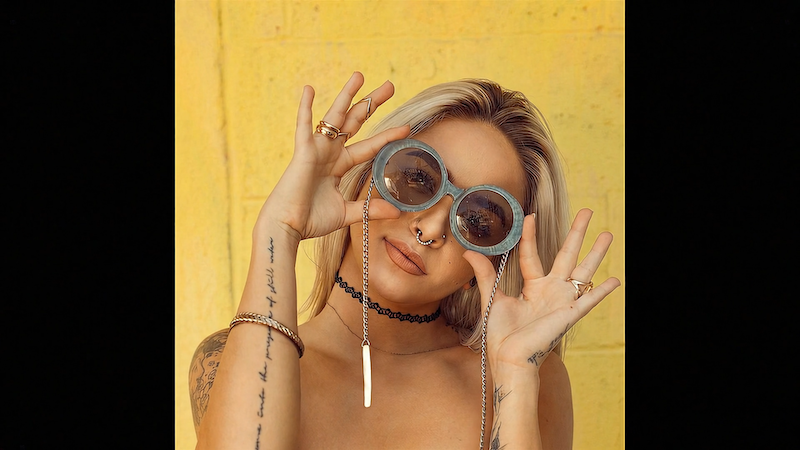
Can Display
More AI Image Tool
Enhance your images with speed, accuracy, and creativity using Change background color. The tool empowers creators to produce visually striking results effortlessly, no matter the project or style. Change background color makes professional-quality editing accessible to everyone.

Enhance your images with speed, accuracy, and creativity using Change background color. The tool empowers creators to produce visually striking results effortlessly, no matter the project or style. Change background color makes professional-quality editing accessible to everyone.
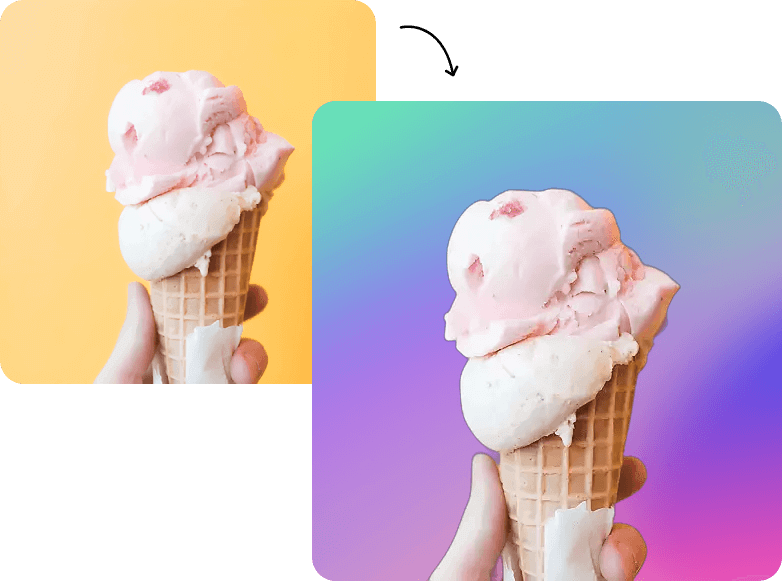
Enhance your images with speed, accuracy, and creativity using Change background color. The tool empowers creators to produce visually striking results effortlessly, no matter the project or style. Change background color makes professional-quality editing accessible to everyone.
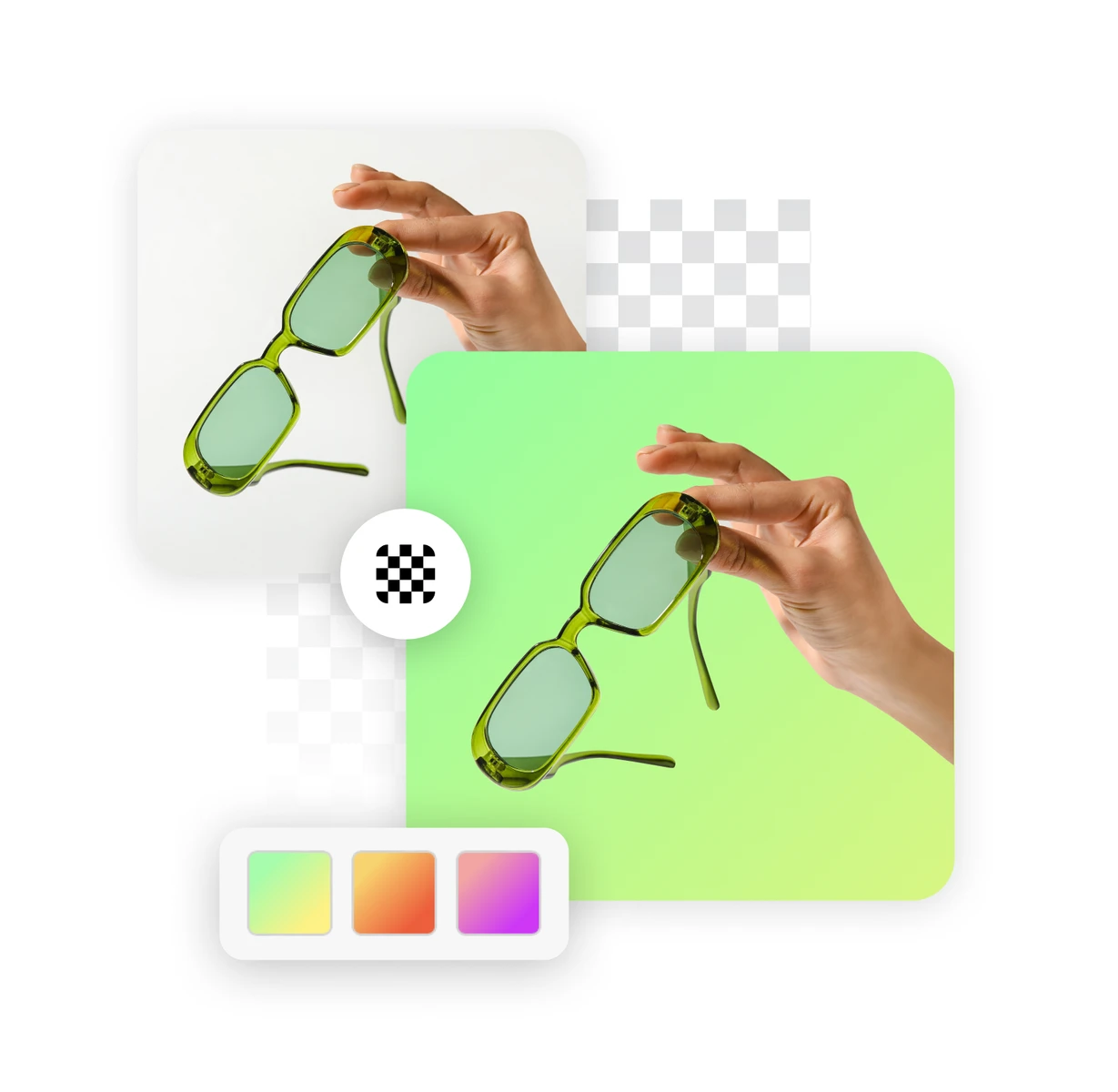
Enhance your images with speed, accuracy, and creativity using Change background color. The tool empowers creators to produce visually striking results effortlessly, no matter the project or style. Change background color makes professional-quality editing accessible to everyone.
Unlock the full potential of Change background color with China Video AI AI-powered platform. Enjoy seamless editing, creative flexibility, and professional results, all in one place. China Video AI enhances your workflow, making background customization faster, smarter, and more enjoyable.
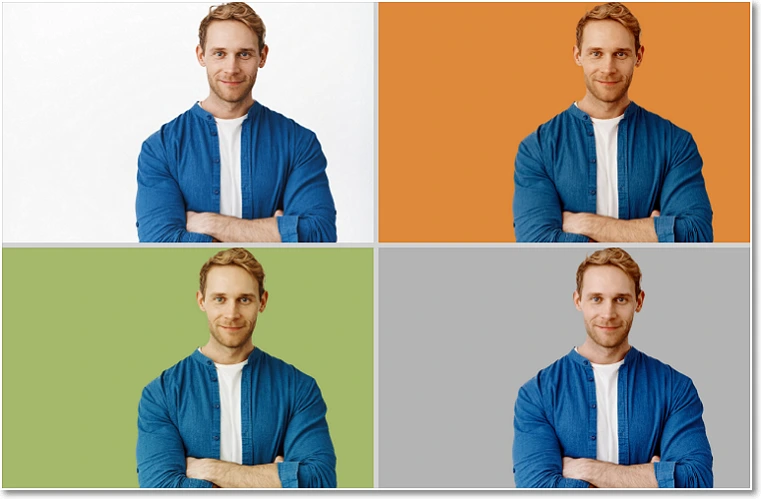
China Video AI leverages cutting-edge AI to ensure Change background color delivers accurate subject detection, smooth edges, and realistic lighting adjustments. Even complex images with fine details become effortless to edit.

No downloads or complex software required. With China Video AI, Change background color is accessible directly in your browser, letting you edit anytime, anywhere, on desktop or mobile.

China Video AI offers a full suite of creative tools that complement Change background color, including Background Remover, Blur Background, and AI Background Generator. Combine these features to experiment with gradients, textures, layered effects, or blur treatments, creating unique compositions and bringing your vision to life effortlessly.
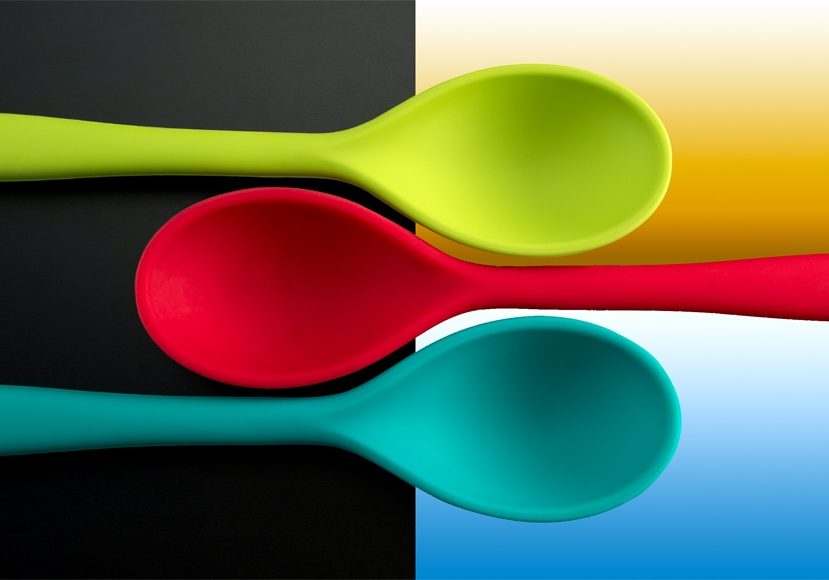
At China Video AI, your privacy comes first. When using Change background color, your images are fully protected during upload and processing. Edited content is kept private and never shared, letting you experiment with backgrounds confidently and securely.
Maximize your results with Change background color by following these practical tips. Learn how to enhance image quality, maintain natural details, and create visually compelling backgrounds effortlessly.

Bright, sharp images give Change background color the best chance to detect subjects accurately. High-resolution photos help maintain delicate details like hair, glass, or transparent objects while transforming backgrounds smoothly.

Describe your ideal background with a few words or a short prompt. Change background color interprets your input to generate matching colors, gradients, or themed backgrounds, turning your vision into reality effortlessly.

Mix solid colors, gradients, or textures to see which background best complements your subject. Change background color allows quick previews so you can compare options and select the most striking result.
For intricate images with overlapping objects or delicate details, leverage Change background color’s smart detection and edge refinement to achieve seamless edits without losing subtle elements.
Discover how creators around the world are using Change background color to transform ordinary images into striking visuals. Explore examples that inspire creativity and demonstrate the limitless possibilities of background customization with Change background color.
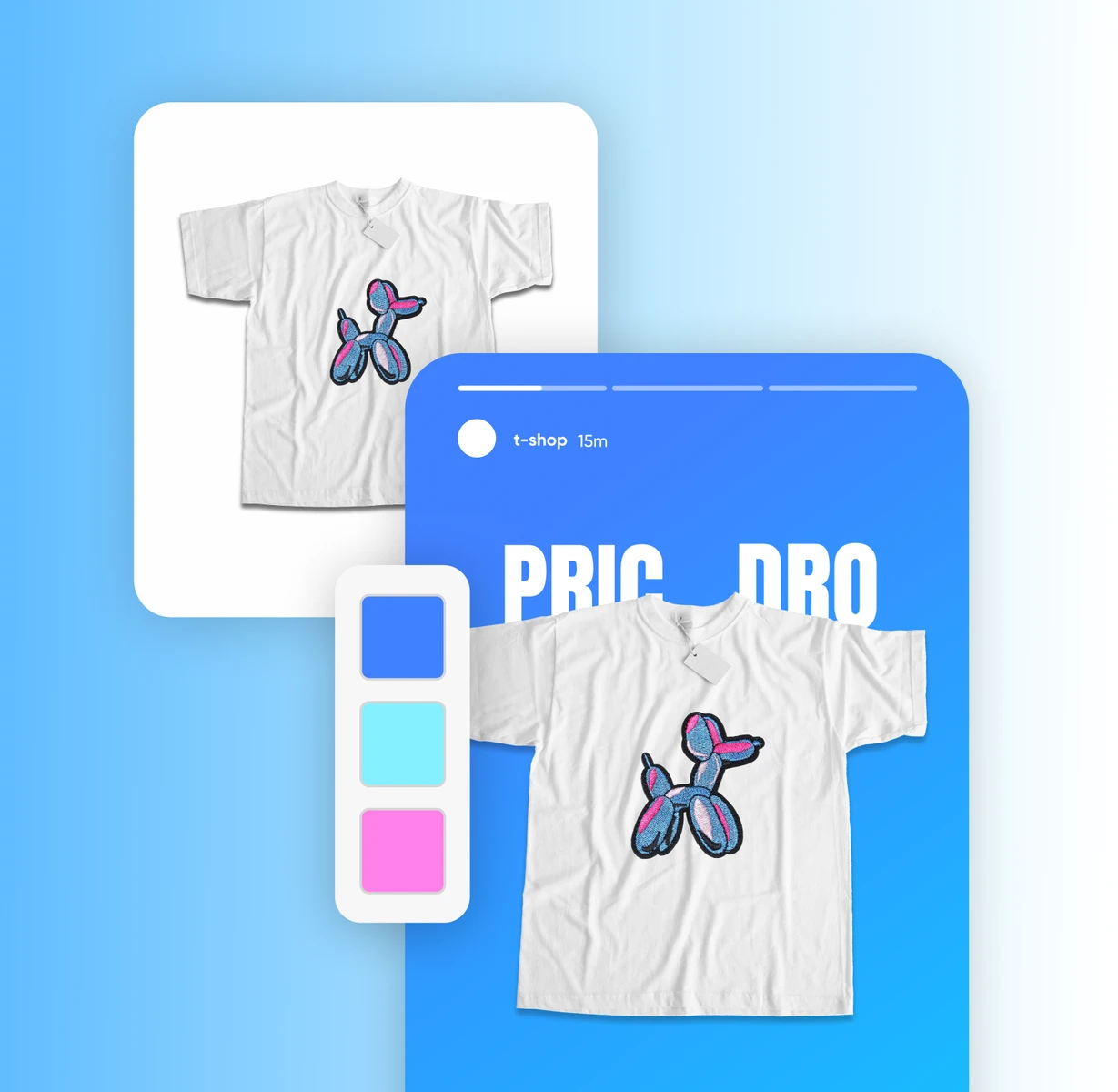
Elevate your product photos by replacing dull or cluttered backgrounds with bright, clean colors. Change background color instantly makes products stand out, while Change background color preserves fine details like textures and edges. Ideal for e-commerce, marketing, or portfolio visuals.

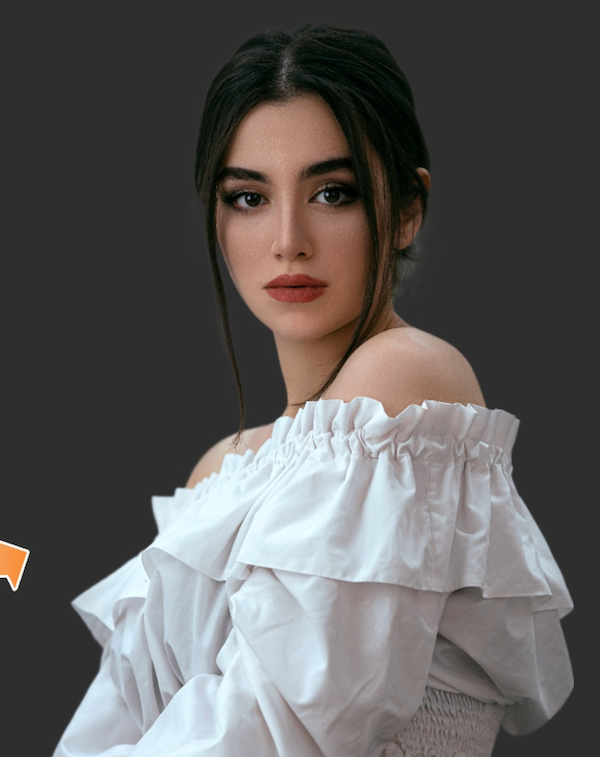
Highlight your subjects with modern, minimalist, or bold backgrounds. Change background color ensures natural skin tones, sharp hair details, and subtle shadows, while Change background color keeps the overall portrait polished and professional. Perfect for social media, photography portfolios, or creative projects.
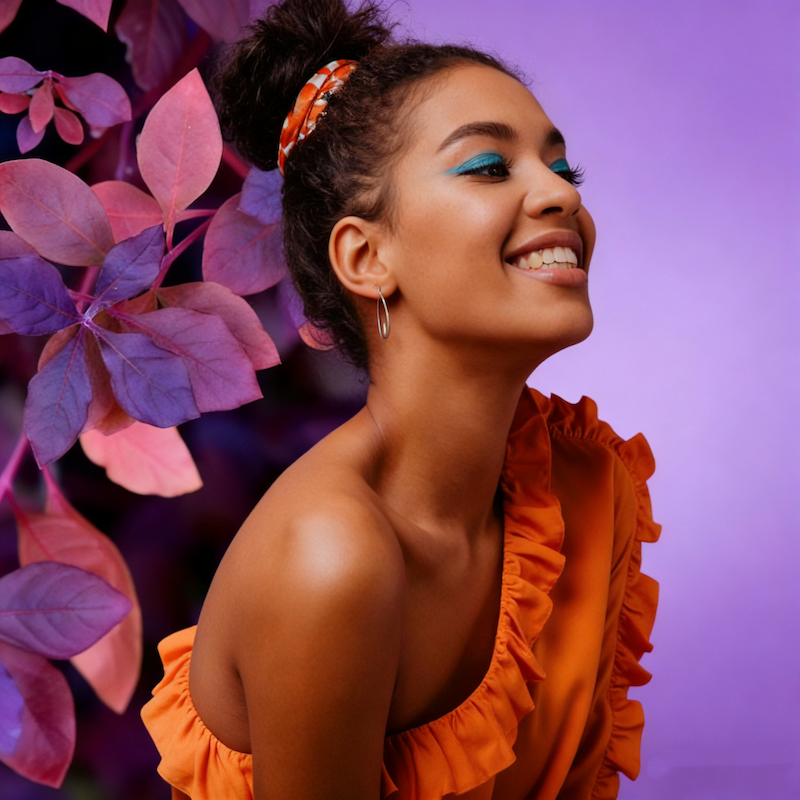
Quickly adapt backgrounds to match seasonal moods, special events, or festive campaigns. Change background color allows you to infuse holiday spirit or seasonal charm into your images without complex editing.

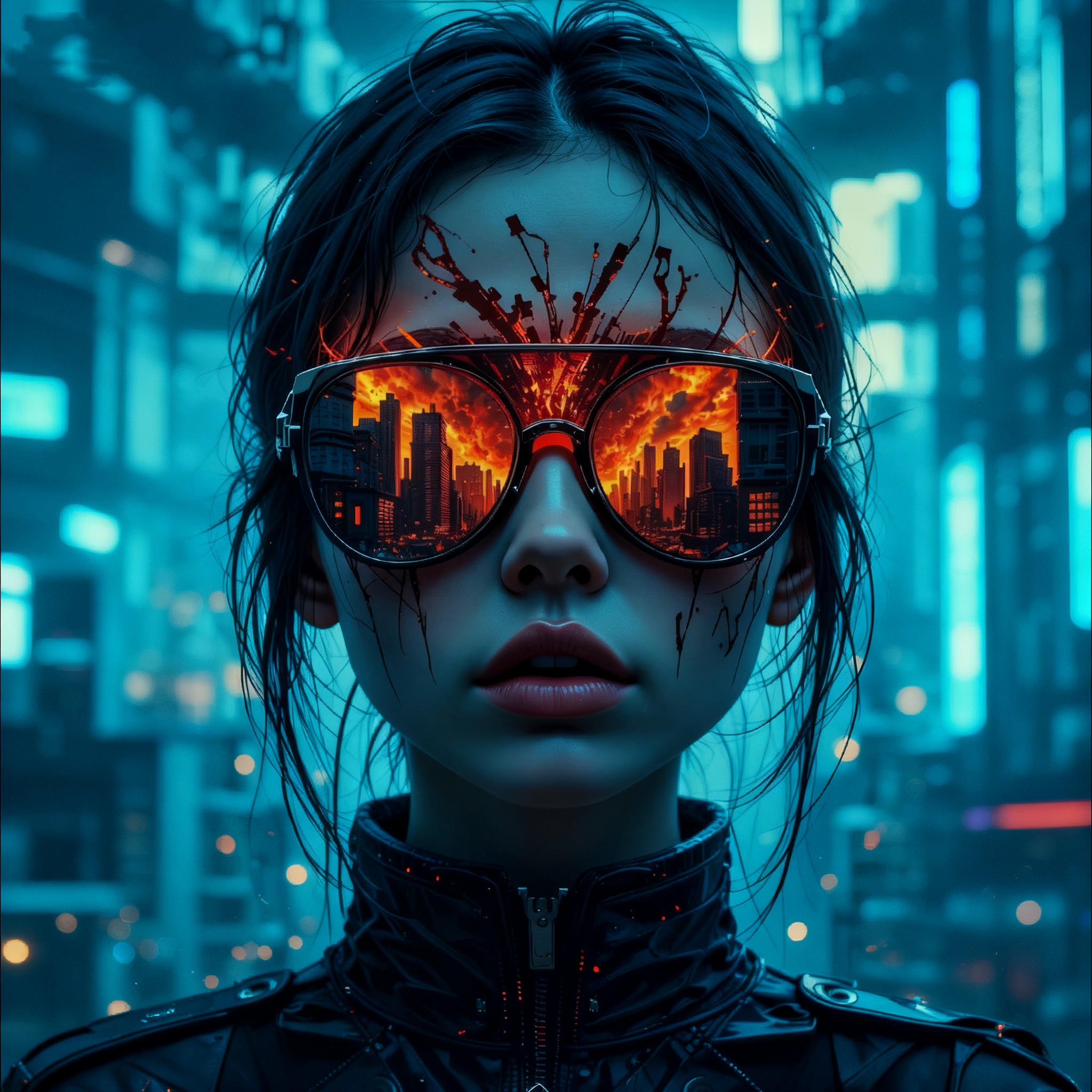
Transform ordinary scenes into imaginative artwork or concept visuals. With Change background color, explore bold palettes, abstract effects, or thematic backgrounds, while Change background color allows precise adjustments to fine details for visually compelling results.
Creating the perfect image background is effortless with Change background color. Follow these three simple steps to transform your visuals with precision, creativity, and professional-quality results.
Start by selecting the photo you want to enhance from your device. Change background color instantly analyzes your image to detect the subject and prepares it for seamless background transformation. Even complex images with fine details are ready to edit in seconds.
Describe your desired background using a few words or a creative prompt. Change background color interprets your text and transforms the image background to match your vision, whether it’s a solid color, gradient, or a stylistic theme. This step gives you full creative control with minimal effort.
Preview your transformed image and download it in high resolution. Change background color ensures every detail, color, and shadow is preserved, making your visuals ready for professional use or sharing across multiple platforms.
Got questions about editing your image backgrounds? Explore these answers to learn how Change background color can simplify your workflow, enhance creativity, and produce professional results effortlessly.
Yes! Change background color allows precise editing for ID photos. Select standard colors like white, blue, or custom tones while keeping your subject aligned and clear. For best results, pairing with China Video AI Passport Photo Maker ensures professional-quality backgrounds every time.
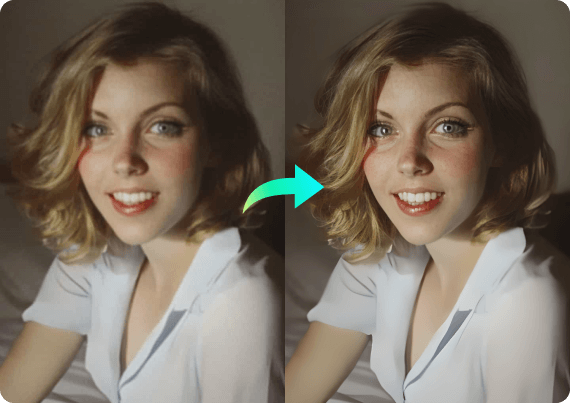
No. Change background color preserves the original resolution, details, and textures of your subject while transforming the background. Your images remain crisp, vibrant, and professional-looking after editing.
Yes. Change background color allows you to enter text prompts describing the desired background. The AI interprets your prompt and generates matching backgrounds, enabling endless creative possibilities.
With Change background color, you can apply solid colors, gradients, patterns, seasonal themes, or custom artistic effects. The tool adapts to both simple and complex images for professional, polished results.
Editing is almost instantaneous. Change background color uses AI to quickly detect subjects, remove backgrounds, and apply new colors, allowing you to generate high-quality results in seconds.
Change background color intelligently preserves semi-transparent areas like hair, glass, or fabrics, maintaining natural edges and subtle details while changing the background. Every edit looks clean, realistic, and professional.
Yes. Change background color maintains the original resolution and quality of your images, allowing you to download high-resolution results suitable for printing, digital portfolios, or professional presentations.
Yes. You can use Change background color alongside cropping, filters, and enhancement tools to refine your images further. This combination maximizes creativity and ensures polished results quickly.
Bring your images to life with Change background color. Whether you want to refresh old photos, create artistic visuals, or design professional content, our AI-powered tool makes background editing effortless and precise. Transform your images in seconds and explore endless creative possibilities.
Transform Your Images Instantly with Change Background Color