Smart Subject Detection
Body Editor
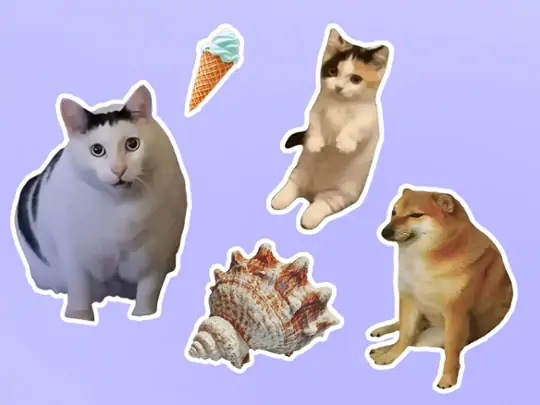 Sample
Make Images Stand Out with Outline Image
Create more premium AI videos with commercial usage and priority processing.
Allow other users to view your generated result.
Hide your prompt and uploaded source files from other users.
Waiting for Results
Complete the required inputs and click Generate.
AI Image Tool
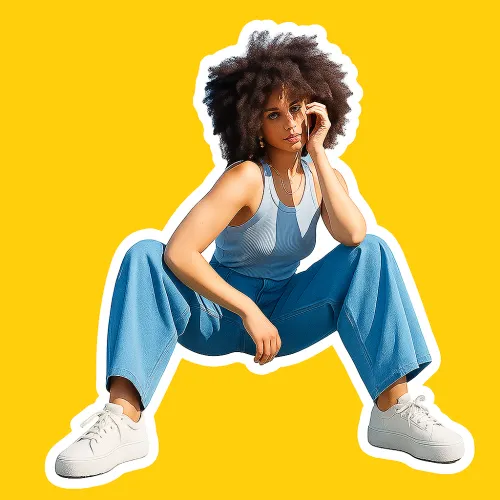
Bring every photo to life in an instant! With Outline image, effortlessly add crisp outlines to your subjects while softly fading the background, creating clear visual depth. Whether it’s a social media avatar, product showcase, or creative design, your images instantly capture attention, looking professional and striking.
Try Outline Image NowOutline image is built to make subjects instantly recognizable. By combining intelligent image analysis with automated outlining, it removes visual noise and guides attention directly to what matters most—creating cleaner, more focused visuals that stand out across platforms.
Body Editor
Spiderman AI
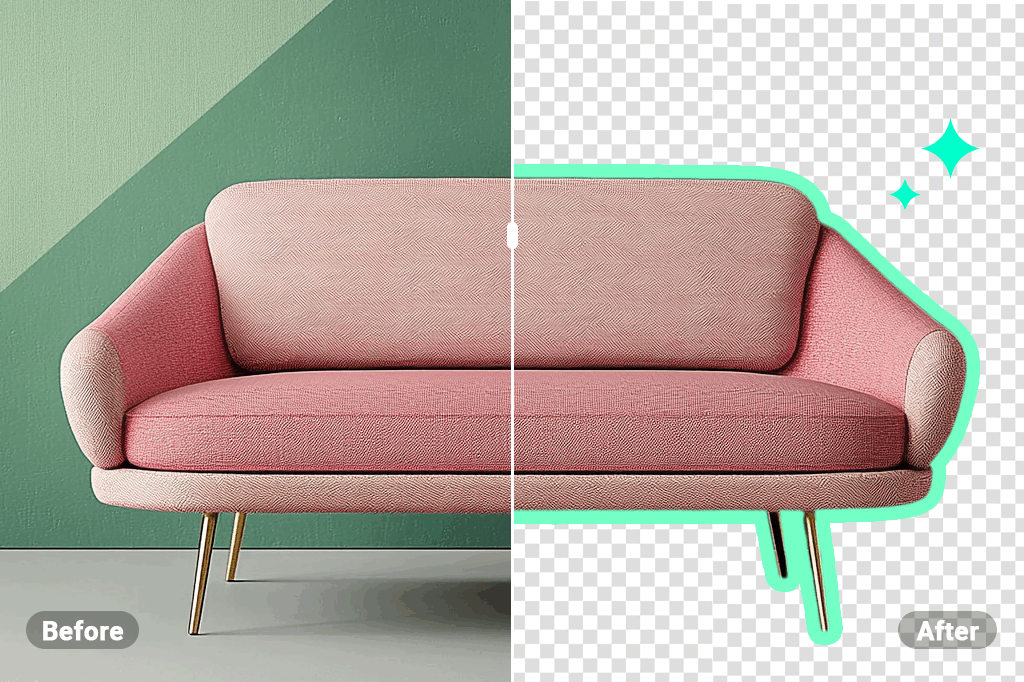
Can Display
More AI Image Tool
Outline image goes beyond technical outlining to improve overall visual communication. It helps images convey hierarchy, clarity, and intent—so your message is understood faster and more effectively.
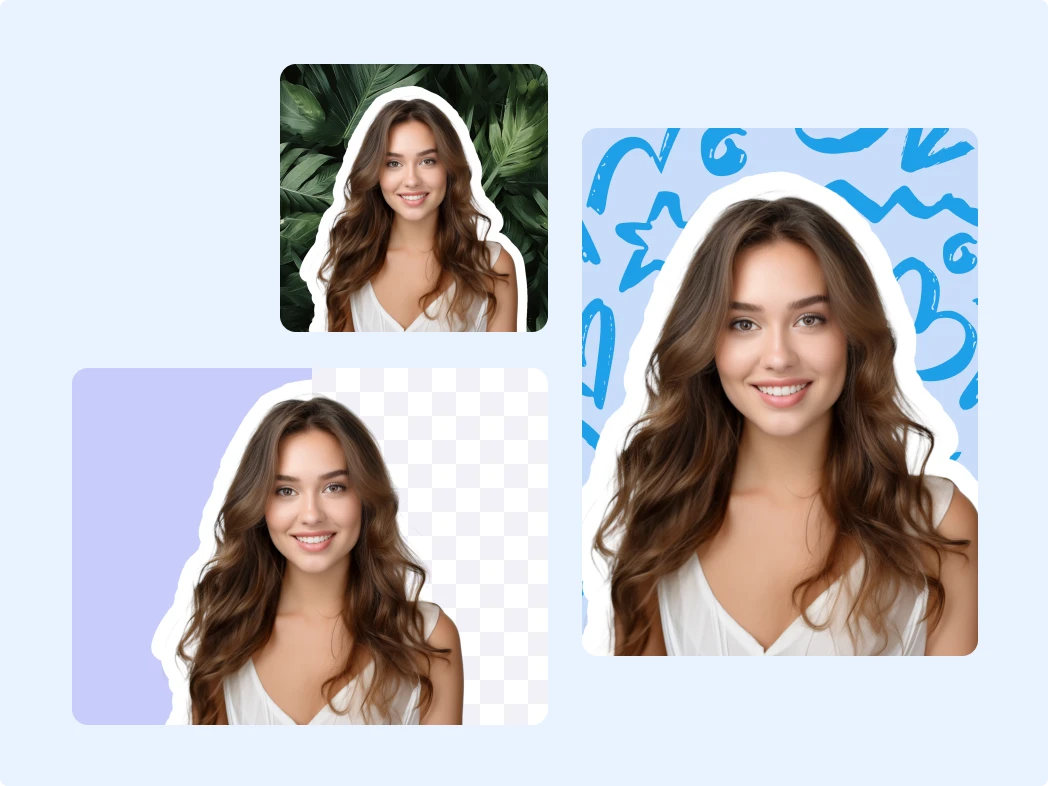
Outline image goes beyond technical outlining to improve overall visual communication. It helps images convey hierarchy, clarity, and intent—so your message is understood faster and more effectively.

Outline image goes beyond technical outlining to improve overall visual communication. It helps images convey hierarchy, clarity, and intent—so your message is understood faster and more effectively.
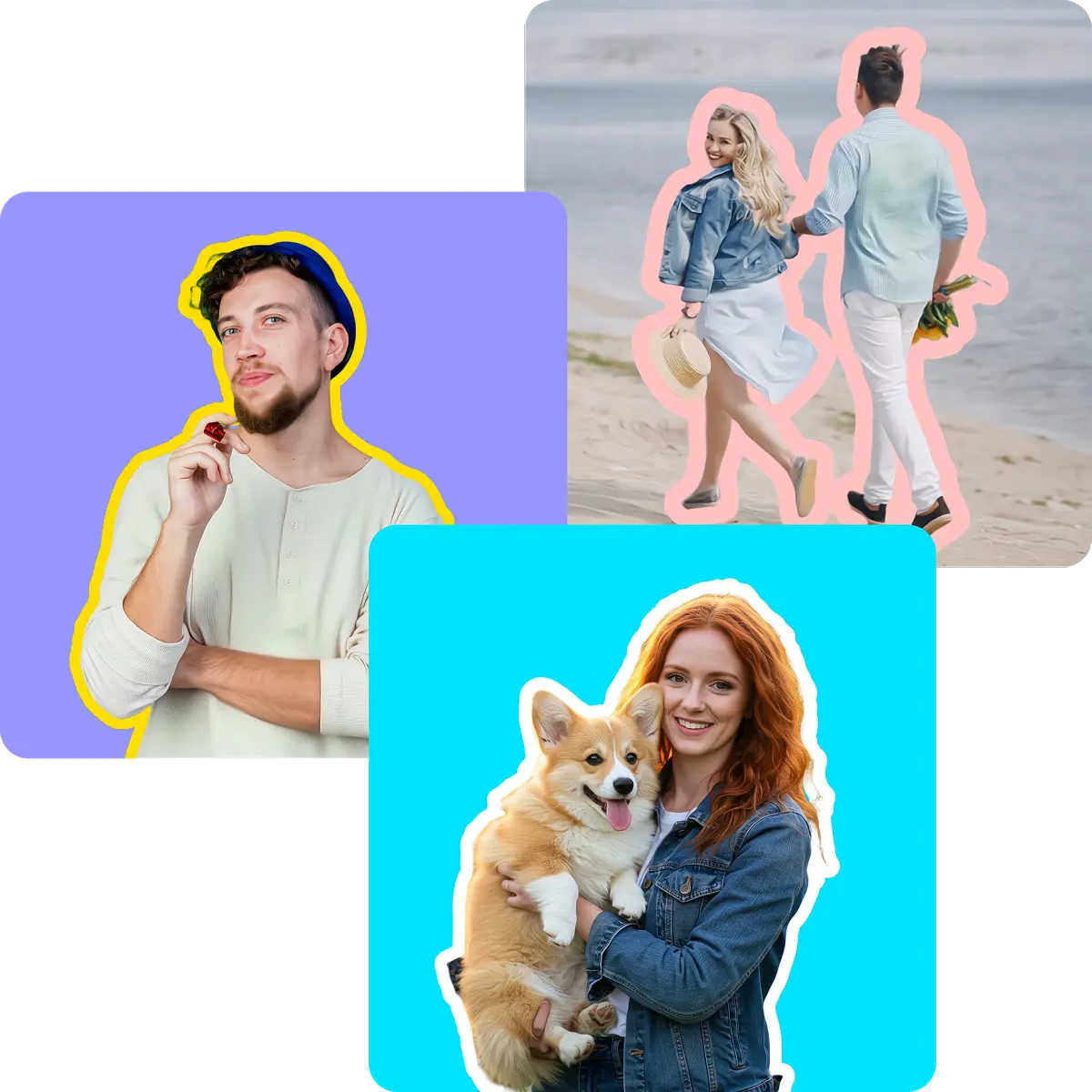
Outline image goes beyond technical outlining to improve overall visual communication. It helps images convey hierarchy, clarity, and intent—so your message is understood faster and more effectively.
When your visuals need to communicate clearly, stand out quickly, and feel professional, Outline image becomes a practical visual assistant—helping different users achieve stronger results with less effort.
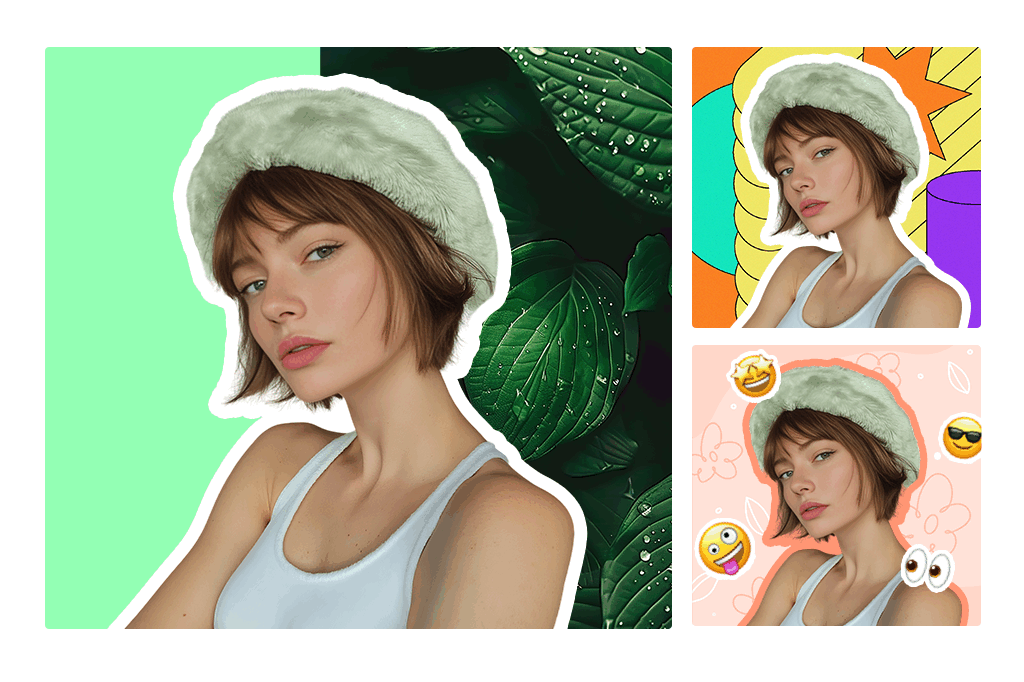
For creators working with fast-paced publishing schedules, Outline image streamlines image preparation while improving clarity. It helps visuals remain instantly recognizable and visually consistent across feeds, stories, and short-form content.
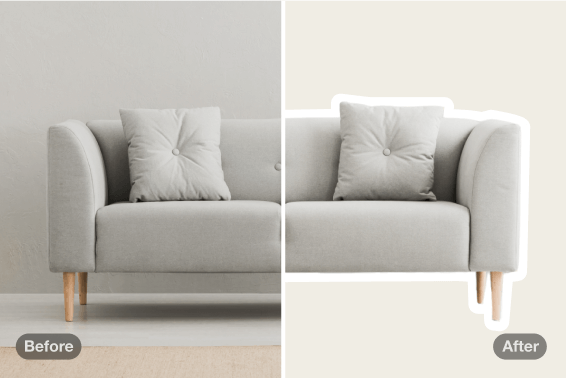
Outline image enables sellers to present products with clearer structure and focus. By reducing visual distractions, product information becomes easier to understand, supporting a smoother browsing experience and stronger visual credibility.
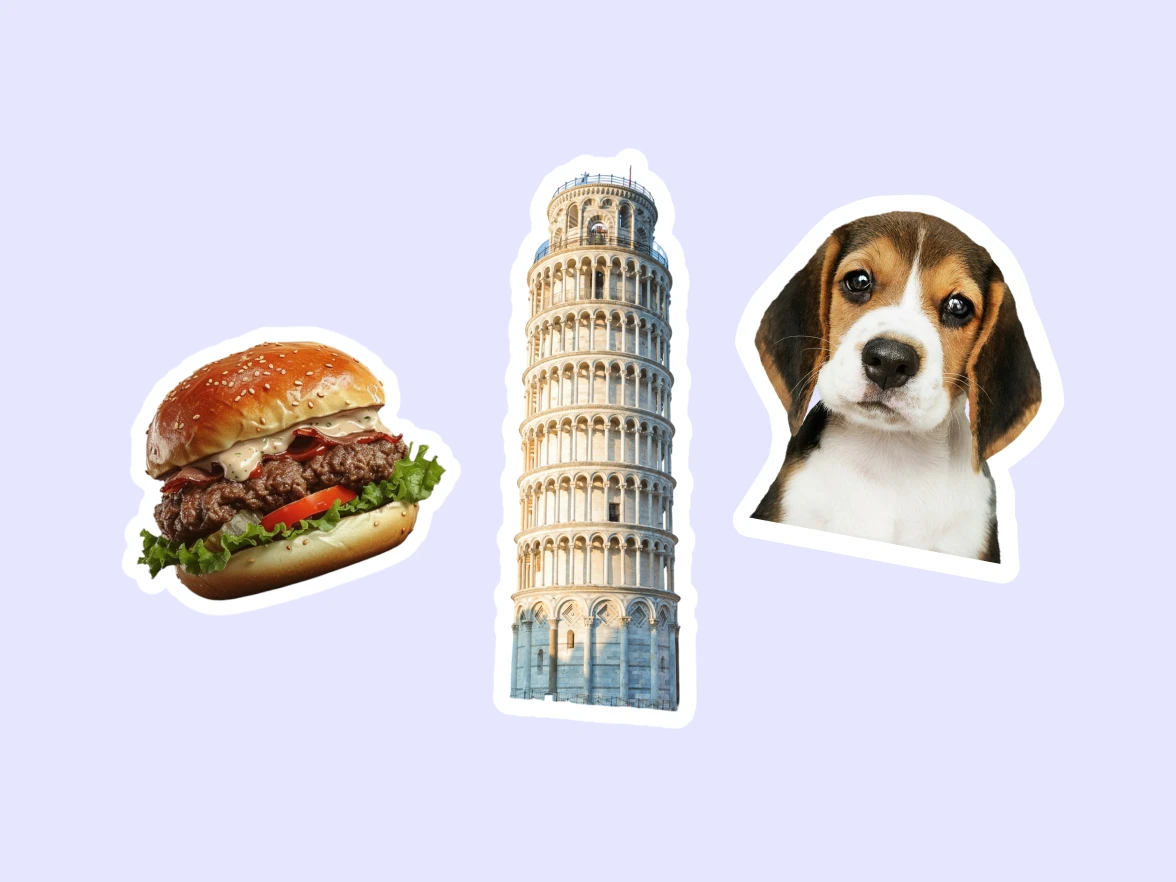
By generating clean, ready-to-use outlines, Outline image allows designers to spend less time on repetitive groundwork and more time refining layouts, concepts, and overall visual direction.
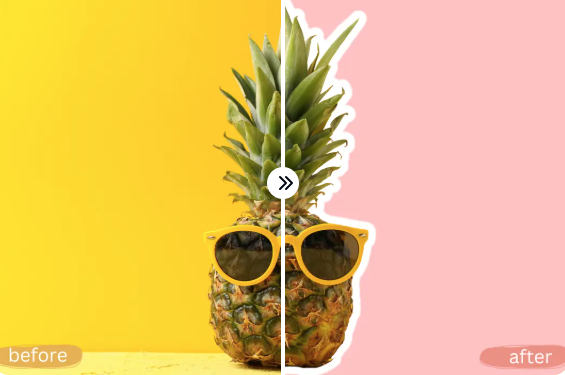
Outline image supports clear and focused visual communication across multiple channels. It helps marketing assets maintain consistency and clarity across campaigns, platforms, and formats.
By combining intelligent automation with a clean, intuitive interface, China Video AI elevates the Outline image experience beyond basic image processing. From speed and stability to flexibility and privacy, China Video AI is built to support efficient, high-quality creative workflows at every stage.

China Video AI optimized AI engine enables Outline image processing at impressive speed, delivering precise outlines in just seconds. Even high-resolution images are handled smoothly, ensuring fast turnaround times without compromising edge clarity, detail accuracy, or overall visual quality.

Outline image on China Video AI supports a wide range of commonly used image formats, making uploads simple and hassle-free. Whether you’re working with photos, illustrations, or product images, China Video AI removes format limitations so you can focus on creation instead of file preparation.

Designed for instant usability, China Video AI makes Outline image accessible to everyone. The streamlined interface eliminates complexity, allowing users to generate clean outline images with just a few clicks—no design experience, technical setup, or prior training required.
Outline image results created on China Video AI are ready for multiple use cases. From social media stickers and product visuals to design mockups and creative assets, China Video AI supports flexible exporting so your outline images can adapt seamlessly to different platforms and projects.
China Video AI is built with privacy in mind. All Outline image processing is handled securely, ensuring uploaded images remain protected throughout the workflow. This allows creators and businesses alike to work confidently with personal, commercial, or sensitive visual content.
Outline image on China Video AI runs entirely online, with no software installation required. Whether you’re working on a desktop or tablet, China Video AI ensures a consistent, smooth experience—so you can process images anytime, anywhere, without disrupting your workflow.
Explore real examples to experience how Outline image enhances visual structure across different use cases. Each example shows how outlines guide attention, clarify composition, and strengthen visual hierarchy.
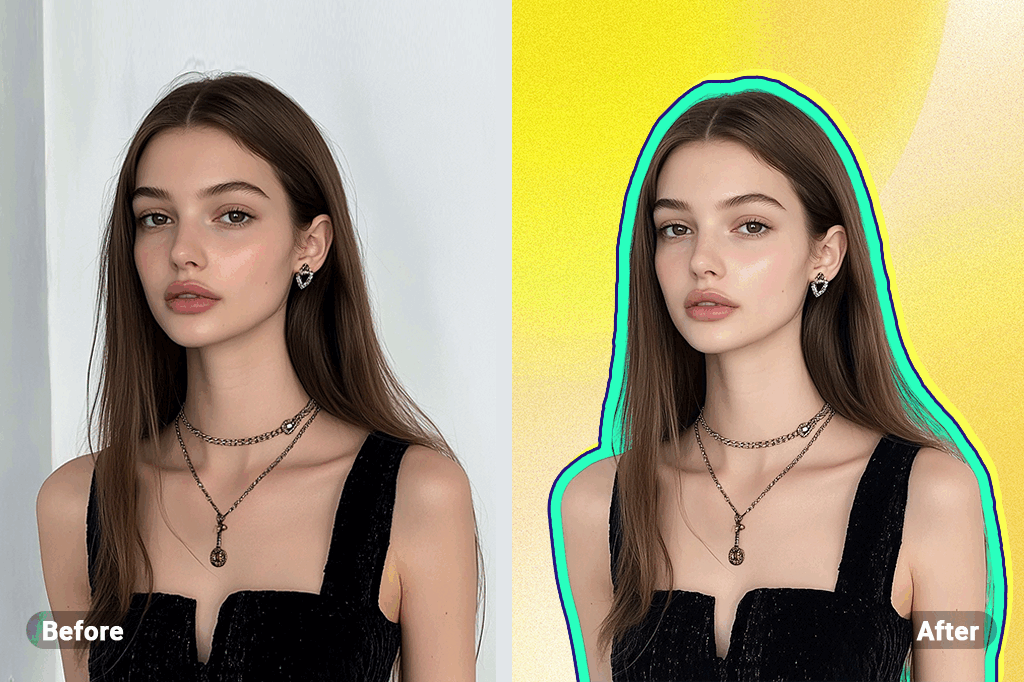
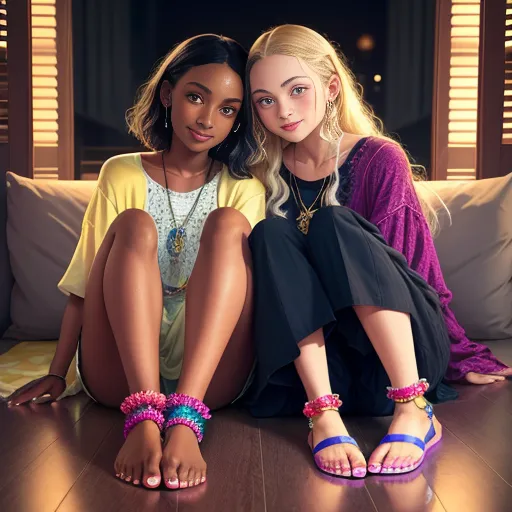
Outline image clearly defines the boundaries of the subject, creating structured visuals that emphasize people as the primary focal point while maintaining a clean composition.
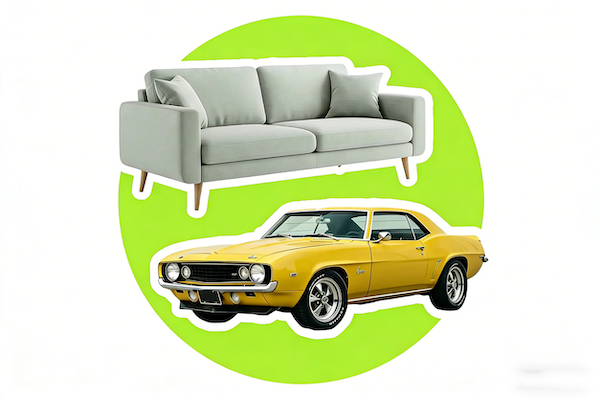
With Outline image, product shapes and details are more clearly organized within the frame, making the subject easier to identify and visually separate from its surroundings.
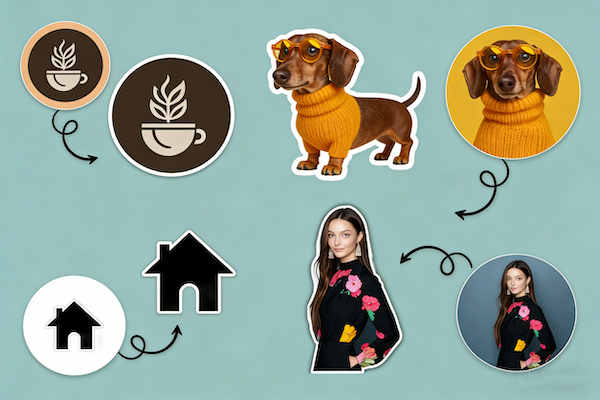
Outline image blends naturally into creative compositions, adding visual rhythm and structure while preserving the original design’s tone and balance.
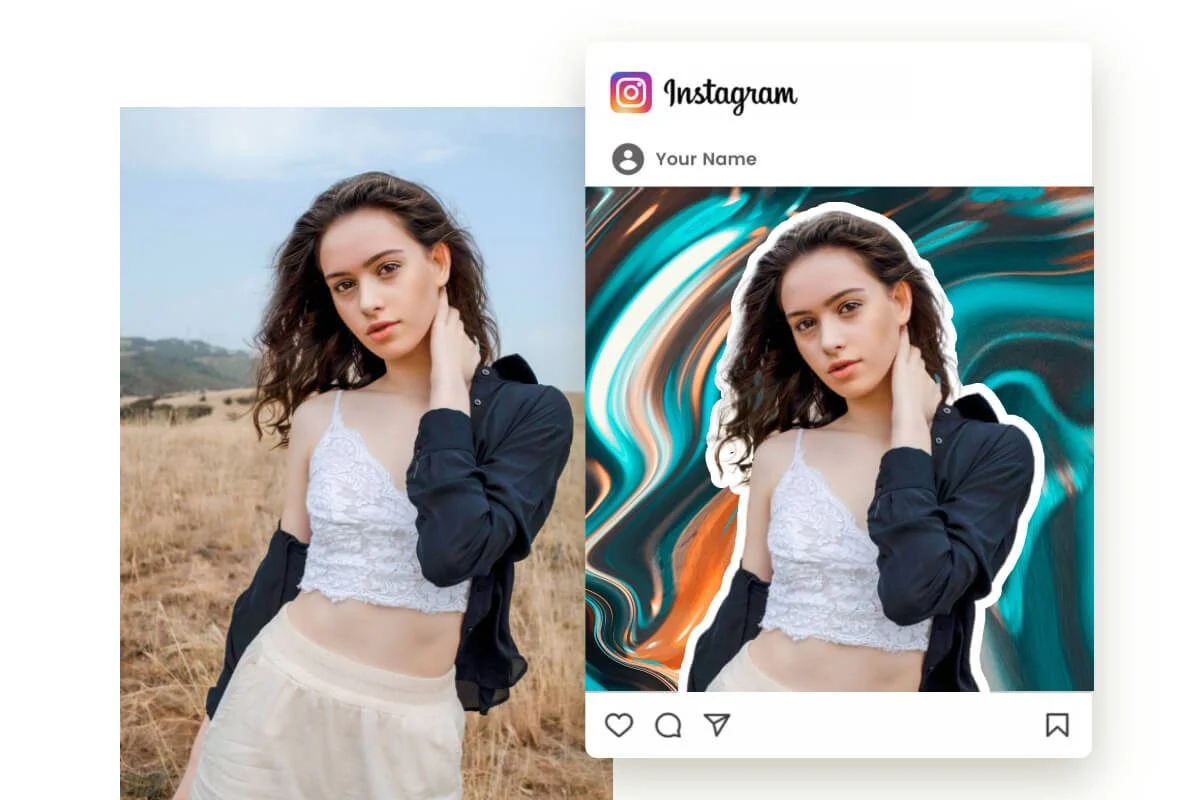
In content-heavy visuals, Outline image helps direct the viewer’s eye toward key elements quickly and intuitively, improving readability in fast-scrolling environments.
The Outline Image workflow on China Video AI is designed to be intuitive, stable, and predictable. There’s no learning curve and no complex settings to worry about. Simply follow the steps below to complete your outline image process smoothly.
Upload the image you want to process to start using Outline Image. China Video AI supports multiple common image formats, with no additional setup or preprocessing required. Your creative assets can move directly to the next step, keeping the workflow simple and clear from the start.
Once the upload is complete, Outline Image begins processing automatically. The system analyzes the image content and performs the necessary calculations without any manual input. In just a few moments, you’ll see clean outline results, delivered through a stable and hassle-free process.
After processing is complete, you can download the Outline Image result immediately. The output is ready for design work, content sharing, or commercial use, with a smooth export flow that integrates easily into your existing creative and professional workflows.
Find clear, practical answers to common questions about using Outline Image on China Video AI. This section is designed to help you understand the workflow, capabilities, and usage considerations—so you can create with confidence and move forward without uncertainty.
Outline Image works well with photos that have a clear main subject. Images with distinct edges and sufficient contrast generally produce more accurate and visually clean outline results.
Outline Image supports commonly used image sizes suitable for online creation. While very large files may take slightly longer to process, the system is optimized to handle high-resolution images smoothly within normal usage limits.
No. Outline Image focuses on generating a clear outline around the subject without altering the original colors, textures, or internal details of the image, preserving the integrity of your visual content.
Outline Image can generate results that work well with transparent or simplified backgrounds, making it easier to integrate the output into designs, layouts, or layered compositions.
Most Outline Image tasks are completed within seconds. Processing time may vary slightly depending on image size and complexity, but the workflow is designed to remain fast and predictable.
Outline Image results can be used in a variety of personal and commercial scenarios. Specific usage rights are subject to China Video AI terms of service.
China Video AI processes images securely for Outline Image tasks. Image handling and storage policies follow the platform’s privacy and usage guidelines, helping ensure a safe and reliable creation experience.
Absolutely. Outline Image is often used as a preparatory step in professional workflows, helping designers and creators save time on foundational processing before moving into more advanced creative work.
Give every image its own visual focus. Upload your image now and begin your Outline Image creation journey.
Start Creating with Outline Image Today