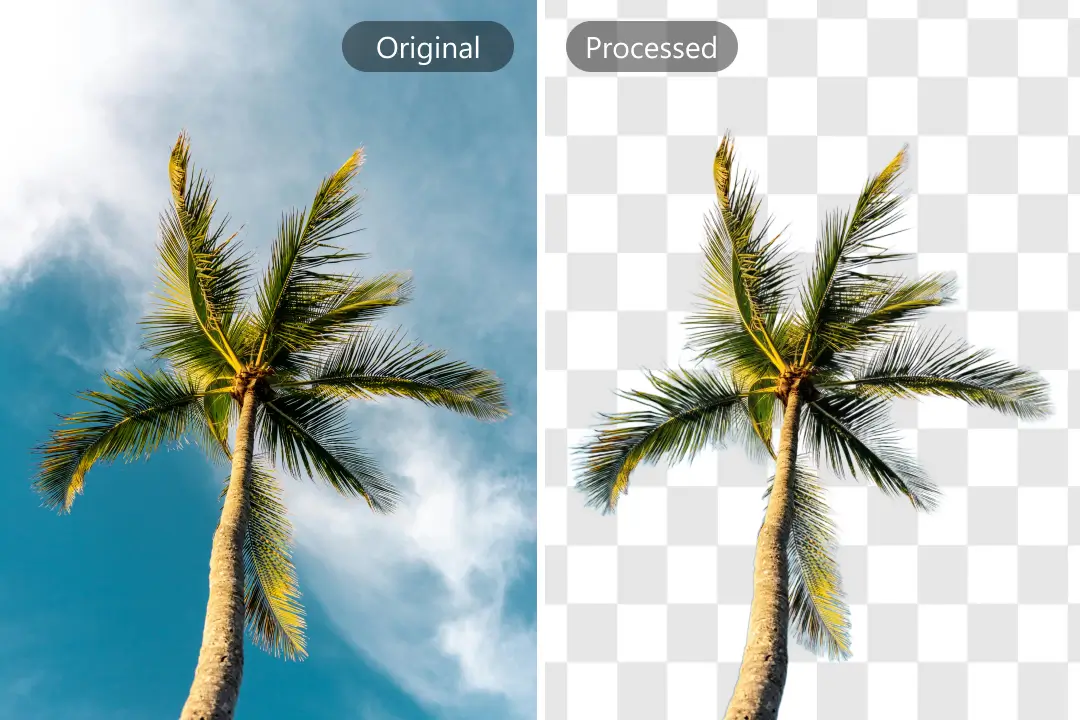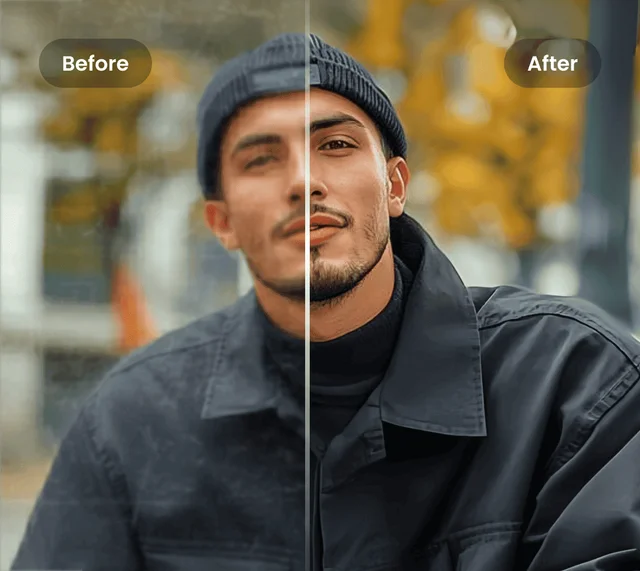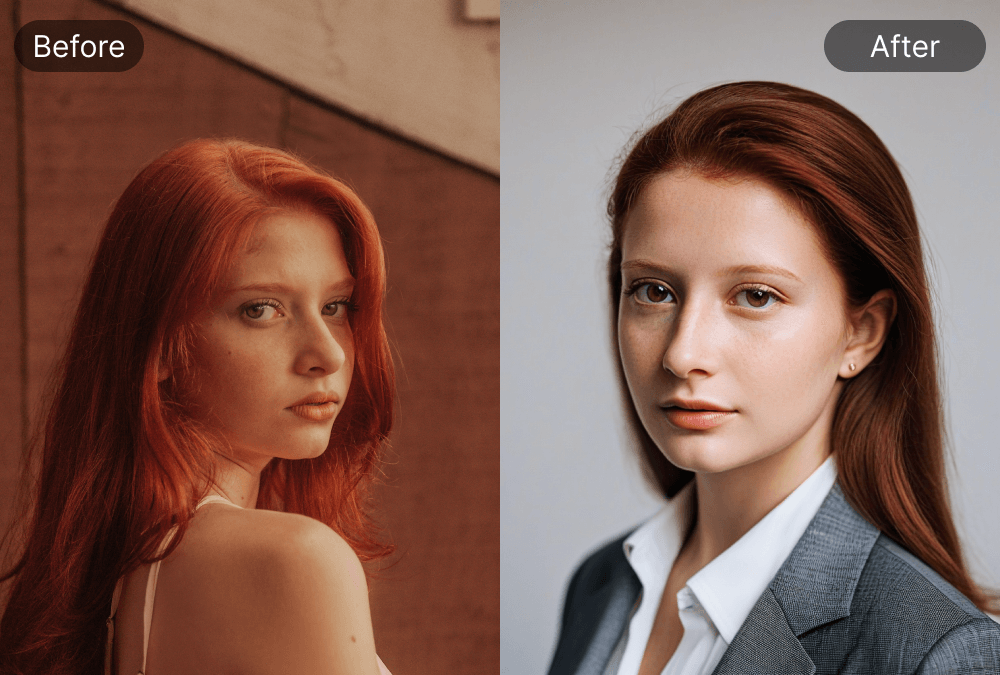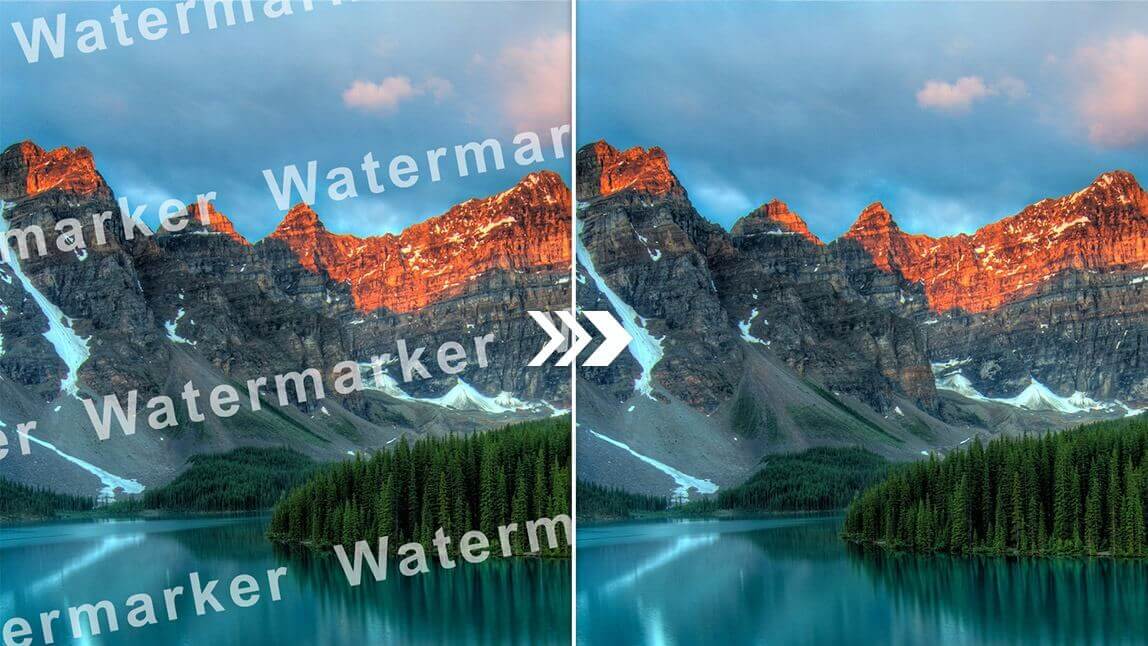
Automatic Detection & One-Click Removal
Body Editor
Automatic Detection
Create more premium AI videos with commercial usage and priority processing.
Allow other users to view your generated result.
Hide your prompt and uploaded source files from other users.
Waiting for Results
Complete the required inputs and click Generate.
AI Image Tool
Instantly restore your image’s original beauty with Watermark Remover. Upload your photo and let advanced AI automatically remove unwanted watermarks, logos, or text overlays in seconds. Experience clean, high-definition results that keep your visuals pure, polished, and ready to inspire.
Try Watermark Remover NowWatermark Remover combines advanced AI precision with an intuitive interface to deliver effortless, studio-quality edits. Every feature works together to ensure your images look natural, clean, and untouched—removing distractions while preserving full visual integrity. With Watermark Remover, achieving flawless clarity takes just seconds.
Body Editor
Spiderman AI

Can Display
More AI Image Tool
More than just an editing tool, Watermark Remover empowers creators, photographers, and brands to focus on storytelling—not tedious cleanup. Here’s what makes your workflow smoother and more inspiring.

More than just an editing tool, Watermark Remover empowers creators, photographers, and brands to focus on storytelling—not tedious cleanup. Here’s what makes your workflow smoother and more inspiring.

More than just an editing tool, Watermark Remover empowers creators, photographers, and brands to focus on storytelling—not tedious cleanup. Here’s what makes your workflow smoother and more inspiring.
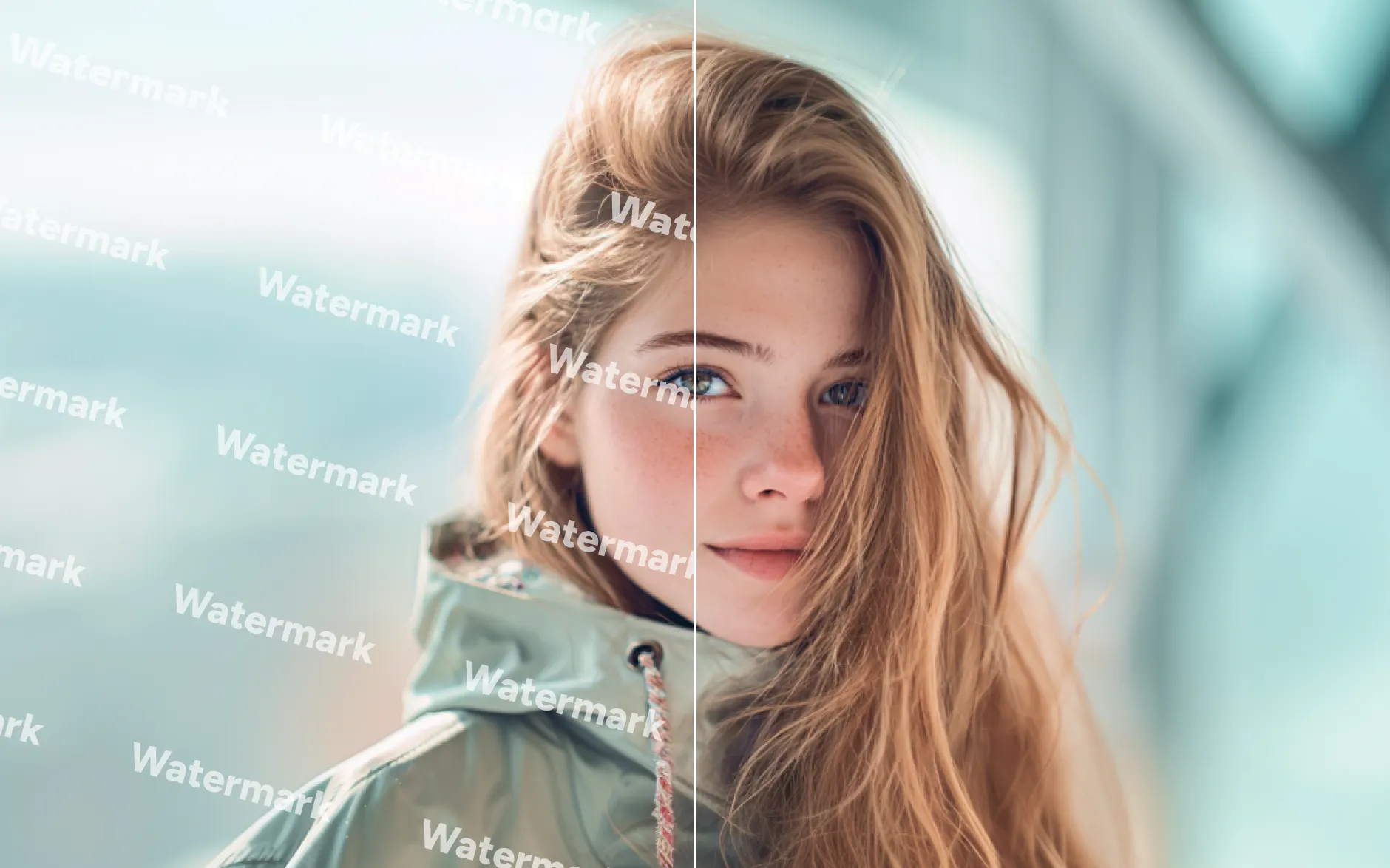
More than just an editing tool, Watermark Remover empowers creators, photographers, and brands to focus on storytelling—not tedious cleanup. Here’s what makes your workflow smoother and more inspiring.
Elevate every photo by mastering simple yet powerful techniques with Watermark Remover. With these tips, Watermark Remover helps you remove unwanted logos, text, or overlays while preserving the natural look, clarity, and texture of every image—making your creative workflow faster, cleaner, and more professional.

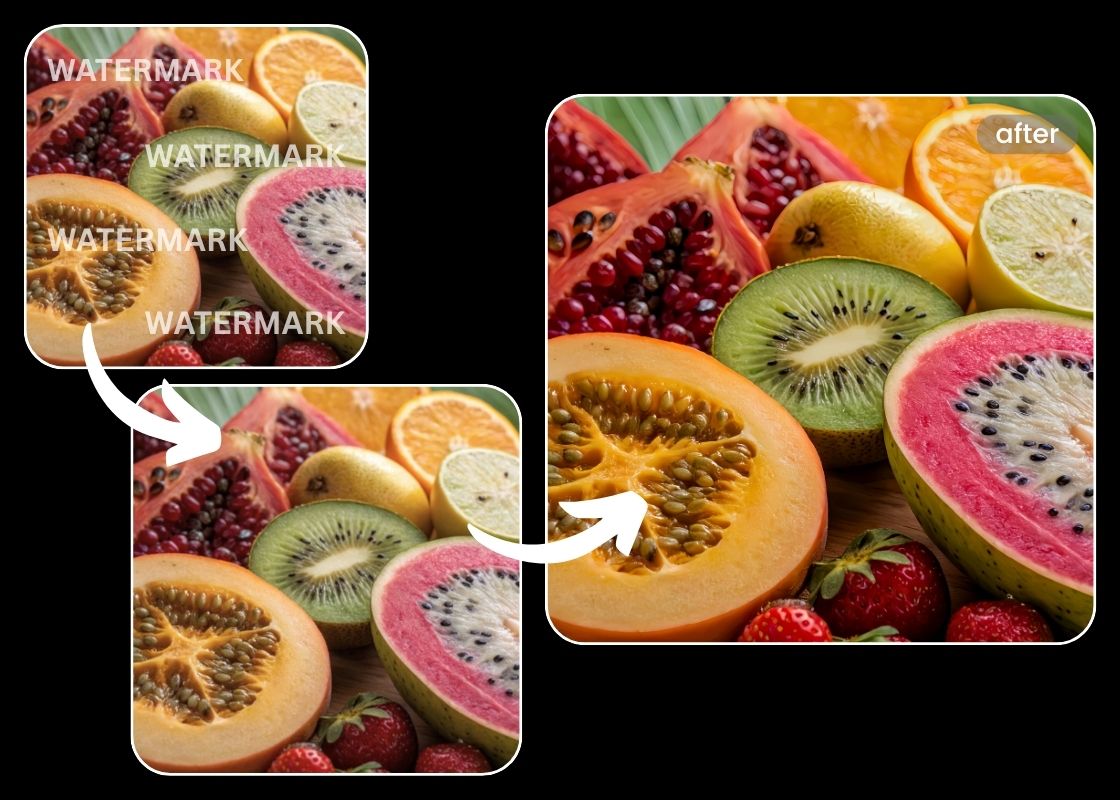
Always upload your images in the highest resolution available. Watermark Remover works best with detailed images, allowing AI to reconstruct backgrounds seamlessly and preserve every subtle texture.
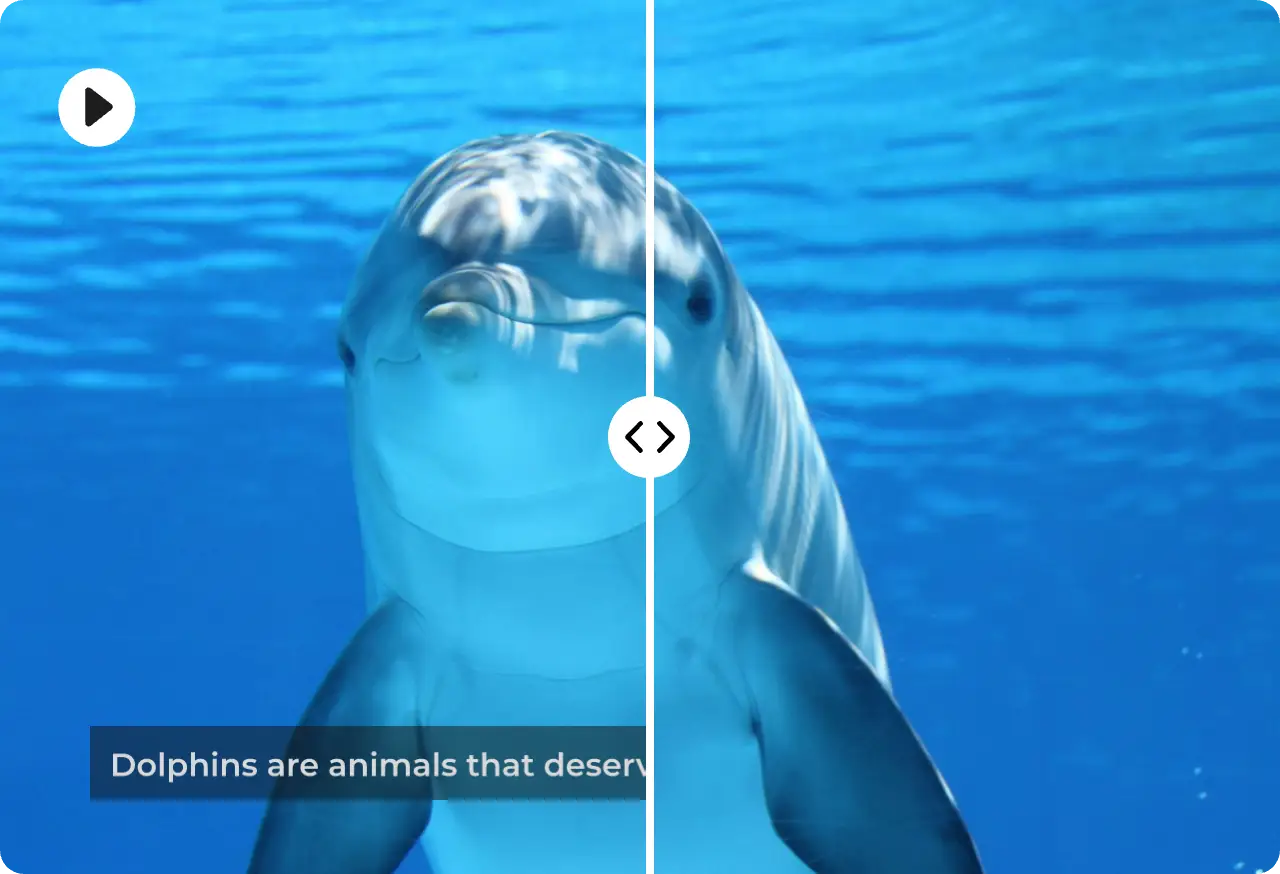
Group similar images and process them together. Watermark Remover’s batch processing keeps your workflow smooth, saving time while maintaining consistent quality across all images.

For complex or intricate watermarks, Watermark Remover lets you fine-tune the results. Minor adjustments ensure every corner of your image looks clean, natural, and untouched, giving you full creative control.
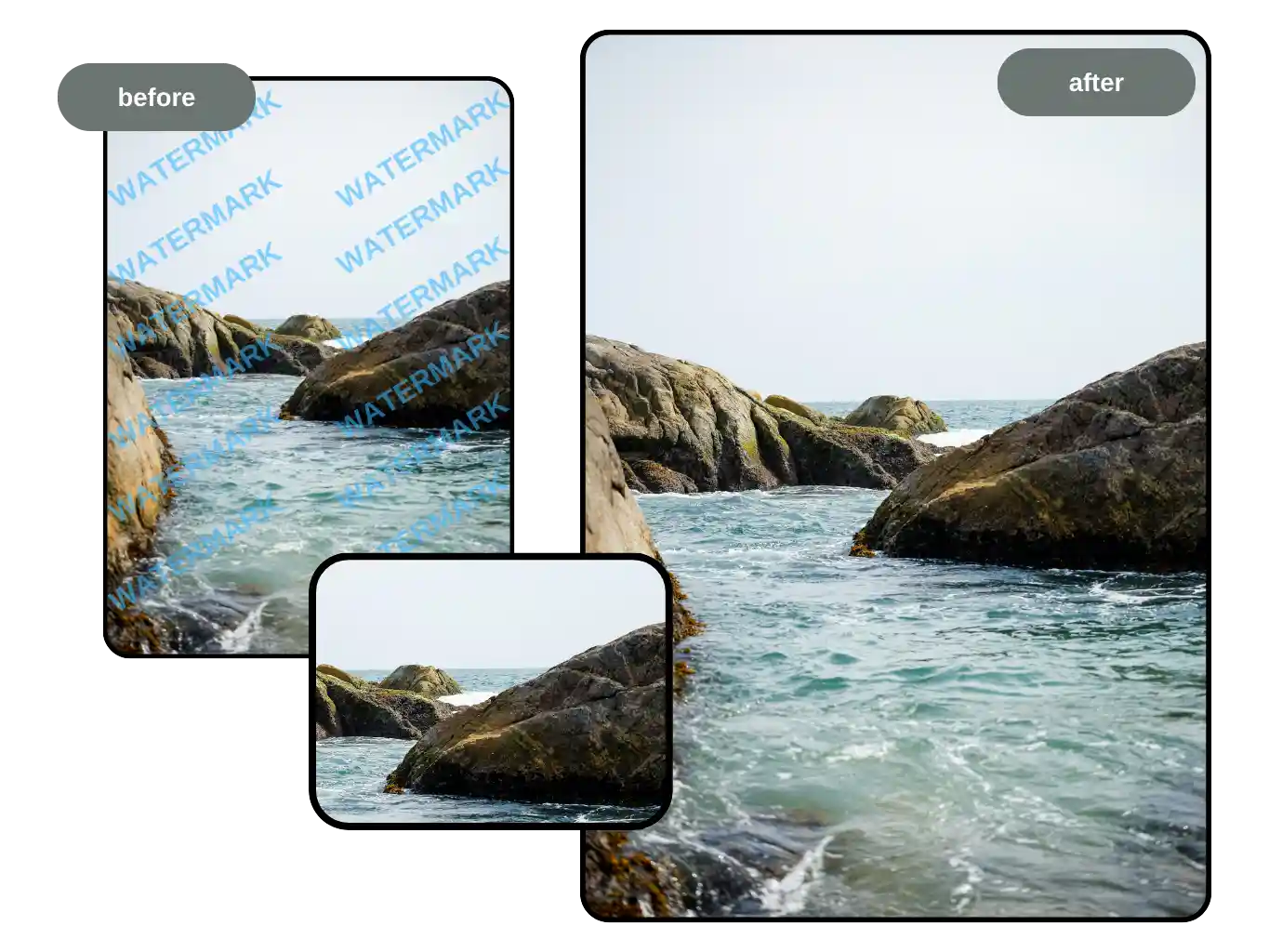
Maintain uniform lighting and contrast in your uploads. Watermark Remover uses AI to restore backgrounds intelligently, and consistent image conditions help the tool produce the most natural-looking results.
Discover why creators, photographers, and brands trust Watermark Remover on China Video AI to simplify their workflow and elevate their visuals. Designed for effortless, high-quality results, Watermark Remover removes distractions while preserving the integrity and beauty of every image.

Watermark Remover on China Video AI leverages advanced AI to detect logos, text, and complex overlays automatically. Each watermark is removed precisely, ensuring your images stay crisp and professional—no tedious manual editing required. Perfect for product photography, social media, or personal projects.

With Watermark Remover, every edit looks authentic. China Video AI AI intelligently reconstructs backgrounds, preserving textures, colors, and lighting to maintain your image’s original beauty. Say goodbye to smudges or ghosting—your visuals remain flawless and ready for presentation or sharing.

Save hours on image cleanup with Watermark Remover. One-click removal and batch processing allow you to edit multiple photos simultaneously. Whether you’re a content creator, marketer, or designer, China Video AI makes it easy to stay productive and keep your visuals consistent.
No design or technical skills? No problem. China Video AI Watermark Remover combines simplicity with powerful AI, giving beginners and professionals alike the ability to remove unwanted watermarks quickly. Edit directly on desktop, tablet, or mobile—professional-grade results are just a click away.
Your images are safe. Watermark Remover ensures that all uploads are processed securely and are never stored or shared. Focus on your creative work with confidence, knowing your privacy is fully protected.
Work seamlessly wherever you are. China Video AI Watermark Remover functions across devices and browsers, so your workflow is never interrupted. Switch from desktop to tablet or mobile and continue editing without missing a beat.
Experience how Watermark Remover transforms images across different scenarios. Each example highlights the tool’s intelligent watermark detection, seamless removal, and ability to maintain natural clarity.

Logos or watermarks can distract from your product images. Watermark Remover swiftly removes overlays while preserving every detail and color, delivering clean, professional visuals that enhance appeal and boost engagement.

For crafts, collectibles, or everyday items, a clear image makes all the difference. Removing distractions allows textures, shapes, and highlights to stand out naturally.

Travel shots often carry copyright stamps or camera marks. Watermark Remover automatically detects and reconstructs covered areas, keeping textures and lighting intact, so every landscape image reflects true beauty and natural scenery.

Scanned vintage photos or archival documents may include dates, stamps, or watermarks. Watermark Remover intelligently reconstructs obscured areas, restoring the original clarity while preserving the natural feel of historical images.
Watermark Remover streamlines the process of clearing watermarks from any image, making professional-quality results accessible to everyone. With intuitive tools and AI-powered precision, it removes unwanted logos, text, and overlays in seconds—no technical skills required—so you can focus on creating clean, polished visuals effortlessly.
Start by uploading your photo to Watermark Remover. The tool supports JPG and PNG. Drag, drop, or select files—no technical setup required.
Watermark Remover’s AI detects text, logos, and transparent overlays automatically. With a single click, the tool removes all watermarks while preserving original details, textures, and lighting. For complex images, manual adjustments are available to ensure flawless results.
Check the before-and-after preview within Watermark Remover to ensure satisfaction. Once you’re happy with the result, download the high-resolution image immediately. It’s quick, professional, and keeps your visuals clean and ready to use anywhere.
Got questions about removing watermarks? Explore our most frequently asked questions to learn how Watermark Remover can help you effortlessly clean images, maintain high quality, and streamline your creative workflow. From supported file types to batch processing and quality concerns, get clear answers and tips to make the most of your Watermark Remover experience.
A Watermark Remover uses advanced AI algorithms to detect and remove unwanted logos, text, or transparent overlays from images, videos, PDFs, and even audio. It intelligently reconstructs the background, ensuring your content remains clean, natural, and professional.
Watermark Remover supports common image formats such as JPG and PNG, making it versatile for different creative projects.
High-quality Watermark Remover tools use intelligent background reconstruction to minimize ghosting, blurring, or distortions. However, extremely low-resolution files or heavily obstructed content may result in slight variations in the output.
Absolutely! Watermark Remover uses advanced AI to detect text, logos, and semi-transparent overlays. Even complex or large watermarks can be removed precisely, while intelligently reconstructing background textures to keep your images natural and crisp.
Using Watermark Remover on images, videos, or audio you own or have rights to is completely legal. Removing watermarks from copyrighted content without permission may violate intellectual property laws. Always ensure you have proper usage rights before removing watermarks.
Yes! Many Watermark Remover versions support batch uploads, enabling multiple images to be cleaned simultaneously. This saves time while ensuring consistent, high-quality results—ideal for e-commerce, creative teams, and content creators.
In most cases, no manual adjustments are needed. Watermark Remover automatically restores the background for a seamless finish. For particularly intricate images, optional fine-tuning tools are available to perfect every detail.
Unlock a cleaner, more professional look for your images with Watermark Remover. Upload your photos, remove unwanted logos or text in seconds, and enjoy flawless results with AI-powered precision. Start transforming your visuals today—fast, easy, and free from complex editing.
Start Perfecting Your Images with Watermark Remover Today