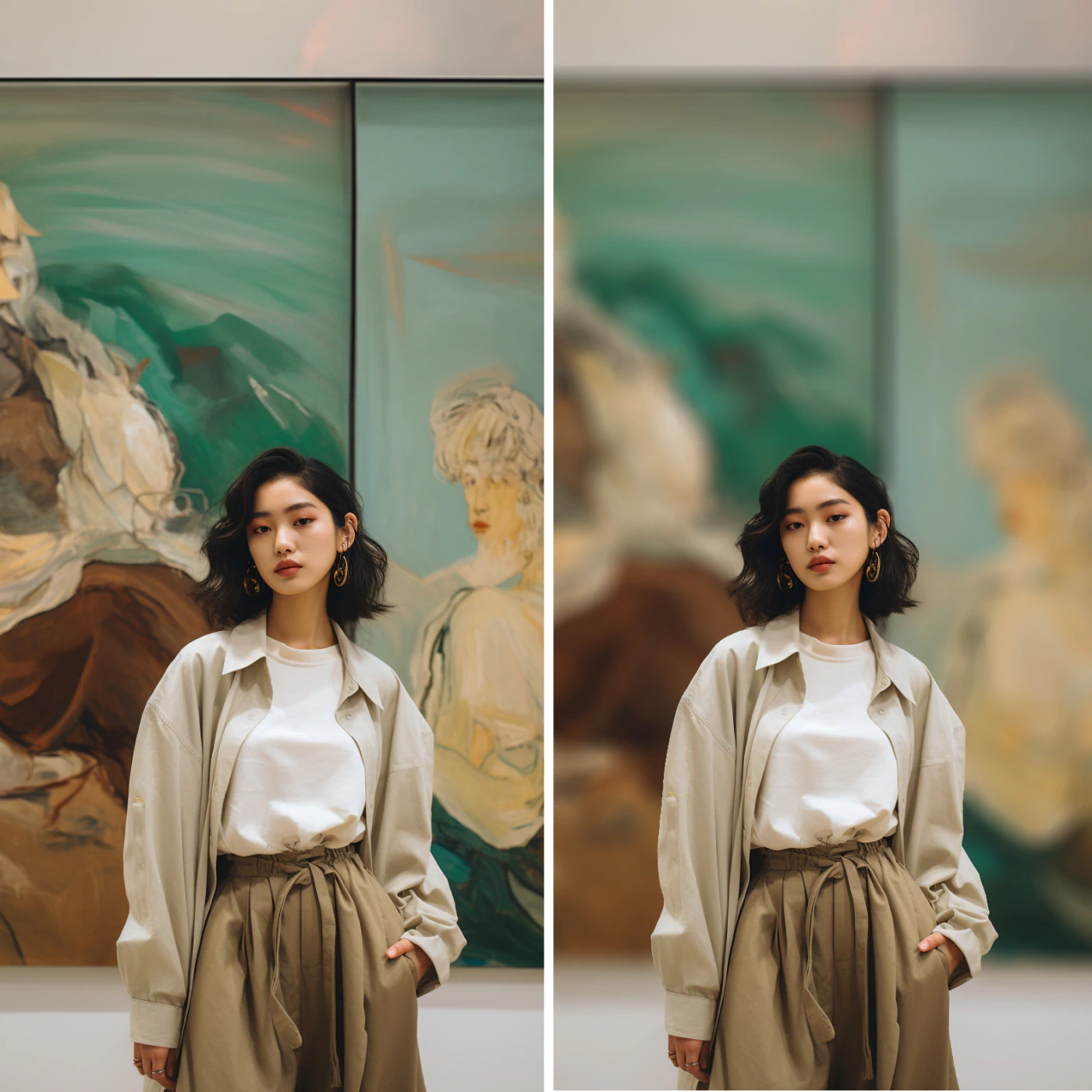
AI-Powered Subject Recognition
Body Editor
Instant Artistic Blur
Create more premium AI videos with commercial usage and priority processing.
Allow other users to view your generated result.
Hide your prompt and uploaded source files from other users.
Waiting for Results
Complete the required inputs and click Generate.
AI Image Tool
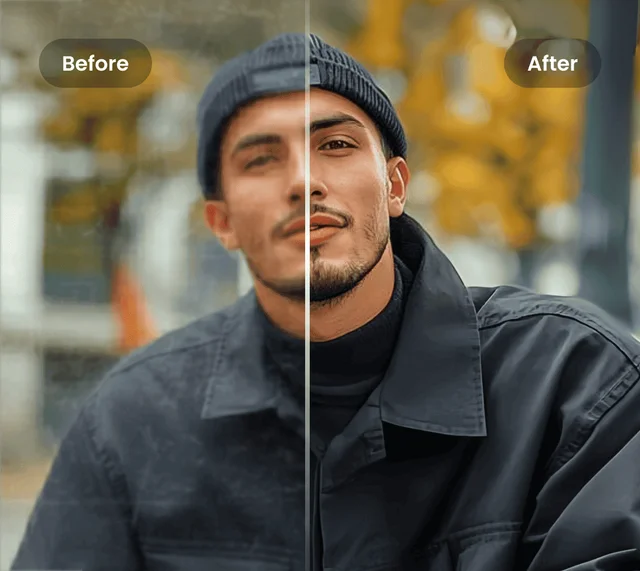
Instantly enhance your photos with Blur Background. Upload any image and let our smart AI blur the background, making your subject pop. Perfect for portraits, product shots, or social media visuals—achieve professional depth-of-field effects effortlessly. Fast, precise, and natural results every time.
Try Blur Background NowOur Blur Background tool combines advanced AI-powered features, giving you complete control and creative flexibility when editing backgrounds. From basic adjustments to fine-tuning, you can effortlessly master professional-level results.
Body Editor
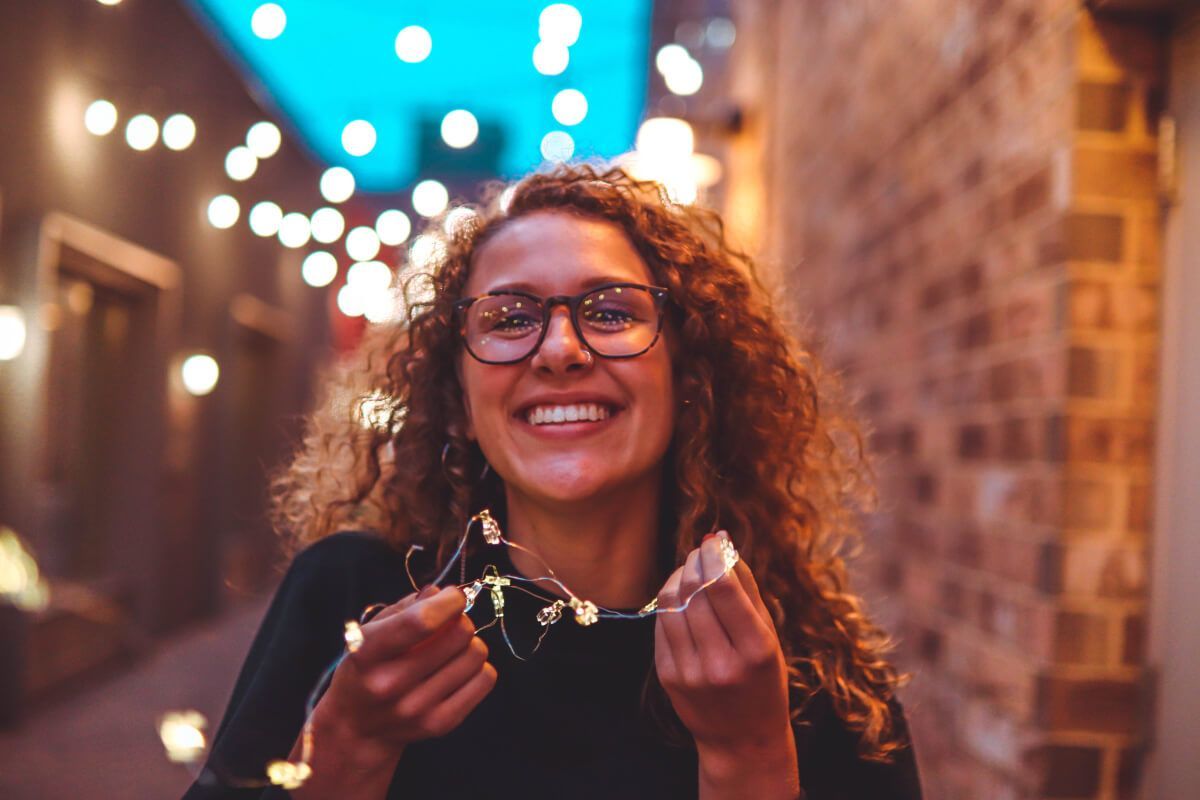
Spiderman AI
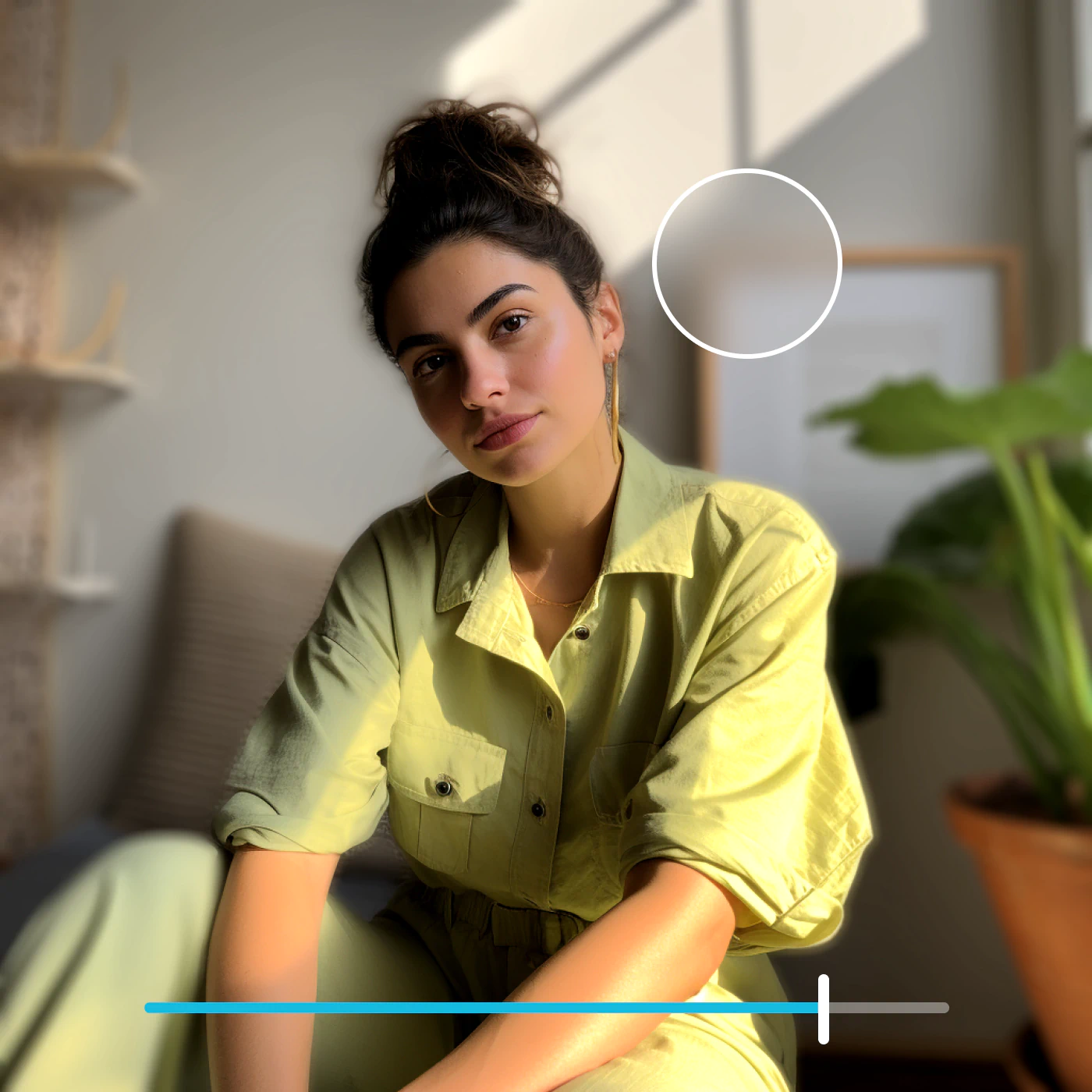
Can Display
More AI Image Tool
Blur Background takes your visuals to the next level by transforming ordinary images into captivating works of art. Beyond simply softening the background, it refines composition, enhances color balance, and creates professional depth-of-field effects that make every subject stand out.
Blur Background takes your visuals to the next level by transforming ordinary images into captivating works of art. Beyond simply softening the background, it refines composition, enhances color balance, and creates professional depth-of-field effects that make every subject stand out.
Blur Background takes your visuals to the next level by transforming ordinary images into captivating works of art. Beyond simply softening the background, it refines composition, enhances color balance, and creates professional depth-of-field effects that make every subject stand out.
Blur Background takes your visuals to the next level by transforming ordinary images into captivating works of art. Beyond simply softening the background, it refines composition, enhances color balance, and creates professional depth-of-field effects that make every subject stand out.
Get the most out of Blur Background with these practical tips. Enhance your photos by applying subtle adjustments, creative techniques, and intelligent use of AI-powered blur to achieve polished, professional-looking results with ease. With just a few thoughtful tweaks, your images can stand out with clarity, depth, and visual impact.
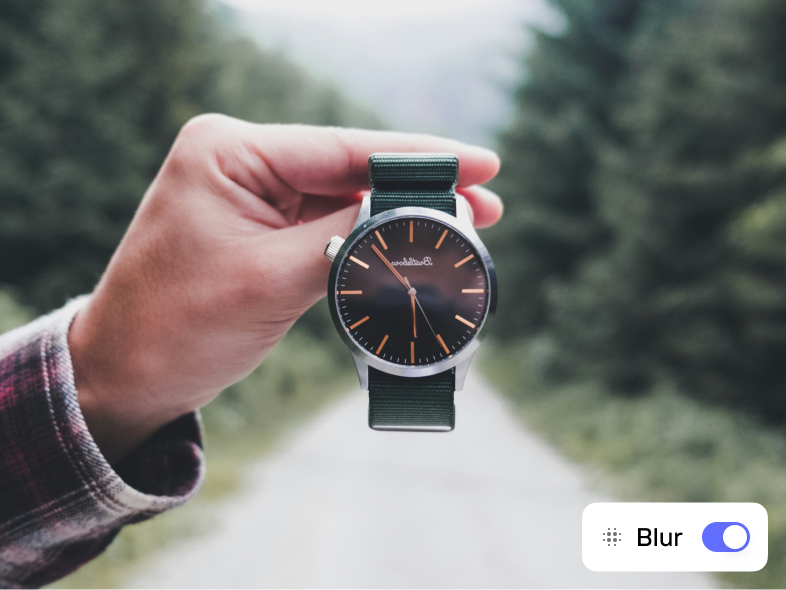
Take advantage of Blur Background’s adjustable blur slider to fine-tune your results. A subtle blur adds natural depth and realism, while a stronger blur creates a cinematic, high-impact look. Whether you’re editing portraits, products, or lifestyle photos, the right Blur Background intensity can instantly transform the image’s focus and mood.
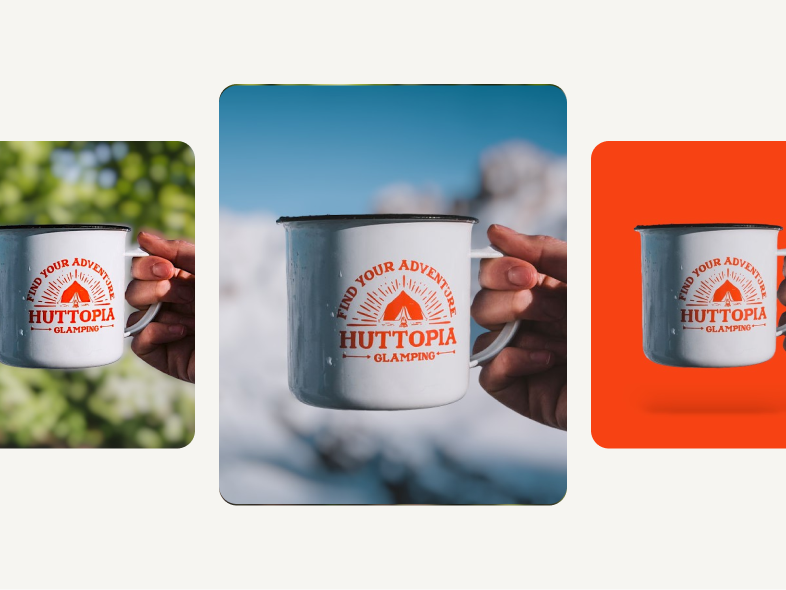
The power of Blur Background lies in harmony between subject and backdrop. Select backgrounds that provide gentle contrast or simplify visual distractions. When used effectively, Blur Background enhances subject prominence, adds balance, and gives every photo a polished, professional appearance suitable for portfolios, branding, and social media.

Combine sharp subject detailing with Blur Background’s smooth depth effect to guide viewers’ eyes exactly where you want. This layered focus technique emphasizes facial features, product textures, or key storytelling elements, allowing Blur Background to create a sense of hierarchy and emotional impact within your image composition.
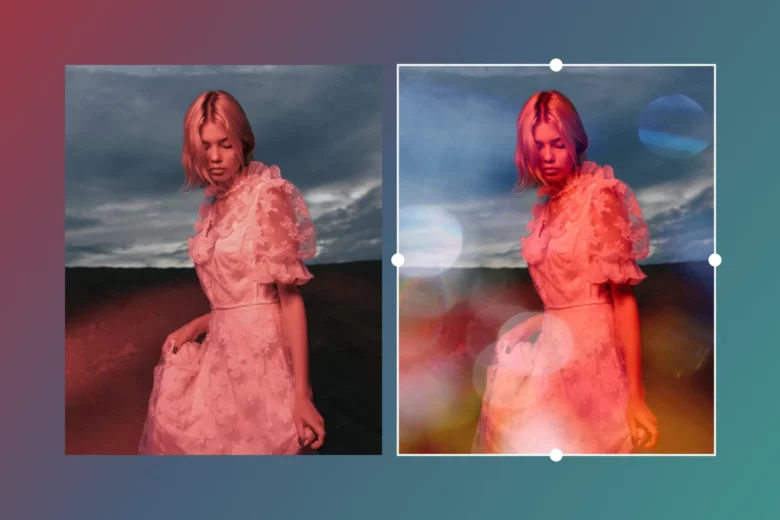
Blur Background isn’t just about clarity—it’s about creativity. Adjust the intensity, direction, and softness of the blur to craft different atmospheres. Gentle, gradual blurs add elegance and warmth, while bold, dramatic effects create a dynamic, editorial style. Use Blur Background to explore new aesthetics for campaigns, digital art, or visual storytelling.
Experience professional-quality background blur with unmatched speed and precision. Blur Background on China Video AI leverages cutting-edge AI to deliver flawless results in seconds, ensuring every photo maintains full clarity on the subject while the background is elegantly softened. No watermarks, no fuss—just polished, studio-quality images instantly.

Blur Background handles each photo in seconds, providing instant previews and rapid results. Spend less time waiting and more time creating, with intelligent, high-speed background blurring at your fingertips.
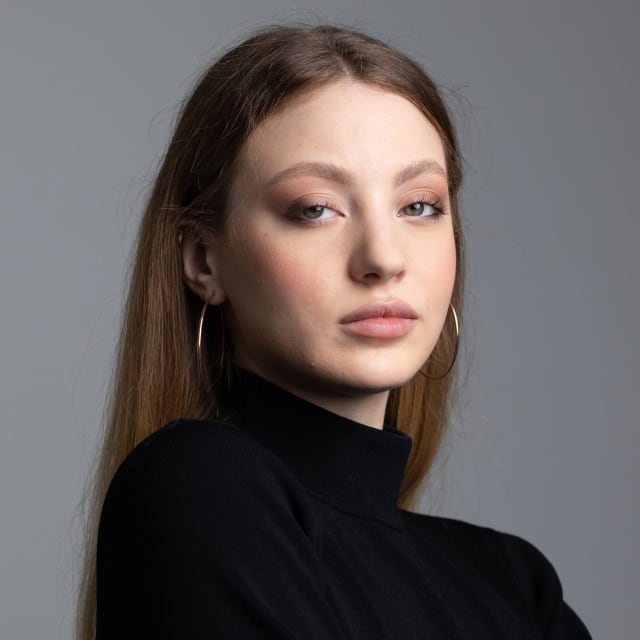
Advanced AI ensures accurate subject detection and natural depth-of-field effects. Every adjustment feels effortless, giving your images a refined, professional look that rivals high-end photography.

China Video AI Blur Background streamlines your creative process with smooth uploads, real-time previews, and direct downloads. Enhance multiple images efficiently without sacrificing control over the background effect.
Preserve fine details and sharpness on your subject while Blur Background creates smooth, natural transitions in the backdrop. The result: visually striking, balanced images ready for social media, portfolios, or professional presentations.
Explore examples below to discover how Blur Background can elevate portraits, product shots, social media content, and everyday scenes. Imagine your images achieving the same professional depth and artistic flair instantly.
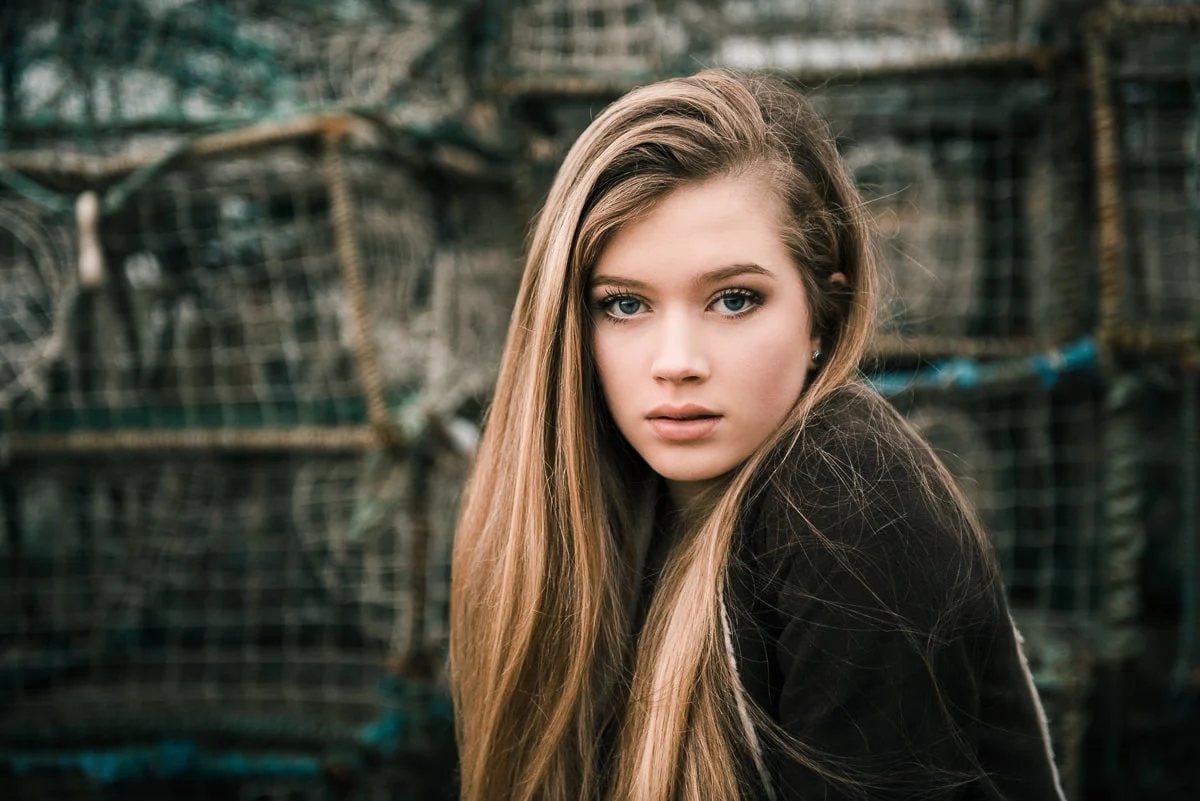
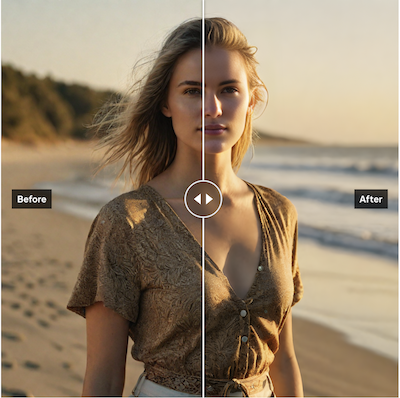
With Blur Background, you can effortlessly craft soft, elegant backdrops that highlight facial features and natural expressions. The AI-powered blur creates a gentle separation between the subject and surroundings, adding warmth, balance, and a studio-quality finish. Each portrait feels more polished and emotionally engaging.
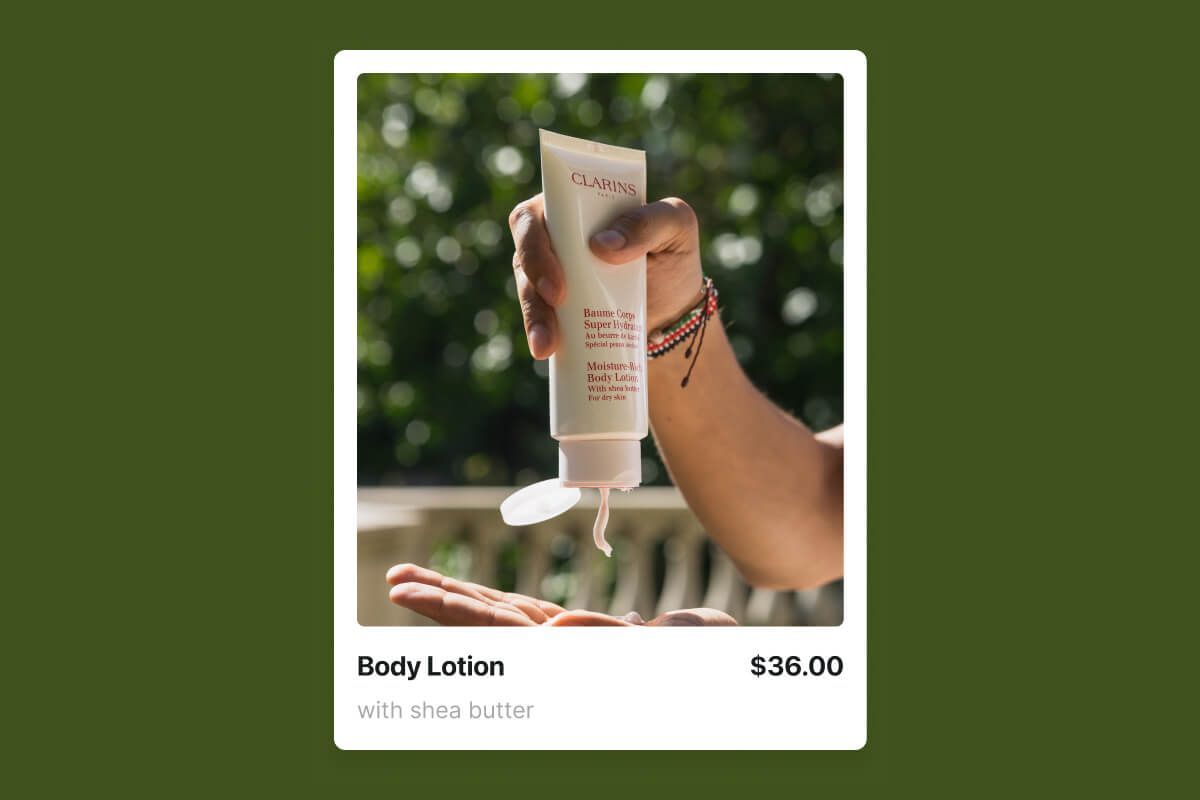
Use Blur Background to make your product photos look clean, sharp, and market-ready. By blurring distractions and sharpening focus on key details, Blur Background helps your items stand out with professional precision—perfect for online catalogs, social shops, or brand campaigns that demand visual clarity.
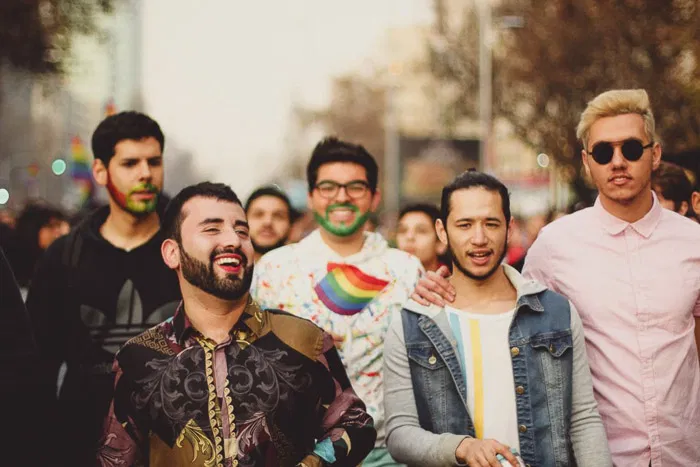
Give your visuals a distinct, professional edge with Blur Background. Enhance profile images, banners, and posts with stylish background blur that complements your content’s tone and color. The tool adds visual cohesion, elevates your aesthetic, and makes every post stand out across platforms.
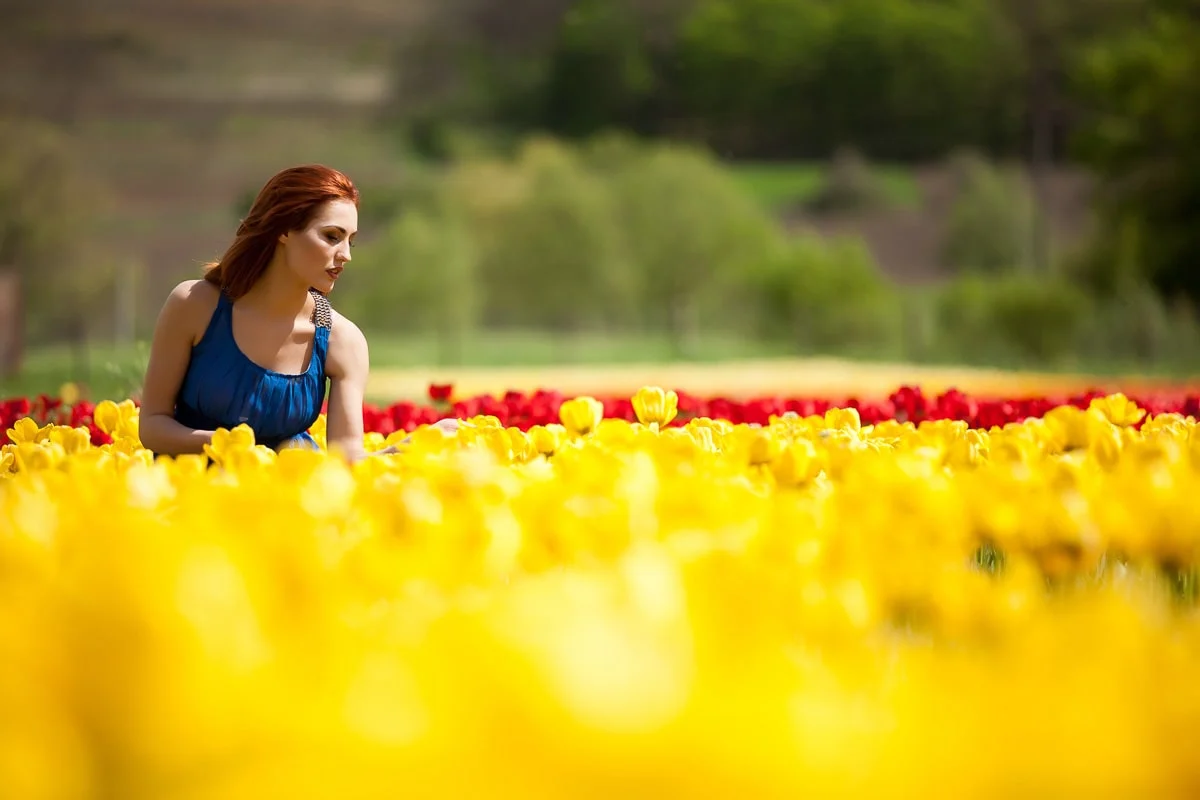
Even casual snapshots can look cinematic with Blur Background. The AI intelligently softens cluttered or complex backgrounds, creating smooth depth and focus transitions. With Blur Background, you can transform ordinary daily moments into visually rich, story-driven images that feel professional yet natural.
Transform your photos effortlessly with Blur Background. In just three simple steps, achieve professional-level background blur that enhances focus, highlights your subject, and adds depth and dimension to every image. Blur Background makes it easy to unlock the full potential of your photos, creating visually striking, polished results in seconds.
Easily start by dragging and dropping your image or selecting it from your device. Blur Background instantly prepares your photo for intelligent editing, supporting all popular formats such as JPG and PNG. Every image is ready to be transformed with professional-quality blur effects.
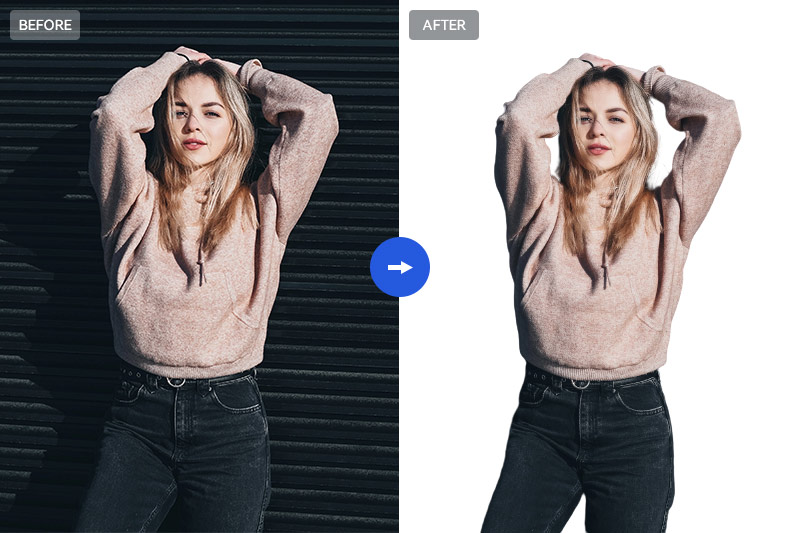
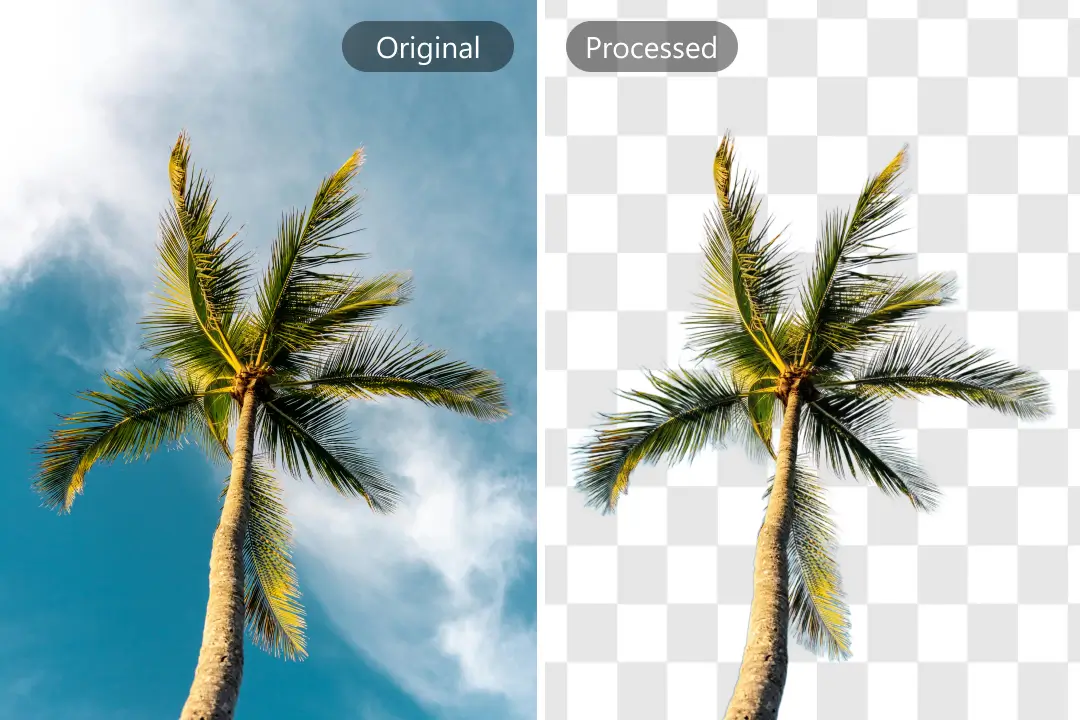
Once uploaded, Blur Background automatically detects the subject and separates it from the background with precision. Use the intuitive slider to customize blur intensity, creating anything from subtle softening to dramatic depth-of-field. Each adjustment is designed to enhance the focus, add visual hierarchy, and bring your photos to life.
After perfecting your edits, download your high-quality image in seconds. Blur Background ensures your photos retain sharpness on the subject while maintaining a polished, professional background. Share your creations across social media, online stores, or personal projects—every image stands out with clarity and style.
We’ve compiled answers to the most common questions to help you achieve the best results with Blur Background quickly, easily, and confidently. Learn how to blur photo backgrounds online for free, adjust blur intensity, replace backgrounds with custom colors, and enhance your images with professional depth-of-field effects using Blur Background’s AI-powered tools.
Yes. Blur Background allows you to replace or blur the background with black, white, or custom colors, ideal for portraits, product shots, or creative projects that need a clean, professional backdrop.
Blur Background uses advanced AI algorithms to identify the main subject in your photo. This automatic detection separates the subject from the background, ensuring precise, natural-looking blur effects without manual selection.
Absolutely. By simulating shallow depth-of-field and softening the background, Blur Background can make everyday photos appear as if they were taken with high-end cameras and lenses, giving your images a professional and polished look.
Yes. Blur Background respects your privacy and ensures that uploaded images are processed securely. Your photos are not shared with others unless you choose to download or publish them.
Yes. Blur Background can accurately detect multiple subjects in a single image, even in crowded or complex scenes. The AI automatically separates each person or object to ensure the background blur remains natural and balanced.
Definitely. Blur Background allows you to fine-tune or selectively apply the blur effect, so you can keep certain background elements visible while softening others for a more creative or realistic composition.
Blur Background performs best on photos with clear subjects—like portraits, products, or close-ups—where the AI can easily distinguish between the foreground and background. It also handles natural scenes, urban shots, and creative visuals effectively.
Yes. You can use Blur Background alongside tools like Unblur Image, Sharpen Image, or White Background to enhance clarity, definition, and overall visual appeal.
Bring your images to life with professional background blur in seconds. Highlight your subject, add depth, and achieve studio-quality results—all powered by AI. No watermarks, no hassle, just stunning visuals ready to share.
Start Creating Stunning Photos with Blur Background