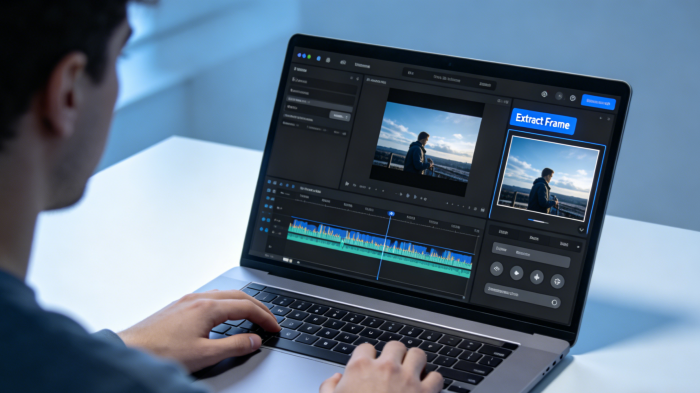
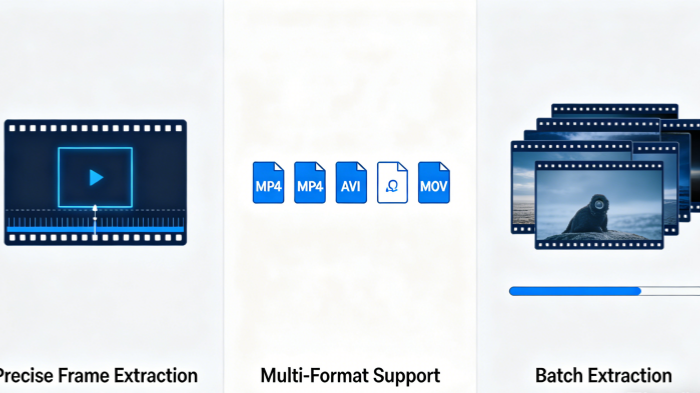
Precise Frame Extraction
Body Editor
 Sample
Effortlessly Convert Videos to High-Resolution Images
Waiting for Results
Complete the required inputs and click Generate.
AI Image Tool
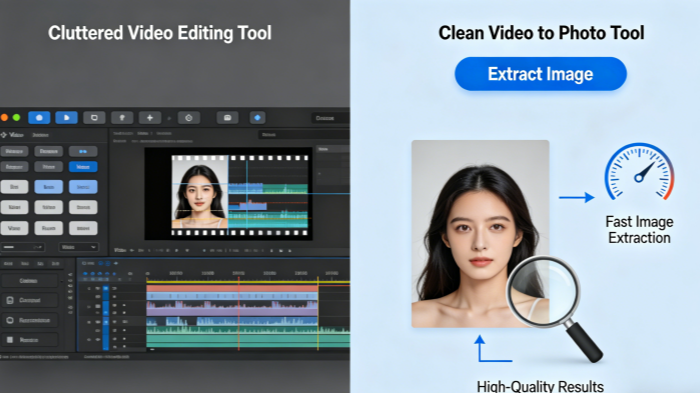
With our Video to Photo tool, you can effortlessly extract high-quality static images from any video. Whether it's a moment of brilliance or an important detail, you can capture it with a single click—quickly and efficiently.
Try Video To Photo NowOur Video to Photo tool is packed with powerful features that allow you to precisely extract key frames from your videos. This tool is designed to help you efficiently complete creative projects, enhance visual content, or perform detailed analysis.
Body Editor
Spiderman AI
Can Display
More AI Image Tool
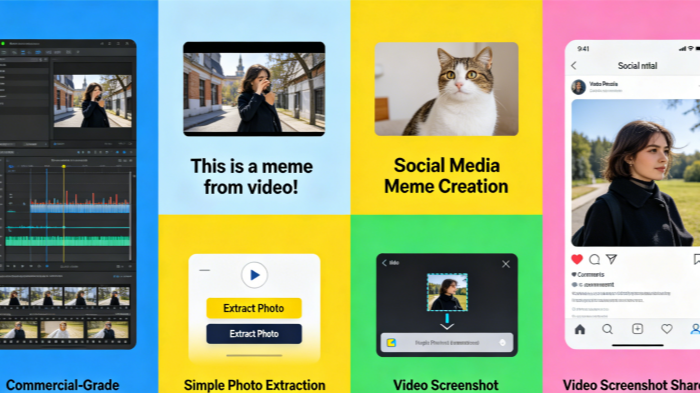
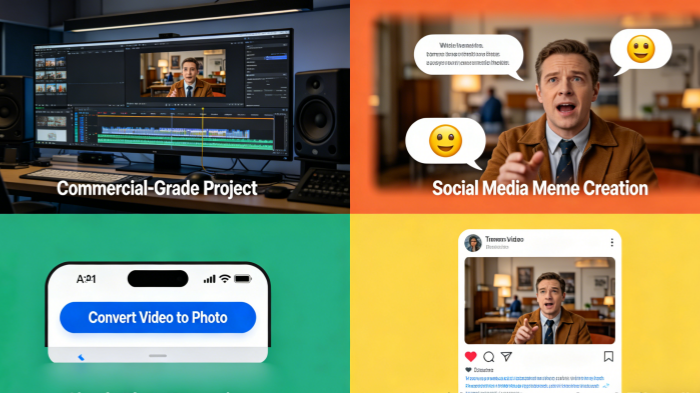
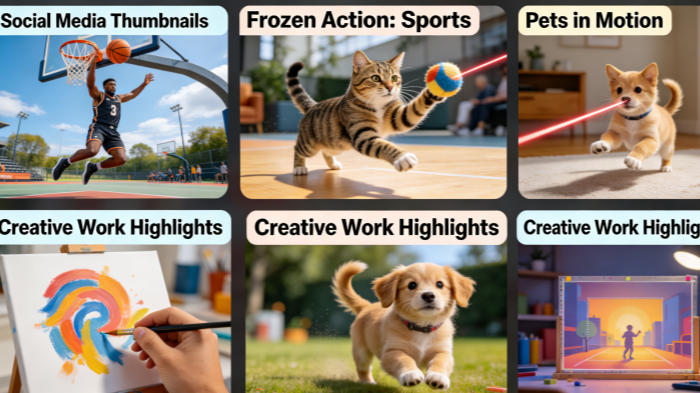
The Video to Photo tool offers endless possibilities for creative applications. From professional projects to personal endeavors, this tool can help you capture meaningful moments and transform them into polished images.
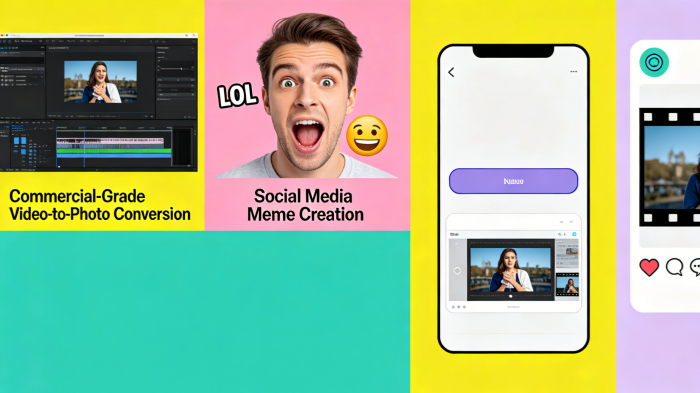
We respect your creative process, and that's why all high-resolution images extracted using Video to Photo come without any intrusive watermarks. This ensures you have complete freedom to use the photos in any commercial or personal project without compromising on quality or professionalism.
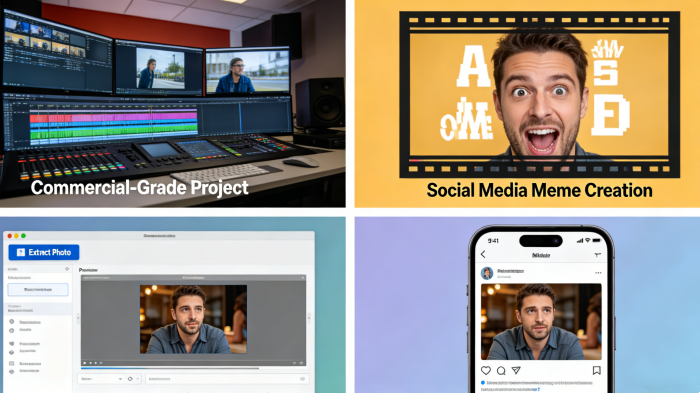
Whether you're working with funny videos, popular TV show clips, or your own vlog footage, Video to Photo lets you extract the most shareable moments. Turn these into memes, GIFs, or static images, and watch your content go viral across social platforms, gaining attention and engagement.
Our tool is designed with simplicity in mind. Gone are the days of confusing and complicated video editing software. Video to Photo offers an intuitive interface that makes it easy for anyone to extract the perfect frame from a video, regardless of experience level.
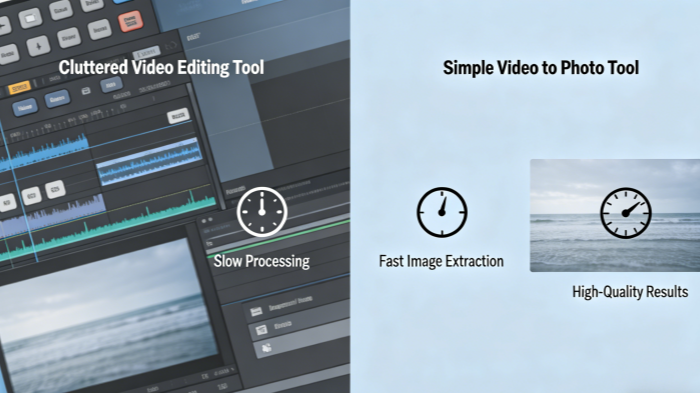
Once you've extracted the images you need, you can easily share them across your social media channels. Video to Photo is a great tool for creating content that resonates with your audience and enhances your social media marketing strategies.
The Video to Photo tool is designed with both professionals and creatives in mind. Combining powerful features with an easy-to-use interface, this tool helps you enhance your creative output.

When you extract a frame from your video, you can be sure that the image will be of the highest quality. The Video to Photo tool provides high-resolution images that are perfect for use in advertisements, social media, blogs, and any other creative endeavors.

The Video to Photo tool works quickly, allowing you to extract your images almost instantly. Unlike traditional video editing software that can be slow and cumbersome, this tool enables you to get the photos you need in just a few clicks.
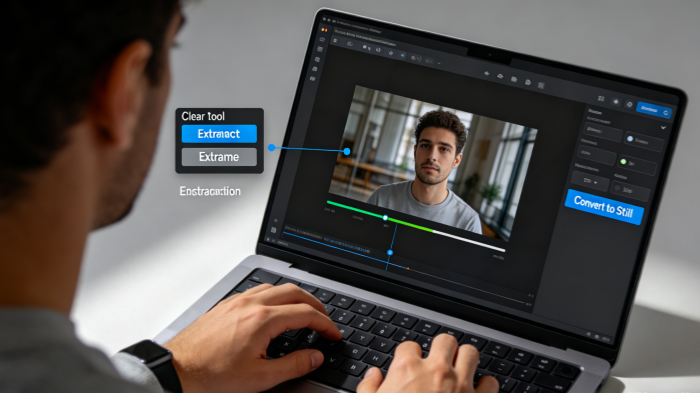
Designed with simplicity in mind, the Video to Photo tool is easy to use, even for beginners. You won't need any technical skills to get started. Just upload your video, select the frames, and download your images.
If you're concerned about image quality, don't worry! Video to Photo offers lossless compression, which ensures that your images maintain their original quality while reducing file sizes for easier storage and sharing.
Whether you're working with MP4, MOV, or AVI files, Video to Photo supports a wide range of video formats. No matter what video you have, this tool makes it easy to extract high-quality images from any video file.
The beauty of Video to Photo is that it's an entirely online tool. You don't need to install any software or worry about updates.
Check out some of the incredible images created with the Video to Photo tool. These examples highlight the versatility and creativity that the tool offers, showing how it can be used across various industries and content types.
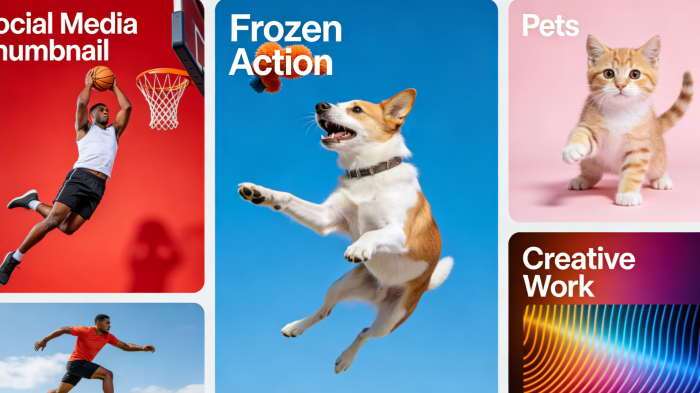
Use Video to Photo to capture a stunning frame from your video and turn it into a captivating cover photo for your social media profiles. With high-quality images extracted from video, you'll instantly grab attention and enhance your online presence.
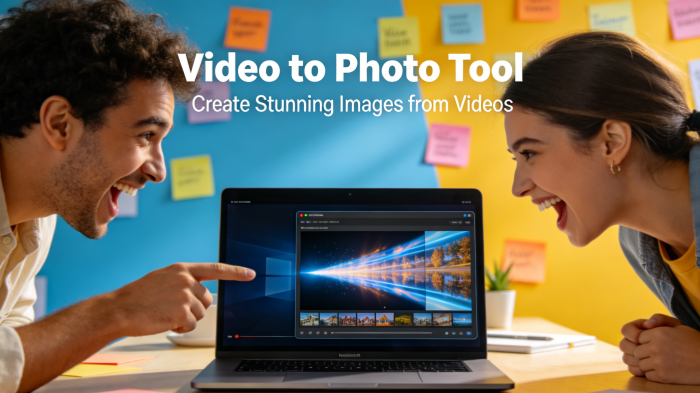
Create eye-catching thumbnails for your short videos by selecting the perfect frame with Video to Photo. Thumbnails are key to increasing click-through rates, and a great thumbnail can make all the difference.
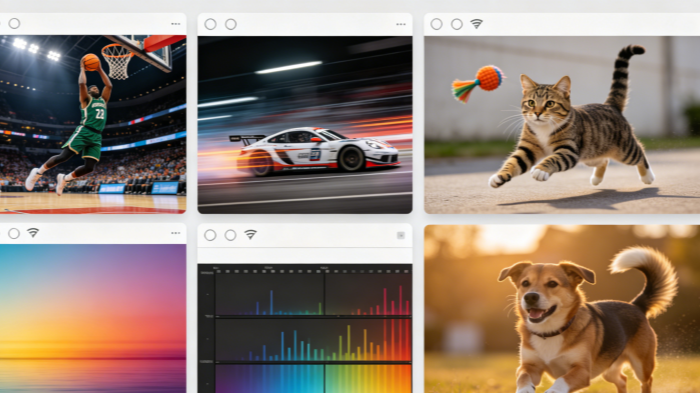
Whether it's sports footage, complex dance moves, or pets running at full speed, Video to Photo can capture those fast-moving moments. The tool automatically adjusts for motion blur, producing sharp and striking images that can't be achieved by traditional cameras.
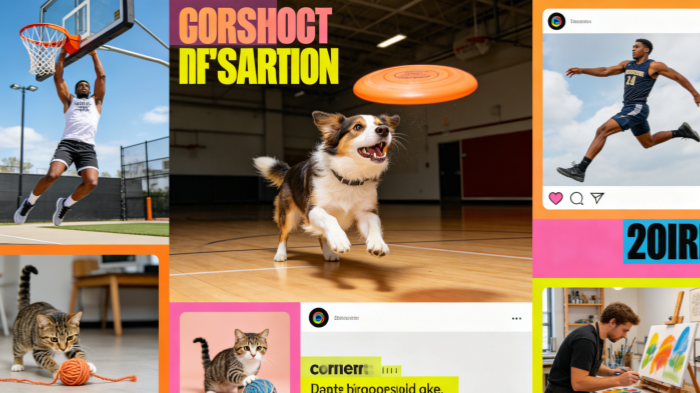
Need to extract a series of frames? Our tool allows you to batch-capture multiple frames from a single video. With cloud-based rendering, your images are processed at lightning speed, letting you download them in bulk, which is perfect for large-scale creative projects.
With the Video to Photo tool, you can quickly and easily extract frames from any video. Just follow these three steps to get started.
Start by uploading the video from which you want to extract images. Video to Photo supports all common video formats, so you won't need to worry about compatibility.
Once your video is uploaded, simply choose the frame(s) you want to capture. You can manually select the frames or use the tool's auto-selection feature to pinpoint the best moments.
After extracting your frames, download the high-resolution image(s) directly to your device. Whether you need a single frame or multiple, Video to Photo makes the process quick and hassle-free.
Below are some of the most common questions we receive about the Video to Photo tool. These answers will help you understand the tool's functionality and how you can make the most of it.
With Video to Photo, there is no limit to the number of frames or images you can extract from a video. Whether you need one perfect still or hundreds of images from different scenes, Video to Photo provides the flexibility to capture as many high-quality frames as you require.
The images you extract with Video to Photo maintain the highest quality available. Each extracted image is high-resolution and retains the original quality of the video. This makes the tool perfect for professional uses, such as creating advertising content, social media posts, or design assets.
The images you extract using Video to Photo can be used for a variety of purposes. Whether you're creating engaging social media content, designing advertising banners, making thumbnails for videos, or using them in marketing campaigns, the possibilities are endless. With Video to Photo, you can turn your videos into an unlimited library of still images for every project.
No, the Video to Photo tool is entirely online. This means you don't have to download or install any software to use it. Simply upload your video to the platform, extract your images, and download them directly to your device—no installation necessary.
The Video to Photo tool is compatible with all modern browsers and works across various devices. Whether you're on a desktop computer, laptop, or mobile device, you can use Video to Photo seamlessly from any device with internet access.
Yes, Video to Photo supports batch processing, making it ideal for large projects. You can extract images from multiple videos at once, saving time and increasing productivity. Whether you need images from dozens of videos or want to extract frames from long, multi-scene clips, Video to Photo handles it all efficiently.
Absolutely! After using Video to Photo to extract your images, you can edit them with your preferred graphic design software. Whether you want to enhance the images, add text overlays, or apply filters, the flexibility of working with standard image formats ensures you have complete creative control.
Once you've extracted your images using Video to Photo, you can download them directly to your device. The tool supports popular image formats, such as JPEG and PNG, so you can easily save and share your high-quality images. Simply choose your preferred format and save them for immediate use in your projects.
Don't wait any longer! Start using the Video to Photo tool now and capture every memorable moment from your videos. The process is simple, the results are stunning, and the possibilities are endless. Whether you're a content creator, marketer, or simply looking to enhance your digital projects, Video to Photo is the perfect solution. Get started now and unlock the potential of your videos!
Get Started with Video to Photo Today!