Customizable Professional Templates
Body Editor
 Sample
A Smarter Billing Workflow with Invoice Generator
Create more premium AI videos with commercial usage and priority processing.
Allow other users to view your generated result.
Hide your prompt and uploaded source files from other users.
Waiting for Results
Complete the required inputs and click Generate.
AI Image Tool
With Invoice Generator, you can instantly create clear, printable invoices without installing any software. Automatically calculate amounts, taxes, and discounts, while customizing each invoice to reflect your brand. Make your billing process faster, more professional, and effortlessly organized.
Try Invoice Generator NowInvoice Generator delivers a complete set of essential features designed to simplify the entire invoicing workflow. From creation to delivery, every step is optimized to save time, improve accuracy, and ensure your invoices look professional and consistent.
Body Editor
Spiderman AI
Can Display
More AI Image Tool
Invoice Generator goes beyond basic invoice creation by transforming billing into a structured, efficient, and scalable process that adapts to real-world business workflows.
Invoice Generator goes beyond basic invoice creation by transforming billing into a structured, efficient, and scalable process that adapts to real-world business workflows.
Invoice Generator goes beyond basic invoice creation by transforming billing into a structured, efficient, and scalable process that adapts to real-world business workflows.
Invoice Generator goes beyond basic invoice creation by transforming billing into a structured, efficient, and scalable process that adapts to real-world business workflows.
Invoice Generator is built for individuals and teams who want to streamline billing, stay financially organized, and maintain professionalism—without adding extra tools or complicated workflows.

Invoice Generator enables freelancers to create tailored invoices quickly for different clients and projects. By simplifying billing and reducing manual steps, it helps freelancers spend less time on admin work and more time delivering creative or client-focused results.

For small business owners, Invoice Generator offers a practical way to handle recurring invoices, track customer charges, and maintain consistent billing records. As operations scale, it supports a more organized and sustainable approach to managing payments.

Invoice Generator helps online sellers and service providers generate clear invoices for each transaction or service delivery. By presenting charges in a structured format, it supports smoother payment processes and clearer communication with customers.

Invoice Generator allows consultants and project teams to clearly outline services, timelines, and costs within a single invoice. This clarity helps align expectations, communicate value, and reduce disputes related to pricing or scope.
On China Video AI, Invoice Generator is integrated into a streamlined, intuitive online environment. Rather than functioning as a standalone tool, it becomes part of a cohesive workspace that makes invoicing smoother, more connected, and better aligned with modern ways of working.

With Invoice Generator on China Video AI, there’s no software to install or configure. Simply open your browser and start creating invoices, making it easy to handle billing anytime without disrupting your workflow.

Invoice Generator follows the same interaction patterns and interface principles as other tools on the China Video AI platform. This consistency reduces the learning curve and allows users to work efficiently without switching between different systems.

China Video AI is optimized for online use, ensuring that Invoice Generator remains responsive and reliable—even when creating or editing invoices frequently. The experience stays fast and fluid from start to finish.
China Video AI is designed with international users in mind. Invoice Generator fits naturally into cross-region and remote workflows, supporting teams and businesses that collaborate across time zones and locations.
Invoices created with Invoice Generator on China Video AI maintain a clean, restrained, and professional presentation. This consistent platform style helps ensure invoices look unified and appropriate for business use.
China Video AI brings invoice creation, export, and sharing together in one place. By reducing unnecessary steps, Invoice Generator supports a smooth, uninterrupted process from creation to delivery.
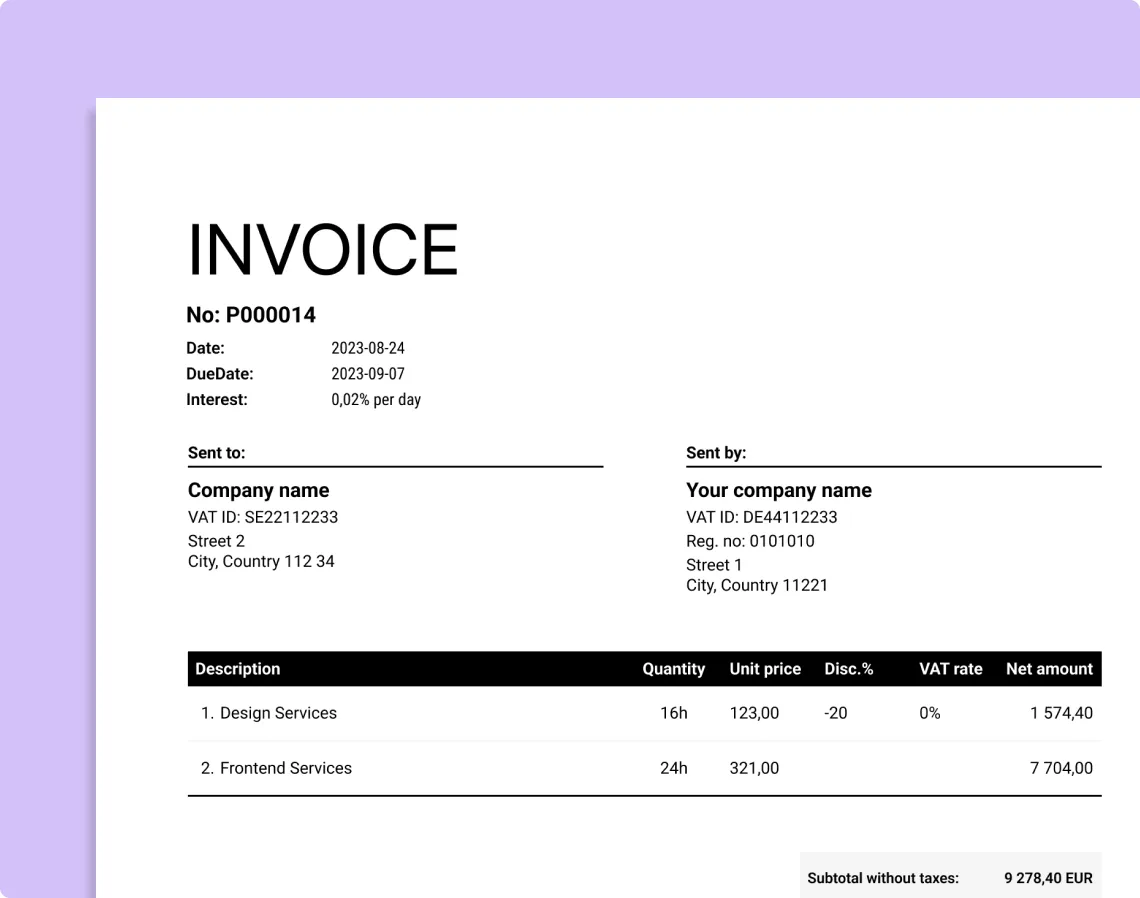
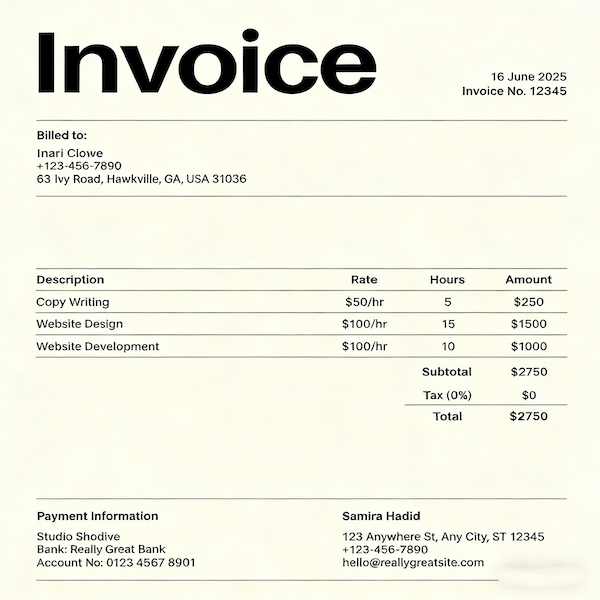
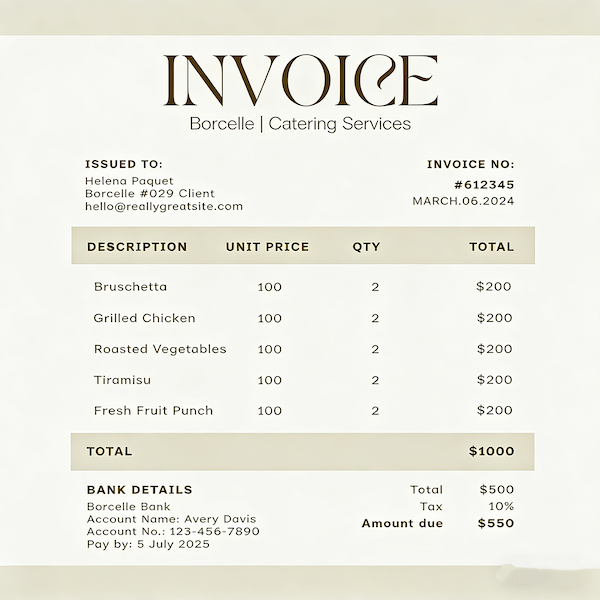
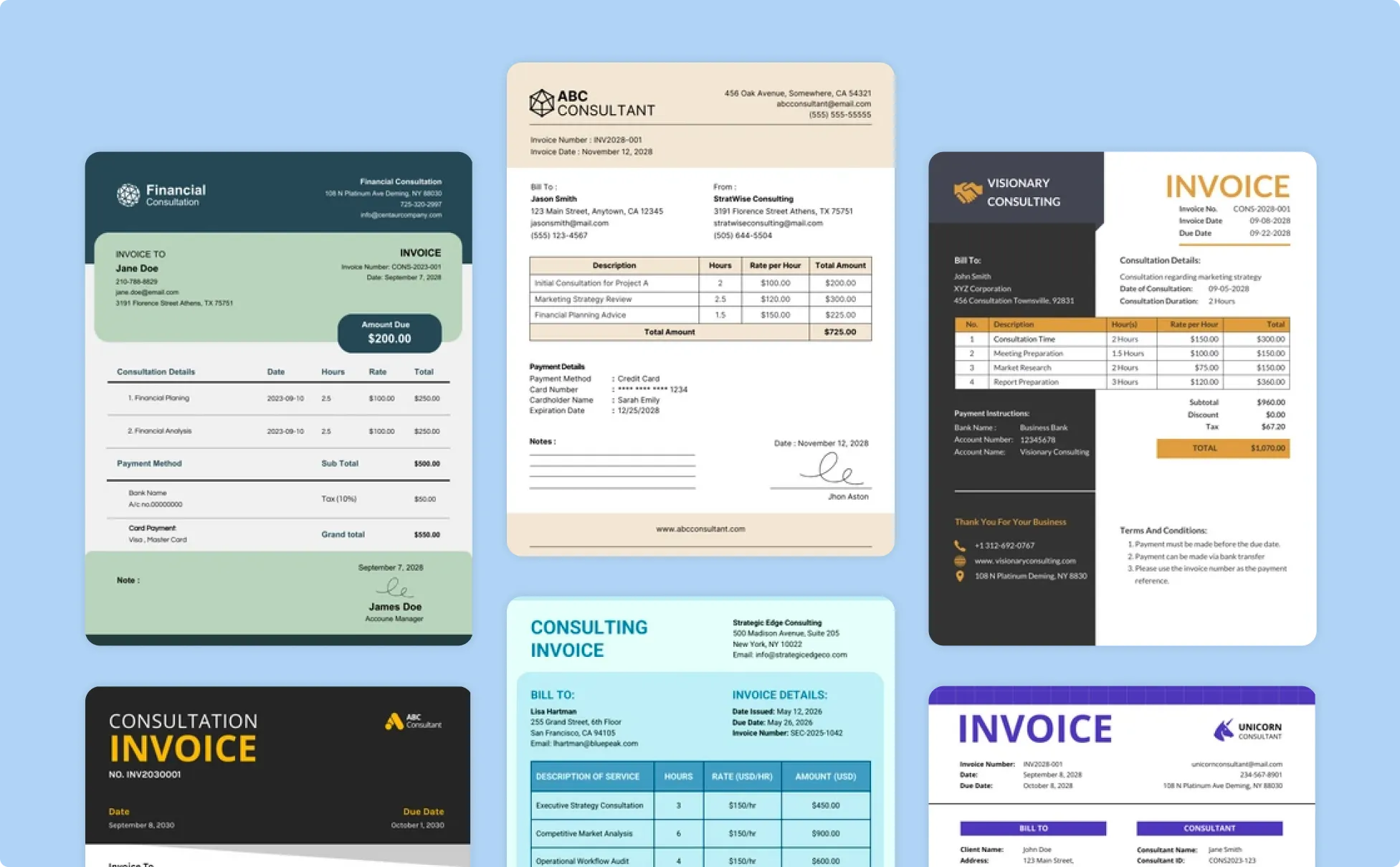
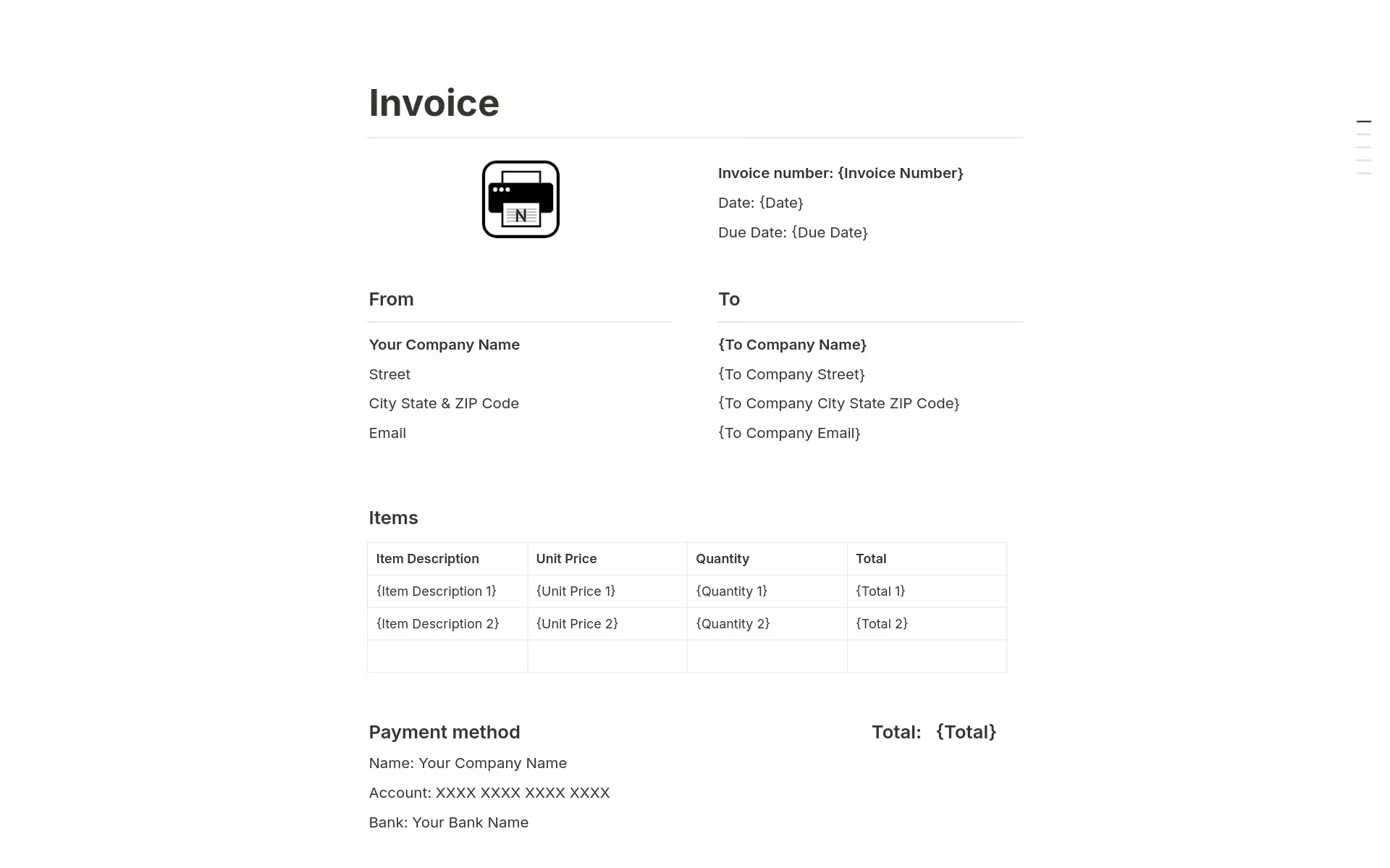
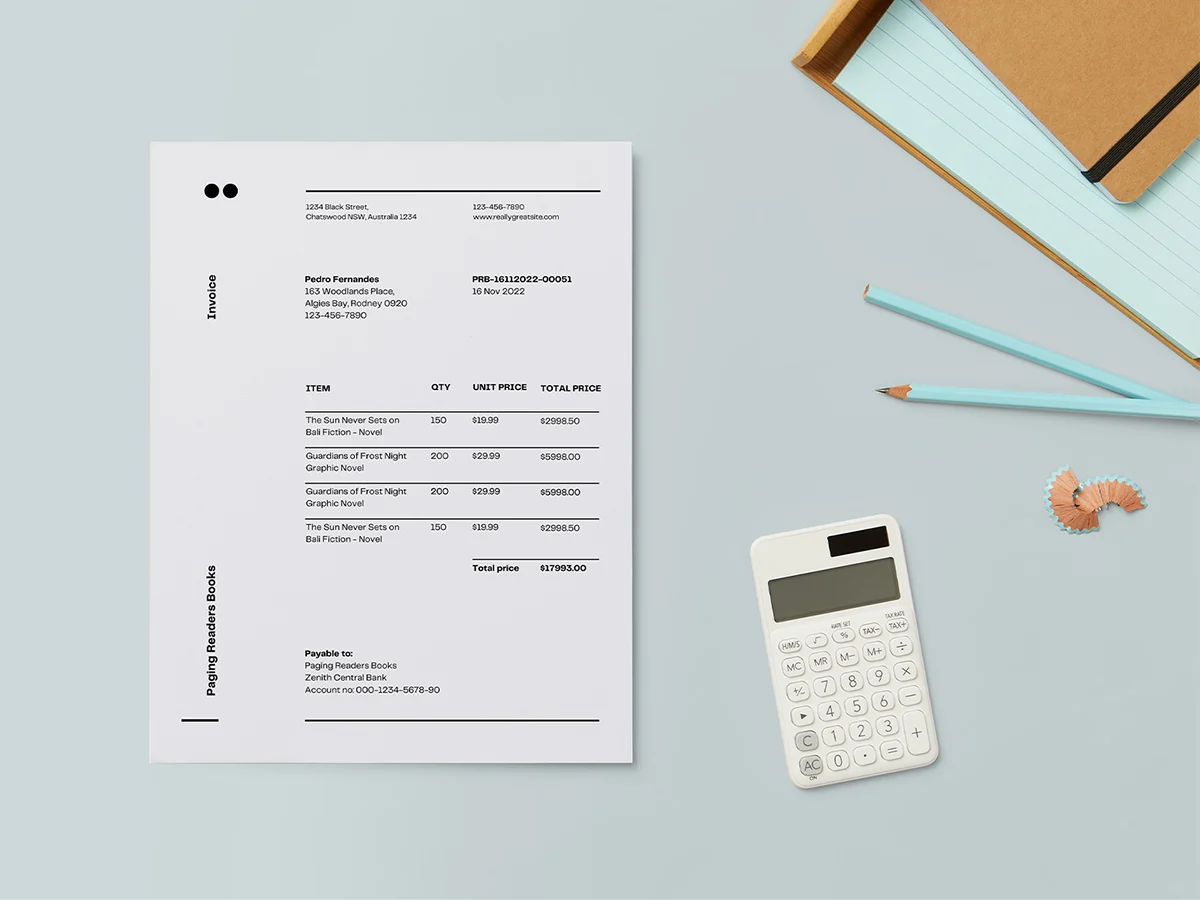
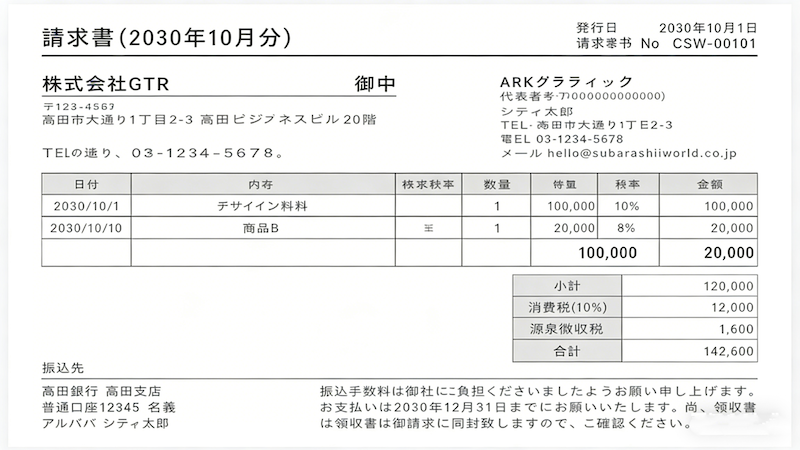
The gallery showcases how Invoice Generator structures invoices for different industries, offering a practical reference for how information is organized across various billing needs.
Invoice Generator business invoice examples highlight structured layouts that organize company details, client information, line items, and totals in a clear and professional hierarchy.
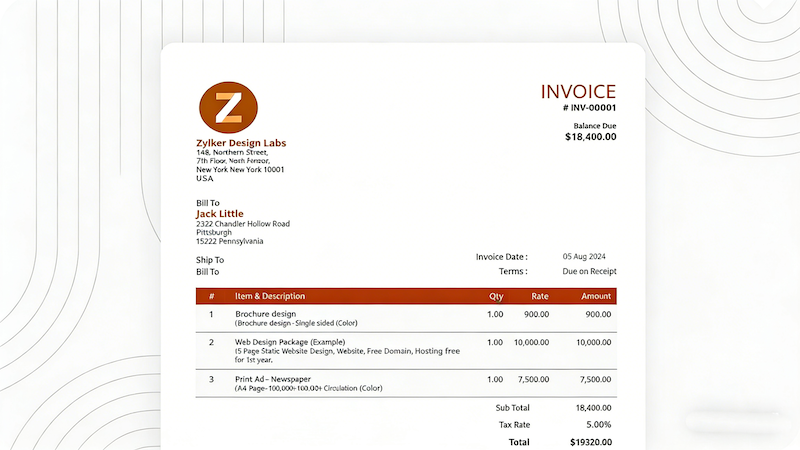
These Invoice Generator samples focus on breaking down services, phases, or milestones into readable line items, making them well suited for project-driven and service-based billing.
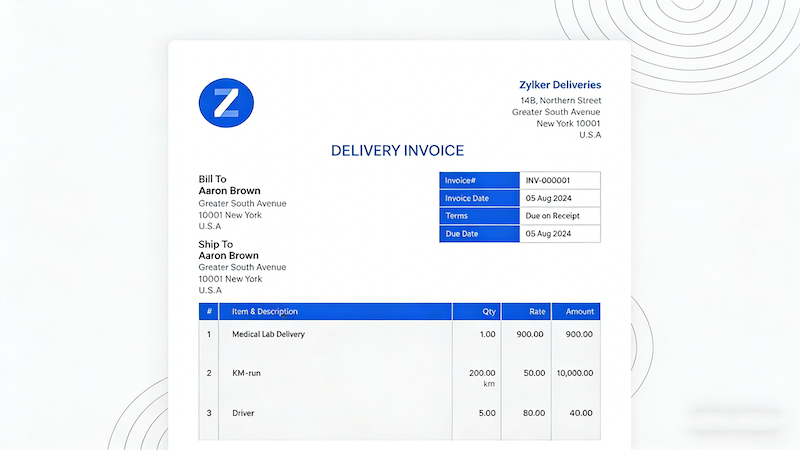
Invoice Generator supports invoice formats that clearly list products, quantities, pricing, and shipping-related charges, reflecting common requirements in retail, trade, and logistics workflows.
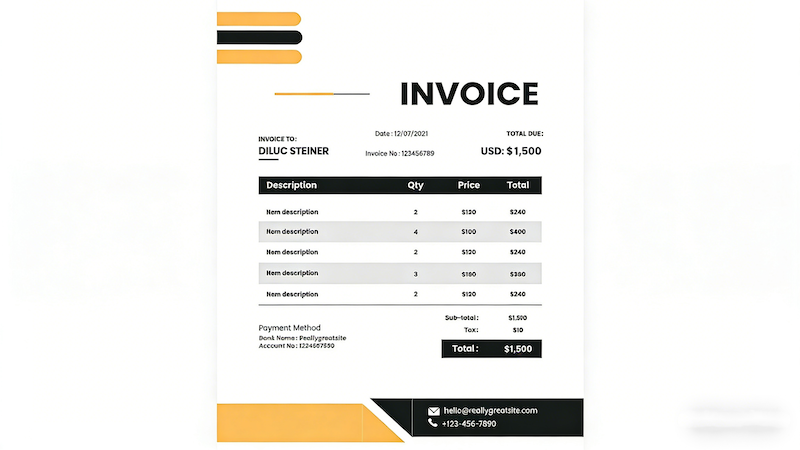
This section demonstrates how Invoice Generator adapts invoice layouts for different languages and currencies, helping businesses maintain clarity and consistency across international billing scenarios.
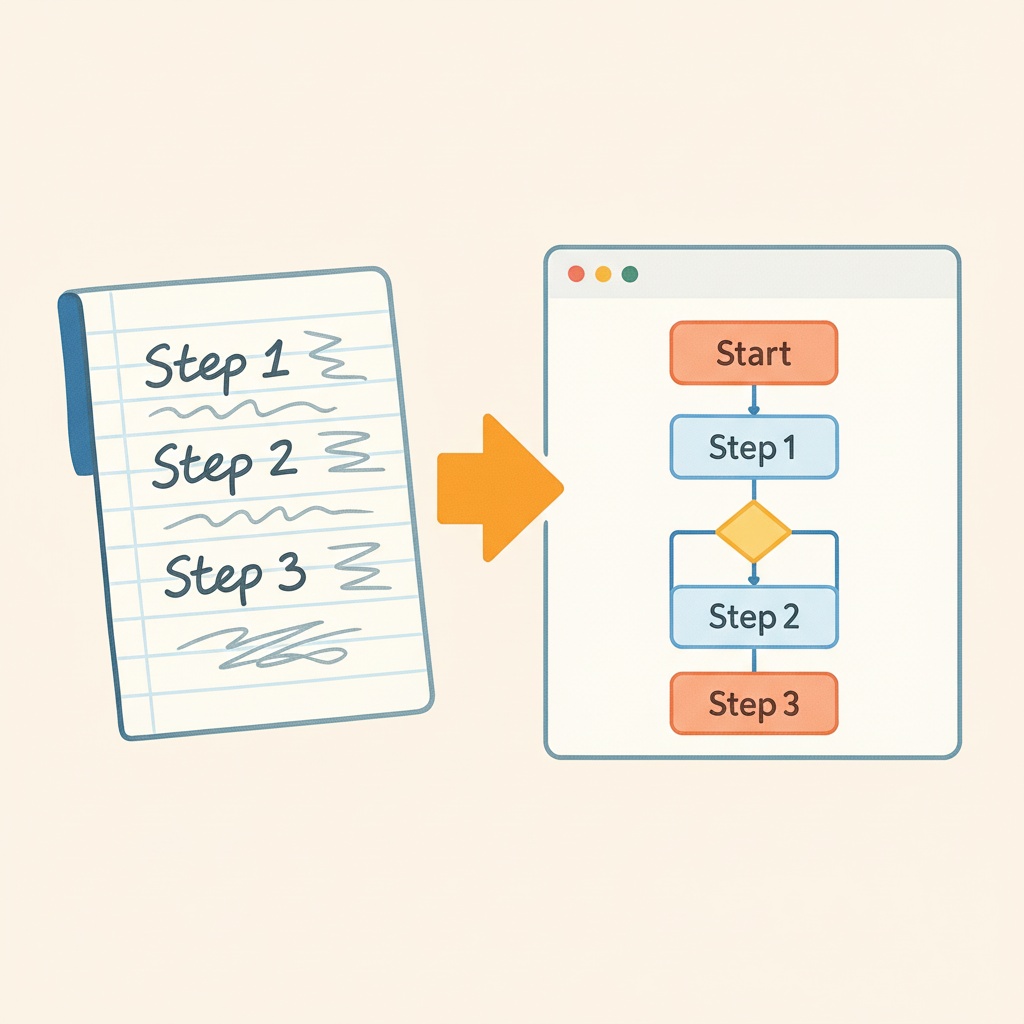
Invoice Generator on China Video AI is designed with a straightforward workflow, so you always know what to do next. Each step is clearly structured, making it easy to complete your invoice with confidence—no guesswork required.
Start by filling in essential information such as your business name, client details, invoice number, and date. Invoice Generator guides you through each field, helping ensure nothing important is missed.
Next, list your products or services and enter the corresponding amounts. Invoice Generator keeps everything organized in one place, allowing you to review and confirm details before moving on.
Once everything looks right, Invoice Generator lets you generate a ready-to-use PDF invoice and share it directly. The final step is simple and controlled, giving you confidence before sending it to your client.
Find clear answers to common questions about Invoice Generator. This section is designed to help you better understand how the tool works, what to expect during use, and how it fits into different business workflows—so you can get started with confidence.
Yes. Invoice Generator supports brand customization, allowing you to add your company logo and business details so your invoices reflect a professional identity.
Absolutely. Invoice Generator allows you to export invoices as standard PDF files, making them easy to download, print, or send to clients.
Yes. Invoice Generator supports multiple currency options, making it suitable for international billing and cross-border business scenarios.
Invoice Generator allows you to review and make changes before exporting or sending your invoice, giving you full control to ensure accuracy.
Invoice Generator helps streamline repeat invoicing by allowing users to reuse invoice structures, reducing the need to start from scratch each time.
Yes. Invoice Generator works well for recurring invoices related to ongoing services or long-term clients, helping you maintain consistent billing records.
Invoice Generator supports common tax entry formats, making it flexible for various regions and business requirements, even if tax rules differ across locations.
Invoice Generator creates standard invoice documents commonly accepted for business and accounting purposes. However, users should ensure compliance with local regulations based on their country or industry.
Stop wasting time on manual billing. With Invoice Generator, you can instantly create professional, print-ready invoices that clients trust and appreciate—helping you get paid faster while presenting a polished, credible business image.
Create Your First Professional Invoice with Invoice Generator