Smart Object Detection
Body Editor
Smart Object Detection
Create more premium AI videos with commercial usage and priority processing.
Allow other users to view your generated result.
Hide your prompt and uploaded source files from other users.
Waiting for Results
Complete the required inputs and click Generate.
AI Image Tool
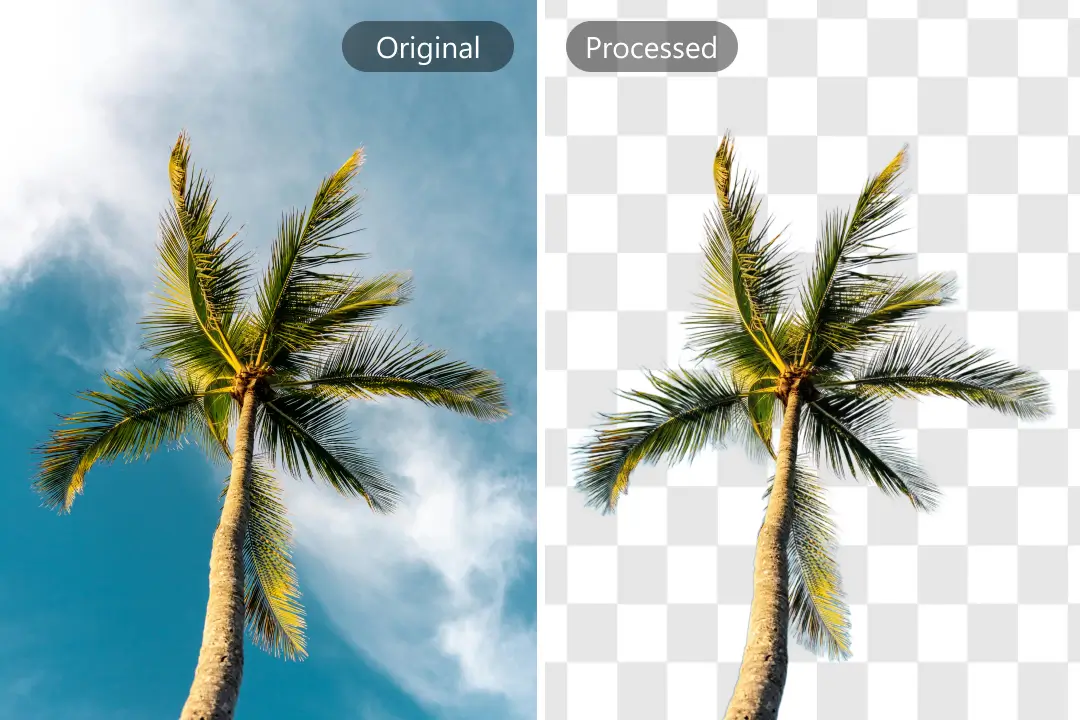
With a single click, our AI-powered Background Remover precisely separates the foreground from the background, delivering clean and professional results. Save time, enhance your visuals, and let every image shine with limitless creative possibilities using Background Remover.
Try Background Remover NowBackground Remover leverages advanced AI algorithms to intelligently identify and separate foreground from background. Its intuitive interface and deep learning models make removing complex backgrounds effortless, saving time and enhancing creative workflows.
Body Editor
Spiderman AI
Can Display
More AI Image Tool
More than just a background removal tool, this Background Remover accelerates creativity with unmatched speed, accuracy, and convenience. Its AI-driven workflow ensures every image feels polished and professional, unlike traditional manual methods.

More than just a background removal tool, this Background Remover accelerates creativity with unmatched speed, accuracy, and convenience. Its AI-driven workflow ensures every image feels polished and professional, unlike traditional manual methods.
More than just a background removal tool, this Background Remover accelerates creativity with unmatched speed, accuracy, and convenience. Its AI-driven workflow ensures every image feels polished and professional, unlike traditional manual methods.
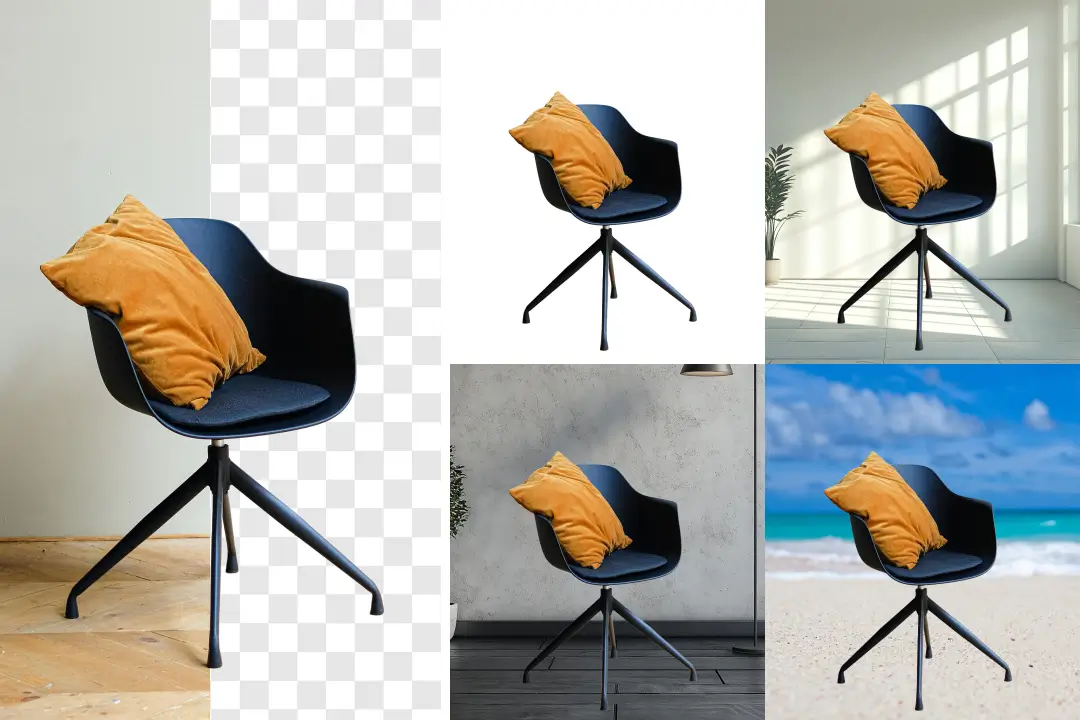
More than just a background removal tool, this Background Remover accelerates creativity with unmatched speed, accuracy, and convenience. Its AI-driven workflow ensures every image feels polished and professional, unlike traditional manual methods.
Background Remover goes beyond standard editing. Discover real-world applications where this AI-powered tool enhances visuals, boosts engagement, and turns creative ideas into polished results. From marketing campaigns to social media content, see how users leverage Background Remover to achieve professional-quality visuals.

Use background removal to present logos with a clean, focused visual impact. A transparent or simplified backdrop ensures your logo stands out on any medium. With a distraction-free background, your brand mark becomes more adaptable, professional, and instantly recognizable across all touchpoints.
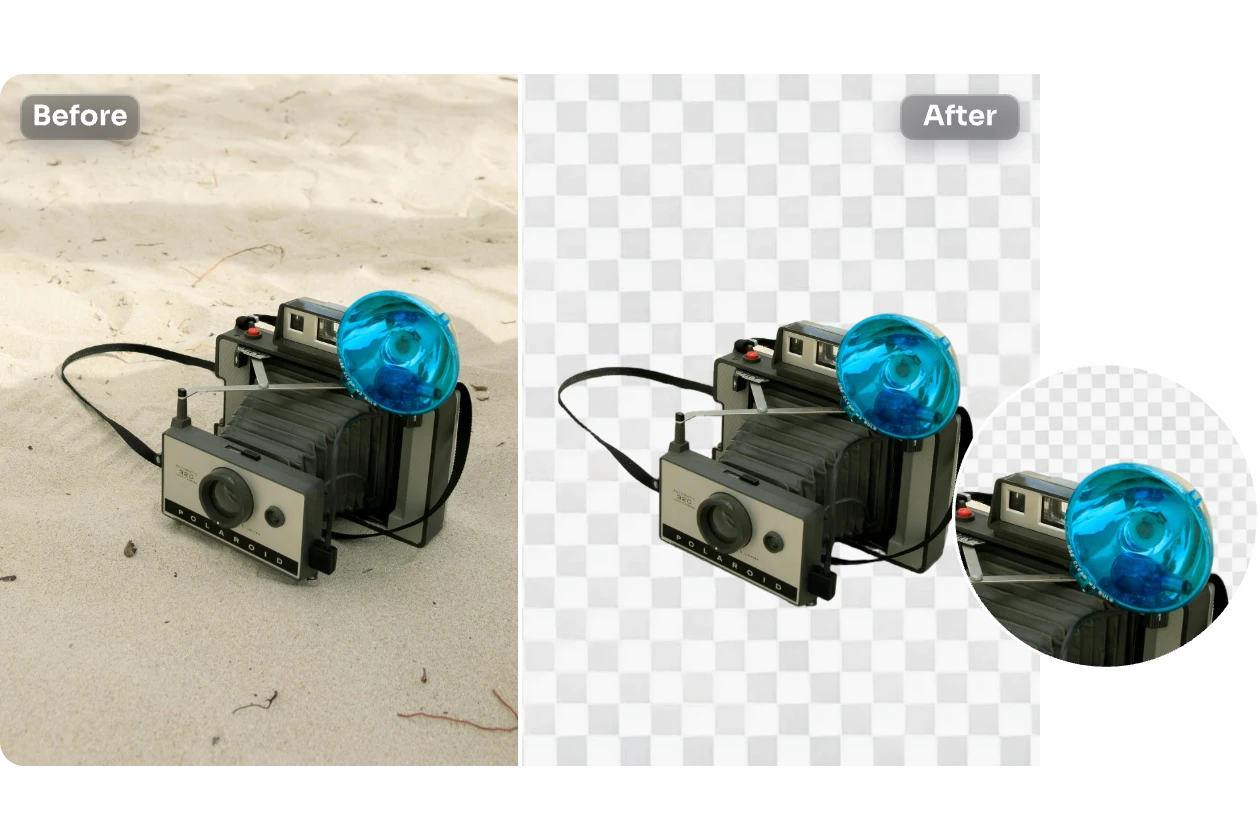
Produce visually polished images for Instagram, TikTok, YouTube, or other platforms. Clean, well-composed visuals help posts stand out, increase follower engagement, and elevate the overall aesthetic of your social feed.
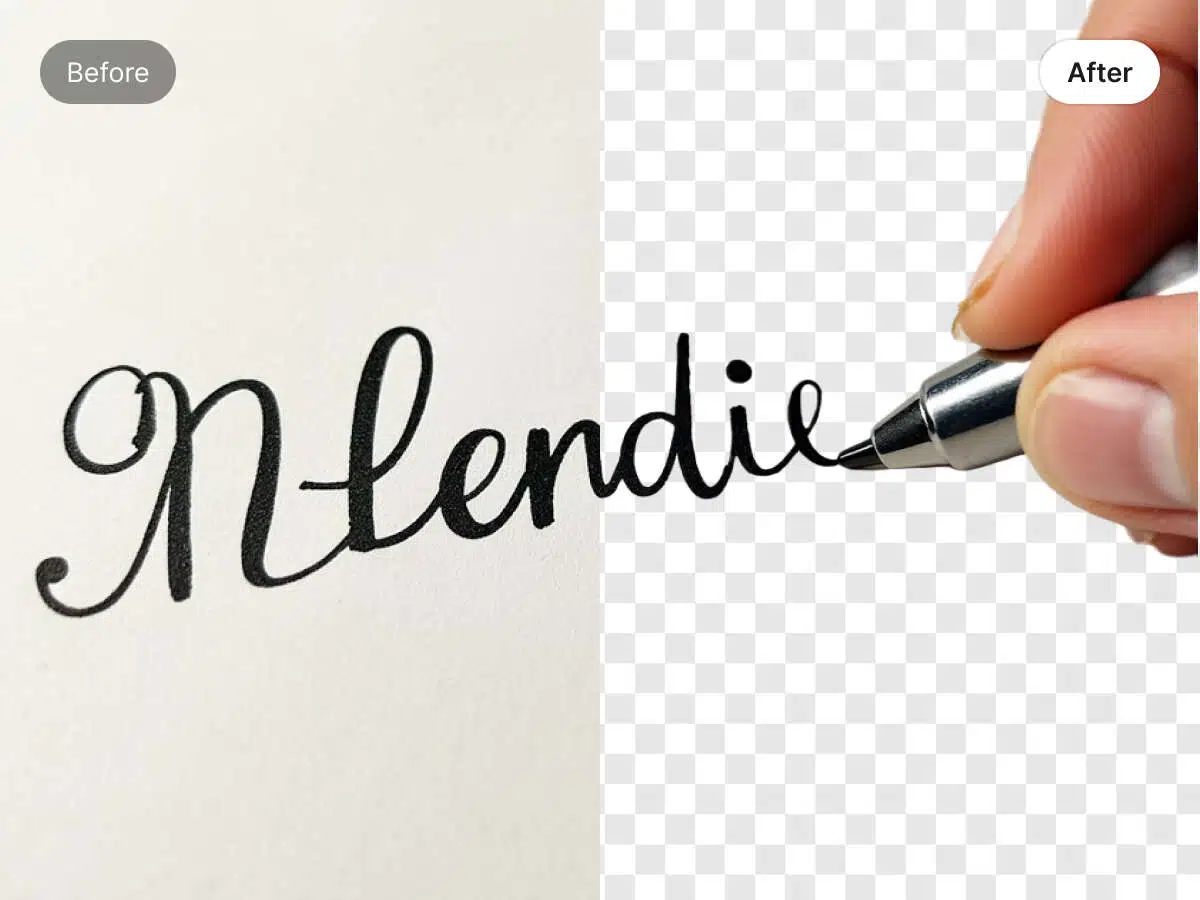
Design professional and visually clear digital signatures suitable for official documents, emails, or personal branding. Crisp signatures add credibility and a polished look to communications and presentations.

Create cohesive and visually compelling graphics for presentations, digital collages, or promotional materials. Refined visuals help maintain a consistent style, highlight key elements, and enhance the overall impact of your projects.
Discover practical tips and best practices to get the most out of Background Remover. These strategies help you achieve precise, professional-quality results while saving time and enhancing your creative workflow with Background Remover.

Choose images with consistent lighting and minimal shadows to reduce manual corrections later. Natural daylight or softbox lighting works best. Avoid cluttered backgrounds or overly dark areas for optimal edge detection.

For hair, fur, or intricate edges, slightly increase contrast or brightness before uploading to Background Remover. Zoom in on tricky areas and make minor adjustments after removal to ensure Background Remover delivers natural and professional results.

After removing the background with Background Remover, test different types of backgrounds to see what enhances your image best. Solid colors highlight the subject, gradients add depth, and custom images can tell a story or match branding. Background Remover allows quick previews to finalize the perfect look.
Upload multiple similar images to Background Remover in small batches. This ensures consistent results across your images and reduces editing time, making Background Remover ideal for product catalogs, social media posts, or marketing visuals.
Always inspect the image after removal. Use subtle brush or masking tools to correct minor imperfections. Adjust cropping, alignment, or shadows to make the final composition visually balanced.
After removing backgrounds with Background Remover, enhance your images further by combining them with photo editors or design platforms. This allows you to adjust lighting, add effects, or create composite visuals for professional-quality results.
Explore how Background Remover transforms images with precision and ease. From portraits to products and creative compositions, every example showcases clean, professional results that inspire confidence and spark creativity.

Background Remover captures every subtle detail in portraits, from fine hair strands to facial contours, creating images that feel authentic and professional. Users can see how AI transforms ordinary photos into standout visuals ready for portfolios, social media, or marketing campaigns.
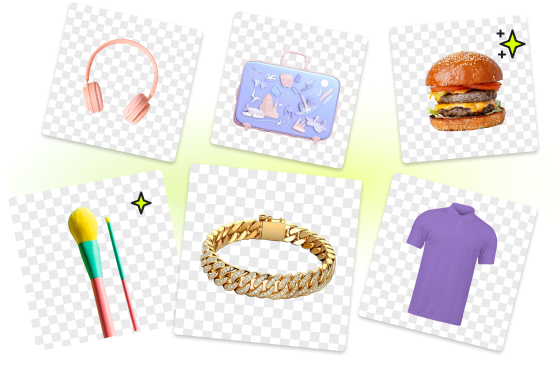
Background Remover eliminates background distractions while maintaining product clarity, edges, and reflections. The result is highly polished, marketplace-ready visuals that build credibility and highlight product features.
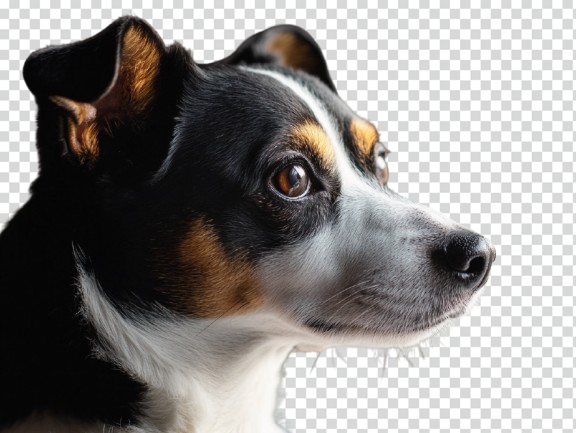
From fur texture to tiny paws, Background Remover preserves the natural look of pets while removing unwanted background clutter. This helps pet photos feel lively and shareable, perfect for personal albums or commercial use.
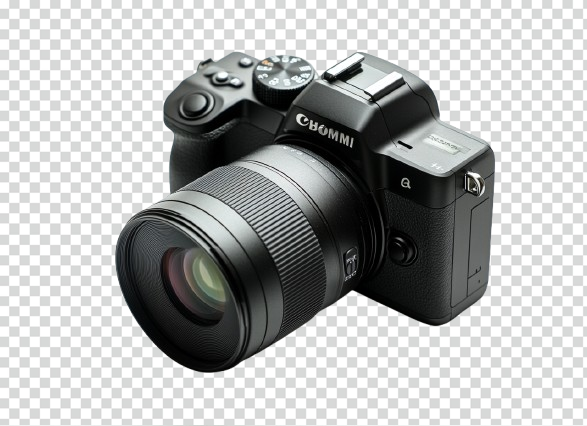
Background Remover opens up new possibilities for artistic expression. Replace the original background with gradients, textures, or entirely new scenes to create visually striking compositions that inspire creativity and elevate any project.
Getting started with Background Remover is simple, even for first-time users. Follow these three clear steps to remove backgrounds, enhance images, and unleash your creativity without any hassle.
Simply drag and drop or click to upload your photo. Background Remover instantly analyzes the image, detecting the foreground subject and background layers. No advanced skills or manual selection are needed, giving you a seamless start.
Our intelligent Background Remover uses AI to separate the subject from the background in seconds. Preview the result instantly, refine edges if needed, and ensure every detail—from hair to semi-transparent objects—is preserved for professional-quality visuals.
After background removal, easily download your image as a transparent PNG, or replace it with solid colors, gradients, or custom designs. Background Remover provides full creative control, letting you prepare images for presentations, social media, marketing, or personal projects.
Find answers to the most common questions about Background Remover. Learn how to achieve precise background removal, maintain high-quality images, and make the most of this AI-powered tool for your creative projects.
Background Remover works in real-time or near real-time. Most images are processed within seconds, though processing speed may vary depending on image size and complexity.
The current version allows up to 5 images per upload, with a maximum of 2MB per image. Background Remover ensures efficient small-batch processing while maintaining precise background removal quality.
Background Remover can process a wide range of images, including portraits, products, pets, and creative content. The AI accurately identifies subjects and removes backgrounds, even from complex images.
Yes, Background Remover supports high-resolution exports, keeping your images sharp and suitable for printing, presentations, or e-commerce.
Yes. Background Remover allows you to export images with transparent PNG backgrounds, or replace them with solid colors, gradients, or custom backgrounds.
Yes. Background Remover’s AI is optimized to separate the foreground from complex backgrounds while preserving natural edge details.
Yes. Background Remover automatically detects and isolates foreground objects, eliminating the need for manual selection and speeding up the removal process.
Yes. Uploaded images are only used for processing and are not stored long-term or shared, ensuring your privacy is protected by Background Remover.
Upload your image now and let the powerful AI Background Remover precisely remove the background in seconds. The result highlights your subject with a clean, professional look. With just one click, quickly generate high-quality images, replace backgrounds, or export as transparent PNG, giving your creativity full freedom. Click the button below to experience the smart magic of Background Remover now!
Remove Backgrounds Instantly and Unleash Your Creativity