Everything You Need to Know About Product to Video
Have questions about creating videos from your products? This guide covers everything you need to know about Product to Video—from uploading images to customizing scenes and publishing across platforms. Discover how Product to Video makes professional product videos easy, fast, and engaging, with no editing experience required.
Have questions about creating videos from your products? This guide covers everything you need to know about Product to Video—from uploading images to customizing scenes and publishing across platforms. Discover how Product to Video makes professional product videos easy, fast, and engaging, with no editing experience required.
Product to Video is an AI-powered product video generator that transforms static product images into dynamic, ready-to-publish videos. With automatic scene creation, transitions, and text overlays, Product to Video helps brands and e-commerce sellers produce professional product videos quickly and efficiently—no filming or manual editing needed.
Yes. Product to Video allows you to upload your logo, set primary colors, and choose fonts. These elements are automatically applied to templates, keeping your videos consistent with your brand identity.
Absolutely. Product to Video exports multiple resolutions, aspect ratios, and cover frames with CTAs. Each Product to Video export is optimized for major advertising platforms, making it easy to launch campaigns without extra editing.
Most Product to Video outputs are generated in just a few minutes. More complex customizations or multiple versions may take slightly longer—but all without manual editing.
All template elements and auto-generated music include usage guidelines. Please check licensing terms before commercial use to ensure compliance.
Yes. Product to Video supports uploading multiple images for a single product, automatically generating dynamic scenes and transitions for each image. This makes it easy to create a complete product video that showcases every angle.
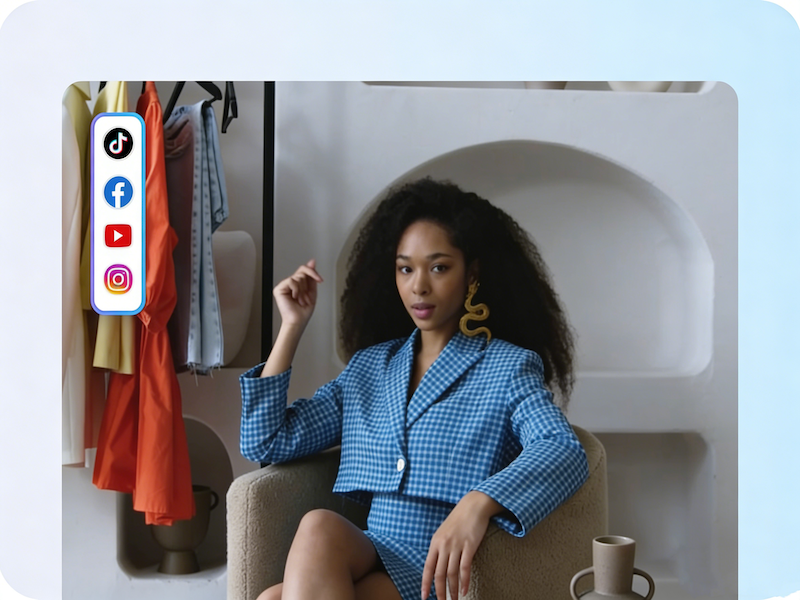
Product to Video exports multiple formats including MP4, supporting 9:16, 1:1, and 16:9 aspect ratios. This ensures your e-commerce video works on all platforms like TikTok, Instagram, and product listings.
Extremely easy. With a simple 3-step workflow—upload images, add product details, and generate the video—anyone can create professional product videos in minutes.
Yes. Product to Video allows you to preview generated videos, make adjustments to prompts, scenes, or transitions, and ensure the final product video meets your standards before downloading.
Product to Video works on modern web browsers, including Chrome, Edge, and Safari, and is compatible with both desktop and mobile devices for easy access anytime, anywhere.