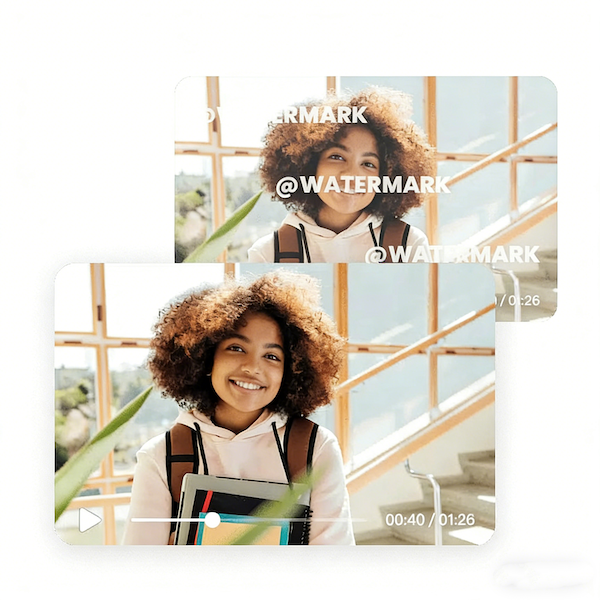
Automatic AI detection
TikTok Watermark Remover supports a wide range of popular video formats, including MP4 and MOV. This makes it easy to work with videos from different sources and prepare content for various platforms or further editing.
Automatic AI detection
Create more premium AI videos with commercial usage and priority processing.
Allow other users to view your generated result.
Hide your prompt and uploaded source files from other users.
Waiting for Results
Complete the required inputs and click Generate.
AI Video Tool
Skip complicated editing and let your TikTok videos shine in their purest form. Powered by advanced AI, TikTok Watermark Remover accurately detects and removes TikTok logos and watermarks online—so your videos are ready to download, share, and repurpose in high quality, with the original clarity fully preserved.
Try TikTok Watermark Remover NowWith an intelligent recognition engine, TikTok Watermark Remover removes built-in TikTok watermarks quickly and seamlessly while preserving original image quality and visual consistency. Every frame stays intact, delivering a clean and polished result suitable for professional use.
TikTok Watermark Remover supports a wide range of popular video formats, including MP4 and MOV. This makes it easy to work with videos from different sources and prepare content for various platforms or further editing.
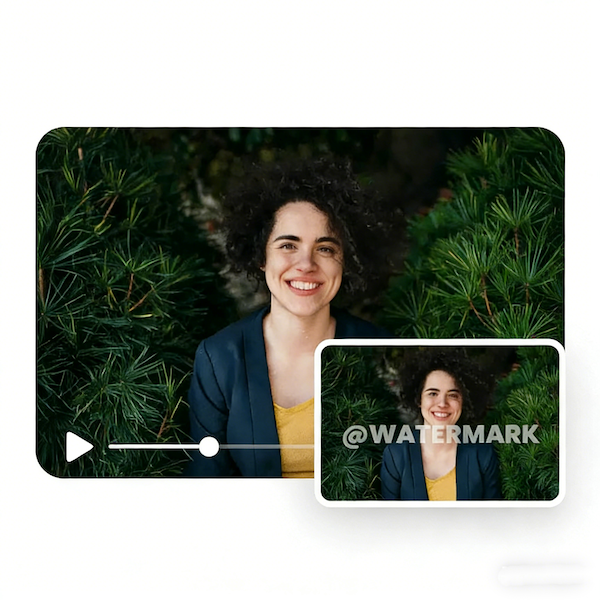
AI Fruit Video
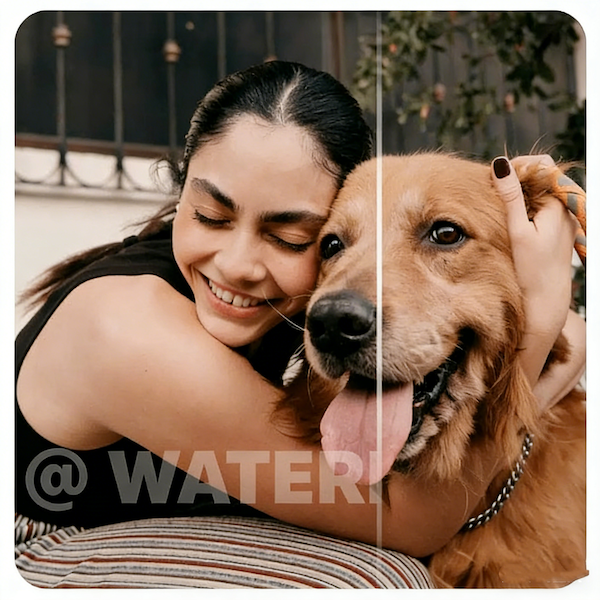
Out Of Frame
More AI Video Tool
From upload to download, the entire experience is designed for speed and efficiency. TikTok Watermark Remover simplifies complex editing tasks into a smooth workflow, helping creators get watermark-free videos in just moments.

From upload to download, the entire experience is designed for speed and efficiency. TikTok Watermark Remover simplifies complex editing tasks into a smooth workflow, helping creators get watermark-free videos in just moments.

From upload to download, the entire experience is designed for speed and efficiency. TikTok Watermark Remover simplifies complex editing tasks into a smooth workflow, helping creators get watermark-free videos in just moments.

From upload to download, the entire experience is designed for speed and efficiency. TikTok Watermark Remover simplifies complex editing tasks into a smooth workflow, helping creators get watermark-free videos in just moments.
Using TikTok Watermark Remover on China Video AI goes beyond simple watermark removal. It places the tool inside a streamlined, intelligent creation environment where video cleanup fits naturally into a larger, more efficient workflow—so you can focus more on creating and less on managing tools.
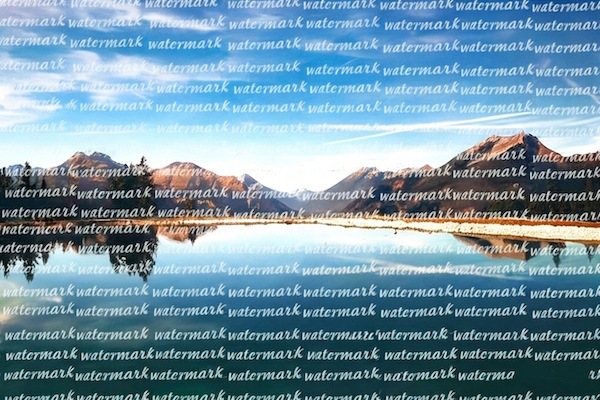
On China Video AI, TikTok Watermark Remover works seamlessly alongside other video editing and export tools. You can remove watermarks, continue editing, and prepare your final output in one place, eliminating the need to switch between multiple platforms.
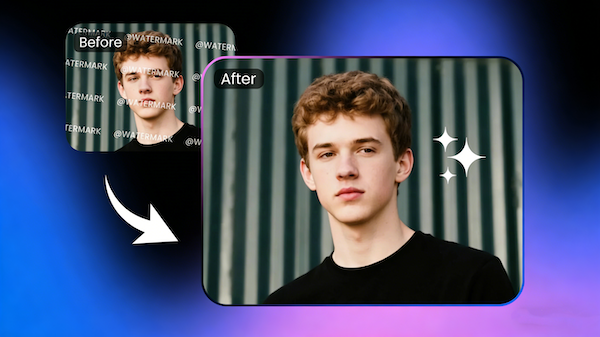
Once TikTok watermarks are removed, China Video AI helps you prepare videos for different platforms with ease. Whether publishing to YouTube, Instagram, or other social channels, your content looks more natural, consistent, and platform-ready.
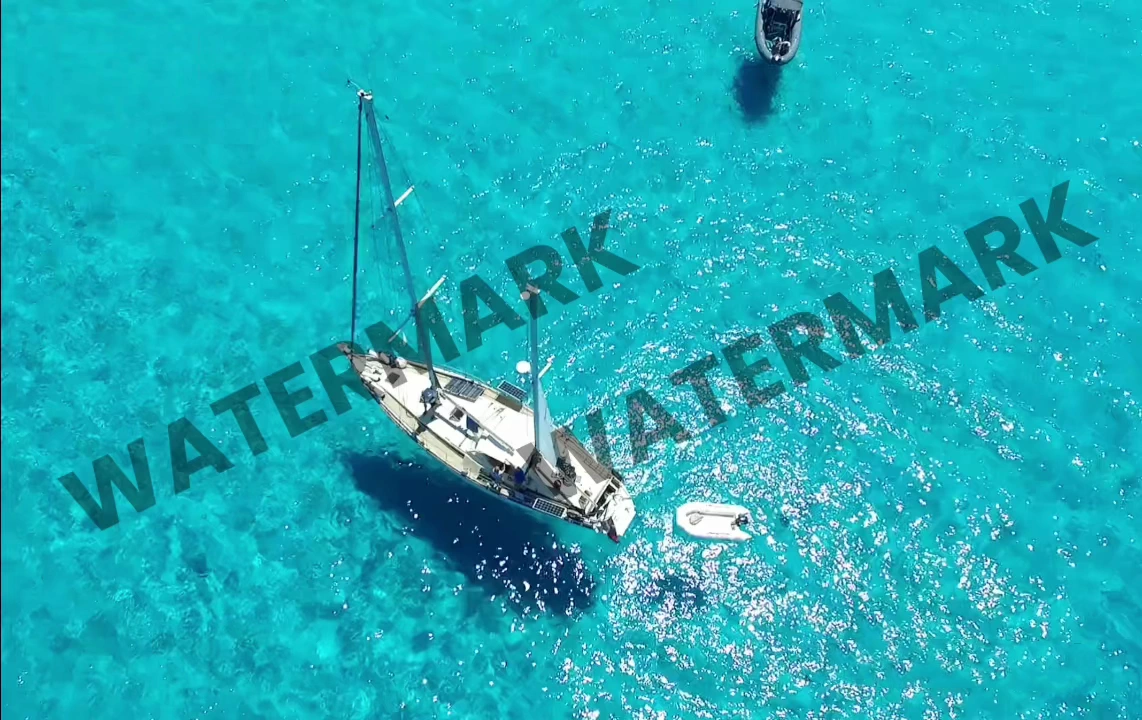
China Video AI prioritizes privacy and data security. When using TikTok Watermark Remover, your files are processed only with your permission and are never accessed or shared without authorization, ensuring full control over your content.
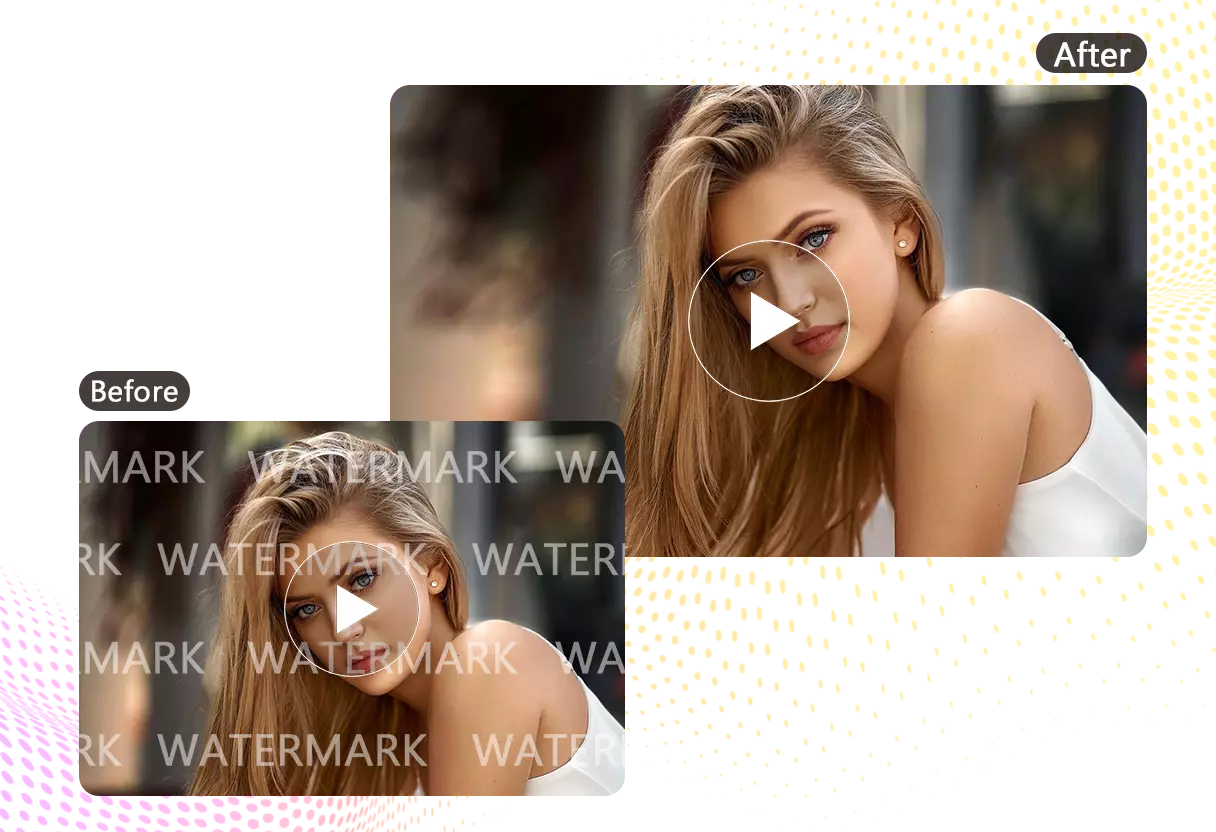
China Video AI runs entirely in the browser, with no app installation required. TikTok Watermark Remover works smoothly across desktop, tablet, and mobile devices, giving you the flexibility to clean up videos whenever inspiration strikes.
By applying the tips below, you can achieve more consistent watermark removal results, producing cleaner and more natural visuals that are better suited for publishing or further editing.

Whenever possible, start with videos that have higher resolution and clear visual details. Sharp footage helps TikTok Watermark Remover more accurately identify watermark edges and surrounding textures, reducing visible artifacts and creating smoother results.

If your video appears too dark or lacks contrast, make basic adjustments before uploading. Optimizing brightness and color balance allows TikTok Watermark Remover to distinguish watermarks from the background more clearly, improving overall stability during processing.

Before processing with TikTok Watermark Remover, it’s recommended to save a copy of the original file. This makes it easy to retry or fine-tune the process without needing to re-download or recreate the source material.
For videos with watermarks or icons that move across the screen, consider trimming the video into shorter segments before processing. Segmenting the content allows TikTok Watermark Remover to focus on smaller areas, minimizing the impact of complex motion.
After processing, review the output carefully—especially the areas where watermarks originally appeared. Previewing TikTok Watermark Remover results early helps you decide whether further adjustments are needed, saving time and avoiding unnecessary reprocessing.
Once watermark removal is complete, you can continue refining your video using other China Video AI editing tools, such as cropping, color adjustments, or subtitles. This helps elevate the overall presentation and gives videos processed with TikTok Watermark Remover a more polished, professional finish.
These real-world examples showcase how TikTok Watermark Remover helps creators refine their content, expand its reach across platforms, and unlock more flexible creative workflows—using results you can see, not just promises.

Creators share how their videos transformed after removing TikTok branding. By using TikTok Watermark Remover, original clips evolve into clean, professional-looking videos that are easier to reuse, repost, and present across different platforms.

Creators working with pets, wildlife, or other animals show how TikTok Watermark Remover keeps fur, feathers, and fine movement intact. Removing watermarks allows these videos to remain visually engaging while being easier to share and showcase.
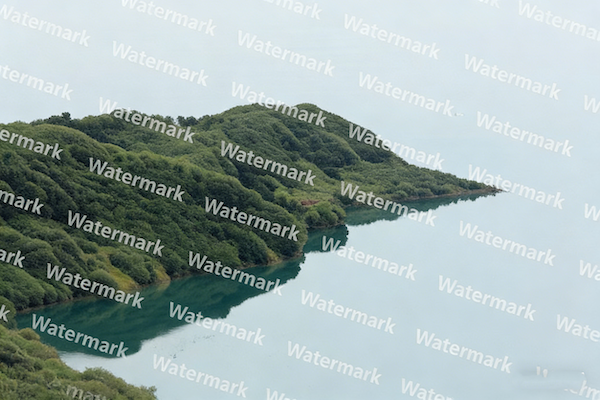
From sunsets to cityscapes, creators demonstrate how TikTok Watermark Remover preserves intricate details in scenic footage. Clean visuals ensure that landscapes remain immersive, suitable for sharing on multiple platforms without distraction.
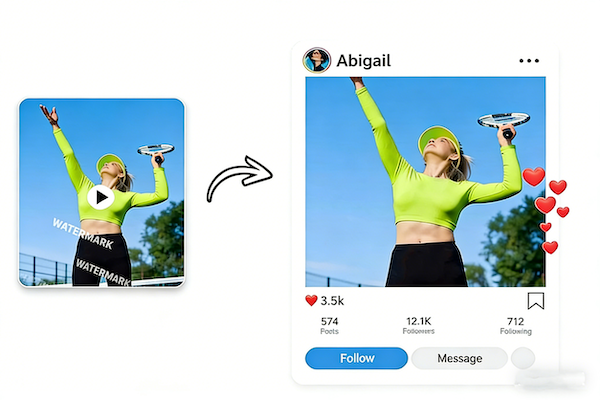
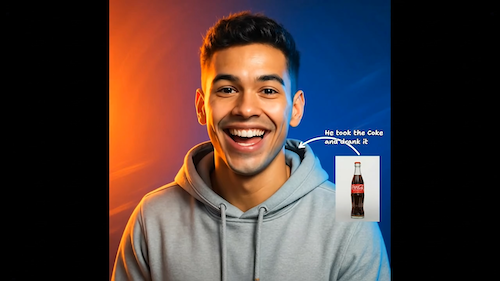
Portrait creators highlight how TikTok Watermark Remover maintains facial details, expressions, and subtle lighting. Videos stay professional and natural, making them perfect for social sharing, presentations, or portfolio showcases.
Even if you’re new to video editing, TikTok Watermark Remover is easy to use and requires no technical skills.
Simply upload your downloaded TikTok clip to the TikTok Watermark Remover interface. The platform supports common video formats and starts processing immediately after upload.
TikTok Watermark Remover automatically detects and removes the TikTok logo from your video, handling the cleanup in the background.
Preview the final result and download your video after processing with TikTok Watermark Remover. The exported file is clean, high-resolution, and ready for sharing or further editing.
Explore the most frequently asked questions to learn how TikTok Watermark Remover works, what types of videos it supports, and how you can create clean, high-quality watermark-free content with ease.
Yes. TikTok Watermark Remover supports dynamic watermark removal using AI-based selection and tracking. This allows the system to handle TikTok logos that move with the video, even in more complex scenes.
Yes. TikTok Watermark Remover focuses on detecting watermark regions specifically. Existing subtitles, captions, or text overlays remain untouched unless they overlap directly with the watermark area.
No. TikTok Watermark Remover processes only the visual layers of the video. Original audio, voiceovers, and background music remain unchanged.
Processing time depends on video length, resolution, and watermark complexity. In most cases, TikTok Watermark Remover completes the process within seconds to a few minutes.
TikTok Watermark Remover supports standard short-form and mid-length videos. Extremely long videos may require trimming before upload to ensure optimal performance and consistent output quality.
At the moment, TikTok Watermark Remover does not support uploading multiple videos at once. Each video is processed individually to ensure more precise and consistent watermark removal results.
TikTok Watermark Remover can process any video file you upload. However, users are responsible for ensuring they have the legal right to edit, reuse, or republish the content in accordance with platform policies and copyright regulations.
Yes. Videos processed with TikTok Watermark Remover are suitable for marketing, presentations, and branded content, provided you have the proper usage rights for the original material.
Ready to remove TikTok watermarks from your videos? Upload your video and experience how TikTok Watermark Remover delivers cleaner visuals and greater creative freedom—perfect for reposting, repurposing, and presenting your content across platforms with confidence.
Start using TikTok Watermark Remover today